 ProMapRanker
6 Best Social Media Scheduling Software for Realtors in 2026
Direct answer
If you need visual listing and influencer content, Later is the first tool to look at here. Listed starting prices: Hootsuite from $99 per user per month, Buffer from $5 per month and CoSchedule from $29 per month. Hootsuite is better for agents needing listening and analytics, and Buffer is better for straightforward scheduling for solo agents. The other 3 tools in the list cover narrower or pricier cases.
ProMapRanker compared 6 social media scheduling software for realtors. The goal is a practical shortlist: published prices, free plan facts, best-fit use cases and honest limits for every entry.
Key takeaways
- Later takes the first slot, best suited to visual listing and influencer content.
- What to know about Later first: less focus on listening.
- The cheapest monthly starting price in the list is $5 per month, offered by Buffer.
- Agorapulse is the one to check for inbox and team collaboration.
- Just one of the 6 tools, Buffer, has a free plan.
Quick comparison
| Pick | Great for | Pricing starts at | Free tier | |
|---|---|---|---|---|
 Later | Visual listing and influencer content | See website | Not stated | Visit |
 Hootsuite | Agents needing listening and analytics | $99 per user per month | Free trial | Visit |
 Buffer | Straightforward scheduling for solo agents | $5 per month | Yes | Visit |
 CoSchedule | Calendar-driven content planning | $29 per month | Free trial | Visit |
 Sprout Social | Brokerages with team workflows | See website | Not stated | Visit |
 Agorapulse | Inbox and team collaboration | $79 per user a month | Free trial | Visit |
Every option for social media scheduling software for realtors explained

Think of Later for visual listing and influencer content. Later is an influencer marketing and social media management product aimed at creators and brands. Realtors who depend on photo and video content for listings or agent branding can plan visual posts and track performance.
As for the details, agents focused primarily on text updates or multi-network analytics might need a broader tool. In daily use, for visual storytelling and campaigns, it is a solid fit. Later does not show a starting price in this comparison, so check the vendor site for current pricing. Free plan details: Not stated.
Trade-offs to know: May suit visual networks best.
- AI-powered insights
- Visual-first planning
- Less focus on listening
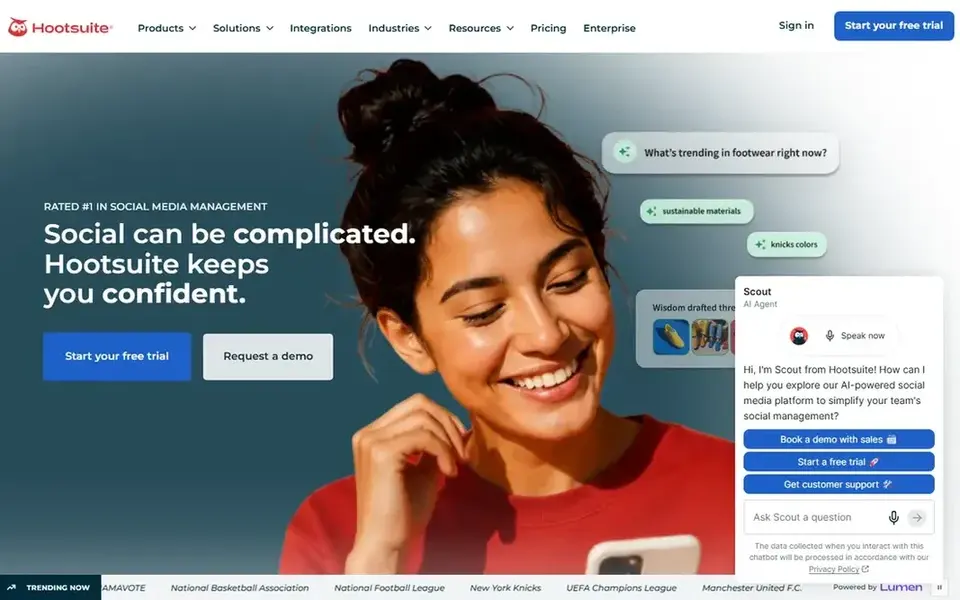
Pick Hootsuite if this describes you: agents needing listening and analytics. Hootsuite is a social media management tool that brings scheduling, content creation, analytics, and social listening together. The all-in-one approach can cut the have to switch between separate apps.
Watch-outs: Interface has numerous layers.
From a buyer's view, setting up streams and reports may take time. In practice, if your priority is straightforward scheduling, a lighter tool might be simpler, but Hootsuite performs well when listening and analytics matter. Price to start with Hootsuite: $99 per user per month. Trial and free access: Free trial.
- Content creation tools
- Merges scheduling and listening
- Can feel complicated for beginners
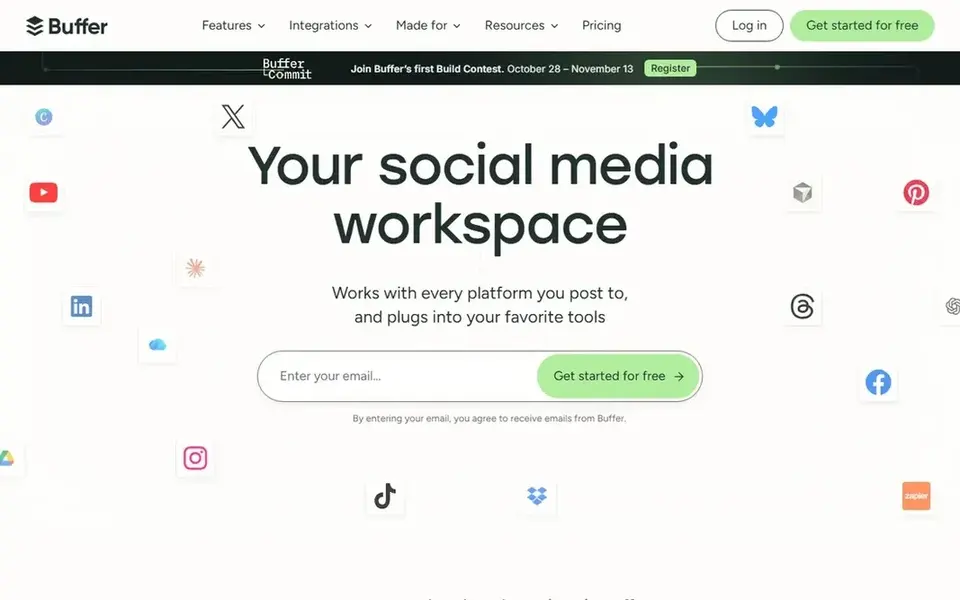
Where Buffer fits: straightforward scheduling for solo agents. Its interface is straightforward, making it a solid fit for solo realtors who want to schedule listing posts and updates without a steep ramp-up time.
Strengths: Clean.
The main drawbacks: Entry-level analytics depth.
For straightforward scheduling and content sharing, Buffer remains a practical choice. Starting cost for Buffer: $5 per month. Buffer has a free plan.
- Supports major networks
- Straightforward publishing
- Restricted listening tools

Pick CoSchedule if this describes you: calendar-driven content planning. Realtors who think for campaigns, open houses, and seasonal listings may appreciate the visual schedule. The calendar-first approach is useful for planning but may feel restrictive if you prefer a straightforward queue.
For everyday use, if your workflow revolves around a content calendar, CoSchedule is a natural fit. Otherwise, a more adaptable scheduler may work better. Also, the tool lets you plan, publish to major networks, reply, and measure leads to one place. Social listening is not the central focus. Price to start with CoSchedule: $29 per month. Trial and free access: Free trial.
Where it is weaker: Less emphasis on listening.
- Calendar-centric interface
- Publish to major networks
- Calendar focus may not suit all
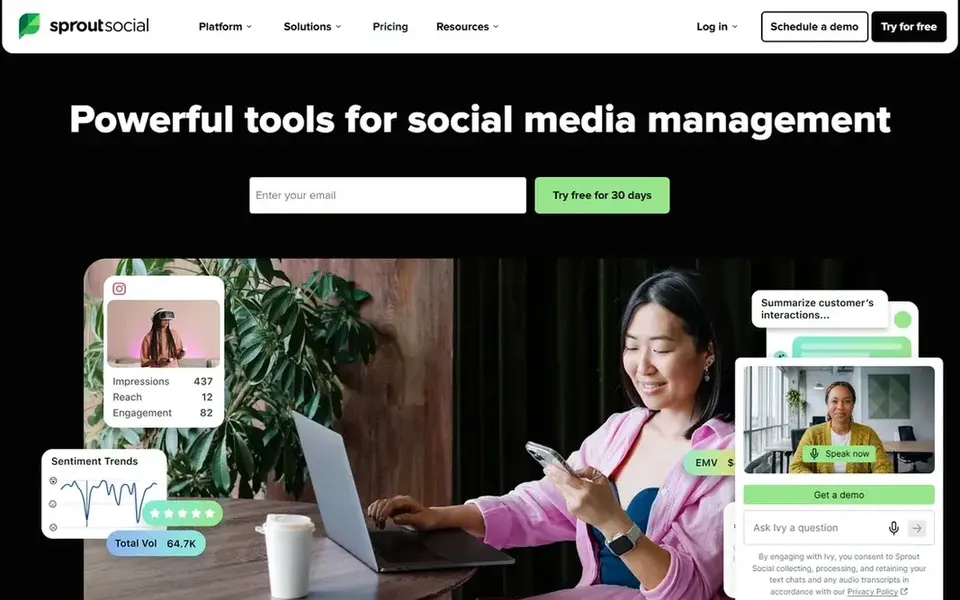
Sprout Social is a good fit for Brokerages with team workflows. The product aims to maximize social return on investment by bringing several functions into one place. In practice, when team collaboration and in-depth reporting are priorities, Sprout Social is worth considering.
Drawbacks to consider: Feature set may overwhelm solo agents.
On top of that, Sprout Social is a social media management tool that powers publishing, engagement, analytics, and influencer marketing. For a solo realtor, the range of features may be more than needed, and setup can take effort. This comparison lists no price for Sprout Social; ask the vendor. As for free access: Not stated.
- Analytics and influencer tools
- Aimed at collaboration
- Needs setup time
For inbox and team collaboration, Agorapulse is a natural candidate. Agorapulse is social media management software that helps you stay organized and handle your inbox, publishing, reporting, monitoring, and team collaboration.
In practice, the collaboration and inbox features may be more than a solo agent needs, and the interface can take time to learn. The tool aims to save time by centralizing engagement. Agorapulse starts at: $79 per user per month. Trial and free access: Free trial.
Where it is weaker: May be more than solo agents need.
- Team collaboration tools
- Unified inbox
- Ramp-up time for new users
What to check before you buy
- Confirm the entry price on the vendor page. For Later and Sprout Social that means a quote rather than a fixed price.
- Look at the free plan from Buffer closely: its caps decide whether it is usable for real work.
- Run a trial of Hootsuite, CoSchedule and Agorapulse with real work before paying for a year; your own workflow is the best test.
- Read the limits listed for Later first: less focus on listening.
- Find out what support Sprout Social includes on your plan, and whether onboarding help costs extra.
- Check whether the features you need in Buffer sit on the entry plan or only on higher tiers.
Frequently asked questions
How are the tools for social media scheduling software for realtors ordered?
The order follows typical fit for social media scheduling software for realtors, with Later first and Agorapulse last, then price clarity and free access. It is editorial judgement, not a score, so another team could rank the tools differently.
Can I try these tools before paying?
Often, yes. Buffer has a free plan and Hootsuite, CoSchedule and Agorapulse offer a free trial. Use your own data and a real task during the test, and check what the free tier or trial limits before you rely on it.
What is the cheapest option for social media scheduling software for realtors in this list?
On published monthly entry prices, Buffer is the lowest here at $5 per month. Entry price is only part of the cost, because seats, add-ons and billing terms can change the total. For the full picture, the cards above cover all 6 entries of this social media scheduling software for Realtors list, including price, free plan and limits.
Is Later the right pick for everyone comparing social media scheduling software for realtors?
No single tool suits every team. Later comes first because it fits visual listing and influencer content, while Hootsuite suits agents needing listening and analytics and Buffer suits simple scheduling for solo agents. Match the tool to your own size, budget and workflow before deciding.
What should realtors look for in social media scheduling software?
Realtors should prioritize dependable scheduling across major networks, a clear content calendar, and simple engagement tools for client messages. Visual planning helps if listings depend on photos and video.
Sources
See where you really rank - block by block
ProMapRanker scans Google Maps across a grid of your service area. Simple monthly plans from $19, white-label on every plan.
Start freeBrowse all guides
← Best Social Media Management Tools for Freelancers in 20265 Best Virtual Event Platforms for Social Media in 2026 →
 best social marketing platforms
Social Marketing Platforms in 2026: Top 5 Compared
Comparing the best social marketing platforms? 5 contenders, each with entry cost, free tier and best-fit buyer. Verdicts stay brief and factual. Details below.
Read → best platforms for micro-influencer campaigns
6 Best Platforms for Micro-Influencer Campaigns in 2026
Best platforms for Micro-Influencer campaigns, compared. 6 tools with published prices, free plans and limits. Each entry gets a plain verdict. Choose faster.
Read → best motion graphics software for social media teams
Best Motion Graphics Software for Social Media Teams in 2026
6 best motion graphics software for social media teams, with entry costs, free tiers and the buyer each one serves. Short verdicts, no fluff. Decide faster.
Read → best apps to sell stuff fast
Best Apps to Sell Stuff Fast in 2026
We compared the best apps to sell stuff fast, from Facebook Marketplace and eBay to Poshmark and Vinted, on fees, speed, reach, and payout timing today.
Read → best social media marketing saas tools
Top 7 Social Media Marketing SaaS Tools for 2026, Compared
Best social media marketing SaaS tools in 2026: 7 contenders with entry costs and free tiers. Every pick gets a straight assessment. Quick comparison inside.
Read → best ai tools for social media marketing
Best AI Tools for Social Media Marketing in 2026
Our guide to the best ai tools for social media marketing covers scheduling, AI captions, design, analytics, and listening for creators and teams in 2026.
Read →More in Social Media & Creators · All guides A to Z by date · Latest guides