 ProMapRanker
Best SNMP Monitoring Tool in 2026

Key takeaways
- SNMP monitoring still matters because routers, switches, printers and servers all report health through it, even when newer protocols cover other parts of a network.
- Paessler PRTG, SolarWinds and ManageEngine suit teams that want dashboards, alerts and reports in one commercial package.
- Zabbix and LibreNMS suit teams with Linux skills and a tight budget, since both are open source and cover large networks.
- Check SNMP version support, polling speed, trap handling and licensing units before you buy, because sensor, node and device counts price very differently.
Quick comparison
| Pick | Great for | Pricing starts at | Free tier | |
|---|---|---|---|---|
 Paessler PRTG | All-in-one network monitoring | See website | Yes | Visit |
 SolarWinds Network Performance Monitor | Large enterprise networks | See website | No | Visit |
 Zabbix | Open source large networks | Free | Yes | Visit |
 ManageEngine OpManager | Mid-size IT teams | See website | No | Visit |
 Nagios XI | Classic alerting and plugins | See website | No | Visit |
 Datadog Network Monitoring | Cloud and hybrid networks | See website | No | Visit |
 LibreNMS | Free auto-discovery | Free | Yes | Visit |
 NetCrunch | Agentless monitoring at scale | $1,600 | No | Visit |
 WhatsUp Gold | Windows-based monitoring | See website | No | Visit |
The best snmp monitoring tools
SNMP, the Simple Network Management Protocol, lets a monitoring tool poll devices for CPU, memory, interface traffic, errors and uptime, and receive traps when something changes. The tools below all support SNMP, but they differ in scale, setup effort and price. We compared them on device discovery, polling, alerts, dashboards and licensing.
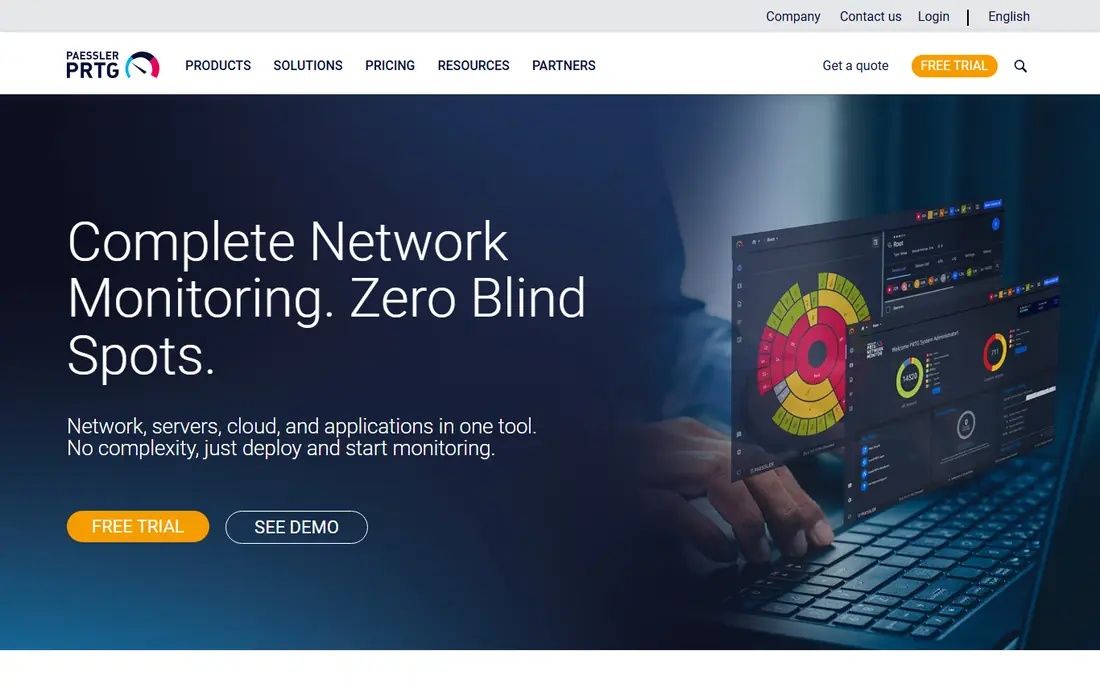
Paessler PRTG is a common first pick for teams that want one tool for the whole network. SNMP sensors cover interfaces, CPU, memory and custom OIDs, while other sensors cover servers, applications and traffic flows. Maps and dashboards make it easy to show status to managers as well as engineers.
The free tier covers 100 sensors, which suits a small office or a lab. Larger networks must count sensors carefully, since each interface or metric can use a sensor. For a mid-size team that wants fast setup and a visual view of the network, PRTG remains a practical choice.
- Wide sensor library for SNMP, ping, flow and more
- Clear maps and dashboards
- Free tier for up to 100 sensors
- Sensor-based pricing can rise fast
- Windows-focused setup
- Large installs need planning for sensor counts
SolarWinds Network Performance Monitor is built for large, complex networks where fault finding matters more than a quick dashboard. It polls SNMP data, tracks interface use and errors, maps topology and helps trace an outage to a device or link. Device templates cover many vendors, which cuts manual setup.
That depth comes with cost and complexity. Licensing is handled through sales, and a full deployment benefits from staff who know SolarWinds and SNMP well. For enterprises with thousands of interfaces and strict uptime needs, it is still a leading commercial option.
- Deep SNMP polling and fault analysis
- Strong network mapping
- Large library of device templates
- Pricing is quote-based and can be high
- Setup and tuning take time
- Best for teams with dedicated network staff
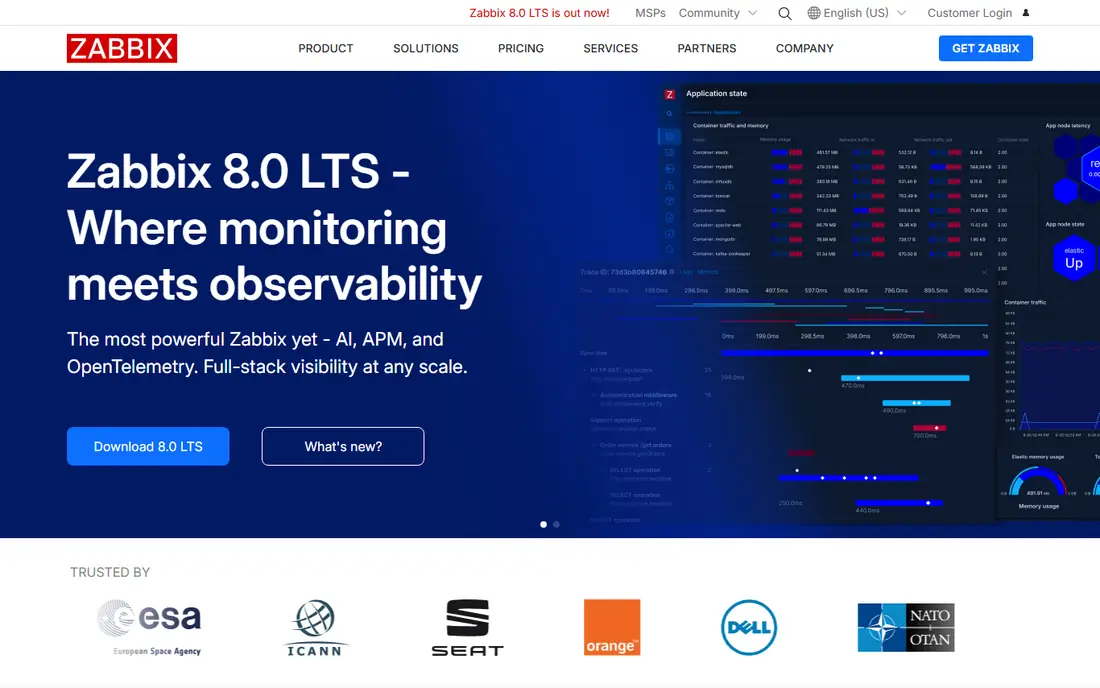
Zabbix is a free, open source monitoring platform that handles SNMP polling and traps at large scale. Low-level discovery can find interfaces and create items automatically, and templates cover common routers, switches and servers. Alerts, graphs and trend storage help teams spot slow growth in traffic or errors before users complain.
The cost is time, not license fees. Installation, templates and alert tuning need someone comfortable with Linux and SNMP. For teams with that skill in-house, Zabbix delivers enterprise-style monitoring without a per-device license bill.
- Free and open source
- SNMP polling, traps and low-level discovery
- Strong alerting and trend data
- Setup and tuning need Linux skills
- Interface feels technical
- Support is paid if you need it
ManageEngine OpManager suits IT teams that need SNMP monitoring plus server, virtual and application checks in one console. Discovery finds devices, templates apply monitors, and dashboards show availability, traffic and alarms. Workflow rules can restart a service or run a script when an alarm fires, which cuts routine work.
Licensing by device and add-ons means the final price depends on what you monitor. Small teams should get a quote for their exact device count before comparing it with a free tool. For mid-size teams that want vendor support and a broad feature set, OpManager is a solid middle option.
- SNMP monitoring with device templates and maps
- Workflow automation for common fixes
- Good Windows and Linux coverage
- Pricing depends on device count and add-ons
- Interface has many menus
- Some advanced features need higher tiers
Nagios XI is the commercial version of the long-running Nagios monitoring system. SNMP checks use plugins and community templates, alerts can escalate to the right person, and dashboards show host and service status at a glance. Many teams already know Nagios, which makes hiring and handovers easier.
Newer tools offer smoother discovery and prettier maps out of the box. Nagios rewards teams that like control and plugins, but it asks for more manual work to reach the same visual result. For alerting discipline and a known plugin ecosystem, it still earns a place on the list.
- Huge plugin library for SNMP and other checks
- Flexible alerting and escalation
- Proven in many IT teams
- Setup needs care and plugin knowledge
- Interface feels dated next to newer tools
- Commercial license required for XI
Datadog Network Monitoring brings SNMP device data into the same platform many teams already use for servers, containers and applications. Polling covers interfaces, CPU and device health, while flow data and dashboards link network problems to application impact. That link helps when a slow app turns out to be a saturated link.
The platform is broad, and usage-based pricing can surprise teams that enable many integrations. A small network that only needs SNMP may find a focused tool cheaper. For cloud and hybrid teams that already use Datadog, adding network monitoring keeps one view of the whole estate.
- SNMP polling alongside cloud, container and application data
- Strong dashboards and alerting
- Good for hybrid estates
- Pricing is usage-based and needs careful budgeting
- SNMP is one part of a larger platform
- Smaller networks may pay for breadth
LibreNMS is a free, open source tool built around SNMP discovery. It finds devices, ports and sensors automatically, then graphs traffic, CPU, memory and other metrics over time. For a team that wants a clear view of a network without a license negotiation, it is an attractive start.
As with Zabbix, the trade-off is setup and support. Installation runs on Linux, and alert rules need manual tuning. Community help is active, but there is no vendor support contract by default. For skilled teams and labs, LibreNMS gives a fast, free SNMP view.
- Free and open source
- Automatic discovery of devices and ports
- Strong graphs for traffic and health
- Needs Linux setup and care
- Alerting setup is less guided
- Support comes from the community
NetCrunch monitors networks without agents on each device, using SNMP and other protocols to collect health and traffic data. Node-based licensing avoids counting every sensor, which makes budgeting clearer as interfaces grow. Monitoring packs cover common vendors, and dynamic views update as devices change.
The starting price covers 50 nodes in published listings, so larger estates need a higher tier. Teams that prefer Linux-based open source tools may also prefer Zabbix or LibreNMS. For Windows-based teams that want agentless monitoring with clear node pricing, NetCrunch is worth a trial.
- Agentless SNMP monitoring
- Node-based licensing
- Large monitoring pack library and dynamic views
- Starting price is for a limited node count
- Windows-based server
- Smaller teams may prefer a free tool
WhatsUp Gold, from Progress, monitors networks, servers and applications from a Windows-based console. SNMP polling covers device health and interfaces, maps show status visually, and alerts can go by email, text or other channels. Add-ons extend it to traffic analysis and virtual environments.
Pricing through sales makes direct comparison harder, so get a quote for your device count and needed add-ons. For Windows-centric IT teams that want one console and vendor support, WhatsUp Gold remains a dependable SNMP choice.
- SNMP polling with maps and alerts
- Windows-friendly setup
- Add-ons for flow, virtual and application monitoring
- Pricing is quote-based
- Feature breadth needs tier checks
- Less common for large Linux-first teams
How we picked these
We compared official feature and pricing pages, documentation and public reviews for SNMP monitoring tools, and we kept only tools that are live in October 2026 and support SNMP polling or traps. We favored tools with clear device discovery, alerting and dashboards, and we wrote See website where pricing was quote-based or depended on device and sensor counts.
How to choose an SNMP tool
Start with SNMP versions. SNMPv3 adds authentication and encryption, while older versions are simpler but less secure. Check that your chosen tool supports v3 for production devices, and that your devices actually expose the metrics you need. A tool cannot graph what a device does not report.
Next, test discovery and polling on a slice of your real network. Add a switch, a router and a server, then check interface names, traffic graphs and trap handling. Watch polling load too, since short intervals on many interfaces can strain both the monitor and the devices. A two-week trial on real gear tells you more than a demo on a lab network.
Finally, compare licensing on your own numbers. Count devices, interfaces and sensors the way each vendor counts them, and price the same estate in each tool. Include support, add-ons and any cloud or usage fees. The cheapest headline price is rarely the cheapest total for a network that keeps growing.
Frequently asked questions
What is the best snmp monitoring tool for a small network?
Paessler PRTG free tier and LibreNMS are strong small-network picks. PRTG is easier to set up on Windows, while LibreNMS is free and strong on auto-discovery for Linux teams. Both cover basic polling, graphs and alerts without a large budget.
What is the best snmp monitoring software for large enterprises?
SolarWinds Network Performance Monitor, Zabbix and ManageEngine OpManager suit large estates, for different reasons. SolarWinds and OpManager offer vendor support and broad templates, while Zabbix offers open source scale for skilled teams. Price them on the same device count before choosing.
What are the best snmp network monitoring software options that are free?
Zabbix and LibreNMS are the leading free options, and PRTG offers a free tier for up to 100 sensors. Free tools need more setup time, but they cover polling, traps, graphs and alerts well. Budget staff time, not just license cost, when comparing them with commercial tools.
What are the best snmp monitoring tools for alerts?
Nagios XI, Zabbix, PRTG and OpManager all offer flexible alerting, escalation and notification channels. Test alert rules on a real outage drill, including who gets paged, how duplicates are handled and how alerts clear when a device recovers.
Do I need SNMPv3?
For production networks, yes where devices support it. SNMPv3 adds authentication and privacy that older versions lack. Use v3 for routers, switches and servers on shared networks, and keep older versions only for isolated lab gear that cannot be upgraded.
Sources
See where you really rank - block by block
ProMapRanker scans Google Maps across a grid of your service area. Simple monthly plans from $19, white-label on every plan.
Start freeKeep reading
 zscaler alternatives
Best Zscaler Alternatives in 2026
Looking for zscaler alternatives? We compare 9 SASE and zero trust platforms on architecture, data protection, pricing, and fit for your network and team.
Read → zapier alternatives free
Best Zapier Alternatives Free in 2026
Nine automation tools for zapier alternatives free in 2026, all with genuinely free tiers, plus free plan limits, starting prices and upgrade paths explained.
Read → which platform is best for online reputation
Which Platform Is Best for Online Reputation in 2026
Wondering which platform is best for online reputation? We compare 8 review, listing, and response tools for small and multi-location businesses and agencies.
Read →