 ProMapRanker
Best SMTP Service in 2026

Key takeaways
- SendGrid and Mailgun suit high volume senders, while Postmark suits teams that put speed and inbox placement for transactional mail first.
- Amazon SES is the cheapest route at scale, but it asks for more setup work than the managed services on this list.
- Free tiers differ a lot, so check the monthly cap and the daily cap before you pick, since a daily cap can block a weekly newsletter.
- Separate your transactional mail from bulk marketing mail when you can, because one bad campaign can hurt password resets and receipts.
Quick comparison
| Pick | Great for | Pricing starts at | Free tier | |
|---|---|---|---|---|
 SendGrid | High volume senders | $19.95 per month | Free trial | Visit |
 Mailgun | Developers and API-first teams | $15 per month | Yes | Visit |
 Postmark | Fast transactional mail | $15 per month | Yes | Visit |
 Amazon SES | Low cost sending at scale | See website | No | Visit |
 Brevo | Small businesses that want marketing plus transactional | $9 per month | Yes | Visit |
 Mailjet | Teams that share email work | See website | Yes | Visit |
 MailerSend | SaaS teams sending transactional mail | See website | Yes | Visit |
 SMTP2GO | Senders that want simple setup | See website | Yes | Visit |
 Resend | Modern product teams | $20 per month | Yes | Visit |
The best smtp services
These services carry your password resets, receipts, invoices, and newsletters from your app or site to the inbox. We compared official pricing pages, feature pages, and public documentation, and we weighed deliverability tools, ease of setup, and cost at realistic volumes.

SendGrid is the familiar choice for teams that send a lot of mail and want one account for both transactional messages and marketing campaigns. Its analytics cover opens, clicks, bounces, and spam reports, which makes it easier to spot a problem list or a broken template before it grows. The API and SMTP relay both work well, so most developers can connect it without changing how their app sends mail.
The catch is cost and complexity at the edges. The entry paid plan covers a large monthly volume, but dedicated IPs and deeper support sit on higher plans. Smaller senders may find the dashboard busy at first. If you send steadily and need scale, SendGrid is a safe pick, but check the plan limits against your real monthly total, not your best month.
- Large sending infrastructure
- Detailed analytics and event data
- Marketing and transactional mail in one account
- No permanent free plan
- Higher tiers are needed for a dedicated IP and some advanced features
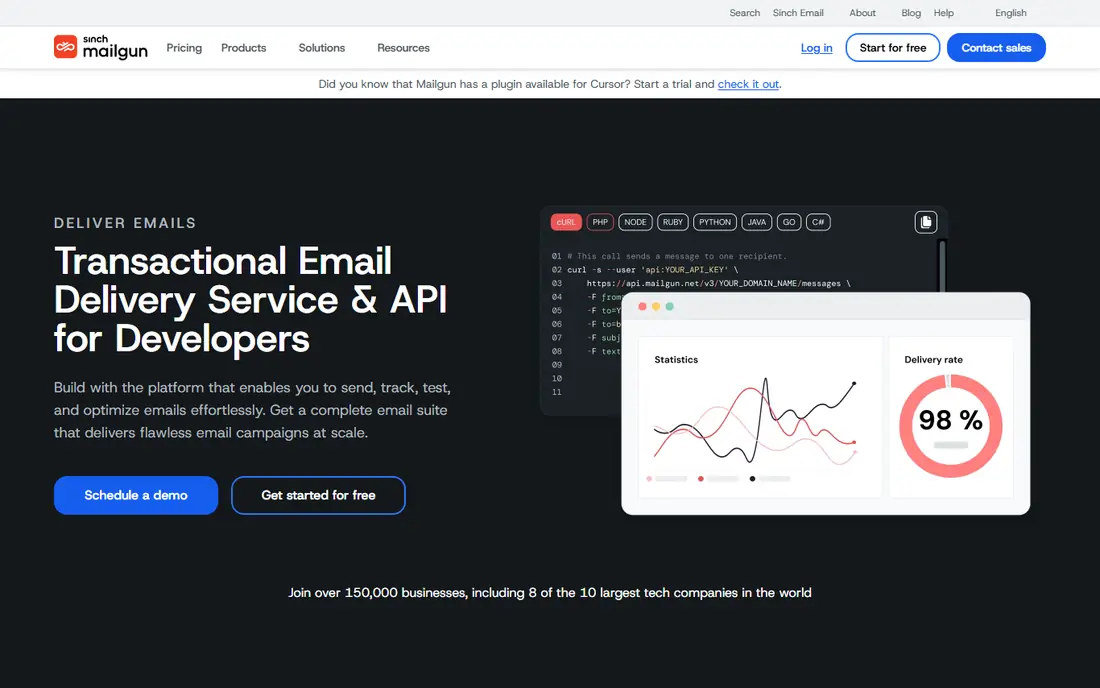
Mailgun appeals to engineering teams because the API is clear, the documentation is thorough, and routing and validation features are built in. You can verify addresses before you send, set up routes for inbound mail, and track delivery events in detail. Teams that run several domains or regions can keep those sends apart and watch each one on its own.
The trade-off is that Mailgun feels like a developer tool first. Non-technical marketers may want more template help and campaign guidance than it offers out of the box. Pricing also climbs with volume, so a fast-growing app should model the next two tiers before committing. For API-led sending, it remains one of the strongest options here.
- Strong API and SMTP support
- Email validation tools
- US or EU data hosting options
- Support depth varies by plan
- Costs rise as volume grows
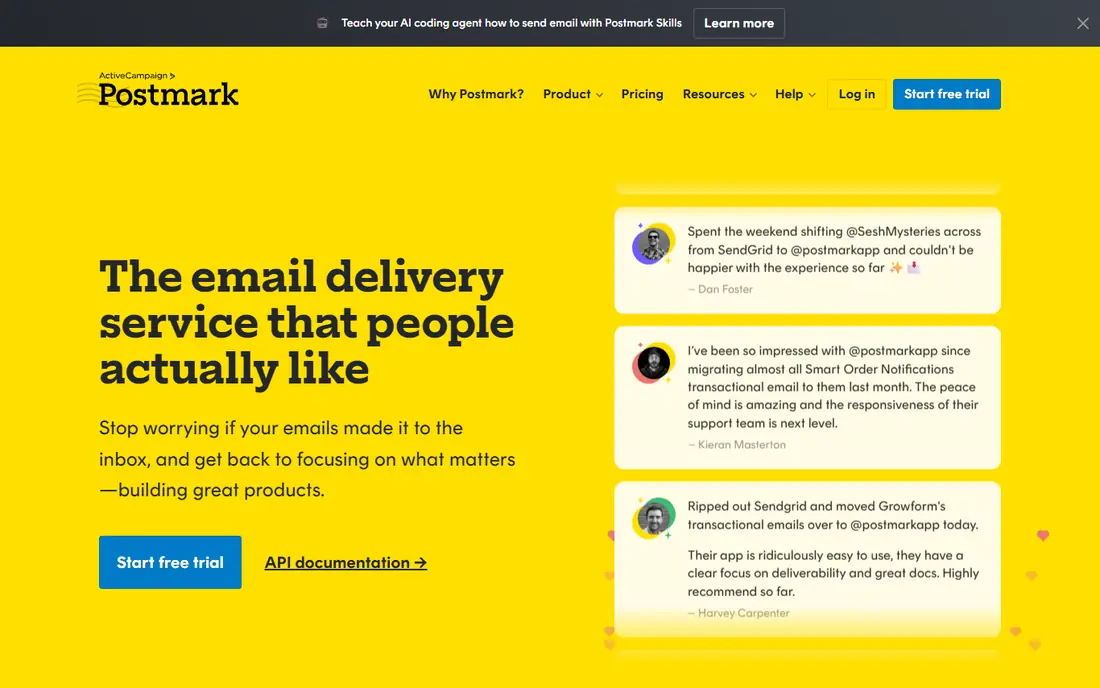
Postmark keeps transactional mail and bulk mail on separate streams, which is a real advantage when a newsletter must never delay a password reset. Delivery is quick, and the reporting shows exactly what happened to each message. Support for message templates and inbound parsing is solid, and the setup steps are short.
The limit is scope. If your main job is large marketing campaigns, Postmark is not the cheapest or most feature-rich choice. It shines for apps, SaaS products, and stores where receipts, invites, and alerts must land promptly. Teams that care most about transactional reliability should put it near the top of the shortlist.
- Very fast delivery for transactional mail
- Separate streams for transactional and bulk mail
- Clear delivery reporting
- Not built as a bulk marketing platform
- Higher cost per message at large volumes
Amazon SES charges per message rather than by a monthly plan, which makes it the cheapest option for high volume senders who are comfortable with AWS. It pairs well with other AWS services, and you can send through SMTP or the API. For a team already running on AWS, adding SES is a natural step and keeps the bill tied to actual use.
The downside is effort. You set up domain verification, sending limits, bounce handling, and monitoring yourself, and the console is plain compared with managed email services. There is no free plan in the usual sense, though new AWS accounts may receive credits. Pick SES when cost at scale matters more than hand-holding.
- Very low per-message cost
- Scales with AWS infrastructure
- Flexible sending options
- Setup takes more work
- Support is tied to a separate AWS support plan
- Fewer built-in marketing tools
Brevo suits a small business that wants one tool for newsletters, transactional mail, and simple contact management. The free plan lets you test real sending before paying, and the paid starter plan is priced for small teams. Templates, contact lists, and basic automation are included, so a non-developer can run campaigns without extra tools.
Watch the daily cap on the free plan, since 300 emails per day can be tight for a growing list. A dedicated IP is an add-on rather than a standard feature, which matters if your sending reputation needs isolation. For a small team that wants marketing and transactional mail together, Brevo is good value.
- Marketing, transactional mail, and SMS in one place
- Generous free tier
- Contact tools included
- Daily sending cap on the free plan
- Dedicated IP costs extra
Mailjet is built for teams where marketers design the email and developers handle the sending logic. Both groups can work on the same template, which cuts down on back-and-forth and version confusion. Analytics cover delivery and engagement, and the free plan gives a new team room to test.
The catch is that some features that matter at scale, such as a dedicated IP, sit on higher plans. Teams that send very large volumes should compare the full plan ladder, not just the entry price. For a mixed team that needs to share email work cleanly, Mailjet is a practical choice.
- Shared template editor for marketers and developers
- Real-time collaboration
- Solid sending analytics
- Dedicated IP only on higher plans
- Pricing varies by volume and features
MailerSend focuses on transactional mail for apps and SaaS products, with templates, variables, and inbound routing that developers can set up quickly. The interface is tidy, and managing several domains is straightforward on paid plans. It also offers SMS on some plans, which helps teams that send alerts across channels.
The free tier is small, so it is best for testing or very low volume use. Marketing teams that need deep campaign tools may want a broader platform. If your main need is reliable transactional mail with a clean setup, MailerSend deserves a trial.
- Clean transactional templates
- Inbound routing
- Multiple domains on paid plans
- Smaller feature set for large marketing campaigns
- Free tier cap is low
SMTP2GO is a good fit for senders who just want mail to go out reliably without learning a large platform. Setup is a standard SMTP configuration, and reporting shows delivery, opens, and bounces in real time. Support options include live chat on some plans, which helps when a sending problem appears during a launch.
It is not a marketing suite, so teams that need deep automation or contact scoring should look elsewhere. Paid plans scale by volume, and a dedicated IP requires a higher tier. For straightforward relay sending, SMTP2GO is easy to run and easy to understand.
- Simple SMTP setup
- Real-time reporting
- Global sending infrastructure
- Fewer marketing features than all-in-one platforms
- Dedicated IP starts on higher plans
Resend is popular with product teams that build emails as code, especially with React templates. The API is modern, the docs are clear, and getting a first email out takes little time. It handles transactional mail well, and its audience tools cover basic contact management.
Because it is newer than SendGrid or Mailgun, its marketing feature set is thinner, and teams that need deep campaign reporting may miss those tools. The free tier is useful for development and small projects. For a product team that wants a developer-first service, Resend is a strong modern pick.
- Modern API and React-based templates
- Fast setup for product teams
- Clear documentation
- Newer than older providers
- Fewer built-in marketing tools
How we picked these
We compared official pricing pages, feature pages, and public documentation for services that offer SMTP relay or an API for transactional and bulk mail. We kept only services that are live, that publish current pricing or a clear quote route, and that truly fit SMTP sending rather than inbox or list-only tools. We also weighed free tier limits, dedicated IP availability, and how much setup each service asks from a small team.
What to check before you choose
Start with volume and mail type. Count your transactional messages separately from marketing messages, then check each plan against the larger number, not the average. A plan that fits a quiet month can fail during a launch or a holiday sale. Look at daily caps as well as monthly caps, since a daily cap can delay a newsletter even when the monthly total looks fine.
Next, check deliverability basics. Confirm domain authentication, bounce handling, and suppression lists are easy to manage. If you send marketing mail, keep it on a separate stream or subdomain from transactional mail so a complaint spike does not block receipts. Finally, test with a small list first, watch bounce and spam rates, and only then move your main sending over.
Frequently asked questions
What is the best SMTP service for a small business?
For most small businesses, Brevo or MailerSend are good starting points because they offer free tiers and simple setup. If you already send high volumes, SendGrid or Mailgun give you more scale and reporting. Match the choice to your monthly volume and to whether you need marketing tools as well as transactional sending.
What is the difference between SMTP and an email API?
SMTP is a standard protocol for handing mail to a server, and it works with most apps and plugins with little code. An API sends mail through web requests and gives richer feedback, such as detailed event data and faster error handling. Most services on this list offer both, so you can start with SMTP and move to the API later.
How much does the best SMTP service cost?
Costs range from free tiers for low volume to pay-per-message pricing on Amazon SES and monthly plans from about 9 dollars to 20 dollars at entry level. High volume plans cost more, and dedicated IPs add to the bill. Check your real monthly volume before you compare headline prices.
Do I need a dedicated IP?
A dedicated IP gives you full control of your sending reputation, which helps large senders with steady volume. Small senders often do better on a shared IP, since the shared pool keeps volume steady while you warm up. Move to a dedicated IP when your volume is high, steady, and worth protecting on its own.
Can I use an SMTP service with WordPress?
Yes, most WordPress SMTP plugins support the services on this list, including SendGrid, Mailgun, Brevo, and Amazon SES. You enter the host, port, username, and password from the provider, then send a test mail. This fixes the common problem where mail from shared hosting lands in spam or never arrives.
Sources
See where you really rank - block by block
ProMapRanker scans Google Maps across a grid of your service area. Simple monthly plans from $19, white-label on every plan.
Start freeKeep reading
 zoro.to alternatives
Best Zoro.to Alternatives in 2026
We compare the best zoro.to alternatives in 2026, listing only legal licensed anime streaming services, from Crunchyroll to free options for fans today.
Read → zip alternatives
Best Zip Alternatives in 2026
We compare the best zip alternatives for buy now, pay later in 2026, covering pay-in-4 plans, fees, spending limits, and credit reporting options today.
Read → yesware alternatives
Best Yesware Alternatives in 2026
Compare the best yesware alternatives for sales email tracking, templates, and sequences, with current pricing and honest tradeoffs for small sales teams.
Read →