 ProMapRanker
Best Smart Home App in 2026: 8 Apps Compared

Key takeaways
- Google Home, Amazon Alexa, and Apple Home cover most homes, and the right pick usually follows the phones and speakers you already own.
- Samsung SmartThings is the strongest all-in-one choice for mixed-brand homes that need Zigbee, Z-Wave, and Matter support.
- Home Assistant and Hubitat Elevation give the most local control and privacy, but they need more setup than a mainstream app.
- Aqara Home and TP-Link Tapo are good budget routes when you buy into one brand and want simple routines.
- Buy Matter-certified devices when you can, so a future platform switch does not force you to replace your hardware.
Quick comparison
| Pick | Great for | Pricing starts at | Free tier | |
|---|---|---|---|---|
 Google Home | Android and Google households | Free | Yes | Visit |
 Amazon Alexa | Widest device choice | Free | Yes | Visit |
 Apple Home | iPhone households and privacy | Free | Yes | Visit |
 Samsung SmartThings | Mixed-brand homes | Free | Yes | Visit |
 Home Assistant | Full local control | Free | Yes | Visit |
 Hubitat Elevation | Advanced local automation | See website | No | Visit |
 Aqara Home | Affordable Aqara devices | Free | Yes | Visit |
 TP-Link Tapo | Simple budget smart home | Free | Yes | Visit |
The best smart home apps
A smart home app is only as good as the devices it can reach, so we weighed device support, voice control, routines, privacy, and how much work setup really takes. All eight apps below are live in 2026, and each one fits a different kind of household.
Google Home is our pick for most people who live in Google services. The app works on Android and iPhone, it handles Nest cameras, thermostats, and displays well, and voice control feels natural for everyday requests such as turning off lights or checking a camera. Routines cover the common cases: morning, bedtime, leaving home, and arriving home.
The limit is depth. If you want complex conditional automation with many branches, Home Assistant or Hubitat will go further. Google Home also relies on cloud services for much of its work, so a home internet outage can limit some features. For a household that wants a tidy app, good voice control, and broad device support, it is hard to beat.
- Works on Android and iPhone
- Strong voice understanding
- Nest cameras and thermostats fit in cleanly
- Automation options can feel simpler than specialist apps
- Google has reshuffled its home apps before
Amazon Alexa remains the best choice when device choice matters most. Cheap and mid-range smart plugs, bulbs, locks, and sensors often support Alexa first, and Echo speakers double as Matter controllers in many homes. Routines are flexible, and you can build voice commands that control several devices at once.
The trade-off is the app experience. Alexa packs shopping, music, news, and skills into the same app, so finding a device setting can take extra taps. Privacy also needs a deliberate setup: review voice history, microphone settings, and data controls after install. If you want the widest shelf of compatible gear at low prices, Alexa still leads.
- Largest range of compatible devices
- Affordable Echo speakers
- Flexible routines and skills
- Privacy controls need attention
- The app can feel crowded with shopping and content sections
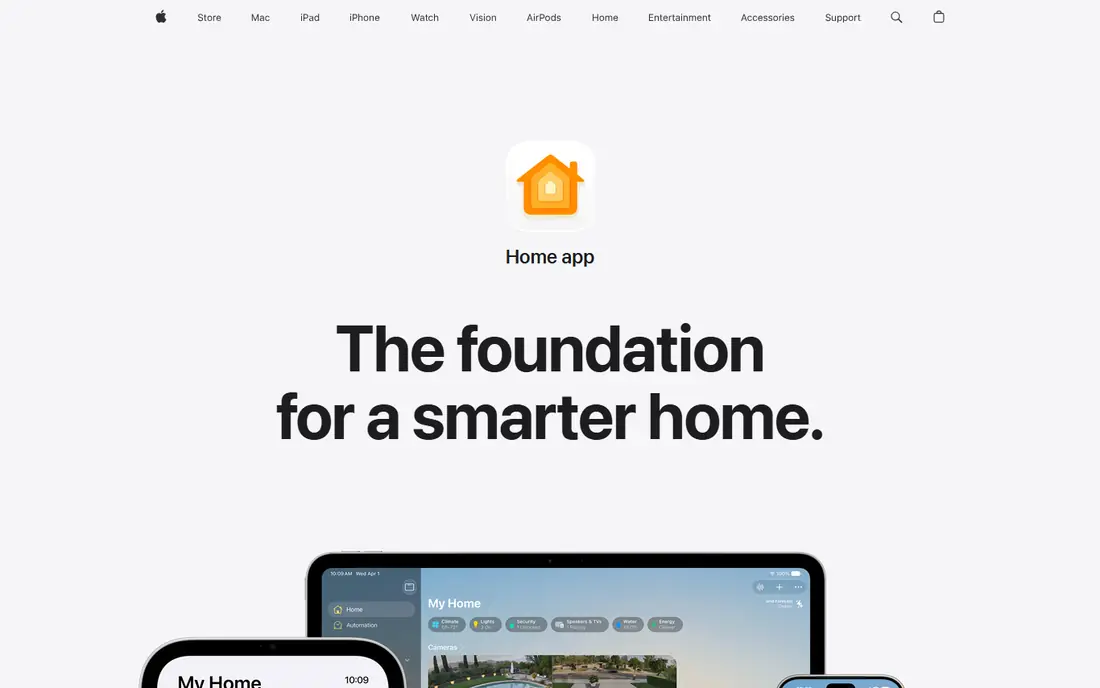
Apple Home is the smoothest pick for a household where everyone uses iPhones, iPads, and Apple Watches. Controls live in the Home app and Control Centre, Siri works across Apple devices, and many automations run locally on an Apple TV or HomePod rather than in the cloud. That local approach helps speed and privacy.
The clear limit is Android. If anyone in the house uses Android as a main phone, they will be left out of much of the experience. Device choice has improved with Matter, but it is still narrower than Alexa in the budget range. For an all-Apple home that values privacy and polish, Apple Home is our top pick.
- Clean iPhone integration
- Many automations run locally on a home hub
- Strong privacy posture
- No proper Android app
- Device choice is narrower than Alexa
- Needs an Apple hub for some automations
Samsung SmartThings is the best all-in-one smart home app for a mixed-brand home. It supports a wide range of protocols, it works on both major phone platforms, and Samsung TVs, appliances, and hubs can act as part of the system. That breadth makes it a good hub when your home has devices from several brands.
Setup takes a little patience. SmartThings has grown over years, so menus and device handlers can feel layered, and some features depend on which hub or Samsung device you own. Once the core devices are added, though, routines and scenes are easy to use day to day. If you want one app for a varied home without going fully DIY, start here.
- Broad Zigbee, Z-Wave, and Matter support
- Works on Android and iPhone
- Samsung TVs and appliances fit in
- Some advanced features sit behind hubs or newer hardware
- App layout can feel busy
Home Assistant is the pick for people who want control over their own data and automation. It runs on local hardware, it can bring together devices from many brands, and its automation editor handles conditions, triggers, and multi-step routines that mainstream apps cannot match. The community is large, and new integrations appear often.
That power comes with work. You need to install and maintain the system, keep backups, and troubleshoot integrations when a vendor changes an API. It is not the best first app for someone who wants a plug-and-play setup. For a household that values privacy, local control, and deep automation, and does not mind learning the system, it is the strongest option here.
- Runs locally with no required cloud account
- Supports a huge range of devices
- Deep automation options
- Setup and upkeep need technical confidence
- Some integrations need manual configuration
Hubitat Elevation is built for people who want local automation without running a full server themselves. The hub processes rules at home, so lights and locks respond quickly and keep working for many tasks even when the internet drops. Its rule engine handles complex automations, and it works with Zigbee and Z-Wave devices plus Alexa and Google voice control.
The interface is the weak point. It looks and feels more technical than Google Home or Apple Home, and new users face a learning curve. You also buy hub hardware, so the starting cost is higher than a free app alone. For an advanced user who wants local speed and control in a dedicated box, Hubitat is a solid middle path between mainstream apps and Home Assistant.
- Local automation with fast response
- Zigbee and Z-Wave support
- Strong rule engine
- Interface looks dated next to mainstream apps
- Learning curve for new users
- Hub hardware is a separate purchase
Aqara Home is a good budget route into a smart home, especially for sensors, switches, and cameras. Aqara devices are often cheaper than big-brand equivalents, and many support Apple Home, Google Home, and Alexa as well as the Aqara app itself. Routines for motion, doors, temperature, and lights are easy to set up.
The limit is scope. Aqara Home shines inside the Aqara range, but it is not meant to be a universal controller for every brand in your home. Some devices need an Aqara hub, so check the requirements before you buy. If you plan to build around Aqara sensors and switches, the app is clean, affordable, and reliable for daily use.
- Good value sensors and switches
- HomeKit and Matter support on many devices
- Simple routines
- Best when you stay inside the Aqara range
- Some features need an Aqara hub
TP-Link Tapo suits a first smart home on a tight budget. Plugs, bulbs, and cameras are affordable, the app is easy to learn, and scheduling is straightforward. You can set lights to follow sunrise and sunset, create simple routines, and control devices by voice through Alexa or Google.
Depth is the trade-off. Tapo does not match SmartThings or Home Assistant for complex automation, and some camera features sit behind a paid subscription. That is fine for a simple setup: a few lights, a plug, and a camera. If you later want deep automation, Matter support and voice links let Tapo devices join a larger platform without starting over.
- Low-cost plugs, bulbs, and cameras
- Simple scheduling and routines
- Works with Alexa and Google
- Automation depth is limited
- Camera AI features may need a paid plan
How we picked these
We compared official product pages, app store listings, device compatibility pages, and public reviews for October 2026. We kept only apps that are live, maintained, and able to control real devices today, and we looked for a mix of mainstream, budget, and local-control options. We weighed device support, voice control, routines, privacy, setup effort, and price. We did not claim hands-on testing, and we did not invent ratings, device counts, or feature claims.
How to choose the right smart home app for your home
Start with the phones in your house. An all-iPhone home will get the most from Apple Home, an Android-heavy home will feel natural in Google Home or SmartThings, and a mixed home should lean toward SmartThings, Alexa, or Home Assistant. Next, list the devices you already own and check which apps support them natively, not just through a workaround. A workaround that breaks after an update is worse than a slightly smaller device list.
Then think about privacy and outage tolerance. If you want automations to keep running when the internet drops, lean toward Home Assistant, Hubitat, or Apple Home with a local hub. If you want the simplest setup and widest cheap device choice, Alexa or Google Home will get you running faster. Finally, buy Matter-certified devices when you can, set up routines for the moments you repeat daily, and review privacy settings in any app that records voice or camera data.
Frequently asked questions
What is the best smart home app?
There is no single winner for every home. Google Home suits Android and Google households, Alexa suits homes that want the widest device choice, and Apple Home suits all-iPhone households that value privacy. SmartThings is the best all-in-one pick for mixed-brand homes, while Home Assistant leads for local control.
What is the best home automation app for privacy?
Home Assistant and Hubitat Elevation lead here because much of their automation runs locally rather than in the cloud. Apple Home is also strong, since many automations run on a home hub and Apple stresses privacy controls. Check each app data settings after install, especially for voice and camera history.
What is the best app to control all smart home devices?
Samsung SmartThings is the most practical all-in-one choice for mixed brands, thanks to its broad protocol support and phone apps for Android and iPhone. Home Assistant can control even more, but it needs more setup. If your devices are mainly from one brand, that brand app may still be simplest.
What is the best all in one smart home app for beginners?
Google Home and Amazon Alexa are the easiest starting points, with free apps, affordable speakers, and simple routines. TP-Link Tapo is also easy if you buy Tapo devices. Start with lights and one routine, then add devices slowly rather than automating the whole house at once.
Do I need a hub for a smart home app?
Not always. Many Wi-Fi and Matter devices work with a phone app alone, and some speakers and TVs act as hubs. Zigbee and Z-Wave devices usually need a hub, such as a SmartThings hub, Hubitat hub, or Home Assistant setup. Check the device requirements before you buy, not after.
Is Matter worth caring about when I buy devices?
Yes, in most cases. Matter is a shared standard that lets devices work across Google Home, Alexa, Apple Home, and SmartThings. Buying Matter-certified gear makes a future platform switch far easier. It does not solve every compatibility question, so still check the exact app support for each device.
Sources
See where you really rank - block by block
ProMapRanker scans Google Maps across a grid of your service area. Simple monthly plans from $19, white-label on every plan.
Start freeKeep reading
 zoho inventory alternatives
6 Alternatives to Zoho Inventory, Compared on Price and Fit
Zoho Inventory alternatives: 6 tools compared on price, free plans and fit. Katana leads the list for manufacturers. Fit and flaws are laid out for each entry.
Read → zoho crm alternatives
Best Zoho CRM Alternatives (2026)
Need Zoho CRM alternatives? We compare 7 tools on cost, free access and who each suits. Every pick gets a straight assessment. Built for quick decisions.
Read → zelle alternatives
Best Zelle Alternatives in 2026
Compare the best Zelle alternatives for sending money to friends, paying sellers and moving funds abroad, with honest notes on fees, speed and safety in 2026.
Read →