 ProMapRanker
Best Smart Document Platforms in 2026

Key takeaways
- PandaDoc suits sales documents with pricing and signing in one place, while Docusign suits standardized agreements at scale.
- Notion and Coda suit living team documents, wikis, and databases, not formal contracts.
- Adobe Acrobat Sign and Dropbox Sign suit teams that mainly need signing, with PDF tools beside it.
- Template control, approvals, and audit trails matter more than a long list of editors for business documents.
Quick comparison
| Pick | Great for | Pricing starts at | Free tier | |
|---|---|---|---|---|
 PandaDoc | Proposals and contracts | $19 per user per month | Yes | Visit |
 Docusign | Standard agreements | See website | Free trial | Visit |
 Notion | Team wikis and docs | Free | Yes | Visit |
 Coda | Docs with databases | Free | Yes | Visit |
 Adobe Acrobat Sign | PDF signing | $14.99 per month | Free trial | Visit |
 Dropbox Sign | Simple signing | Free | Yes | Visit |
 airSlate | Document workflows | Free | Yes | Visit |
 Formstack Documents | Data merged documents | See website | Free trial | Visit |
 Templafy | Template control | See website | Free trial | Visit |
The best smart document platforms
Smart document platforms go beyond a plain word processor: they add templates, data fields, approvals, e-signatures, and tracking, so a document can move from draft to signed deal without manual rework.
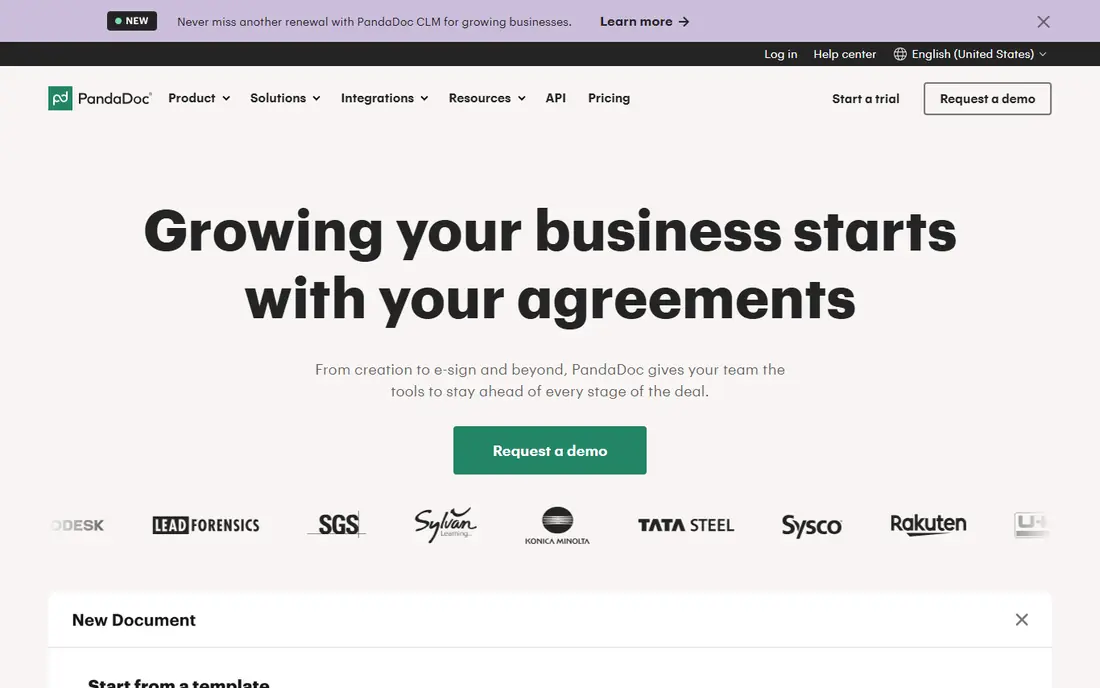
PandaDoc suits sales and operations teams that build proposals, quotes, and contracts every week. A block based editor lets staff add text, tables, pricing, videos, and product content, then send the document for signature and payment from the same place. The Essentials plan is listed at $19 per user per month billed annually, with a free eSign tier for very low volume use.
Low plans limit templates and CRM links, so teams that need many templates or deep CRM automation should check the Business plan. PandaDoc also uses usage credits for some features, which can surprise buyers who expect everything to be included. For a team that lives on proposals and wants creation, signing, and tracking in one tool, it is a strong first pick.
- Document builder with pricing tables
- E-signatures built in
- CRM integrations on higher plans
- Template limits on low plans
- Some features need paid usage credits
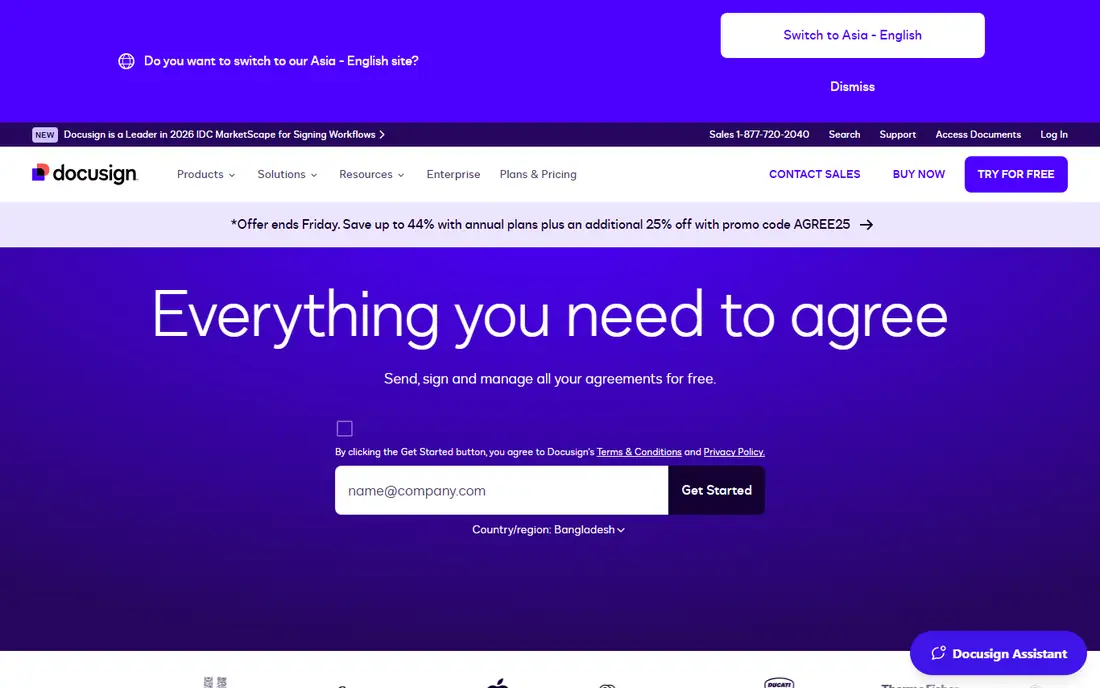
Docusign is the standard choice when the main job is preparing, routing, and signing agreements that already exist as templates. Recipients know the signing flow, audit trails and authentication options support legal and compliance needs, and integrations cover common CRM, HR, and storage tools. For standardized contracts, NDAs, and HR forms, that familiarity speeds adoption.
Creation is the trade. Docusign is stronger at signing and workflow than at building a rich proposal from scratch, so sales teams that need pricing tables and product content may prefer PandaDoc. Low plans also limit envelopes, so high volume senders should check the plan that matches their monthly send count. For agreement heavy companies, Docusign remains the safe and widely accepted option.
- Widely accepted e-signatures
- Strong audit trails
- Broad integrations
- Document creation is thinner than PandaDoc
- Envelope limits on low plans
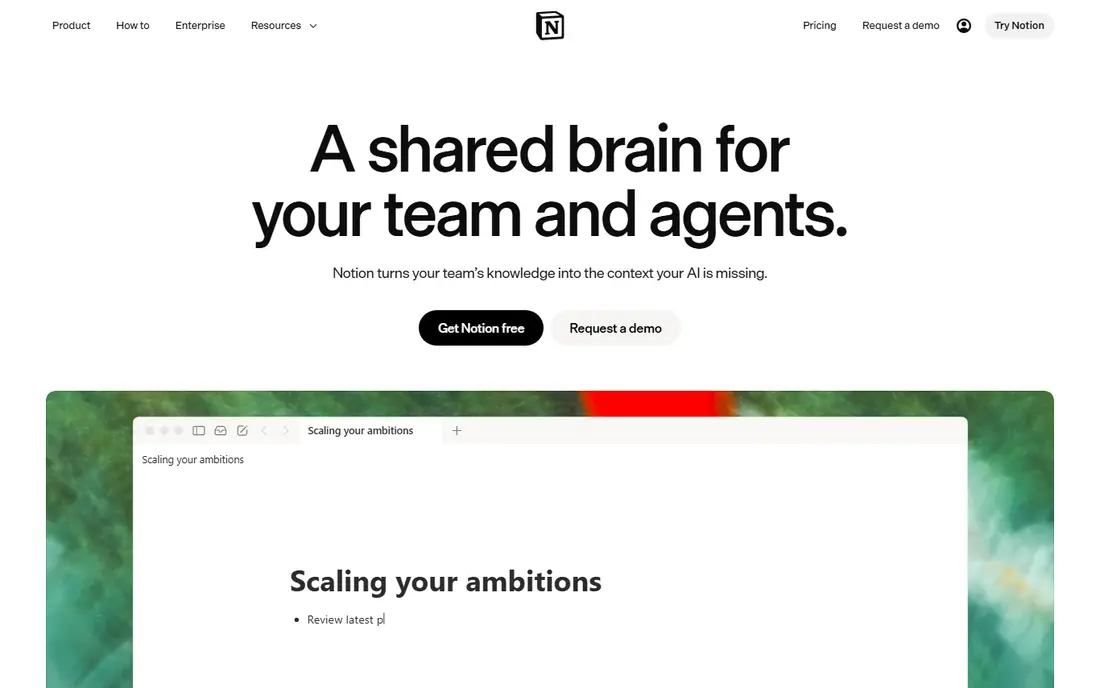
Notion suits teams that need living documents: wikis, meeting notes, project docs, and internal guides that change often. Pages can hold text, tables, databases, and embedded content, and permissions let teams share a space without losing structure. The free plan covers small teams, with paid plans adding more collaboration and admin controls.
Notion is not a contract platform. It lacks native legally binding e-signatures, envelope tracking, and formal approval workflows for agreements, so formal documents still need Docusign or PandaDoc. Use Notion for knowledge and collaboration, and pair it with a signing tool for anything that needs a signature and an audit trail.
- Flexible pages and databases
- Strong team wiki tools
- Free plan for small teams
- Not built for formal signing
- Binary file handling is weaker than a vault
Coda turns documents into working tools, with tables, buttons, automations, and views that let a team track work inside the document itself. That suits operations teams that want a proposal tracker, a content hub, or a client portal that updates itself, rather than a static page that goes stale. The free plan lets small teams test the concept before paying.
The learning curve is real, since a powerful Coda doc needs design thought, and new users can feel lost in a complex doc. Like Notion, Coda does not replace a signing platform for formal agreements. For teams that want documents that do work, not just describe it, Coda offers more power than a plain wiki, with a bit more setup effort.
- Docs that act like apps
- Tables, buttons, and automations
- Flexible team hubs
- Learning curve for complex docs
- Signing needs a separate tool
Adobe Acrobat Sign suits teams that already live in PDFs and want signing beside editing. Acrobat Standard is listed at $14.99 per month on an annual plan, and Pro adds more editing tools, while standalone Acrobat Sign Solutions for larger businesses are priced by quote. Team plans advertise no usage caps, which helps high volume senders avoid envelope anxiety.
The product split can confuse buyers, since Acrobat bundles, team plans, and enterprise Sign Solutions differ in price and features. Annual plan cancellation terms also deserve a read before signing. For a PDF heavy team that needs reliable signing, audit trails, and compliance options, Adobe offers a mature and well supported route.
- PDF editing bundled with signing
- Strong compliance options
- No usage caps on team plans
- Standalone Sign pricing is quote based
- Annual plans can carry a cancellation fee
Dropbox Sign, formerly HelloSign, suits teams that want simple, reliable e-signing without a complex platform. Paid plans offer unlimited signature requests, which removes the envelope counting that frustrates high volume users, and integrations cover Google, Microsoft, HubSpot, and Salesforce. The free plan lets a solo user test signing before paying.
Document creation is basic compared with PandaDoc, so teams that need rich proposals should not expect a full builder here. The Standard plan also has a minimum seat count, which matters for a solo buyer. For a team whose main need is getting documents signed quickly and cleanly, Dropbox Sign is a straightforward and fairly priced choice.
- Simple signing flow
- Unlimited requests on paid plans
- Broad integrations
- Free plan limits requests
- Document creation tools are basic
airSlate suits operations teams that need documents to move through steps automatically, not just get signed. Workflow bots can route a form, fill fields, request approval, and trigger the next step, which helps HR, finance, and procurement teams that handle repeatable paperwork. A free tier lets teams test basic workflows before committing.
The interface can feel busy for a team that only needs simple signing, and larger team pricing needs a direct check. airSlate is best when the pain is process, not just signatures: if your documents stall between people, its automation may save more time than a signing-only tool. For simple signing, Dropbox Sign or Docusign will be quicker to adopt.
- Workflow bots and automation
- Forms plus signing
- Broad integrations
- Interface can feel busy
- Pricing for larger teams needs a quote check
Formstack Documents suits teams that generate the same document many times from data, such as invoices, contracts, reports, and letters. It pulls fields from CRMs, forms, and spreadsheets into a template, then produces a finished PDF or Word file ready for signing or delivery. That data merge saves hours for teams that now copy and paste the same fields by hand.
Setup takes thought, since fields must be mapped correctly and templates tested before they go live. Entry pricing is also higher than a simple signing tool, so it only pays off when document volume is real. For a business with repeatable, data driven paperwork, Formstack Documents turns a manual chore into a reliable workflow.
- Merges CRM and form data into documents
- Strong template logic
- Good for repeatable paperwork
- Higher entry price than simple signing tools
- Setup needs data mapping thought
Templafy suits larger companies that need every document to use the right template, logo, and legal wording, every time. It centralizes templates inside Microsoft Office and Google Workspace, so staff build documents from approved assets instead of old files saved on a desktop. That control helps brand, legal, and compliance teams in regulated or multi-office companies.
Pricing is quote based and enterprise oriented, and a small team will find it more than it needs. Templafy is not a signing tool or a proposal builder, so it pairs with Docusign or PandaDoc for agreements. For a company where off-brand or outdated documents create real risk, Templafy gives governance that a shared drive cannot match.
- Central template management
- Brand control in Office
- Strong enterprise governance
- Quote based enterprise pricing
- Overkill for small teams
How we picked these
We compared official pricing pages, feature pages, and 2026 document platform guides, and we focused on tools that are still sold and supported in October 2026. We mixed proposal and signing platforms, team wiki tools, workflow automation, data merge tools, and template governance, since smart documents cover more than one job. We left out plain word processors and single-purpose PDF readers that do not add templates, automation, or signing.
What to check before you buy
Start by naming the document job: proposals, contracts, internal wikis, repeatable forms, or brand controlled templates. Each job points to a different tool, and buying one platform for all jobs often leaves one job poorly served. Test the exact workflow you use most, from template to signature to storage, with a real document and a real recipient.
Next, check approvals, audit trails, and data handling. Confirm who can edit a template, who approves a document, and what the audit trail records for a signed agreement. Check integrations with your CRM, storage, and email, and confirm export options so documents are not trapped in one vendor. Finally, count the real cost: seats, envelope or document limits, usage credits, and any required higher plan for the features you tested.
Frequently asked questions
What is the best smart document platform?
It depends on the job. PandaDoc suits proposals and contracts, Docusign suits standardized agreements, Notion and Coda suit team wikis, and Formstack Documents suits data merged paperwork. Pick the tool that fits your most frequent document type first.
Do I need a separate signing tool if I use Notion?
Yes, for formal agreements, since Notion does not offer legally binding e-signatures with envelope audit trails. Use Notion for collaboration and knowledge, and use Docusign, PandaDoc, Adobe Acrobat Sign, or Dropbox Sign for documents that need a signature.
How much do smart document platforms cost?
Entry prices range from free plans on Notion, Coda, and Dropbox Sign to $19 per user per month for PandaDoc Essentials and $14.99 per month for Acrobat Standard. Enterprise tools like Templafy are quote based, so confirm the total for your team size and volume.
Can these tools pull data from my CRM?
Yes, several can, but depth varies by plan. PandaDoc, Formstack Documents, and Docusign offer CRM links on higher plans, while Notion and Coda connect through integrations and automations. Test your exact CRM fields during a trial before you buy.
Are e-signatures legally binding?
In the US, e-signatures are generally valid under federal and state law when the signer consents and an audit trail records the process, but rules vary by document type and state. Check your legal requirements for sensitive agreements and confirm the vendor supports the authentication level you need.
What is the difference between a smart document and a template?
A template is a fixed starting file, while a smart document adds live fields, logic, approvals, and tracking. A smart document can pull data, hide irrelevant sections, route for approval, and record signing, which cuts manual work on repeatable paperwork.
Sources
See where you really rank - block by block
ProMapRanker scans Google Maps across a grid of your service area. Simple monthly plans from $19, white-label on every plan.
Start freeKeep reading
 zscaler alternatives
Best Zscaler Alternatives in 2026
Looking for zscaler alternatives? We compare 9 SASE and zero trust platforms on architecture, data protection, pricing, and fit for your network and team.
Read → zapier alternatives free
Best Zapier Alternatives Free in 2026
Nine automation tools for zapier alternatives free in 2026, all with genuinely free tiers, plus free plan limits, starting prices and upgrade paths explained.
Read → which platform is best for online reputation
Which Platform Is Best for Online Reputation in 2026
Wondering which platform is best for online reputation? We compare 8 review, listing, and response tools for small and multi-location businesses and agencies.
Read →