 ProMapRanker
Best Small Business Phone Service in 2026


All-round small business phone · Pricing starts at: $20 per user per month
Key takeaways
- Nextiva and RingCentral are the safest all-round picks for teams that need calling, texting, and integrations in one system.
- Zoom Phone is a strong value pick if your team already meets in Zoom every day.
- Grasshopper and Google Voice suit solo owners who mainly need a professional business number on a phone they already own.
- Published prices do not include taxes and regulatory fees, so ask for an all-in monthly estimate before you sign.
- A short trial matters more than a feature list, since call quality and mobile apps vary by location and device.
Quick comparison
| Pick | Great for | Pricing starts at | Free tier | |
|---|---|---|---|---|
| RingCentral | All-round small business phone | $20 per user per month | Free trial (14 days) | Visit |
 Nextiva | Reliability and support | $15 per user per month | No | Visit |
 Zoom Phone | Teams already using Zoom | $10.50 per user per month | No | Visit |
 Dialpad | AI call notes and coaching | $15 per user per month | Free trial (14 days) | Visit |
 Vonage | Flexible lines and add-ons | $13.99 per line per month | No | Visit |
 Ooma | Simple setup for small teams | $19.95 per user per month | Free trial (30 days) | Visit |
 Grasshopper | Solo owners and flat pricing | $14 per month | Free trial (7 days) | Visit |
 Google Voice | Google Workspace teams | $10 per user per month | No | Visit |
The best small business phone services
The best small business phone service is the one your team will actually answer, return calls from, and manage without an IT department. We compared official pricing and feature pages for VoIP services that give small businesses a professional number, call handling, voicemail, and mobile access.
Prices and coverage vary by plan and location, and taxes and fees can add to the advertised rate. Check number availability, calling areas, and any contract terms for your state and your calling pattern before you commit.
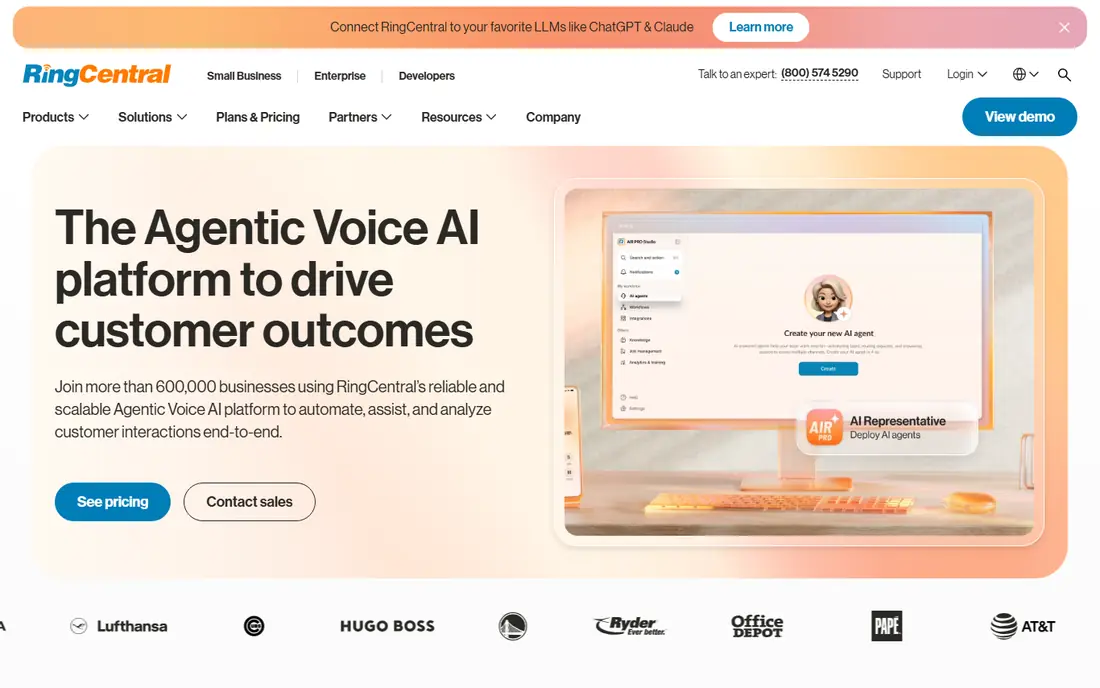
RingCentral is our pick for most small businesses because it covers calling, messaging, video, and fax in one system without forcing a narrow use case. Auto-attendants, call queues, and shared numbers help a five-person team sound organized, while integrations with common CRM and productivity tools keep call history close to customer records. The apps are consistent across phone and desktop, which helps staff who work from home, in the field, or at a front desk.
The main drawback is that the lowest price is tied to annual billing, and useful features such as advanced call recording and analytics sit on higher plans. If you only need a simple business number, RingCentral may be more system than you need. For a growing team that wants room to add contact center features later, that depth is a plus rather than a burden.
- Wide feature set
- Many integrations
- Strong mobile and desktop apps
- Price rises with higher tiers
- Setup options can feel deep at first
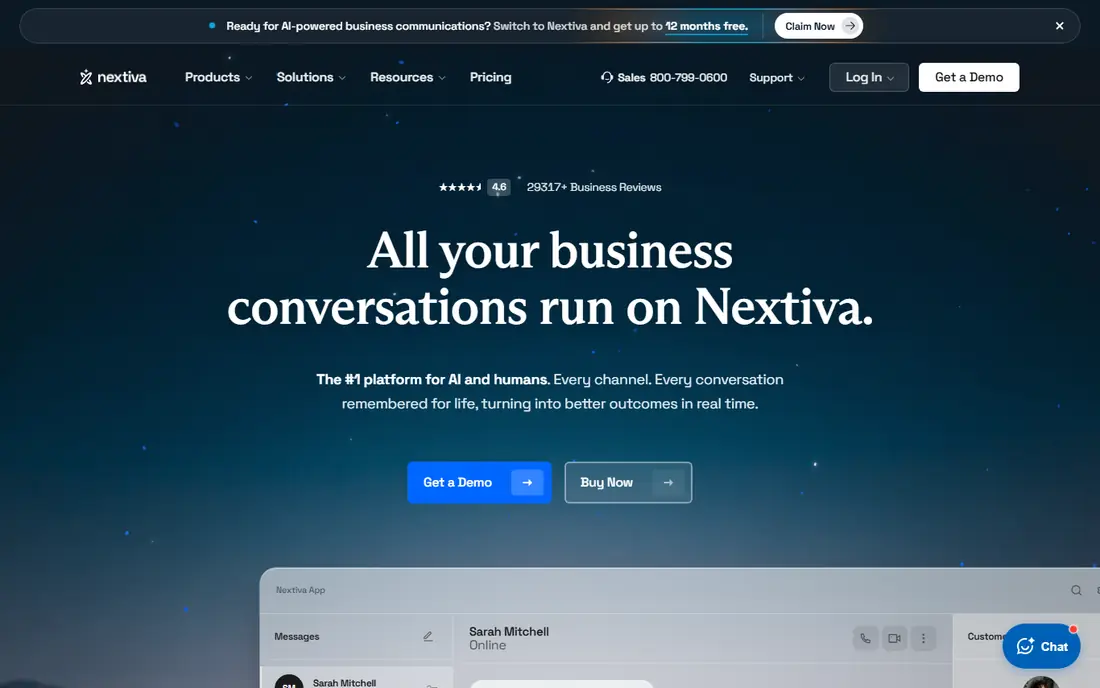
Nextiva stands out for small businesses that want a dependable phone system and a support team that answers when something goes wrong. Its entry plan covers core calling and messaging at a lower annual price than several rivals, and higher tiers add video, CRM-style contact views, and more advanced call handling. For owner-led teams, that balance of price and support is hard to beat.
There is no free plan, so use the demo and any trial terms to test call quality on your internet connection. Texting, call recording, and advanced analytics also vary by tier, so map your must-have features to a specific plan before you compare headline prices. If support quality matters as much as features, Nextiva deserves a shortlist spot.
- Low entry price on annual billing
- Unified voice, text, and video
- Reputation for helpful support
- No free plan
- Some features require higher tiers
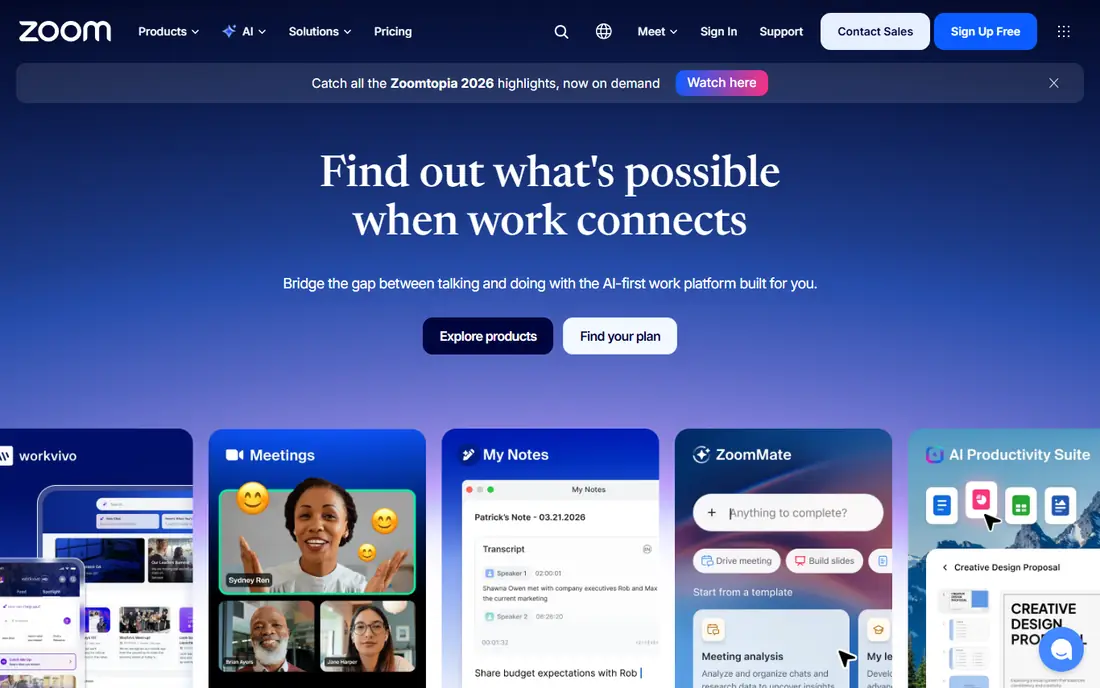
Zoom Phone makes sense when Zoom is already where your team meets, chats, and shares files. Adding voice to the same app removes one more tool to learn, and calls can move to a video meeting without a new link or login. The metered entry price is attractive for light callers, and unlimited plans exist for teams that talk all day.
Check the metered limits carefully. A team that makes many outbound calls can outgrow the metered plan quickly, and the unlimited tier costs more. Zoom Phone also depends on your Zoom setup, so if you plan to leave Zoom for meetings, the phone benefit weakens. For a Zoom-first team, it is a clean and cost-effective choice.
- Low metered entry price
- Familiar Zoom app
- Easy call-to-meeting switch
- Metered plan limits included minutes
- Full features need higher tiers
Dialpad is built around AI help on every call, with transcription, summaries, and action items that reduce manual note-taking after sales and support calls. That is useful for small sales teams, service businesses, and anyone who needs a reliable record of what was agreed. The interface is modern, and setup is usually faster than with older phone systems.
The catch is that AI depth and integrations vary by tier, so the entry plan may not include every AI feature shown in marketing. Annual billing also gives the lowest price, while month-to-month billing costs more. If your team takes many calls and needs notes without extra admin work, Dialpad is worth testing during the trial with real calls, not just a demo.
- AI transcription and summaries on plans
- Modern apps
- Good CRM integrations
- Annual billing for the lowest price
- Advanced AI features vary by tier
Vonage suits businesses that want a flexible phone line and the option to add features later. The entry plan covers unlimited domestic calling, SMS and MMS, voicemail, and mobile and desktop apps, which is enough for many small teams. Higher tiers add desk phone support, video meetings, team messaging, and call recording, so you can scale without switching vendors.
Pricing needs a close read. The lowest advertised rate usually requires annual billing, and list prices are higher month to month. Vonage also has a long history as a communications platform, which brings depth but also a product range that can confuse first-time buyers. Confirm the exact plan, term, and included features in writing before you order.
- Low entry line price
- Mobile and desktop apps
- Add-ons for video and messaging
- Lowest price needs a longer term
- Support quality reports vary
Ooma is a good fit for very small teams that want simple pricing and a quick setup. The Essentials plan includes a virtual receptionist, call handling, and voicemail, and there is no annual contract requirement at that level. That flexibility matters for seasonal businesses and new firms that do not want to lock in for a year.
The trade-off is scope. Texting, video, and recording are not in the entry plan, so a team that needs those features will pay for a higher tier or a separate tool. Ooma also lists an activation fee on some plans, so ask for the total first-month cost. If simplicity and no contract matter most, Ooma is a calm, low-friction choice.
- No long contract on entry plan
- Virtual receptionist
- Easy setup
- Entry plan leaves out texting and video
- Activation fee may apply
Grasshopper is designed for solo owners and tiny teams who want a business number without buying hardware or managing a phone system. It forwards calls to the phones you already own, adds extensions and custom greetings, and charges per account rather than per user. That flat model keeps costs predictable when several people share one main number.
It is not a full replacement for a larger VoIP system. There is no built-in video meeting suite, and advanced call center features are limited. If you have a front desk, multiple departments, or heavy call queues, a per-user system will fit better. For a freelancer, consultant, or two-person firm, Grasshopper gives a professional presence at a low monthly cost.
- Flat per-account pricing
- Works on existing phones
- Custom greetings and extensions
- No desk phone system for larger teams
- Features are lighter than full VoIP suites
Google Voice is the simplest add-on for teams already paying for Google Workspace. It gives each user a business number, voicemail transcription, call forwarding, and basic call handling inside the Google apps many small businesses already use. Setup is short, and the entry price is low compared with full phone suites.
The limits show up as you grow. Google Voice does not match RingCentral or Nextiva on call queues, advanced routing, or contact center tools, and it requires a Workspace plan. If your team lives in Gmail and Google Calendar and only needs reliable business calling, it is a smart, low-cost pick. If you need a full phone system, start with a dedicated VoIP service instead.
- Simple setup inside Google Workspace
- Low entry price
- Works on web and mobile
- Requires Google Workspace
- Lighter call center features than dedicated VoIP
How we picked these
We compared official pricing pages, feature pages, and app store listings for VoIP and business phone services that serve US small businesses. We focused on published starting prices, free trials, call handling, texting, mobile apps, and contract terms. We did not claim hands-on testing. Where prices differ between annual and monthly billing, we used the annual figure shown by the vendor and noted the billing basis in the product text.
Choosing a phone service for a small business
Start with how your customers reach you. A service business that books by phone needs strong call handling and voicemail, while a sales team needs CRM integration and call notes. A solo owner mainly needs a number that looks professional and forwards reliably. Matching the system to that daily pattern matters more than buying the longest feature list.
Count users, numbers, and minutes honestly
Per-user pricing grows fast, while flat pricing can hide limits on extensions or minutes. List every person who needs a direct number, every shared number, and your rough monthly call volume. Then compare the total monthly cost at your real user count, not just the headline per-user price. Add taxes, fees, and any hardware or activation charges to the estimate.
Test call quality and the mobile app
Internet speed, headsets, and office wiring affect VoIP quality more than marketing claims. Use a trial to make and receive calls from your office, from home, and on mobile data. Check voicemail transcription, texting, and call transfer during that trial, since those are the features staff use daily. If the mobile app feels awkward, staff will avoid it and calls will be missed.
Check porting, emergency calling, and contracts
Confirm you can port your existing number, how long porting takes, and how emergency calling works for remote staff. Read the contract term, renewal terms, and cancellation process before you sign, especially when the lowest price requires a year upfront. A short trial and a clear exit path protect a small business more than a small discount.
Frequently asked questions
What is the best VoIP phone service for business?
RingCentral and Nextiva are strong all-round choices, while Zoom Phone suits teams already using Zoom. The best VoIP phone service for business depends on team size, call volume, and whether you need texting, video, or CRM integration in the same system.
What are the best small business phone services for solo owners?
Grasshopper and Google Voice are good solo options, since they add a professional number without a large system. Grasshopper uses flat account pricing, while Google Voice works best inside Google Workspace. Both keep setup simple for one or two people.
What are the best phone services for small businesses on a budget?
Zoom Phone metered plans, Nextiva on annual billing, and Grasshopper flat pricing are among the lower-cost starting points. Compare total cost at your user count, including taxes and fees, since the cheapest headline price is not always the cheapest bill.
Do small business phone services include texting?
Many do, but not on every plan. Nextiva, RingCentral, Dialpad, and Vonage include business texting on most plans, while Ooma leaves texting out of its entry plan. Confirm texting, MMS, and any registration fees for your plan before you rely on it for customer messages.
Can I keep my existing business number?
Most VoIP providers support number porting, but timing and requirements vary. Ask the provider to confirm porting for your current number type, keep your old service active until porting completes, and test inbound and outbound calls on the new system before you cancel the old one.
Sources
See where you really rank - block by block
ProMapRanker scans Google Maps across a grid of your service area. Simple monthly plans from $19, white-label on every plan.
Start freeKeep reading
 who has the best home internet service
Who Has the Best Home Internet Service in 2026
Who has the best home internet service in 2026? Compare fiber, cable, and 5G providers on speed, price, data caps, and availability at your address today.
Read → visio alternatives
Best Visio Alternatives in 2026
Compare 9 Visio alternatives for flowcharts, org charts, and network diagrams, with free plans, pricing, and the best pick for teams and solo users in 2026.
Read → top 10 logistics software
Top 10 Logistics Software in 2026
We compared the top 10 logistics software tools for transport, warehousing, visibility and shipping, for shippers, carriers and 3PL teams in 2026 today.
Read →