 ProMapRanker
Best Small Business Credit Card Processing Services in 2026

Key takeaways
- Square and Stripe suit most new small businesses, with no monthly fee on entry plans and clear flat rates for in person and online sales.
- Interchange plus processors such as Helcim and Payment Depot can cost less at higher volumes, but statements are harder to read.
- PayPal and Shopify Payments make sense when your customers or your store already live on those platforms.
- Clover and Stax suit businesses that want counter hardware or a subscription model, respectively, with costs that depend on volume.
- Always compare your effective rate, meaning total fees divided by total card sales, not just the headline percentage.
Quick comparison
| Pick | Great for | Pricing starts at | Free tier | |
|---|---|---|---|---|
 Square | New shops and markets | 2.6% + $0.15 in person | Yes | Visit |
 Stripe | Online sales and subscriptions | 2.9% + $0.30 online | No | Visit |
 PayPal | PayPal customers and invoicing | 2.29% + $0.09 in person | No | Visit |
 Helcim | Interchange plus transparency | Interchange + 0.40% + $0.08 in person | No | Visit |
 Shopify Payments | Shopify stores | See website | No | Visit |
 Clover | Counter hardware and retail | See website | No | Visit |
 Stax | High volume subscription pricing | From $99 per month | No | Visit |
 Payment Depot | Interchange plus for growing firms | See website | No | Visit |
The best small business credit card processing services
We compared processors on published US rates, monthly fees, hardware, online tools, and ease of setup for small businesses selling in person, online, or both.

Square is our pick for most people starting out, because you can take cards the same day with a free reader or a phone, with no monthly fee and a clear in person rate of 2.6% plus 15 cents. The point of sale app covers inventory, invoices, appointments, and online sales, so a market stall, salon, cafe, or small shop can run on one system without a separate merchant account application. Paid plans add lower rates and more features, but most new sellers should start free and upgrade only when the math supports it.
The limits show up online and at scale. Online and invoice payments on the free plan cost more than Stripe, and flat rate pricing means you pay the same rate on cheap debit cards as on premium rewards cards. Some sellers also report account holds or reviews after unusual sales spikes. Keep records, avoid sudden large ticket changes without notice, and review your effective rate monthly once volume grows.
- No monthly fee on the free plan
- Simple readers and point of sale tools
- Fast setup
- Online rate on the free plan is higher than Stripe
- Account holds can affect some sellers
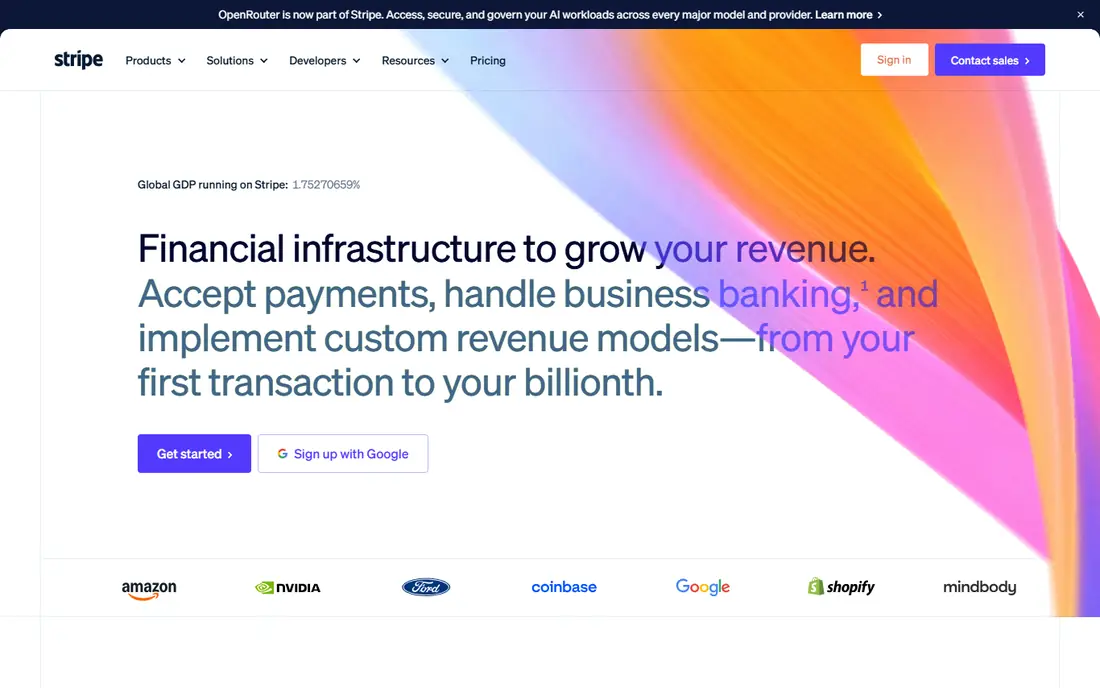
Stripe is the standard choice for online selling, subscriptions, and software businesses, with a published online rate of 2.9% plus 30 cents per successful card payment and no monthly fee on standard pricing. Its checkout, billing, invoicing, and subscription tools are deep, and it supports a wide range of payment methods and currencies. Developers and platform based stores get the most from Stripe, since its documentation and integrations are extensive.
The catch is setup. Stripe is built for websites and platforms, not for a counter you need to run this afternoon with no technical help. In person payments are available at 2.7% plus 5 cents, but the hardware and integration path is less plug and play than Square. Add on fees for international cards, currency conversion, and manually entered cards also add up, so read the pricing page for your exact sales mix before you commit.
- Strong online checkout and subscription tools
- No monthly fee on standard pricing
- Global payment options
- Needs technical setup or a platform integration
- In person tools are less simple than Square
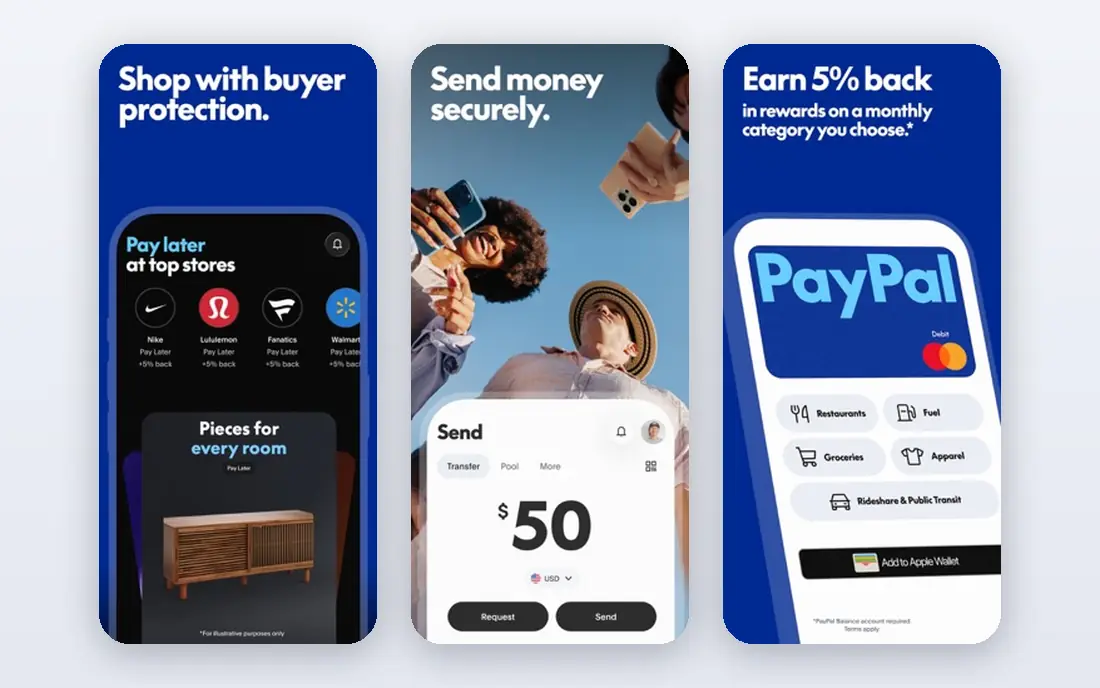
PayPal suits sellers whose customers already pay with PayPal, and businesses that live on invoicing, freelance work, or marketplace style sales. In person payments through PayPal Zettle are published at 2.29% plus 9 cents, which is competitive for counter sales, and PayPal balance payouts can be instant for some sellers. The brand recognition also helps conversion for online checkout, since many buyers already have an account.
Online checkout is the weak point on price, with a published rate of 3.49% plus 49 cents for PayPal Checkout in recent 2026 comparisons, well above Stripe. That gap matters on larger online volumes. Seller protection also depends on transaction type and proof of delivery, so service businesses should read those terms carefully. Use PayPal as a checkout option alongside a cheaper main processor if online volume is high.
- Customers already trust and use PayPal
- Simple invoicing
- Zettle hardware for in person sales
- Online checkout rate is higher than Stripe
- Seller protections vary by transaction type
Helcim offers interchange plus pricing with no monthly fee, publishing an in person markup of interchange plus 0.40% plus 8 cents, and an online markup of interchange plus 0.50% plus 25 cents. That model passes the true card network cost through at cost and adds a fixed markup, which often beats flat rate pricing once monthly volume passes roughly 10,000 dollars, depending on card mix. Helcim also provides invoicing, online checkout, and point of sale tools, so it is not only a back end account.
The trade-off is complexity. Interchange plus statements list many line items, and your total rate will move with the cards your customers use. Small sellers with low volume may not save enough to justify learning the statement, and debit heavy sellers may find flat rate simpler. Run a three month comparison on your real card mix before switching, and ask Helcim for a savings estimate based on a recent statement.
- No monthly fee
- Interchange plus pricing
- Transparent markup
- Statements are more complex
- Online markup is higher than in person
Shopify Payments is the native processor for Shopify stores, and it is the obvious choice if you already sell on Shopify. It removes the extra transaction fee Shopify charges when you use a third party gateway, and it keeps payouts, refunds, and order management in one dashboard. For a small store that wants one system for products, checkout, and payments, that simplicity saves real admin time.
Outside Shopify, it is not a general processor, so it does not suit counter only businesses or non Shopify websites. Rates also depend on your Shopify plan, so compare the plan cost plus the card rate together, not the card rate alone. If you are already committed to Shopify, use Shopify Payments as your default. If you are not on Shopify, choose Square or Stripe instead of moving platforms for payments alone.
- Built into Shopify checkout
- No extra transaction fee on Shopify plans
- Simple store management
- Only makes sense on Shopify
- Third party gateways add extra fees on Shopify
Clover, from Fiserv, suits retail shops, cafes, and restaurants that want dedicated counter hardware, such as a station, mini terminal, or handheld device, with a polished point of sale system. Its app marketplace adds inventory, employee management, loyalty, and reporting tools, and the hardware feels more permanent than a phone reader for a busy counter. For a shop with a fixed location and staff, that setup can be worth the extra cost.
Pricing is the complication. Clover is often sold through resellers and banks, so rates and software fees, often listed from about 14.95 dollars to 84.95 dollars per month for software in recent comparisons, vary by seller and plan. That variation makes direct comparison harder, and it rewards careful shopping. Get a written quote for hardware, software, and processing together, and compare the total monthly cost for your volume before signing a contract.
- Strong counter hardware range
- App marketplace
- Good for retail and restaurants
- Pricing varies by reseller
- Software fees apply on many plans
Stax uses subscription pricing: a flat monthly fee, starting from 99 dollars in recent comparisons, in exchange for interchange only card processing plus a small per transaction fee, often 8 cents in person and 15 cents online. For businesses processing roughly 20,000 dollars a month or more, that model can beat flat rate pricing by a clear margin, since you stop paying a percentage markup on every sale. Stax also provides invoicing, point of sale, and reporting tools for growing firms.
Below that volume, the monthly fee eats the savings, and a free flat rate plan is cheaper. Stax also needs more setup than Square, so it suits businesses with steady volume and someone to manage the account. Do the break even math on your last three months of sales before switching, and include the monthly fee and per transaction fees in the total.
- Interchange only processing plus a small per transaction fee
- Subscription model suits high volume
- Monthly fee only pays off at higher volumes
- Setup is more involved than Square
Payment Depot offers a membership based interchange plus model, where members pay wholesale interchange costs plus a small markup, in exchange for a membership fee. That structure appeals to growing businesses that have outgrown flat rate pricing but do not want a traditional merchant account with opaque tiers. Hardware, online checkout, and point of sale options are available, so it can cover both counter and online sales.
The membership fee is the key check. Like Stax, Payment Depot only saves money once volume is high enough to cover the fee with markup savings. Small sellers should stay on a no fee plan until volume justifies the switch. Ask for a quote based on a recent statement, confirm the membership tier, and compare the total cost, including fees and hardware, against Helcim and your current processor.
- Interchange plus pricing with membership model
- Wholesale rates for members
- Hardware options
- Membership fee applies
- Pricing depends on membership tier and volume
How we picked these
We compared published 2026 US pricing from vendor pages and independent processor comparisons, focusing on in person and online rates, monthly fees, hardware, and setup ease for small businesses. We favored processors with a clear US presence and a current small business offering, and we included flat rate, interchange plus, and subscription models so readers can compare pricing structures, not just brands. Where pricing varied by reseller or plan, we wrote See website rather than publishing a single figure that might not apply to your quote.
How to choose a processor without overpaying
Work out your effective rate first
Add up all processing fees for a recent month and divide by total card sales. That effective rate is the number to beat, and it includes percentage fees, per transaction fees, monthly fees, and add ons. A processor with a lower headline rate can still cost more once monthly and add on fees are included.
Match the pricing model to your volume
Under about 10,000 dollars a month in card sales, flat rate simplicity usually wins, even if interchange plus looks cheaper on paper. Above that level, interchange plus and subscription models often save money, but only if your card mix includes enough premium cards to make the markup matter. Revisit the model every six months as volume changes.
Count hardware and software in the total
A free reader is not free if you later pay for a counter station, software, or a higher plan to get the features you need. List hardware, software, monthly fees, and processing together for a full year, and compare totals across processors. Avoid long contracts and early termination fees unless the savings are clear and written down.
Test payout speed and support before you scale
Payout timing affects cash flow, especially for new businesses. Check standard payout speed, instant payout costs, and how holds and disputes are handled. Test support with a real question before you move all sales over, since a processor problem during a busy week costs more than a small rate difference.
Frequently asked questions
What is the cheapest credit card processor for a small business?
It depends on volume and sales channel. Square and Stripe are cheapest to start, with no monthly fee and clear flat rates. Helcim, Payment Depot, and Stax can be cheaper at higher volumes through interchange plus or subscription pricing. Compare your effective rate on real sales, not just the headline percentage.
Do I need a merchant account to accept credit cards?
Not necessarily. Aggregators such as Square, Stripe, and PayPal let you start without a separate merchant account application. Traditional merchant accounts and interchange plus providers offer more control and often lower rates at scale, but they involve more paperwork and underwriting. Start with an aggregator and move to a merchant account when volume justifies it.
What is interchange plus pricing?
Interchange plus means you pay the card network interchange cost at cost, plus a fixed processor markup, such as interchange plus 0.40% plus 8 cents. It is more transparent than flat rate pricing, since the markup is fixed, but your total rate moves with the cards customers use. It often saves money at higher volumes.
Can I accept credit cards without monthly fees?
Yes. Square offers a free plan with no monthly fee, and Helcim offers interchange plus with no monthly fee. You still pay per transaction fees on every sale. Monthly fees usually appear when you add software, hardware, or a subscription pricing model, so check what is included in any paid plan.
How long do card payouts take?
Standard payouts usually take one to two business days for Square and about two business days for Stripe, with instant payout options available for an extra fee on some processors. Payout speed can vary with account history, sales patterns, and bank processing. Check the processor payout page for your account type before you rely on a specific timeline.
Sources
See where you really rank - block by block
ProMapRanker scans Google Maps across a grid of your service area. Simple monthly plans from $19, white-label on every plan.
Start freeKeep reading
 zoro.to alternatives
Best Zoro.to Alternatives in 2026
We compare the best zoro.to alternatives in 2026, listing only legal licensed anime streaming services, from Crunchyroll to free options for fans today.
Read → zip alternatives
Best Zip Alternatives in 2026
We compare the best zip alternatives for buy now, pay later in 2026, covering pay-in-4 plans, fees, spending limits, and credit reporting options today.
Read → yesware alternatives
Best Yesware Alternatives in 2026
Compare the best yesware alternatives for sales email tracking, templates, and sequences, with current pricing and honest tradeoffs for small sales teams.
Read →