 ProMapRanker
Best Slideshow App With Music Free in 2026

Key takeaways
- Animoto and Canva offer the fastest free starts for photo slideshows with music, with templates that suit beginners.
- Adobe Express suits users who already use Adobe tools, while Kapwing and FlexClip suit browser-first creators who want more editing control.
- Free plans often add a watermark or limit resolution, so check export terms before making a slideshow for public use.
- Music licensing matters: use the app's licensed library or your own licensed tracks, and avoid adding unlicensed commercial songs to public videos.
Quick comparison
| Pick | Great for | Pricing starts at | Free tier | |
|---|---|---|---|---|
 Animoto | Fast photo slideshows with music | Free | Yes | Visit |
 Canva | Templates with music and design | Free | Yes | Visit |
 Adobe Express | Adobe users making slideshows | Free | Yes | Visit |
 Kapwing | Browser editing with music | Free | Yes | Visit |
 FlexClip | Template slideshows in the browser | Free | Yes | Visit |
 Movavi Slideshow Maker | Desktop slideshow creation | See website | No | Visit |
 Icecream Slideshow Maker | Simple desktop slideshows | Free | Yes | Visit |
 Kizoa | Family and event slideshows | Free | Yes | Visit |
 Clideo | Quick online slideshow maker | Free | Yes | Visit |
The best slideshow app with music free
We compared official pricing pages, feature pages, and app store listings for slideshow makers live in 2026. The list favors apps where photos, music, and export to video work together, with a real free plan, rather than photo editors that only export still images.
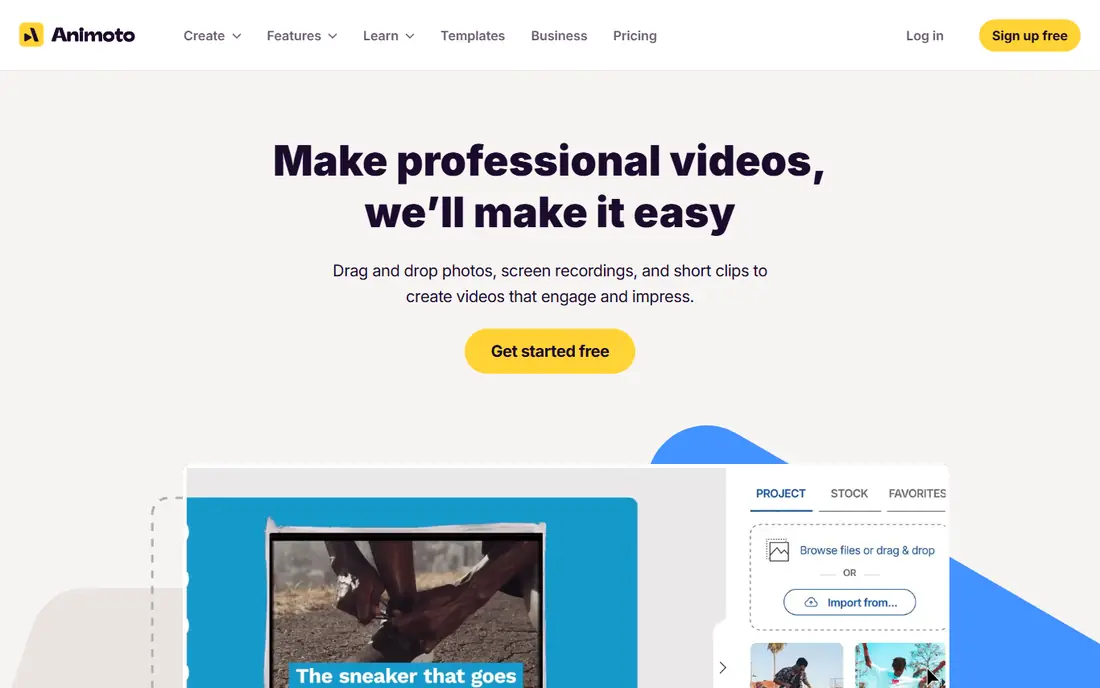
Animoto is our pick for most people who want a photo slideshow with music quickly. Upload photos, pick a template and a licensed track, and Animoto paces transitions to the music. That auto-pacing is the feature that makes Animoto feel polished with little effort, especially for event recaps, real estate listings, and social posts.
The free plan adds a watermark and limits resolution, so public or business use will likely need a paid plan. Basic paid plans remove the watermark and raise resolution, while higher plans add more music tracks and stock media. For a fast personal slideshow, the free plan is enough to test the style.
- Fast template-based slideshow creation
- Licensed music library with auto-pacing to music
- Unlimited videos on the free plan
- Free plan adds a watermark
- Higher tiers needed for 1080p and 4K without watermark
- Editing control is basic
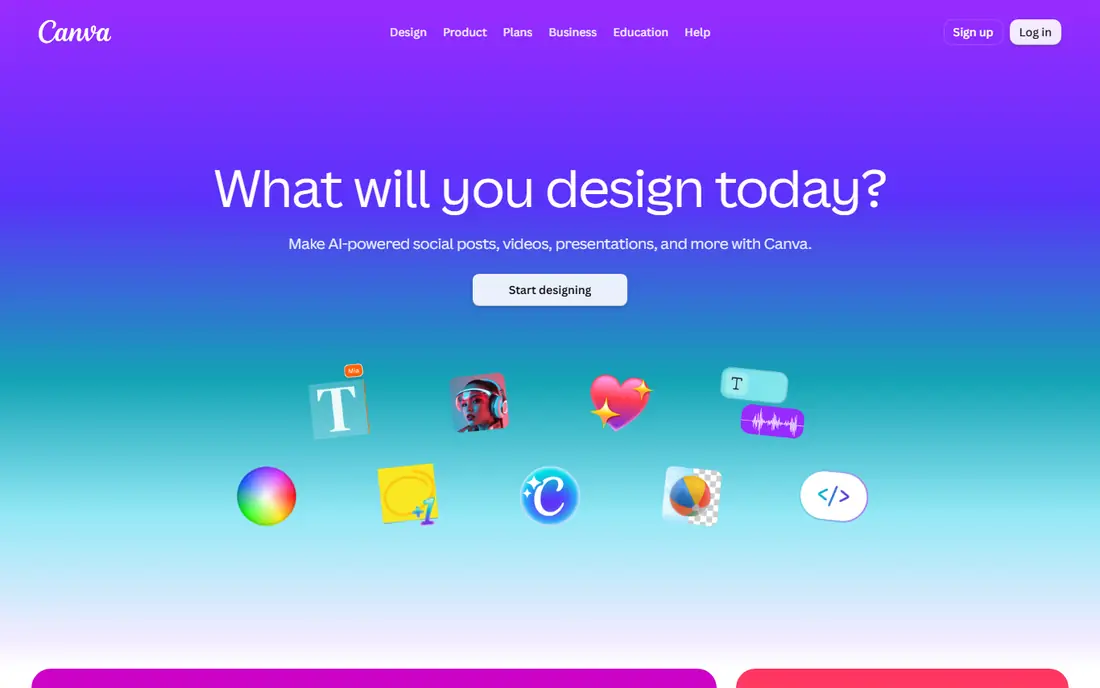
Canva suits creators who want a slideshow that also looks like a designed social post. Templates cover birthdays, graduations, product promos, and event recaps, with music, text, and transitions in the same editor. The free plan covers a wide range of templates and assets, and sharing to social platforms is straightforward.
The limit is depth. Free music and stock options are narrower than Pro, and video editing controls are simpler than Kapwing or a desktop editor. For a designed slideshow made quickly, Canva is a strong free choice, especially for users who already design in Canva.
- Huge template library for video and social posts
- Music and stock media in the editor
- Easy sharing and team collaboration
- Free music and stock choices are limited
- Some templates and assets need Pro
- Video editing controls are basic
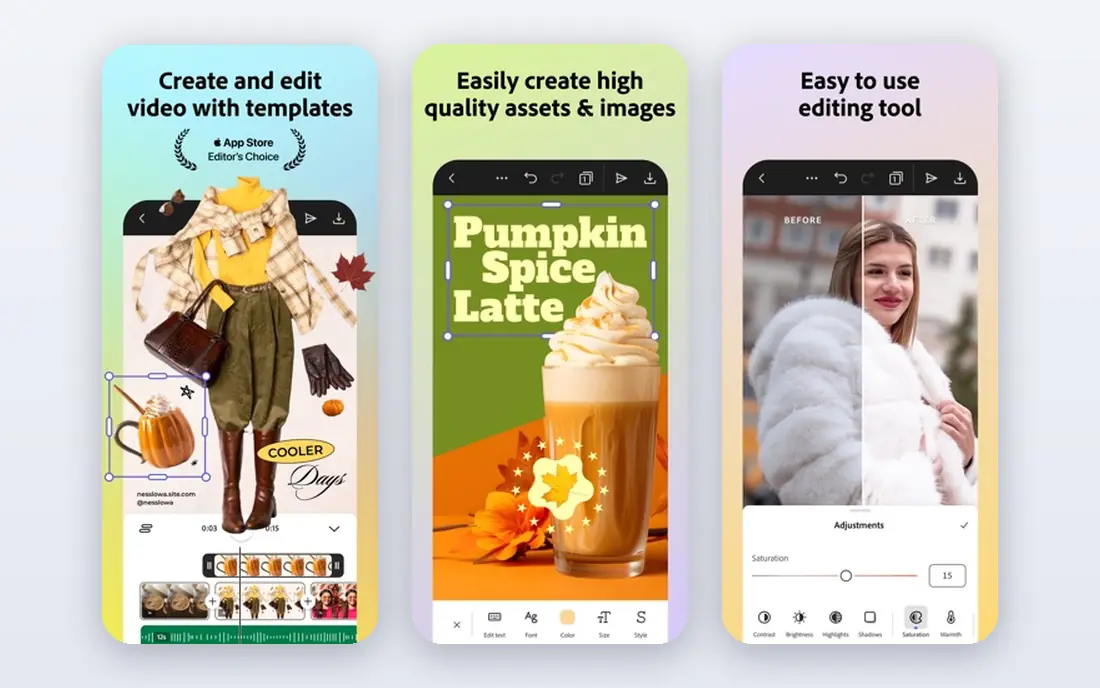
Adobe Express suits users who want a polished slideshow with Adobe design quality, without learning a full video editor. Templates, fonts, and stock assets give slideshows a clean look, and the browser and mobile apps make it easy to start on one device and finish on another. Users with Creative Cloud assets can bring those into a project.
The video tools are basic, with limited control over slide timing and music sync. Audio editing is also minimal, so creators who need precise music cuts should look at Kapwing or Movavi. For a simple, good-looking slideshow with music, Adobe Express is a solid free start.
- Polished templates and design assets
- Works in browser and mobile app
- Ties into Adobe Creative Cloud assets
- Slide timing and transition controls are basic
- Audio editing is minimal
- Some assets need a paid plan
Kapwing suits creators who want more control than Animoto offers, without installing desktop software. The browser timeline lets users arrange photos, add music, adjust timing, and add text in one place. Collaboration tools help teams or families work on a slideshow together.
The free plan adds a watermark and limits export options, so public videos will likely need a paid plan. Browser performance also depends on project size and connection speed. For creators who want timeline control in a browser, Kapwing is the best free starting point here.
- Browser-based timeline editing
- Music, text, and transitions in one editor
- Collaboration and sharing tools
- Free plan adds a watermark and limits exports
- Some features need a paid plan
- Large projects can be slow in a browser
FlexClip is a browser slideshow maker that balances templates with editing control. Users can start from a template, add photos and music, adjust text, and export a video without installing software. The music library covers common moods for events, promos, and family videos.
The free plan adds a watermark and limits resolution, like most free tools here, and some templates need a paid plan. FlexClip suits users who want a template start with more control than Animoto, but who do not need a full timeline editor.
- Template library for slideshows and social video
- Music library and text tools
- Browser-based with no install
- Free plan adds a watermark and limits resolution
- Some templates need a paid plan
- Editing depth is less than Kapwing
Movavi Slideshow Maker suits users who prefer desktop software and want more effects than a browser tool offers. Transitions, filters, titles, and music tools give slideshows a polished feel, and offline editing avoids browser slowdowns on large projects. Voice-over tools also help for narrated family or business slideshows.
The trade is cost and complexity. Movavi needs a paid license for full use, and the interface takes longer to learn than Animoto or Canva. For users who make slideshows often and want desktop control, it is worth the trial before buying.
- Desktop editing with transitions and effects
- Music and voice-over tools
- Offline editing without a browser
- No permanent free plan confirmed
- Paid license needed for full exports
- Learning curve is higher than Animoto
Icecream Slideshow Maker is the simple desktop pick in this list. The interface focuses on quick assembly: add photos, add music, choose transitions, and export. That simplicity suits users who make one slideshow at a time and do not want template browsing or social design tools.
The styles can feel repetitive after several projects, and there is no cloud collaboration. Some features need a Pro version, so users should check export limits on the free plan. For a straightforward desktop slideshow with music, Icecream is a calm and practical choice.
- Simple interface for quick desktop slideshows
- Music, transitions, and text tools
- Handles large image batches well
- Visual styles can feel repetitive
- No cloud collaboration
- Some features need a paid Pro version
Kizoa suits family and event slideshows, with templates for weddings, birthdays, holidays, and school projects. Music, effects, and text tools help turn a photo set into a shareable video, and the sharing options cover family groups and social platforms. The free plan lets users test the style before paying.
The interface feels older than Canva or Adobe Express, and free storage and features are limited. Kizoa still earns its place for event slideshows, where themed templates save time. Users who want a modern design tool should start with Canva instead.
- Templates for family, wedding, and event slideshows
- Music library and effects
- Easy sharing and download options
- Free plan limits storage and features
- Interface feels older than Canva
- Some templates need a paid plan
Clideo suits users who want a quick online slideshow with no install and no learning curve. Upload images, arrange them, add music, and export a video file in a browser. The format support covers common image and audio types, so users do not need to convert files first.
Customization is basic, with fewer transitions and text effects than Canva or Kapwing. Free exports may include a watermark, and large uploads can take time. For a one-off slideshow made in minutes, Clideo is a useful free option.
- Quick browser workflow for slideshow videos
- Accepts many image and audio formats
- No install needed
- Customization is basic
- Free exports may include a watermark
- Large uploads can be slow
How we picked these
We compared official pricing pages, feature pages, and app store listings for slideshow makers live in 2026, and we kept only tools that combine photos, music, and video export. We favored real free plans, licensed music libraries, and templates that suit beginners, while noting watermark and resolution limits honestly. Photo editors without video export, and video editors with no slideshow workflow, were left out.
How to make a slideshow with music that looks good
Pick photos first, then music
Choose twenty to forty strong photos for a three-minute slideshow, rather than every photo from an event. Cut weak, duplicate, or blurry shots before adding music, since a tight photo set makes any template look better. Then pick a track that matches the mood, and let the app pace transitions to the beat where that feature exists.
Check watermark, resolution, and music rights before sharing
Free plans often add a watermark or cap resolution, which matters for public or business use. Export a test video and watch it on a phone and a larger screen before sharing widely. Use the app's licensed music library or your own licensed tracks for public videos, and avoid adding unlicensed commercial songs.
Keep text short and timing steady
Short captions work better than long paragraphs on a slideshow, since viewers read while photos change. Keep each slide on screen long enough to read the caption, and avoid changing transition styles on every slide. A steady pace with one or two transition styles looks more polished than a mix of effects.
Frequently asked questions
What is the best photo slideshow app with music?
Animoto and Canva lead for photo slideshows with music, with Animoto offering faster auto-paced slideshows and Canva offering more design templates. Kapwing suits users who want timeline control, while Adobe Express suits Adobe users.
What is the best free slideshow app?
Animoto, Canva, Adobe Express, Kapwing, and Clideo all offer free plans for slideshows with music. The best free choice depends on watermark tolerance, since most free plans add a watermark or limit resolution.
What is the best app for slideshow with music for birthdays?
Canva and Kizoa suit birthday slideshows best, with themed templates for celebrations and easy music choices. Animoto also works well for birthday recaps, with auto-pacing that matches transitions to the track.
Can I make a slideshow with music for free without a watermark?
Most free plans in this list add a watermark or limit resolution, so a fully watermark-free export usually needs a paid plan. Icecream Slideshow Maker and some desktop tools offer free exports with fewer limits, but users should check current export terms before starting a public project.
How long should a photo slideshow with music be?
Three to five minutes works well for most events, with twenty to forty photos for a three-minute video. Longer slideshows lose viewers, so cut weak photos and keep the pace steady rather than adding every shot.
Sources
See where you really rank - block by block
ProMapRanker scans Google Maps across a grid of your service area. Simple monthly plans from $19, white-label on every plan.
Start freeKeep reading
 zscaler alternatives
Best Zscaler Alternatives in 2026
Looking for zscaler alternatives? We compare 9 SASE and zero trust platforms on architecture, data protection, pricing, and fit for your network and team.
Read → zapier alternatives free
Best Zapier Alternatives Free in 2026
Nine automation tools for zapier alternatives free in 2026, all with genuinely free tiers, plus free plan limits, starting prices and upgrade paths explained.
Read → which platform is best for online reputation
Which Platform Is Best for Online Reputation in 2026
Wondering which platform is best for online reputation? We compare 8 review, listing, and response tools for small and multi-location businesses and agencies.
Read →