 ProMapRanker
Best Slide Preparation Apps in 2026


Corporate and offline decks · Pricing starts at: $9.99 per month
Key takeaways
- Google Slides is the best free starting point, with full collaboration at no cost, while PowerPoint remains the standard for corporate files.
- Gamma is the fastest route from a prompt or outline to a presentable deck, and Beautiful.ai keeps layouts consistent without manual fixing.
- Canva suits teams that want templates and brand assets in one place, while Pitch suits teams that share decks by link and track views.
- Export format decides many choices: check PPTX export, fonts, and branding before you build a deck you must share widely.
Quick comparison
| Pick | Great for | Pricing starts at | Free tier | |
|---|---|---|---|---|
| Microsoft PowerPoint | Corporate and offline decks | $9.99 per month | No | Visit |
 Google Slides | Free collaboration | Free | Yes | Visit |
 Apple Keynote | Mac and iPad presentations | Free | Yes | Visit |
 Canva | Templates and brand design | Free | Yes | Visit |
 Prezi | Non-linear, zooming talks | Free | Yes | Visit |
 Pitch | Team decks shared by link | Free | Yes | Visit |
 Gamma | Fast prompt-to-deck creation | Free | Yes | Visit |
 Beautiful.ai | Consistent business layouts | $14.50 per month | Free trial | Visit |
 Visme | Data and chart-heavy decks | See website | Yes | Visit |
The best slide preparation apps
This article treats the topic plainly as presentation and slide creation tools, from classic slide software to AI-assisted deck builders. The right pick depends on who will edit the deck, where it will be presented, and what file format you must deliver.
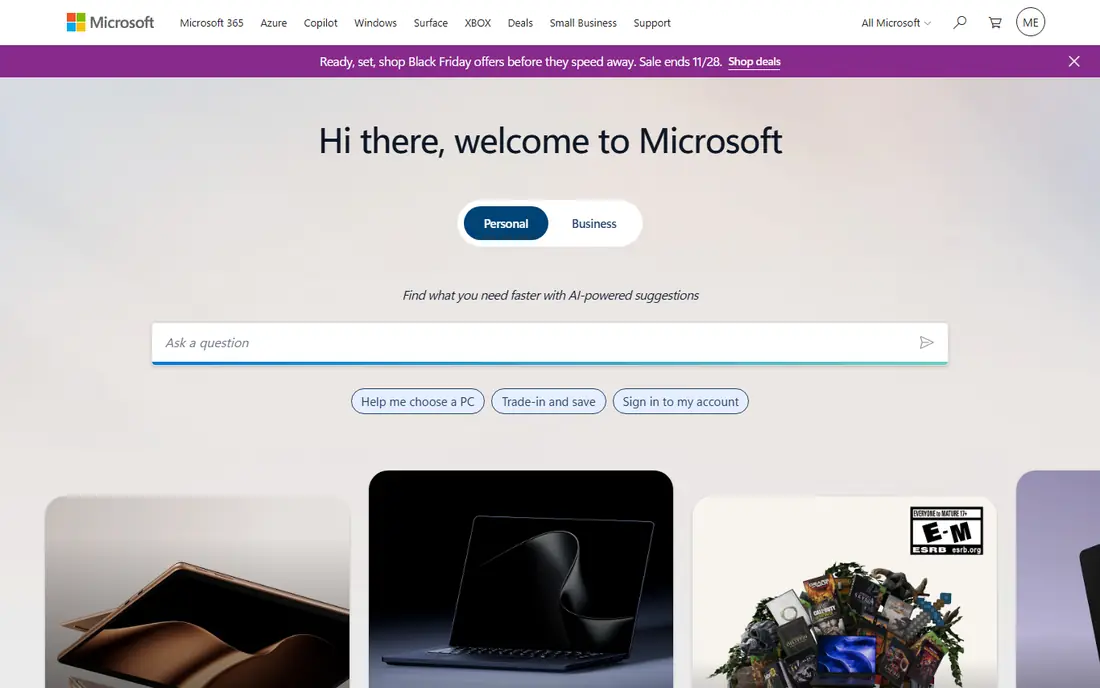
PowerPoint remains the default in most offices for a simple reason: almost everyone can open a PPTX file, and corporate templates, fonts, and chart styles are built around it. The desktop app works offline, handles large decks and embedded Excel charts well, and offers presenter view, rehearsal tools, and detailed animation controls. If your deck must match a company template exactly, PowerPoint is usually the safest choice.
The cost is a subscription. Microsoft 365 Personal starts at $9.99 per month in the figures published in October 2026 comparisons, and the web version is free but limited. Real-time collaboration has improved, but it still feels less fluid than Google Slides when many people edit at once. Choose PowerPoint when file compatibility and offline work matter most.
- Industry-standard PPTX format
- Works offline
- Deep chart, animation, and presenter tools
- Needs a Microsoft 365 subscription for full desktop use
- Collaboration is weaker than Google Slides
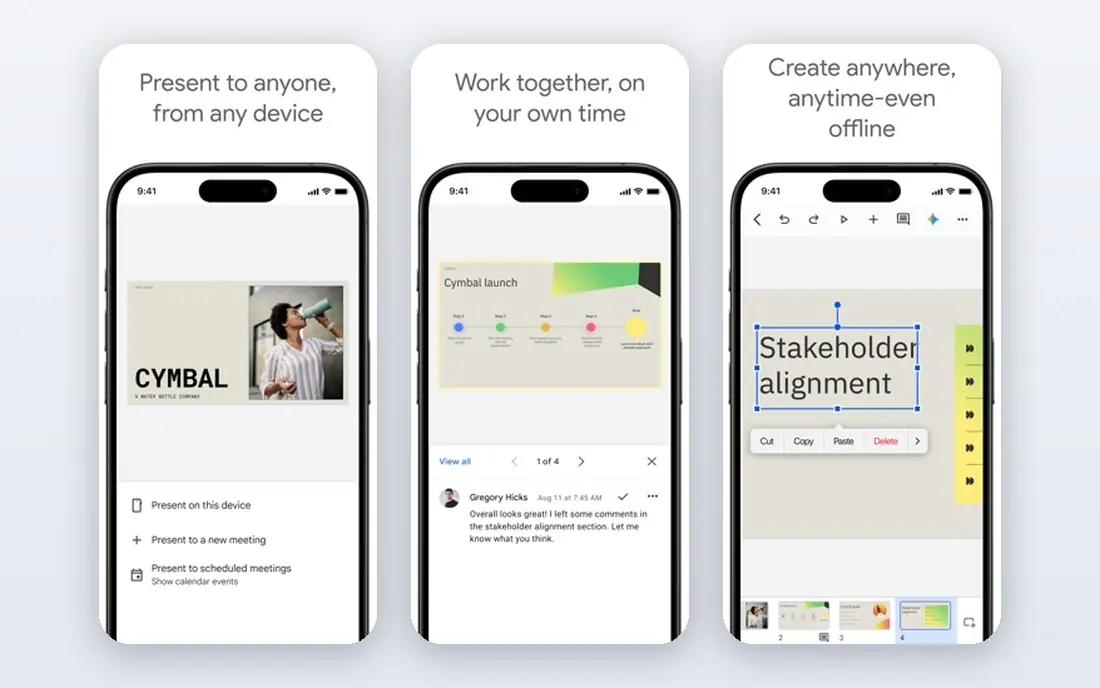
Google Slides is our pick for most students, small teams, and anyone who needs a free tool that just works. Anyone with a Google account can create, share, and edit decks in a browser, with comments, suggestions, and version history built in. For group projects and remote teams, that collaboration is the main advantage: several people can edit at once without emailing files back and forth.
The trade is polish. Slides has fewer templates, animations, and design controls than PowerPoint or Canva, and offline use needs setup in advance. Export to PPTX works for sharing with PowerPoint users, but complex formatting can shift. If collaboration and cost matter more than advanced effects, Slides is hard to beat.
- Free with a Google account
- Real-time collaboration
- Easy sharing and commenting
- Fewer advanced design and animation features
- Needs internet for the full experience
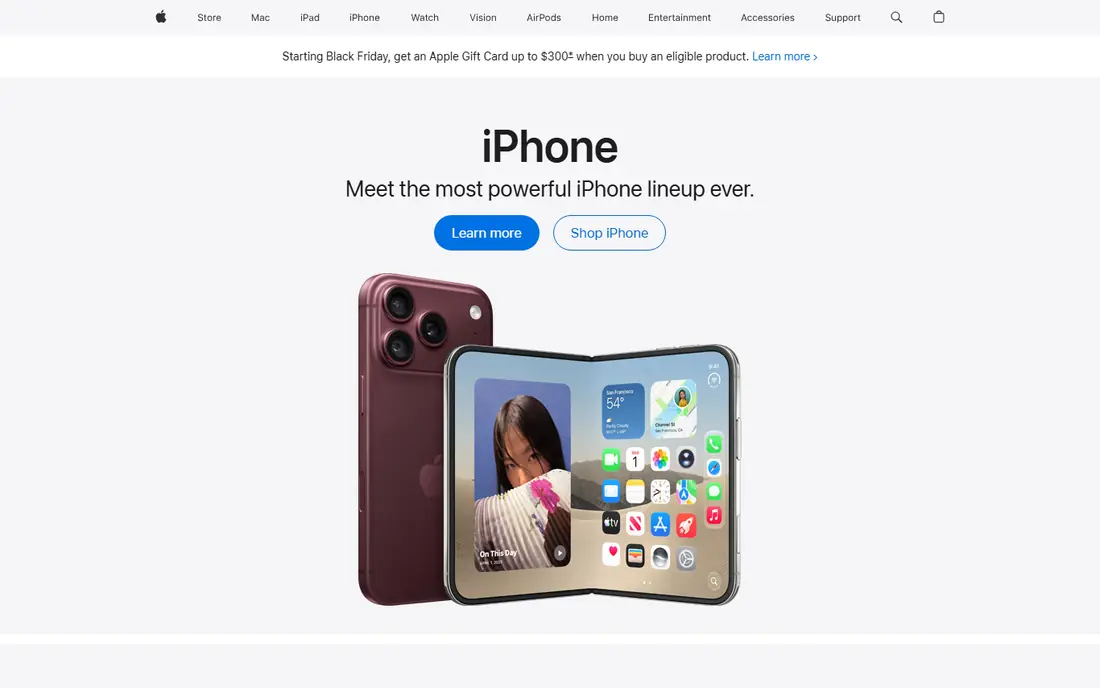
Keynote is the quiet star for Apple users. It is free on Mac, iPad, and iPhone, and its animations, transitions, and default themes look polished with little effort. Presenting from an iPad with a remote, or building a deck on a Mac and presenting from the same device, feels smooth in a way that browser tools do not always match.
The limit is ecosystem. Keynote works on the web through iCloud, but it is at its best on Apple hardware, and exporting to PowerPoint can change fonts or layouts in complex decks. If your audience uses PowerPoint and your deck uses unusual fonts, test the export before presentation day. For Apple-first teams and solo presenters, Keynote is excellent.
- Free on Apple devices
- Polished animations and transitions
- Clean, simple interface
- Best inside the Apple ecosystem
- PPTX export can shift complex layouts
Canva suits people who want a good-looking deck without design training. Thousands of presentation templates, stock photos, icons, and brand colors sit in one editor, and you can repurpose the same design for social posts, handouts, and documents. Pro pricing in October 2026 comparisons sits around $15 per month when billed monthly, with a lower annual rate, and the free plan covers many basic decks.
The honest weakness is that Canva does not auto-fix layouts the way Beautiful.ai does. If you add text that overflows a slide, you fix it by hand, and long decks take more manual care. AI features are also capped on the free plan. Choose Canva when templates and brand consistency matter, and when you are happy to arrange slides yourself.
- Huge template library
- Brand kit and stock assets in one place
- Easy PPTX export
- Free AI uses are limited
- Slide layout still needs manual work for long decks
Prezi breaks the slide-by-slide mold. Instead of moving linearly through slides, you zoom across a canvas, which suits talks that explain a map, a process, or a big picture with details inside it. For teaching, pitching a vision, or presenting a strategy, that movement can hold attention better than a flat deck. The Basic plan is free, with Standard pricing around $7 per month in recent comparisons.
The risk is distraction. A zooming deck that moves too much can pull focus from your words, and audiences expecting a standard PPTX may find the format unfamiliar. Prezi also needs a different design habit: you plan a canvas, not a stack of slides. Use it when the story benefits from showing connections, and use a classic tool when the audience expects a standard file.
- Zooming canvas suits stories and overviews
- Basic plan is free
- AI credits on paid plans
- Non-standard format can distract
- PPTX workflow differs from classic slide tools
Pitch is built for teams that send decks out and want to know what happens next. You share a link, see which slides get viewed, and update the deck without resending a file. That workflow suits startups sending investor decks, sales teams sharing proposals, and agencies sharing client work. The free plan covers small teams, with paid plans adding export and more AI credits.
The catch is export. If you must deliver a PPTX file, you need a paid plan, and the free plan carries Pitch branding on exports where export is allowed. For link-first sharing, that trade is fine. For a deck that must live as a PowerPoint file in a corporate system, PowerPoint or Google Slides is a simpler route.
- Link sharing with analytics
- Team workspaces
- Templates for pitch and sales decks
- Free AI credits are limited
- PPTX export needs a paid plan
Gamma is the fastest tool here for turning an idea into a deck. Type a topic or paste an outline, and Gamma builds a structured, designed presentation in minutes, with cards that adapt to your content. For a first draft, a class talk, or a meeting deck due tomorrow, that speed is a real advantage over starting from a blank slide. The free tier starts with 400 one-time credits in October 2026 comparisons, with Plus from about $9 per month on annual billing.
The limits are credits and export. Free credits run out, and exporting to PPTX or removing branding needs a paid plan. Gamma decks also live best on the web, so a team that must deliver PowerPoint files should check export quality early. Use Gamma to draft fast, then polish and export if your audience needs a standard file.
- Creates a polished deck from a prompt or outline quickly
- Web sharing is simple
- Free credits to start
- Free credits do not refill
- Export needs a paid plan
- Web-native format differs from PPTX
Beautiful.ai solves the most annoying part of slide work: fixing layouts after you edit text. Its Smart Slides resize, move, and rebalance content automatically, so adding a bullet does not break the slide. That discipline helps sales, consulting, and internal teams that produce many decks with the same brand rules. Pro pricing is $14.50 per month on annual billing in October 2026 comparisons, with a 14-day trial.
The trade is freedom and price. There is no permanent free plan, and designers who want full control over every element may find the templates restrictive. If your decks must look consistent without a designer checking each slide, Beautiful.ai earns its price. If you design each deck by hand, Canva or PowerPoint gives more room.
- Smart Slides rebalance layouts automatically
- Consistent brand styling
- Good for recurring business decks
- No permanent free plan
- Less free-form design freedom than Canva
Visme suits decks that are really reports: quarterly results, survey findings, proposals with charts, and data stories. Its chart tools, data widgets, and infographic templates go further than the basic charts in Slides or PowerPoint, and you can publish interactive versions online. Teams that present numbers every month will appreciate the data-first approach.
The learning curve is the catch. Visme packs many features into one editor, and new users need time to find the right chart or widget. The free plan is useful for trying it, but brand controls and fuller exports need a paid plan, so check current pricing before building a large library. For data-heavy work, Visme is a strong specialist pick.
- Strong charts, infographics, and data widgets
- Templates for reports and proposals
- Brand kit on paid plans
- Interface takes time to learn
- Best features sit behind paid plans
How we picked these
We compared official pricing pages, free tier terms, export options, and public reviews for presentation tools. We favored tools that are live in October 2026, that can produce a finished deck, and that publish clear pricing. We left out tools that have shut down, including Tome, which closed in April 2025.
How to choose for your next deck
Start with the deliverable. If you must hand over a PPTX file, start with PowerPoint or Google Slides and check the export early. If you will present from a link, Gamma, Pitch, or Visme may suit better. If the deck will be edited by many people, collaboration matters more than animation features.
Build a small test deck first
Make five slides in your top two tools, including a chart, an image, and a long bullet list. Check how each tool handles overflow, fonts, and export. That 30-minute test reveals more than a feature list, especially for layout behavior and file compatibility.
Frequently asked questions
What is the best free slide app?
Google Slides is the best free option for most people, with full editing and collaboration at no cost. Canva free and Keynote on Apple devices are strong alternatives, depending on whether you want templates or Apple polish.
Can AI tools replace designing slides by hand?
They can produce a strong first draft quickly, especially Gamma and Beautiful.ai, but they still need human editing for accuracy, story, and brand fit. Treat AI output as a starting point, and check every fact and figure before presenting.
Which app exports best to PowerPoint?
PowerPoint itself, by definition, followed by Google Slides and Canva, which both export PPTX. Gamma, Pitch, and Beautiful.ai offer PPTX export on paid plans, so test a sample deck before committing to a paid tier.
Do I need a paid plan for a good-looking deck?
No, for most everyday decks. Google Slides, Canva free, and Keynote can all produce clean presentations. Paid plans matter for brand controls, larger AI allowances, fuller exports, and team analytics.
What happened to Tome?
Tome shut down in April 2025, so it is not a safe choice for new decks. If you have old Tome decks, export or rebuild them in a live tool such as Gamma, Canva, or Google Slides.
Sources
See where you really rank - block by block
ProMapRanker scans Google Maps across a grid of your service area. Simple monthly plans from $19, white-label on every plan.
Start freeKeep reading
 zoro.to alternatives
Best Zoro.to Alternatives in 2026
We compare the best zoro.to alternatives in 2026, listing only legal licensed anime streaming services, from Crunchyroll to free options for fans today.
Read → zip alternatives
Best Zip Alternatives in 2026
We compare the best zip alternatives for buy now, pay later in 2026, covering pay-in-4 plans, fees, spending limits, and credit reporting options today.
Read → yesware alternatives
Best Yesware Alternatives in 2026
Compare the best yesware alternatives for sales email tracking, templates, and sequences, with current pricing and honest tradeoffs for small sales teams.
Read →