 ProMapRanker
Best Simulation Software in 2026

Key takeaways
- AnyLogic is the most flexible pick for teams that need several modeling methods in one tool.
- Simulink and Ansys lead for control systems and engineering physics, while Arena and Simul8 suit process flow.
- Most commercial simulation tools are quote-priced, so request quotes for the same model size and users.
- OpenFOAM is free, but it needs CFD skill and setup time that commercial tools reduce.
Quick comparison
| Pick | Great for | Pricing starts at | Free tier | |
|---|---|---|---|---|
 AnyLogic | Multi-method simulation models | See website | Free trial | Visit |
 MATLAB Simulink | Control systems and dynamic models | See website | Free trial | Visit |
 COMSOL Multiphysics | Physics-based engineering simulation | See website | Free trial | Visit |
 Ansys | Engineering simulation at scale | See website | Free trial | Visit |
 Arena Simulation | Discrete event process simulation | See website | Free trial | Visit |
 Simio | Manufacturing and logistics simulation | See website | Free trial | Visit |
 FlexSim | Factory and healthcare flow simulation | See website | Free trial | Visit |
 Simul8 | Business process simulation | $250 per user per month | Free trial | Visit |
 OpenFOAM | Open-source fluid simulation | Free | Yes | Visit |
The best simulation software
We compared official pricing pages, feature lists, and public documentation for each option below, then sorted them by fit for different team sizes and budgets. Use the table above for a fast scan, then read the full write-up for the option that matches your work.
AnyLogic stands out because it supports discrete event, agent-based, and system dynamics modeling in one environment. A team can model a factory line, a crowd, and a supply chain logic without switching tools for each method.
Commercial pricing is quoted, with a free trial and a free personal learning edition for non-commercial use. The breadth is the appeal and the challenge: beginners should start with one method and a small model, then add complexity once the core logic runs cleanly.
- Discrete event, agent-based, and system dynamics in one tool
- 3D animation
- Cloud runs
- Quote-based pricing for commercial use
- Learning curve for beginners
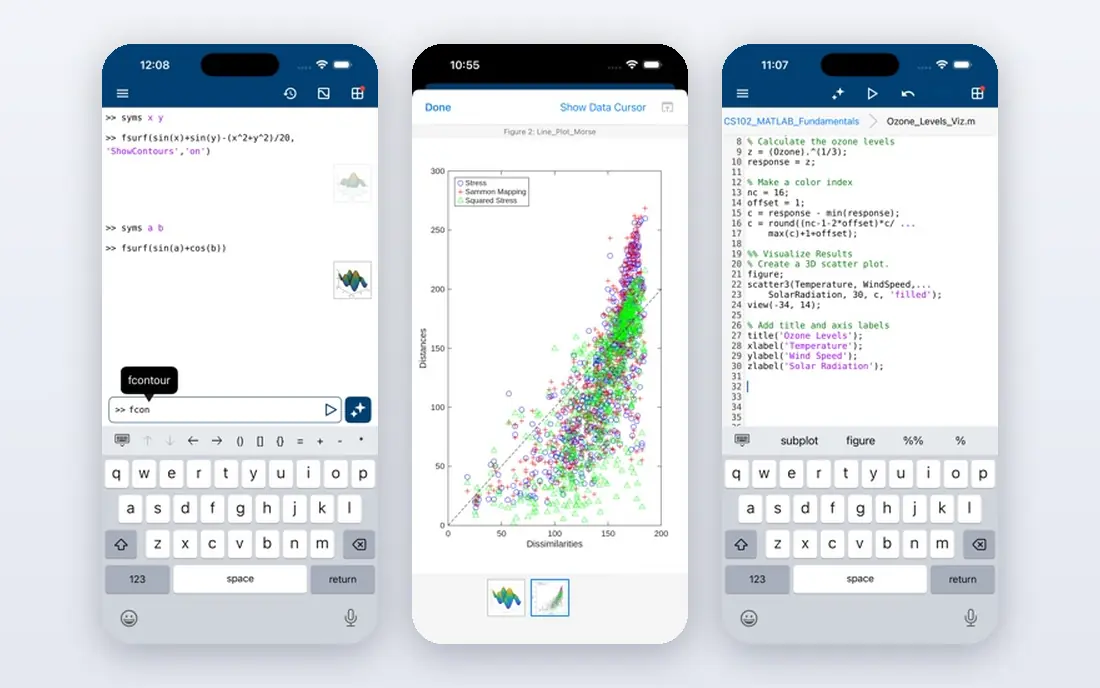
Simulink, from MathWorks, is the standard block-diagram tool for dynamic systems, control design, and signal processing. Engineers build models from blocks, run simulations, and generate code for embedded targets from the same model.
Pricing is quoted and depends on MATLAB licenses and toolboxes, so budget for the full stack, not only Simulink. The value is highest for teams already using MATLAB, where models, data analysis, and control tools share one workflow. Newcomers should use the trial to test toolbox needs.
- Block-diagram modeling
- Control design and code generation
- Large toolbox library
- Licensing is complex and costly
- Best inside a MATLAB workflow
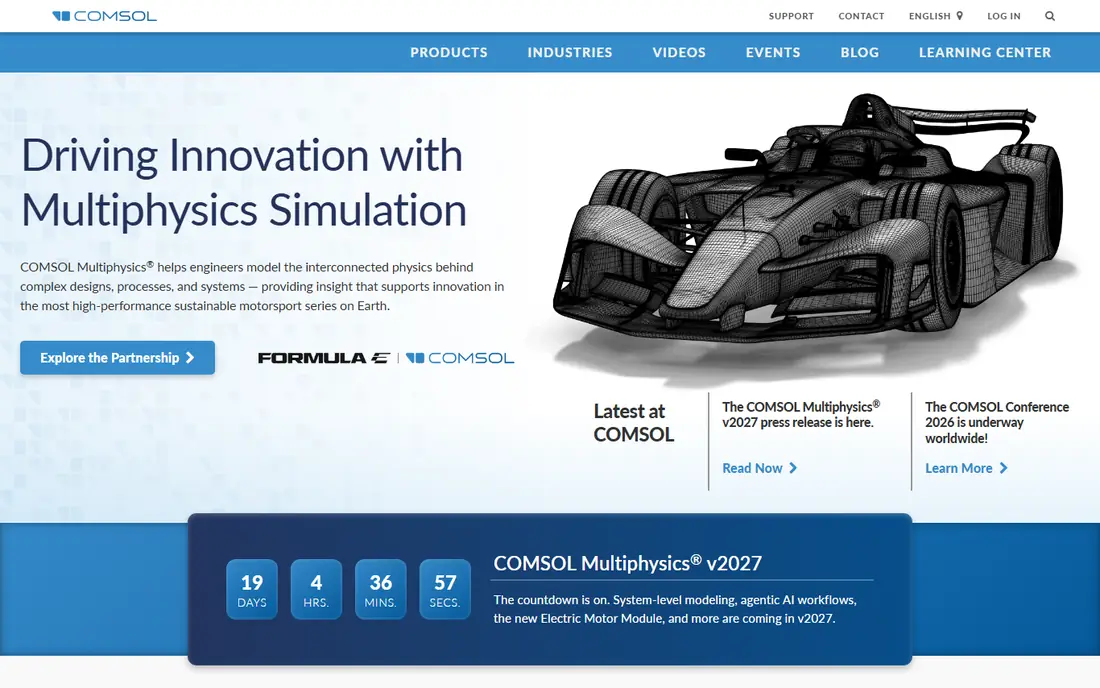
COMSOL Multiphysics lets engineers couple structural, fluid, thermal, and electromagnetic physics in one model, rather than passing results between separate tools. That coupling matters for products where heat, stress, and flow interact.
Pricing is quoted, with a free trial available. Large models need strong hardware or cluster time, so factor compute into the budget. The learning curve is real, but the payoff is a single model that captures interacting physics instead of separate approximations.
- Multiphysics coupling in one model
- CAD import
- App building for teams
- Quote-based pricing
- Heavy compute for large models
- Steep learning curve
Ansys covers a wide range of engineering simulation, including structural analysis, fluid dynamics, and electronics, with solvers used across aerospace, automotive, and manufacturing. Teams that need validated, production-grade results often shortlist it first.
Pricing is quoted and varies by solver, license type, and use, so request a quote tied to your exact physics and user count. The platform is powerful, but it rewards training and a clear modeling workflow. Small teams should check student or startup programs before buying a full commercial license.
- Broad physics solvers
- Structural and fluid simulation
- Industry validation
- Quote-based enterprise pricing
- Licensing complexity
- Training needed
Arena Simulation, from Rockwell Automation, uses flowchart modules to model discrete event processes such as manufacturing lines, call centers, and logistics flows. The visual approach helps non-programmers build and explain a process model.
Pricing is quoted, with a free trial available. The interface feels older than newer tools, and the platform is Windows-focused, so check compatibility with your team setup. For classic discrete event work, the module library and reporting remain practical strengths.
- Flowchart-based discrete event modeling
- Animation
- Built-in statistics
- Pricing is quoted
- Windows-focused
- Older interface feel
Simio uses object-based modeling, so a team builds a system from reusable objects such as machines, workers, and vehicles, then runs scenarios to test changes. The 3D animation helps managers see bottlenecks that tables alone can hide.
Pricing is quoted, with a free trial available. Simio also supports scheduling, which lets a simulation model inform daily plans, not only long-term design. The community is smaller than for the largest engineering tools, so check training and support options for your team.
- Object-based modeling
- 3D animation
- Scheduling integration
- Quote-based pricing
- Smaller community than the largest tools
FlexSim is known for 3D simulation of factories, warehouses, and healthcare flows, with drag-and-drop objects and libraries for common systems. A team can test layout changes, staffing, and equipment choices before changing a real floor.
Pricing is quoted, with a free trial available. Custom logic needs more learning than basic drag-and-drop models, so plan training for analysts who will build complex rules. For visual, flow-based simulation, the 3D view is a genuine working advantage, not only a presentation aid.
- 3D factory modeling
- Healthcare and logistics libraries
- Drag-and-drop building
- Quote-based pricing
- Learning curve for custom logic
Simul8 focuses on business process simulation, helping teams model queues, staffing, and throughput in services, healthcare, and operations. Models build quickly from visual blocks, which suits analysts who need answers in days, not months.
Pricing has been listed at $250 per user per month, with a free trial. That per-user price suits a small analyst team, but it adds up for large groups. Choose Simul8 when the question is process flow and capacity, not detailed physics or control design.
- Fast discrete event models
- Clear visual flow
- Scenario comparison
- Narrower physics scope than engineering tools
- Per-user cost adds up
OpenFOAM is the open-source option for computational fluid dynamics, giving engineers full access to solvers and source code without license fees. Research groups and startups use it for fluid flow, heat transfer, and related physics.
The software itself is free, with commercial support available from third parties. The cost is time: installation, meshing, and solver setup take skill, and support comes mainly from documentation and community forums. For teams with CFD expertise, the freedom and zero license cost are hard to beat.
- Free open-source CFD
- Full source access
- Active community
- No commercial support by default
- Setup and learning effort is high
How we picked these
We compared official product pages, documentation, and public pricing information for simulation tools. We kept only tools that exist and work today, that cover a clear simulation method, and that publish enough detail to judge fit. Where commercial pricing is quoted, we wrote See website rather than inventing a figure. We did not claim hands-on modeling tests, and we judged tools by method fit, not by trying to rank physics tools against process tools on one scale.
How to choose simulation software for your model
Start with the question, not the tool. A factory throughput question needs discrete event simulation. A control design question needs dynamic system modeling. A heat and stress question needs physics solvers. Pick the method first, then shortlist tools that do that method well.
Test with a small, real model
Build a small version of your real system during a trial, with your own data, constraints, and output needs. Check run speed, animation clarity, and whether results export cleanly to spreadsheets or reports. A tool that looks strong in a demo can still fail on your data, so the trial model is the real test.
Budget for licenses, compute, and training
Commercial simulation pricing often depends on solvers, toolboxes, and user count, while large models may need strong hardware or cloud runs. Add training time for analysts, especially for physics and control tools. Open-source tools save license fees but shift cost to staff time and support. Also confirm version support, file formats, and whether models can be shared with colleagues who do not hold a full license, because collaboration limits can slow a project as much as solver speed. Keep a short checklist of must-have outputs, run-time limits, and training days, then score each trial against that checklist before you sign.
Frequently asked questions
What is the best software for simulation?
AnyLogic is the most flexible general pick, while Simulink suits control systems and Ansys suits engineering physics. The best tool depends on whether you model processes, systems, or physical behavior.
What are the best simulation tools for manufacturing?
Arena, Simio, and FlexSim suit manufacturing and logistics flows, with 3D animation that helps teams see bottlenecks. AnyLogic also covers manufacturing alongside other methods.
What is the best software simulation platform for beginners?
Simul8 and Arena are easier starting points for discrete event process models, while AnyLogic offers a free personal learning edition. Physics tools such as COMSOL and Ansys need more training.
Is there free simulation software?
Yes. OpenFOAM is free and open-source for fluid simulation, and AnyLogic offers a free personal learning edition. Most commercial tools also offer free trials.
How much does simulation software cost?
Most commercial tools are quoted by solvers and users, while Simul8 has been listed at $250 per user per month. Request quotes for the same model size, user count, and support level to compare fairly.
Sources
See where you really rank - block by block
ProMapRanker scans Google Maps across a grid of your service area. Simple monthly plans from $19, white-label on every plan.
Start freeKeep reading
 zscaler alternatives
Best Zscaler Alternatives in 2026
Looking for zscaler alternatives? We compare 9 SASE and zero trust platforms on architecture, data protection, pricing, and fit for your network and team.
Read → zapier alternatives free
Best Zapier Alternatives Free in 2026
Nine automation tools for zapier alternatives free in 2026, all with genuinely free tiers, plus free plan limits, starting prices and upgrade paths explained.
Read → which platform is best for online reputation
Which Platform Is Best for Online Reputation in 2026
Wondering which platform is best for online reputation? We compare 8 review, listing, and response tools for small and multi-location businesses and agencies.
Read →