 ProMapRanker
Best Signatures Software in 2026


Client familiarity and integrations · Pricing starts at: $10 per month
Key takeaways
- DocuSign remains the safest choice when clients expect a familiar signing link, while signNow and BoldSign give small teams lower entry costs.
- Envelope and invite limits matter more than seat price, so check how many documents each plan actually allows per month or year.
- PandaDoc suits teams that build proposals before signing, while Adobe Acrobat Sign suits teams that already edit PDFs in Acrobat.
- Free plans help for occasional signing, but most cap recipients, templates, or monthly sends.
Quick comparison
| Pick | Great for | Pricing starts at | Free tier | |
|---|---|---|---|---|
| DocuSign | Client familiarity and integrations | $10 per month | Free trial | Visit |
 Adobe Acrobat Sign | PDF editing plus signing | $14.99 per month | Free trial | Visit |
 PandaDoc | Proposals and contracts | $19 per seat per month | Yes | Visit |
 Dropbox Sign | Simple signing for Dropbox users | $15 per month | Yes | Visit |
 signNow | Low-cost team signing | $8 per user per month | Free trial | Visit |
 Zoho Sign | Zoho ecosystem users | $10 per user per month | Yes | Visit |
 Signeasy | Mobile-first signing | $10 per month | Free trial | Visit |
 BoldSign | Low entry price with a free plan | $5 per user per month | Yes | Visit |
 SignWell | Plain, affordable sender pricing | $10 per month | Yes | Visit |
The best signatures software
We compared tools that collect legally binding electronic signatures, keep an audit trail, and support templates and reminders. The best tool depends on how many documents you send, how many people send them, and how much document preparation happens before signing.
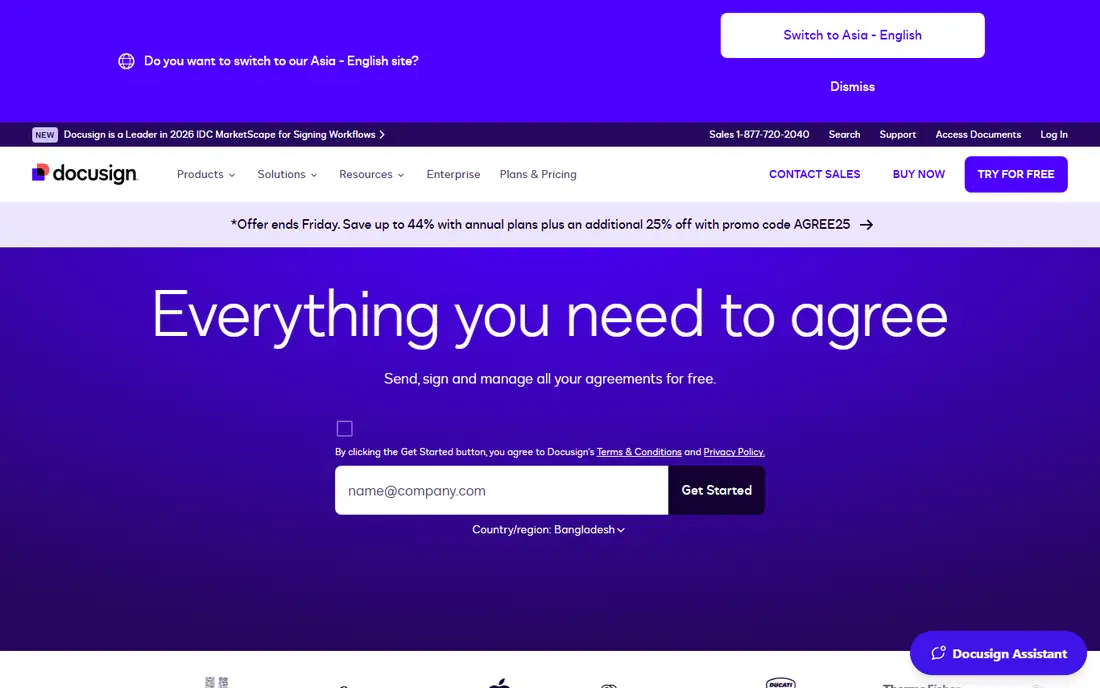
DocuSign is the name most clients already trust, and that familiarity shortens the time between sending a contract and getting it back. Signers rarely need instructions, and the platform supports templates, signing order, bulk send on higher plans, and a wide set of integrations with CRMs and storage tools. Its audit trail records who signed, when, and from where.
The entry plan is narrow. At $10 per month billed annually, Personal allows only 5 envelopes per month, so a busy freelancer can outgrow it quickly. Team plans cost more per user and still carry envelope limits on some tiers. Choose DocuSign when client confidence and integrations matter most, and budget for the plan that fits your real send volume.
- Widely recognized by signers
- Large integration catalog
- Strong template and workflow options
- Personal plan caps envelopes at 5 per month
- Costs rise fast for teams
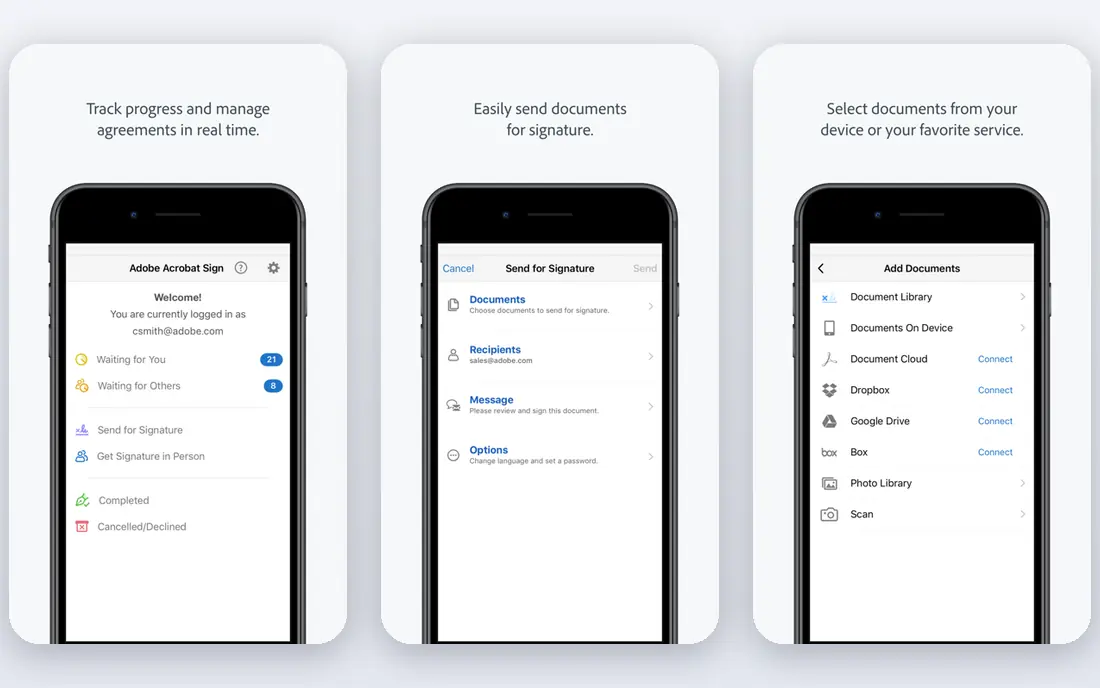
Adobe Acrobat Sign makes sense when a document starts as a PDF and needs edits before it needs signatures. You can prepare, edit, and send from the same Acrobat workflow, which suits legal, finance, and operations teams that already live in PDFs. Higher plans add web forms, bulk send, and team administration.
The catch is the bundle. If you only need signatures, paying for a full PDF editor may be wasteful, and there is no permanent free plan, only a trial. Annual plans paid monthly can also carry a cancellation fee after an early window, so read the terms before committing a whole team. Pick it for PDF-heavy work, not for signing alone.
- Full PDF editing bundled with signing
- Strong Acrobat workflow
- Web forms on higher plans
- No permanent free plan
- Annual plans can carry cancellation fees
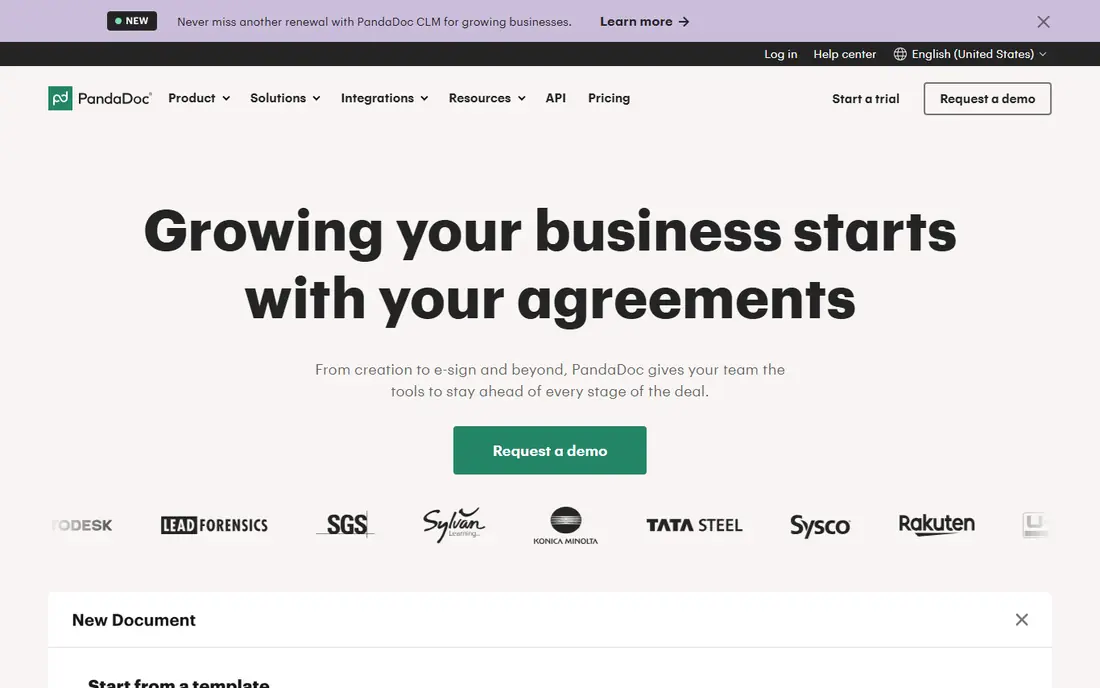
PandaDoc is different because you build the document inside it, rather than uploading a finished PDF. Sales teams can draft a proposal, add pricing tables, collect a signature, and take payment in one flow, which removes the back-and-forth of separate tools. The free plan allows 60 documents a year, which covers many small teams, with a limit of two recipients per document.
That breadth is also the drawback. If you only need to send a ready PDF for signature, PandaDoc adds steps and cost you may not want. Paid plans are priced per seat, so a large team pays for every sender even if only a few people draft documents. Choose it when proposals come before signatures in your workflow.
- Built-in document editor and templates
- Free plan allows 60 documents a year
- Payment collection on paid plans
- More tool than pure signing needs
- CRM features need higher plans
Dropbox Sign keeps signing plain. You upload a document, place fields, send it, and track it, without learning a full document editor. Paid plans allow unlimited signature requests, which makes budgeting simple for teams that send steadily, and the free plan covers 3 sends a month for occasional use. Dropbox storage integration is a bonus for teams that already store files there.
Team administration, advanced branding, and some workflow features sit on higher plans, and the tool does not try to build proposals or quotes. It is a good fit for solo users and small teams that want a clean signing step and already use Dropbox. Larger teams with complex approval chains may need a deeper workflow tool.
- Unlimited signature requests on paid plans
- Simple sender flow
- Free plan allows 3 sends a month
- Team features need higher plans
- Fewer document-building features than PandaDoc
signNow is our value pick for teams that send regularly and watch the budget. The entry price is low, the core signing flow covers templates, reminders, and audit trails, and higher plans add bulk send, payments, and kiosk signing. Some listings describe Business as covering unlimited users, which can make it very cheap per person for a large team.
Read the invite limits before you buy. Lower plans cap invites per year, and extra invites can push the cost up, so a team that sends in bursts may need a higher tier sooner than expected. The interface is also plainer than DocuSign or PandaDoc. If low cost and solid core signing matter most, signNow is hard to beat.
- Low entry price
- Bulk send and payments on higher plans
- Unlimited users on Business in some listings
- Invite limits apply on lower plans
- Interface is plainer than premium rivals
Zoho Sign is the natural signing tool for businesses already using Zoho CRM, Books, or Forms. Documents can move from a CRM record to a signature request without exporting files or retyping details, and the free plan allows 5 documents a month, which suits occasional senders. Higher plans add bulk sending and certificate-based signing for stricter workflows.
Outside the Zoho world, the advantage fades. The standalone feature set is solid but not clearly better than cheaper rivals, and the most advanced options sit on Enterprise. Pick Zoho Sign when your team already runs on Zoho and wants signing tied to its records, not as a standalone purchase for a single user.
- Free plan allows 5 documents a month
- Deep Zoho CRM and app links
- Bulk and certificate signing on higher plans
- Best value only inside Zoho
- Some advanced features need Enterprise
Signeasy suits people who sign on a phone or tablet, such as field teams, agents, and managers who approve documents away from a desk. Setup is quick, the mobile app is easy to use, and Business plans allow unlimited sending, which removes the monthly counting that trips up users on capped plans. Templates and reminders cover the common workflows.
The Personal plan is limited to 5 sends a month, so frequent senders need Business. Document preparation is also thinner than in PandaDoc or Acrobat, so teams that draft complex contracts may still need another editor. Choose Signeasy when mobile signing and simplicity matter more than deep document building.
- Easy mobile signing
- Simple setup
- Unlimited sending on Business plans
- Personal plan caps sends at 5 a month
- Fewer preparation features than PandaDoc
BoldSign is a strong budget alternative that does not feel like a stripped-down demo. The free plan allows 25 envelopes a month for a single user, which is generous for occasional senders, and the paid entry price is lower than most rivals in this list. Embedded signing and API options on higher plans suit teams that want signing inside their own product or portal.
The free plan is for one user only, so a team must pay for extra seats, and some admin features need higher tiers. Support and integration depth are also thinner than DocuSign. For a solo user or a small team that wants a low bill and a usable free tier, BoldSign deserves a shortlist spot.
- Low paid entry price
- Free plan allows 25 envelopes a month for one user
- Embedded signing options
- Free plan allows only one user
- Some team features need higher plans
SignWell keeps the focus on sending and signing without extra document tools. The free plan allows 3 documents a month with one template, which is enough to test the flow with real clients, and paid plans stay affordable for freelancers and small teams. Templates make repeat documents, such as NDAs and service agreements, quick to resend.
Advanced workflow features, such as complex approvals and deep integrations, are thinner here than at DocuSign or PandaDoc. Teams that need bulk send at scale or payment collection inside the signing flow may need a different tool. SignWell fits people who want a plain, low-cost signer and do not need a full contract platform.
- Free plan allows 3 documents a month
- Simple template flow
- Sender-based pricing on some plans
- Fewer advanced workflow features
- Paid plan still caps some features by tier
How we picked these
We compared official pricing pages, feature pages, and public reviews for signature tools that serve US small businesses. We favored tools with a clear audit trail, template support, published entry prices, and a free plan or trial. We marked any price we could not firmly verify as See website, and we treated envelope limits as a core comparison point, not a footnote.
What to check before you buy
Count sends, not seats, first. A cheap per-seat plan with a 5-document monthly cap can cost more in lost time than a pricier plan with unlimited requests. List your repeat documents, count how many you send in a busy month, and check whether recipients, templates, and bulk send are capped on the plan you intend to buy. Then test the signer view on a phone, since many clients sign on mobile and a clumsy mobile flow delays deals.
Check legal and storage needs next. Confirm that the tool keeps a full audit trail, supports the authentication level your clients or industry require, and stores completed documents in a way you can export. If you need payments, web forms, or CRM links, confirm those features on the exact plan, not just on the product homepage. Finally, test cancellation terms, since annual plans can carry fees or notice periods.
A simple buying checklist
- Count monthly sends in a busy month, including repeat documents.
- Check envelope, recipient, and template caps on the exact plan.
- Test the mobile signing view with a real client document.
- Confirm audit trail, export, and authentication options.
- Compare the annual total for your seat count, not just the monthly headline.
Frequently asked questions
Are electronic signatures legally binding in the US?
In most US business contexts, yes, when the signer consents and the tool keeps a proper audit trail. Some documents, such as certain wills and court filings, have special rules, so check the requirements for your document type before relying on any tool.
What is an envelope limit?
An envelope is usually one sending transaction, which can contain one or more documents for one or more signers. A plan cap on envelopes limits how many transactions you can start in a month or year, even if each transaction contains several pages.
Do signers need a paid account?
No, at the tools in this list, recipients can sign for free through a link or email invitation. Only senders need a paid plan, except on free plans that limit how many documents a sender can start.
Which tool is best for a single freelancer?
SignWell, BoldSign, and PandaDoc free plans all suit occasional senders, while signNow and Signeasy suit freelancers who send every week. Pick by monthly send count first, then by whether you need templates or mobile signing.
Can I switch tools later without losing signed documents?
You can usually download completed PDFs and audit trails before cancelling, but templates, workflows, and in-progress envelopes may not transfer. Export completed documents and templates before you switch, and keep a local archive.
Sources
- https://www.docusign.com/pricing
- https://www.adobe.com/acrobat/sign/pricing.html
- https://www.pandadoc.com/pricing/
- https://sign.dropbox.com/pricing
- https://www.signnow.com/pricing
- https://www.zoho.com/sign/pricing.html
- https://signeasy.com/pricing
- https://www.boldsign.com/pricing
- https://www.signwell.com/pricing
See where you really rank - block by block
ProMapRanker scans Google Maps across a grid of your service area. Simple monthly plans from $19, white-label on every plan.
Start freeKeep reading
 zoho inventory alternatives
6 Alternatives to Zoho Inventory, Compared on Price and Fit
Zoho Inventory alternatives: 6 tools compared on price, free plans and fit. Katana leads the list for manufacturers. Fit and flaws are laid out for each entry.
Read → zoho crm alternatives
Best Zoho CRM Alternatives (2026)
Need Zoho CRM alternatives? We compare 7 tools on cost, free access and who each suits. Every pick gets a straight assessment. Built for quick decisions.
Read → zelle alternatives
Best Zelle Alternatives in 2026
Compare the best Zelle alternatives for sending money to friends, paying sellers and moving funds abroad, with honest notes on fees, speed and safety in 2026.
Read →