 ProMapRanker
Best Service Dispatch Software in 2026

Key takeaways
- Jobber and Housecall Pro are the easiest dispatch starts for small crews, while ServiceTitan suits large operations with dedicated dispatchers.
- Service Fusion's flat price with unlimited users can beat per user pricing once a crew grows past eight or ten people.
- Dispatch is only part of the job: check quoting, invoicing, payments and customer messaging before you pick, since switching later is costly.
- A mobile app that works offline matters for technicians in basements, rural areas and buildings with poor signal.
Quick comparison
| Pick | Great for | Pricing starts at | Free tier | |
|---|---|---|---|---|
 Jobber | Small crews starting fast | $29 per month | Free trial (14 days) | Visit |
 Housecall Pro | Growing home service teams | $59 per month | Free trial (14 days) | Visit |
 ServiceTitan | Large contractors | See website | No | Visit |
 Service Fusion | Flat price for larger crews | $208 per month | No | Visit |
 FieldEdge | QuickBooks Desktop shops | See website | No | Visit |
 Workiz | Phone heavy service teams | See website | Free trial | Visit |
 FieldPulse | Growing trades teams | See website | No | Visit |
 Kickserv | Small teams wanting core tools | $60 per month | Yes | Visit |
 ServiceM8 | Solo operators and small crews | Free | Yes | Visit |
The best service dispatch software
We compared dispatch boards, scheduling, routing, mobile apps, quoting, invoicing and payments for tools live in October 2026. Dispatch software should do more than put jobs on a calendar: it should help an office assign the right technician, tell the customer when help is on the way, and turn a finished job into an invoice without retyping details.
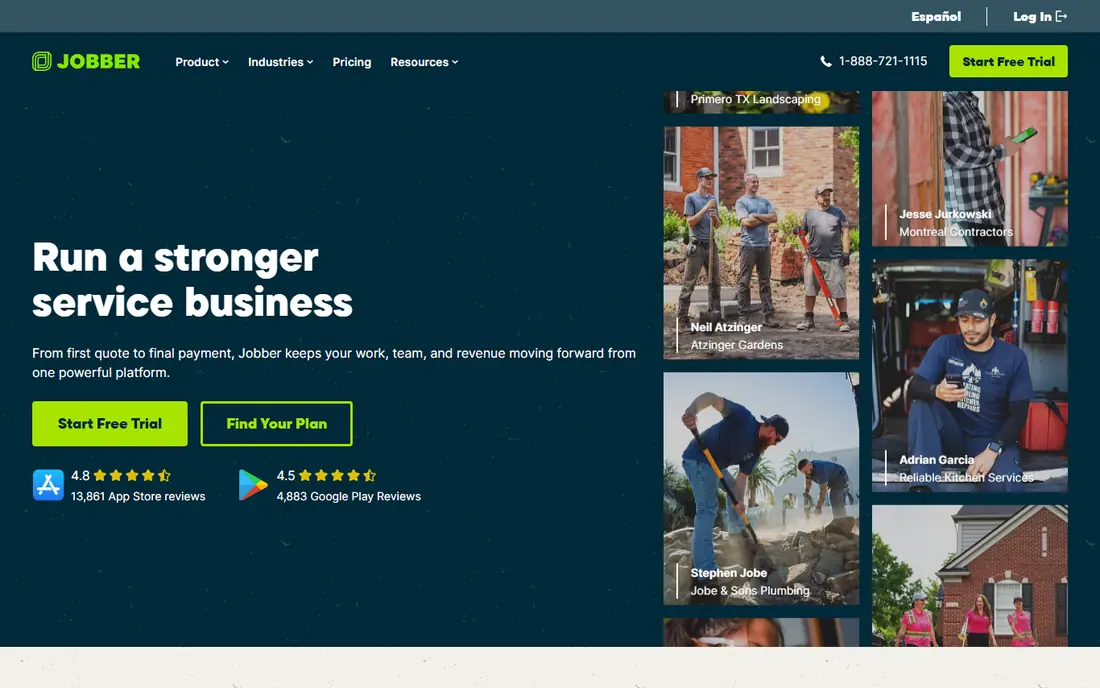
Jobber is the tool most small crews start with, and the reason is speed. You can set up jobs, drag them on a calendar, send a quote and invoice a customer in a day, without a long onboarding project. The client hub lets customers approve quotes and pay online, which cuts phone calls and paperwork for a small office.
The limit appears as a team grows. Jobber's dispatch board is clear, but it lacks the deep optimisation, call tracking and marketing attribution of larger platforms. For a crew of one to fifteen people, that trade is usually fine. For a crew of fifty, you will outgrow it and should look at ServiceTitan or Service Fusion instead.
- Fast setup with drag and drop scheduling
- Quoting, invoicing and client hub in one tool
- QuickBooks and Xero integrations
- Marketing tools are basic
- Reporting is limited on lower tiers
- Dispatch depth is thinner for large teams
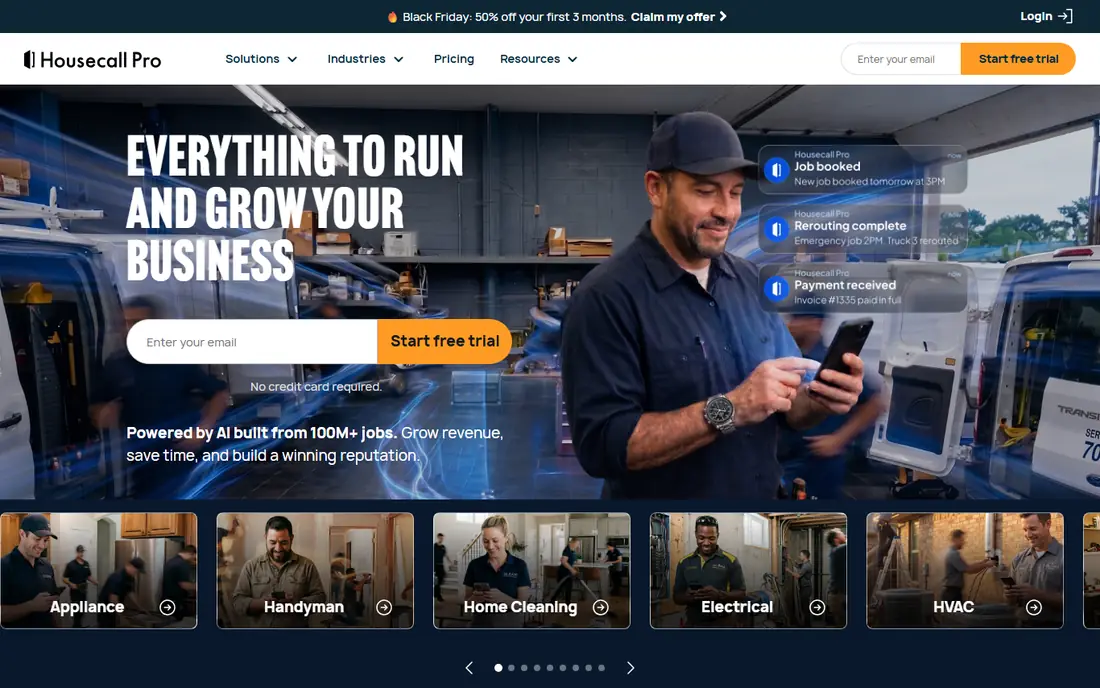
Housecall Pro sits between Jobber's simplicity and ServiceTitan's depth. Dispatch is visual, customers get on my way texts, and the system can ask for a review after a job. That combination helps a home service firm win repeat work, not just complete the job in front of it.
Pricing needs care. The entry tier covers one user, mid tiers cover five to eight users, and extra users add cost. For a team of three to eight, the math often works well. For a team of twenty, a flat price tool may cost less in total, so compare the full team price, not the entry price.
- Drag and drop dispatch with automated customer texts
- Review requests and marketing tools
- Online booking and payments
- Price rises with users and add ons
- Offline mobile access is view only on some plans
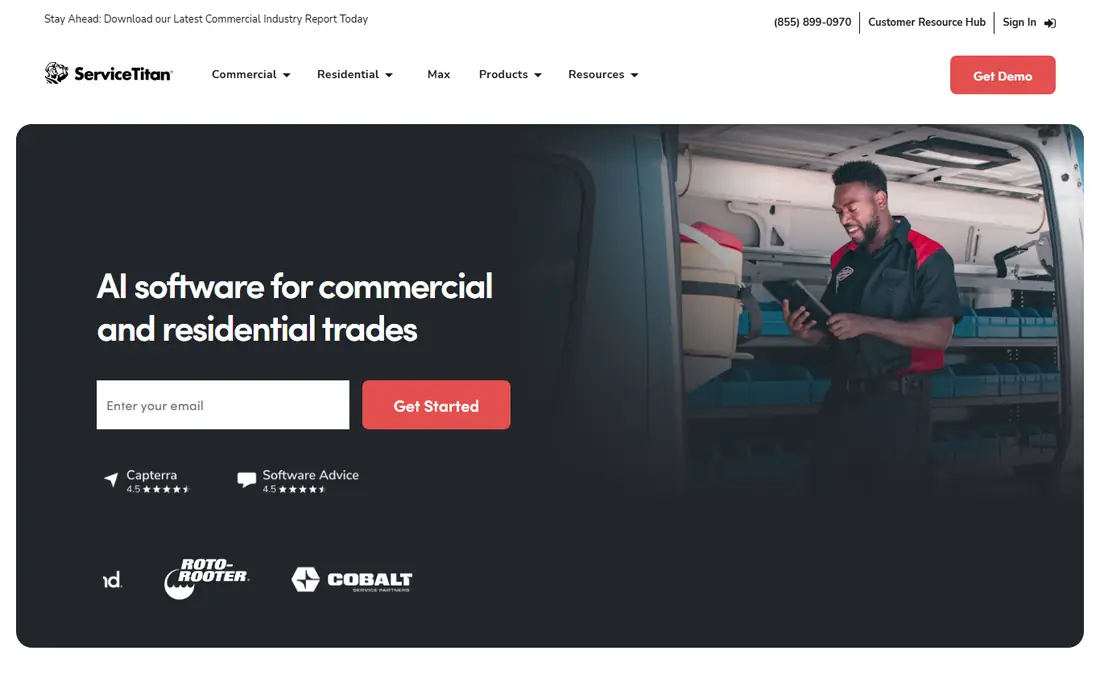
ServiceTitan is the enterprise choice for residential and commercial contractors with dedicated office staff. Its dispatch board can balance technician skill, location, job type and customer priority, and its pricebook and marketing tools connect a job back to the ad or campaign that created it. For a large operation, that depth can pay for itself in fewer missed jobs and better close rates.
The cost is real. Pricing is quoted per technician, implementation can take months, and contracts are typically annual. A small crew should not buy ServiceTitan for dispatch alone. A large crew that needs dispatch, marketing, pricebook and reporting in one system will find few rivals at this depth.
- Advanced dispatch board with optimisation
- Pricebook, marketing attribution and technician scorecards
- Deep reporting for managers
- Quote based pricing with implementation fees
- Long onboarding
- Overkill for small crews
Service Fusion's main advantage is pricing structure. Every plan includes unlimited users, so a crew of five and a crew of fifteen pay the same base price on the same tier. That flat model beats per user pricing once a team grows, and it removes the penalty for adding office staff or part time technicians.
The catch is add ons. Job photos, inventory, job costing, GPS tracking and customer portal features are sold separately, so the published tier price is a starting point, not an all in total. Ask for a written quote with your add on stack before you sign, and use the demo to test the dispatch grid with your real job types.
- Unlimited users on every plan
- Strong dispatch grid and QuickBooks integration
- Month to month flexibility
- Some tools are paid add ons
- No free trial, demo only
FieldEdge fits shops that run on QuickBooks Desktop and do not want to change accounting systems to adopt dispatch software. Its sync keeps jobs, invoices and customer records aligned, which reduces double entry for an office that already lives in QuickBooks. Dispatch, scheduling and mobile job tracking cover the core field workflow.
The interface feels older than newer cloud rivals, and pricing is quoted, so you will need a demo and a written quote. If you use QuickBooks Online or Xero, other tools may sync just as well with a fresher interface. If you use QuickBooks Desktop, FieldEdge's sync is a genuine reason to shortlist it.
- Strong QuickBooks Desktop sync
- Dispatch and job tracking for HVAC, plumbing and electrical
- Pricebook tools
- Quote based pricing
- Desktop heritage shows in parts of the interface
- Setup fee may apply
Workiz is built for teams where the phone drives the day. Calls, texts and job messages live beside the dispatch board, so an office can answer, book and dispatch without switching systems. AI tools can answer calls, follow up on quotes and chase reviews, which helps a team that misses calls during busy periods.
The trade off is pricing clarity. Workiz moved to quote based pricing, so you cannot compare a published tier price directly with Jobber or Housecall Pro. Ask for a full quote that includes phone, AI and service plan features, and test call handling in a trial with real job scenarios.
- Calls and messages sit beside dispatch
- AI answering and follow up tools
- Service plans on higher tiers
- Pricing is now quote based
- Some AI features are paid add ons
- Service plans require higher tiers
FieldPulse suits trades businesses that have outgrown spreadsheets and want a system shaped around their own job stages. Custom stages can trigger customer updates, so a customer knows when a job moves from scheduled to en route to complete. GPS tracking helps dispatchers assign the nearest technician to an urgent call.
Pricing is seat based and quoted, so the total depends on how many office and field seats you need. That model can cost more than a flat price tool for a large crew, but it can also fit a mid sized team that wants tailored workflows. Get a quote by seat type, not just a headline number.
- Drag and drop dispatch with GPS tracking
- Custom job stages and customer updates
- Estimates, invoices and QuickBooks sync
- Seat based custom quote
- Add ons raise the total
- Less marketing depth than Housecall Pro
Kickserv is a straightforward pick for a small service business that wants scheduling, dispatch, invoicing and payments without a complex platform. The entry tier covers five users, higher tiers cover ten and twenty users, and the free plan suits a very small operation testing the system. Setup is fast, and the interface stays focused on jobs.
The limit is depth. Advanced dispatch mapping and GPS check ins sit on higher tiers, and marketing tools are lighter than Housecall Pro or ServiceTitan. For a team that mainly needs to schedule, dispatch, invoice and get paid, Kickserv covers the essentials at a price that is easy to understand.
- Core scheduling, dispatch and billing at a clear price
- Free plan for very small teams
- Simple setup
- Dispatch mapping and GPS check ins need higher tiers
- Fewer marketing tools than larger rivals
ServiceM8 is the best low cost start for a solo operator. The free plan covers one user and a limited number of jobs per month, which is enough to test dispatch, quoting and invoicing on real work. Paid plans raise the job allowance and keep unlimited users, so adding office help does not raise the seat bill.
The catch is job volume. If your job count grows fast, you will move to a higher tier sooner than with a flat monthly tool. For a solo operator or a small crew with steady volume, ServiceM8 gives a clean dispatch board and a strong mobile app without a large monthly commitment.
- Free plan for one user and limited jobs
- Paid plans include unlimited users
- Strong mobile app for field work
- Pricing follows job volume on paid tiers
- Android app lacks some iOS only tools
How we picked these
We compared official pricing pages, dispatch features and mobile apps for tools live in October 2026. We kept only tools with a real dispatch board, scheduling, technician assignment and a mobile app for field staff. We favoured tools with quoting, invoicing and customer messaging, since dispatch alone does not run a service business, and we noted where pricing is per user, flat or quoted.
What to test before you commit
Run a trial with your real jobs, not demo data. Create an urgent job, a recurring job and a multi day job, then move them on the board, reassign a technician and send a customer update. Check how long each step takes and whether the mobile app shows the job clearly to a technician in the field.
Test offline behaviour, payments and accounting sync. A technician should be able to view job details without signal, even if full editing needs a connection. A finished job should turn into an invoice with the right items and tax, and that invoice should sync to your accounting system without retyping. Finally, price the full team for a year, including add ons, extra users and any setup fee, before you compare two finalists.
Frequently asked questions
What is service dispatch software?
Service dispatch software assigns jobs to technicians, shows those jobs on a calendar or board, tracks job status and sends customer updates. Most tools also handle quoting, scheduling, invoicing and payments, so the office and field team work from one record.
How much does dispatch software cost?
Costs range from free for a solo operator on ServiceM8 to several hundred dollars per month for a flat price team plan, and quoted per technician pricing for large platforms. Per user tools look cheap at entry, but the total rises with team size, so price your full crew.
Do I need dispatch software if I only have two technicians?
Yes, if jobs, quotes and invoices are getting messy, even a small team benefits. Jobber, Kickserv or ServiceM8 can replace spreadsheets and paper, reduce missed appointments and make invoicing faster. You do not need an enterprise platform for a two person crew.
Can dispatch software handle emergency jobs?
Yes, most tools let a dispatcher pull a technician off a routine job, assign an urgent job and notify the customer. Test this in a trial, since the ease of reassigning a job and updating affected customers varies a lot between tools.
Does dispatch software work without internet?
Most mobile apps need a connection to sync, but many let technicians view job details offline. Full offline editing is less common, so check the mobile app details for your platform and test it in a low signal area before you rely on it.
Sources
See where you really rank - block by block
ProMapRanker scans Google Maps across a grid of your service area. Simple monthly plans from $19, white-label on every plan.
Start freeKeep reading
 zoro.to alternatives
Best Zoro.to Alternatives in 2026
We compare the best zoro.to alternatives in 2026, listing only legal licensed anime streaming services, from Crunchyroll to free options for fans today.
Read → zip alternatives
Best Zip Alternatives in 2026
We compare the best zip alternatives for buy now, pay later in 2026, covering pay-in-4 plans, fees, spending limits, and credit reporting options today.
Read → yesware alternatives
Best Yesware Alternatives in 2026
Compare the best yesware alternatives for sales email tracking, templates, and sequences, with current pricing and honest tradeoffs for small sales teams.
Read →