 ProMapRanker
Best Serverless Cloud Platform in 2026

Key takeaways
- AWS Lambda is our pick for teams already on AWS that need long-running functions and deep service integration.
- Cloudflare Workers is the best edge option for fast, global, lightweight code close to users.
- Google Cloud Functions and Azure Functions suit teams already committed to those clouds.
- Vercel, Netlify and Deno Deploy are easier starting points for web developers who want functions with hosting.
Quick comparison
| Pick | Great for | Pricing starts at | Free tier | |
|---|---|---|---|---|
 AWS Lambda | AWS teams and long functions | See website | Yes | Visit |
 Cloudflare Workers | Global edge functions | $5 per month | Yes | Visit |
 Google Cloud Functions | Google Cloud teams | See website | Yes | Visit |
 Azure Functions | Microsoft teams | See website | Yes | Visit |
 Vercel Functions | Next.js and web apps | See website | Yes | Visit |
 Netlify Functions | Simple web functions | See website | Yes | Visit |
 DigitalOcean Functions | Simple serverless on DigitalOcean | See website | Free trial | Visit |
 Deno Deploy | JavaScript edge apps | See website | Yes | Visit |
 Supabase Edge Functions | Database-linked functions | See website | Yes | Visit |
The best serverless cloud platforms
Serverless means you upload code and the provider runs it when an event happens, without you managing servers. You pay for usage, functions scale on demand, and idle code usually costs little or nothing. Here are nine platforms that cover that model in different ways.
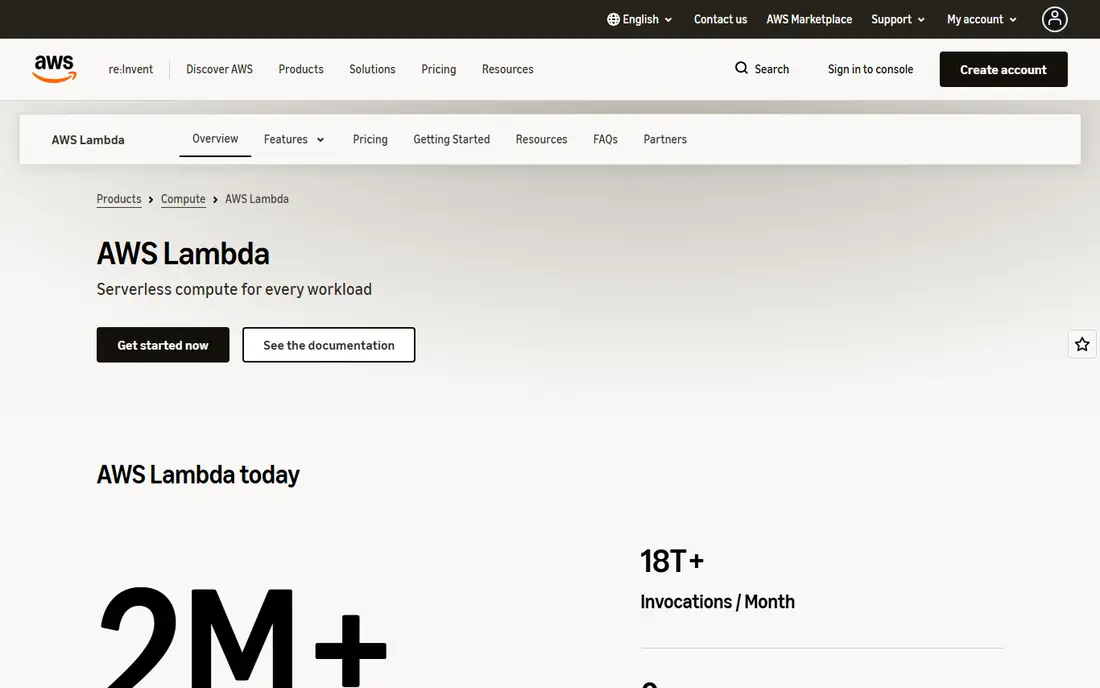
AWS Lambda is the original large-scale functions service, and it remains the most flexible for teams already on AWS. Functions can respond to API calls, file uploads, database changes and scheduled events, and they can call other AWS services directly. Longer runtimes suit data processing and background jobs that edge platforms cannot handle.
Cold starts, where a function takes time to start after idle time, can matter for latency-sensitive APIs, though provisioned options and runtime choices help. Pricing covers requests and compute time, so model a realistic workload before you compare totals. For an AWS-centred product, Lambda is the natural core.
- Runs up to 15 minutes per invocation
- Deep AWS service integration
- Many language runtimes
- Cold starts can affect latency for some runtimes
- Pricing has several parts to track
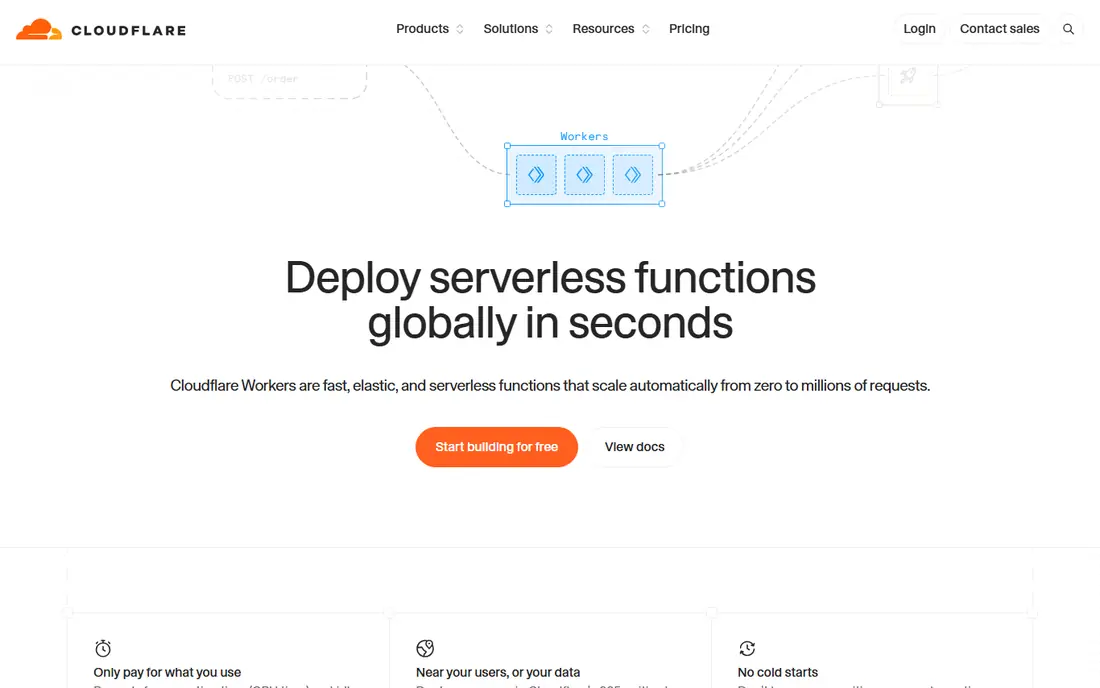
Cloudflare Workers runs code at the edge, close to users, using lightweight isolates rather than full containers. That design gives very fast starts and global reach, which suits auth checks, personalisation, redirects, API routing and other light work. Storage options such as Workers KV, D1 and R2 cover common state needs without leaving the platform.
Heavy compute, long jobs and code that needs full server libraries are a poor fit, because CPU limits and the edge runtime are stricter than Lambda. For fast, global, request-level logic, Workers is hard to beat on price and speed.
- Very low latency from a global edge network
- Generous free tier for small projects
- KV, D1 and R2 storage options
- CPU and runtime limits suit lightweight code
- Not a full Node.js server environment
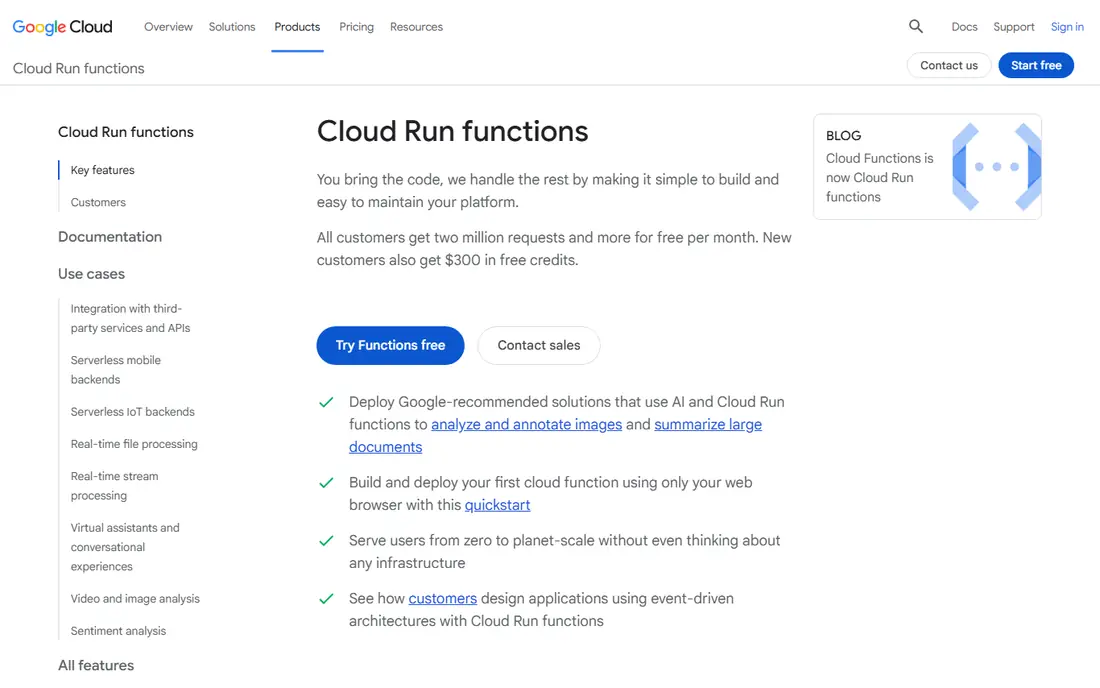
Google Cloud Functions, now closely linked to Cloud Run functions, lets Google Cloud teams run event-driven code without servers. Triggers cover HTTP requests, storage changes, database events and messaging, which suits APIs and automation. Integration with BigQuery, Firestore and other Google services keeps data workflows inside one cloud.
Pricing and runtime limits differ by function generation, so read the current pricing page for your region. Cold starts still affect some workloads, but for most APIs and background tasks, the service is simple and reliable.
- Good Google Cloud integration
- Event-driven triggers
- Simple deployment for APIs
- Pricing varies by generation and region
- Cold starts can occur on some workloads
Azure Functions suits teams already using Microsoft tools, Entra ID and Azure databases. Triggers and bindings connect functions to queues, blobs, databases and HTTP endpoints with little glue code, and Durable Functions help build multi-step workflows. Consumption and premium plans offer different trade-offs between cost and always-ready performance.
The range of plan types can be confusing at first, and pricing needs a careful read. For a Microsoft-centred team, the integration and identity fit often outweigh that learning curve.
- Strong Microsoft integration
- Durable functions for workflows
- Many triggers and bindings
- Portal and plan choices can confuse newcomers
- Costs vary by plan type
Vercel Functions are the natural serverless layer for teams deploying web apps on Vercel, especially Next.js projects. Functions sit beside static hosting, previews and edge routing, so a team can ship an API and a site from one repo. Deployment from Git and preview URLs make testing simple.
Costs deserve attention at scale, because function usage, edge requests and storage can add up on busy sites. For web-first products, the developer experience is excellent. For general background compute, a cloud functions service may be cheaper.
- Tight hosting and function integration
- Easy deployment from Git
- Global edge options
- Usage costs can rise fast for high-traffic functions
- Best fit is web apps, not general compute
Netlify Functions give static and Jamstack sites a simple way to add APIs, form handling and scheduled jobs. If your site already lives on Netlify, adding a function is a small step, and background functions cover longer tasks that should not block a web request. The model suits marketing sites, small apps and prototypes.
Teams with heavy data processing or long-running jobs will hit limits sooner than on Lambda. For simple web APIs and site features, Netlify keeps the stack small and easy to maintain.
- Simple setup for sites on Netlify
- Scheduled and background functions
- Easy Git deployment
- Less suited to heavy or long-running compute
- Usage limits vary by plan
DigitalOcean Functions, based on Apache OpenWhisk, suit teams that already host on DigitalOcean and want serverless without moving provider. Functions can handle APIs, webhooks and scheduled tasks, and they pair with managed databases and App Platform. Setup stays close to the simple DigitalOcean style.
The ecosystem is narrower than AWS or Google Cloud, and advanced event sources are fewer. For a small team that values one provider and clear pricing, that simplicity is a plus.
- Simple pricing and setup
- Fits DigitalOcean apps and databases
- Good for small teams
- Smaller ecosystem than the big clouds
- Fewer advanced triggers
Deno Deploy runs JavaScript and TypeScript at the edge with a focus on speed and simplicity. Developers can deploy from Git or the command line, and the platform handles global distribution. It suits APIs, personalisation and small edge apps written in modern JavaScript.
Teams that need Python, Go or other runtimes, or deep cloud service integration, should look elsewhere. For a JavaScript team building edge-first web features, Deno Deploy is a clean and fast option.
- Fast edge deployment for JavaScript and TypeScript
- Simple developer experience
- Global edge network
- Smaller ecosystem than Node.js platforms
- Not suited to non-JavaScript workloads
Supabase Edge Functions suit teams that already use Supabase for database, auth and storage. Functions can run close to users, check auth, process webhooks and call database logic without a separate server. Local development and deployment fit the wider Supabase workflow.
The platform is best inside the Supabase stack, and heavy compute is not its strength. For an app that already centres on Supabase, edge functions remove a whole server layer and keep the codebase in one place.
- Tight link to Supabase Postgres, auth and storage
- TypeScript functions
- Simple local development
- Tied to the Supabase stack
- Edge runtime limits suit light to medium work
How we picked these
We compared official documentation and pricing pages for serverless and edge function platforms, and we favoured services that are still offered, support HTTP and event triggers, and scale to zero or near zero when idle. We checked free tiers, paid starting points and runtime limits where vendors publish them, and we used See website where pricing varies by usage or plan. Our comparison rests on vendor documentation, not on claimed hands-on testing.
How to choose a serverless platform
Start with your existing stack. A team on AWS, Azure or Google Cloud usually gains more from that cloud's functions service than from a new provider, because identity, databases and monitoring already connect. A web team on Vercel or Netlify gains more from functions inside that hosting workflow. Only add a separate edge platform when latency or global reach clearly needs it.
Limits, cold starts and state
Check maximum runtime, memory, request size and CPU limits against your real jobs. Long data jobs belong on Lambda or a container service, not on an edge platform with short CPU limits. Plan for cold starts on latency-sensitive APIs, and keep state in a database or storage service, not in function memory, because functions are short-lived by design.
Cost modelling
Model costs at your expected request volume, not at a demo volume. Include requests, compute time, storage, data transfer and any database calls, because a cheap function can become expensive through its dependencies. Set usage alerts early, and test a traffic spike in staging to see how the bill and latency behave together.
Frequently asked questions
What is the difference between serverless and edge functions?
Serverless functions usually run in a cloud region and can run longer jobs, while edge functions run close to users on a global network and suit fast, lightweight work. Many teams use both: edge for routing and personalisation, regional functions for heavier APIs and jobs.
Do serverless functions really cost nothing when idle?
Often close to nothing, because you pay mainly for invocations and compute time. Some plans have a small monthly base fee, and storage or database services linked to functions can still charge while idle, so check the full stack cost.
Are cold starts a serious problem?
They can be for latency-sensitive APIs on some runtimes, but many workloads never notice them. Edge platforms start very fast, and regional platforms offer provisioned or premium options for APIs that need steady low latency.
Can I use serverless for a whole app?
Yes for many web apps and APIs, especially when paired with a managed database, auth and storage. Apps with long-running processes, large file processing or persistent connections may still need containers or servers for part of the workload.
Which serverless platform is easiest for a beginner?
Vercel, Netlify and Supabase are among the easiest for web developers, because functions sit inside a familiar hosting or database workflow. Cloudflare Workers is also simple for lightweight edge code, while AWS Lambda offers more power at the cost of more setup.
Sources
See where you really rank - block by block
ProMapRanker scans Google Maps across a grid of your service area. Simple monthly plans from $19, white-label on every plan.
Start freeKeep reading
 zoro.to alternatives
Best Zoro.to Alternatives in 2026
We compare the best zoro.to alternatives in 2026, listing only legal licensed anime streaming services, from Crunchyroll to free options for fans today.
Read → zip alternatives
Best Zip Alternatives in 2026
We compare the best zip alternatives for buy now, pay later in 2026, covering pay-in-4 plans, fees, spending limits, and credit reporting options today.
Read → yesware alternatives
Best Yesware Alternatives in 2026
Compare the best yesware alternatives for sales email tracking, templates, and sequences, with current pricing and honest tradeoffs for small sales teams.
Read →