 ProMapRanker
Best SERP Tool in 2026: 9 Tools Compared


Best overall value and daily tracking · Pricing starts at: $129 per month
Key takeaways
- SE Ranking offers the best balance of price, daily updates and suite features for most teams in this list.
- AccuRanker suits large keyword sets where on-demand refreshes matter more than a low entry price.
- Google Search Console is the free baseline every team should pair with a paid SERP tool, since it uses first-party Google data.
- Mangools SERPWatcher and Wincher suit small sites, while Semrush and Ahrefs suit teams that also need research and backlink data.
- Compare cost per keyword at your real volume, since entry prices hide very different keyword allowances and update frequencies.
Quick comparison
| Pick | Great for | Pricing starts at | Free tier | |
|---|---|---|---|---|
| SE Ranking | Best overall value and daily tracking | $129 per month | Free trial | Visit |
 AccuRanker | Large sets and on-demand refreshes | $224 per month | No | Visit |
 Semrush | Full SEO suite with position tracking | $139 per month | Free trial | Visit |
 Ahrefs | Backlink-led teams with rank tracking | $129 per month | No | Visit |
 Mangools SERPWatcher | Small sites and simple tracking | See website | Free trial | Visit |
 Wincher | Lean daily tracking for small teams | $49 per month | Free trial | Visit |
 Nightwatch | Local precision and AI search tracking | See website | Free trial | Visit |
 Serpstat | Budget suite with rank tracking | $50 per month | Free trial | Visit |
 Google Search Console | Free first-party baseline data | Free | Yes | Visit |
The best SERP tools
A SERP tool should show where your pages sit in search results, how those positions change, which SERP features appear and how competitors compare. We compared official pricing pages and recent tracker guides, and we kept tools that offer daily or on-demand tracking, local tracking or a genuinely useful free tier. Free SERP tools are included where they truly help, not just as a token free plan.
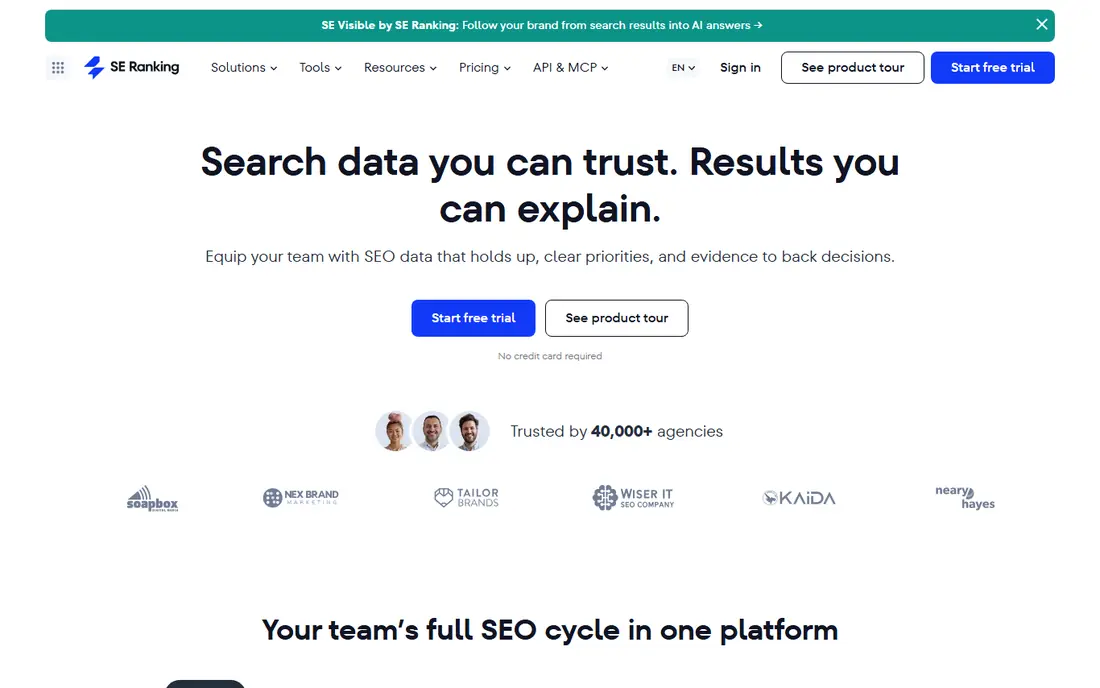
SE Ranking is the best SERP tool for most teams because it pairs daily tracking with a full suite at a price below Semrush and Ahrefs. Core plans track thousands of keywords daily, with local results, competitor tracking and SERP feature data in the same project. That breadth means a small agency can run audits, keyword research and rank tracking without three subscriptions.
The limit is scale. Keyword caps still matter, and a large agency tracking tens of thousands of terms will need a higher plan or a dedicated tracker like AccuRanker. White-label reporting also needs attention on plan details. For freelancers, small agencies and in-house teams, SE Ranking gives the most tracking value per dollar in this list.
- Daily tracking on core plans
- Audits, research and tracking in one suite
- Local tracking and SERP feature data
- Keyword volume drives plan price
- White-label reporting needs a paid add-on on some plans
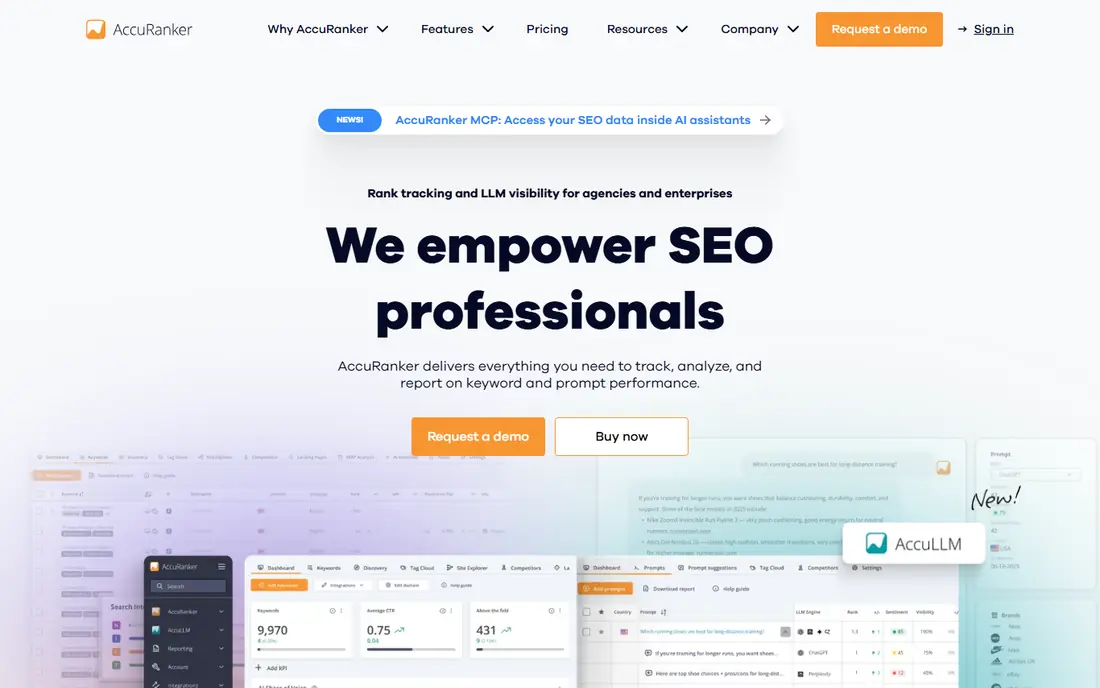
AccuRanker is a dedicated SERP tool, and that focus shows in speed. Most tools update on a fixed schedule, while AccuRanker lets you trigger a live check for any keyword in seconds, which helps after a page change, a migration or a sudden drop. Daily tracking, Share of Voice, keyword tagging and local data help large teams manage thousands of terms without losing the story in a flat list.
The entry price is the barrier. At $224 per month for its Professional plan in recent guides, it costs more than suite tools that bundle tracking with other features. Looker Studio and BigQuery connections also sit on higher plans. Choose AccuRanker when fresh data and scale are the job, not when you need a cheap tracker for a single small site.
- On-demand refreshes in seconds
- Daily tracking for large sets
- Tagging, Share of Voice and API options
- High entry price
- Advanced data connections sit on higher plans
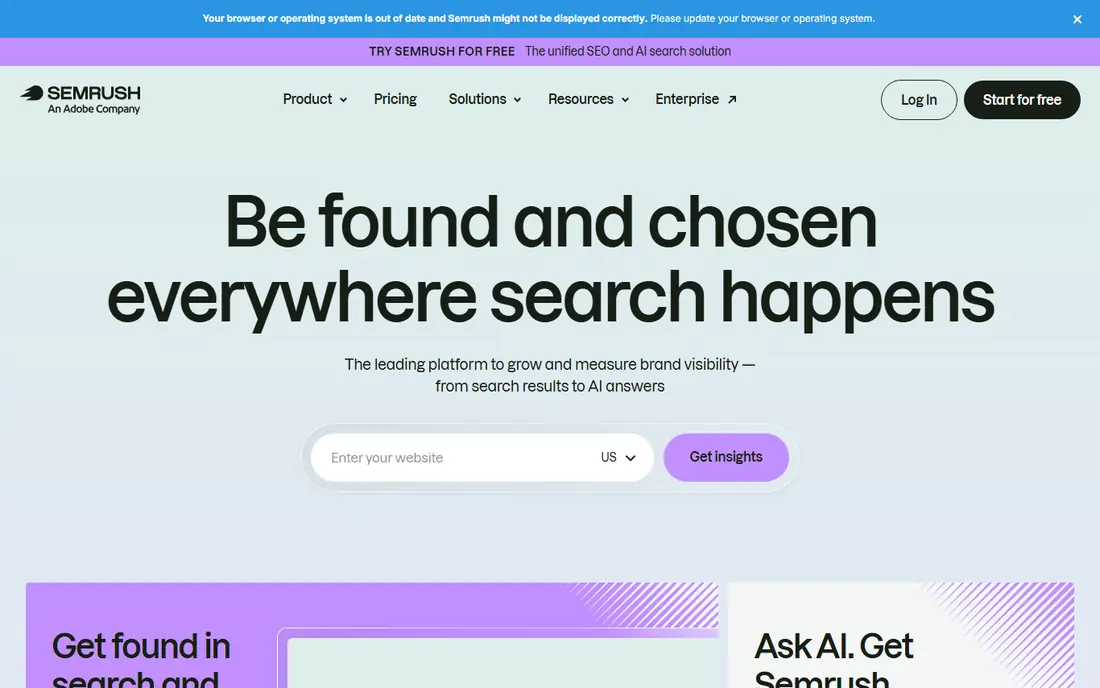
Semrush suits teams that already use a suite for research and audits and want position tracking in the same login. Its Position Tracking tool updates daily, tracks competitors per project and shows SERP feature data beside classic positions. That context helps explain a traffic change: a position may hold while a SERP feature takes the clicks, or a competitor may win a feature you once held.
If tracking alone is the job, Semrush is expensive for its entry keyword allowance. A dedicated tracker gives more keywords per dollar, and a budget suite gives a lower entry price. Semrush makes sense when the team will use research, audits, content and paid tools as well, so tracking is one part of a wider workflow rather than the whole purchase.
- Position tracking beside keyword research, audits and content tools
- Daily updates
- Strong competitor tracking
- Entry plan keyword allowance is modest for the price
- Suite depth can overwhelm a team that only needs tracking
Ahrefs is the pick for teams whose SEO work starts with links and content gaps. Its Rank Tracker sits beside backlink data, keyword research and site audits, so a ranking change can be checked against new links, lost links or a competitor content update in the same workflow. That link context is hard to match in a dedicated tracker.
The trade-off is tracking focus. Update frequency and keyword allowances vary by plan, and some guides list weekly updates on standard plans, so check the current plan page for your tier. Ahrefs also costs more than a dedicated tracker for pure SERP work. Choose it when backlink research drives decisions, and a dedicated tool when daily SERP precision is the main need.
- Rank Tracker beside one of the strongest backlink databases
- Competitor and content context
- Clean reporting
- Rank tracking update frequency varies by plan
- Suite price is high if you only need SERP data
Mangools SERPWatcher is the friendly SERP tool in this list. It tracks daily or weekly positions depending on plan, shows SERP features and performance indexes, and sits inside a five-tool suite that covers keyword research, SERP analysis, backlinks and site profiling. For a solo site owner, that bundle covers the basics without a suite price or a steep learning curve.
The limit is volume and frequency. Keyword allowances are smaller than SE Ranking or AccuRanker, and update frequency varies by plan, so a team tracking thousands of terms will outgrow it. Pricing figures also vary between guides, so we list it as See website. For a small site with a few hundred keywords, SERPWatcher is easy to use and easy to justify.
- Simple, clear interface for beginners
- Bundled with KWFinder, SERPChecker, LinkMiner and SiteProfiler
- Low learning curve
- Lower keyword allowance than suite rivals
- Weekly updates on lower plans in some guides, so check your tier
Wincher suits a small team that wants daily SERP data without suite bloat. It tracks positions daily, supports multiple sites and locations, and keeps reports simple enough for a client who does not want a dashboard full of metrics they will never read. The Basic plan price found in recent guides is $49 per month for 500 keywords, which is a fair middle ground between free tools and enterprise trackers.
Wincher does not replace a full suite. Keyword research, audits and backlink tools are thinner than Semrush or Ahrefs, and local tracking is less detailed than Nightwatch. If the job is clean daily SERP tracking for a handful of sites, Wincher does it well. If the job is wider SEO research, pair it with another tool or choose a suite instead.
- Daily tracking on all plans in vendor material
- Unlimited sites on plans described by guides
- Simple reports
- Fewer suite features than SE Ranking or Semrush
- Local tracking is more basic than Nightwatch
Nightwatch stands out for local SERP work. Its tracking can show how positions vary across a city or service area, which matters for a business that serves customers in specific neighbourhoods rather than a whole country. Daily updates, on-demand checks on some plans and AI search tracking add a modern layer, so local teams can follow classic rankings and AI visibility together.
Pricing is the part to check live, since guides list different currencies and entry figures for Nightwatch. We therefore list it as See website. Nightwatch fits local agencies and multi-location businesses best. For a national site with no local focus, a suite or dedicated tracker may offer more keyword value for the same money.
- Daily tracking with strong local precision
- AI search tracking on its plans
- Unlimited seats on plans described by the vendor
- Pricing varies by currency and plan between guides
- Suite features are thinner than Semrush
Serpstat is a budget suite for teams that want rank tracking plus research without paying Semrush or Ahrefs prices. Its rank tracker updates daily on plans described by guides, and keyword clustering helps content teams group terms by topic rather than tracking a flat list. Audits and competitor data round out a useful all-in-one package at around $50 per month on annual billing in recent guides.
The catch is depth. Dedicated trackers beat Serpstat on refresh speed, local precision and reporting control, and some AI features sit on higher plans. Serpstat suits a small team or freelancer who wants one affordable suite for research, audits and tracking. A larger agency will likely pair it with, or replace it by, a dedicated tracker as keyword volume grows.
- Rank tracking beside keyword research, audits and clustering
- Lower entry price than larger suites
- Check-quota model suits some teams
- Tracking depth is thinner than dedicated tools
- AI brand monitoring sits on higher plans in guides
Google Search Console is the free SERP tool every site should already use, and it belongs in this list because it is the baseline every paid tool is judged against. It shows average position, impressions and clicks for queries your pages actually received, straight from Google, which no third-party tool can claim. It also flags indexing and technical issues that affect visibility.
Its limits are real. Search Console reports averages over a rolling date range rather than a single daily snapshot, it does not show competitor positions, and it does not alert you when a ranking drops. It also only shows keywords that already earned impressions, so new content with no visibility will not appear until it starts being served. Pair Search Console with a paid tracker, and use it to cross-check paid data rather than replacing it.
- Free forever
- First-party Google data with no sampling
- Shows queries that actually earned impressions and clicks
- Reports averages over a date range, not daily snapshots
- No competitor positions
- No alerts for ranking drops
How we picked these
We compared official pricing pages, tracker feature pages and recent SERP tool guides, and we kept tools that offer real rank tracking in October 2026, with a stated update frequency or a clear free tier. We favoured a mix of dedicated trackers, suites and one free baseline tool, so readers can compare cost per keyword and update frequency at their own volume. Where pricing varied between guides, we wrote See website rather than picking one conflicting figure.
How to choose the best SERP tool for your site
Start with volume and frequency. Count the keywords, locations and devices you truly need, then divide the plan price by that count. A $49 plan for 500 keywords and a $224 plan for 2,000 keywords can cost a similar amount per keyword, but only one may fit your budget. Daily updates suit competitive topics, while weekly updates can suit stable, low-competition pages. Do not pay for daily checks you will never read.
Next, test accuracy on your own list. Run the same 30 keywords in two tools with identical location and device settings for two weeks, and compare reported positions and SERP features. Sampling, location handling and update timing all cause differences, and a short trial on your own terms beats any marketing claim. Check local precision if you serve local customers, and check SERP feature tracking if features drive your clicks.
Finally, decide what else the tool must do. A dedicated tracker wins on speed and scale, a suite wins when research, audits and tracking share one login, and Search Console wins as a free cross-check. If client reporting matters, test white-label reports and scheduled delivery before you buy. The best SERP tool is the one whose keyword count, frequency and reports match the way your team actually works each week.
Frequently asked questions
What is the best SERP tool?
SE Ranking is the best overall pick for most teams, with daily tracking, suite features and a price below Semrush and Ahrefs. AccuRanker suits large keyword sets that need on-demand refreshes, while Google Search Console is the free baseline every team should use beside a paid tool. The best pick still depends on keyword volume and update frequency.
What are the best free SERP tools?
Google Search Console is the strongest free SERP tool, with first-party Google data at no cost. SEO PowerSuite offers a free tier with limits, and some paid tools offer limited free plans or trials, such as Mangools and Ahrefs free tools for sites you own. Free tools suit cross-checks and small sites, but they lack competitor tracking and alerts.
What is the best free SERP tool for beginners?
Google Search Console plus Mangools SERPWatcher is a practical beginner pair. Search Console gives free, trusted data for your own site, while SERPWatcher gives a simple paid tracker with a low learning curve. Start free, learn which keywords matter, and pay only when you need competitor data, alerts or daily history.
How often do SERP tools update rankings?
It varies. SE Ranking, AccuRanker, Wincher and Nightwatch offer daily updates on plans described by vendors, while Mangools and Ahrefs update weekly on some lower plans. AccuRanker also offers on-demand refreshes. Check the plan page for your tier, since frequency can change between plans from the same vendor.
Should I use a SERP tool or Google Search Console alone?
Use both. Search Console gives trusted first-party data for your own site, while a paid SERP tool adds competitor positions, daily snapshots, local precision, SERP feature tracking and alerts. Search Console alone will not warn you about a competitor move or a ranking drop, and a paid tool alone cannot match first-party impression data.
How many keywords should I track?
Track the keywords that drive revenue or qualified traffic, plus close variants and local versions, rather than every term you can think of. A small site may need 100 to 500 keywords, while an agency may need thousands. Price plans at that real count, since keyword caps and term counting rules change the true cost fast.
Sources
- https://seranking.com
- https://accuranker.com
- https://semrush.com
- https://ahrefs.com
- https://mangools.com
- https://wincher.com
- https://nightwatch.io
- https://serpstat.com
- https://search.google.com/search-console
- https://www.spotsaas.com/blog/best-rank-tracker-tools
- https://cyberpanel.net/blog/best-rank-tracker-tools
See where you really rank - block by block
ProMapRanker scans Google Maps across a grid of your service area. Simple monthly plans from $19, white-label on every plan.
Start freeKeep reading
 outreach alternatives
Outreach Alternatives in 2026
Compare outreach alternatives for 2026, from Salesloft and Apollo to HubSpot and Lemlist, with pricing, channels, features, limits, and honest trade-offs.
Read → best web conference tools
Best Web Conference Tools in 2026
Compare the best web conference tools for meetings, webinars and team calls, with current pricing, free plans and honest limits for each option here today.
Read → best voice cloning tools
Best Voice Cloning Tools in 2026
Compare the best voice cloning tools in 2026, from ElevenLabs and Descript to Resemble and Cartesia, with consent rules, pricing, licenses, and limits.
Read →