 ProMapRanker
Best SEO Report Software in 2026


Agencies needing client dashboards · Pricing starts at: $20 per client per month
Key takeaways
- AgencyAnalytics is built for client reporting, while Semrush, Ahrefs, and SE Ranking hold the underlying SEO data as well.
- Per-client pricing suits a growing agency, while flat dashboard pricing can suit a small roster with many data sources.
- White-label reports often cost extra, so check whether branding, custom domains, and scheduled delivery are included.
- Free tools such as Looker Studio and Google Search Console cover basic reporting well, but they need setup and a separate data source.
Quick comparison
| Pick | Great for | Pricing starts at | Free tier | |
|---|---|---|---|---|
| AgencyAnalytics | Agencies needing client dashboards | $20 per client per month | Free trial | Visit |
 Semrush | All-in-one SEO suites with reports | $139 per month | Free trial | Visit |
 Ahrefs | Backlink-led SEO reporting | $129 per month | Free trial | Visit |
 SE Ranking | Value rank tracking and reports | $129 per month | Free trial | Visit |
 DashThis | Simple scheduled dashboards | $44 per month | Free trial | Visit |
 Databox | Goal-focused cross-channel dashboards | $71 per month | Yes | Visit |
 Whatagraph | Polished cross-channel agency reports | See website | No | Visit |
 Looker Studio | Free custom dashboards | Free | Yes | Visit |
The best SEO report software
We compared official feature pages, pricing pages, and public reviews to find the best SEO reporting tools for different teams. Some tools collect SEO data themselves, while others mainly present data from other sources, and that difference shapes both price and setup time.
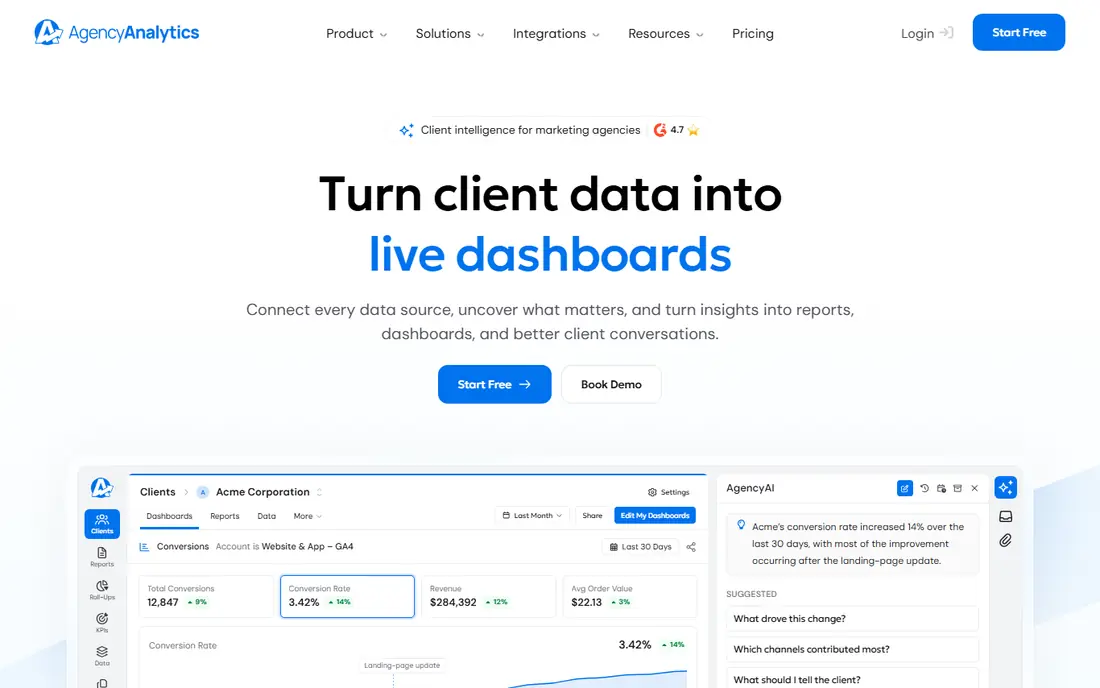
AgencyAnalytics starts from the report, not from the research tool. Dashboards, scheduled PDF reports, client portals, and branded delivery are the core workflow, which suits an agency that sends the same style of report to many clients each month. Integrations cover SEO, paid search, social, email, and analytics sources, so one dashboard can show several channels at once.
The pricing model is the main thing to model carefully. At 20 dollars per client per month on annual billing, a roster of 30 clients costs far more than a flat dashboard tool. For a small agency that values presentation and speed, that may still be worth it. For a large roster, compare the total against a flat-rate alternative.
- White-label dashboards and scheduled reports included in the core plan
- Many marketing integrations
- Multi-client management
- Per-client price rises linearly with roster size
- It mainly presents data rather than holding deep SEO data itself
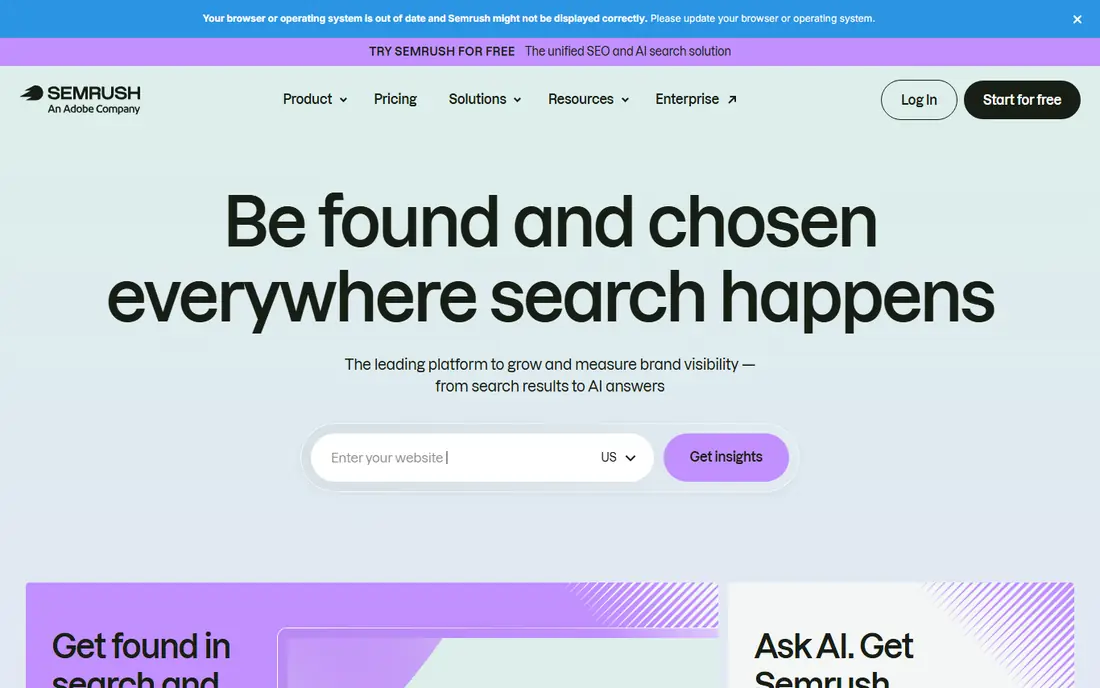
Semrush suits a team that wants research and reporting in the same account. Keyword research, site audits, rank tracking, and backlink data feed directly into reports, so there is less copying between tools. Branded reporting is available, with a paid report add-on on some plans, so check the plan detail before you promise a client a white-label PDF.
The entry SEO plan starts at 139 dollars a month on monthly billing, with a lower monthly equivalent on annual billing, and it tracks a modest number of keywords. Teams that track many keywords or need several seats should price the next tier, not only the entry tier.
- Broad keyword, audit, and backlink data in one suite
- Scheduled and branded reports
- AI visibility tracking in current plans
- Highest entry price here
- Extra seats and some report add-ons cost more
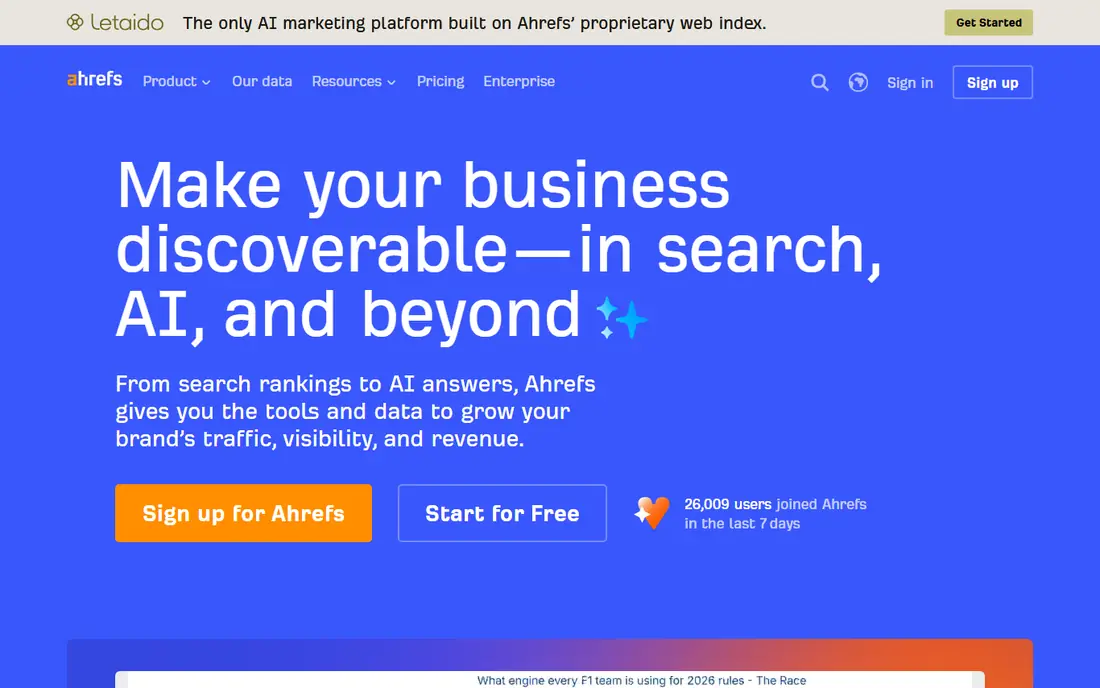
Ahrefs earns its place when the story in the report is about links and competition. Its backlink index and competitor views give context that a rank chart alone cannot, which helps explain why a page moved. Reports can be scheduled and shared, and verified site owners can use the free Webmaster Tools tier for basic checks.
Lite starts at 129 dollars a month and includes a limited keyword allowance with weekly tracking by default. If daily tracking or a larger keyword set matters, check the higher tiers and the credit system before you buy, since those limits shape the monthly report.
- Strong backlink and competitor data
- Clear rank tracking reports
- Free Webmaster Tools for verified sites
- Entry plan tracks fewer keywords than some rivals
- Extra users and credits add cost
SE Ranking is often the value pick for a small agency or in-house team. Core starts at 129 dollars a month on monthly billing, with a lower annual equivalent, and it tracks 2,000 keywords daily on that plan. That volume, plus audits and reporting in one account, makes the monthly report easier to produce without a second tool.
White-label reports are not included by default on Core. The Agency Pack add-on, priced at 69 dollars a month in recent listings, adds branding and related agency features. Add that figure to the base price when you compare SE Ranking with a tool that includes white-label reports in its core plan.
- Generous daily keyword tracking on the entry plan
- Site audits and backlink checks included
- White-label available through an add-on
- White-label reporting needs the paid Agency Pack add-on
- Some advanced features are metered
DashThis is a presentation tool first. It pulls data from marketing sources into dashboards that can be shared by link or sent as scheduled PDFs, and setup is usually faster than building the same view in a general dashboard tool. That speed suits freelancers and small agencies that need a clean monthly report without a research suite.
The trade-off is depth. DashThis does not replace keyword research or a site audit tool, so pair it with a data source such as Google Search Console or a suite. Check which plan includes white-label branding, since that feature sits above the entry tier.
- Quick dashboard setup
- Unlimited users on paid plans in recent listings
- Scheduled PDF and shared links
- Fewer native SEO research features than a suite
- White-label needs a higher plan
Databox suits a team that wants to track goals across channels, not only rankings. A dashboard can combine search traffic, leads, and sales signals, with alerts when a metric moves. The free tier lets a small team test the format before paying, and the Analyst plan starts at 71 dollars a month on annual billing in recent listings.
For SEO-only reporting, Databox is only as good as the source connected to it. It does not hold its own rank or backlink database in the way a suite does. If the client report must show keyword movement and audit issues, pair Databox with a suite or choose a dedicated SEO reporting tool.
- Free tier for basic dashboards
- Goal tracking and alerts
- Many integrations beyond SEO
- White-label branding is a paid add-on on some plans
- SEO depth depends on the connected source
Whatagraph is built for agencies that sell presentation as part of the service. Report templates look finished without heavy design work, and automated delivery keeps a monthly cadence steady. Cross-channel data blending suits clients who buy SEO alongside paid media and social work.
The cost is the barrier for small teams. Recent listings place the Max plan from around 699 euros a month on annual billing, with a custom Prime tier above it, so confirm the current dollar price before budgeting. For a large agency, that price may be justified by time saved. For a freelancer, a cheaper dashboard tool will usually do.
- Visually polished report templates
- Many data sources
- Automated report delivery for agencies
- Entry price is high for small teams
- Pricing is shown in euros on some pages, so confirm the dollar total
Looker Studio, formerly Data Studio, is the free route to a custom SEO report. Connect Google Search Console and Google Analytics, build charts for clicks, impressions, average position, and pages, and share a live link with a client or manager. For an in-house team, that covers a large share of routine reporting at no software cost.
The gaps are presentation and upkeep. There is no agency client portal, no native white-label option, and connectors for non-Google sources may cost extra. If you have the time to build and maintain templates, Looker Studio is excellent. If you need branded client delivery with little setup, a paid reporting tool will save hours each month.
- Free to use
- Flexible charts and filters
- Connects with Google Search Console and Analytics
- No built-in client portal or white-label branding
- Setup and maintenance take time
How we picked these
We compared official feature pages and pricing pages, integration lists, and public reviews. We favored tools that are actively sold in October 2026, that produce scheduled or shareable SEO reports, and that cover agency, in-house, and free use cases. We noted where a tool holds its own SEO data and where it mainly presents data from another source, because that distinction changes the total cost. Prices are starting prices unless stated otherwise, and add-ons can change the total.
How to choose SEO reporting software for your team
Start with who reads the report. A client report needs branding, plain language, and a short summary of what changed and what happens next. An in-house report can be more detailed, with raw tables and filters for the team to explore. Choose the presentation level first, then check whether the data behind it is deep enough.
Next, count the real workload. How many clients or sites, how many keywords, and how often must reports go out? A per-client price looks small for five clients and large for fifty. A flat dashboard price looks large for one client and small for fifty. Run both totals at your actual roster size.
Report quality checks
A good SEO report shows rankings, traffic, and conversions together, not rankings alone. Check that the tool can show Google Search Console clicks and impressions, top pages, and goal completions beside keyword movement. Add a short written summary at the top, since a chart without context rarely convinces a client to renew.
Data accuracy and limits
Confirm the keyword allowance, update frequency, and seat limits before you buy. Weekly tracking may be fine for a monthly report, but daily tracking matters when a site changes often. Also check how the tool handles location and device splits, since national averages can hide local movement.
Frequently asked questions
What is the best SEO report software for agencies?
AgencyAnalytics is a strong agency pick for white-label dashboards and scheduled delivery, while SE Ranking offers good value when the agency also needs rank tracking and audits. Semrush and Ahrefs suit agencies that want research and reporting in one suite. The best choice depends on roster size, since per-client and flat pricing scale differently.
What are the best tools for SEO reports for small teams?
SE Ranking and DashThis suit small teams, with SE Ranking covering research plus reports and DashThis covering fast scheduled dashboards. Looker Studio with Google Search Console is a strong free option when the team can build its own templates. Start free or on a trial, then pay once the report format is settled.
What is the best SEO reporting tool with white-label reports?
AgencyAnalytics includes white-label dashboards and reports in its core plan, which is a clear advantage for agencies. SE Ranking offers white-label through its Agency Pack add-on, and Semrush offers a paid report add-on on some plans. Confirm branding, custom domain, and scheduled delivery are included at the tier you plan to buy.
Can I create SEO reports for free?
Yes, for basic needs. Google Search Console gives real click and impression data for your own site, and Looker Studio turns that data into free shareable dashboards. Ahrefs Webmaster Tools also gives free checks for verified sites. Free tools need more setup and lack client portals, but they cover the core numbers well.
How often should SEO reports go out?
Monthly reports suit most clients, with a short summary of movement, traffic, and next steps. Weekly checks help an in-house team catch drops early, but weekly client reports can create noise from normal ranking fluctuation. Match the cadence to the work: monthly for strategy, more often during a migration or a major site change.
What should an SEO report include?
A useful report includes keyword movement, organic traffic and conversions, top pages, technical issues found, and actions taken plus planned next steps. Keep the summary short and plain, and put detailed tables later for readers who want them. A report that only lists rankings, without traffic or business results, is incomplete.
Sources
See where you really rank - block by block
ProMapRanker scans Google Maps across a grid of your service area. Simple monthly plans from $19, white-label on every plan.
Start freeKeep reading
 best website platform for seo
Best Website Platform for SEO in 2026
Compare the best website platform for SEO in 2026, from WordPress and Webflow to Wix, Squarespace and Shopify, judged on SEO control, speed and ease today.
Read → best website hosting services
Best Website Hosting Services in 2026
We compared the best website hosting services for small business, blogs and stores, with starting prices, renewal traps, free domains and support trade-offs.
Read → best web analytics tools
Best Web Analytics Tools in 2026
Compare the best web analytics tools for traffic, privacy, and product insights, including Google Analytics, Matomo, Plausible, Fathom, and Mixpanel for 2026.
Read →