 ProMapRanker
Best SEO Content Optimization Tools in 2026

Key takeaways
- Surfer SEO and Clearscope remain the reference points for live content scoring, but they charge very different amounts for similar editorial work.
- Frase and NeuronWriter give small teams a lower entry price, with Frase stronger on research briefs and NeuronWriter stronger on budget scoring.
- MarketMuse is the planning-first choice for whole-site topic coverage, while PageOptimizer Pro and Content Harmony suit consultants who work report by report.
- Watch credit and document caps closely, because the monthly price alone does not tell you how many articles you can actually optimize.
Quick comparison
| Pick | Great for | Pricing starts at | Free tier | |
|---|---|---|---|---|
 Surfer SEO | Live scoring for writers | $49 per month | No | Visit |
 Clearscope | Editorial teams sharing one workspace | $129 per month | No | Visit |
 Frase | Research briefs and drafting in one place | $49 per month | Free trial (7 days) | Visit |
 NeuronWriter | Budget content scoring | $23 per month | Free trial (7 days) | Visit |
 MarketMuse | Whole-site topic planning | See website | Yes | Visit |
 PageOptimizer Pro | One-off on-page reports | $40 per month | No | Visit |
 Content Harmony | Structured content briefs | $50 per month | Free trial | Visit |
 Scalenut | End-to-end writing workflow | $59 per month | Free trial | Visit |
 Dashword | Simple briefs and scoring | $39 per month | No | Visit |
The best seo content optimization tools
We compared official feature pages, pricing pages, and public documentation for tools that score drafts against search results, build briefs, or plan topic coverage. Our pick for most teams is Surfer SEO, with Frase as the value alternative.
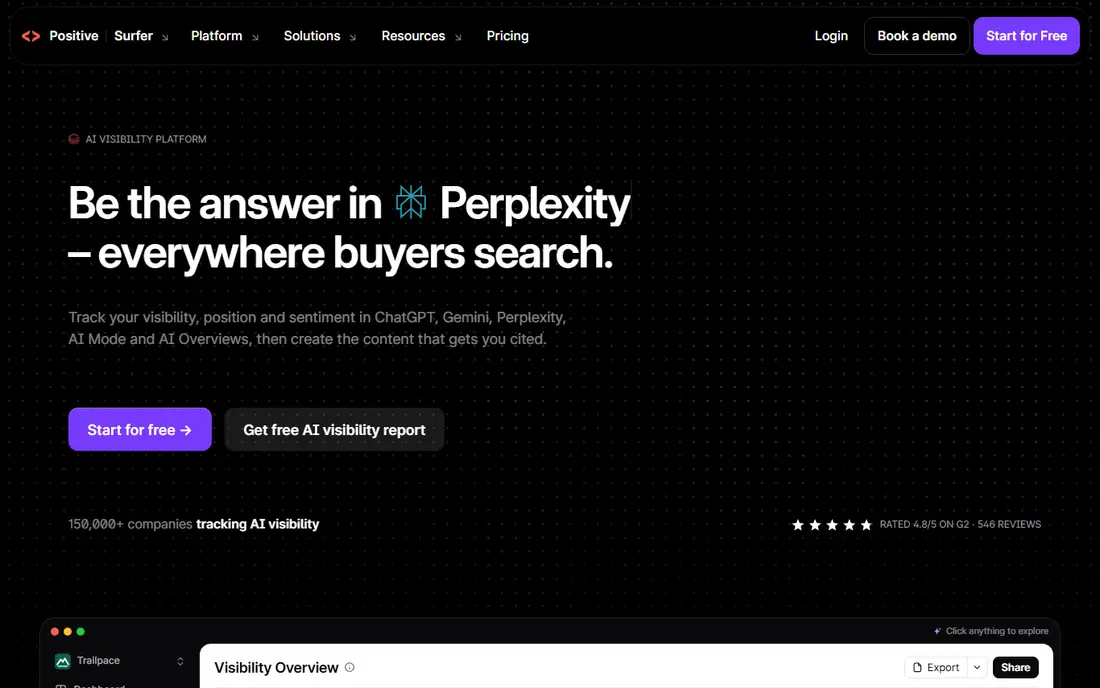
Surfer SEO is built around one clear job: helping a writer shape a draft so it covers the terms, headings, and structure found on pages that already rank. The Content Editor updates its score as you write, which makes it easy for an editor to spot thin sections before publication. SERP Analyzer and audit tools add context for pages that already exist but have slipped in rankings.
The catch is the credit model. Lower plans limit how many documents you can create, and annual credits do not roll over in the same way a monthly allowance would. If you publish only a few posts a month, that may not matter. If you run a busy editorial calendar, check the Standard plan before you commit, because the entry plan can run out fast.
- Live Content Score in the editor
- SERP Analyzer and content audits
- WordPress and Google Docs integrations
- Document credits are capped on lower plans
- Annual billing is needed for the lowest monthly figure
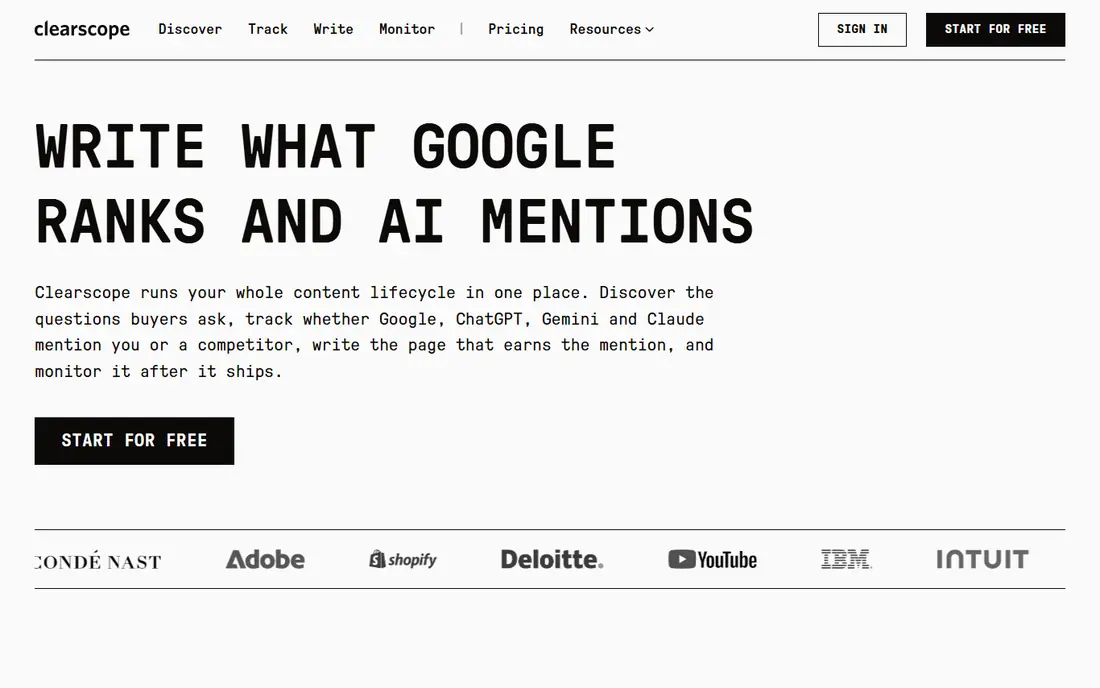
Clearscope takes a more editorial approach than most tools in this list. Reports are built around search intent and relevance, and the grading system is easy for non-technical writers to follow. For a team where several editors share one account, the unlimited user policy changes the value calculation a lot, since you are not paying per seat.
The trade-off is volume. The Essentials plan includes a limited number of drafts each month, so a high-output blog will need the Business plan or add-ons. Clearscope suits teams that publish carefully edited articles and want consistent standards across writers, rather than teams chasing the highest article count.
- Clear A to F style grading for drafts
- Unlimited users on every plan
- Tracked queries and pages for ongoing work
- Higher entry price than most rivals
- Monthly draft limits apply on standard plans
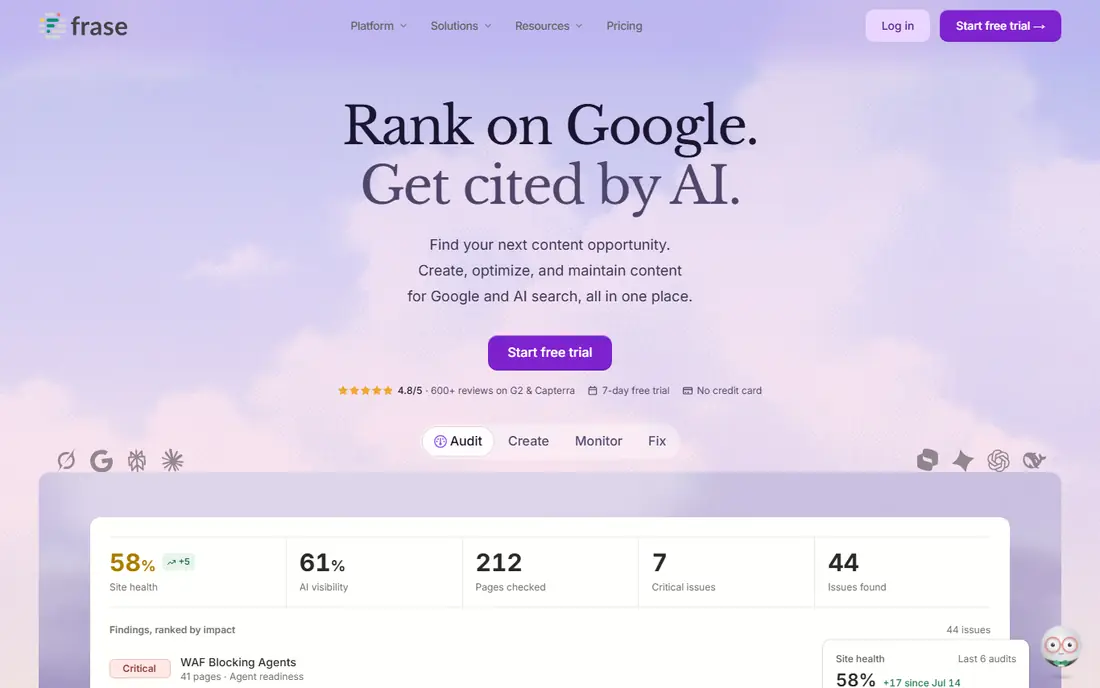
Frase is the strongest all-round value pick in this group for a solo writer or a small team. It pulls questions, headings, and competitor outlines into a brief, then lets you draft and score inside the same tool. That single workflow saves the tab switching that slows down many content processes, and the question research is genuinely useful for articles that need to answer real reader queries.
Starter limits are the main thing to check. One seat and one site fit a single publication, but an agency with several clients will outgrow it quickly. The seven-day trial is capped, so use it on a real article you plan to publish, not on a test topic, to get a fair sense of the scoring and brief quality.
- Fast SERP research and question extraction
- Briefs, drafting, and scoring in one workflow
- Publishing integrations
- Starter plan covers only one seat and one site
- Article limits apply each month
NeuronWriter gives you most of the core scoring workflow at a fraction of the price of the market leaders. You get SERP-based term recommendations, a content editor, and competitor analysis, plus integrations that pull in your own Search Console data. For a blogger, freelancer, or small agency with many small sites, that price-to-feature ratio is hard to beat.
The rough edges are real. The interface is less refined, and the two credit counters for analyses and AI credits can confuse new users. Read the plan limits before you buy, and treat the trial as a chance to test the editor on your own niche, since recommendation quality varies by topic and language.
- Low entry price for scored content analysis
- WordPress and Search Console integrations
- AI writing credits included
- Interface feels less polished than Surfer or Clearscope
- Analysis and AI credits are counted separately
MarketMuse answers a different question from the rest of this list. Instead of asking how to optimize one article, it asks which topics your site should cover, where your authority is thin, and which existing pages need work. That inventory-first view is valuable for publishers with hundreds of pages who need a plan, not just another editor.
The downside is access. The free plan covers a small number of queries each month, and paid pricing requires a demo, so you cannot compare it line by line with self-serve tools. MarketMuse fits content strategists and larger publishers who will use the planning features weekly. If you only need to score drafts, a cheaper editor-first tool will serve you better.
- Site-wide content inventory and topic modeling
- Personalized difficulty scores
- Brief types for different content goals
- Paid tiers are demo-gated with no published self-serve price
- Steeper learning curve than editor-first tools
PageOptimizer Pro, often called POP, is a favorite among technical SEOs who want a focused on-page report without a full writing suite. You enter a keyword and a URL, and it returns a score with specific terms to add, remove, or adjust. That clarity makes it easy to hand recommendations to a writer or a client.
It is less suited to daily drafting, since it is report-based rather than a live writing environment. The Basic plan includes a limited number of report credits each month, so it works best for consultants running periodic audits or optimizing a set list of priority pages. Check the refund terms before purchase, since there is no free trial to test it first.
- Clear percentage-based on-page scores
- Detailed term recommendations
- Useful for audits and consultant reports
- No standing free trial, only a refund guarantee
- Report credits limit monthly volume
Content Harmony is built for teams where the brief is the product. Strategists can build structured workflows, assign research steps, and produce briefs that writers can follow without guesswork. Unlimited users on paid plans helps agencies where several people touch each brief.
The limit to watch is workflow volume, since plans are priced by how many content workflows you run each month. If your team publishes a handful of well-researched articles, that model fits neatly. If you need live scoring while drafting, pair it with an editor tool or choose a different option from this list.
- Workflow-based brief building
- Unlimited users on paid plans
- Keyword and SERP data inside each brief
- Brief volume is capped by plan
- Less of a live drafting editor than Surfer or Frase
Scalenut covers the full path from topic research to a scored draft, which appeals to small teams that want one subscription instead of three. Topic clusters help you plan groups of related articles, and the drafting mode produces a structured first draft quickly. For teams publishing regularly, that combined workflow can save real coordination time.
Pricing needs a close look, because promotional annual figures are lower than the monthly rate. As with every AI drafting tool, treat generated text as a starting point: check facts, sources, and claims before publication, and do not assume a high optimization score proves an article is accurate.
- Topic clusters and SERP analysis
- Cruise-mode drafting
- AI visibility tracking on some plans
- Monthly price is higher than the annual promotional figure
- Output still needs careful fact-checking
Dashword is the quiet option in this list, and that is its appeal. It builds briefs and scores content without burying you in extra dashboards, which suits writers who find larger tools distracting. The interface is straightforward, and the price sits below most of the established names.
The trade-off is depth. You will not get the same planning, audit, or AI visibility features found in bigger platforms. Dashword fits bloggers and small teams who want a brief and a score, and who already handle keyword research elsewhere. If you need an all-in-one suite, look higher up this list.
- Clean brief builder without data overload
- Real-time scoring while writing
- Simple pricing
- Smaller feature set than full suites
- Fewer integrations than larger rivals
How we picked these
We compared official pricing pages, feature documentation, and public plan limits for tools that genuinely optimize content for search, not general AI writers with an SEO label. We favored tools that are live and purchasable in October 2026, that publish clear plan limits, and that cover different budgets and workflows, from solo bloggers to editorial teams. We did not count hands-on testing that we did not do, and we note where pricing is demo-gated or promotional so you can verify the current figure before buying.
What to check before you pay
Start with your publishing volume, because credit caps decide the real cost. Count how many articles and audits you run in a typical month, then match that number to the plan limits, not just the headline price. A cheap plan that runs out mid-month costs more in upgrades and disruption than a slightly dearer plan that covers your volume.
Next, test the scoring on your own topics. Recommendation quality varies by niche, language, and search intent, so run a trial on an article you actually plan to publish. Check whether the tool handles your content management system, whether it imports Search Console data, and whether your writers find the editor clear. A tool your team avoids using is a wasted subscription, however good its scores look in a demo.
Frequently asked questions
What SEO tool is best for content optimization?
Surfer SEO is our pick for most teams because its live editor and audit tools cover both new drafts and existing pages. Frase is the better value choice if you also want research briefs and drafting in one place, and Clearscope suits larger editorial teams that share one workspace.
Is there a free SEO content optimization tool?
MarketMuse offers a limited free plan with a small number of queries each month, which is useful for testing topic planning. Most editor-first tools offer trials rather than free plans, so expect to pay for regular scoring and briefs.
How much should I pay for a content optimization tool?
Budget tools start near $23 per month, mid-range options sit between $39 and $59 per month, and established editorial tools start at $49 to $129 per month. Your publishing volume and team size matter more than the headline price, since document and draft caps drive the real cost.
Do content optimization scores guarantee rankings?
No. A high score shows that a draft covers terms and structures found on ranking pages, but it does not prove accuracy, originality, or usefulness. Rankings also depend on authority, links, page experience, and whether the article genuinely answers the search query.
Can I use one of these tools with WordPress?
Yes, several tools in this list offer WordPress integrations or Google Docs workflows, including Surfer SEO, NeuronWriter, and Frase. Check the integration list on the vendor site for your setup before you subscribe.
What is the difference between Surfer SEO and Clearscope?
Surfer SEO centers on a live scoring editor with audits and SERP analysis, while Clearscope centers on editorial grading with unlimited users on every plan. Surfer suits high-volume writers, and Clearscope suits teams that need consistent editorial standards across many writers.
Sources
See where you really rank - block by block
ProMapRanker scans Google Maps across a grid of your service area. Simple monthly plans from $19, white-label on every plan.
Start freeKeep reading
 zoho inventory alternatives
6 Alternatives to Zoho Inventory, Compared on Price and Fit
Zoho Inventory alternatives: 6 tools compared on price, free plans and fit. Katana leads the list for manufacturers. Fit and flaws are laid out for each entry.
Read → zoho crm alternatives
Best Zoho CRM Alternatives (2026)
Need Zoho CRM alternatives? We compare 7 tools on cost, free access and who each suits. Every pick gets a straight assessment. Built for quick decisions.
Read → zelle alternatives
Best Zelle Alternatives in 2026
Compare the best Zelle alternatives for sending money to friends, paying sellers and moving funds abroad, with honest notes on fees, speed and safety in 2026.
Read →