 ProMapRanker
Best SEO CMS Platform in 2026

Key takeaways
- WordPress leads on SEO plugin depth and flexibility, with free open-source software plus hosting costs, while Webflow leads on built-in technical controls and design.
- Speed matters as much as features: a fast, clean theme or template will beat a feature-rich but slow site on Core Web Vitals and user experience.
- Headless options such as Contentful and Strapi give developers full control, but they need engineering time to deliver the SEO basics a hosted CMS includes by default.
- The best CMS for SEO is the one your team will actually publish on, maintain and keep fast, not the one with the longest feature list.
Quick comparison
| Pick | Great for | Pricing starts at | Free tier | |
|---|---|---|---|---|
 WordPress | Plugin depth and flexibility | Free | Yes | Visit |
 Webflow | Built-in SEO and design control | $14 per month | Free trial | Visit |
 Wix | Easy SEO for beginners | $17 per month | Free trial | Visit |
 Squarespace | Simple all-in-one sites | $16 per month | Free trial | Visit |
 Drupal | Enterprise and complex sites | Free | Yes | Visit |
 Ghost | Fast publishing and blogs | See website | Free trial | Visit |
 HubSpot Content Hub | Marketing plus CRM | See website | Yes | Visit |
 Contentful | Headless multi-channel delivery | See website | Yes | Visit |
 Strapi | Open-source headless CMS | Free | Yes | Visit |
The best seo cms platform
We compared CMS platforms on the SEO controls that matter most: titles, meta descriptions, URLs, canonical tags, redirects, sitemaps, structured data, speed and mobile experience. A CMS does not rank pages by itself. It gives your team the controls to publish well-structured, fast pages, and the rest depends on content quality and site maintenance.
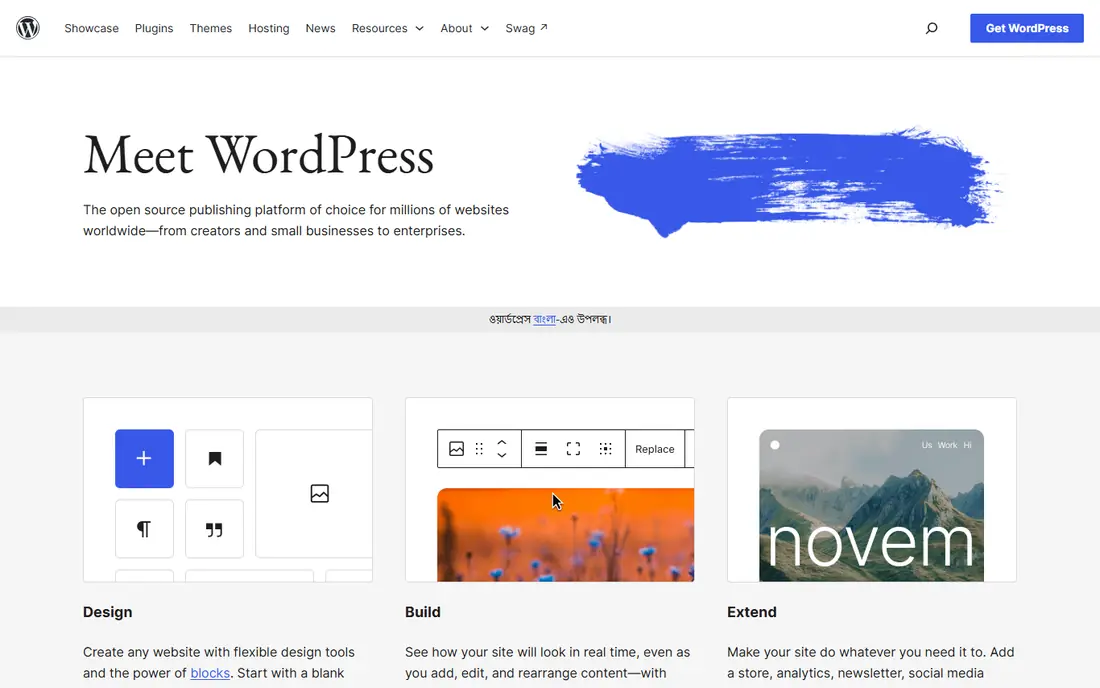
WordPress remains our pick for most SEO-focused sites, because its plugin ecosystem covers almost every SEO need. Yoast and Rank Math handle titles, meta descriptions, canonical tags, sitemaps, redirects and structured data, with Rank Math offering many schema types on its free tier. WordPress core also includes XML sitemaps, and its REST API supports headless use when a team needs it.
The catch is maintenance and speed. Published data has shown WordPress mobile Core Web Vitals pass rates well below some hosted rivals, largely because results depend on host, theme and plugin choices. Choose a fast host, a lean theme, few plugins and image optimisation, and WordPress can be both flexible and fast. Neglect those choices, and the same platform can become slow.
- Largest plugin ecosystem, including Yoast and Rank Math
- Full control over URLs, redirects and schema
- Huge theme and hosting choice
- Speed depends heavily on host, theme and plugins
- Maintenance and updates are your responsibility on self-hosted sites
Webflow is the strongest hosted rival to WordPress for SEO, especially for design-led marketing sites. Its pricing page lists canonical tags, an auto-generated XML sitemap, schema markup support and robots control, with 301 redirects on paid site plans. Managed hosting and clean code output help performance out of the box, without the plugin and host decisions WordPress requires.
The limit is flexibility and cost at scale. The CMS plan, which most content sites need, starts at $23 per month on yearly billing in published comparisons, and advanced schema work may need custom code. For a marketing site under a few hundred pages, Webflow is an excellent default. For a very large content site or a complex store, WordPress may scale more cheaply.
- Native title, meta, sitemap, redirect and canonical controls
- Clean code output
- Fast managed hosting
- CMS plan starts higher than Basic, at $23 per month in published comparisons
- Schema support is more limited than WordPress plugins
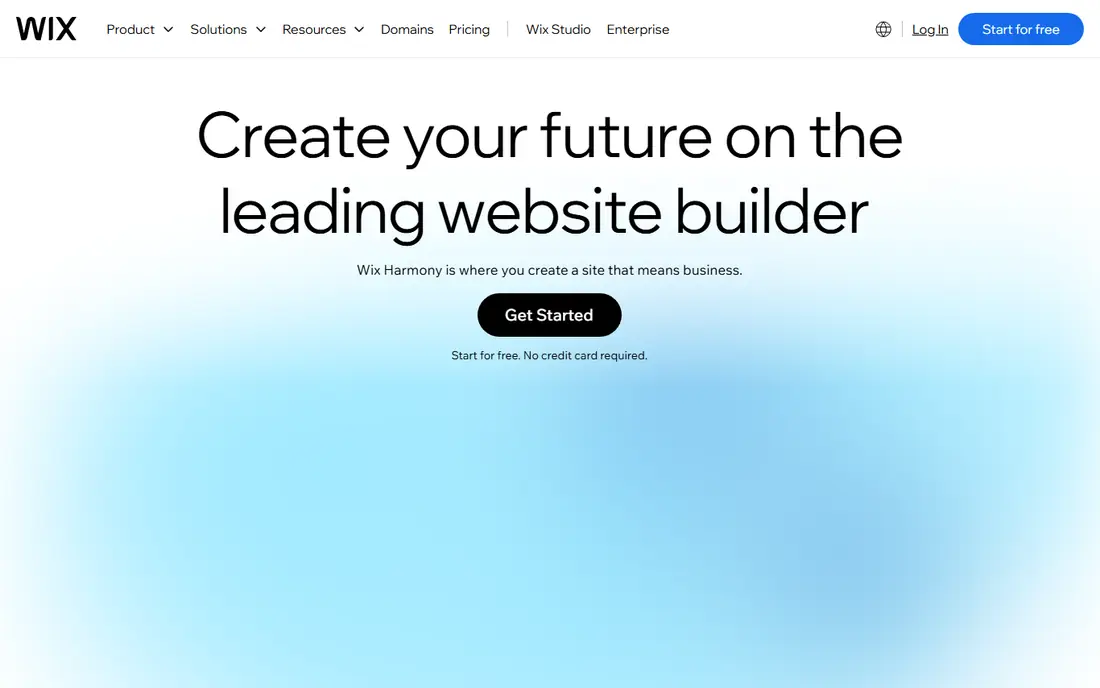
Wix suits beginners and small businesses that want a site live quickly with sensible SEO basics. Its editor includes title, meta, URL and image alt controls, plus SEO guides that walk a new user through the main steps. Hosting, templates and support are included, so there is little technical setup to worry about.
The trade-off is control and portability. Wix has improved a lot, but it still trails WordPress and Webflow on advanced SEO features, and moving a Wix site elsewhere is effectively a rebuild, since its templates and structure do not export cleanly. Choose Wix when ease matters more than advanced control, and when you are happy to stay on the platform long term.
- Very easy to use
- Built-in SEO tools and guides
- All-in-one hosting and templates
- Less advanced SEO control than WordPress or Webflow
- Migration to another platform is effectively a rebuild
Squarespace fits small businesses, portfolios and simple content sites that value design and simplicity. Its templates look polished, its SEO basics cover titles, descriptions, sitemaps and mobile experience, and hosting is included. For a brochure site or a small blog, Squarespace gives you a clean, fast-enough site without technical work.
The limit is depth. Squarespace does not offer the plugin ecosystem of WordPress or the design freedom of Webflow, and larger sites with complex content models may outgrow it. If your SEO plan depends on custom schema, advanced redirects or a large plugin stack, a more flexible CMS will serve you better.
- Polished templates
- Built-in SEO basics
- Hosting, domains and support in one place
- Less plugin depth than WordPress
- Template limits can constrain larger or more complex sites
Drupal suits enterprises, government sites and complex organisations that need strong security, granular permissions and multilingual content. Its content modelling is flexible, its API support suits headless delivery, and its community has built SEO modules for titles, meta, redirects and sitemaps. For a large, structured site, Drupal can be a very strong foundation.
The catch is effort. Drupal is harder to learn than WordPress, and most teams will need developer help for setup, theming and maintenance. Small teams without developer support will move faster on WordPress, Webflow or Squarespace. Choose Drupal when complexity and control justify the engineering investment.
- Strong enterprise security and access control
- Flexible content types and multilingual support
- API-first options
- Harder to learn and maintain than WordPress
- Needs developer time for setup and ongoing work
Ghost is a strong pick for publishers and blogs where speed and writing experience matter most. It is fast by default, its editor is clean, and its SEO basics, including titles, meta, canonical tags and sitemaps, are built in. Membership and newsletter tools also suit creators who want to build an audience alongside search traffic.
The limit is scope. Ghost is not a general-purpose CMS for complex business sites, stores or large content models, and its theme and integration range is smaller than WordPress. For a publication-led site, Ghost is excellent. For a site that needs many content types, forms and integrations, WordPress or a headless option may fit better.
- Very fast out of the box
- Clean publishing experience
- Built-in SEO basics and membership tools
- Less flexible than WordPress for complex sites
- Theme and integration choice is smaller
HubSpot Content Hub suits marketing teams that already use HubSpot for CRM, email and campaigns. Its publishing tools include SEO recommendations, and content performance can be tied to contacts, campaigns and revenue in the same system. A free tier lets a team start without a large commitment, which helps for testing.
The drawback is cost at scale and lock-in. Paid Content Hub plans rise with features and usage, and the full value comes only inside the HubSpot system. If you do not use HubSpot CRM, WordPress or Webflow will usually be cheaper and more flexible. If you do, the joined-up reporting can justify the price.
- CMS tied to HubSpot CRM and marketing tools
- SEO recommendations built into publishing
- Free tier available
- Paid plans scale in price
- Best value only when HubSpot is already the marketing system
Contentful is a headless CMS, which means it stores and delivers content through an API, while your developers build the website that displays it. That model suits teams that publish to a website, an app and other channels from one content base, with structured content models that keep every channel consistent. A free tier lets developers test the model before paying.
The SEO catch is that Contentful does not rank pages or build your site for you. Titles, meta tags, canonicals, redirects, sitemaps and structured data must be built into the front end, usually with a framework such as Next.js. That gives full control, but it needs engineering time. Choose Contentful when you have developers and multi-channel needs, not when you want SEO controls out of the box.
- API-delivered content for websites, apps and other channels
- Strong content modelling
- Free tier for getting started
- Front-end SEO controls live in code, not in the CMS editor
- Lite plan starts at $300 per month in published comparisons
Strapi is the open-source headless alternative to Contentful, and it suits developer teams that want full control without a large SaaS bill. It is free to self-host, with Cloud plans from $29 per month in published comparisons, and it lets a team model content, set permissions and deliver it through an API to any front end.
Like Contentful, Strapi does not provide SEO by itself. Your front end must handle titles, meta, sitemaps, redirects and structured data, and your team must maintain hosting, updates and performance. For a developer-led team that wants control and low licence cost, Strapi is a strong pick. For a marketing team without developers, a hosted CMS will be faster and safer.
- Open-source headless CMS with full code control
- Self-hosting option
- Cloud plans from $29 per month in published comparisons
- Needs developer setup and maintenance
- SEO features depend on the front end you build
How we picked these
We compared CMS comparisons, provider pricing pages and SEO feature documentation, and we favoured platforms with a live service in October 2026, clear SEO controls or a clear path to them, and a real user base. We did not build test sites ourselves, and we treated published prices as snapshots, since CMS pricing, especially for hosted and headless plans, changes often.
How to choose an SEO CMS platform
Start with who will publish and maintain the site. A marketing team without developers needs built-in SEO controls, a simple editor and managed hosting, which points to Webflow, Squarespace or HubSpot. A team with developers and a large content plan may benefit from WordPress flexibility or a headless model. A team with neither time nor developers should choose the simplest platform that covers the SEO basics well.
Technical SEO checklist
Whatever platform you choose, check the same list: editable titles and meta descriptions, clean URLs, canonical tags, 301 redirects, XML sitemaps, robots control, image alt text, structured data support, mobile experience and page speed. Test a sample page in a speed tool and a structured data validator before you commit, since a platform that looks good in a demo can still produce slow or poorly structured pages in practice.
Content, speed and maintenance
Plan for ongoing work, not just launch. Keep themes and plugins lean, optimise images, update the CMS and plugins regularly, and review search performance monthly. A CMS that your team avoids using will hurt SEO more than a slightly less feature-rich platform that your team publishes on every week. Choose for habit as much as for features.
Frequently asked questions
What is the best CMS platform for SEO?
For most sites, WordPress is the best CMS for SEO, thanks to plugin depth, control and flexibility, provided you choose a fast host and a lean theme. Webflow is the best hosted alternative for design-led marketing sites. The right pick depends on team skills, site size and whether you need headless delivery.
What is the best CMS platform for SEO for beginners?
Wix and Squarespace are the easiest starting points, with built-in SEO basics and managed hosting. Webflow is also accessible for beginners who want more design control, with a small learning curve. WordPress is more powerful, but it needs more setup and maintenance, so beginners should use managed WordPress hosting if they choose it.
Is WordPress still good for SEO in 2026?
Yes, WordPress remains strong for SEO when the site is fast and well maintained. Core includes XML sitemaps, and plugins such as Yoast and Rank Math cover canonicals, schema and redirects. The weak spot is speed, which depends on host, theme and plugins, so test performance and keep the setup lean.
Is a headless CMS better for SEO?
A headless CMS can be good for SEO, but it is not better by itself. It gives developers full control over the front end, which can produce very fast, well-structured pages when built well. It also needs engineering work for every SEO basic, including titles, sitemaps and structured data, so it suits developer teams, not marketing-only teams.
How much does an SEO-friendly CMS cost?
Costs range from free for open-source WordPress, Drupal and Strapi, plus hosting, to $14 to $17 per month for Webflow Basic, Wix and Squarespace entry plans, and $300 per month or more for headless plans such as Contentful Lite. Add hosting, themes, plugins and developer time to get the true total cost.
Sources
See where you really rank - block by block
ProMapRanker scans Google Maps across a grid of your service area. Simple monthly plans from $19, white-label on every plan.
Start freeKeep reading
 zscaler alternatives
Best Zscaler Alternatives in 2026
Looking for zscaler alternatives? We compare 9 SASE and zero trust platforms on architecture, data protection, pricing, and fit for your network and team.
Read → zapier alternatives free
Best Zapier Alternatives Free in 2026
Nine automation tools for zapier alternatives free in 2026, all with genuinely free tiers, plus free plan limits, starting prices and upgrade paths explained.
Read → which platform is best for online reputation
Which Platform Is Best for Online Reputation in 2026
Wondering which platform is best for online reputation? We compare 8 review, listing, and response tools for small and multi-location businesses and agencies.
Read →