 ProMapRanker
Best Self-Service Knowledge Base Platforms in 2026


Help center beside tickets · Pricing starts at: $55 per agent per month
Key takeaways
- Zendesk and Intercom suit teams already using those support platforms, since the help center sits beside tickets and chat.
- Document360 and Helpjuice suit teams that want a dedicated, standalone help center with strong customization.
- Help Scout suits smaller teams that want a simple help center with a free starting option.
- Notion and Confluence suit internal knowledge first, with customer-facing use as a secondary option.
- Guru suits teams that want knowledge delivered inside the tools staff already use, not only on a portal.
Quick comparison
| Pick | Great for | Pricing starts at | Free tier | |
|---|---|---|---|---|
| Zendesk | Help center beside tickets | $55 per agent per month | Free trial | Visit |
 Document360 | Dedicated docs teams | See website | Free trial | Visit |
 Helpjuice | Custom standalone help center | $249 per month | Free trial | Visit |
 Help Scout | Simple help center for small teams | $25 per user per month | Yes | Visit |
 Intercom | Help center beside chat and AI | $29 per seat per month | Free trial | Visit |
 Notion | Flexible internal wiki | $10 per user per month | Yes | Visit |
 Confluence | Internal docs on Atlassian | $5.42 per user per month | Yes | Visit |
 Guru | Knowledge inside work tools | $25 per user per month | Free trial | Visit |
The best self-service knowledge base platforms
A self-service knowledge base lets customers find answers without contacting support, which cuts ticket volume and helps customers outside support hours. The best platform depends on whether the audience is customers, staff, or both, and on whether you already use a helpdesk. We compared official pricing pages, help center features, search and AI answer options, customization, and analytics for platforms live in 2026.
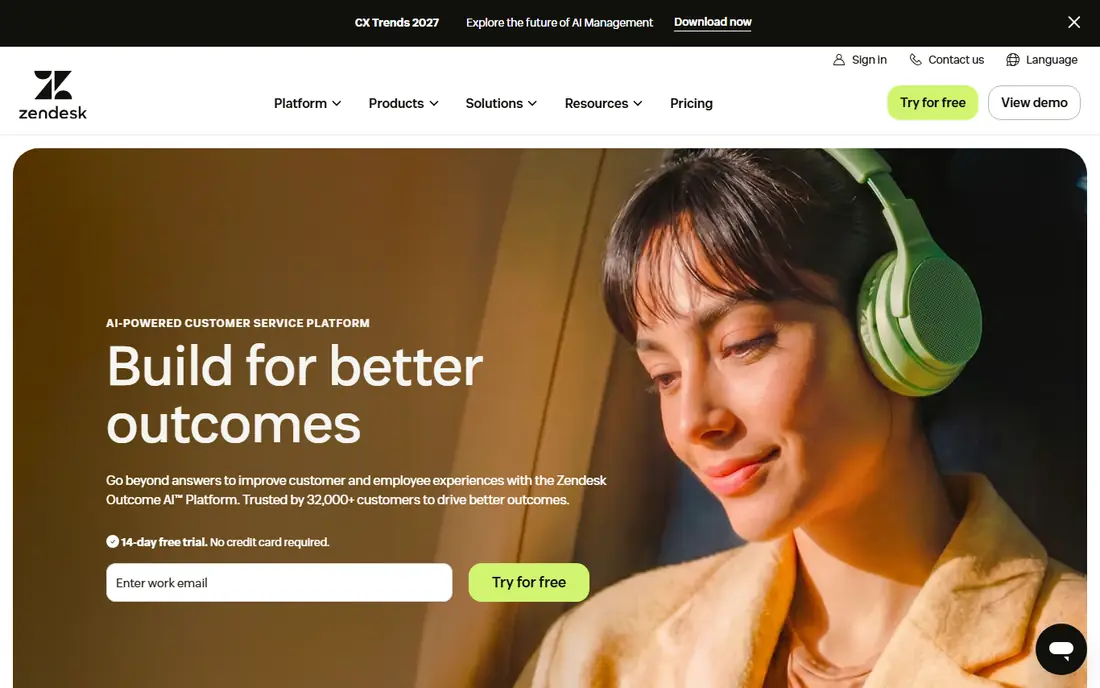
Zendesk suits teams already running support on Zendesk. The help center, known as Guide, sits beside tickets, chat, and AI, so an article can deflect a ticket and an agent can link an article in a reply without switching tools. AI answers draw on help center content, and analytics show which searches fail and which articles reduce contacts. That closed loop is why many support teams stay with Zendesk even when a standalone tool looks cheaper.
The catch is scope and price. At 55 dollars per agent per month for Suite Team, billed annually, a large support team pays a significant sum, and the help center alone may not justify the Suite for a team that only needs docs. Teams that do not use Zendesk for tickets should compare Document360 or Helpjuice first. Teams that do use Zendesk will find Guide the most integrated option.
- Help center built into the Zendesk Suite
- AI answers and search tied to ticket deflection
- Multi-language support
- Full value needs the wider Zendesk Suite
- Pricing is per agent, so costs grow with support headcount
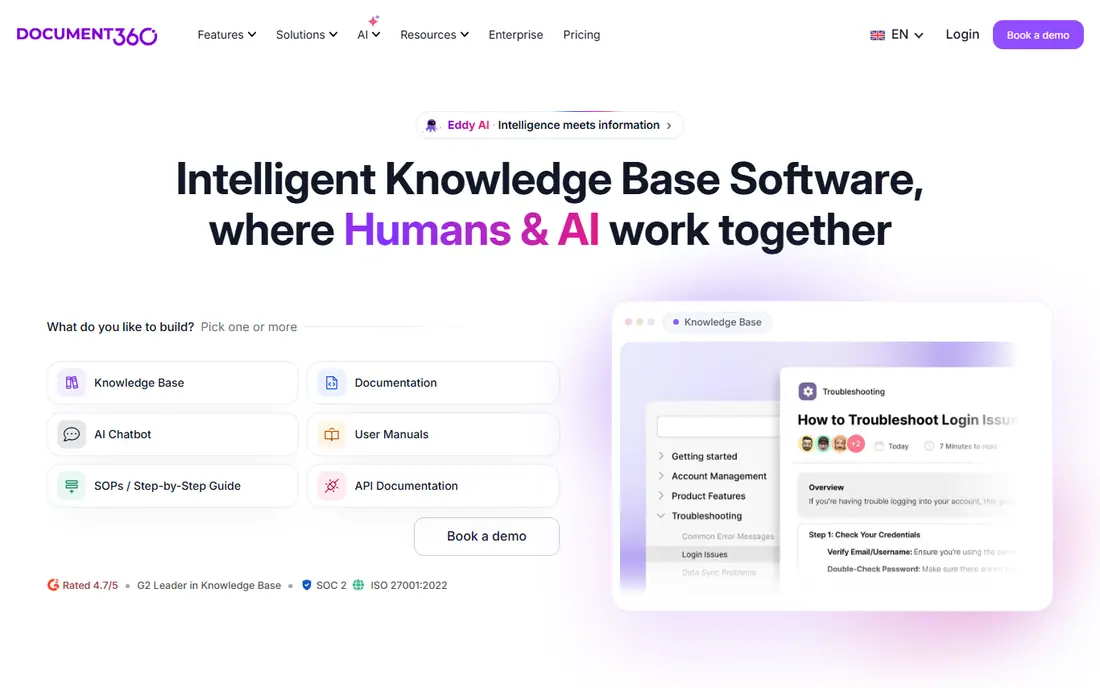
Document360 is built for teams whose main job is documentation. It supports separate customer-facing and internal knowledge bases, with version control, review workflows, categories, and analytics that show which articles help and which need work. AI features, including an AI assistant for readers, sit on business and enterprise plans, which helps a larger support team deflect more tickets.
The downside is price transparency. Document360 uses custom quotes based on projects and features, so a team must request pricing to compare it fairly. Reviewers also note that some features are locked behind higher tiers. For a dedicated docs team that needs workflows and control, Document360 is still one of the strongest standalone choices.
- Purpose-built for customer-facing and internal docs
- Strong versioning, workflows, and analytics
- AI features on higher plans
- Pricing is quoted, so comparison needs a sales review
- Some features sit on higher tiers

Helpjuice suits mid-size teams that want a help center that looks like their brand, not like a generic portal. Plans start at 249 dollars per month for 30 users, with unlimited articles, and higher tiers add AI features and more users. Onboarding includes hands-on design help and migration support, which matters for a team moving from scattered docs or an old help center. Search analytics show what customers look for and where they fail.
The catch is cost for small teams. At 249 dollars per month, Helpjuice is overkill for a startup with a handful of articles. AI features also require the higher AI tier, so a team that wants AI answers should price that tier, not the base tier. For a mid-size support team that values design and analytics, Helpjuice is a strong pick.
- Highly customizable help center design
- Strong search analytics and ticket deflection reporting
- White-glove onboarding and migration
- Starting price is high for a small team
- AI suite sits on a higher-priced tier
Help Scout Docs suits email-first teams that want a help center without a separate platform. Docs sits beside the shared inbox, so an agent can turn a repeated answer into an article quickly. A free plan covers one Docs site and five users, and paid plans start at 25 dollars per user per month billed annually. AI Answers can be added for teams that want automated replies from their articles.
The limit is depth. Help Scout Docs does not match Document360 or Helpjuice for workflows, versioning, or advanced analytics. A growing docs team may need to move later. For a small team that wants a clean help center live in days, with a free starting point, Help Scout is an excellent choice.
- Simple Docs sites beside a shared inbox
- Free plan with one Docs site and five users
- AI Answers available as a paid option
- Docs features are lighter than dedicated platforms
- Larger teams may outgrow the simple structure
Intercom suits teams already using Intercom for chat and messaging. Its Articles product gives a public help center, and the Fin AI agent can answer customers from those articles, with human handoff when needed. That pairing helps a team deflect routine questions while keeping chat for complex cases. In-product help, such as contextual articles inside an app, is another strength.
The catch is cost structure. The Essential plan starts at 29 dollars per seat per month billed annually, and AI resolutions beyond the included amount are charged per outcome. Teams that only need a help center, without chat or AI, will find a standalone tool cheaper. Teams already on Intercom will find Articles the most integrated path.
- Public help center beside chat and AI agent
- Fin AI agent answers from help center content
- Strong in-product help options
- Full value needs the wider Intercom platform
- AI resolutions are charged per outcome beyond included amounts
Notion is best for internal knowledge first. Teams use it for wikis, handbooks, project docs, and meeting notes, with flexible pages and databases that non-technical staff can edit. The Plus plan costs 10 dollars per user per month billed yearly, and a free plan covers basic use. That flexibility makes Notion a good early wiki for a startup or a small team.
The limit is customer self-service. Notion lacks a purpose-built public help center, ticket deflection analytics, and an AI agent for customers. A company can publish Notion pages publicly, but search, branding, and deflection reporting will be weaker than a dedicated platform. Use Notion for internal knowledge, and pair it with a dedicated tool when customer self-service becomes a priority.
- Flexible pages, databases, and templates
- Free plan for individuals and small teams
- Easy for non-technical staff to edit
- Customer-facing help center features are limited
- No built-in AI agent for customers and no ticket deflection reporting
Confluence suits technical and engineering teams already using Atlassian tools. It organizes docs into spaces with permissions, version history, and Jira links, which helps product and engineering teams keep specs, runbooks, and decisions in one place. Standard pricing starts at 5.42 dollars per user per month billed monthly, and a free tier covers up to ten users.
The downside is customer use. Confluence is built for internal teams, so a public help center will feel less polished and less measurable than a dedicated platform. The interface can also feel heavy for a team that only needs simple articles. For internal docs on Atlassian, Confluence is a natural fit. For customer self-service, look at Zendesk, Document360, or Helpjuice instead.
- Strong fit for teams already on Atlassian and Jira
- Free for up to ten users
- Structured spaces and permissions
- Customer-facing help center use is limited
- Interface can feel heavy for simple docs
Guru takes a different approach: instead of asking staff or customers to visit a portal, it brings verified answers into the tools they already use, through a browser extension and integrations. That helps support agents answer consistently and helps sales staff find product details without leaving a CRM. Verification workflows remind owners to review articles, so knowledge stays current rather than going stale.
The catch is that Guru is not primarily a public help center. Teams that need a polished customer portal with deflection analytics should choose a dedicated platform. Teams whose main problem is staff finding trusted answers quickly, across many tools, will find Guru more useful than a portal alone. At 25 dollars per user per month to start, it suits teams that value verified, in-workflow knowledge.
- Knowledge delivered inside browsers and work tools
- Verification workflows keep articles current
- Useful for support and sales teams
- Portal-style help center is not its main strength
- Pricing is per user, so large teams should model total cost
How we picked these
We compared official pricing pages, help center features, search and AI options, customization, and analytics for platforms live in 2026. We kept only platforms with a clear self-service function for customers, staff, or both, and a live product teams can trial or buy. We mixed helpdesk-bundled platforms, dedicated docs platforms, internal wikis, and in-workflow knowledge tools so different kinds of teams can find a fit. We favored platforms with clear pricing where available, and noted quoted pricing where a vendor does not publish rates.
How to choose a knowledge base platform
Start with the audience. A customer-facing help center needs public search, clear navigation, mobile reading, and deflection reporting. An internal wiki needs permissions, search across teams, and easy editing. A platform that does both is useful, but most teams should pick the audience that matters most and judge platforms on that use first.
Next, test search with real questions. Import a sample of your existing content, then ask colleagues or customers to find answers to common questions and note where they struggle. Search quality, not editor features, decides whether self-service works. Check whether the platform offers AI answers, and whether those answers cite articles, since uncited AI replies can mislead customers.
Then check ownership and upkeep. A knowledge base fails when no one owns it, so confirm that the platform supports article owners, review dates, and stale-content reports. Check analytics for failed searches and low-rated articles, since those reports drive the next round of writing. Finally, run a pilot with real content and real users before committing, since small frustrations in a trial become daily problems at scale.
Content habits that make self-service work
Write articles around one question each, with a clear title that matches how customers phrase the problem. Put the answer near the top, then add steps and links. Keep articles short, update them when the product changes, and retire articles that no longer apply. A smaller, current knowledge base helps customers more than a large, outdated one.
Measuring success
Track ticket deflection, failed searches, article ratings, and time to find an answer. A falling ticket volume for covered topics is a good sign, but check that customers are not simply giving up. Failed search reports are the most useful signal, since they show exactly which answers are missing or hard to find.
Frequently asked questions
What is a self-service knowledge base?
A self-service knowledge base is a searchable collection of articles that lets customers or staff find answers without contacting support. It usually sits on a public help center or an internal portal, with categories, search, and feedback options. Good self-service cuts ticket volume and helps users outside support hours.
Which knowledge base platform is best for customer support?
Zendesk suits teams already on Zendesk, Document360 and Helpjuice suit teams that want a dedicated help center, and Help Scout suits smaller teams that want simplicity. The best choice depends on whether you already use a helpdesk, how much customization you need, and how large your support team is.
Can Notion be used as a customer knowledge base?
Notion can publish pages publicly, but it lacks purpose-built help center features such as ticket deflection reporting and a customer AI agent. It works well as an internal wiki and as an early public docs option. Teams that need strong customer self-service should use a dedicated platform such as Document360, Helpjuice, or Zendesk.
How much does knowledge base software cost?
Prices range from free tiers on Notion, Help Scout, and Confluence for small teams, to 25 to 55 dollars per user or agent per month on mid-tier plans, to 249 dollars per month for Helpjuice and quoted pricing for Document360. AI answer features often cost extra per resolution or sit on higher tiers, so price the AI tier if you need it.
How do AI answers work in a knowledge base?
AI answers draw on your published articles to reply to a customer question, often with links to the source articles. Zendesk, Intercom, Help Scout, and Document360 all offer AI answer features, usually with per-resolution charges beyond included amounts. AI answers work best when articles are current, clearly written, and focused on one question each.
How do I keep a knowledge base up to date?
Assign an owner to each article, set review dates, and track stale-content reports. Use failed search and low-rating reports to find articles that need rewriting. Update articles whenever the product changes, and retire articles that no longer apply. Regular small updates beat a large annual cleanup.
Sources
See where you really rank - block by block
ProMapRanker scans Google Maps across a grid of your service area. Simple monthly plans from $19, white-label on every plan.
Start freeKeep reading
 zoro.to alternatives
Best Zoro.to Alternatives in 2026
We compare the best zoro.to alternatives in 2026, listing only legal licensed anime streaming services, from Crunchyroll to free options for fans today.
Read → zip alternatives
Best Zip Alternatives in 2026
We compare the best zip alternatives for buy now, pay later in 2026, covering pay-in-4 plans, fees, spending limits, and credit reporting options today.
Read → yesware alternatives
Best Yesware Alternatives in 2026
Compare the best yesware alternatives for sales email tracking, templates, and sequences, with current pricing and honest tradeoffs for small sales teams.
Read →