 ProMapRanker
Best Security Guard Scheduling Software Solutions in 2026

Key takeaways
- Trackforce, formerly TrackTik, is our pick for larger guard firms that need patrols, dispatch, and client reporting in one system.
- Connecteam and Deputy are the best starting points for smaller teams, since both offer scheduling plus time tracking at lower entry prices.
- GuardsPro offers a low per-user price for small to mid-size firms that want security-specific tools without enterprise cost.
- Check GPS, offline behavior, and payroll exports on a real shift pattern before you sign, since those details decide daily usability.
Quick comparison
| Pick | Great for | Pricing starts at | Free tier | |
|---|---|---|---|---|
 Trackforce | Large guard firms | See website | No | Visit |
 GuardsPro | Low-cost guard tools | $5 per user per month | Free trial (30 days) | Visit |
 OfficerReports | Simple guard software | See website | Free trial | Visit |
 Celayix | Complex compliance rules | See website | No | Visit |
 Connecteam | Small teams, scheduling plus training | Free | Yes | Visit |
 Deputy | Labor compliance | $5 per user per month | Free trial | Visit |
 When I Work | Fast setup for hourly teams | $2.50 per user per month | Free trial (14 days) | Visit |
 Silvertrac | Client reporting | See website | No | Visit |
 Timeero | GPS attendance proof | See website | No | Visit |
The best security guard scheduling software solutions
Guard scheduling is different from general shift scheduling. You need post orders, site coverage, patrol checkpoints, lone worker safety, and client reports, not just a calendar. The tools below range from security-specific platforms to general workforce tools that work well for smaller guard teams.
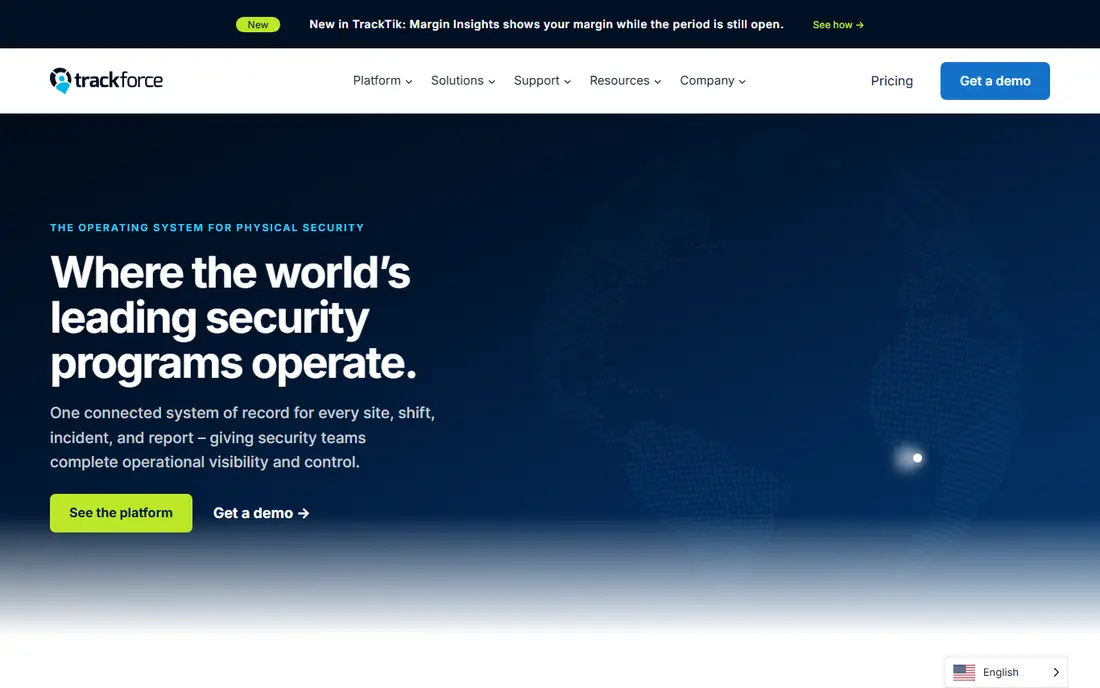
Trackforce, formerly TrackTik, is the most complete security-specific platform in this list. It combines scheduling with guard tours, QR and NFC checkpoints, incident reporting, dispatch, and client dashboards, so a guard arrival can flow through to verified patrol work and client invoices. That single data flow is valuable for firms with many sites and strict client reporting needs.
Pricing is custom and based on sites rather than seats, so small firms should request a quote early and compare total cost, not just a per-user figure. Implementation also takes longer than a general scheduling app. For enterprise guard firms, that depth is worth it. For a team with a handful of guards, a simpler tool will ship faster.
- Full guarding suite with scheduling, tours, dispatch, and reporting
- GPS-verified attendance
- Client portal and invoicing tools
- Custom quote priced by site, not by seat
- Setup and customization take time
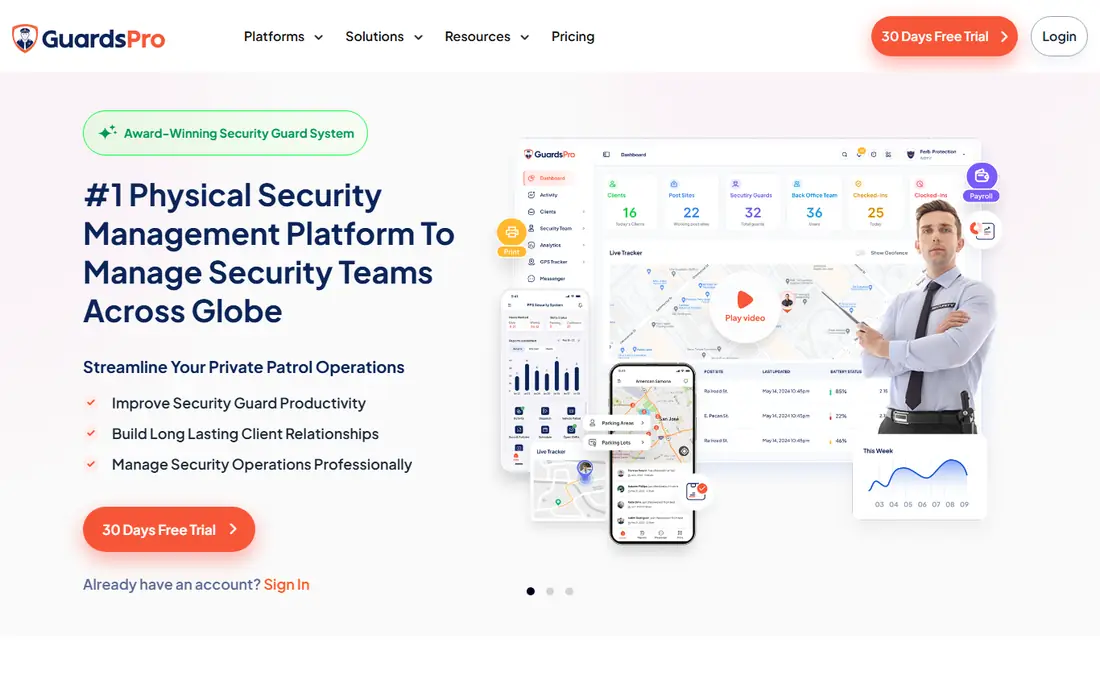
GuardsPro suits small to mid-size guard firms that want real guard tools without enterprise pricing. Scheduling, tours, incident reports, and client-facing features come at $5 per user per month on the Essential plan in published comparisons, with a minimum of three users. That price point makes it easy to test with a real team.
It does not match Trackforce for large, multi-site complexity or deep analytics. Support and feature depth should be checked on a trial with your actual sites and post orders. For firms that need guard-specific work at a modest cost, GuardsPro is a strong value pick.
- Security-specific tools at a low entry price
- Guard tours and reporting
- 30-day trial
- Smaller vendor than Trackforce
- Advanced enterprise features are more limited

OfficerReports is a good choice for small guard firms that want software they can learn in a day. Scheduling, time tracking, and incident reports are straightforward, and the interface does not demand a long training program. That simplicity helps when guards and supervisors have varied comfort with technology.
Pricing is not published, so request a quote and ask what is included at each tier. Larger firms with complex compliance, union rules, or multi-site billing will likely need a deeper platform. For a small firm that values simplicity, OfficerReports is worth a trial.
- Easy to learn
- Simple scheduling and reporting
- Trial without a credit card in published descriptions
- Pricing not published
- Fewer advanced features than enterprise platforms
Celayix is for large or complex operations where scheduling rules, not just calendars, are the hard problem. It handles union rules, overtime limits, certifications, and availability constraints, which matters when a missed rule creates compliance risk or payroll errors. That rules engine is its main strength over general scheduling apps.
The minimum of 25 employee licenses on an annual term in published comparisons rules it out for small firms. Pricing is tailored, so budget planning needs a direct quote. If your operation is large and rule-heavy, Celayix is worth comparing with Trackforce. If not, a simpler tool will be cheaper and faster.
- Strong rules engine for union, overtime, and certification needs
- Handles complex shift patterns
- Good for large operations
- Tailored quote with a minimum of 25 employee licenses on an annual term
- More tool than small teams need
Connecteam is a general workforce app that works well for small guard teams, especially when post orders and training matter as much as schedules. The small business plan is free for teams under 10 employees, and Operations Basic starts at $29 per month for the first 30 users when billed annually in published comparisons. Scheduling, time clock, forms, and communication sit in one mobile app.
It is not a patrol-first security system, so teams should validate checkpoint routes, missed-check alerts, client patrol reports, and offline behavior against their contracts before committing. Costs can also rise when extra product hubs are needed. For small teams that need scheduling plus training at low cost, Connecteam is a practical start.
- Free for teams under 10 employees
- Post orders, training, and forms in one app
- GPS and geofencing on eligible plans
- General deskless platform, not patrol-first
- Costs rise with extra hubs and higher GPS tiers
Deputy suits guard teams that need solid scheduling and compliance without buying a full security suite. It handles multi-location shifts, overtime rules, and shift swaps cleanly, and payroll integrations reduce manual timesheet work. The Lite plan at $5 per user per month in published comparisons is a clear entry point for hourly teams.
Patrol tours and checkpoint reporting are not its focus, so firms that sell patrol verification to clients will need another tool or an add-on. For teams where the main problem is fair, compliant scheduling across sites, Deputy is a reliable choice with a fast setup.
- Clear scheduling and time tracking
- Labor law and overtime rules built in
- Payroll integrations
- Fewer security-specific tools like patrol checkpoints
- Price rises with add-ons
When I Work is the fastest tool in this list to get running. Scheduling, open shifts, and shift swaps are simple, and the $2.50 per user per month entry price in published comparisons makes it cheap to test. Small hourly teams can be live in an afternoon, which matters when a firm is moving off spreadsheets.
It lacks patrol tours, checkpoint verification, and deep client reporting, so it fits teams that mainly need coverage scheduling rather than security operations. If patrol proof is part of your client contracts, pair it with a patrol tool or pick a security-specific platform instead.
- Very easy scheduling
- Shift swaps and alerts
- Low entry price
- General tool, not security-specific
- Limited patrol and client reporting features
Silvertrac is known for client-facing reporting. Its client portal, scheduled reports, and incident records help firms show clients exactly what guards did on site, which supports retention and contract renewals. Guard performance metrics and accounting integrations add value for larger firms that need business reporting, not just scheduling.
Pricing is custom, and published comparisons note setup fees and a longer implementation period than simpler tools. Small firms may find the total cost high for scheduling alone. For firms where polished client reports win contracts, Silvertrac is worth a demo and a detailed quote.
- Strong client portal and professional reports
- Incident reporting and guard performance metrics
- Accounting integrations
- Custom pricing with setup fees in some comparisons
- Implementation takes longer than simpler tools
Timeero suits mobile guard crews where proof of attendance is the top priority. GPS punches, geofenced sites, and location history give supervisors a clear record of who was where and when, which helps with payroll disputes and client questions. Timesheets feed payroll work without manual re-entry.
It is a time tracking tool first, not a full guard operations suite, so patrol tours and client incident reporting are thinner than in Trackforce or Silvertrac. Pricing is not published, so request a quote. For crews where GPS proof matters most, Timeero is a focused choice.
- Strong GPS time tracking for mobile crews
- Geofencing and location history
- Timesheets for payroll
- Pricing not shown on the pricing page in published reviews
- Less security-specific reporting than Trackforce
How we picked these
We compared official feature and pricing pages, plus public guard software guides, and we kept only tools that are live in October 2026 and that support shift scheduling for guard or hourly mobile teams. We favored a mix of security-specific platforms and general tools that work for smaller guard firms, and we used See website where pricing was custom or unpublished. We did not claim hands-on testing, and we treated third-party price figures as leads to confirm on vendor pages.
What to check before you buy
Test the tool on your hardest shift pattern, not your easiest one. Include overnight shifts, split sites, last-minute call-offs, and a guard with no signal at a remote site. Check how the app handles offline check-ins, missed patrol alerts, and overtime rules, since those edge cases cause most daily problems. Also confirm who can see guard location data and how long it is kept, since GPS tracking raises privacy questions that need a clear policy.
Match the tool to your contracts
If clients pay for patrol verification, you need checkpoints, incident reports, and client reports, not just a schedule. If clients mainly pay for coverage, a general tool like Deputy or When I Work may be enough. Read your contracts, list the reports you must produce each month, and test each tool against that list before you sign.
Plan the rollout with guards
Guards will use the mobile app every shift, so their experience decides adoption. Train on real phones, keep post orders short and readable on a small screen, and give a clear contact for app problems on night shifts. A tool that supervisors love but guards avoid will produce gaps in the very records you need.
Frequently asked questions
What is the best security guard scheduling software?
Trackforce is our pick for larger firms that need patrols, dispatch, and client reporting in one system. Connecteam and Deputy are better starting points for smaller teams, since both offer scheduling plus time tracking at lower prices. The right choice depends on whether you sell patrol verification or mainly coverage.
What is the best software for scheduling security guards on a budget?
Connecteam offers a free plan for teams under 10 employees, and When I Work starts at $2.50 per user per month in published comparisons. GuardsPro at $5 per user per month adds security-specific tools at a still modest price. Compare total cost including add-ons, not just the headline per-user rate.
What is the best security guard scheduling app for patrols?
Trackforce and Silvertrac are the strongest patrol options here, with checkpoint tours, incident reporting, and client reports. GuardsPro also covers tours at a lower price for smaller firms. Test checkpoint scanning, offline behavior, and missed-check alerts on your real sites before you commit.
Do these tools handle payroll?
Most do, either directly or through exports and integrations. Deputy and Connecteam offer payroll integrations, while Trackforce and Silvertrac feed timesheets into billing and payroll preparation. Confirm your payroll system is supported and test one full pay period on a trial before switching.
How do I choose between a general tool and a security platform?
Choose a security platform if your contracts require patrol proof, incident reports, or client portals. Choose a general tool if you mainly need coverage, time tracking, and compliance for hourly staff. General tools are cheaper and faster to set up, but they cannot produce patrol evidence your clients may require.
Sources
See where you really rank - block by block
ProMapRanker scans Google Maps across a grid of your service area. Simple monthly plans from $19, white-label on every plan.
Start freeKeep reading
 zscaler alternatives
Best Zscaler Alternatives in 2026
Looking for zscaler alternatives? We compare 9 SASE and zero trust platforms on architecture, data protection, pricing, and fit for your network and team.
Read → zapier alternatives free
Best Zapier Alternatives Free in 2026
Nine automation tools for zapier alternatives free in 2026, all with genuinely free tiers, plus free plan limits, starting prices and upgrade paths explained.
Read → which platform is best for online reputation
Which Platform Is Best for Online Reputation in 2026
Wondering which platform is best for online reputation? We compare 8 review, listing, and response tools for small and multi-location businesses and agencies.
Read →