 ProMapRanker
7 Strong Security Guard Scheduling Software Options in 2026


Small guard teams that require scheduling plus time tracking at no cost or cheap · Pricing starts at: $29/month for the first 30 users (Operations Basic)
Key takeaways
- The list opens with Connecteam, aimed at small guard teams that require scheduling plus time tracking at no cost or cheap.
- Check the limits for Trackforce (formerly TrackTik) before you commit: no published pricing, so every quote goes through sales.
- Celayix fits large or complicated operations with union rules and compliance risk.
- For the cheapest start, look at When I Work: $2.50/user/month.
Direct answer
If you need small guard teams that require scheduling plus time tracking at no cost or cheap, Connecteam is the first tool to look at here. For a different need, GuardsPro covers small to mid-sized guard businesses wanting full guard tools cheaply and Trackforce (formerly TrackTik) covers Guard firms and enterprise security teams running numerous sites.
Quick comparison
| Pick | Great for | Pricing starts at | Free tier | |
|---|---|---|---|---|
| Connecteam | Small guard teams that require scheduling plus time tracking at no cost or cheap | $29/month for the first 30 users (Operations Basic) | Yes | Visit |
 GuardsPro | Small to mid-sized guard businesses wanting full guard tools cheaply | $5/user/month (Essential plan, minimum 3 users) | Free trial (30 days) | Visit |
 Trackforce (formerly TrackTik) | Guard businesses and enterprise security teams running plenty of sites | See website (custom quote, priced by site not by seat) | No | Visit |
 Timeero | Mobile guard crews where GPS proof of attendance is the priority | See website (pricing not shown on the pricing page) | No | Visit |
 When I Work | Small hourly teams that want scheduling live in an afternoon | $2.50/user/month | Free trial (14 days) | Visit |
 OfficerReports | Small guard businesses that want straightforward software they can learn in a day | See website (pricing not published) | Free trial | Visit |
 Celayix | Large or complicated operations with union rules and compliance risk | See website (tailored quote; minimum 25 employee licenses, annual term) | No | Visit |
The full security guard scheduling software list
If you are comparing security guard scheduling software, this page covers 7 tools in one place: what each is best for, what it costs to start, whether it has a free plan, and the main limit to know about.
Connecteam
Great for: Small guard teams that require scheduling plus time tracking at no cost or cheap
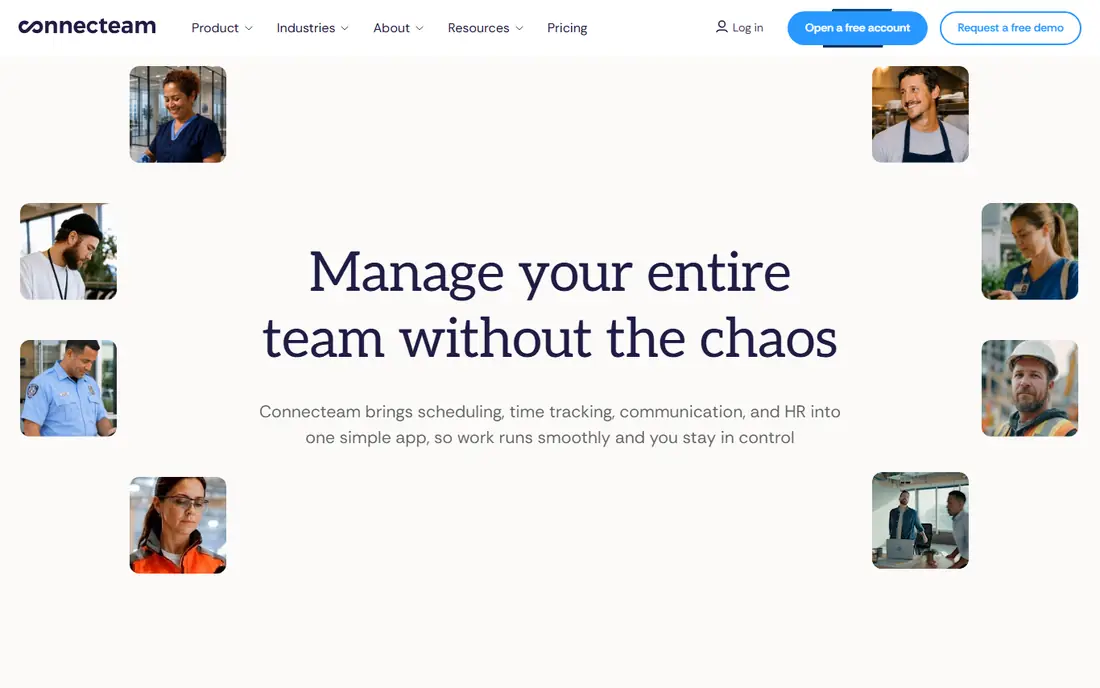
Connecteam is a good fit for small guard teams that require scheduling plus time tracking at no cost or cheap. For small guard teams watching every dollar, Connecteam is the value play. More specifically, if your contracts need tour proof and client reporting, pair Connecteam with a reporting tool or pick a guard-native product.
Watch-outs: Not designed for security: no guard tours, no incident reporting, no client portal, so patrol operations need a second tool.
Also, free under 10 employees means a startup guard company can run real scheduling, GPS clock-ins, shift attachments and time-off management at zero cost. For everyday use, the $29 a month Basic level for up to 30 users layers on payroll integration and keeps the per-user math flat. In practice, if you just need posts covered and hours verified, this is the value pick. Entry price for Connecteam: $29/month for the first 30 users. Connecteam has a free plan.
Reasons to shortlist it: GPS time clock, geofencing.
- Job scheduling and payroll integrations included
- 14-day free trial with no credit card
- Per-user fees beyond 30 users add up as the team grows
GuardsPro
Great for: Small to mid-sized guard businesses wanting full guard tools cheaply
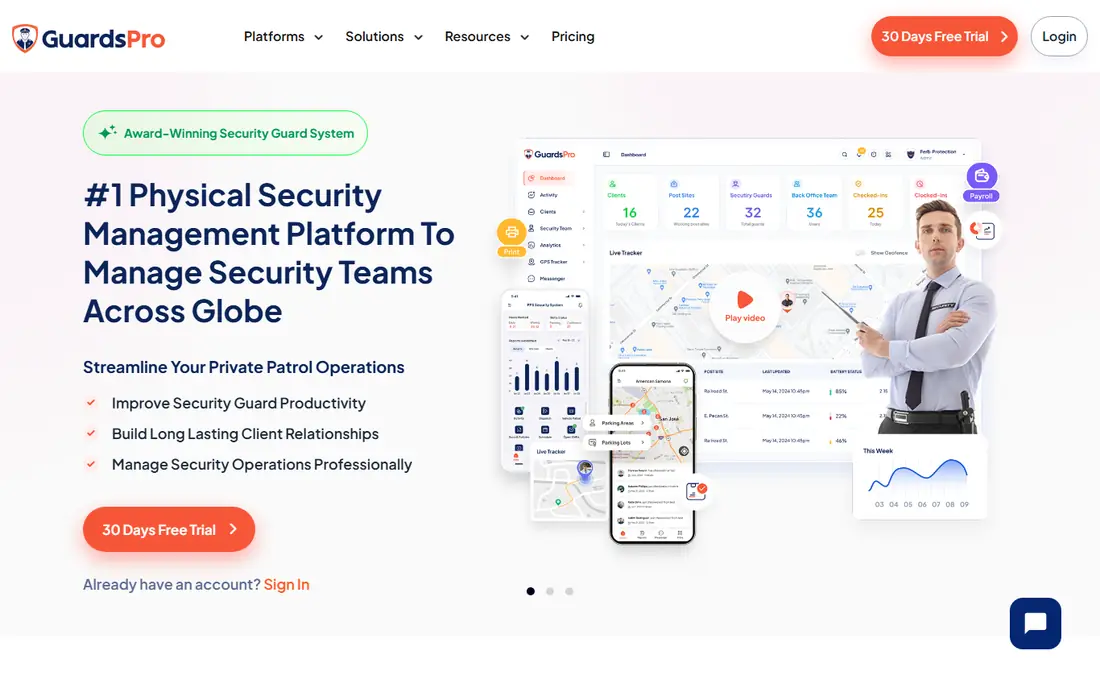
In short, GuardsPro is for small to mid-sized guard businesses wanting full guard tools cheaply. GuardsPro provides small guard businesses the toolset the big products sell, at a price a 10-guard company can actually pay. On top of that, budget for Professional if you want the guard tour workflow, since that is the core of the product for patrol operations.
Drawbacks to consider: The cheapest Essential plan leaves out site tours, geofencing and messenger, which are the features that make it a guard product instead of a scheduler.
Even then, $10 per user a month is a fraction of what the enterprise systems charge. On top of that, essential at $5 per user is genuinely cheap, but site tours, geofencing and the messenger only appear on Advanced ($8) and Professional ($10). On cost, GuardsPro starts like this: $5/user/month. On free options: Free trial (30 days).
- Published pricing beginning at $5 per user a month
- Incident reports and invoicing included
- Mobile-app-first design means the web dashboard feels secondary
Trackforce (formerly TrackTik)
Great for: Guard businesses and enterprise security teams running plenty of sites
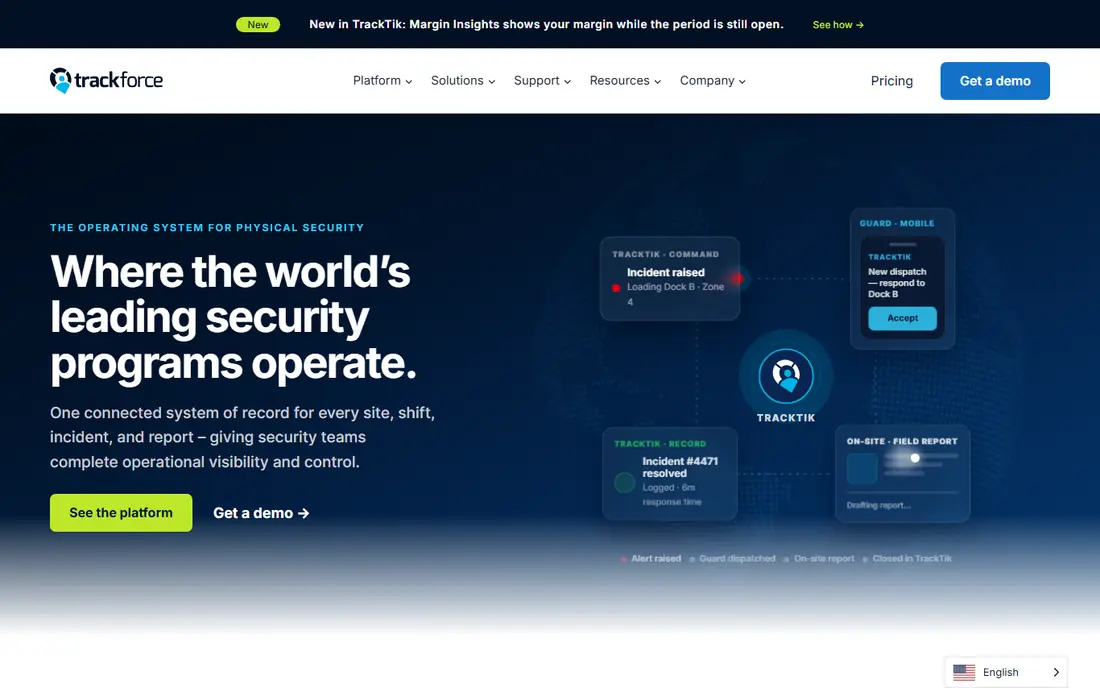
Trackforce (formerly TrackTik) serves Guard businesses and enterprise security teams running plenty of sites. It is the full operations system: smart scheduling, guard tours with proof of presence, incident and daily activity reporting, automatic billing and contracts, payroll prep, and board-level reporting, all connected so a clock-in flows through verification, reporting, billing and payroll without manual steps.
Where it falls short: The depth of the product is overkill for a firm with a handful of guards and one or two posts.
Upsides: guard tours; Pricing scales with the number of sites you protect, so expanding headcount does not grow the bill.
Trackforce (formerly TrackTik) does not show a starting price in this comparison, so check the vendor site for current pricing. Trackforce (formerly TrackTik) has no free plan.
- Schedules
- Incident reports
- No published pricing, so every quote goes through sales
Timeero
Great for: Mobile guard crews where GPS proof of attendance is the priority
Timeero is designed for mobile guard crews where GPS proof of attendance is the priority. If scheduling complexity is your central pain, the dedicated schedulers above provide you more for the effort. As for the details, for businesses whose billing disputes come down to proof of presence, the GPS evidence is worth the additional step.
Also, scheduling exists with shift reminders and time-off management, but it supports the tracking story instead of leading it. In daily use, you will need a demo or a sales call to learn what a 20-guard team pays. More specifically, mileage tracking with built-in IRS rates spans vehicle patrols. No starting price is listed for Timeero here; confirm pricing on the vendor site. There is no free plan with Timeero.
Trade-offs to know: No published prices anywhere on the site, which is unusual for this segment and makes comparison shopping slow.
- GPS time tracking with geofenced auto clock-in and out, so guards never forget to clock in at the post
- Time-off management and payroll integrations with QuickBooks, Gusto, ADP
- The product centers on time and location tracking, so scheduling depth is thinner than Deputy or When I Work
When I Work
Great for: Small hourly teams that want scheduling live in an afternoon
Pick When I Work if this describes you: small hourly teams that want scheduling live in an afternoon. Numerous small businesses run exactly this way: When I Work for the schedule, and reports handled separately.
Strengths: GPS time clock with geofencing; The lowest published per-user price in this roundup at $2.50 per user a month.
What to check first: retail and general hourly work, so nothing here is security-specific: no tours, no incident reports, no post orders.
Just be honest about whether your contracts demand more than a schedule. Also, at $2.50 per user a month with a 14-day trial, it is the cheapest way to get off the spreadsheet. Starting cost for When I Work: $2.50/user/month. Free options: Free trial (14 days).
- Integrations with Rippling, ADP
- QuickBooks and Gusto
- Made for restaurants
OfficerReports
Great for: Small guard businesses that want straightforward software they can learn in a day
OfficerReports is built with small guard firms that want straightforward software they can learn in a day in mind. OfficerReports has been selling guard software since 2013 and the pitch has barely changed: straightforward enough for a non-technical guard company owner, complete enough to replace paper.
Watch-outs: No published pricing, so you cannot compare costs without talking to sales.
What users get: Positioned as the low-cost choice and made for non-technical owners.
In daily use, the trade is depth for simplicity. No starting price is listed for OfficerReports here; confirm pricing on the vendor site. Free options: Free trial.
- GPS tour tracking and scheduling in one place
- Free trial with no credit card required
- The interface and feature set are more straightforward than the enterprise platforms, which presents at scale
Celayix
Great for: Large or complicated operations with union rules and compliance risk
Think of Celayix for large or complicated operations with union rules and compliance risk. Time collection, payroll, billing and HR integrations link into one workflow. For everyday use, if your scheduling headaches are about compliance exposure and labor cost instead of just filling a roster, Celayix earns its place on the shortlist.
From a buyer's view, if you run 15 guards, it does not. Implementation is scoped and takes weeks. No starting price is listed for Celayix here; confirm pricing on the vendor site. No free plan comes with Celayix.
Upsides: qualifications and certifications checked automatically; Security is a named target industry with reference customers.
What to check first: Implementations generally take 4 to 10 weeks, so this is a project with onboarding services.
- Cost-optimized autofill finds the lowest-cost qualified staffer for open shifts
- Aimed at complicated
- Enterprise pricing with a 25-license minimum and annual term locks out small businesses
Notes on security guard scheduling software
A guard firm lives or dies by coverage. One no-show on a night post can cost you the client contract, and a paper schedule taped to the office wall will not warn you before that happens.
How we built this list
The comparison looks at four things: starting price, free access, how well the feature set matches security guard scheduling software, and the main limit of each tool. Figures are shown as the vendors publish them. Billing terms, seat minimums and add-ons can change the real cost. The order reflects how well each tool fits the most common buying scenario for security guard scheduling software, then price clarity, then free plan access. It is a starting point, not a verdict.
Pre-purchase checklist
- Ask Trackforce (formerly TrackTik), Timeero, OfficerReports and Celayix for a written quote, since no starting price is shown.
- Test the free plan from Connecteam against your real workload before relying on it.
- Take the trial from GuardsPro, When I Work and OfficerReports and push a live task through it before you pay.
- Before choosing Connecteam, weigh its main limit: not designed for security: no guard tours, no incident reporting, no client portal, so patrol operations need a second tool.
- Test how quickly Trackforce (formerly TrackTik) answers a pre-sales question; it hints at how support will feel later.
- Get the contract term, renewal terms and any onboarding fees from GuardsPro in writing.
Frequently asked questions
Is Connecteam the right pick for everyone comparing security guard scheduling software?
No single tool suits every team. Connecteam comes first because it fits small guard teams that need scheduling plus time tracking for free or cheap, while GuardsPro suits small to mid-size guard firms wanting full guard tools cheaply and Trackforce (formerly TrackTik) suits Guard firms and enterprise security teams running many sites. Match the tool to your own size, budget and workflow before deciding.
How are the tools for security guard scheduling software ordered?
The order follows typical fit for security guard scheduling software, with Connecteam first and Celayix last, then price clarity and free access. It is editorial judgement, not a score, so another team could rank the tools differently.
What is the cheapest option for security guard scheduling software in this list?
On published monthly entry prices, When I Work is the lowest here at $2.50/user/month. Entry price is only part of the cost, because seats, add-ons and billing terms can change the total.
Do these tools publish their prices?
Not all of them. Trackforce (formerly TrackTik), Timeero, OfficerReports and Celayix publish no starting price, so expect a quote request for those. The rest, Connecteam included, show a starting price, though seats and billing terms still change the final cost.
What should I ask on a demo?
Ask how a no-show at 2 a.m. Gets covered and who gets alerted, how missed tour checkpoints surface to supervisors, whether the client portal presents live or delayed data, exactly what the base price excludes, and how long implementation takes. For enterprise systems, ask for the full fee schedule in writing: per-site vs. per-user pricing changes the total quick.
Sources
See where you really rank - block by block
ProMapRanker scans Google Maps across a grid of your service area. Simple monthly plans from $19, white-label on every plan.
Start freeKeep reading
 zscaler alternatives
Best Zscaler Alternatives in 2026
Looking for zscaler alternatives? We compare 9 SASE and zero trust platforms on architecture, data protection, pricing, and fit for your network and team.
Read → zapier alternatives free
Best Zapier Alternatives Free in 2026
Nine automation tools for zapier alternatives free in 2026, all with genuinely free tiers, plus free plan limits, starting prices and upgrade paths explained.
Read → which platform is best for online reputation
Which Platform Is Best for Online Reputation in 2026
Wondering which platform is best for online reputation? We compare 8 review, listing, and response tools for small and multi-location businesses and agencies.
Read →