 ProMapRanker
Best Secret Detection Tools in 2026

Key takeaways
- Gitleaks and TruffleHog give a strong free floor for scanning code and history, with no vendor lock in.
- GitGuardian suits teams that need dashboards, alerts, and remediation workflows across many repositories.
- The best secrets detection tools verify which findings are still live, because unverified alerts waste engineering time.
- Detection without rotation is incomplete: every tool should link to a fix path for revoking and replacing a leaked secret.
- Layer tools together: pre commit hooks, CI scans, and platform monitoring cover different stages of a leak.
Quick comparison
| Pick | Great for | Pricing starts at | Free tier | |
|---|---|---|---|---|
 GitGuardian | Platform monitoring | Free | Yes | Visit |
 TruffleHog | History verification | Free | Yes | Visit |
 Gitleaks | Free CI scanning | Free | Yes | Visit |
 GitHub Secret Protection | GitHub native protection | $19 per committer per month | Yes | Visit |
 Snyk Code | Developer workflow scanning | See website | Yes | Visit |
 Spectral | API and code scanning | See website | Free trial | Visit |
 Nightfall | SaaS and chat leaks | See website | Free trial | Visit |
 Aikido Security | AppSec bundle | See website | Yes | Visit |
 Cycode | SDLC secret scanning | See website | Free trial | Visit |
The best secret detection tools
A leaked API key, token, or private key in code can give an attacker access to production systems, even if the code itself looks harmless. Secret detection tools scan repositories, commit history, pull requests, and sometimes chat and SaaS apps for credentials that should never have been committed. We compared official documentation and pricing pages, and we focused on detection coverage, verification, remediation workflow, and whether the tool is actively maintained in October 2026.
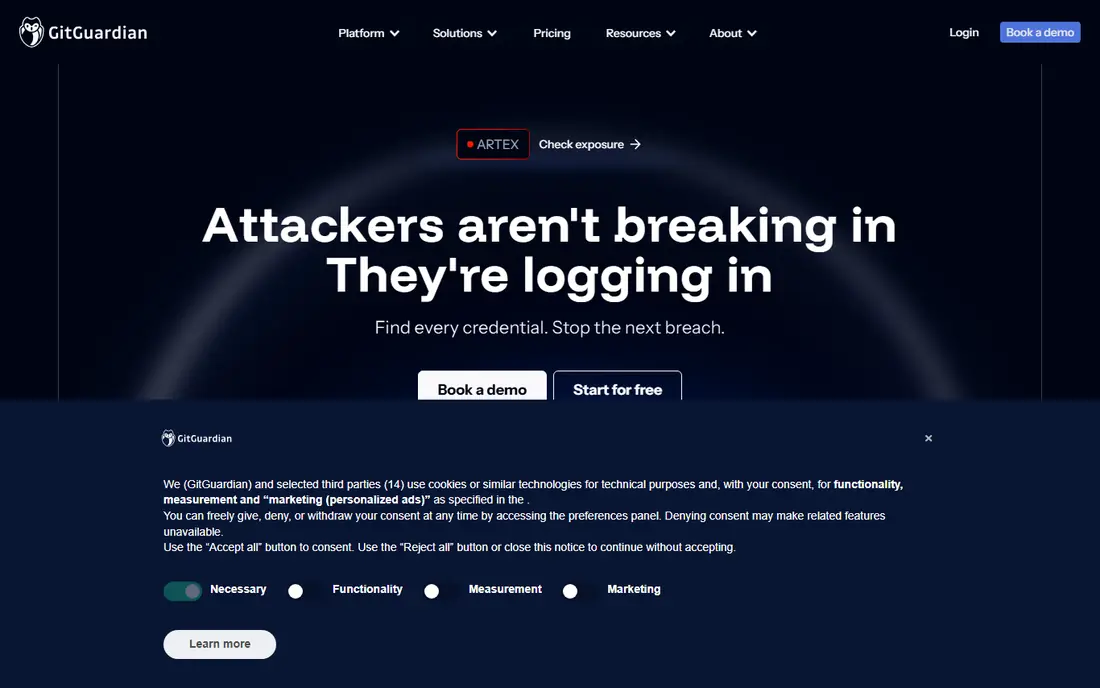
GitGuardian suits teams that want a managed platform rather than just a scanner. It monitors repositories, alerts on leaked secrets, and helps teams assign and track remediation. Honeytokens can also detect when a planted fake secret is used, which helps catch misuse that a simple scan would miss. The free tier covers small teams, which makes it easy to start.
The main consideration is data handling. A hosted scanner needs access to code or scan results, so security teams should review data retention and access controls before rollout. Paid pricing is also quoted rather than fully listed, so larger teams need a sales conversation. For teams that want workflow and visibility across many repos, GitGuardian is a strong platform choice.
- Free tier for small teams
- Dashboards, alerts, and remediation workflows
- Honeytokens and public monitoring options
- Sending code to a hosted API needs security review
- Paid tiers use quoted pricing
- Full coverage needs careful configuration
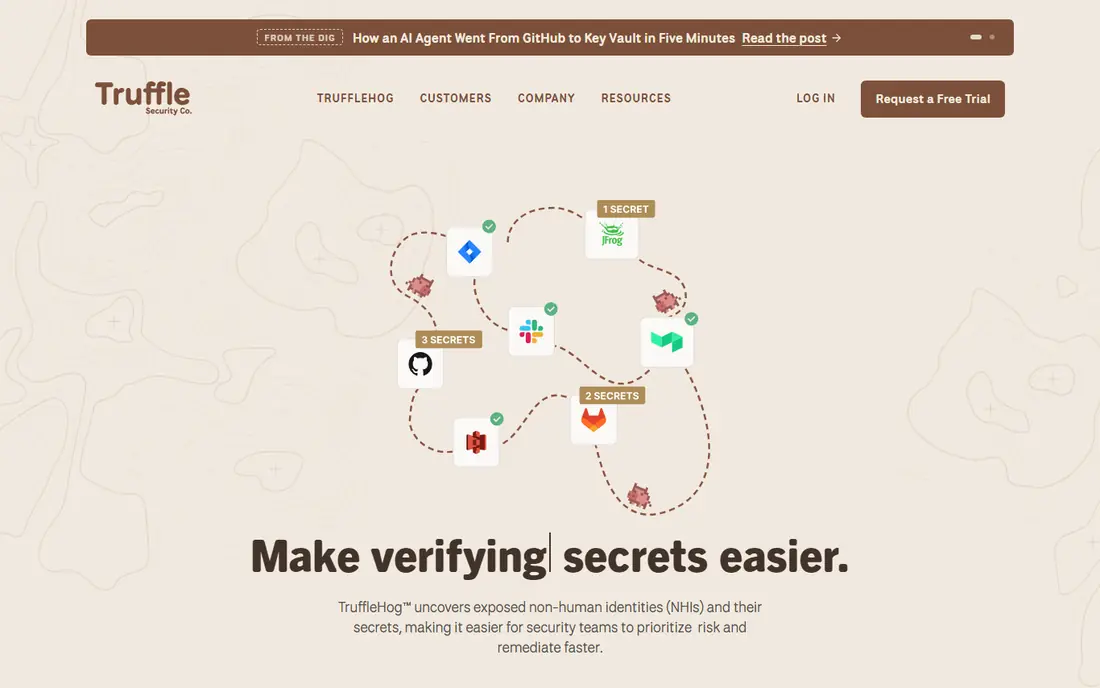
TruffleHog is best known for scanning Git history and verifying whether a found secret is still live. That verification step matters, because it separates urgent live credentials from old test keys and false positives. The open source CLI supports many detector types and can scan repositories, filesystems, and other sources.
TruffleHog alone does not give a polished team dashboard, assignment workflow, or long term monitoring in the same way a platform does. Teams often pair it with a platform or run it in CI and review results as part of their security process. For an initial sweep of history, and for verification before incident response, TruffleHog is one of the most useful free tools available.
- Open source CLI with many detectors
- Live verification for many secret types
- Scans full Git history and other sources
- No managed dashboard in the free CLI
- Enterprise features need a paid tier
- Tuning can take time on noisy repos
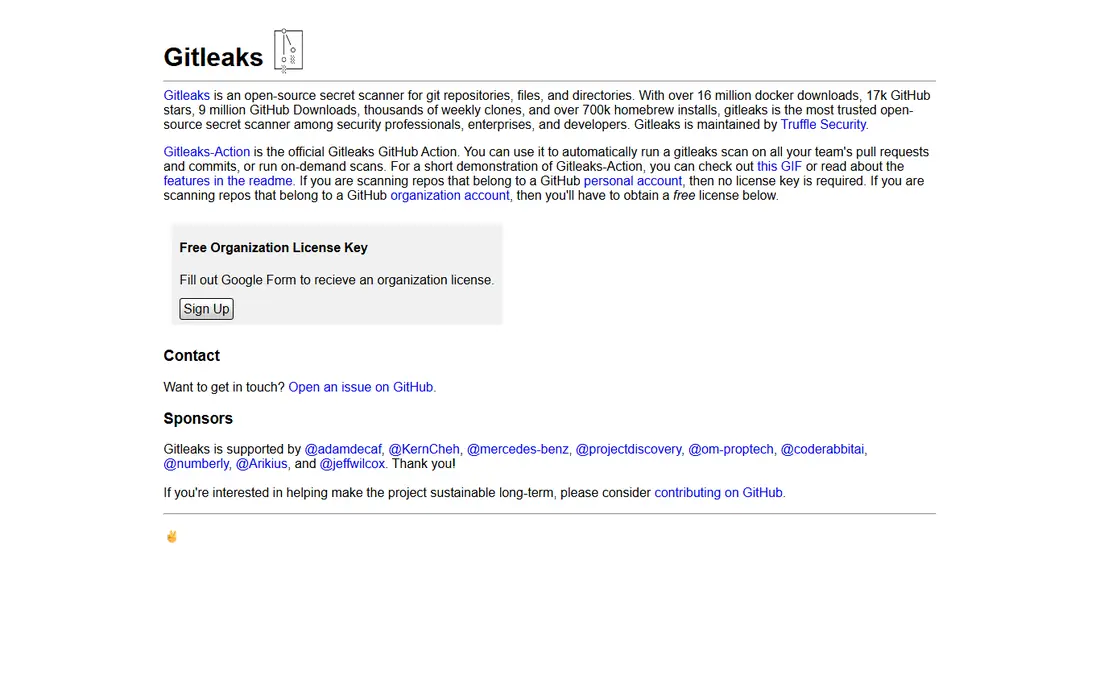
Gitleaks suits teams that want a free, simple scanner in every pull request and pre commit hook. It is fast, easy to add to CI, and fully open source, so there is no seat cost or vendor lock in. Configurable rules and allowlists let teams tune it for test fixtures and example keys that should not block development.
The trade off is that Gitleaks does not verify secrets or manage remediation on its own. Teams must build that workflow around it, using CI failures, tickets, and rotation procedures. For a free floor that blocks new leaks before they land in history, Gitleaks is an excellent starting point, especially when paired with TruffleHog for history verification.
- Free and open source with no commercial tier
- Fast CLI for pre commit and CI use
- Configurable rules and allowlists
- No managed dashboard or verification service
- False positives need allowlist tuning
- No vendor support contract
GitHub Secret Protection suits teams that already host code on GitHub, because protection sits where developers work. Push protection can block a secret before it enters history, and secret scanning alerts can flag leaks in existing code. Partner programs help check whether a leaked token is still valid with major providers.
Teams that use other code hosts will get less value, and the full protection tier is a paid add on per active committer. For GitHub centered teams, the native workflow is a major advantage, because developers see alerts in pull requests rather than in a separate tool. Pair it with an open source scanner for history sweeps outside GitHub if needed.
- Native push protection in GitHub
- Partner validity checks
- Integrated with pull requests and security alerts
- Best value only inside GitHub
- Paid tier needed for full protection
- Does not cover non GitHub code hosts in the same way
Snyk Code suits teams that already use Snyk for code and dependency security and want secret detection in the same workflow. Findings appear in pull requests and IDE integrations, which helps developers fix issues before merging. The free tier lets small teams test real projects.
Snyk is not a dedicated secret platform in the same way GitGuardian is, so teams that need honeytokens, public monitoring, or deep secret governance may need another tool as well. For teams that value one security workflow for code, dependencies, and secrets, Snyk offers a practical combined option.
- Integrates with developer tools and pull requests
- Covers code security beyond secrets
- Free tier for small projects
- Secret detection is one part of a broader platform
- Pricing varies by plan
- Some features need paid tiers
Spectral suits teams that want secret scanning alongside broader code and API risk checks. It can scan repositories and CI pipelines for credentials and misconfigurations, and it gives guidance on fixing findings. That breadth helps teams that also worry about API keys in configs and infrastructure files, not just source code.
Product packaging has changed as Spectral became part of a larger security platform, so teams should confirm the current offering and pricing before buying. Spectral is less of a pure free scanner than Gitleaks or TruffleHog. For teams that want secret detection plus wider code risk coverage in one tool, it is worth evaluating.
- Scans code, configs, and API related risks
- CI and developer workflow integration
- Remediation guidance for findings
- Pricing varies and is not fully published
- Now part of a larger platform, so check current product packaging
- Smaller community than leading open source scanners
Nightfall suits teams whose leaks happen outside code, in Slack, email, tickets, and SaaS apps where staff paste credentials by mistake. Its detection models look for secrets and sensitive data in those systems, and workflows help remove or remediate exposed items. That coverage fills a gap that code only scanners miss.
Nightfall is not a replacement for Gitleaks or TruffleHog for Git history. Teams should use it as a second layer for SaaS and chat, alongside code scanning. Pricing varies, so request a quote based on users and data volume. For organizations where paste based leaks are a real risk, Nightfall adds valuable coverage.
- Detects secrets and sensitive data in SaaS apps and chat
- Machine learning based detection
- Remediation workflows
- Pricing varies by plan
- Less focused on Git history than dedicated code scanners
- Setup needs SaaS integrations
Aikido Security suits small and mid size teams that want secret scanning as part of a wider application security bundle, without buying many separate tools. It combines code, dependency, and secret checks in one platform with a free tier for getting started. That bundle can reduce tool sprawl for teams with limited security staff.
Dedicated secret platforms offer deeper verification, honeytokens, and secret governance than a bundle tool. Teams with a mature secret program may still need GitGuardian or TruffleHog for verification and monitoring. For teams starting an AppSec program, Aikido offers a practical all in one entry point.
- Free tier available
- Bundles secret scanning with other AppSec checks
- Developer friendly workflow
- Secret depth below dedicated platforms
- Pricing varies by plan
- Newer bundle means check feature fit carefully
Cycode suits enterprises that need secret detection across the software delivery lifecycle, not just in one repository. It scans code, CI configs, and related tools, and it prioritizes findings with context about exposure and risk. That context helps security teams focus on leaks that matter most, rather than treating every finding equally.
Cycode is quoted rather than listed, and setup is heavier than adding a free CLI to CI. Small teams will likely get more value from Gitleaks, TruffleHog, and GitGuardian free tiers. Large teams with many repos, pipelines, and compliance needs will benefit from the wider SDLC coverage and prioritization.
- Scans code, CI pipelines, and SDLC tools for secrets
- Context and risk prioritization
- Enterprise workflow support
- Pricing is quoted
- Implementation can be heavier than a simple CLI
- Smaller teams may find it overkill
How we picked these
We compared official documentation and pricing pages for tools that detect secrets in code, history, CI, or SaaS systems. We looked for active maintenance, detection coverage, verification, remediation workflow, and a current free tier, trial, or open source option where offered. We excluded tools that were discontinued or were only password managers without code scanning. Prices are starting prices checked in October 2026, and where pricing is quoted we wrote See website rather than guessing.
What to check before you buy
Secret detection is only useful if it blocks new leaks, finds old ones, and leads to rotation. Test all three before you commit.
Start with a history sweep
Run a scanner over full history, not just the latest commit, because old commits often contain live keys. Use a verification focused tool such as TruffleHog to separate live secrets from dead test keys. Treat every live finding as an incident: revoke it first, then clean history.
Block leaks at push time
Pre commit hooks and push protection stop most new leaks at low cost. Add Gitleaks or GitHub push protection to every repo, and make CI scans a required check that cannot be skipped. A scanner that only reports after merge will always be playing catch up.
Plan rotation before you need it
Every finding needs a rotation path: who revokes the key, who issues a replacement, and where the new secret is stored. Store secrets in a proper secret manager, never in code or chat, and document the rotation steps for common providers. Detection without rotation is just a list of problems.
Tune for false positives early
Test fixtures, example keys, and documentation often trigger scanners. Build allowlists on day one, and review them regularly so they do not hide real leaks. A scanner that blocks every pull request will be disabled by developers, which is worse than a tuned scanner with a few missed edge cases.
Frequently asked questions
What are the best secrets detection tools?
GitGuardian suits platform monitoring, TruffleHog suits history verification, and Gitleaks suits free CI scanning. The best secrets detection tools for a team often combine those layers, rather than relying on one tool alone. GitHub Secret Protection is the best native option for GitHub centered teams.
What is the best free secret detection tool?
Gitleaks and TruffleHog are the strongest free options. Gitleaks is best for blocking new leaks in pre commit hooks and CI, while TruffleHog is best for scanning history and verifying whether a secret is still live. GitGuardian also offers a free tier for small teams that want a dashboard.
Can secret detection tools find secrets in Git history?
Yes, TruffleHog and Gitleaks can scan full Git history, including old commits and branches. That sweep is important, because a secret removed from the latest code may still exist in history. After finding a live secret, revoke it first, then consider history rewriting with care, because rewriting shared history has its own risks.
Do I need a paid secret detection tool?
Not always. Small teams can start with free tools and GitHub native protection. Paid platforms add dashboards, alerts, remediation workflows, honeytokens, and enterprise controls that matter at scale. If you manage many repositories or need audit trails, a paid platform is usually worth it.
What should I do when a secret is found?
Revoke the secret immediately, issue a replacement through a secret manager, and check logs for misuse. Do not just delete the line from code, because history may still contain it. After rotation, add a pre commit or push protection check to prevent the same leak from happening again.
Sources
See where you really rank - block by block
ProMapRanker scans Google Maps across a grid of your service area. Simple monthly plans from $19, white-label on every plan.
Start freeKeep reading
 zoro.to alternatives
Best Zoro.to Alternatives in 2026
We compare the best zoro.to alternatives in 2026, listing only legal licensed anime streaming services, from Crunchyroll to free options for fans today.
Read → zip alternatives
Best Zip Alternatives in 2026
We compare the best zip alternatives for buy now, pay later in 2026, covering pay-in-4 plans, fees, spending limits, and credit reporting options today.
Read → yesware alternatives
Best Yesware Alternatives in 2026
Compare the best yesware alternatives for sales email tracking, templates, and sequences, with current pricing and honest tradeoffs for small sales teams.
Read →