 ProMapRanker
Best Second Phone Number App for Business in 2026


Solo owners in Google Workspace · Pricing starts at: $10 per user per month
Key takeaways
- Google Voice is the cheapest starting point for solo owners already using Google Workspace, while Quo (formerly OpenPhone) leads for small teams sharing one number.
- Grasshopper suits solo owners who want a simple business line that forwards to a personal phone, without team tools.
- RingCentral, Dialpad, and Nextiva are fuller phone systems, so they cost more but add routing, analytics, and integrations.
- Check SMS support, porting, and taxes before buying, since headline prices often exclude those costs.
Quick comparison
| Pick | Great for | Pricing starts at | Free tier | |
|---|---|---|---|---|
| Google Voice | Solo owners in Google Workspace | $10 per user per month | No | Visit |
 Quo | Small teams sharing numbers | $15 per user per month | Free trial | Visit |
 Grasshopper | Solo owners wanting a simple line | $14 per month | Free trial | Visit |
 RingCentral | Growing teams needing routing | See website | Free trial | Visit |
 Dialpad | Teams wanting AI call tools | See website | No | Visit |
 Nextiva | All-in-one communications | $15 per user per month | No | Visit |
 Sideline | Long-term second work line | See website | No | Visit |
 Hushed | Multiple private numbers | See website | No | Visit |
 TextNow | Free second line for light use | Free | Yes | Visit |
The best second phone number apps for business
We compared official pricing pages and feature pages for virtual number apps that are live for US businesses in October 2026. The nine below all give a business a second number on an existing phone, but they differ on team tools, texting, and price.
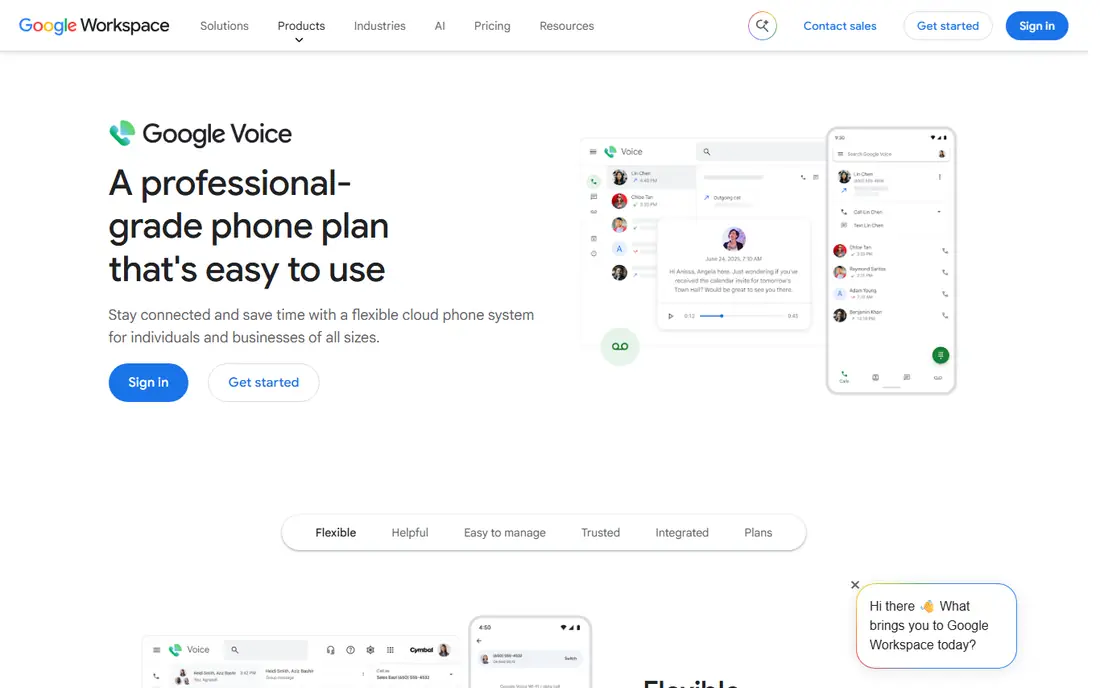
Google Voice is the simplest business second number for owners already inside Google Workspace. Calls, texts, and voicemail transcription live beside Gmail and Calendar, and setup takes minutes. Solo consultants, freelancers, and small shop owners often find it is all they need.
The limits show when a team grows. Shared inboxes, advanced routing, and CRM integrations are thinner than on Quo or RingCentral. Also note that the free personal version is not a business plan, so buy the paid business tier for business use and support.
- Deep Google Workspace integration
- Voicemail transcription
- Simple setup for solo users
- Business plan needs a Workspace account
- Team features are thinner than Quo
- Free personal version lacks business support
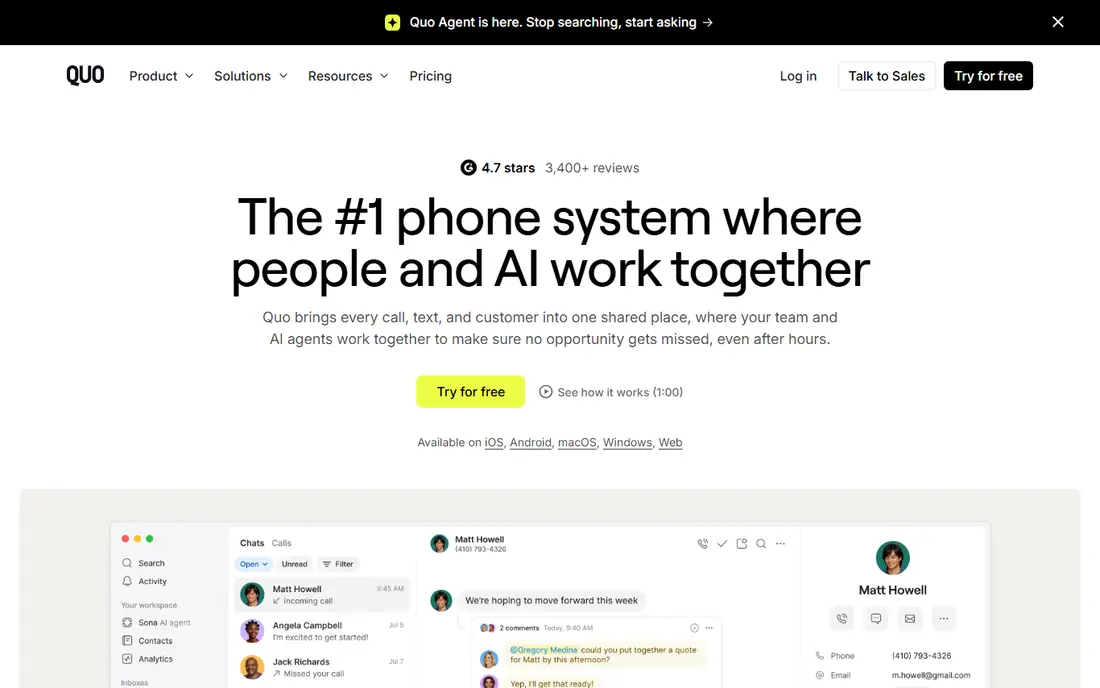
Quo, formerly OpenPhone, is our pick for small teams. A shared number lets several staff answer calls and texts from one inbox, with auto-replies, snippets, and call recording to keep replies consistent. Integrations with HubSpot, Slack, and Salesforce help log conversations without manual copying.
It is not a full office phone system. Teams that need desk phones or built-in video meetings should look at RingCentral or Nextiva instead. For startups and service teams that live on mobile and web, Quo hits the right balance of price and team features.
- Shared inboxes for team texting and calling
- CRM integrations
- Auto-replies and call recording
- No native video conferencing
- Desk phone support is limited
- Price rises per user as the team grows
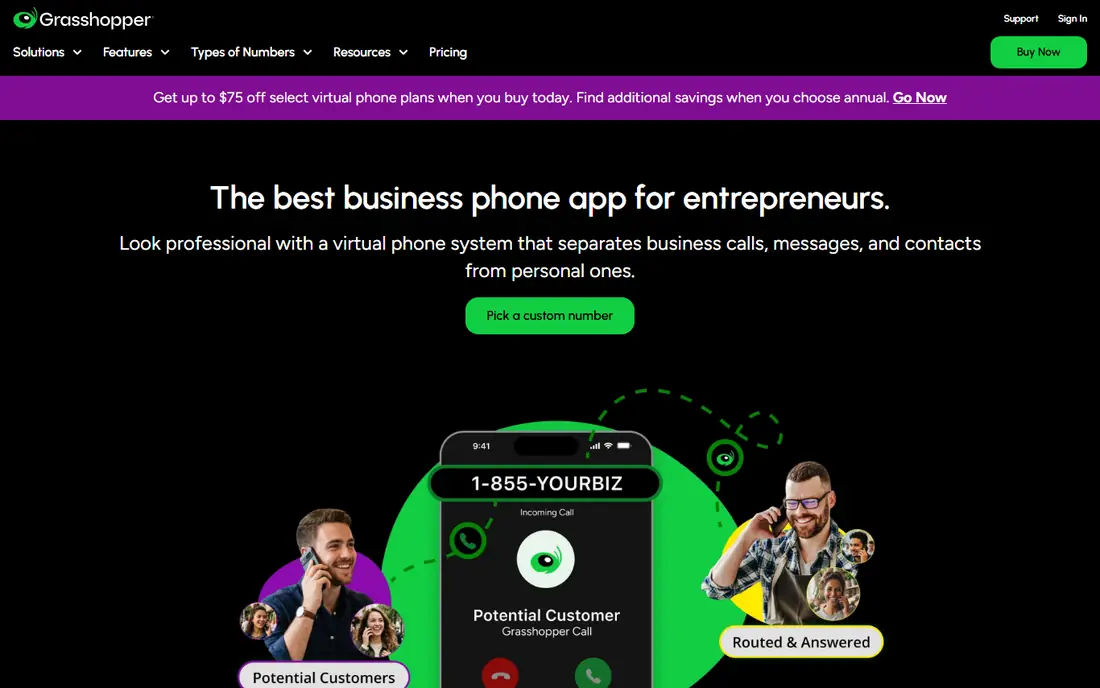
Grasshopper gives a solo owner a professional business number that rings on the phone already in their pocket. Custom greetings, extensions, and voicemail transcription make a one-person business sound larger, without the complexity of a full phone system. Pricing is per account on some plans, not per user.
Teams will outgrow it quickly. There is no shared inbox, and CRM integration is limited, so staff cannot easily share conversations. Grasshopper fits solo owners and side businesses that mainly need calls forwarded cleanly.
- Flat account pricing on higher plans
- Virtual extensions and greetings
- Forwards to a personal phone
- No team inbox or CRM logging
- Texting tools are basic
- Extra numbers cost extra
RingCentral is a full business phone system that also works as a second number app. Call routing, auto-attendant, team extensions, and analytics help growing teams handle higher call volumes without missing inquiries. SMS, video, and messaging can sit in the same platform.
That depth costs more and takes longer to set up than Quo or Grasshopper. Small teams with one number and light volume may find it overbuilt. Choose RingCentral when routing, reporting, and multi-user coverage matter more than the lowest monthly price.
- Strong call routing and extensions
- SMS and team messaging
- Analytics and CRM integrations
- Higher starting price than solo apps
- Setup is heavier
- Some features need higher tiers
Dialpad adds AI call transcripts, summaries, and coaching tools to a business phone system. Managers can review calls, coach staff, and link contact profiles to a CRM, which helps sales and support teams improve over time. Calls, texts, and voicemail live in one app.
It is more system than a solo owner needs, and pricing should be confirmed on its site before budgeting. Teams that will actually use transcripts and coaching get value here, while teams that only need a second number should pick a simpler app.
- AI transcripts and call summaries
- CRM-linked contact profiles
- Coaching tools for teams
- Pricing is not fully self-serve for all plans
- Heavier than a simple second line
- Some users report billing disputes in reviews
Nextiva suits growing businesses that want voice, texting, and team collaboration under one account. Its platform covers calls, SMS, and customer interaction tools, with CRM integrations for logging. That breadth helps teams that handle sales, support, and follow-up from the same number.
Budget carefully, since advanced automation and analytics sit on higher tiers. Solo owners may find Nextiva more than they need, but a team planning to grow into a full communications platform will appreciate the room to expand.
- Voice, SMS, and team collaboration in one platform
- CRM integrations
- Solid support options
- Advanced automation needs higher tiers
- Setup takes time
- Per-user pricing adds up for larger teams
Sideline is a straightforward second line for owners who want to keep work and personal calls apart for the long term. A dedicated number, voicemail, and texting cover the daily basics, and the app runs on the phone you already carry. That simplicity is the appeal.
Teams that need shared inboxes or CRM logging should choose Quo instead. Sideline fits solo owners, landlords, and contractors who want one stable work number without a full phone system.
- Dedicated second number on one phone
- Voicemail and texting
- Simple for long-term use
- Team features are limited
- Pricing varies by plan and platform
- Fewer integrations than Quo
Hushed lets a user hold several private numbers at once, in hundreds of area codes. That flexibility helps owners who run separate projects, listings, or short-term campaigns and want a distinct number for each. Numbers can be added or replaced without buying a new phone.
It is not built for team collaboration. Shared inboxes, routing, and CRM tools are limited, so Hushed works best as a personal business tool or a supplement to a main system. Check plan details, since pricing differs by number type and term.
- Multiple numbers in many area codes
- Easy to add or replace numbers
- Good for short-term projects
- Business team tools are thin
- Plans vary by number type
- Not a full phone system
TextNow is the free starting point for light use. Calls and texts work over an internet connection, and paid add-ons remove ads and lock in a number. For a side project, a test line, or a low-volume inquiry number, the free tier is hard to beat on price.
Business users should know the limits. The free number may change without a paid lock-in, and there are no team inboxes or advanced routing tools. Use TextNow to test a second line, then move to a paid business app when call volume or reliability matters.
- Free calls and texts with ads
- Low-cost add-ons
- Easy start for light business use
- Ads on the free tier
- Number can change without a lock-in add-on
- Business features are basic
How we picked these
We compared official pricing and feature pages in October 2026, plus public reviews, for apps that offer a US virtual number for business use. We kept apps with a current website, working calling and texting where claimed, and a clear business plan or business use case. We left out apps with no US numbers, no current listing, or only disposable numbers with no business features.
What to check before you choose
Start with texting. Some apps handle calls well but limit business texting, MMS, or verification messages, so test SMS with a real customer message before committing. Next, confirm porting: can you bring an existing number in, and can you take your number out if you leave.
Also check taxes, fees, and per-user pricing. A low headline rate can rise with taxes, extra numbers, or added staff. Finally, test the app on your own phone for a week, including voicemail, missed-call alerts, and after-hours greetings, since those details decide whether customers reach you.
Frequently asked questions
What is the best virtual phone number app?
Quo is our pick for small teams, thanks to shared inboxes and CRM integrations. Google Voice is best for solo owners in Google Workspace, and Grasshopper suits solo owners who want a simple forwarded line. The best app depends on team size and texting needs.
What is the best app for a second phone number for business?
For a team, Quo or RingCentral. For a solo owner, Google Voice or Grasshopper. For a free test line, TextNow. Pick by how many people answer the number, and whether texts need to be shared across the team.
Can I keep my personal number private with these apps?
Yes. A virtual number shows to callers instead of your personal number, and calls forward to your existing phone. Keep the business number on cards, listings, and ads, and keep your personal number off public pages.
Do second number apps support texting?
Most do, but texting depth varies. Quo, RingCentral, and Nextiva support business SMS and MMS well. Grasshopper and Sideline offer more basic texting. Test SMS, MMS, and voicemail before relying on an app for customer messages.
Can I port my existing business number into these apps?
Many apps support porting, including Quo, RingCentral, and Google Voice on business plans. Porting time and eligibility vary by carrier and number type. Confirm porting support and any downtime before starting the transfer.
Are free second number apps reliable for business?
Free apps such as TextNow work for light use, but numbers can change without a paid lock-in, and support is limited. For a main business line, a paid plan with number ownership, porting, and support is safer.
Sources
See where you really rank - block by block
ProMapRanker scans Google Maps across a grid of your service area. Simple monthly plans from $19, white-label on every plan.
Start freeKeep reading
 zoho inventory alternatives
6 Alternatives to Zoho Inventory, Compared on Price and Fit
Zoho Inventory alternatives: 6 tools compared on price, free plans and fit. Katana leads the list for manufacturers. Fit and flaws are laid out for each entry.
Read → zoho crm alternatives
Best Zoho CRM Alternatives (2026)
Need Zoho CRM alternatives? We compare 7 tools on cost, free access and who each suits. Every pick gets a straight assessment. Built for quick decisions.
Read → zelle alternatives
Best Zelle Alternatives in 2026
Compare the best Zelle alternatives for sending money to friends, paying sellers and moving funds abroad, with honest notes on fees, speed and safety in 2026.
Read →