 ProMapRanker
Best Second Brain App in United States in 2026

Key takeaways
- Obsidian is our pick for most solo users in the US because notes stay as local Markdown files you own, with a free core app and a large plugin library.
- Notion is the best team choice, since databases, shared workspaces and built-in AI suit groups that already plan work together.
- Logseq is the best free outliner, with daily notes, backlinks and local files at no cost for personal use.
- Roam Research suits researchers who think in blocks and daily notes, but it costs more and has no free tier.
- Pick by storage first: local files travel with you across tools, while cloud workspaces lock search and AI inside one app.
Quick comparison
| Pick | Great for | Pricing starts at | Free tier | |
|---|---|---|---|---|
 Obsidian | Solo users and local files | Free | Yes | Visit |
 Notion | Teams and databases | See website | Yes | Visit |
 Logseq | Free outlining and daily notes | Free | Yes | Visit |
 Roam Research | Block-based research | $15 per month | No | Visit |
 Mem | Fast capture and AI search | See website | Yes | Visit |
 Tana | Structured knowledge graphs | See website | Yes | Visit |
 Capacities | Visual object-based notes | See website | Yes | Visit |
 Craft | Beautiful docs on Apple devices | See website | Yes | Visit |
 Heptabase | Visual whiteboard thinking | See website | Yes | Visit |
The best second brain apps in United States
A second brain app holds notes, ideas, links and resources outside your head, then helps you find and connect them later. The US market includes local-first tools, cloud workspaces and visual whiteboards, and the right choice depends on how you capture, how you search and where your notes live. We compared official pricing pages, storage models and feature lists for tools that are live in October 2026 and available to US users.
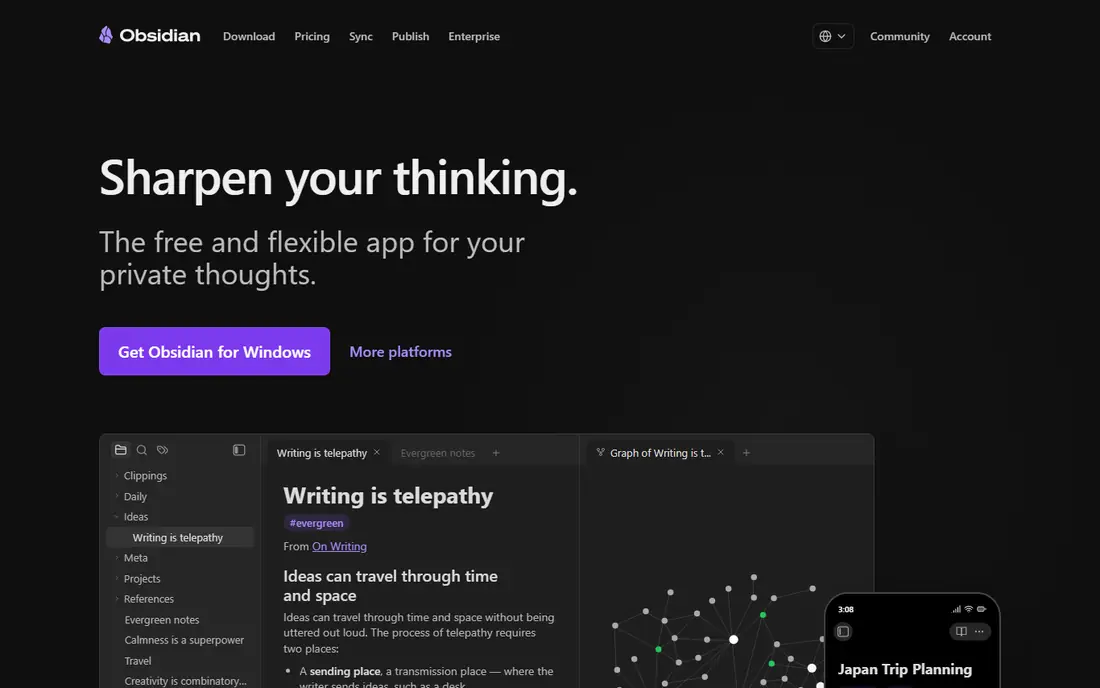
Obsidian wins for solo users because the file model is simple and durable. Every note is a plain Markdown file in a folder you control, so you can open it in any text editor, back it up yourself and move it to another tool later. Links, tags, graph view and canvas turn those files into a visible network, and plugins add databases, AI search and task tools only when you want them.
The cost is setup time. Obsidian starts as a blank vault, and new users must choose folders, plugins and sync methods themselves. Official Sync is a paid add-on, though many users sync through iCloud, Dropbox or Git instead. If you value ownership and long-term access over a guided setup, Obsidian is the strongest foundation.
- Notes are local Markdown files you own
- Graph view and canvas for connections
- Large plugin and theme library
- Sync and publish are paid add-ons
- Setup takes time for beginners
- Collaboration needs workarounds
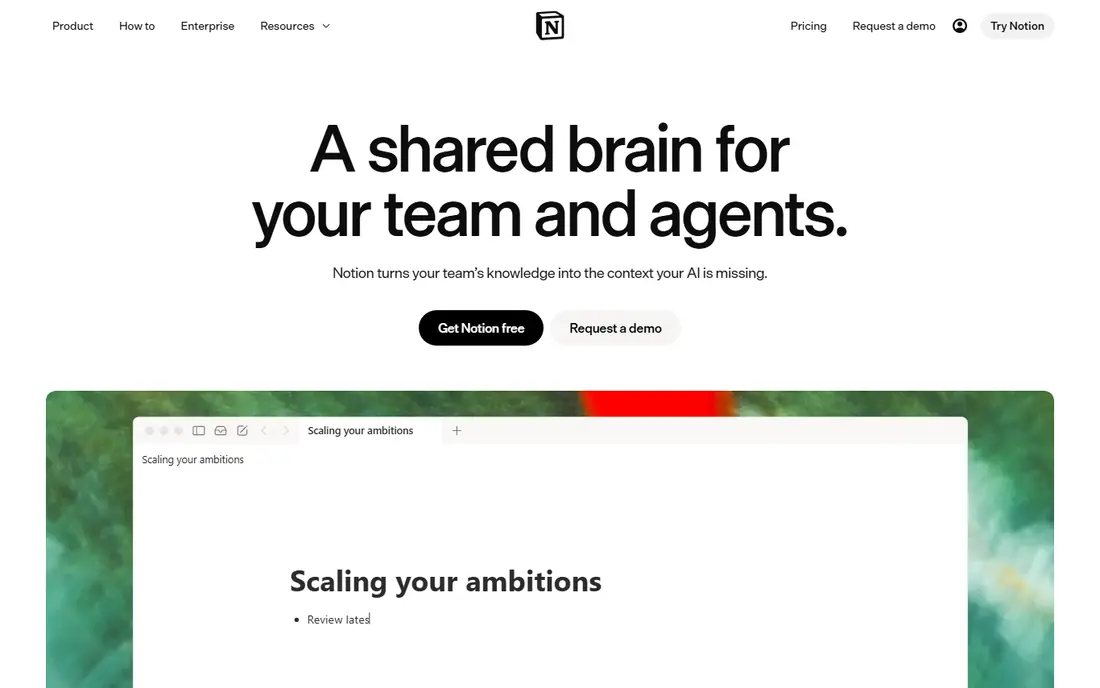
Notion is the best choice when a second brain is shared. Databases link notes to projects, tasks and contacts, templates speed up meeting notes and research logs, and real-time collaboration lets a team build a wiki together. Built-in AI can search across a workspace and draft from your own material, which suits teams that already live in Notion.
The trade-off is control. Notes live in Notion cloud, offline access is limited to cached pages, and export is a snapshot rather than a live mirror of your files. Per-user pricing also adds up for larger teams. For a personal second brain, Obsidian may be simpler. For a team knowledge base, Notion is hard to beat.
- Pages, databases and templates in one workspace
- Strong sharing and collaboration
- Built-in AI search and automation
- Cloud-only storage with limited offline access
- Can slow down in very large workspaces
- Paid plans are per user
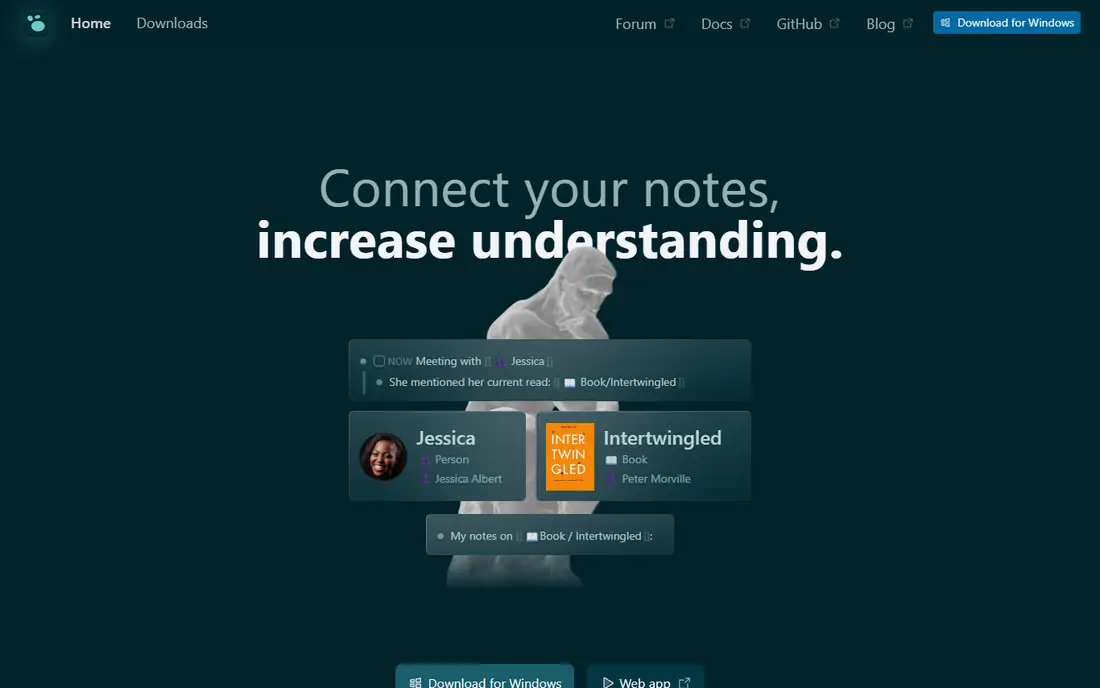
Logseq is the best free outliner for people who think in bullets and daily logs. Open the app, write in today daily note, link a bullet to another page, and the graph builds itself over time. Notes save as local Markdown files, so you own them in the same way as Obsidian, and the open-source model keeps the core free.
The outliner model is also the limit. If you think in long documents rather than bullets, Logseq can feel constraining, and the interface is more functional than beautiful. Sync across devices needs setup or a paid option, so test mobile sync before you rely on it daily. For a free, local-first daily practice, Logseq is an excellent start.
- Free and open source
- Outliner with daily notes and backlinks
- Local Markdown files
- Outliner style suits some thinkers and frustrates others
- Interface is less polished than Notion
- Sync needs setup or a paid option
Roam Research pioneered the block-based second brain, and it still suits researchers who build ideas from small, reusable bullets. Every bullet can be referenced elsewhere, daily notes act as a capture inbox, and the graph shows how ideas connect across a project. Cloud sync is included, so the app works the same on any device with a browser.
The price is the barrier. Roam has no free tier, and the monthly cost is higher than Obsidian core or Logseq, with no team discount on the standard plan. Notes live in Roam cloud, so export is a snapshot rather than a live file mirror. If block thinking is central to your research, Roam may justify the cost. If not, Obsidian or Logseq give similar linking at a lower price.
- Block references and daily notes built in
- Strong graph for research
- Cloud sync included in the price
- No free tier
- Higher monthly cost than rivals
- Cloud-only storage with export as a snapshot
Mem suits people who capture fast and search later, rather than filing notes by hand. You drop in a note, a link or a meeting detail, and Mem organizes it and makes it searchable by meaning, not just keywords. AI chat can then answer questions across your notes, which helps when you need a past decision or a contact detail quickly.
The trade-off is structure and control. Mem is cloud-based, so notes do not live as local files you can open elsewhere, and the free tier limits usage. Users who love manual folders, graphs and plugins may find Mem too automatic. Users who hate filing will find it a relief, provided they accept the cloud model.
- Fast capture with auto-organization
- AI chat over your own notes
- Connections to email and calendar tools
- Cloud-based with less file control than Obsidian
- Free tier has usage limits
- Organization style suits fast capture more than manual structuring
Tana is the most structured tool on this list. Notes are nodes, supertags add fields and types, and queries can pull together every meeting, project or contact that matches a pattern. That structure suits researchers, consultants and teams who want a knowledge graph they can ask questions of, rather than a folder of documents.
The learning curve is real. Supertags, commands and AI workflows take time to learn, and the cloud model means notes do not live as local files. Paid tiers add AI credits and capacity, so check the current plan before you build a large system on it. For a structured, queryable second brain, Tana is the strongest specialist. For simple notes, it may be more than you need.
- Supertags and structured nodes for queryable knowledge
- AI workflows built in
- Strong for structured research and meeting notes
- Learning curve for supertags and structure
- Cloud-based storage
- Paid tiers needed for heavier AI use
Capacities suits visual organizers who think in objects rather than folders. A person, a book, a place or a project becomes an object with its own page, media and links, and collections gather those objects in a visual way. Daily notes and backlinks keep the system connected, while the clean interface makes it pleasant for students and visual thinkers.
The ecosystem is smaller than Obsidian, so you will find fewer plugins and community templates. Sync is cloud-based, and advanced features sit on a paid plan, so check the current pricing before you commit. If visual organization helps you think, Capacities is a refreshing alternative to a plain note list.
- Object-based notes with visual collections
- Clean interface for media, people and places
- Daily notes and backlinks
- Smaller plugin ecosystem than Obsidian
- Cloud-based sync model
- Some advanced features need a paid plan
Craft is the best-looking second brain on this list, and it shines on Mac, iPhone and iPad. Documents feel polished, sync is fast, and sharing a doc or a workspace is simple. For Apple users who write long notes, keep a journal or build a personal wiki, Craft offers a calmer experience than a dense database tool.
The limits are platform and depth. The best experience is on Apple devices, and databases are simpler than Notion, so heavy project tracking may need another tool. Free use has document limits, and a paid plan is needed for full use. If you live in the Apple ecosystem and value design, Craft is a strong pick. If you need cross-platform depth, Notion or Obsidian fit better.
- Beautiful documents with strong Apple device support
- Fast sync and sharing
- Good for long-form notes and docs
- Best experience is on Apple devices
- Databases are simpler than Notion
- Paid plan needed for full use beyond free limits
Heptabase suits thinkers who reason by arranging ideas in space. Cards for notes, PDFs and web clips sit on an infinite whiteboard, and you can group, link and move them as a project takes shape. That spatial view helps with research maps, literature reviews and study plans, where the relationship between ideas matters as much as the ideas themselves.
The whiteboard model is also a filter. List thinkers and database users may find it less direct than Notion or Obsidian, and the ecosystem is smaller. A paid plan is needed for full use beyond free limits, so check pricing before you build a large board. For visual research, Heptabase offers a way of thinking that a folder cannot match.
- Infinite whiteboard for cards, PDFs and notes
- Spatial arrangement helps visual reasoning
- Good for research and study maps
- Whiteboard style suits visual thinkers more than list thinkers
- Smaller ecosystem than Notion or Obsidian
- Paid plan needed for full use
How we picked these
We compared official pricing pages, storage models and feature lists for second brain tools that are live in October 2026 and available to US users. We favored tools with backlinks, search and a clear storage model, and we included local-first, cloud and visual options so readers can match the tool to their workflow. We did not claim hands-on lab testing, and where a paid price varied by billing period or seat, we wrote See website rather than guessing a single figure.
What to check before you commit
Start with storage, since storage decides your exit options. Local Markdown files in Obsidian and Logseq can move to another tool with little loss, while cloud workspaces in Notion, Mem and Tana need an export step. Ask how export works, what format it produces and whether links survive the move. Then test capture on your phone, since a second brain that is hard to capture into will stay empty no matter how good its desktop graph looks.
Next, test retrieval with your own notes. Import a week of real notes, then search for a past decision, a contact and a half-remembered idea. The tool that finds those three fastest is the tool you will actually use. Finally, check sync, offline access and price per seat if you share the system. A free solo plan can become costly for a team, and a cloud-only tool can frustrate a user who works offline often.
Frequently asked questions
What is a second brain app?
A second brain app is a personal system for capturing notes, ideas and resources outside your head, then linking and searching them later. It differs from a simple note app by focusing on connections, retrieval and long-term knowledge, not just storage.
Is Obsidian really free?
Yes, the core app is free for personal and commercial use, with no limit on notes. Paid add-ons cover Sync and Publish, and a commercial licence applies in some team cases, so check the Obsidian pricing page for your situation.
Is Notion good for a solo second brain?
Yes, if you like databases and templates and you accept cloud storage. Notion suits solo users who want projects, notes and tasks in one workspace. Solo users who value local files and offline access often prefer Obsidian or Logseq.
Can I move my notes from one second brain app to another?
Often yes, but links and structure may not survive perfectly. Markdown files move most cleanly, while databases, supertags and whiteboard layouts need rebuilding. Export a test set before you commit to a large migration.
Do I need AI in a second brain app?
No, AI is optional. The core value is capture, linking and retrieval, which work without AI. AI search and drafting can help once you have a large vault, but a simple, consistent capture habit matters more than any AI feature.
Sources
See where you really rank - block by block
ProMapRanker scans Google Maps across a grid of your service area. Simple monthly plans from $19, white-label on every plan.
Start freeKeep reading
 worlds best local seo company
8 Worlds Best Local SEO Companies for Map Pack Growth in 2026
Compare the worlds best local seo company options for Google Business Profile work, citations, reviews, and multi-location rankings and reporting in 2026.
Read → world's best web hosting company
World's Best Web Hosting Company in 2026
Searching for the world's best web hosting company? We compared 10 hosts on price, renewal rates, speed, and support to help you choose well today in 2026.
Read → who's got the best nanny tax services
Who's Got the Best Nanny Tax Services in 2026
We answer who's got the best nanny tax services, comparing full filing, back taxes, software, and pricing so families can handle nanny taxes correctly.
Read →