 ProMapRanker
Best School Bus Routing Software in 2026


Most school districts · Pricing starts at: $4,995 starting cost
Key takeaways
- Transfinder Routefinder PLUS is our pick for most districts because it pairs AI-assisted routing with parent and driver apps in one system.
- Tyler Versatrans suits large districts that also need boundary planning and redistricting tools alongside daily routing.
- Most school bus routing platforms are priced by quote, so expect a demo and a district-size quote rather than a public monthly price.
- Small contractors should weigh simpler tools such as BusBoss and Busology against the broader suites, which can be more than a small fleet needs.
- Parent communication and student ridership tracking matter as much as route math, because they cut phone calls and improve safety checks.
Quick comparison
| Pick | Great for | Pricing starts at | Free tier | |
|---|---|---|---|---|
| Transfinder Routefinder PLUS | Most school districts | $4,995 starting cost | No | Visit |
 Tyler Versatrans Routing and Planning | Large districts and boundary planning | See website | No | Visit |
 Zonar Bus Suite | Routing plus fleet safety and ridership | See website | No | Visit |
 BusBoss | Smaller districts and contractors | See website | No | Visit |
 Edulog | Districts needing detailed student and route data | See website | No | Visit |
 Traversa | Districts wanting an integrated Tyler suite | See website | No | Visit |
 Samsara | Contractors focused on safety and telematics | See website | No | Visit |
 Busology | Smaller teams wanting calendar-based routing | See website | No | Visit |
 Route4Me | Small operators and multi-stop route planning | See website | Yes | Visit |
The best school bus routing software
School bus routing is part map math and part daily operations. The tools below handle stop placement, run building, driver assignments, and parent updates, with different strengths for district size and budget.
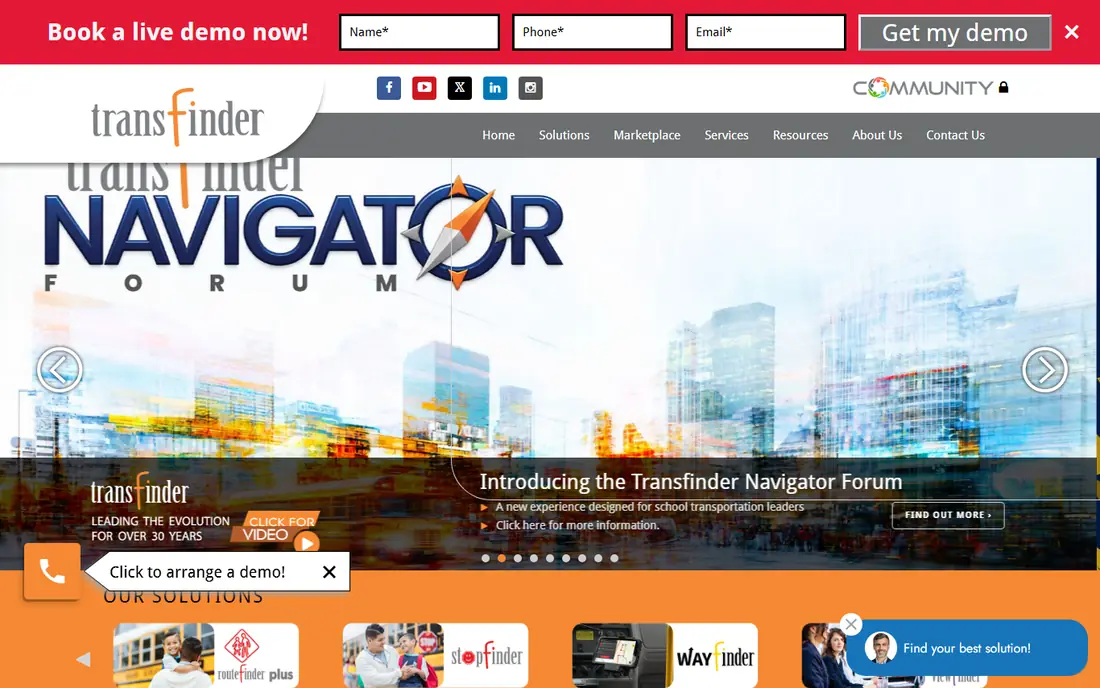
Transfinder is the name we hear most often in school transportation, and Routefinder PLUS is its core routing product. It builds routes around student addresses, school bell times, and vehicle capacity, and its AI optimization tools reorder stops to cut drive time and mileage. For a transportation director, the practical gain is fewer manual edits when students move or a new school opens.
The wider Transfinder family adds value around the routing core. Stopfinder gives parents bus times and alerts, Wayfinder gives drivers their runs, and Tripfinder handles field trips. That combination means routing changes can reach families and drivers without a separate messaging tool. The trade-off is scope: a very small operation may pay for structure it does not use, and final pricing depends on district size and modules.
- AI-assisted route optimization
- Parent app and driver app included in the wider suite
- What-if scenarios for planning changes
- Pricing is largely quote-based beyond the starting figure
- Add-on modules add cost
- Best suited to districts rather than single-bus operators
Tyler Versatrans Routing and Planning
Great for: Large districts and boundary planning
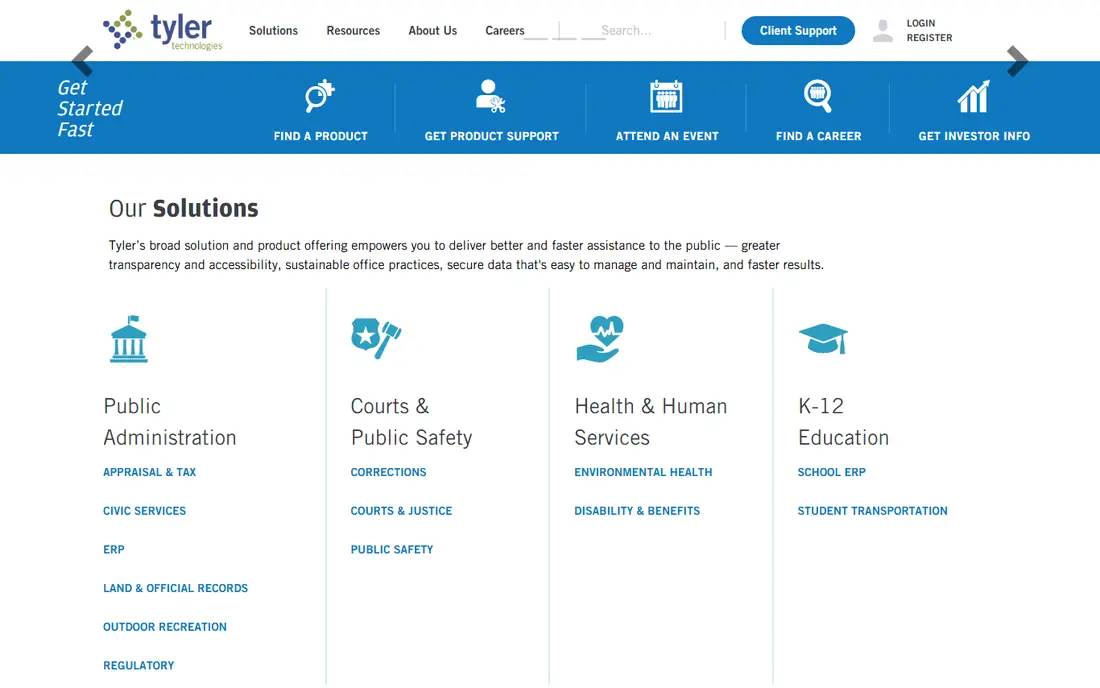
Versatrans Routing and Planning comes from Tyler Technologies, a large public sector software vendor, and it shows in the depth of the product. Beyond daily runs, it supports boundary planning, redistricting, and population forecasts, which matter when a district grows or a school boundary shifts. Routing staff can test scenarios before committing to a change that affects hundreds of families.
For daily work, Versatrans handles stop assignment, run building, and student eligibility, with GPS data feeding back into operations. The catch is that this is an enterprise-style purchase. Pricing is quoted, training matters, and smaller districts may find the full suite heavier than they need. Districts already using other Tyler products have a clearer case for it, since shared student data reduces duplicate entry.
- Long track record in school transportation
- Boundary planning and redistricting tools
- GPS and telematics integrations
- Quote-based pricing
- Implementation can take time
- Interface feels built for specialists

Zonar started in fleet telematics and built a school-focused suite around it, after acquiring routing technology. The Bus Suite brings routing, dispatch, field trips, GPS tracking, and parent communication into one portal, with a redesigned web portal launched in 2026. That breadth suits districts and contractors that want one vendor for routing and for what happens on the road.
The standout for student safety is Z Pass ridership tracking, which records when students board and leave. Combined with inspection tools and electric bus state-of-charge data, Zonar covers more of the fleet day than a routing-only tool. The downside is complexity: buying several modules means a longer rollout, and pricing is by quote. Teams that only need route building should compare it against a narrower, cheaper option first.
- Combines routing, GPS, inspections, and parent communication
- Z Pass ridership tracking
- Electric bus data support
- Quote-based pricing
- Several modules to learn
- Mainly focused on K-12 fleets
BusBoss is a practical choice for districts and contractors that want solid routing without an enterprise suite. It can auto-create stop locations from enrollment and road rules, optimize existing routes, and produce full schedules and passenger lists for proposed runs. Alternate pickup and drop-off addresses, bus passes, and student incident tracking are included, which helps with the daily exceptions that fill a transportation office.
Integration matters here too: BusBoss works with common student information systems and GPS tracking, and it can convert data from competing routing programs. That makes switching less painful than it sounds. The honest catch is polish and scale. It does not have the same brand presence or parent app ecosystem as the largest vendors, so check its parent communication options before committing if family alerts are a priority.
- Automatic stop location tools
- Route optimization with what-if runs
- Student information system integrations
- Quote-based pricing
- Smaller vendor footprint than Transfinder or Tyler
- Design is functional rather than modern
Edulog, from Education Logistics, has served school transportation for decades, and its strength is depth of data. It handles student eligibility, stop management, routing, and reporting in detail, which suits districts with complex rules around special programs, magnet schools, and shared custody addresses. When routing rules get complicated, a shallow tool starts to show its limits, and Edulog is built for that complexity.
Edulog also covers related needs such as field trips and fleet management, so a district can keep more of its transportation work in one place. The trade-off is the buying and learning process. Pricing is by quote, and new staff will need training to use the full data model well. Districts with simple, stable routes may not need this level of detail, but districts with frequent exceptions often do.
- Deep student transportation data model
- Long history with large districts
- Field trip and fleet tools
- Quote-based pricing
- Learning curve for new routing staff
- Sales-led buying process
Traversa is another Tyler Technologies transportation product, and buyers should ask Tyler directly how it differs from Versatrans for their district size and needs. In practice, Traversa covers routing, scheduling, fleet management, and field trips, with tools for parents and drivers. For a district already committed to Tyler software, that integration is the main argument: student, vehicle, and route data can flow with less manual syncing.
The risk with any large suite is buying more than the team will use in year one. Traversa rewards a district with a clear implementation plan and a named owner for transportation data. Smaller teams should ask for a scoped quote that covers only routing and parent communication at first, then add fleet modules later if the core proves its worth.
- Routing, fleet, and field trip tools in one suite
- Parent communication options
- Tyler ecosystem fit
- Quote-based pricing
- Overlapping products in the Tyler family can confuse buyers
- Enterprise rollout
Samsara is not a routing-first product, but it belongs on this list for contractors and large districts that manage safety, maintenance, and compliance alongside routes. Its platform combines GPS tracking, video safety, maintenance diagnostics, and driver coaching, and it launched an AI ridership tool for school districts in 2026. For an operator running many buses, that single view of vehicles and drivers can matter more than a small routing gain.
The catch is fit. If the core problem is building better school routes and handling bell times, a dedicated routing tool will usually do that job better. Samsara also adds hardware costs on top of software pricing. Buy it when safety, maintenance, and fleet visibility are the main goals, and pair it with a routing tool if route building is equally important.
- Telematics, video safety, maintenance, and driver coaching in one platform
- AI ridership tools for schools
- Strong hardware ecosystem
- Quote-based pricing plus hardware costs
- School-specific routing is less deep than dedicated routing tools
- Can be more platform than small fleets need
Busology takes a different approach to the routing calendar, with a multi-term calendar interface that makes it easier to see how routes change across school terms. Its K-12 suite includes vehicle and student tracking, parent apps, field trip management, operations, and asset management. For a smaller transportation team, that all-in-one scope at a manageable scale is appealing.
Live maps show bus and student positions, and families get clearer arrival information, which reduces calls to the office. The honest limit is scale and recognition: very large districts with complex redistricting needs will likely lean toward Tyler or Transfinder. Busology is best shortlisted by small to mid-size districts that want a simpler daily system and a vendor that focuses on their size.
- Calendar-based scheduling interface
- Parent and driver apps
- Field trip and asset management included
- Quote-based pricing
- Smaller vendor than the market leaders
- Less suited to very large districts
Route4Me is included because it answers the other keyword in this article: planning a route with multiple stops. For a small contractor, activity bus, or field trip shuttle, its route optimization, driver navigation, and proof of delivery cover the basics without a district-size purchase. It also handles customer notifications and tracking links, which help when parents or schools need arrival updates.
The limit is clear. Route4Me does not model school bell times, student eligibility, or walking rules the way dedicated school tools do, so it is not a replacement for district routing. Use it for small, flexible operations, or as a stopgap while a district evaluates a full system. For a single vehicle or a handful of routes, its free tier and simpler setup are genuine advantages.
- Multi-stop route optimization
- Driver app with proof of delivery
- Customer notifications and tracking
- Built for delivery and field service, not school rules
- Per-vehicle costs add up
- Optimization quality varies at large scale
How we picked these
We compared official product pages, pricing pages, and recent public reviews for school transportation software, and kept only tools that are live and genuinely used for school bus routing or closely related fleet work in 2026. We favored dedicated school routing products, then added fleet and multi-stop tools where they solve a real part of the job for smaller operators. Where a vendor does not publish a price, we wrote See website rather than repeating a third-party estimate as fact.
What to check before you sign
Start with your non-negotiables: student data rules, bell times, walking distances, and special needs routing. A tool that cannot model your district rules will create manual work no matter how good its maps look. Ask each vendor to build a sample set of routes from your real student addresses during the demo, not from a polished sample dataset.
Next, check the full cost. Ask what is included in the quote, what counts as a module, and what parent and driver apps cost. Some vendors price routing, GPS hardware, and parent apps separately, so a low routing quote can grow quickly. Also ask about data conversion from your current system, training time, and who owns the data if you leave.
Finally, plan the rollout around the school calendar. Routing changes affect families, drivers, and school start times, so test new routes before the term starts and keep the old runs available as a fallback. A short pilot with one school or one region will reveal data problems faster than a district-wide launch on day one.
Questions to ask on a demo
Ask how the tool handles mid-year student moves, split households, and temporary stops. Ask how parents receive alerts when a bus is late, and whether drivers can see route changes on their phones. Ask how long implementation usually takes for a district of your size, and what support hours cover the morning rush. The answers to those questions separate tools that look good in a demo from tools that hold up at 6 a.m. on a school day.
Frequently asked questions
What is the best school bus routing software?
For most districts, Transfinder Routefinder PLUS is a strong starting point because it combines AI-assisted routing with parent and driver apps. Large districts with boundary planning needs should also shortlist Tyler Versatrans. Smaller operators may find BusBoss or Route4Me enough for their fleet size.
What is the best app for planning a route with multiple stops?
For general multi-stop work, Route4Me is a practical pick, with route optimization, driver navigation, and proof of delivery. For school-specific stops, a dedicated tool such as Routefinder PLUS or Versatrans is better, because it models student eligibility and school rules rather than treating stops as simple delivery points.
What is the best app to plan a route with multiple stops?
It depends on who is driving. A solo driver or small team can use Route4Me or a similar multi-stop planner and get going quickly. A school district should use a school routing system instead, since parent communication, ridership, and safety rules are part of the job, not extras.
How much does school bus routing software cost?
Most vendors price by quote, based on student count, fleet size, and modules. Transfinder notes that compact districts can start Routefinder PLUS from $4,995, but that is a starting figure, not a full-district price. Ask for a written quote that lists routing, apps, GPS, training, and support separately.
Does school bus routing software include parent tracking?
Many do, either built in or as a companion app. Transfinder offers Stopfinder, Zonar offers a parent app within its suite, and Busology includes parent tracking. Check whether parent alerts are included in the quoted price or sold as an add-on, and whether alerts cover delays as well as scheduled times.
Can small districts use these tools?
Yes, but scale the purchase to the fleet. BusBoss and Busology are aimed at smaller teams, and Route4Me suits very small operations. Large suites can still work for small districts, but only if the vendor offers a scoped package and the district has staff time for implementation and data upkeep.
Sources
See where you really rank - block by block
ProMapRanker scans Google Maps across a grid of your service area. Simple monthly plans from $19, white-label on every plan.
Start freeKeep reading
 zscaler alternatives
Best Zscaler Alternatives in 2026
Looking for zscaler alternatives? We compare 9 SASE and zero trust platforms on architecture, data protection, pricing, and fit for your network and team.
Read → zapier alternatives free
Best Zapier Alternatives Free in 2026
Nine automation tools for zapier alternatives free in 2026, all with genuinely free tiers, plus free plan limits, starting prices and upgrade paths explained.
Read → which platform is best for online reputation
Which Platform Is Best for Online Reputation in 2026
Wondering which platform is best for online reputation? We compare 8 review, listing, and response tools for small and multi-location businesses and agencies.
Read →