 ProMapRanker
Best Scheduling Software for Restaurants 2026


Restaurants that want POS based forecasting and payroll in one place · Pricing starts at: $39.99 per location/month
Key takeaways
- 7shifts is the restaurant specialist, with a free Comp plan for one location and up to 15 staff, and Essentials from $39.99 a month per location billed annually.
- Homebase has the most useful free plan for a single location, free for up to 10 staff, with Essentials at $30 a month per location.
- Deputy at $5 a user a month billed annually suits multi location groups that need compliance controls, with a $30 monthly minimum.
- When I Work at $2.50 a user a month and Sling at $2 a user a month are the cheapest per user options for small teams.
- Per location pricing usually wins for restaurants with many part time staff, while per user pricing suits small teams with few staff.
Quick comparison
| Pick | Great for | Pricing starts at | Free tier | |
|---|---|---|---|---|
| 7shifts | Restaurants that want POS based forecasting and payroll in one place | $39.99 per location/month | Yes | Visit |
 Homebase | Single location restaurants that want scheduling, time tracking and messaging free | $30 per location/month | Yes | Visit |
 Deputy | Multi location groups that need compliance controls and forecasting | $5 per user/month | Free trial (31 days) | Visit |
 When I Work | Shift based teams that want scheduling live this afternoon | $2.50 per user/month | Free trial (14 days) | Visit |
 Sling | Small teams that want free scheduling basics | Free; Premium $2 per user/month | Yes | Visit |
 Connecteam | Teams under 10 that want scheduling, chat and forms in one app | Free; from $29/month | Yes | Visit |
 ZoomShift | Small restaurants that want simple rotas and time tracking | $2.99 per user/month | Free trial (14 days) | Visit |
 Push Operations | Restaurants that want scheduling plus payroll in one system | $30/month | No | Visit |
The best scheduling software for restaurants
7shifts
Great for: Restaurants that want POS based forecasting and payroll in one place
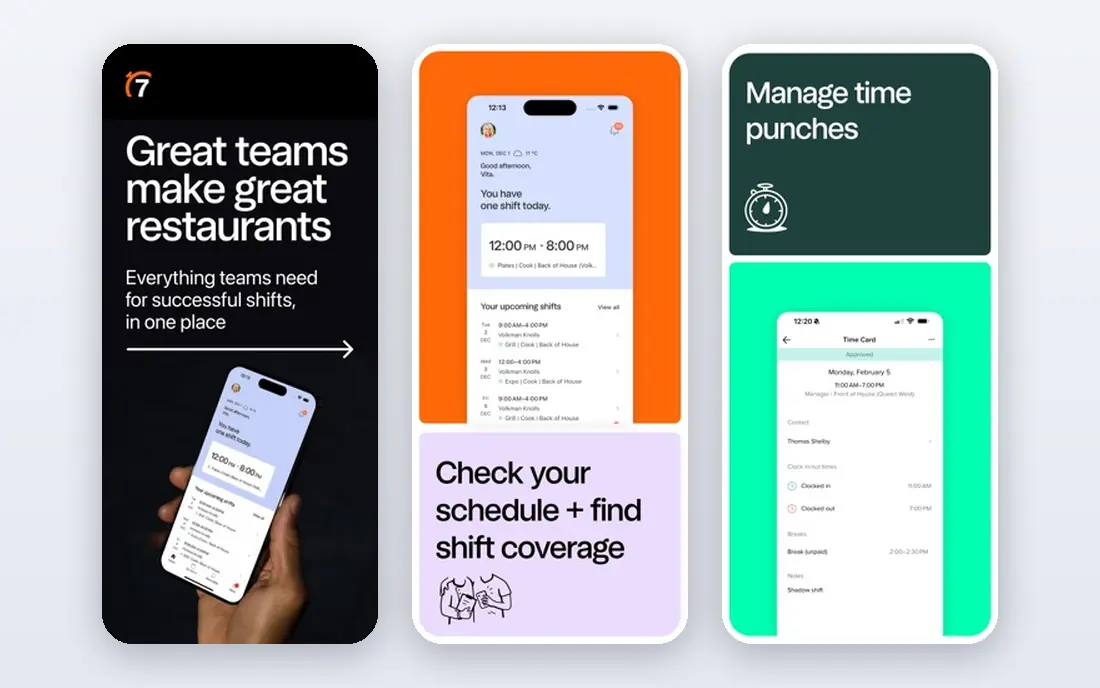
7shifts is the only tool in this list built from the ground up for restaurants, and that focus shows in the details. Scheduling covers shift templates, availability, time off requests, shift swaps and labor forecasting from POS sales data, so a manager can build a rota that matches expected covers rather than guessing. The platform goes beyond scheduling into hiring, onboarding, training, engagement, time clocking, tip management and payroll, which means a restaurant can run the whole people workflow in one place. The free Comp plan covers one location and up to 15 staff, with basic scheduling and communication. Essentials costs $39.99 a month per location billed annually, or $44.99 month to month, for up to 30 staff. Pro runs $79.99 to $89.99 a month per location, and Premium $134.99 to $149.99. Payroll is a separate add-on at $39.99 per location plus $6 per employee. Note that the plan prices come from 2026 reporting, since they did not render in a direct read of the vendor pricing page, so confirm them on the vendor site before you budget. 7shifts fits best for a restaurant that wants scheduling, hiring and payroll in one restaurant only platform.
- Built only for restaurants, with hiring, onboarding, training and tips in one platform
- POS integrations forecast labor demand
- Payroll is a separate add-on at $39.99 per location plus $6 per employee
- Plan prices did not render on a direct read of the vendor pricing page
Homebase
Great for: Single location restaurants that want scheduling, time tracking and messaging free
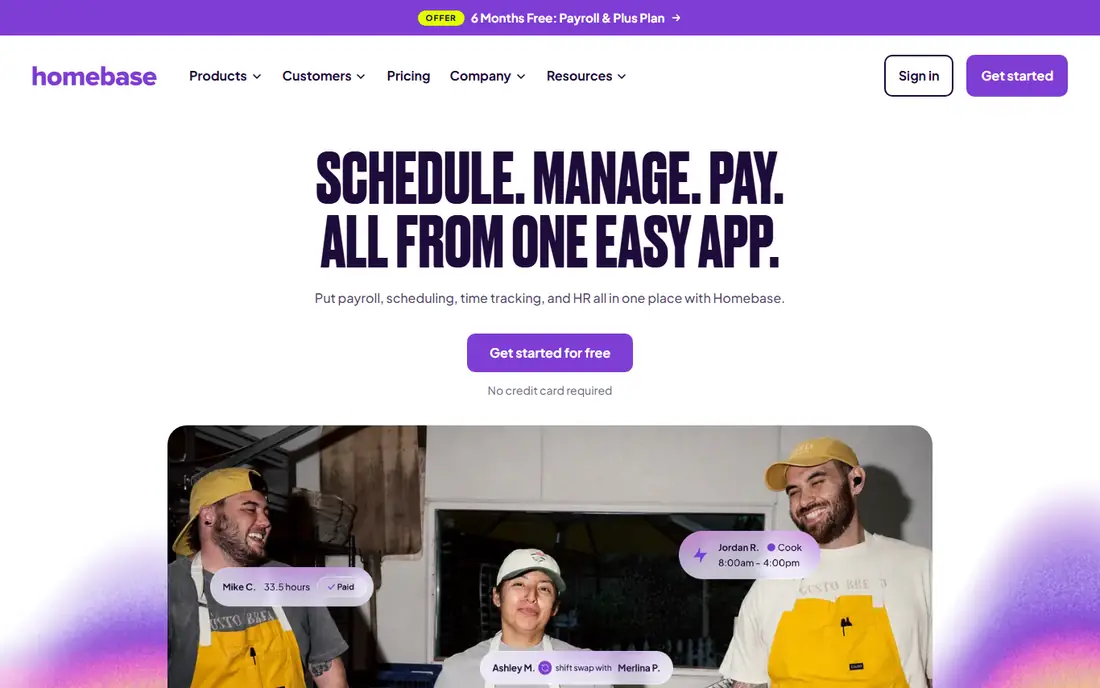
Homebase is the practical choice for a single restaurant that wants scheduling, time tracking and messaging without a per head bill. The free Basic plan covers one location with up to 10 staff, including schedules, time clocks, team messaging and basic HR, with no credit card required. That is enough for a small cafe or a single restaurant with a tight team. The Essentials plan at $30 a month per location adds advanced scheduling, performance reports and integrations. The payroll add-on costs $49 a month plus $6 per employee, and turns tracked hours into filed payroll automatically, which suits a restaurant that wants one vendor for hours and pay. The caution is pricing transparency: the pricing page names the Essentials, Plus and All-in-One plans but the figures did not render in a direct read, so the $30, $70 and $120 figures come from 2026 reporting rather than a vendor page. Confirm them with Homebase before you budget. Homebase fits best for a single small location that wants a genuinely usable free tier and a clear upgrade path into payroll.
- Free Basic plan for one location with up to 10 staff
- Payroll add-on turns tracked hours into filed payroll
- Plan prices are not published on the pricing page, so budgeting needs a sales conversation
Deputy
Great for: Multi location groups that need compliance controls and forecasting
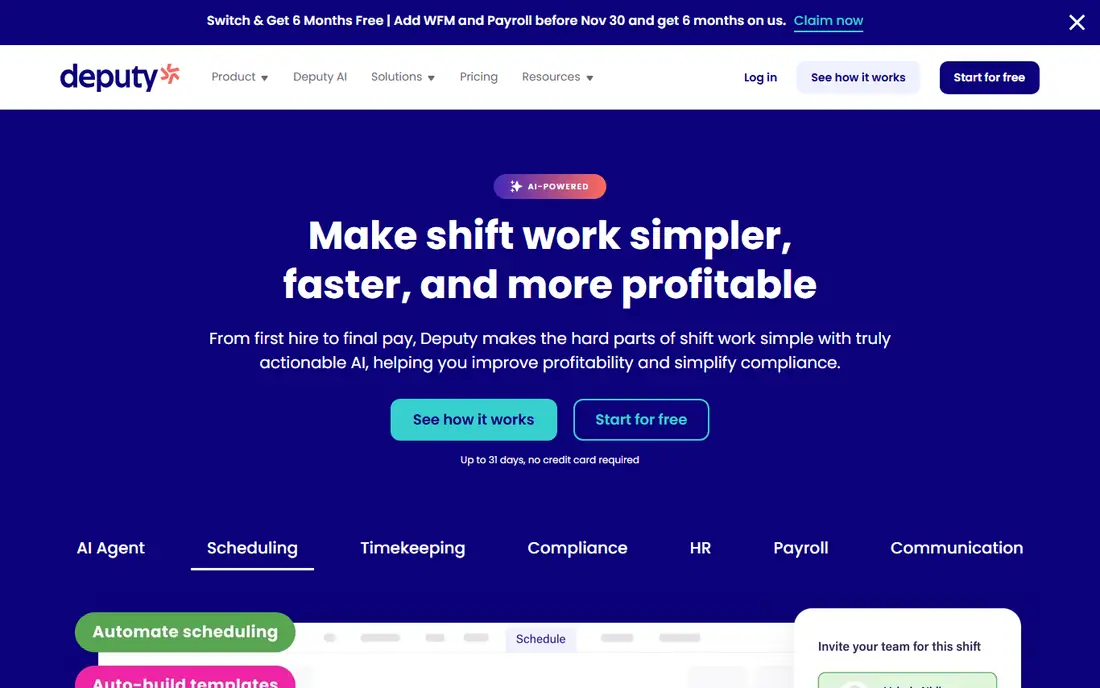
Deputy is a workforce management platform built around shift work: scheduling, time and attendance, leave management, team communication and connections into payroll, with an AI layer bundled into every plan. Its strength is compliance and forecasting. Auto scheduling builds rotas from demand, leave rules and labor law settings, and the system flags overtime, break violations and award rules before a schedule goes live. Pricing is published and starts at $5 a user a month on Lite billed annually, or $5.50 month to month. Core costs $6.50 a user a month billed annually, or $7.25 month to month, and adds auto scheduling and demand forecasting. Pro costs $9 a user a month billed annually, or $10 month to month, and adds advanced leave rules. All users including managers count as billable seats, and a minimum spend of $30 per monthly invoice applies, so a team of four pays $30, not $20. The trial runs up to 31 days without a credit card. Deputy fits best for a growing group that needs scheduling with real compliance muscle.
- Strong labor compliance, auto scheduling and demand forecasting
- 31 day trial with no credit card
- No free plan
- All users including managers count as billable seats, with a $30 monthly minimum
When I Work
Great for: Shift based teams that want scheduling live this afternoon
When I Work is the quick start option for a restaurant that needs a rota today, not next week. Setup takes minutes: add staff, set availability, drag shifts onto a calendar, and publish. Staff get the schedule on their phones, can swap shifts with manager approval, and clock in from the app. The interface is clean and the learning curve is short, which matters when the person building the rota is also running the floor. Pricing starts at $2.50 a user a month, which makes it one of the cheapest per user options in this list. A team of 20 staff costs about $50 a month, which is less than most per location plans. There is no free plan, only a 14 day trial. Higher tiers add attendance, labor cost tracking and advanced reporting, and payroll runs through integrations rather than inside the product. When I Work fits best for a small to mid size restaurant that wants simple, fast scheduling without the depth of 7shifts or Deputy, and that is happy to run payroll elsewhere.
- Fast setup with a clean interface
- Cheap per user pricing for small teams
- No free plan, only a 14 day trial
- Payroll and advanced reporting need higher tiers or add-ons
Sling offers free scheduling essentials, which makes it a good first step for a restaurant that wants to leave spreadsheets behind without spending anything. The free plan covers shift scheduling, availability, time off requests, shift swaps and team messaging, which is enough for a small team with a stable rota. Premium costs $2 a user a month and adds time tracking, labor cost reports and more integrations. The limits show as the team grows. Time tracking and compliance tools sit on higher tiers, and there are no restaurant specific features such as tip management, POS forecasting or hiring workflows. A restaurant that needs those will outgrow Sling and move to 7shifts or Homebase. For a cafe or a small restaurant with under 20 staff and a simple rota, Sling free covers the job, and Premium at $2 a user a month is cheap enough to stay on for a long time. It fits best as a low cost, low risk first scheduling tool.
- Free plan covers real scheduling needs
- Premium is only $2 a user a month
- Time tracking and compliance tools sit on higher tiers
- No restaurant specific features such as tip management
Connecteam
Great for: Teams under 10 that want scheduling, chat and forms in one app
Connecteam is an all in one employee app that covers scheduling, time clock, team chat, forms, training and HR in a single mobile product. The free plan covers up to 10 users, which suits a small restaurant team that wants one app for the whole working day, not a separate tool for each job. Staff see their schedule, clock in, message the team and complete checklists from one place, and managers build rotas, approve time off and track hours from the same dashboard. The trade off is depth. Scheduling is one module among many, so rota features such as labor forecasting, POS integration and tip handling are thinner than in 7shifts, which is built only for restaurants. Subscription plans start at $29 a month, with higher tiers adding more users and features. Connecteam fits best for a small restaurant or cafe with under 10 staff that wants scheduling plus communication and forms in a single free app, and that does not need restaurant specific forecasting or payroll depth.
- Free for up to 10 users with scheduling, chat, forms and time clock
- All in one mobile app
- Scheduling is one module among many, so rota depth is thinner than 7shifts
- Subscription plans start at $29 a month
ZoomShift is a straightforward scheduling tool for small teams that want a rota, a time clock and labor cost tracking without a complex platform. Managers build the rota by dragging shifts onto a calendar, staff see it on their phones, and the time clock records hours against the schedule. Labor cost reporting shows what each shift costs before it is published, which helps a manager keep the wage bill inside budget. Pricing is reported at $2.99 a user a month, though the figure comes from 2026 reporting rather than a direct read of the vendor pricing page, so confirm it before you budget. There is no free plan, only a 14 day trial. Integrations are fewer than 7shifts or Deputy, so a restaurant that needs deep POS or payroll connections may find the options thin.
- Simple rota builder with time clock and labor cost tracking
- Low per user price
- No free plan, only a trial
- Fewer integrations than 7shifts or Deputy
Push Operations
Great for: Restaurants that want scheduling plus payroll in one system
Push Operations combines scheduling, time tracking, HR and payroll in one platform built for restaurants and hospitality. The rota builder handles availability, time off and shift swaps, the time clock feeds hours straight into payroll, and the HR module covers onboarding and documents. That single flow matters for a restaurant that currently runs scheduling in one tool and payroll in another, since the handoff between them is where errors and double entry creep in. Pricing starts at $30 a month for 5 staff, with higher tiers as the team grows. There is no free plan, and trials run through a demo. The product is less known than 7shifts or Homebase, so there are fewer public reviews to check before you buy, and the integration list is shorter. Push Operations fits best for a restaurant that wants scheduling and payroll from one vendor and is willing to test a smaller product to get it. Ask for a demo using your own rota and payroll rules before you commit.
- Scheduling, time tracking and payroll in one product
- Per location style pricing from $30 a month
- No free plan
- Less known than 7shifts or Homebase, so fewer public reviews to check
How we chose
We compared vendor pricing pages, product documentation and feature lists for each tool, checking prices against November 2026 sources that read the vendor pages directly. We looked at plan prices, free plan limits, trial length, payroll add-on costs and whether the price is published or quote only. We did not run hands-on tests, and we did not count review site scores as evidence. Where a price did not render on a direct read of the vendor pricing page, we used 2026 reporting and noted that in the article.
What to check before you buy
- Count your staff and locations first. Per location pricing suits many part time staff, while per user pricing suits small teams, and Deputy counts managers as billable seats.
- Add payroll to the subscription price. 7shifts payroll costs $39.99 per location plus $6 per employee, and Homebase payroll costs $49 a month plus $6 per employee.
- Check the free plan limits. 7shifts Comp covers one location and up to 15 staff, while Homebase Basic covers one location and up to 10 staff.
- Ask whether time tracking, compliance and labor forecasting are included or sit on higher tiers, and get the full monthly total in writing.
- Test the staff app on a phone before you sign, since staff will use it daily and a clumsy app drives missed shifts and support calls.
Decision table by team size and budget
| Team size | Monthly budget | Best fit | Why | | Under 10 staff, 1 location | $0 | Homebase Basic or Sling free | Real scheduling at no cost | | 10 to 20 staff, 1 location | $30 to $45 | Homebase Essentials or 7shifts Essentials | Per location pricing, restaurant features | | Small team, simple rota | $2 to $3 per user | When I Work or Sling Premium | Cheapest per user pricing | | Multi location group | $5 per user | Deputy | Compliance, forecasting, auto scheduling | | Restaurant that wants payroll too | $30 plus payroll add-on | Push Operations or 7shifts | Scheduling and payroll in one system |
Frequently asked questions
What is the best free scheduling software for restaurants?
Homebase has the most useful free plan for restaurants: Basic is free for one location with up to 10 staff, covering scheduling, time clocks, messaging and basic HR. 7shifts Comp is also free for one location and up to 15 staff, with basic scheduling and communication. Sling free covers scheduling basics for small teams. The best free option depends on team size: Homebase for up to 10 staff, 7shifts for up to 15.
How much does 7shifts cost per month?
7shifts Comp is free for one location and up to 15 staff. Essentials costs $39.99 a month per location billed annually, or $44.99 month to month, for up to 30 staff. Pro runs $79.99 to $89.99 a month per location, and Premium $134.99 to $149.99. Payroll is a separate add-on at $39.99 per location plus $6 per employee. The figures come from 2026 reporting, since the plan prices did not render in a direct read of the vendor pricing page.
Is Deputy or 7shifts better for restaurants?
7shifts is better for most restaurants, because it is built only for restaurants and covers hiring, onboarding, training, tips and payroll alongside scheduling. Deputy is better for multi location groups that need strong compliance controls, auto scheduling and demand forecasting across regions with strict labor rules. The choice turns on depth: restaurant workflow depth points to 7shifts, compliance depth points to Deputy.
Does Homebase charge per employee?
No. Homebase charges per location, not per employee. The Basic plan is free for one location with up to 10 staff, and Essentials costs $30 a month per location. That per location model suits restaurants with many part time staff, since the bill does not rise with every hire. The payroll add-on does charge per employee, at $49 a month plus $6 per employee. Confirm the plan prices with Homebase, since they did not render in a direct read of the vendor pricing page.
Which scheduling software has the cheapest per user price?
Sling Premium at $2 a user a month is the cheapest per user plan in this list, and When I Work at $2.50 a user a month is close behind. ZoomShift is reported at $2.99 a user a month. Per user pricing suits small teams: a team of 10 staff costs $20 to $30 a month. For larger teams with many part time staff, per location plans such as Homebase Essentials at $30 a month are usually cheaper than any per user price.
Sources
See where you really rank - block by block
ProMapRanker scans Google Maps across a grid of your service area. Simple monthly plans from $19, white-label on every plan.
Start freeKeep reading
 best siding contractor software
Best Siding Contractor Software
Compare the best siding contractor software for estimating, scheduling, and invoicing. See real 2026 prices, free trials, and the right pick for your crew size.
Read → best shopify marketing apps
Best Shopify Marketing Apps Compared
Compare the best shopify marketing apps for email, popups, reviews, loyalty and referrals, with starting prices and free plans for each store size and budget.
Read → best septic service software
Best Septic Service Software for Small Crews
Compare the best septic service software for pumping, installs and repairs. Real prices, free trials and picks for solo techs and growing crews in 2026.
Read →