 ProMapRanker
Best Septic Service Software for Small Crews


Solo septic techs and small crews · Pricing starts at: $49 per month (Core, billed monthly; $29 per month billed annually)
Key takeaways
- Jobber is the cheapest entry point for a solo septic tech, at $49 a month billed monthly for Core, with scheduling, quotes and invoicing in one place.
- Housecall Pro adds a price book and job costing on its $79 a month Basic plan, which suits septic firms that quote flat-rate pumping and inspections.
- ServiceTitan and FieldEdge are quote-only platforms built for larger shops, with per-technician pricing and formal onboarding.
- Service Fusion charges a flat $245 a month for unlimited users, so a septic company with a big crew pays the same as a small one.
- ServiceM8 is the only tool here with a free plan, covering one user and 30 jobs a month, and it prices by job volume rather than seats.
Quick comparison
| Pick | Great for | Pricing starts at | Free tier | |
|---|---|---|---|---|
| Jobber | Solo septic techs and small crews | $49 per month (Core, billed monthly; $29 per month billed annually) | Free trial (14 days) | Visit |
 Housecall Pro | Flat-rate pumping and inspections | $79 per month (Basic, billed monthly; $59 per month billed annually) | Free trial (14 days) | Visit |
 ServiceTitan | Large septic companies with a call center | quote only | No | Visit |
 FieldEdge | QuickBooks shops with service plans | quote only | No | Visit |
 Service Fusion | Growing crews that want flat pricing | $245 per month (Starter, billed monthly; $208 per month billed annually) | No | Visit |
 Kickserv | Budget teams that use QuickBooks | $75 per month (Start, billed monthly; $60 per month billed annually) | Free trial (30 days) | Visit |
 Workiz | Dispatch-heavy septic and drain shops | quote only | Free trial (7 days) | Visit |
 ServiceM8 | Small crews that bill by the job | $29 per month (Starter, 50 jobs per month) | Yes | Visit |
The best septic service software
A septic business runs on routes, reminders and repeat visits. Pumping jobs repeat every three to five years, inspections follow property sales, and installs need quotes, permits and multi-day scheduling. The tools below cover that full cycle, from the first call to the final invoice. We compared them on published pricing, scheduling depth, service agreement tracking, mobile apps for techs in the field, and accounting sync, so a one-truck operator and a ten-tech company can both find a fit.
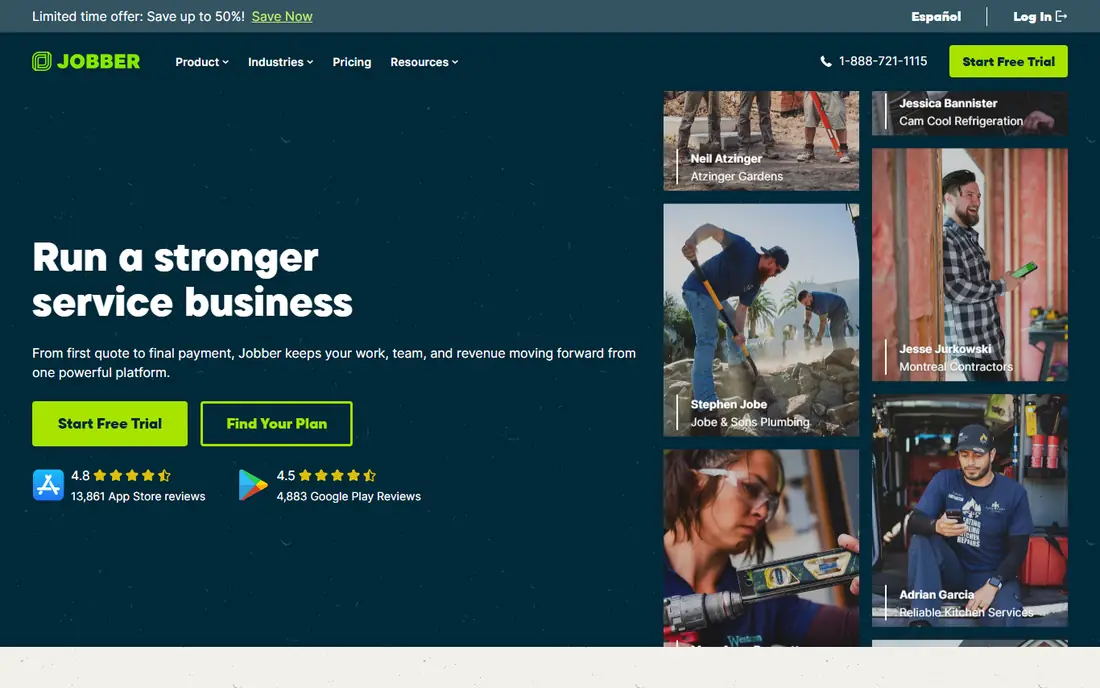
Jobber is the simplest start for a septic operator who still does the pumping and the paperwork. Core covers client records, scheduling, quotes, invoices and card payments, which is enough to run a one-truck route without a second system. The quote tool handles pumping and inspection pricing cleanly, and the mobile app lets a tech mark a job complete and collect payment at the tank. Jobber also sends automatic reminders, which matters when a pumping visit repeats every few years and the customer forgets the date. The limits show up as the crew grows. GPS tracking and QuickBooks Online sync start on Connect, so a shop that wants live truck locations or automatic bookkeeping pays $139 a month billed monthly for one user. Job costing, which tracks labor and materials against each job, starts on Grow at $199 a month billed monthly. For a solo tech those gaps rarely matter. For a three-truck septic company they decide the plan, so check the tier before you commit.
- Published prices with no sales call needed
- Scheduling, quoting and invoicing in one login
- Core covers one user only, so a second tech needs a higher tier or extra seats at $29 a month each
- Two-way texting and job costing need Grow
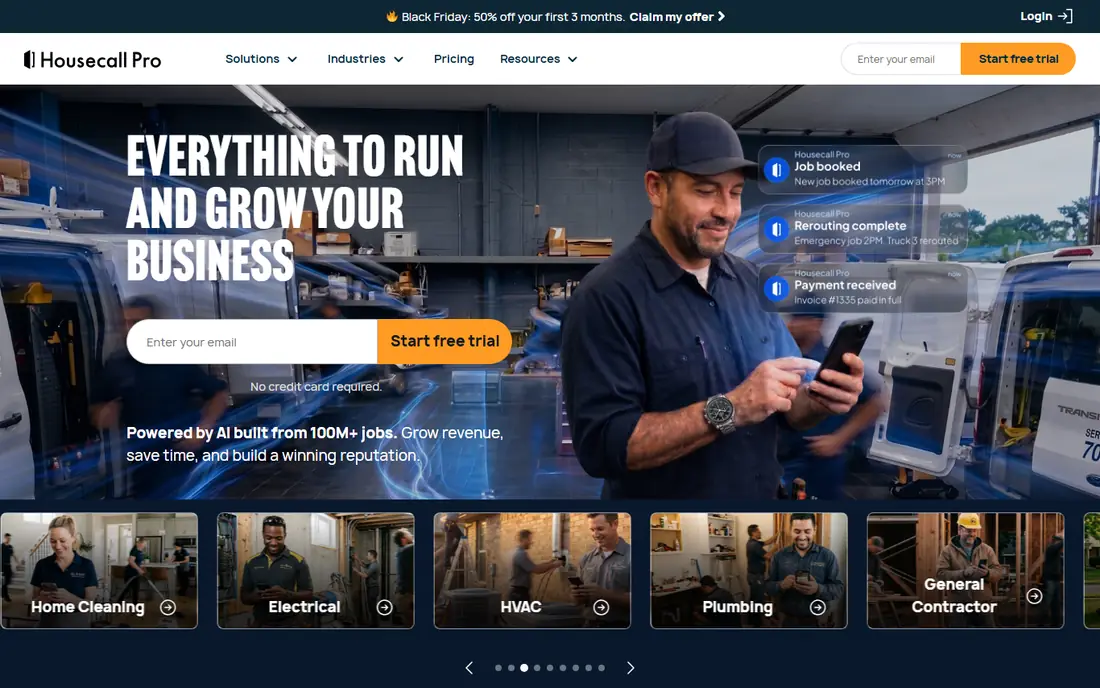
Housecall Pro fits septic companies that quote flat rates. The price book on Basic lets you set a fixed price for a standard pump-out, a riser install or a real estate inspection, then present it on site without mental math. Job costing is also on Basic, so you can see what each job earned after labor, disposal fees and fuel. Online booking lets a homeowner pick a pumping slot without calling the office, which cuts phone time during the spring rush. The trade-off is the step up to Essentials for accounting sync. At $189 a month billed monthly for five users, Essentials adds GPS tracking, routes, checklists and QuickBooks Online sync. MAX at $329 a month billed monthly adds a sales proposal tool and recurring service plans, which suit a septic firm selling annual maintenance agreements. Add-ons for phone, marketing and financing exist but carry no published price, so get those numbers in writing before you budget.
- Price book and job costing included on Basic
- Online booking for pumping appointments
- QuickBooks sync needs Essentials or above
- Add-ons such as Voice and Campaigns carry no published price
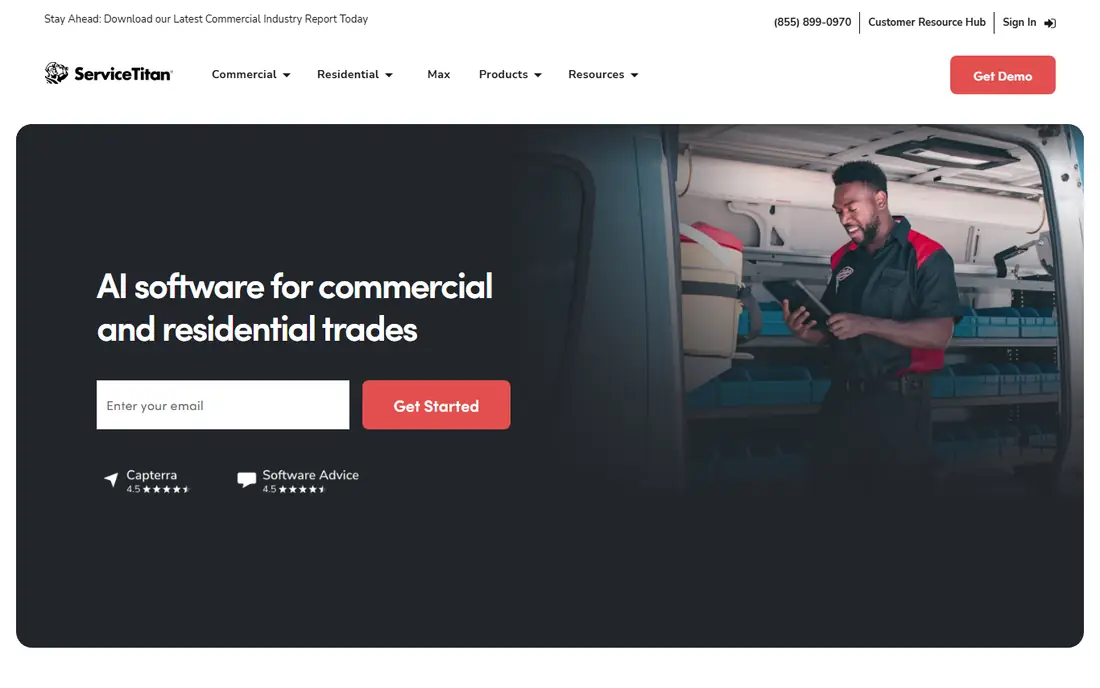
ServiceTitan is the enterprise option for a septic company that has outgrown a simple scheduler. It runs dispatch, scheduling, call booking, invoicing and a price book in one system, with payroll, advanced reporting and commission tracking on the higher tiers. The membership engine fits septic firms that sell annual pumping and inspection plans, and the call booking tools help an office team convert emergency calls into booked jobs. ServiceTitan itself says the platform is not built for a company with three or fewer technicians, and it works best with 20 or more. The cost is the barrier. Pricing is per technician and only comes through a demo, with third-party reports putting it near $245 to $398 per technician per month plus an implementation fee. Contracts run a reported 12-month minimum. A septic company with a dozen trucks and a dispatcher can justify that depth. A two-truck family business will find the same money buys several cheaper tools with room to spare.
- Deepest reporting and call booking tools in this list
- Membership engine for recurring service plans
- Pricing is quote only, so budgeting needs a sales call
- Built for larger shops, so a solo operator pays for depth it may not use
FieldEdge has served HVAC, plumbing and electrical contractors since 1980, and its design shows that history. The dispatch board, flat-rate price book and service agreement tracking fit a septic company that sells maintenance plans and wants each agreement visible on the schedule. QuickBooks Online and Desktop sync ship on every tier, which matters for a septic firm whose books already live in QuickBooks. The mobile app works offline, so a tech at a rural tank with no signal can still open the job, record the pumping volume and collect a signature. The buying process is the weak point. FieldEdge publishes no prices across its Select, Premier and Elite tiers, and there is no free trial, so you book a demo and wait for a quote. Third-party reports put seats near $100 a month for office users and $125 a month for field techs, plus a setup fee, but those are estimates. The legacy mobile app also carries low ratings on public app stores, so ask for a live demo on the current app before you sign.
- Flat-rate price book and service agreement tracking built in
- QuickBooks Online and Desktop sync on every tier
- No published pricing and no free trial, so you cannot test it before a demo
- GPS tracking comes through a third-party integration rather than built in
Service Fusion charges one flat monthly fee no matter how many techs you add, which changes the math for a septic company that hires seasonally. Starter at $245 a month billed monthly covers unlimited users, customers, estimates, jobs, scheduling, dispatch, invoicing, payments, QuickBooks sync and reporting. A septic firm can add three summer techs without the subscription moving, then keep them on through the autumn without renegotiating seats. Plus at $382 a month adds job photos, inventory, job costing and integrated voice and text, while Pro at $627 a month adds an open API, eSign, a customer portal and recurring invoicing. The catch is the entry cost and the trial policy. There is no free trial, only a demo, so you cannot test the dispatch board with your own routes before paying. Annual billing drops the monthly equivalent to $208 but charges the full $2,496 at sign-up. GPS fleet tracking and the AI call answering add-on cost extra with no published price. For a septic company with five or more techs, the flat rate still beats per-seat tools on total cost.
- Flat rate with unlimited users on every plan
- Scheduling, dispatch, estimates and payments included from Starter
- No free trial, only a demo
- Annual billing takes the full year upfront, which ties up cash
Kickserv is the budget pick for a septic company that wants real field service software without enterprise prices. Start covers five users at $75 a month billed monthly, with CRM, estimates, scheduling, invoicing, payments, automated email and text reminders, time tracking and QuickBooks Online sync. Run at $149 a month billed monthly for ten users adds dispatch mapping, GPS check-ins and custom reports. Scale at $249 a month billed monthly for twenty users adds custom templates and review requests. The 30-day trial is the longest in this list, so you can run a full pumping cycle through it before deciding. The limits are the user caps and the add-on costs. There is no published path past 20 users, so a septic company that grows beyond that needs a different tool. QuickBooks Desktop sync costs an extra $50 a month on Run, which matters for firms still on desktop accounting. Two-way texting is not included on any plan. For a septic shop with two to ten people, though, Kickserv covers the core workflow at a price the bigger names cannot match.
- Cheapest full-featured plan here for a five-user crew
- QuickBooks Online sync included from Start
- No free plan, only a 30-day trial
- No plan covers crews above 20 users
Workiz started with the urgent-call trades, and that shows in how it handles the phone. The platform pairs scheduling, dispatch, estimates, invoicing and payments with call tracking, recording, two-way texting and AI answering, so a septic company can see which ads bring pumping calls and which calls turn into booked jobs. Automations chase unanswered quotes, remind customers about upcoming pumping visits and request reviews after the job. The free Lite tier covers up to two users with a 20-job monthly limit, which suits a brand-new septic operator testing the system. The price is the problem. Workiz publishes no plan prices, and third-party reports put the entry plans near $225 to $325 a month for five users on monthly billing. The phone system that once came bundled is now a separate add-on, and the AI answering add-on is reported near $200 a month. Service plans and inventory management sit on the Ultimate tier, which needs a sales quote. Get a written quote that includes the phone add-on before you compare Workiz against tools with published prices.
- Built-in phone system with call tracking and recording
- Strong automation for reminders and follow-ups
- No published prices, so every quote needs a sales conversation
- The phone system is now a separate add-on on all plans
ServiceM8 prices by job volume instead of seats, which suits a septic company with many part-time techs and a modest job count. The free plan covers one user and 30 jobs a month, enough for a solo operator doing a few pump-outs a week. Starter at $29 a month covers 50 jobs, Growing at $79 a month covers 150 jobs with forms, asset management and proposals, and Premium at $149 a month covers 500 jobs with job costing and markup billing. Every monthly plan includes unlimited staff logins, so a septic firm can give every tech and the office manager an account without the bill moving. The job cap is the number to watch. A septic company that logs every inspection, pumping visit and follow-up as a separate job can burn through 50 jobs in a week during the busy season, and extra jobs cost 20 cents each past the Premium Plus tier. Asset management, which tracks tanks, pumps and filters by property, starts on Growing. For a small septic crew with a steady route and a tight budget, the free plan and the low Starter price are hard to beat.
- Free plan for one user and 30 jobs a month
- Unlimited users on every monthly plan, so adding staff costs nothing
- Job caps mean a busy septic route can outgrow Starter fast
- Job costing and markup billing need the Premium plan
How we chose
We compared vendor pricing pages, product documentation and feature lists for each tool, checking the price on the vendor's own pricing page and noting where the vendor hides the price behind a sales call. We favored tools with scheduling, dispatch, estimates, invoicing and a mobile app that works at a rural job site, and we checked QuickBooks sync, service agreement tracking and offline access because septic work happens away from the office. We did not run hands-on tests and we did not count review scores as product facts. Prices were read from vendor pages and third-party pricing trackers in November 2026 and can change, so confirm the live page before you buy.
What to check before you buy
Start with how the vendor charges. Per-user pricing punishes a growing septic crew, flat-rate pricing rewards it, and per-job pricing suits a small crew with a modest route. Ask whether the contract locks you in for a year and whether onboarding carries a setup fee, since quote-only tools often add both. Check that the mobile app works offline at a rural tank, and that it records pumping volumes, photos and signatures without a signal. Confirm the accounting sync matches your books, QuickBooks Online or Desktop, and that the sync covers invoices and payments rather than customers alone. Look for service agreement tracking if you sell annual pumping plans, and for automated reminders, since repeat pumping visits are the core of the business. Finally, run a trial on real routes, with real addresses and real job types, before you move your customer list across.
Frequently asked questions
What is the best software for a septic pumping business?
Jobber is the best starting point for a solo septic tech, at $49 a month billed monthly, with scheduling, quotes and invoicing in one place. Housecall Pro suits firms that quote flat rates, since its price book and job costing sit on the $79 a month Basic plan. Larger septic companies with a call center should look at ServiceTitan or FieldEdge, while Service Fusion fits crews that want flat pricing for unlimited users.
How much does septic service software cost?
Published prices run from $29 a month for ServiceM8 Starter to $245 a month for Service Fusion Starter, with Jobber Core at $49 a month and Housecall Pro Basic at $79 a month billed monthly. Quote-only tools such as ServiceTitan, FieldEdge and Workiz need a sales call, and third-party reports put ServiceTitan near $245 to $398 per technician per month. Add-ons for phone, GPS and marketing can lift the real bill well above the headline plan price.
Can septic software handle maintenance plans and reminders?
Yes, most tools in this list track recurring service plans and send automatic reminders. ServiceTitan has a membership engine built for annual plans, FieldEdge tracks service agreements on every tier, and Housecall Pro adds recurring service plans on MAX. Jobber and Kickserv send automated email and text reminders on their entry plans. Check that reminders can repeat on a three to five year cycle, which matches the usual pumping interval.
Do I need QuickBooks integration in septic software?
It helps if your books already live in QuickBooks, because it removes double entry of invoices and payments. FieldEdge and Kickserv sync with QuickBooks on their entry plans, while Jobber needs Connect and Housecall Pro needs Essentials. Service Fusion includes QuickBooks sync from Starter. If you use other accounting software, check the integration list before you buy, since some tools only sync with QuickBooks.
Is there free septic service software?
ServiceM8 has a free plan for one user and 30 jobs a month, which covers a solo operator doing a few pump-outs a week. Workiz has a free Lite tier for up to two users with a 20-job monthly limit. Jobber, Housecall Pro and Kickserv offer free trials of 14, 14 and 30 days, but no ongoing free plan. Free tiers cap jobs or users, so a busy septic route usually needs a subscription plan within a few months.
Sources
See where you really rank - block by block
ProMapRanker scans Google Maps across a grid of your service area. Simple monthly plans from $19, white-label on every plan.
Start freeKeep reading
 best siding contractor software
Best Siding Contractor Software
Compare the best siding contractor software for estimating, scheduling, and invoicing. See real 2026 prices, free trials, and the right pick for your crew size.
Read → best shopify marketing apps
Best Shopify Marketing Apps Compared
Compare the best shopify marketing apps for email, popups, reviews, loyalty and referrals, with starting prices and free plans for each store size and budget.
Read → best seo agent platforms
Best SEO Agent Platforms in 2026
Compare the best seo agent platforms for 2026, with entry prices, automation depth, free trials and honest limits for each platform listed here.
Read →