 ProMapRanker
Best Scheduling App for Contractors in 2026


Small to mid sized service contractors · Pricing starts at: $39 per month
Key takeaways
- Jobber is our pick for most small to mid sized service contractors because it combines scheduling, dispatch, quotes, and invoicing in one clear system.
- Buildertrend fits home builders and remodelers who need phase based project schedules tied to budgets and client updates.
- Fieldwire fits field teams that schedule work directly on plan sheets and need tight documentation on site.
- A calendar alone is not contractor scheduling, since crew assignment, job cards, routing, and mobile updates are the parts that prevent missed jobs.
- Run a real week of jobs in a trial before you switch, with your actual crew, routes, and job types.
Quick comparison
| Pick | Great for | Pricing starts at | Free tier | |
|---|---|---|---|---|
| Jobber | Small to mid sized service contractors | $39 per month | Free trial | Visit |
 Housecall Pro | Home service dispatch | $59 per month | Free trial | Visit |
 ServiceM8 | Solo and small trade teams | See website | Free trial | Visit |
 Workiz | Dispatch and field teams | See website | Free trial | Visit |
 Contractor+ | All in one estimating and scheduling | See website | Free trial | Visit |
 Buildertrend | Home builders and remodelers | See website | No | Visit |
 Fieldwire | Plan based field scheduling | See website | Free trial | Visit |
 Procore | Large general contractors | See website | No | Visit |
 Workyard | Crew dispatch and time tracking | See website | Free trial | Visit |
The best scheduling apps for contractors
Contractor scheduling is not about blocking time on a calendar. It is about getting the right crew, with the right equipment, to the right job, with the right notes, and then proving the work was done. The apps below differ in how they handle that chain. Some are built for daily service dispatch, some for phased construction projects, and some for large multi project programs. Pick by your job type first, then by price.
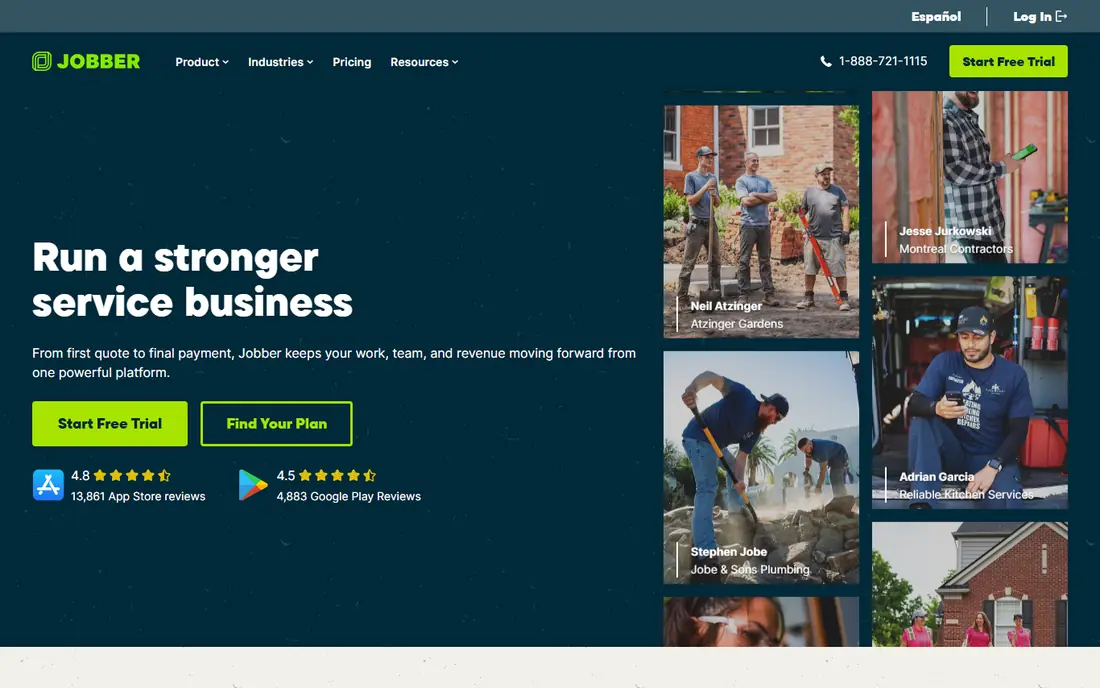
Jobber is the most balanced pick for service contractors who run recurring and one off jobs. The office can drag jobs onto a calendar, assign crew members, and send client reminders, while field staff see job details, notes, and checklists on their phones. Quotes convert into jobs, and jobs convert into invoices, so the schedule stays tied to the money. That chain reduces the double entry that causes missed billing and lost job notes.
The limit is project depth. Jobber handles service work well, but a home builder running phased construction with budgets, selections, and submittals will want a construction specific platform. Pricing starts at $39 per month for Core in recent listings, with higher tiers for more users and automation.
- Scheduling, dispatch, quotes, and invoicing in one system
- Clean mobile app for field crews
- Client reminders and online booking
- Advanced features sit on higher tiers
- Construction phase scheduling is less deep than Buildertrend
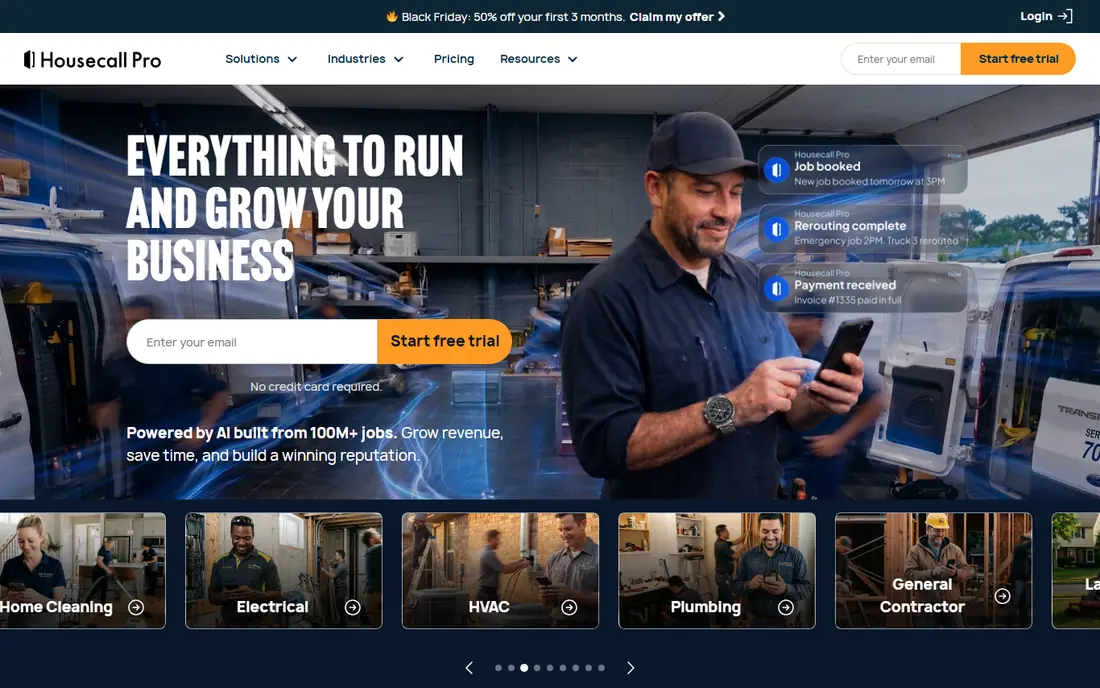
Housecall Pro is built for home service speed. Dispatchers can assign jobs, techs can update status from the field, and customers get notifications about arrival and completion. Online booking helps fill gaps in the schedule, and invoicing plus payments close the loop without a second system. For plumbing, HVAC, electrical, and similar trades, that speed matters on busy days when jobs shift hour by hour.
The starting price of $59 per month for Basic in recent listings is higher than Jobber Core, so solo operators should compare the total feature set, not just the headline price. Housecall Pro is less suited to long phased construction schedules than Buildertrend or Procore. If your work is mostly same day and next day service calls, Housecall Pro is a strong, mobile first choice.
- Fast dispatch and mobile job cards
- Online booking and customer notifications
- Invoicing and payments built in
- Higher starting price than Jobber
- Construction project scheduling is not its core strength

ServiceM8 suits solo contractors and small teams who want simplicity first. Jobs, quotes, scheduling, and invoicing live in one system, and the mobile app gives techs what they need on site without extra clutter. Many small trade businesses pick ServiceM8 because the office can run it without a dedicated admin, and field staff adopt it fast. Add ons extend it as the business grows, rather than forcing a switch to a larger platform.
Pricing needs care, since ServiceM8 uses a model that varies with use and add ons. Check the current pricing page with your actual job volume before you compare it with a flat monthly plan. For a solo operator or a two person crew, that model can be good value. For a larger crew with heavy daily dispatch, a flat plan from Jobber or Housecall Pro may be easier to budget.
- Simple job cards and dispatch for small teams
- Good mobile experience
- Add ons let you grow without switching
- Pricing is usage based and needs careful checking
- Larger multi crew scheduling needs more setup
Workiz focuses on dispatch and field execution. The office sees jobs on a board, assigns techs, and tracks status, while techs get mobile work orders with job notes and updates. Online booking, invoicing, and payments sit in the same system, which helps service businesses that take calls all day and need to turn a call into a booked job fast.
Workiz is not a construction project platform, so builders who need phased schedules, budgets, and client selections should look at Buildertrend instead. Pricing is not a single published starting figure on every page, so request a quote tied to your user count and job volume. For service dispatch, Workiz is a capable alternative to Jobber and Housecall Pro, and a trial week will show which interface your dispatchers prefer.
- Dispatch board and technician work orders
- Online booking
- Invoicing and payments
- Construction project phases are not its focus
- Some advanced features need higher tiers
Contractor+ tries to tie the whole small contractor workflow together: scheduling, job management, estimating, and auto invoicing in one app. That matters because many contractors lose time moving numbers between an estimating tool, a calendar, and an invoicing tool. When a schedule change, an estimate change, and an invoice all live in one record, fewer details fall through the gaps. A 14 day Pro trial lets you load a sample week and invite techs before committing.
The trade off is maturity and scale. Contractor+ is less widely adopted than Jobber or Housecall Pro, and large enterprise construction features are thinner than Procore. For a small shop that wants one system for estimates, schedules, and invoices, that trade off may be worth it. Test it with your real estimating templates, not just with sample jobs, since estimating is where all in one tools either help or frustrate.
- Scheduling tied to estimating and invoicing
- Job management in one app
- 14 day Pro trial to test a real week
- Newer and less widely adopted than Jobber
- Construction enterprise features are thinner
Buildertrend is built for the way home builders actually work: phases, milestones, budgets, selections, and client updates tied to a schedule. A schedule change can reflect in budget tracking and client communication, rather than living in a separate spreadsheet. Subcontractors get their own view, clients get progress updates, and the office keeps one record of the project. That depth is why remodelers and custom builders pick Buildertrend over a generic dispatch tool.
The cost is weight and price. Buildertrend is quote based, and it is heavier than Jobber for a business that only needs daily dispatch. A service contractor with same day calls will find Buildertrend slow and overbuilt. A builder with multi week phases will find it essential. Ask for pricing tied to your project volume and user count, and run a trial on a live project, not a demo project, to judge the setup effort.
- Phase based residential scheduling
- Budgets, selections, and client communication in one platform
- Strong mobile app
- Quote based pricing
- Heavier than a service dispatch tool for simple jobs
Fieldwire schedules work where field teams already look: on the plans. Tasks, checklists, photos, and issues attach to locations on drawings, so a crew member can see what to do, where to do it, and what was already checked. That plan based view reduces the gap between the office schedule and the site reality, especially on documentation heavy jobs with inspections and punch lists. Mobile use on site is a core strength, not an afterthought.
Fieldwire is not a full enterprise project management platform in the way Procore is, and it does not try to be. Budget, financial, and procurement depth are thinner. Pricing varies by plan, so check the current page for your team size. Pick Fieldwire when field coordination on plans is the daily problem, and pick Procore when full program management is the problem.
- Tasks pinned to plan sheets
- Strong documentation and inspection workflows
- Good mobile use on site
- Full project management depth is less than Procore
- Pricing varies by plan and team size
Procore is the industry standard platform for large general contractors, and scheduling sits inside a much larger system covering project management, financials, field productivity, and documents. The schedule ties to budgets, submittals, and daily logs, so the timeline reflects project reality rather than living alone. Field crews update progress from mobile apps, and the office sees that progress in the same system. For multi project general contractors, that integration is hard to replace.
Small builders will find Procore heavy and costly. Pricing is annual and quote based, aimed at serious project volume. A small service contractor or a single project remodeler does not need this depth and will pay for features they never use. Choose Procore when you run multiple large projects with many subcontractors, and choose a smaller tool when you run one crew and a handful of jobs.
- Full construction management with scheduling inside
- Strong field mobile apps
- Wide industry adoption
- Annual quote based pricing aimed at larger volume
- Heavy for small builders
Workyard focuses on the crew side of scheduling: who is working, where, and for how long. Drag and drop assignment, crew availability, and GPS time tracking give dispatchers a clear view of the day and give the office a clean record of hours by job. That record helps with payroll and job costing, and it reduces disputes about time on site. For contractors whose main scheduling pain is crew allocation, Workyard is a focused answer.
The limit is breadth. Estimating, quoting, and invoicing depth are thinner than Jobber or Contractor+, so some businesses will pair Workyard with a separate billing tool. That pairing can still work well if time tracking is your core need. Run a trial with your real crews and routes, and check how time entries flow into payroll or job costing before you commit.
- Crew scheduling with drag and drop assignment
- GPS time tracking
- Clear crew availability views
- Estimating and invoicing depth is less than all in one tools
- Needs a trial to judge fit for construction phases
How we picked these
We compared official feature and pricing pages, recent contractor scheduling guides, and public reviews checked in October 2026. We kept only tools that are live today and that truly serve contractor scheduling, whether through service dispatch, crew planning, or construction project schedules. We excluded generic calendars and generic project tools that lack job cards, crew assignment, and field mobile use. Where pricing is quote based or varies by users, we wrote See website rather than inventing a figure.
How to choose a scheduling app for your crew
Start with your job type. Service work needs fast dispatch, recurring jobs, and mobile job cards. Residential building needs phases, budgets, and client updates. Large commercial work needs program schedules tied to financials and documents. A tool built for one of those jobs will frustrate you in another, even if the marketing looks similar. Write down your three most common job types, then test each shortlisted app against those jobs only.
Next, test the mobile app in the field, not just in the office. Give two techs the app for a real week, with poor signal, gloves, and a changing schedule. Check how fast they can find the next job, update status, add a photo, and see a changed assignment. If field staff avoid the app, the office schedule will drift from reality within days. The best office dashboard in the world cannot fix a mobile app your crew will not use.
Finally, check the cost at your real size. Count office users, field users, and any per job or per user fees, then add onboarding time. A low starting price that charges per field user can cost more than a higher flat plan once your crew grows. Ask about contract length, setup help, and data export before you sign. A scheduling app holds your job history, so the ability to export that history matters if you ever switch.
Frequently asked questions
What is the best scheduling app for contractors?
For most small to mid sized service contractors, Jobber is the best scheduling app for contractors because it combines scheduling, dispatch, quotes, and invoicing. Buildertrend is better for home builders, Fieldwire is better for plan based field work, and Procore is better for large general contractors. The best choice follows your job type.
What is the best contractor scheduling app for a solo contractor?
ServiceM8 and Jobber are both strong for solo contractors, since both offer simple job cards, scheduling, and invoicing without a large admin burden. Contractor+ is also worth a trial if you want estimating tied to scheduling. Test the mobile app for a real week before you pay, since solo operators live in the mobile app.
What is the best construction scheduling software for home builders?
Buildertrend is the strongest pick for home builders and remodelers, because it ties phase based schedules to budgets, selections, and client communication. Procore fits larger commercial general contractors better, while Fieldwire fits field teams that schedule work on plan sheets. Home builders should trial Buildertrend on a live project.
Can a contractor scheduling app handle routes?
Many service dispatch apps include routing or route friendly dispatch views, and pool and field service tools often add route optimization. Check whether routing is built in, an add on, or only a map view, since those three options differ a lot in practice. For large multi stop routes, a dedicated route tool may still beat a general scheduling app.
Does contractor scheduling software replace a calendar?
No, it adds to a calendar rather than replacing it. A calendar blocks time, while contractor software adds job cards, crew assignments, client details, checklists, and mobile updates. Most apps sync with common calendars, so the office can still see jobs in a calendar view while field staff work from job cards.
How much does contractor scheduling software cost?
Costs vary widely. Jobber starts at $39 per month and Housecall Pro at $59 per month in recent listings, while Buildertrend and Procore use quote based pricing. Solo and small team tools may use per user or usage based pricing, so compare the total at your real crew size, not just the starting price.
Sources
- https://getjobber.com
- https://www.housecallpro.com
- https://www.servicem8.com
- https://workiz.com
- https://contractorplus.app
- https://buildertrend.com
- https://www.fieldwire.com
- https://www.procore.com
- https://www.workyard.com
- https://contractorplus.app/blog/12-best-scheduling-apps-for-contractors-in-2026-tested-by-a-real-shop
- https://www.getclue.com/blog/best-construction-scheduling-software
See where you really rank - block by block
ProMapRanker scans Google Maps across a grid of your service area. Simple monthly plans from $19, white-label on every plan.
Start freeKeep reading
 zscaler alternatives
Best Zscaler Alternatives in 2026
Looking for zscaler alternatives? We compare 9 SASE and zero trust platforms on architecture, data protection, pricing, and fit for your network and team.
Read → zapier alternatives free
Best Zapier Alternatives Free in 2026
Nine automation tools for zapier alternatives free in 2026, all with genuinely free tiers, plus free plan limits, starting prices and upgrade paths explained.
Read → which platform is best for online reputation
Which Platform Is Best for Online Reputation in 2026
Wondering which platform is best for online reputation? We compare 8 review, listing, and response tools for small and multi-location businesses and agencies.
Read →