 ProMapRanker
Best Scheduling App for Coaches in 2026

Key takeaways
- Calendly suits solo coaches who want a simple booking link for discovery calls.
- Acuity Scheduling and Paperbell suit coaches who need intake forms, paid bookings and packages.
- TidyCal and Setmore suit coaches who want low cost booking with payment at booking.
- Cal.com, Simply.Coach and Practice suit coaches who want open source control, client management or a growing team system.
Quick comparison
| Pick | Great for | Pricing starts at | Free tier | |
|---|---|---|---|---|
 Calendly | Simple discovery calls | Free | Yes | Visit |
 Acuity Scheduling | Intake forms and paid bookings | $20 per month | Free trial | Visit |
 TidyCal | Low cost paid bookings | $29 one time | Yes | Visit |
 Cal.com | Open source scheduling | Free | Yes | Visit |
 Setmore | Small teams on a budget | Free | Yes | Visit |
 Zoho Bookings | Teams already on Zoho | Free | Yes | Visit |
 Paperbell | Coaching packages and contracts | $57 per month | No | Visit |
 Practice | Growing coaching teams | See website | No | Visit |
 Simply.Coach | Client management plus booking | $9 per month | Free trial | Visit |
 SchedulingKit | Packages and recurring sessions | Free | Yes | Visit |
The best scheduling app for coaches
A coach does not just need a booking link. Clients need to pay before a session, buy a package, reschedule inside your rules, and get reminders so they show up. Intake questions also matter, since you need to know what a client wants before the call. The tools below cover those jobs in different ways, from a simple link to a full coaching platform.
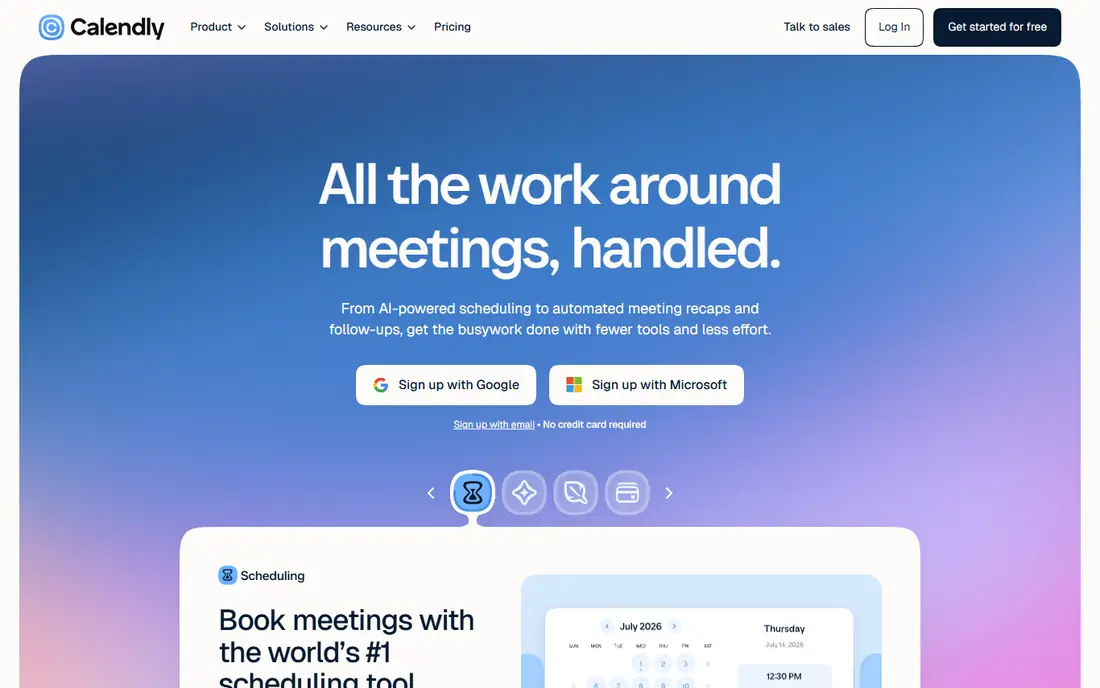
Calendly is the default starting point for many coaches, and for good reason. You set up event types, share a link, and clients pick a time that syncs with your calendar. Discovery calls, intro chats and one off sessions work well, and clients already know how to use it.
The limit appears when you sell packages or ongoing coaching. Calendly does not handle session packs, client portals or coaching homework in a native way, so growing practices often add another tool. For a solo coach who mainly books discovery calls, it is simple, reliable and free to start.
- Fast to set up
- Familiar to clients
- Team routing and round robin options
- Session packages are limited
- Coaching specific workflows need workarounds
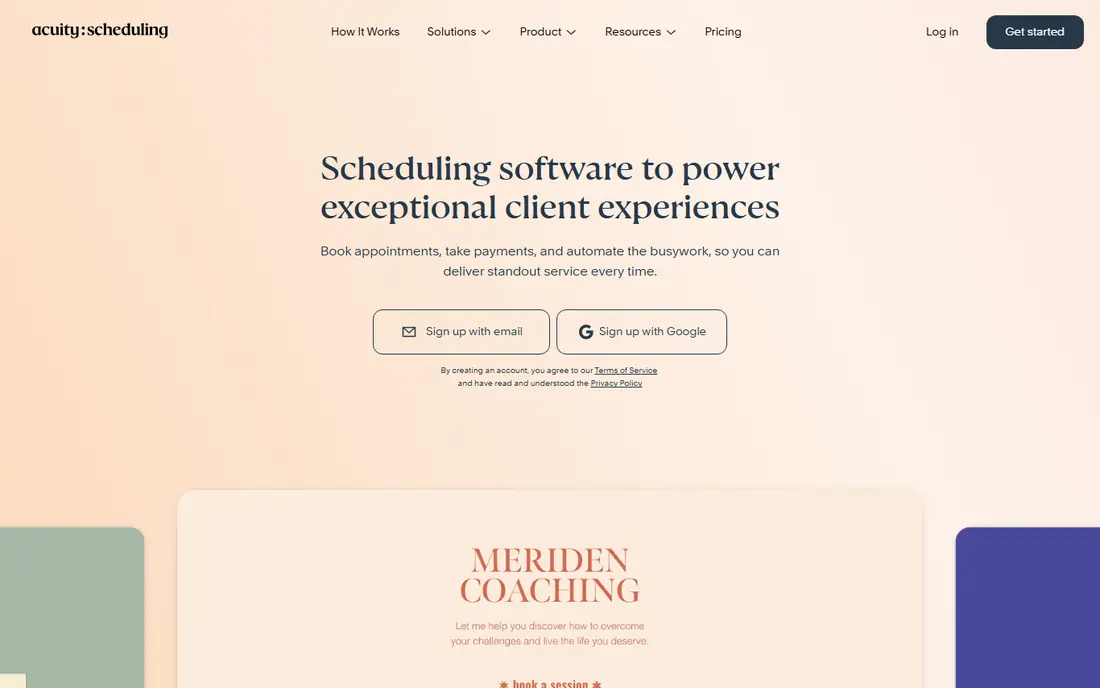
Acuity Scheduling, from Squarespace, suits coaches who run an intake heavy practice. Clients answer intake questions when they book, pay at booking, and can buy packages or gift certificates. That flow cuts admin time and gives you context before the first session.
Pricing is listed from $20 per month in recent guides, with $16 per month billed yearly in other listings, so check the current pricing page for your billing choice. There is a trial rather than a permanent free tier. For paid programmes with forms and packages, Acuity is a strong and proven choice.
- Strong intake forms
- Payment at booking
- Packages and gift certificates
- No permanent free plan
- Interface can feel busy for solo coaches

TidyCal is built for solo professionals who charge for their time and want to keep costs low. Clients can pay when they book, buy session packs and subscribe monthly, even on the free plan in recent listings, and the Individual Lifetime option is listed at $29 once. That value is hard to match for a new coach.
The trade is scope. It lacks a mobile app in many listings and offers fewer team and coaching platform features than Paperbell or Practice. For a solo coach who wants paid bookings without a monthly fee, TidyCal is an excellent first tool.
- Clients pay when they book
- Session packs and subscriptions on free plan
- Low one time cost
- No mobile app in many listings
- Fewer advanced team features
Cal.com suits coaches who want control over their booking system. It is open source, offers hosted and self hosted options, and supports payments, video links and team scheduling. That flexibility appeals to tech comfortable coaches and to practices that want to brand the booking page fully.
Self hosting takes technical work, and coaching specific features such as session packs need configuration rather than coming ready made. Hosted team plans are listed from $12 per user per month in recent guides. For control and low hosted cost, Cal.com is a strong choice.
- Open source and self hostable
- Payment and video integrations
- Team scheduling options
- Setup can be technical for self hosting
- Coaching packages need configuration
Setmore suits a small coaching team on a tight budget. The free plan covers up to 4 users in recent listings, with staff calendars, a booking page and reminders. Paid plans start from $5 per user per month billed yearly, which keeps costs low as a team grows.
Coaching specific tools such as session packs and client portals are more basic than in Paperbell or Simply.Coach. For a team that mainly needs shared calendars and booking, Setmore is a practical and low cost option.
- Free plan for up to 4 users
- Staff calendars and booking page
- Payment options
- Coaching package tools are basic
- Design feels less modern than rivals
Zoho Bookings fits teams that already use Zoho apps. It offers a booking page, staff calendars and customer scheduling, and it links to Zoho CRM, Calendar and other tools in the suite. The free plan covers one user in recent listings, with paid plans from $6 per user per month billed yearly.
It is a general scheduling tool, not a coaching platform, so session packs and coaching workflows need workarounds. For a Zoho household that wants booking inside its existing system, Zoho Bookings is a clean and low cost fit.
- Free plan for one user
- Links to Zoho CRM and other Zoho apps
- Staff and service scheduling
- Coaching packages are not native
- Best value inside Zoho only
Paperbell is built for coaches, and it shows in the vocabulary: packages, session credits, contracts and client portals come ready made. Clients book, sign a coaching agreement and pay for a package in one flow, which cuts the admin that comes from stitching three tools together. That completeness suits established coaches with regular clients.
The price, listed at $57 per month in recent guides, is higher than a simple booking link. For a new coach with few clients, that cost may be hard to justify. For a busy practice that sells packages, Paperbell can save enough admin time to be worth it.
- Coaching packages and session credits
- Contracts and payments in one flow
- Client portal
- Higher monthly cost
- No permanent free plan
Practice, formerly Practice, offers scheduling alongside contracts, invoicing, payments and client management, with a mobile app for coaches on the move. That mix suits a growing practice that wants one system for bookings, paperwork and client records, rather than separate tools for each job.
Pricing is shown on its pricing page and varies by plan, with low entry prices in some listings, so check the current page before you commit. Solo coaches who only need a booking link may find it more system than needed. For a team that is scaling, Practice is a strong all in one option.
- Scheduling plus contracts, invoicing and client management
- Mobile app
- Team features
- Pricing varies by plan
- May be more than a solo coach needs
Simply.Coach runs a coaching practice end to end, with scheduling, client management, session notes, goals and payments in one place. That breadth suits coaches who want booking plus a record of each client journey, not just a calendar link. Entry pricing is listed from $9 per month in recent guides, with a trial rather than a free tier.
It is less well known than Calendly, so clients may need a moment to learn the booking page. For a coach who wants practice management with scheduling built in, Simply.Coach offers good value at its entry price.
- Coaching client management built in
- Scheduling with payments
- Session notes and goals
- No permanent free plan
- Design and features vary by plan
SchedulingKit fits how many coaches sell time: a free discovery call, then a package or ongoing monthly sessions. Clients can book recurring weekly or biweekly slots, buy a multi session package, and manage bookings in a client portal. Video links for Zoom, Teams and Meet generate with each booking.
It does not offer intake forms, contracts or homework tracking, and the free plan has no online payments, with paid plans from $12 per month for Standard in recent listings. For package selling with recurring sessions, SchedulingKit is a focused and practical choice.
- Session packages and recurring bookings
- Zoom, Teams and Meet links
- Client portal
- No intake forms or contracts
- Free plan has no online payments
How we picked these
We compared official pricing pages, feature descriptions and recent coach focused roundups that cite vendor pricing in September and October 2026. We kept only tools that are live and that offer client self booking, calendar sync, reminders and, in most cases, payment at booking. We did not claim hands on testing, and prices marked See website vary by plan.
How to choose a scheduling tool for coaching
Start with how you sell. If you sell single sessions and discovery calls, Calendly or TidyCal will do. If you sell packages, pick Acuity, Paperbell or SchedulingKit. If you want client management as well, pick Simply.Coach or Practice. If you want control or a low cost team tool, pick Cal.com, Setmore or Zoho Bookings.
Test the client view first
Book a test session as a client, check the intake form, payment step and reminder emails, and see how rescheduling works inside your rules. A tool that is easy for you but confusing for clients will cost you bookings.
Set payment and cancellation rules early
Require payment at booking for paid sessions, set a clear cancellation window, and write it into the booking page and contract where possible. Clear rules protect your time and reduce no shows more than reminders alone.
Frequently asked questions
What scheduling tools are best for coaches?
Calendly suits simple discovery calls, Acuity suits intake heavy paid programmes, TidyCal suits low cost paid bookings, and Paperbell, Practice and Simply.Coach suit coaches who want packages, contracts and client management in one system. The best tool depends on how you sell and how many clients you manage.
Can clients pay when they book a coaching session?
Yes, with most tools here, including Acuity, TidyCal, Paperbell, Practice, Simply.Coach and SchedulingKit on paid plans. Calendly also supports payment on paid plans, while free plans often limit payment features, so check the plan you choose.
Do scheduling apps for coaches support session packages?
Yes, Acuity, TidyCal, Paperbell and SchedulingKit all support packages or session credits in some form. Calendly and simple booking links are weaker for packages, so pick a package focused tool if you sell multi session programmes.
Is there a free scheduling app for coaches?
Yes. Calendly, TidyCal, Cal.com, Setmore, Zoho Bookings and SchedulingKit all offer free plans or tiers, though payment, SMS reminders and advanced features often sit on paid plans. TidyCal also offers a low one time lifetime option in recent listings.
How do I reduce no shows for coaching sessions?
Use email and SMS reminders where available, require payment at booking, let clients reschedule inside your rules, and send a short intake form before the session. A clear cancellation policy on the booking page also helps clients take the booking seriously.
Sources
See where you really rank - block by block
ProMapRanker scans Google Maps across a grid of your service area. Simple monthly plans from $19, white-label on every plan.
Start freeKeep reading
 zscaler alternatives
Best Zscaler Alternatives in 2026
Looking for zscaler alternatives? We compare 9 SASE and zero trust platforms on architecture, data protection, pricing, and fit for your network and team.
Read → zapier alternatives free
Best Zapier Alternatives Free in 2026
Nine automation tools for zapier alternatives free in 2026, all with genuinely free tiers, plus free plan limits, starting prices and upgrade paths explained.
Read → which platform is best for online reputation
Which Platform Is Best for Online Reputation in 2026
Wondering which platform is best for online reputation? We compare 8 review, listing, and response tools for small and multi-location businesses and agencies.
Read →