 ProMapRanker
Best Scheduling App in 2026


Meeting scheduling for individuals and teams · Pricing starts at: $10 per seat per month
Key takeaways
- Calendly and Cal.com suit meeting scheduling, while Acuity, Square Appointments, and Setmore suit service businesses that need intake, payments, and staff calendars.
- Per seat pricing looks cheap for one person and costly for a team, so model the total for your staff count before you choose.
- Free plans are useful for solo users, but payment collection, round robin routing, and two way calendar sync often require a paid plan.
- Check calendar sync, time zone handling, reminders, and cancellation rules, because those details drive no shows more than design.
- Test your booking page as a client would, on mobile, before you share the link publicly.
Quick comparison
| Pick | Great for | Pricing starts at | Free tier | |
|---|---|---|---|---|
| Calendly | Meeting scheduling for individuals and teams | $10 per seat per month | Yes | Visit |
 Acuity Scheduling Acuity Scheduling | Appointment businesses with intake forms | $16 per month | No, trial available | Visit |
 Cal.com Cal.com | Open source scheduling with control | $12 per user per month for Teams | Yes | Visit |
 Square Appointments Square Appointments | Service businesses already on Square | Free for solo use, Plus $49 per location per month | Yes | Visit |
 Setmore Setmore | Small service teams starting free | $5 per user per month | Yes, up to 4 users | Visit |
 Zoho Bookings Zoho Bookings | Teams already using Zoho | $6 per user per month | Yes, for one user | Visit |
 SimplyBook.me SimplyBook.me | Configurable service booking | $11.90 per month | Yes | Visit |
 TidyCal TidyCal | Solo pros who want a low one time cost | $29 one time for Individual Lifetime | Yes | Visit |
The best scheduling apps
We compared official feature pages, pricing pages, app store listings, privacy policies, and public reviews, with a focus on booking ease, calendar sync, payments, reminders, and team pricing.
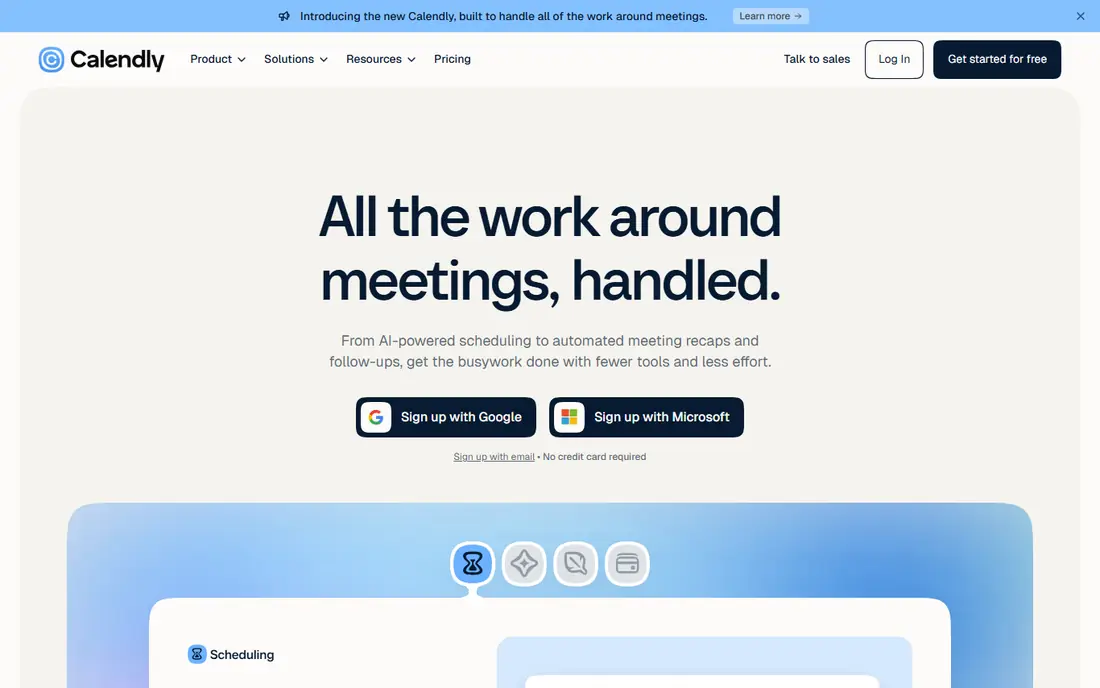
Calendly is the default meeting scheduler for a reason. You set availability, share a link, and clients pick a time without email back and forth, with automatic calendar invites and reminders. That simplicity suits consultants, sales teams, and recruiters who book many one to one meetings each week. The free plan is limited to one event type, and payments start on the Standard plan, so solo users who need several meeting types should budget for paid use. Teams should also check routing features, because round robin assignment requires a higher plan. For pure meeting scheduling, Calendly remains the smoothest option.
- Easiest meeting link setup, strong calendar sync, team routing on higher plans
- Free plan allows one event type, per seat cost grows with team size
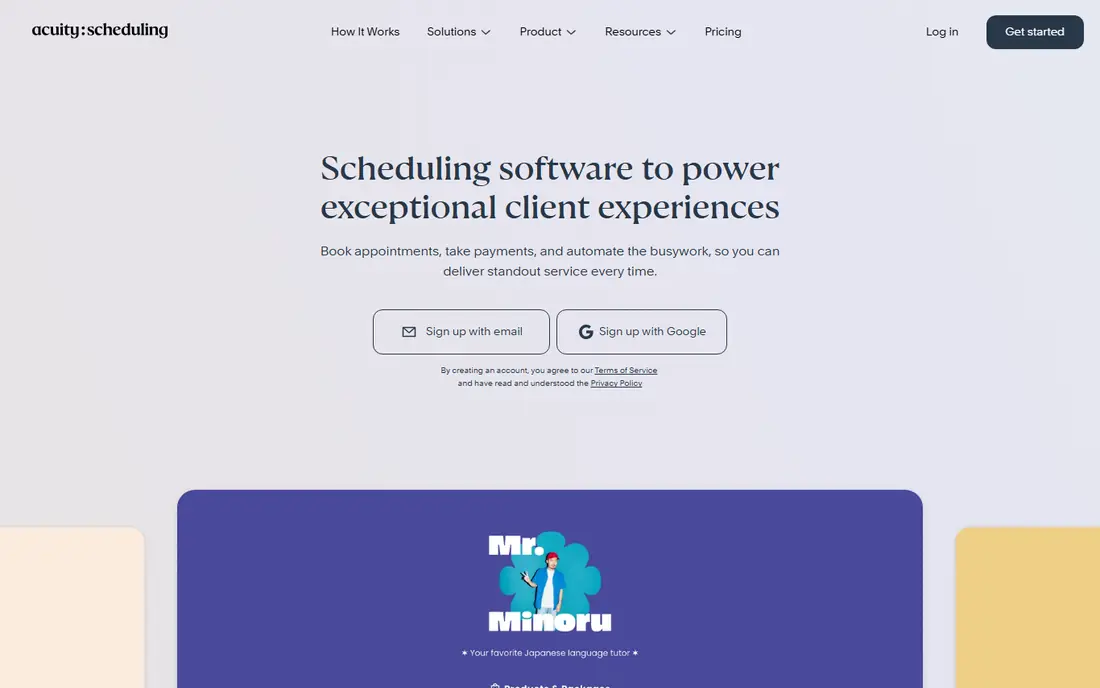
Acuity, now part of Squarespace, suits appointment businesses that need more than a meeting link. Intake forms collect client details before the visit, packages and subscriptions support ongoing services, and deposits reduce no shows for paid appointments. That front desk depth is why coaches, therapists, and studios choose it over a simple scheduler. Pricing scales by calendars, so a growing team should model the next tier before hiring. The Starter plan covers one calendar, while larger teams need Standard or higher for more calendars and features. If you sell packages or need detailed intake, Acuity is worth that step up.
- Intake forms, packages, deposits, class scheduling, Squarespace integration
- No free plan, price rises with calendars, API access is limited on lower plans
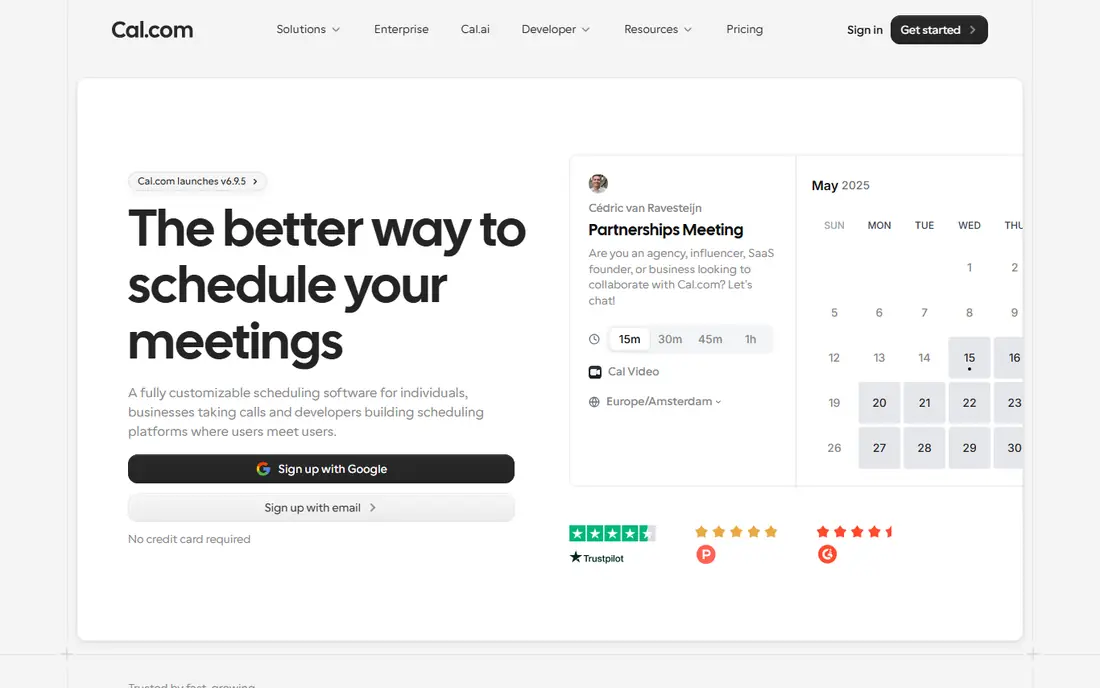
Cal.com appeals to users who want control over their scheduling data and branding. The open source core lets developers self host, customise booking pages, and build workflows that closed tools do not allow. The hosted Teams plan adds collaboration and routing for businesses that do not want to manage servers. That control comes with setup effort. Non technical users may find Calendly faster for a first link, while Cal.com rewards a team that wants a branded, private, or deeply integrated scheduler. Check the hosted plan limits and self hosting requirements on the official site before you commit to either path.
- Open source, self hosting option, strong customisation, team features
- Setup takes more work than Calendly, some advanced features need a paid plan
Square Appointments fits salons, barbershops, spas, and other service businesses that already take payments through Square. Booking, client records, staff schedules, and checkout sit in one system, which reduces double entry and makes it easier to track who booked, who paid, and who no showed. The free plan for a single location is a strong starting point. Paid plans scale by location, so a multi location business should budget per site, not per business. Processing fees are also separate from the subscription, so compare total cost with Acuity or Setmore for your booking volume. If you already use Square for checkout, the integration advantage is hard to beat.
- Booking plus payments and point of sale, staff calendars, client records
- Paid plans scale by location, processing fees are separate
Setmore is the budget pick for a small service team. The free plan covers up to four users, with a booking page, calendar, and basic reminders, which is enough for many new businesses to start taking online bookings without a monthly bill. Pro adds two way calendar sync, deposits, and more customisation at a low per user cost. The interface is practical rather than polished, and some features that Acuity includes earlier sit behind Pro here. For a team that needs a free start and a low cost upgrade path, Setmore is a strong choice, provided you test the booking page on mobile and confirm payment setup for your region.
- Generous free plan, booking page, reminders, payment integration on Pro
- Two way sync and deposits require Pro, design is functional rather than premium
Zoho Bookings suits businesses that already run on Zoho CRM, Mail, or other Zoho apps. Booking pages connect to customer records, and the per user price is lower than Calendly for a team, which helps a small business keep scheduling costs down. Two way calendar sync and team scheduling cover the core meeting and appointment needs. Outside the Zoho system, Zoho Bookings feels less refined than Calendly for simple meeting links. Teams that do not use Zoho elsewhere may prefer a standalone scheduler. If you already pay for Zoho, adding Bookings is usually the most cost effective and integrated choice.
- Low per user cost, Zoho CRM and app integration, two way sync on paid plans
- Less polished than Calendly for pure meetings, resource costs are separate on some plans
SimplyBook.me is built for service businesses that need a configurable booking system rather than a single link. You can turn on features for memberships, packages, coupons, and multi provider schedules, and build a branded booking site for your business. That flexibility suits clinics, studios, and service firms with varied booking rules. Flexibility brings complexity, so new users should start with a simple setup and add features only as needed. Booking volume and premium feature allowances also affect which plan fits, so check the official pricing page for your expected monthly bookings. For a business with specific booking rules, SimplyBook.me is more adaptable than a simple meeting tool.
- Many booking features to toggle, memberships, multi staff and location support
- Feature choices can feel complex, booking volume limits matter on lower plans
TidyCal targets solo professionals who are tired of monthly scheduler fees. The free plan includes unlimited booking types and payments, and the Individual Lifetime option costs $29 once, which is a striking contrast to $10 or more per month elsewhere. That model suits freelancers, coaches, and consultants who book one to one calls and charge for their time. Team scheduling, advanced routing, and a large integration library are not its strengths. If you need round robin teams, complex intake, or a service business platform, Acuity or Square will fit better. For a solo pro who wants a simple, low cost booking page, TidyCal is the value leader in this list.
- One time lifetime option, unlimited booking types on free plan, payment collection
- Team features are limited, fewer integrations than Calendly
How we picked these
We looked for scheduling apps that are live in 2026, offer a working booking page, calendar sync, and reminders, and publish pricing or a free plan. We compared official feature pages, pricing pages, app store listings, privacy policies, and public reviews, and we gave weight to booking ease, calendar accuracy, payment support, and total team cost. We kept a mix of meeting schedulers and service booking platforms, and we left out tools that only offer polls, only work inside one calendar app, or have no public pricing.
What to check before you choose
Meeting scheduler or service platform
Calendly and Cal.com excel at meetings on a call, while Acuity, Square, Setmore, and SimplyBook.me excel at in person services with staff, rooms, and payments. Choosing the wrong type leads to workarounds for intake, tips, deposits, or walk ins. Decide which kind of appointment you book most, and pick the tool built for that job.
Total team cost
Multiply the per seat or per calendar price by your actual team size, and add payment processing where relevant. A $10 per seat tool costs $60 per month for six people, while a flat location plan may cost less at that size. Revisit the math each year as your team grows, because the cheapest solo tool is rarely the cheapest team tool.
No shows, reminders, and cancellations
Check reminder timing, cancellation policy settings, deposit options, and time zone handling. A tool that sends reminders and allows easy rescheduling will save more time than a prettier booking page. Test the full flow, including a cancellation and a reschedule, before you publish the link to clients.
Frequently asked questions
What is the best scheduling app for small businesses?
Setmore and Square Appointments suit small service businesses because they offer free starting plans and cover staff calendars and payments. Calendly suits small businesses that mainly book meetings. Choose based on whether your appointments happen on a call or in person, and test the booking page with a real client flow.
What is the best appointment scheduling app with payments?
Acuity Scheduling, Square Appointments, and TidyCal all support payment collection for appointments, with different fee and plan structures. Acuity suits packages and deposits, Square suits businesses already on Square checkout, and TidyCal suits solo pros who want a low cost payment link. Compare processing fees in addition to the subscription price.
What is the best free scheduling app?
Setmore offers a free plan for up to four users, Calendly offers a free plan with one event type, and TidyCal offers a free plan with unlimited booking types. The best free option depends on whether you need team seats, multiple event types, or payment collection. Start free, and upgrade only when a limit blocks real bookings.
How do I reduce no shows with a scheduling app?
Use automatic reminders by email and text where available, require a deposit for high value appointments, and make rescheduling easy from the reminder message. Clear cancellation terms and a short confirmation step also help. Review your no show rate monthly and adjust reminder timing if late cancellations remain high.
Can a scheduling app sync with Google Calendar and Outlook?
Most tools in this list sync with Google Calendar and Outlook, but two way sync sometimes requires a paid plan, as with Setmore and Zoho Bookings. Check whether changes in your calendar block booking times, and whether bookings created in the app appear in your main calendar. Test a booking, a move, and a cancellation in both directions.
What is the best scheduling software for teams?
Calendly and Cal.com suit meeting heavy teams with routing and round robin needs, while Square Appointments and Acuity suit service teams with staff calendars. Model per seat cost for your team size, check admin controls and reporting, and confirm that each team member can manage their own availability without admin help for every change.
Sources
See where you really rank - block by block
ProMapRanker scans Google Maps across a grid of your service area. Simple monthly plans from $19, white-label on every plan.
Start freeKeep reading
 youtube alternatives
Best YouTube Alternatives in 2026
Looking for youtube alternatives in 2026? We compare Vimeo, Dailymotion, Twitch, Rumble, and more on price, audience, monetization, control and privacy.
Read → what's the best ai tool for photo editing
What Is the Best AI Tool for Photo Editing in 2026
What is the best AI tool for photo editing? We compare ten tools for 2026, from Photoshop and Lightroom to Luminar, Topaz, Canva and mobile editors today.
Read → twitter alternatives
Best Twitter Alternatives in 2026
Compare the best twitter alternatives for 2026, from Bluesky, Threads, and Mastodon to Reddit, Tumblr, and Micro.blog, with free plans and audience notes.
Read →