 ProMapRanker
Best Scalable Database Software Options in 2026


MySQL and PostgreSQL workloads on AWS · Pricing starts at: See website
Key takeaways
- The right choice depends first on your data model, because a relational workload and a document workload scale in different ways.
- Managed cloud services remove much of the operations work, but usage-based bills need careful monitoring as traffic grows.
- Global distributed options cost more at small scale, and they pay off mainly when low-latency access from several regions matters.
- Starting with a familiar engine and a clear migration path is often safer than picking the most complex system on day one.
Quick comparison
| Pick | Great for | Pricing starts at | Free tier | |
|---|---|---|---|---|
| Amazon Aurora | MySQL and PostgreSQL workloads on AWS | See website | No | Visit |
 Google Cloud Spanner | Global relational workloads | See website | No | Visit |
 MongoDB Atlas | Flexible document data | Free | Yes | Visit |
 CockroachDB | Distributed SQL across regions | See website | Free trial | Visit |
 Amazon DynamoDB | Serverless key-value workloads | See website | No | Visit |
 Azure Cosmos DB | Multi-region NoSQL on Azure | See website | No | Visit |
 PlanetScale | MySQL with branching workflows | $5 per month | No | Visit |
 Neon | Serverless PostgreSQL for developers | Free | Yes | Visit |
The best scalable database software options
We compared official pricing pages, documentation, and public feature descriptions for eight services that handle growth without a full rebuild. Each one below fits a different kind of workload, team, and cloud.
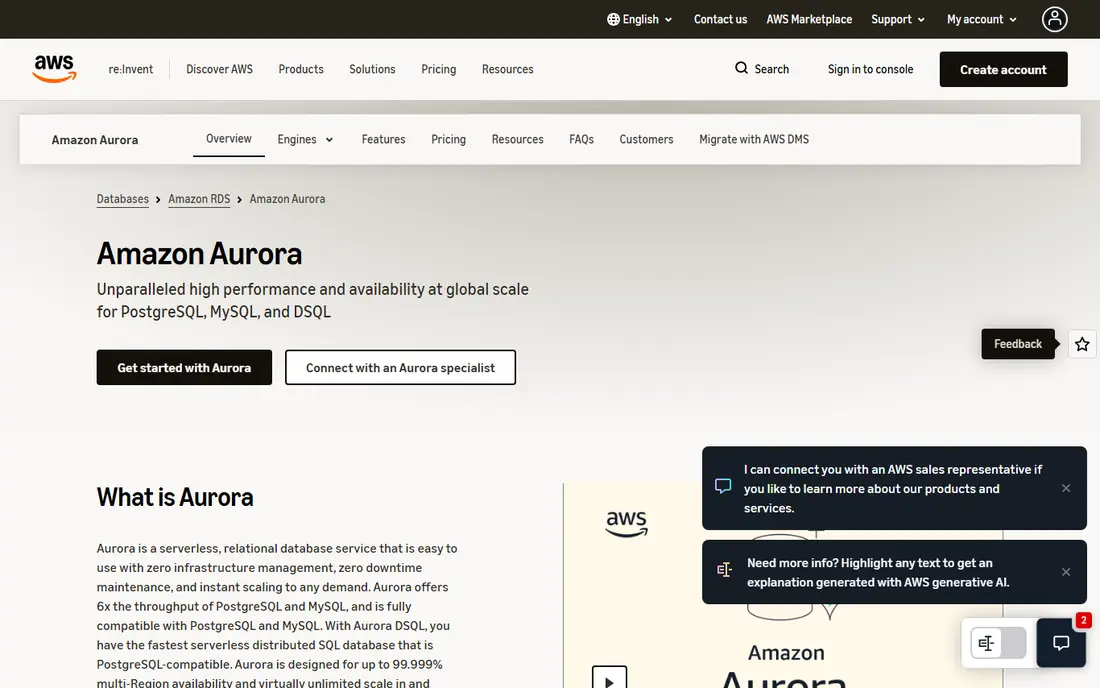
Aurora suits teams already running on AWS who want a familiar relational database that can grow past a single server. It stays compatible with MySQL and PostgreSQL, so existing applications, drivers, and tools usually carry over with limited changes. Storage scales automatically, and read replicas help spread read traffic when an application starts to get busy.
The trade-off is cost control. Because charges follow compute, storage, and input and output activity, a workload with uneven traffic or heavy reporting can produce a larger bill than a fixed-size instance. Teams should set billing alerts early, test with realistic data, and decide whether serverless capacity or provisioned instances fit their traffic pattern better.
- MySQL and PostgreSQL compatibility
- Storage grows automatically
- Read replicas and global database options
- Pricing is usage-based and can be hard to forecast
- Deepest value comes inside AWS
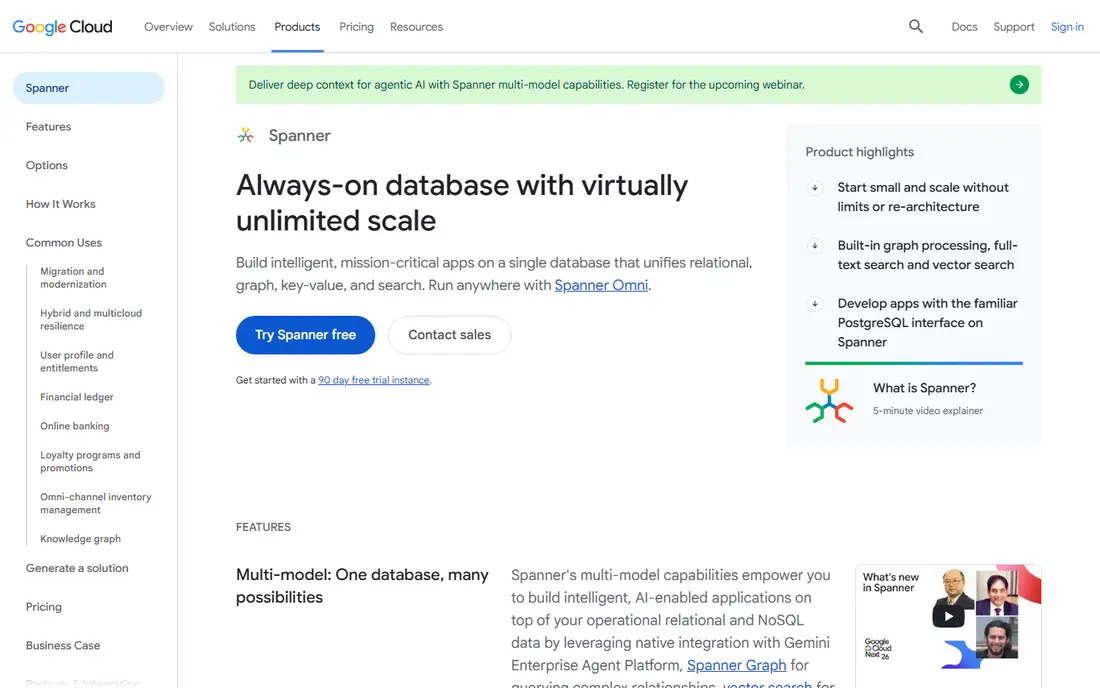
Spanner is built for applications that need relational data, strong consistency, and availability across regions at the same time. A team can scale compute and storage separately, which helps when data grows faster than query load, or the reverse. Its SQL interface also keeps the move easier for developers who already work with relational databases.
That power comes with a price floor that makes it a poor fit for a small side project. Spanner makes most sense when users sit in several regions, downtime would be costly, and splitting data by hand across shards would create more risk than the service costs. Smaller teams should compare it against a managed single-region database first.
- Strong consistency across regions
- Horizontal scaling
- Familiar SQL for relational teams
- Higher starting cost than a single-region database
- Best value needs a genuinely global workload
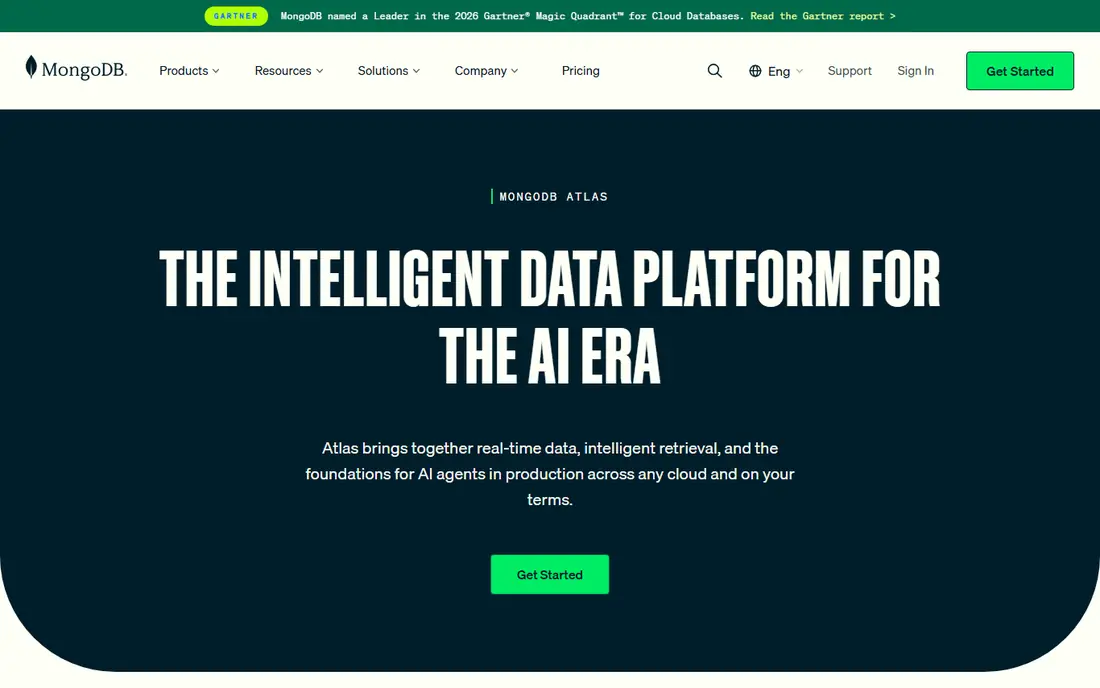
Atlas is the managed form of MongoDB, and it fits products where records do not share one rigid shape. An order, a user profile, and a content item can each carry different fields without a schema migration for every change. That flexibility helps early-stage products, content tools, and applications where the data model is still being discovered.
The free tier is useful for learning and small prototypes, with 512 MB of storage, but it is not a production plan. Paid clusters add backups, stronger performance controls, and scaling options. Teams should still design indexes and queries carefully, because a flexible model does not remove the need for good data design.
- Free M0 tier for learning and prototypes
- Document model suits changing fields
- Managed backups and scaling on paid tiers
- Free tier limits storage and features
- Document design still needs care to avoid slow queries
CockroachDB gives relational teams a distributed database that can survive failures and grow by adding nodes. It speaks PostgreSQL-compatible SQL, which lowers the migration barrier for many applications. For financial records, ordering systems, and other workloads where consistency matters, that combination is attractive.
The catch is operational understanding. Distributed transactions, region placement, and latency across regions behave differently from a single database server. Teams should run realistic load tests before committing, and confirm that the cloud pricing tier they choose covers the regions, support, and compliance features they need.
- PostgreSQL compatibility
- Survival across node and region failures
- Horizontal scaling without manual sharding
- Distributed concepts take time to learn
- Single-region workloads may not need its complexity
DynamoDB fits applications with predictable access patterns and very high request volumes, such as session data, user profiles, catalogs, and event logs. It scales without server management, and global tables can serve users from more than one region. For teams on AWS, it pairs well with serverless application code.
The main limit is query flexibility. DynamoDB rewards careful key design and punishes late changes to access patterns, because queries outside the planned keys can become slow or costly. If a product needs frequent ad hoc joins and reporting, a relational option may be simpler, with DynamoDB kept for the high-volume paths.
- Serverless scaling with low-latency reads and writes
- Global tables for multi-region access
- Pay for what is used
- Query patterns must be planned in advance
- Complex ad hoc queries are harder than in SQL
Cosmos DB is Microsoft's globally distributed NoSQL service, and it supports document, key-value, graph, and other models through different APIs. Teams can distribute data across Azure regions, tune consistency for each workload, and scale throughput up or down as demand changes. That control helps applications with users spread across continents.
Cost planning needs attention, because provisioned throughput, storage, and multi-region writes all contribute to the bill. It also fits best for teams already using Azure services, identity, and monitoring. A team centred on another cloud should weigh migration and staffing costs before choosing it for one workload alone.
- Several data models in one service
- Global distribution
- Throughput and consistency controls per workload
- Throughput planning affects cost
- Strongest fit is inside the Azure ecosystem
PlanetScale brings a branching workflow to MySQL, so a team can test a schema change on a branch before merging it into production. That idea will feel familiar to developers who use Git, and it reduces the risk of a migration breaking a live application. It is built on Vitess, a system designed to scale MySQL horizontally.
The starting price is low, but the absence of a free tier means even a trial project has a cost. Teams should also check whether their MySQL features, stored procedures, and tooling behave as expected on the platform. For MySQL teams that deploy often, the branching model can be the deciding feature.
- Database branching for safe schema changes
- MySQL compatibility
- Usage-based scaling
- No free tier in 2026
- Advanced high-availability setups cost more
Neon offers serverless PostgreSQL with a workflow built around branches. A developer can create a branch for each preview deployment, test a change in isolation, and merge it back without disturbing production data. Compute that scales to zero also keeps quiet side projects cheap, which is a real advantage for small teams.
The free tier suits learning, prototypes, and low-traffic apps, but it has limits on storage and compute, and idle projects may pause. Growing applications should move to a paid plan for higher limits, better availability, and support. For PostgreSQL teams that want a modern developer workflow, Neon is a strong starting point.
- Free tier for small projects
- Instant branching for previews
- Compute scales to zero when idle
- Free projects can pause after inactivity
- Production scaling and support need a paid plan
How we picked these
We compared official product pages, pricing pages, and documentation for services that are live in October 2026, and we kept only options that scale beyond a single server without a forced rebuild. We favoured a mix of relational and document models, several clouds, and both enterprise-grade and developer-friendly starting points. Where a price depends on usage, region, or configuration, we wrote See website rather than inventing a single figure.
Choosing the right scalable database
Start with the data model and the queries your application will run every day, not with a feature list. A relational model suits orders, accounts, and records with clear relationships, while a document model suits content and records with varied fields. A key-value model suits high-volume lookups with known keys, and it struggles with reporting that a relational database handles easily.
Next, test scaling behaviour with realistic data and traffic. Check how reads, writes, and backups behave under load, how the service handles a region failure, and what the bill looks like at twice your current traffic. A short pilot with production-like data reveals more than a pricing page, and it gives your team time to learn the monitoring and backup tools before customers depend on them.
Finally, match the service to your cloud and your team. A database that fits your existing cloud, identity system, and monitoring stack will be easier to run than a slightly better database on an unfamiliar platform. Budget for backups, support, and the engineering time needed to design keys, indexes, and schema changes well.
Frequently asked questions
What does scalable database software actually mean?
It means the database can handle more data, more users, or more requests by adding capacity, rather than requiring a move to a different system. Some services scale by adding nodes, some by increasing compute, and some by splitting data across regions. The right kind of scaling depends on whether your bottleneck is storage, reads, writes, or geography.
Should a small team start with a distributed database?
Usually not, unless the product needs global availability or very high write volume from the start. A managed single-region database is cheaper and simpler to operate, and most services on this list can grow a long way before distribution becomes necessary. Add distribution when latency, availability, or data volume makes it a clear need.
Is a free tier enough for production?
Free tiers suit learning, prototypes, and very small applications, but they limit storage, compute, backups, or support. A production application should use a paid plan with backups, monitoring, and a support path. Treat a free tier as a way to learn the service, not as a long-term production home.
How do I avoid a surprise bill on a usage-based database?
Set billing alerts, track compute, storage, and request volume separately, and test with realistic traffic before launch. Review the bill after the first month, and check whether reserved capacity, a different tier, or a change to query patterns lowers cost. Usage-based pricing rewards careful monitoring.
Can I move between these databases later?
Migration is possible, but it is rarely simple, because data models, SQL dialects, and query patterns differ. Relational moves are often easier than moves between relational and document models. Keep exports, schema definitions, and a migration plan in mind from the start, even if you do not expect to move soon.
Sources
See where you really rank - block by block
ProMapRanker scans Google Maps across a grid of your service area. Simple monthly plans from $19, white-label on every plan.
Start freeKeep reading
 what’s the best risk software for enterprises
What Is the Best Risk Software for Enterprises in 2026
We compared what’s the best risk software for enterprises on risk registers, controls, third-party risk, and reporting, with pricing notes for large teams.
Read → what's the best pam software for enterprises
What is the Best PAM Software for Enterprises in 2026
Find what's the best pam software for enterprises, with vaulting, session recording, just in time access and pricing compared for large enterprise IT teams.
Read → what’s the best grc software
What Is the Best GRC Software in 2026
We compared what’s the best grc software on risk, compliance, audit and vendor risk, so teams can pick a platform that fits their frameworks and budget.
Read →