 ProMapRanker
Best SAST Tools in 2026: 9 Tools Compared


Custom rules and fast CI scans · Pricing starts at: $30 per contributor per month
Key takeaways
- Semgrep and SonarQube give small teams a real free starting point, while enterprise tools are mostly quote based.
- The best SAST tool is often the one developers will actually fix findings in, not the one with the longest rule list.
- Check pricing units before you compare prices, since some tools charge per contributor and others charge by lines of code.
- Custom rules matter most for teams with their own frameworks, internal APIs, or unusual code patterns.
- A trial on your own repository tells you more than any feature page, especially about false positives and scan speed.
Quick comparison
| Pick | Great for | Pricing starts at | Free tier | |
|---|---|---|---|---|
| Semgrep | Custom rules and fast CI scans | $30 per contributor per month | Yes | Visit |
 SonarQube | Quality gates plus security in one place | $34 per month | Yes | Visit |
 Snyk Code | Developer friendly scanning in the IDE | $25 per developer per month | Yes | Visit |
 Checkmarx | Large enterprise AppSec programs | See website | No | Visit |
 Veracode | Audit ready enterprise scanning | See website | No | Visit |
 GitHub Code Security | Teams already working in GitHub | $30 per active committer per month | Yes | Visit |
 Codacy | Small teams wanting quality and security together | $18 per developer per month | Yes | Visit |
 DeepSource | Automated fixes and code review | $24 per user per month | Yes | Visit |
 Aikido Security | All in one security for smaller teams | $350 per month | Yes | Visit |
The best SAST tools
Static application security testing, known as SAST, scans source code for flaws before an application runs. We compared official feature pages, pricing pages, and public documentation to find tools that fit different team sizes, budgets, and codebases.
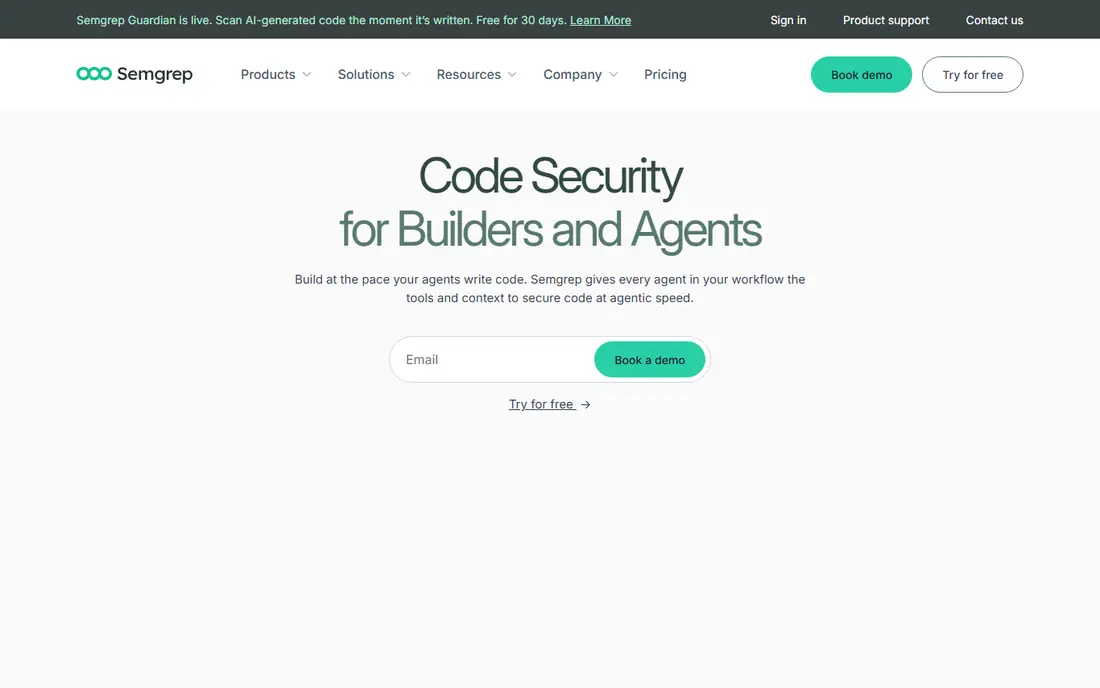
Semgrep stands out for teams that want to write their own checks. Its open source engine covers common languages, and its rule format reads close to the code it searches for, which makes custom rules less painful than in many older tools. That matters when your codebase uses internal frameworks or patterns that a generic rule set will miss.
The paid platform adds the Pro engine, deeper analysis, and team management, while the free tier covers up to 10 contributors in search results we reviewed. The honest catch is that freedom brings work. You will need someone to own rules, review findings, and tune out noise, or the tool can feel noisy in a large, older codebase.
- Open source engine
- Custom rules are easy to write
- Fast scans in CI
- Advanced features sit behind paid tiers
- Rule tuning takes time at first
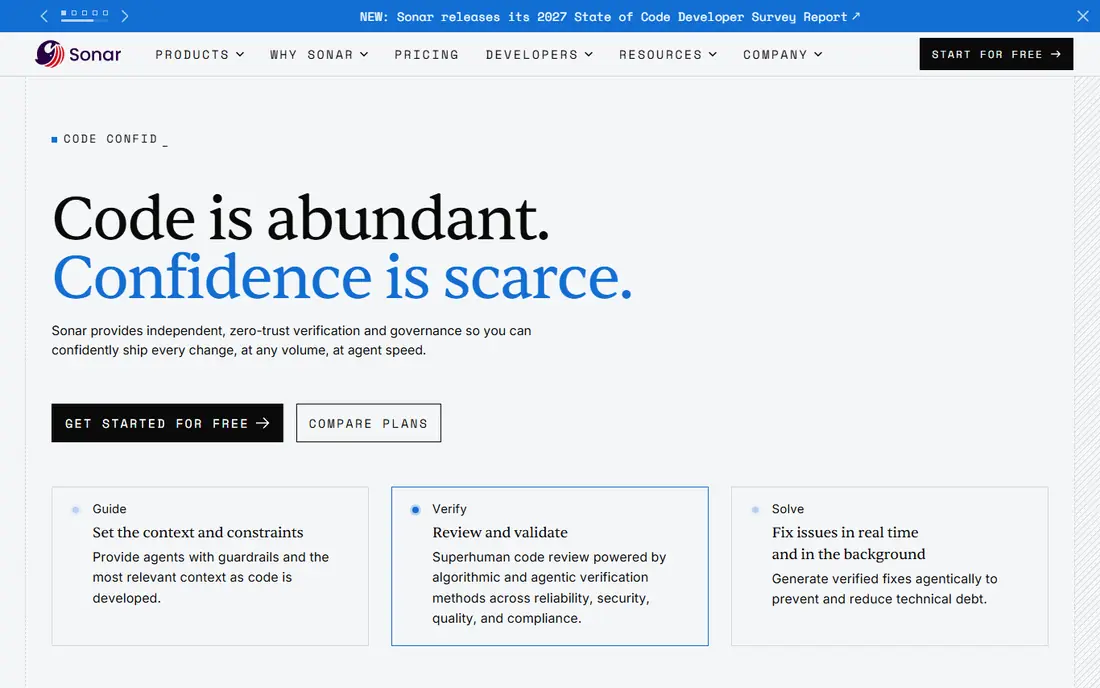
SonarQube is a good pick when a team wants code quality and security in the same report. Quality gates give pull requests a clear pass or fail bar, which helps reviewers stop debating style and focus on real defects. Its language coverage is broad, and it fits well in teams that already track bugs, code smells, and test coverage alongside security.
SonarQube Cloud Team starts from $34 per month for up to 100,000 lines of code in the sources we reviewed, and the free tier covers up to 50,000 lines. The self hosted Community Build is free, but it brings server maintenance with it. Teams that want a fully managed setup should price the cloud tiers by their real lines of code, not by headcount alone.
- Broad language coverage
- Clear quality gates
- Free self hosted Community Build
- Self hosting needs admin effort
- Scans can feel slower than newer engines
Snyk Code is built for developers who want findings where they write code, not in a separate report they read days later. It plugs into common IDEs and pull requests, and it gives fix guidance that is often concrete enough to act on without a long search. For teams already using Snyk for open source dependencies or containers, keeping SAST in the same platform reduces tool sprawl.
The Team plan starts from $25 per contributing developer per month in the sources we reviewed, with a limited free tier for code tests. The catch is packaging. Snyk Code can be a separately purchased product depending on the plan, so confirm exactly what your quote includes before you assume full coverage.
- Strong IDE and pull request feedback
- Clear fix guidance
- Fits the wider Snyk platform
- Paid Snyk Code is a separate purchase on some plans
- Costs grow with contributing developers
Checkmarx One is aimed at larger AppSec programs that need SAST as part of a wider platform, with related scanning for open source, infrastructure, and APIs. Its analysis goes deep into data flows, which helps teams find flaws that simple pattern matching would miss. That depth is valuable in regulated work, where audit trails and policy controls matter as much as raw findings.
Pricing is quote based, tied to developers, applications, and usage, so small teams will find it hard to compare without a sales conversation. Implementation also takes more effort than a developer led tool. If your team is small and wants a quick start, this is probably more platform than you need.
- Deep analysis across many languages
- Strong enterprise controls
- Broad AppSec bundle
- Quote only pricing
- Setup and tuning can be heavy for small teams
Veracode Static Analysis suits portfolios that need a consistent, policy driven view across many applications. It can scan source code and, where source is missing, binary code, which helps teams with acquired code or third party components. Its reporting is built for security teams that must show compliance, track remediation, and set clear pass standards.
The trade off is cost and fit. Pricing is quote only, and the platform is aimed at enterprise buyers rather than a solo developer trying a free tool. Teams that need speed and a light setup will likely prefer a developer first tool, while teams that need formal attestation will value what Veracode is built to do.
- Source and binary scanning options
- Policy based reporting
- Mature enterprise support
- Quote only pricing
- Less suited to very small teams
If your code already lives in GitHub, GitHub Code Security is hard to ignore. Code scanning and CodeQL fit directly into pull requests, so developers see findings in the same review flow they already use. There is no separate portal to learn, and security teams can set policies in the same place developers work.
Pricing in the sources we reviewed is $30 per active committer per month, with code scanning free on public repositories. The obvious limit is platform lock in. Teams with code in GitLab, Bitbucket, or on premises systems will get less value, and should compare a standalone scanner before committing.
- Native GitHub pull request workflow
- CodeQL analysis
- Free on public repositories
- Value drops if your code lives elsewhere
- Pricing is per active committer
Codacy combines code quality and security checks in one dashboard, which suits small teams that do not want two tools and two bills. It pulls in multiple engines, so teams get a wider net than a single rule set would give, and pull request comments keep feedback close to the change. Its Team pricing, billed yearly at $18 per developer per month in the sources we reviewed, is among the more affordable paid options here.
The free tier covers open source projects, with limits elsewhere. Rule depth is not uniform across every language, so teams working in a less common stack should run a trial on their own code first. For mainstream web and mobile stacks, though, Codacy is a sensible, low friction pick.
- Affordable team pricing
- Many engines in one place
- Free for open source projects
- Some advanced controls need higher tiers
- Rule depth varies by language
DeepSource focuses on making review less tedious. Where a fix is safe, it can apply it automatically, which saves developers from repetitive edits and keeps pull requests moving. That focus on autofixes is its clearest difference from tools that only report problems and leave the repair work to the developer.
Team pricing in the sources we reviewed starts at $24 per user per month billed yearly, with a free option for individuals. Language coverage is narrower than SonarQube or Checkmarx, so check your stack first. If your languages are covered, the time saved on routine fixes can justify the price quickly.
- Verified autofixes reduce manual cleanup
- Clean pull request reviews
- Individual free use
- Language coverage is narrower than larger rivals
- Pricing also involves lines of code on some plans
Aikido Security is a good fit for a small team that wants one security platform rather than five separate tools. It bundles SAST with software composition, infrastructure, and other checks, and it includes AI triage to help cut down noisy findings. Setup is fast compared with enterprise platforms, which matters when security is one job among many.
The Developer plan is free for a small number of users and repositories in the sources we reviewed, while Basic starts at $350 per month including 10 users. That base price can feel steep for a two person team, but it becomes reasonable once you count the separate tools it replaces. Check that its SAST depth covers your main languages before you rely on it as your only scanner.
- SAST plus open source, infrastructure, and other checks in one tool
- Free developer plan
- Fast setup
- Monthly base price is high for a very small team
- Depth varies by check type
How we picked these
We compared official product pages, pricing pages, and public documentation, and we favoured tools that are live in October 2026, cover mainstream languages, and fit a clear team size or workflow. We excluded tools that are retired or that could not be confirmed as a current SAST product, and we left prices as See website where vendors publish no public price or where sources conflicted. We did not claim hands on testing, and we treated vendor claims about accuracy with care, since false positive rates depend heavily on your own code.
What to check before you buy a SAST tool
Start with your own repository, not a demo project. Run a trial scan on real code, including legacy code, and count how many findings your team would actually fix in a week. A tool that reports hundreds of low value issues will slow reviews down, even if its rule count looks impressive on paper.
Next, check how the tool charges you. Per contributor pricing punishes teams with many occasional committers, while lines of code pricing punishes large monorepos. Ask for a quote based on your real repository size and contributor count, and check whether open source code, test code, and generated code count toward the total.
Finally, check the fix workflow. Look for IDE feedback, pull request comments, clear fix guidance, and a way to suppress a finding with a reason. A scanner that only produces reports will be ignored. A scanner that helps a developer fix a flaw in minutes, and lets a security lead track that fix, is the one that will still be in use six months later.
Frequently asked questions
What is a SAST tool?
A SAST tool scans source code, bytecode, or binary code for security flaws without running the application. It looks for patterns such as SQL injection, cross site scripting, hard coded secrets, and unsafe data handling, and it reports them with file and line details so developers can fix them early.
What is the best SAST tool for a small team?
Semgrep, SonarQube, and Codacy are strong small team picks because they offer free tiers and affordable paid plans. Semgrep suits teams that want custom rules, SonarQube suits teams that also want quality gates, and Codacy suits teams that want quality and security in one dashboard.
Is there a free SAST tool that is actually useful?
Yes. Semgrep has an open source engine and a free tier for small teams, SonarQube has a free self hosted Community Build, and GitHub code scanning is free on public repositories. Free tiers often limit contributors, lines of code, or advanced analysis, so check those limits against your project size.
How is SAST different from code analysis tools in general?
General code analysis tools focus on bugs, style, and maintainability, while SAST tools focus on security flaws that an attacker could use. Many modern tools do both, but a pure quality tool may miss security specific data flow issues, and a pure SAST tool may say little about code style.
Should I use one SAST tool or several?
Most teams do well with one main SAST tool plus dependency scanning for open source libraries, since those cover different risks. Running two SAST tools on the same code can double the noise and the triage work, so only add a second scanner if it covers a language or a check type your main tool clearly misses.
How do I reduce false positives from a SAST tool?
Start by tuning rules to your frameworks, excluding generated code and test fixtures where appropriate, and fixing the highest severity findings first. Track which rules produce the most ignored findings, adjust or disable those rules with a documented reason, and recheck the rate after each tuning round.
Sources
See where you really rank - block by block
ProMapRanker scans Google Maps across a grid of your service area. Simple monthly plans from $19, white-label on every plan.
Start freeKeep reading
 zoho inventory alternatives
6 Alternatives to Zoho Inventory, Compared on Price and Fit
Zoho Inventory alternatives: 6 tools compared on price, free plans and fit. Katana leads the list for manufacturers. Fit and flaws are laid out for each entry.
Read → zoho crm alternatives
Best Zoho CRM Alternatives (2026)
Need Zoho CRM alternatives? We compare 7 tools on cost, free access and who each suits. Every pick gets a straight assessment. Built for quick decisions.
Read → zelle alternatives
Best Zelle Alternatives in 2026
Compare the best Zelle alternatives for sending money to friends, paying sellers and moving funds abroad, with honest notes on fees, speed and safety in 2026.
Read →