 ProMapRanker
Best Sales Tools for Teams in 2026

Key takeaways
- HubSpot is the easiest free start for small teams, while Pipedrive suits sales-only teams that want a clear visual pipeline.
- Salesforce and Zoho CRM offer more depth and customization, but they need more setup and admin time.
- Gong and Outreach help larger teams learn from calls and run structured outreach, at enterprise prices.
- Pick the tool your reps will actually update daily, since a CRM with stale data helps no one.
Quick comparison
| Pick | Great for | Pricing starts at | Free tier | |
|---|---|---|---|---|
 HubSpot Sales Hub | All-in-one sales and marketing | Free | Yes | Visit |
 Pipedrive | Visual pipeline for small teams | $14 per user per month | Free trial | Visit |
 Salesforce Sales Cloud | Large and complex sales teams | $25 per user per month | Free trial | Visit |
 Zoho CRM | Budget teams needing depth | $14 per user per month | Yes | Visit |
 Freshsales | Low-cost CRM with AI insights | $9 per user per month | Free trial | Visit |
 Close | High-volume calling teams | See website | Free trial | Visit |
 Gong | Conversation and deal intelligence | See website | No | Visit |
 Outreach | Structured sales engagement | See website | No | Visit |
The best sales tools for teams
Sales tools fail in two common ways: they are too simple for a growing team, or too complex for reps to use every day. The right tool sits between those extremes for your team size, sales motion, and budget. These eight cover CRMs, pipeline management, calling, and conversation intelligence, so you can build a stack rather than forcing one tool to do everything.
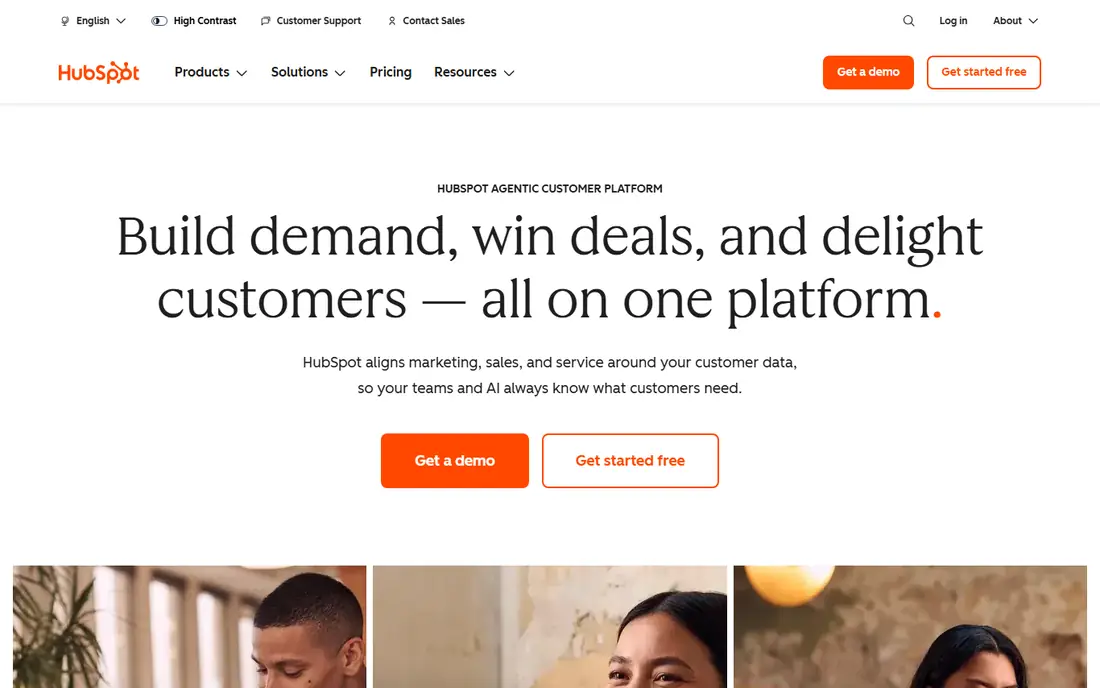
HubSpot is our first pick for teams that are new to a CRM or that want sales and marketing on the same system. The free CRM covers contacts, deals, and pipelines, and paid Sales Hub plans add sequences, automation, and reporting as the team grows. For a small team, that path avoids a painful migration later.
The main warning is cost at scale. Starter plans are affordable, but Professional plans cost much more per seat and may require onboarding fees. Before you build workflows that depend on Professional features, price the plan your team will need in a year, not just the plan you need today.
- Free CRM to start
- Sales, marketing, and service on one platform
- Large integration library and learning resources
- Price jumps sharply on higher tiers
- Some advanced features need paid onboarding
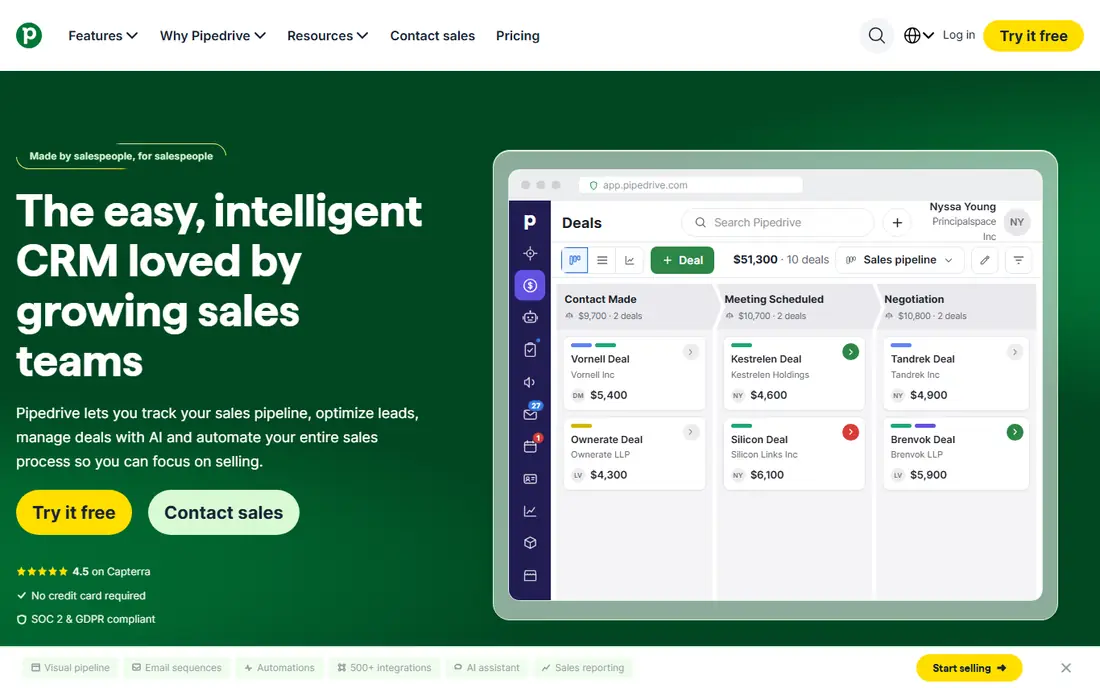
Pipedrive is built for sales teams that live in their pipeline. Deals move across stages with drag and drop, activities are easy to log, and managers can see where deals stall without digging through reports. A small team can be running in days, not weeks, which is a real advantage over larger CRMs.
Marketing is the gap. Pipedrive is a sales tool first, so email marketing, landing pages, and lead nurturing often need separate products. If your team needs marketing and sales together, HubSpot may be a better fit, even at a higher later cost.
- Clear visual pipeline that reps actually use
- Fast setup for sales-only teams
- Predictable per-seat pricing
- No free plan
- Marketing tools need add-ons or other products
- Automation sits on higher plans
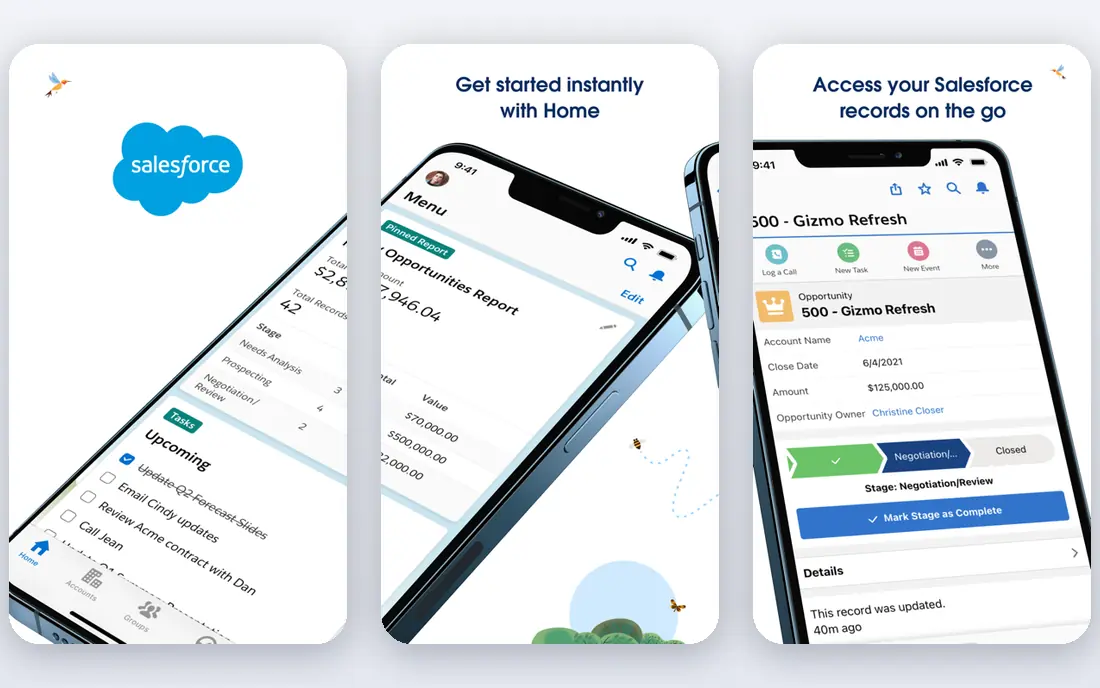
Salesforce is the safe choice for large, complex sales organizations. It handles multiple pipelines, territories, approval chains, and custom objects that smaller CRMs struggle with, and its ecosystem covers almost every sales add-on a team might need. For a company planning to scale past dozens of reps, that depth matters.
Small teams should be cautious. Salesforce rewards a dedicated admin or partner, and a poorly set up instance can frustrate reps and produce unreliable reports. If your team has fewer than ten reps and a simple pipeline, a lighter CRM will usually deliver faster value.
- Deep customization and reporting
- Huge app ecosystem
- Strong for complex territories and approvals
- Setup and admin time are high
- Total cost rises with add-ons and implementation help
Zoho CRM is a strong value pick for teams that want more than a simple pipeline without paying Salesforce prices. It covers leads, deals, automation, and reporting, and it fits naturally if your team already uses Zoho for email, books, or support. The free plan for up to three users also makes it a low-risk trial.
Usability is the compromise. Some screens feel dated or inconsistent, and new users may need training to find the right settings. If your team values a polished, simple interface above depth, Pipedrive or HubSpot may feel easier day to day.
- Strong features for the price
- Free plan for up to three users
- Integrates with other Zoho business apps
- Interface can feel inconsistent
- Setup takes more time than Pipedrive
Freshsales suits small teams that want a modern CRM at a low per-seat price. It combines contact and deal management with built-in calling and email, so reps spend less time switching tools. AI features for scoring and insights help a small team focus on the deals most likely to close.
Larger or more complex teams may hit limits. Custom objects, workflows, and reporting are less deep than in Salesforce, and some teams will outgrow Freshsales as they add territories or complex approval steps. For a team under twenty reps with a straightforward pipeline, it is a sensible, low-cost start.
- Low entry price
- Built-in phone and email tools
- AI insights for lead scoring and deal health
- Customization is thinner than Salesforce or Zoho
- Some features need higher plans
Close is designed for inside sales teams that make many calls a day. Calling, SMS, and email live in the same workspace, calls log automatically, and a power dialer keeps reps moving through lists without manual dialing. For a team whose day is built around outbound calls, that focus saves real time.
It is not an all-in-one marketing platform. Teams that need landing pages, complex nurture campaigns, or deep marketing reporting will need other tools alongside Close. As a sales execution tool, though, it is one of the clearest options for high-volume teams.
- Built-in calling, SMS, and email in one inbox
- Power dialer for high-volume teams
- Fast setup for inside sales
- Marketing features are limited
- Price is higher than basic CRMs for larger teams
Gong helps teams learn from the conversations they already have. It records calls, transcribes them, and highlights patterns such as competitor mentions, pricing objections, and deals that go quiet. Managers can coach with specific moments instead of general advice, and leaders can see deal risk earlier.
Gong does not replace a CRM. It sits on top of HubSpot, Salesforce, or another system, and its price reflects enterprise use. Small teams with few calls may not get enough value to justify it. For a team with regular discovery and demo calls, it can change how coaching and forecasting work.
- Records and analyzes sales calls and meetings
- Surfaces deal risks and next steps
- Helps managers coach with real examples
- Enterprise pricing is quote-based
- Works best as an addition to a CRM, not a replacement
Outreach is for teams that run structured outbound or follow-up at scale. Sequences keep email, call, and social touches in order, reporting shows which steps get replies, and managers can see whether reps are following the agreed playbook. That structure matters when a team grows past ad-hoc follow-up.
The cost and setup are enterprise-level, and Outreach is not a CRM by itself. It works best paired with Salesforce or HubSpot, with clear rules for how sequences and pipeline stages interact. Solo reps and very small teams will usually get enough structure from a CRM sequence feature alone.
- Structured sequences across email, call, and social steps
- Strong reporting for outreach teams
- Helps keep follow-up consistent
- Enterprise pricing and setup effort
- Needs a CRM alongside it for pipeline management
How we picked these
We compared official feature and pricing pages, and we favored tools that are still available in October 2026, serve teams rather than only solo users, and cover CRM, pipeline, calling, or conversation intelligence. We excluded tools that are only contact lists or only email marketing products. Where pricing was not published or varied by plan, we wrote See website rather than inventing a figure.
How to choose a sales tool for your team
Start with your sales motion, not a feature list. An inbound team needs lead routing and fast follow-up, an outbound team needs sequences and calling, and a partner-led team needs account tracking and shared visibility. Write down the five tasks reps do every day, then test whether each tool makes those tasks faster.
Test with real reps, not just managers
Give two or three reps a trial with real deals, real calls, and real follow-up tasks. Watch whether they update the CRM without being reminded, whether mobile access works between meetings, and whether reports match what managers see in the pipeline. A tool that managers love but reps avoid will produce stale data and bad forecasts.
Price the second year, not just the first month
Check per-seat prices, required onboarding fees, add-ons for automation or calling, and the cost of the plan you will need when the team doubles. A cheap starter plan that forces an expensive jump in six months can cost more than a slightly pricier tool with a smoother path. Also check contract terms, since some enterprise plans require annual commitments.
Frequently asked questions
What is the best sales tool for a small team?
HubSpot is the best free start for small teams that want sales and marketing together, and Pipedrive is the best pick for a sales-only team that wants a clear pipeline. Freshsales is a strong low-cost alternative. The best choice depends on whether marketing, calling, or pipeline simplicity matters most.
Is Salesforce worth it for a small business?
Salesforce is worth it when a business has complex territories, approvals, or custom processes that smaller CRMs cannot handle, and when it has admin support. For a small team with a simple pipeline, Pipedrive, HubSpot, or Zoho CRM usually deliver faster value at lower total cost.
What is the difference between a CRM and a sales engagement tool?
A CRM stores contacts, deals, and pipeline history, while a sales engagement tool such as Outreach runs structured sequences of emails, calls, and social touches. Most teams need a CRM first, then add engagement or conversation tools when outreach volume or coaching needs grow.
Do sales teams still need calling tools if they use email?
Yes, for many teams. Email alone rarely closes complex deals, and built-in calling in Close or Freshsales, or conversation tools such as Gong, help teams follow up faster and learn from real calls. The right mix depends on how your buyers prefer to be contacted.
How long does it take to switch sales tools?
A small team can switch a simple CRM in a few weeks, including data import and basic training. A larger move to Salesforce or a full stack with Gong and Outreach can take months, especially if automations and reports must be rebuilt. Plan data cleaning and training time, not just the import step.
Sources
See where you really rank - block by block
ProMapRanker scans Google Maps across a grid of your service area. Simple monthly plans from $19, white-label on every plan.
Start freeKeep reading
 surfer seo alternatives
Surfer SEO Alternatives in 2026
We compared surfer seo alternatives for content optimisation, briefs, and scoring, covering Frase, Clearscope, NeuronWriter, MarketMuse, and more tools.
Read → best accounting software for accountants
Best Accounting Software for Accountants in 2026
We compare the best accounting software for accountants and CPA firms, from practice management to ledgers and tax prep, for firms of all sizes in 2026.
Read → best web hosting services for small business
Best Web Hosting Services for Small Business in 2026
We compared the best web hosting services for small business on price, speed, support and renewals, from budget shared hosting to managed WordPress in 2026.
Read →