 ProMapRanker
Best Accounting Software for Accountants in 2026

Key takeaways
- Most firms need two layers: a ledger tool for client books, and a practice tool to run jobs, documents and billing.
- Karbon suits larger collaboration heavy firms, while Financial Cents suits smaller firms that want a faster start.
- QuickBooks Online Accountant and Xero work best when your client base already uses those ledgers.
- Pricing is often per user per year, so compare total cost for your team size, not just the headline rate.
- We compared official feature and pricing pages and public firm reviews, and we did not claim hands on testing we did not do.
Quick comparison
| Pick | Great for | Pricing starts at | Free tier | |
|---|---|---|---|---|
 Karbon | Collaboration heavy firms | See website | Free trial | Visit |
 TaxDome | All in one firm platform | See website | Free trial | Visit |
 Financial Cents | Small firms on a budget | See website | Free trial | Visit |
 QuickBooks Online Accountant | QuickBooks firms | See website | No | Visit |
 Xero | Xero based firms | See website | Free trial | Visit |
 Canopy | Mid sized modular firms | See website | Free trial | Visit |
 Jetpack Workflow | Lightweight job tracking | See website | Free trial | Visit |
 Sage Intacct | Complex client accounting | See website | No | Visit |
 Drake Tax | Tax preparation | See website | Free trial | Visit |
The best accounting software for accountants
We looked at software accountants actually use to run a firm, covering practice management, client ledgers and tax preparation. No single app does everything well, so we note which job each tool does best.
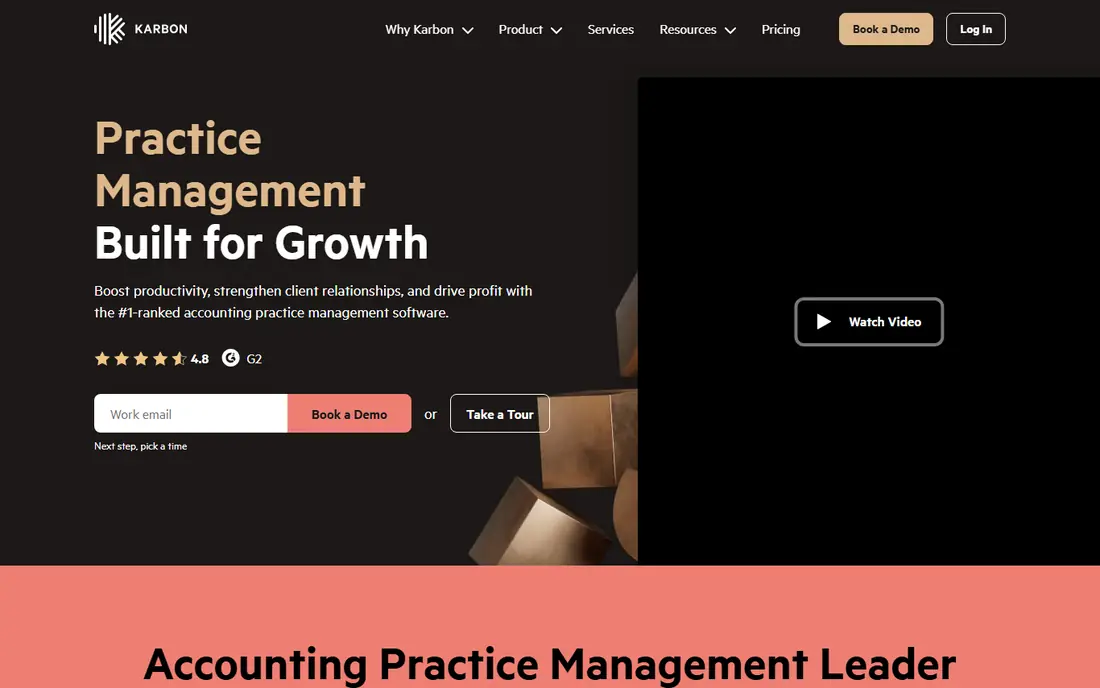
Karbon suits firms where client email drives the work. It pulls email, tasks, notes and documents into shared workflows, so the whole team sees the same thread and job status. Automation and templates help larger firms standardise busy season work across many clients.
The price and setup are the honest costs. Karbon is not a quick install for a solo practitioner, and smaller firms may find simpler tools faster to adopt. For firms with five or more staff juggling many clients, the visibility is worth the effort.
- Email, tasks and client work in one place
- Strong workflow automation
- Clear job visibility
- Premium pricing
- Setup takes time
- No client mobile app on some plans
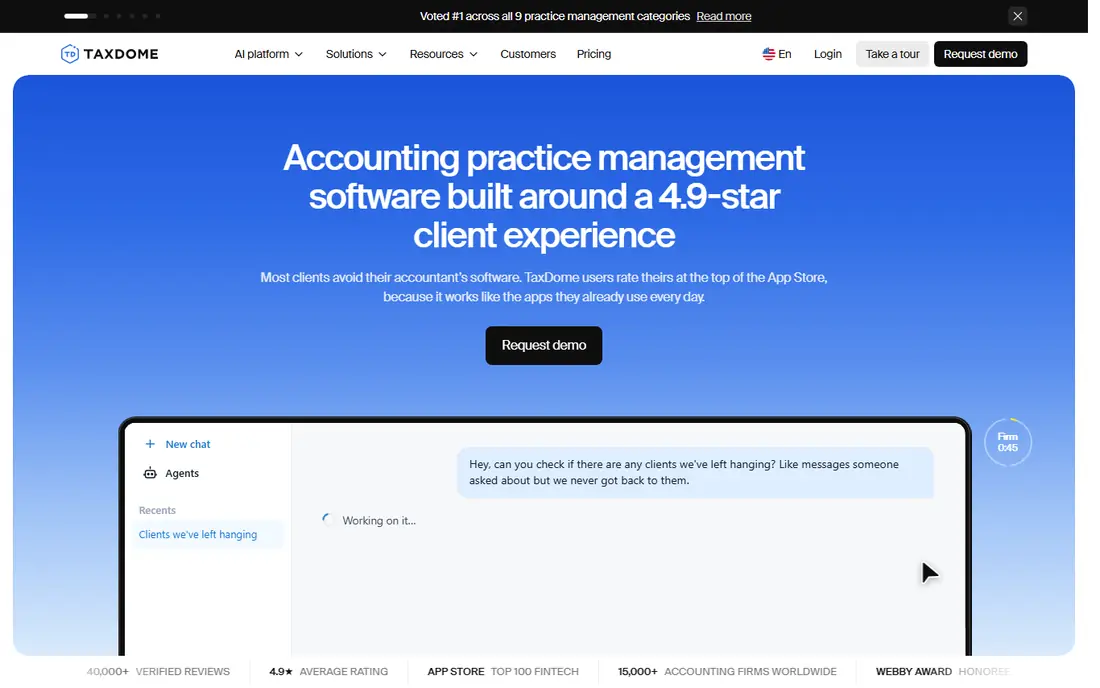
TaxDome aims to replace several firm tools at once, with a client portal, CRM, workflows, documents, e-signatures and billing in one place. Firms that want one login for staff and clients, rather than a patchwork of apps, will like the scope. The client mobile app is a plus for firms with clients who work from phones.
Breadth is also the drawback. Teams need time to set up pipelines, templates and automations, and the first month can feel heavy. Firms that plan the rollout and train staff in stages tend to get more from it than firms that switch everything at once.
- CRM, portal, workflows and billing in one platform
- Client mobile app
- Broad feature set
- Broad features mean a learning curve
- Pricing is annual for many plans
- Setup needs planning
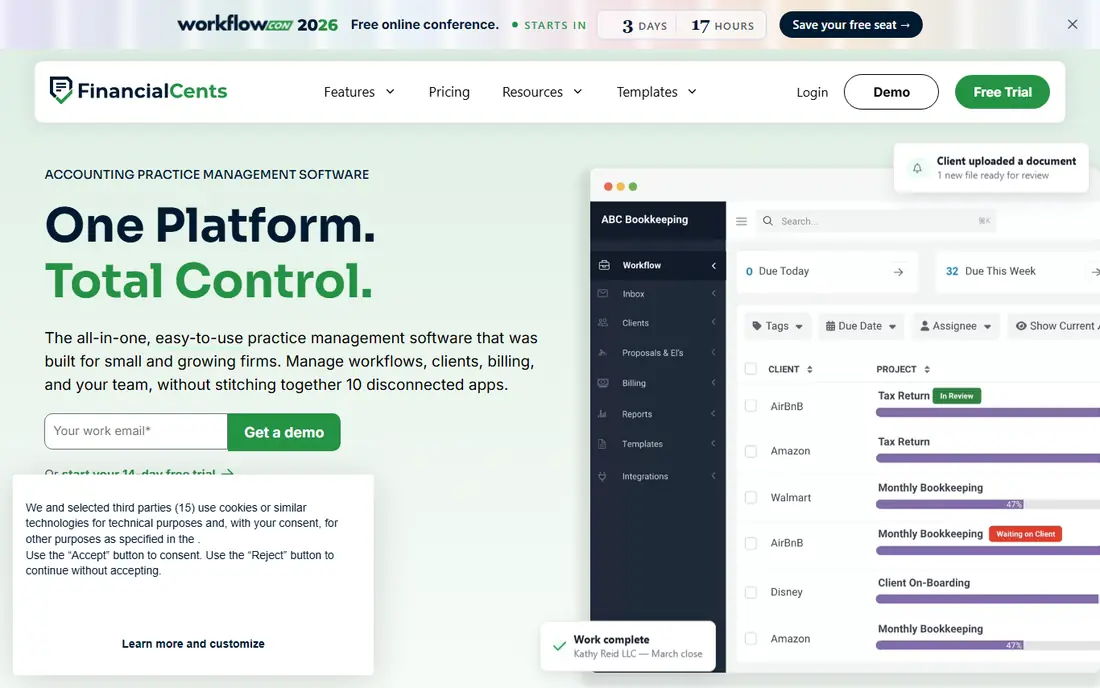
Financial Cents is the friendly pick for small bookkeeping and CPA firms. It handles workflows, client follow ups, document collection and basic billing without a long implementation project. Staff can usually start using it in days, not weeks, which matters during busy season.
The trade off is depth. Integrations beyond QuickBooks are thinner, and email must be forwarded manually to create work, rather than triaged inside the app. For small firms that want speed and value, those limits are easy to live with.
- Easy to learn
- Lower starting price
- Client portal and reminders included
- Thinner integrations outside QuickBooks
- No built in email triage
- Less suited to very large firms
QuickBooks Online Accountant is the hub for firms whose clients already use QuickBooks Online. Accountants get a dashboard across client books, plus tools for collaboration, reporting and practice work. For firms built around QuickBooks, it removes a lot of switching between accounts.
It is not a full practice management replacement. Workflow depth, document management and client portals are thinner than in Karbon or TaxDome, so many firms pair it with a practice tool. If your clients are mostly on QuickBooks, the fit is still strong.
- Free for accountants in the QuickBooks program
- Client books in one dashboard
- Strong billing links
- Practice management depth is limited
- Tied to the QuickBooks ecosystem
- Pricing depends on client plans
Xero is the ledger alternative for firms that prefer it over QuickBooks. The cloud ledger is clean, the app ecosystem is wide, and accountants can manage many clients from one login. Small business clients often find Xero easy to use, which reduces support calls for the firm.
US firms should check payroll, sales tax and reporting needs carefully, since Xero's home market strengths differ from US specific features. Practice management also needs a separate tool or add on. For Xero centred firms, it remains a strong core ledger.
- Clean cloud ledger
- Strong app ecosystem
- Good for multi client work
- US payroll and tax features are thinner
- Practice tools need add ons
- Pricing varies by plan
Canopy suits mid sized firms that want to pick modules for practice management, documents, billing and client engagement, rather than buying one fixed bundle. The client portal and mobile app help firms that serve clients who expect modern digital service. Workflow automation is strong once templates are built.
Pricing complexity is the catch. Modules and add ons make total cost harder to compare at a glance, so firms should get a written quote for their team size and feature list. With that quote in hand, Canopy is a solid mid market choice.
- Modular practice tools
- Client portal and mobile app
- Strong workflow automation
- Pricing structure is complex
- Some features are add ons
- Setup takes planning
Jetpack Workflow is for firms that want job tracking without a full platform. It covers recurring jobs, deadlines, templates and team workload in a simple interface, and small firms can adopt it quickly. For firms drowning in spreadsheets, that simplicity is the point.
It is not an all in one system. There is no dedicated client portal, billing is limited, and document management is basic. Firms that need portals, e-signatures and billing should pair it with other tools or choose a broader platform.
- Simple job and deadline tracking
- Easy to learn
- Lower cost than full platforms
- No dedicated client portal
- Limited billing
- Document tools are basic
Sage Intacct fits firms serving larger or more complex clients, with multi entity accounting, dimensional reporting and strong controls. It handles consolidation and detailed reporting that small business ledgers struggle with, and it scales as clients grow. Firms in nonprofit, professional services and multi location work often benefit most.
For simple small business books, Sage Intacct is more than needed, and cost and setup reflect that. Firms should only choose it when client complexity justifies the investment, and they should budget for implementation help.
- Strong multi entity and reporting features
- Cloud based
- Suited to complex clients
- Higher cost and complexity
- Overkill for simple small business books
- Implementation takes time
Drake Tax is a workhorse for tax preparation firms, with broad federal and state form coverage and e-filing tools built for professional use. It suits firms that prepare many returns each season and want a reliable, no frills tax engine. Support and training resources for tax professionals are well established.
The interface will not feel modern, and Drake Tax does not run the whole firm, so practice management, portals and billing still need other tools. For tax focused firms, that division of labour is normal, and Drake Tax does its core job well.
- Established professional tax prep
- Broad form coverage
- E-file tools
- Interface feels dated
- Practice management needs another tool
- Pricing is per return focused
How we picked these
We compared official feature and pricing pages for practice management, ledger and tax tools used by US accounting and CPA firms, plus public firm reviews. We favoured tools with clear firm use cases, client portal or collaboration features, and integrations with QuickBooks or Xero. We noted where a tool covers only one layer of the stack, since most firms need more than one product.
What to check before you buy
Map your stack before you shop. List your ledger, tax prep, practice management, document storage, e-signature and payroll tools, then look for overlaps. A new all in one platform only saves money if it truly replaces two or more existing subscriptions without losing features your team relies on.
Next, test with a real client workflow. Run one busy client through the new tool, from onboarding and document request to job completion and billing, and time each step. A demo with sample data hides friction that a live client reveals fast.
Finally, check security and compliance. Ask about access controls, two factor authentication, encryption, data backups and audit logs, and how client data is handled. Accounting firms hold sensitive financial data, so security terms deserve the same attention as price.
Frequently asked questions
What is the best software for accounting firms?
There is no single best tool, because firms need a ledger, a practice tool and often a tax tool. QuickBooks Online Accountant or Xero usually form the ledger layer, Karbon, TaxDome or Financial Cents form the practice layer, and Drake Tax or a similar product handles tax prep. Build the stack around your client mix.
What is the best accounting software for CPA firms?
CPA firms often combine QuickBooks Online Accountant or Xero for client books with Karbon or TaxDome for practice management. Larger firms lean toward Karbon or Canopy for workflow depth, while smaller firms lean toward Financial Cents for speed and price. Tax firms add a dedicated tax prep product.
Can one tool replace my whole accounting stack?
Usually not. A good practice platform can replace several firm tools, such as workflow, CRM, portal and billing, but you still need a separate ledger for client books and a separate tax product if you prepare returns. Expect two to four core tools, not one.
How much should a firm spend on software?
Costs vary by team size and client complexity, and pricing is often per user per year. Get quotes for your exact team size, compare the full stack total, and watch for add on fees for e-signatures, portals and extra clients. A pilot with one team helps confirm value before a firm wide rollout.
What is the difference between practice management and accounting software?
Accounting or ledger software records transactions and produces financial statements for one business, which is what you use for client books. Practice management software runs the firm itself, covering clients, jobs, deadlines, documents and billing across many clients. Most firms need both layers.
Is QuickBooks Online Accountant free for accountants?
QuickBooks Online Accountant is offered at no charge to accountants in the QuickBooks ProAdvisor program, while client QuickBooks subscriptions are paid separately. Check the current program terms on the official QuickBooks site, since eligibility and included features can change.
Sources
See where you really rank - block by block
ProMapRanker scans Google Maps across a grid of your service area. Simple monthly plans from $19, white-label on every plan.
Start freeKeep reading
 surfer seo alternatives
Surfer SEO Alternatives in 2026
We compared surfer seo alternatives for content optimisation, briefs, and scoring, covering Frase, Clearscope, NeuronWriter, MarketMuse, and more tools.
Read → best web hosting services for small business
Best Web Hosting Services for Small Business in 2026
We compared the best web hosting services for small business on price, speed, support and renewals, from budget shared hosting to managed WordPress in 2026.
Read → best software for marketing agencies
Best Software for Marketing Agencies in 2026
We compared the best software for marketing agencies, from HubSpot and GoHighLevel to Semrush and AgencyAnalytics, with pricing and client reporting options.
Read →