 ProMapRanker
Best Sales Software for Small Businesses in 2026

Key takeaways
- HubSpot, Zoho CRM and Freshsales let a small team start free, while Pipedrive starts at $14 per user per month billed annually.
- Pipedrive is our pick for pipeline-first selling, and HubSpot is the pick for teams that also need marketing tools.
- Salesforce Starter at $25 per user per month suits teams that plan to scale on Salesforce, not teams that want the simplest setup.
- Close and Copper win on specific habits: heavy calling for Close, and Google Workspace for Copper.
- Price the plan your team will need in six months, not just the entry tier, because automation and reporting often sit one tier up.
Quick comparison
| Pick | Great for | Pricing starts at | Free tier | |
|---|---|---|---|---|
 HubSpot CRM | Starting free with room to grow | Free | Yes | Visit |
 Pipedrive | Visual pipeline selling | $14 per user per month | Free trial | Visit |
 Zoho CRM | Depth at a low price | Free | Yes | Visit |
 Freshsales | Low-cost paid plan with calling | $9 per user per month | Yes | Visit |
 Salesforce Starter Suite | Scaling on Salesforce | $25 per user per month | Free trial | Visit |
 monday Sales CRM | Sales plus project work | $12 per user per month | Free trial | Visit |
 Close | Outbound calling and email | $35 per user per month | Free trial | Visit |
 Capsule CRM | Simple, easy-to-adopt CRM | Free | Yes | Visit |
 Copper CRM | Google Workspace teams | $23 per user per month | Free trial | Visit |
The best sales software for small businesses
Small sales software should do three jobs well: keep contacts and deals in one place, show what needs attention next, and make follow-up easy. These nine tools do that at small-business prices, but they differ sharply on ease of use, automation and upgrade cost.
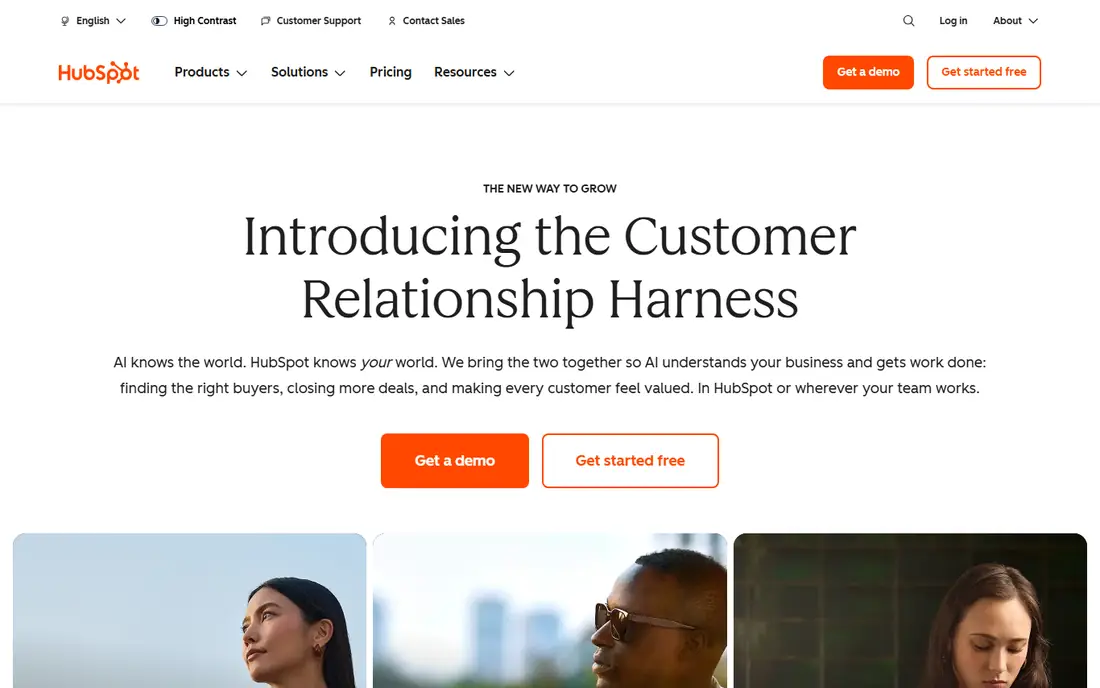
HubSpot is the lowest-risk start for a team that has never used a CRM. The free plan covers contacts, deals, tasks, email tracking and live chat with no expiry, so a solo founder or a team of two can run real deals before paying anything. Paid Starter plans add more seats and features, and the platform grows into marketing and service tools on the same record.
The risk is the upgrade path. Professional tiers cost far more per seat than Starter, and some features your team grows to rely on may only live there. Start free, but map which Professional features you might need in a year, and check the current Starter price for your bundle before you commit.
- Generous free CRM
- Contact, deal and email tracking included
- Large integration and learning library
- Jump to Professional tiers is steep
- Paid Starter pricing varies by bundle and promo
- AI credits can add cost
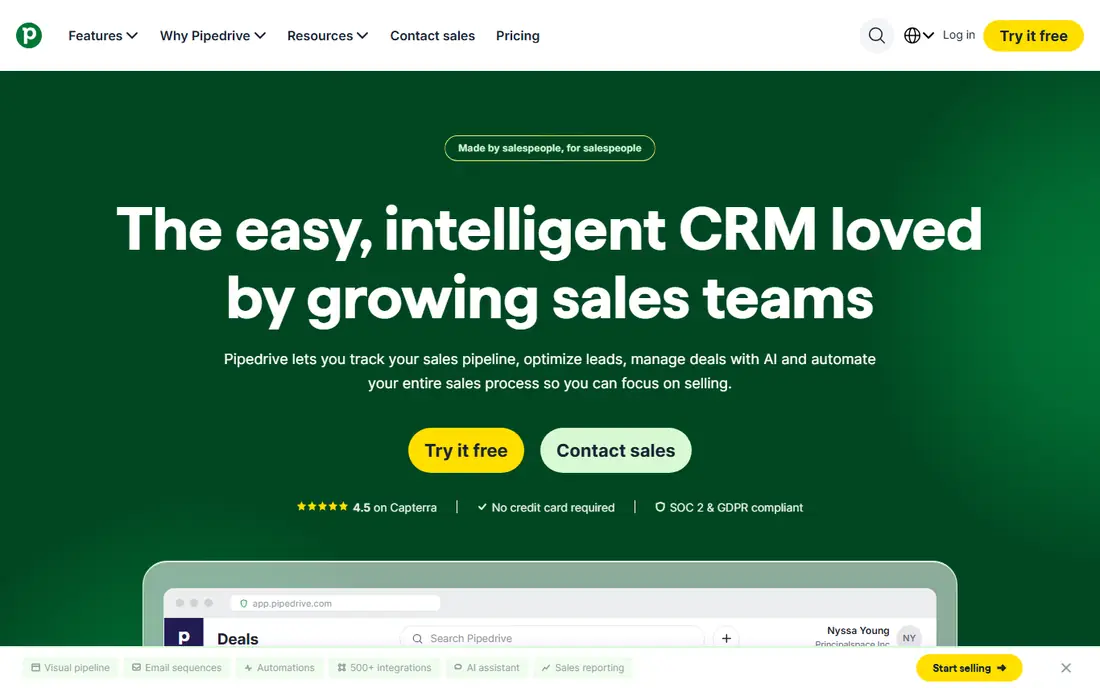
Pipedrive is our pick for a sales-led small business that lives by its pipeline. Deals move across a kanban board, activities and follow-ups are visible at a glance, and reps can see exactly what to do next without digging through menus. That clarity is why small teams adopt it faster than more complex CRMs.
It is not the cheapest full setup. Lite starts at $14 per user per month billed annually, but fuller email sync and automation start on higher tiers, so budget for Growth if automation matters to you. If your team sells by pipeline stage and wants a tool reps will actually open daily, Pipedrive is still the default to beat.
- Clearest visual pipeline in this list
- Easy for reps to adopt
- Lite from $14 per user per month billed annually
- No free plan, only a 14-day trial
- Email sync and automation sit on higher tiers
- Marketing tools need add-ons
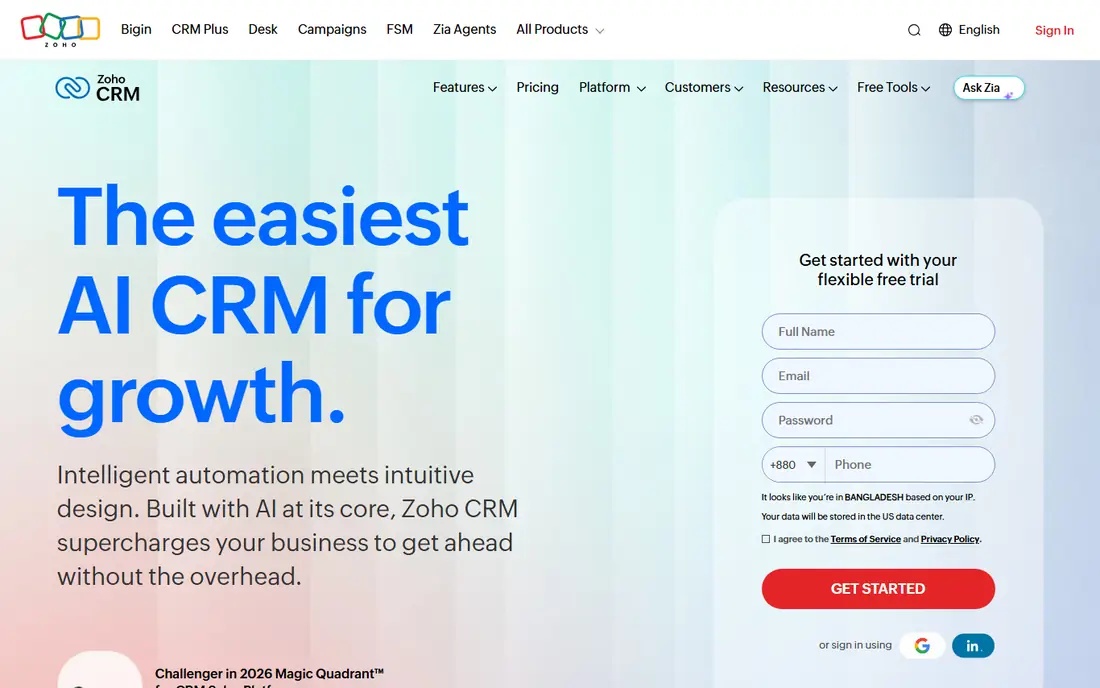
Zoho CRM gives more features per dollar than most tools here, which is why budget-conscious teams keep picking it. The free plan covers up to three users, and Standard at $14 per user per month billed annually adds automation, workflows and deeper reporting. If your business already uses Zoho Books, Mail or other Zoho apps, the shared data is a real advantage.
The price of that depth is setup time. Zoho rewards a careful build with custom fields, layouts and workflows, but a team that wants to start selling today may find Pipedrive or HubSpot faster. Choose Zoho when you have someone to own the setup and you want room to customise without paying enterprise prices.
- Free plan for up to 3 users
- Standard from $14 per user per month billed annually
- Deep customisation
- Setup takes longer than Pipedrive or HubSpot
- Interface can feel busy
- Best value inside the Zoho suite
Freshsales, from Freshworks, is the low-cost paid pick for teams that call and email a lot. Growth starts at $9 per user per month billed annually, and it includes built-in calling, email and AI lead scoring that other tools put on higher tiers. For a small team that needs phone plus pipeline in one place, that combination is hard to beat on price.
It is not a marketing platform in the HubSpot sense, and its reporting is simpler than Salesforce or Zoho at higher tiers. If your main job is working a list by phone and email and closing deals, Freshsales covers it cheaply. If marketing automation is central, compare HubSpot first.
- Free plan available
- Growth from $9 per user per month billed annually
- Built-in phone and AI lead scoring
- Marketing depth is thinner than HubSpot
- Some AI features cost extra
- Reporting is simpler than Salesforce
Salesforce Starter Suite is the deliberate entry into the largest CRM ecosystem. At $25 per user per month, it gives a small team contacts, deals, tasks and basic reporting on a platform that can scale to thousands of users and hundreds of integrations. Teams that know they will grow into full Sales Cloud, or that need a specific AppExchange app, should start here rather than migrate later.
For a team of three that just needs a pipeline, Salesforce is overkill. Setup and admin take more time than Pipedrive or HubSpot, and workflow automation sits on higher suites. Pick Starter when scale and ecosystem matter more than the simplest first week.
- Huge ecosystem and AppExchange
- Starter Suite from $25 per user per month
- Clear path to full Sales Cloud
- Heavier setup than small-business rivals
- Automation starts higher up
- Admin time grows with the platform
monday Sales CRM suits teams that sell and then deliver the work in the same system. Deals live on boards your team already understands, and sales stages can flow into project boards, onboarding checklists and delivery tasks without a second tool. Basic starts at $12 per seat per month billed annually.
The limits are email and price structure. Full two-way Gmail and Outlook sync starts on Standard, not Basic, and monday plans often require a minimum number of seats. If your team already runs projects on monday, the CRM is a natural add-on. If you only need sales, a dedicated CRM may be simpler.
- Familiar board layout
- Basic from $12 per seat per month billed annually
- Links sales to delivery work
- No free CRM tier
- Two-way email sync starts on Standard
- Minimum seat rules apply on some plans
Close is built for teams that live on the phone. Calling, SMS and email sit in one workspace, so a rep can dial, log and follow up without switching apps, and managers can see call activity next to pipeline stages. That focus makes it the pick for outbound-heavy small businesses.
Price is the catch. The solo plan is cheap but single-user only, and team plans start with Essentials at $35 per user per month, with workflows on higher tiers. If your team makes dozens of calls a day, Close earns that price in saved switching time. If calling is occasional, Pipedrive or Freshsales will be cheaper.
- Built-in calling, SMS and email in one inbox
- Strong for outbound teams
- Clear pipeline views
- Team plans start at $35 per user per month
- Solo plan is single-user only
- Less marketing depth than HubSpot
Capsule is the quiet, simple option. It covers contacts, deals, tasks and pipelines without the busy interface of larger CRMs, and its free plan lets a very small team start without a trial clock. Teams that were put off by complex CRMs often stick with Capsule because reps actually use it.
It will not match Zoho on customisation or HubSpot on marketing, and workflows and email sync sit on higher paid tiers. Choose Capsule when simplicity and adoption matter more than automation depth, and when your team wants a CRM that stays out of the way.
- Free plan for small teams
- Simple contacts, deals and tasks
- Quick to adopt
- Paid Starter from around $18 per user per month
- Workflows start on higher tiers
- Smaller integration set than HubSpot
Copper is the CRM for teams that live in Gmail. It pulls contacts, emails and calendar activity into deal records automatically, so reps spend less time logging work and more time selling. The interface feels like a Google product, which helps adoption for Workspace teams.
Outside Google Workspace, that advantage disappears, and the price is higher than Pipedrive or Freshsales for a similar pipeline. Workflow automation also starts on Professional, not Basic. If your business runs on Gmail, Drive and Calendar, Copper is worth a trial. If it runs on Outlook, look elsewhere first.
- Built around Gmail and Google Workspace
- Contacts and deals sync from inbox
- Clean interface
- Basic from $23 per user per month
- Workflow automation starts on Professional
- Weak fit outside Google Workspace
How we picked these
We compared official pricing pages, free plans and feature pages for sales and CRM tools aimed at small businesses in October 2026. We kept only tools a small US team can buy and run today, and we favoured pipeline clarity, email and calling, and a realistic upgrade path over feature count alone. Where vendors changed promo pricing during 2026, we used the standard annual entry price or See website logic in the text, and we flagged where automation sits a tier above entry.
How to choose sales software for a small business
Count real users first. Price the tool for the team you will have in six months, including anyone who only views deals, because per-seat pricing multiplies fast. A $14 seat costs $140 a month for ten people before add-ons, and that total matters more than any single-seat headline.
Test with real deals, not demo data. Import fifty contacts, build three pipeline stages that match your process, and make every rep log two activities a day for two weeks. The tool with the highest daily logins wins, because a CRM nobody opens cannot improve sales, no matter how many features it lists.
Check the exit before you enter. Confirm you can export contacts, deals and activity history in a standard format such as CSV, and check what happens to your data if you cancel. A cheap tool that traps your pipeline is expensive in the long run.
Frequently asked questions
What is the best sales app for a small business?
Pipedrive for pipeline-first selling, and HubSpot for teams that want a free start plus marketing tools. Zoho CRM is best for depth at a low price, while Freshsales is best for low-cost calling. The right pick depends on how your team sells day to day.
Is there a free sales CRM for small business?
Yes. HubSpot CRM, Zoho CRM for up to three users, Freshsales and Capsule all offer free plans. Free plans have limits on users, automation or reporting, so check those limits against your team size before you rely on them long term.
How much does sales software cost for a small business?
Expect roughly $9 to $35 per user per month for small-business tiers in this list, billed annually, with HubSpot, Zoho, Freshsales and Capsule offering free starts. Salesforce Starter at $25 per user per month and Close team plans at $35 show how quickly the range widens with ecosystem or calling depth.
Do I need a CRM if I already use spreadsheets?
A spreadsheet works until deals, follow-ups and customer history outgrow it, which usually happens once a team passes a handful of active deals. A CRM adds reminders, shared history and pipeline visibility, so follow-ups stop depending on one person's memory or inbox.
What is the best sales software for outbound calling?
Close, because calling, SMS and email live in one workspace built for outbound work. Freshsales is a cheaper second option with built-in calling, while Pipedrive plus a dialer integration can work for teams that call less often.
Can I switch sales software later?
Yes, if you export cleanly. Clean your contact list first, remove duplicates, map pipeline stages before you import, and run the old and new tools side by side for two weeks. That overlap catches missing data before you cancel the old tool.
Sources
See where you really rank - block by block
ProMapRanker scans Google Maps across a grid of your service area. Simple monthly plans from $19, white-label on every plan.
Start freeKeep reading
 zoho inventory alternatives
6 Alternatives to Zoho Inventory, Compared on Price and Fit
Zoho Inventory alternatives: 6 tools compared on price, free plans and fit. Katana leads the list for manufacturers. Fit and flaws are laid out for each entry.
Read → zoho crm alternatives
Best Zoho CRM Alternatives (2026)
Need Zoho CRM alternatives? We compare 7 tools on cost, free access and who each suits. Every pick gets a straight assessment. Built for quick decisions.
Read → zelle alternatives
Best Zelle Alternatives in 2026
Compare the best Zelle alternatives for sending money to friends, paying sellers and moving funds abroad, with honest notes on fees, speed and safety in 2026.
Read →