 ProMapRanker
How to Pick Sales Reporting Software


Subscription companies that require MRR, churn and LTV reporting without building it · Pricing starts at: From $75 a month (Launch, up to $360K ARR)
Direct answer
Baremetrics is the first pick on this list for subscription businesses that require MRR, churn and LTV reporting without building it. Alternatives: Klipfolio for operations teams that require custom KPI dashboards across the entire business, and Pipedrive for small sales teams that want clear pipeline reporting without CRM complexity.
Key takeaways
- Number one here is Baremetrics, a fit for subscription businesses that require MRR, churn and LTV reporting without building it.
- Pipedrive has the lowest monthly starting price in this list: $14 per seat per month.
- Free plans exist at 3 of 7 tools (Salesforce Sales Cloud, Databox, HubSpot Sales Hub).
- For teams that want reporting on what actually happens in sales conversations, Gong is worth a look.
Quick comparison
| Pick | Great for | Pricing starts at | Free tier | |
|---|---|---|---|---|
| Baremetrics | Subscription companies that require MRR, churn and LTV reporting without building it | From $75 a month (Launch, up to $360K ARR) | Free trial | Visit |
 Klipfolio | Operations teams that require custom KPI dashboards across the entire business | $120 a month (Base, billed annually) | Free trial (14 days) | Visit |
 Pipedrive | Small sales teams that want clear pipeline reporting without CRM complexity | $14 per seat per month (Lite, billed yearly) | Free trial (14 days) | Visit |
 Salesforce Sales Cloud | Mid-sized and bigger teams that require deep, configurable pipeline reporting | $25 per user per month (Starter Suite); Free Suite $0 | Yes | Visit |
 Databox | Teams that want one dashboard pulling sales metrics from numerous tools | Free (1 user, 3 data sources); Agency plans from $99 per month | Yes | Visit |
 HubSpot Sales Hub | Small sales teams that want CRM and reporting in one free-to-start package | Free (up to 2 users); Starter from $15 per seat a month | Yes | Visit |
 Gong | Teams that want reporting on what actually happens in sales conversations | See website (custom quote) | No | Visit |
Every option for sales reporting software explained
ProMapRanker put together this guide to sales reporting software for readers who want a clear shortlist without reading every vendor page. It compares 7 tools on starting price, free plans, who each one suits and where each one falls short.
Baremetrics
Great for: Subscription companies that require MRR, churn and LTV reporting without building it
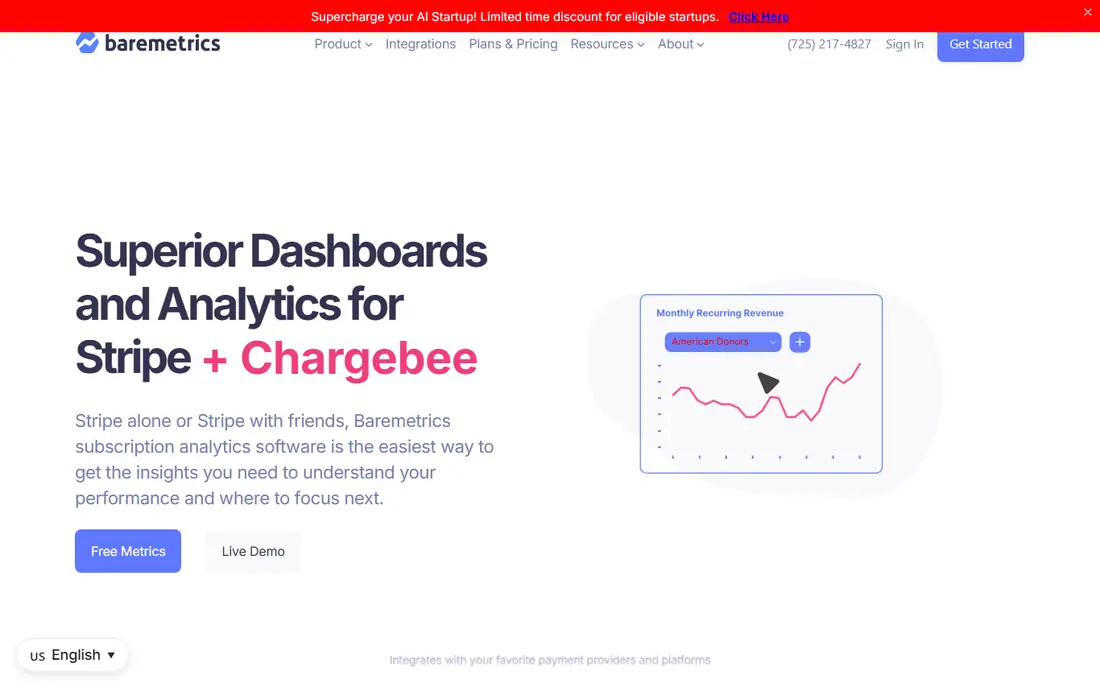
Baremetrics is built with subscription firms that require MRR, churn and LTV reporting without building it in mind. Baremetrics exists for one metric family: subscription revenue. For everyday use, a free trial is available.
From a buyer's view, the tradeoff is scope. Baremetrics reports what your billing system knows: revenue, churn, expansion. It does not know your pipeline, your reps or your calls. SaaS businesses pair it with a CRM's pipeline reporting to include both halves of the funnel. What you pay to start with Baremetrics: From $75 per month. On free options: Free trial.
What Baremetrics does well: not your headcount. Points against: Useless outside subscription firms.
- Purpose-built SaaS metrics: MRR, churn, LTV
- Cohort and trial conversion from day one
- Growth ($255/month) and Scale ($1,152/month) levels get costly as ARR climbs
Klipfolio
Great for: Operations teams that require custom KPI dashboards across the entire business
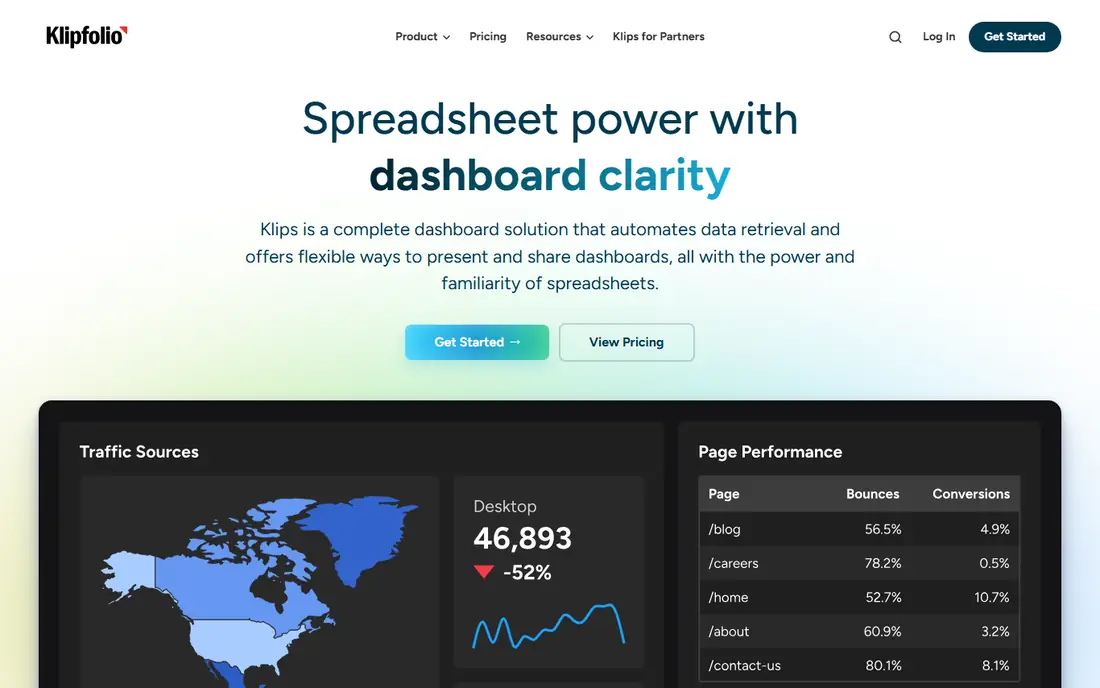
Klipfolio is a good fit for operations teams that require custom KPI dashboards across the entire business. Klipfolio (Klips) is the dashboard builder for teams that outgrew templates. Base begins at $120 a month annually ($140 monthly), Grow at $190 ($220), Team at $310 ($350) and Team+ at $600 ($690).
Teams with a sales ops person love that control. A 14-day trial is available. On top of that, Klipfolio does not know what a sales report should look like; you build it. The price of adaptability is effort. What you pay to start with Klipfolio: $120 per month. As for free access: Free trial (14 days).
Honest limits: Building dashboards takes real effort: it is a builder, not a template.
- Takes care of non-sales data (finance, marketing, support) in the same view
- Per-dashboard pricing instead of per-seat
- $120 a month Base is a commitment for small teams
Pipedrive
Great for: Small sales teams that want clear pipeline reporting without CRM complexity
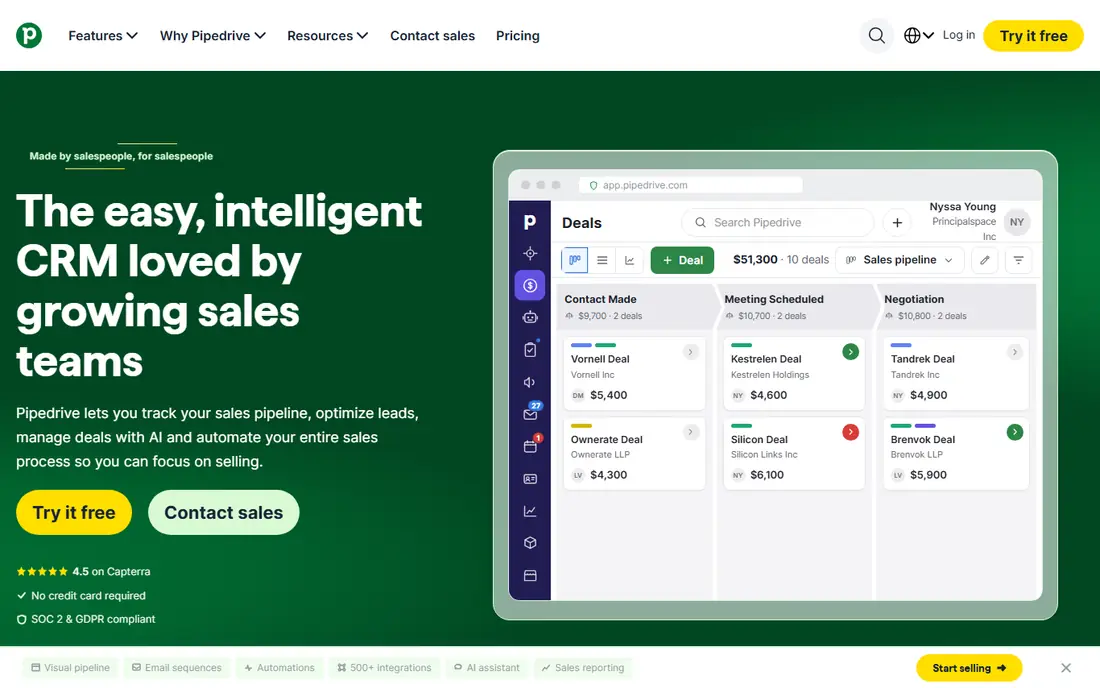
Choose Pipedrive for small sales teams that want clear pipeline reporting without CRM complexity. A 14-day trial handles all levels. In daily use, deal reports, revenue forecasts, activity reports and goal dashboards come in a visual format reps actually read.
Downsides: Advanced reporting and AI features sit on Premium ($59) and Ultimate ($79).
More specifically, the reporting ceiling is lower than the enterprise CRMs. Pipedrive's pitch is focus: it is a sales pipeline tool first, and its reporting reflects that. From a buyer's view, for teams under 20 reps that sell a straightforward product, that ceiling is fine: the reports answer the weekly questions without an admin. What you pay to start with Pipedrive: $14 per seat per month. As for free access: Free trial (14 days).
- Straightforward pricing from $14 (Lite) to $79 (Ultimate) per seat
- Pipeline-first design makes deal reports easy-to-learn for reps
- Shallower customization than Salesforce or HubSpot Pro
Salesforce Sales Cloud
Great for: Mid-sized and bigger teams that require deep, configurable pipeline reporting
Salesforce Sales Cloud is a good fit for mid-sized and bigger teams that require deep, configurable pipeline reporting. Salesforce reports are the benchmark everything else is measured against, because the object model underneath is deeper than any competitor's. A Free Suite at $0 exists for very small teams.
Downsides: Pricing climbs quick: Core $195, Advanced $395.
List prices climb from $25 to $550 per user a month across the five suites. The reporting power you are buying needs an admin to configure. In practice, buy Salesforce reporting when your pipeline process is genuinely complicated: several product lines, territories, or forecasting models that change by segment. Starter Suite at $25 per user a month spans the basics. Pro Suite ($100) brings the real reporting; Core ($195) and above add Einstein AI forecasting, territory management and the full analytics stack. Salesforce Sales Cloud starts at: $25 per user per month. Salesforce Sales Cloud includes a free tier.
- 3,000-plus AppExchange apps extend it further
- Einstein AI scoring and forecasting on higher tiers
- Max $550 per user a month
Databox
Great for: Teams that want one dashboard pulling sales metrics from numerous tools
Databox is designed for teams that want one dashboard pulling sales metrics from numerous tools. Databox solves the tab problem: your pipeline lives in the CRM, your ad spend in Google Ads, your targets in a spreadsheet, and nobody opens all three. In practice, know what Databox is and is not.
Limits to weigh: It visualizes data instead of creating pipeline insight.
The price math works when you count the hours your ops person currently spends building reports by hand. As for the details, the free plan (one user, three sources) is genuinely handy for a small team. Beyond that, link the sources and build dashboards that update themselves. From a buyer's view, agency plans start at $99 a month; Team Core is $249 and Scale $399 a month. The starting price for Databox: Free. Databox offers a free plan.
What works well: Scorecards and mobile alerts keep metrics visible.
- Real free plan (1 user, 3 sources)
- Google Sheets and ad platforms feed one dashboard
- Premium plans jump quick: Team Core $249 a month
HubSpot Sales Hub
Great for: Small sales teams that want CRM and reporting in one free-to-start package
HubSpot Sales Hub is aimed squarely at small sales teams that want CRM and reporting in one free-to-start package. If your reporting needs are entry-level and your CRM is HubSpot, stay on the lower levels and export to a spreadsheet for the rest.
Pro and Enterprise add custom report builders, forecasting and team-level analytics, plus mandatory onboarding fees. Entry price for HubSpot Sales Hub: Free. HubSpot Sales Hub offers a free plan.
Trade-offs to know: Onboarding fees ($1,500 to $3,500) on those levels.
- Deep marketing and service integration as you grow
- Reporting lives on the same data as the pipeline, so nothing needs syncing
- Serious reporting depth (custom reports, forecasting) is gated to Pro ($90 to $100 per seat) and Enterprise ($150 per seat)
Gong
Great for: Teams that want reporting on what actually happens in sales conversations
Gong is designed for teams that want reporting on what actually happens in sales conversations. Buy it when you suspect the problem is in the conversations, not the process: low win rates, stalled deals, inconsistent messaging across reps.
Worth adding: Gong records, transcribes and examines sales calls, then reports on them: talk ratios, competitor mentions, pricing discussions, next-step commitments and deal risk signals. Gong does not show a starting price in this comparison, so check the vendor site for current pricing. Gong has no permanent free option.
Limits to weigh: Custom-quoted pricing with no public numbers.
- Reportable data
- Deal warnings surface risk from call patterns
- It examines conversations, not pipeline math, so you still need CRM reporting
How we compared the tools
We compared the tools on published pricing, free plan or trial availability, feature coverage for sales reporting software, and the limits each vendor documents. Where a price is missing, the vendor does not list one publicly or ties it to a quote. Always confirm before budgeting. The ranking is editorial: typical fit first, then clear pricing, then free access. If your needs are unusual, read the profiles rather than relying on position.
What to confirm before you sign up
- Confirm the entry price on the vendor page. For Gong that means a quote rather than a fixed price.
- Look at free plan limits closely: Salesforce Sales Cloud, Databox and HubSpot Sales Hub have one, and the caps decide whether it is usable for real work.
- Run a trial of Baremetrics, Klipfolio and Pipedrive with real work before paying for a year; your own workflow is the best test.
- Before choosing Baremetrics, weigh its main limit: useless outside subscription businesses.
- Ask Klipfolio which support channels and response times come with the plan you would buy.
- Confirm that Baremetrics connects to the apps your team already uses, on the plan you would actually buy.
Frequently asked questions
Can I try these options before paying?
Often, yes. Salesforce Sales Cloud, Databox and HubSpot Sales Hub have a free plan and Baremetrics, Klipfolio and Pipedrive offer a free trial. Use your own data and a real task during the test, and check what the free tier or trial limits before you rely on it.
Is Baremetrics the right pick for everyone comparing sales reporting software?
No single tool suits every team. Baremetrics comes first because it fits subscription businesses that need MRR, churn and LTV reporting without building it, while Klipfolio suits operations teams that need custom KPI dashboards across the whole business and Pipedrive suits small sales teams that want clear pipeline reporting without CRM complexity. Match the tool to your own size, budget and workflow before deciding.
Which options for sales reporting software have a free plan?
On this list, Salesforce Sales Cloud, Databox and HubSpot Sales Hub include a free plan. Caps on seats, usage or features are common, so test the free plan against your real workload. Several others offer a trial instead.
What is the cheapest option for sales reporting software in this list?
On published monthly entry prices, Pipedrive is the lowest here at $14 per seat per month. Entry price is only part of the cost, because seats, add-ons and billing terms can change the total.
Sources
See where you really rank - block by block
ProMapRanker scans Google Maps across a grid of your service area. Simple monthly plans from $19, white-label on every plan.
Start freeKeep reading
 zscaler alternatives
Best Zscaler Alternatives in 2026
Looking for zscaler alternatives? We compare 9 SASE and zero trust platforms on architecture, data protection, pricing, and fit for your network and team.
Read → zapier alternatives free
Best Zapier Alternatives Free in 2026
Nine automation tools for zapier alternatives free in 2026, all with genuinely free tiers, plus free plan limits, starting prices and upgrade paths explained.
Read → which platform is best for online reputation
Which Platform Is Best for Online Reputation in 2026
Wondering which platform is best for online reputation? We compare 8 review, listing, and response tools for small and multi-location businesses and agencies.
Read →