 ProMapRanker
Best Sales Intelligence Tools B2B Contact Data in 2026


Enterprise coverage and intent signals · Pricing starts at: See website
Key takeaways
- Apollo.io is our pick for most small and mid-sized teams because it pairs contact data with outreach in one subscription.
- ZoomInfo and Cognism suit larger teams that need deep coverage and strict compliance, but both are priced on a custom quote.
- Lusha and Hunter are the fastest ways to check a single contact, while Clay is the choice when you need to combine many data sources.
- Contact data decays fast, so test any tool on your own target accounts before you sign a yearly contract.
Quick comparison
| Pick | Great for | Pricing starts at | Free tier | |
|---|---|---|---|---|
| ZoomInfo | Enterprise coverage and intent signals | See website | No | Visit |
 Apollo.io Apollo.io | All-in-one prospecting and outreach | $49 per user per month | Yes | Visit |
 Lusha Lusha | Quick LinkedIn contact lookups | $37.45 per user per month | Yes | Visit |
 Cognism Cognism | Compliant mobile numbers in Europe | See website | No | Visit |
 RocketReach RocketReach | High-volume email lookups | See website | No | Visit |
 UpLead UpLead | Verified emails with a guarantee | $99 per month | No | Visit |
 Hunter Hunter | Finding and verifying work emails | See website | Yes | Visit |
 Clay Clay | Waterfall enrichment from many sources | See website | Yes | Visit |
The best sales intelligence tools for B2B contact data
We compared official feature pages, pricing pages, and public reviews for tools that sell verified B2B contact data and buying signals. The best b2b contact data sales intelligence tools are not all the same: some are databases, some are outreach platforms, and some are enrichment layers that sit on top of your CRM.
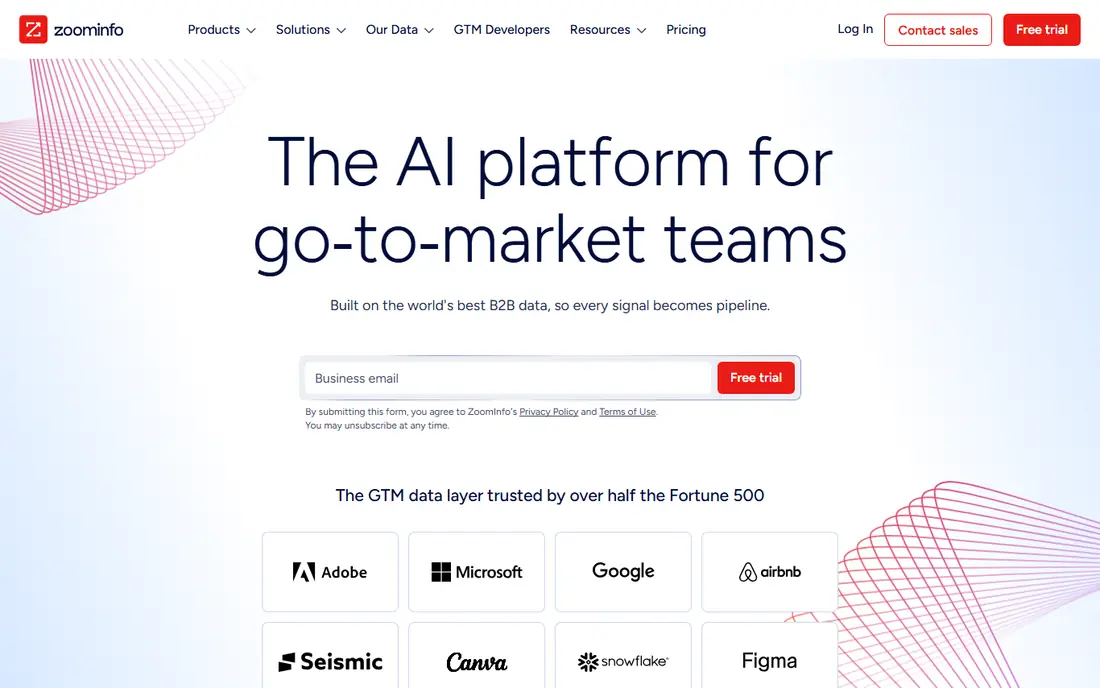
ZoomInfo is the default answer when a large sales team needs breadth. Its database covers a wide range of companies and roles, and its intent signals flag accounts that are researching topics related to your product. That combination helps enterprise teams prioritise accounts instead of working through cold lists in alphabetical order.
The catch is cost and complexity. Pricing is custom, and published roundups in 2026 put enterprise contracts well into five figures per year. Smaller teams often find the platform more than they need, and the value only shows up when someone on staff owns the data, the integrations, and the account scoring.
- Very large contact database
- Intent data and org charts
- Strong CRM integrations
- Custom pricing only
- High minimum commitment for small teams
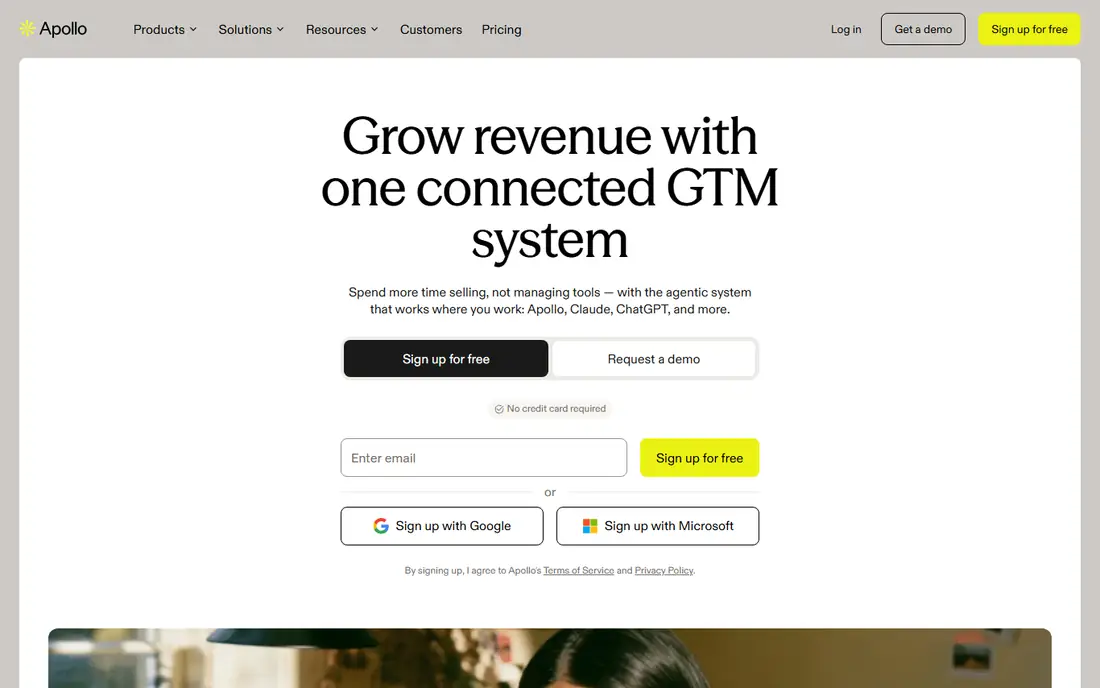
Apollo.io wins on convenience for most teams we would recommend it to. You can search for contacts, build a list, and send a sequence without stitching three tools together. The free plan gives you a real way to test match rates on your own market before you pay.
It is not perfect. Niche industries and smaller companies sometimes return thinner profiles than the headline database size suggests. Credit limits also matter: heavy prospecting teams should model their monthly credit use against the plan they pick, not just the seat price.
- Contact data plus sequences in one tool
- Free plan to test
- Large database
- Data quality varies by niche
- Credit limits can bite on paid plans
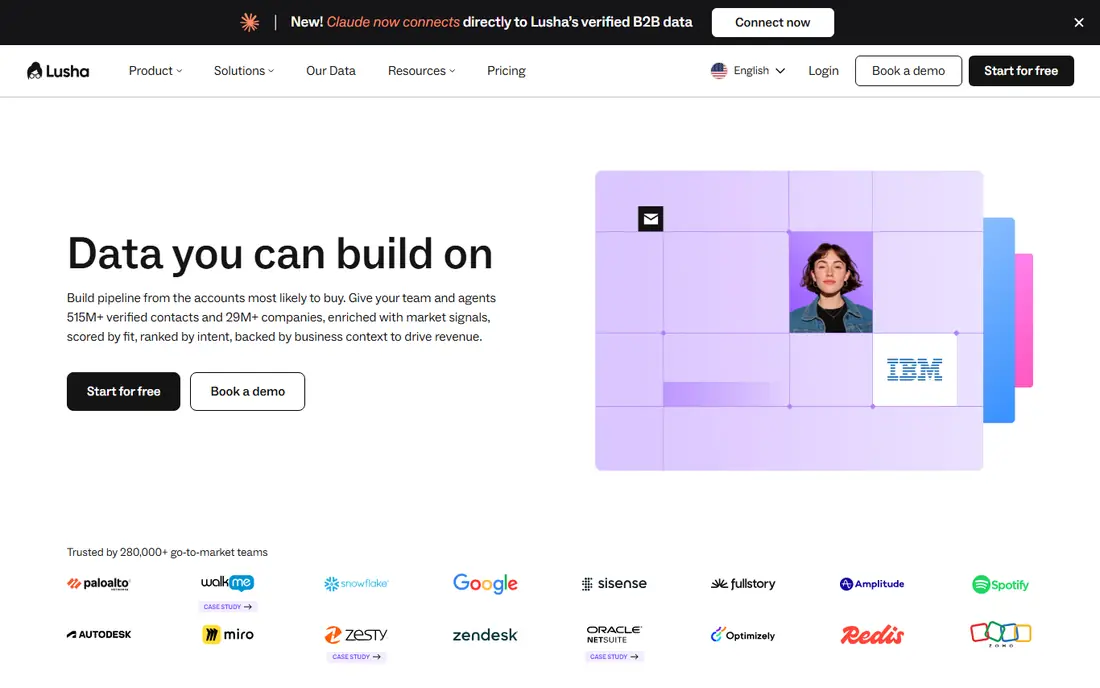
Lusha is built for the rep who is already on LinkedIn and wants a phone number or email without leaving the page. The extension is simple, and the free plan is enough to judge whether its coverage fits your territory. For individual sellers and small teams, that low friction is a genuine advantage.
The trade-off is depth. Lusha will not replace an enterprise platform for account planning, org charts, or intent scoring. If you burn through credits fast, the per-contact cost rises quickly, so track how many credits a typical week actually uses.
- Simple browser extension
- Direct dials for many contacts
- Clear compliance pages
- Credit-based pricing
- Less depth than enterprise suites
Cognism earns its place for teams that sell into Europe. Its mobile numbers are phone-verified, and its compliance documentation is more detailed than most rivals, which matters when your legal team asks where a number came from. Coverage in European markets is a repeated strength in public reviews.
For a US-only team, much of that advantage fades, and the custom quote can be hard to justify against cheaper self-serve tools. Ask for a trial on your exact target countries and job titles, since coverage varies a lot by region.
- Phone-verified mobile numbers
- Strong focus on GDPR compliance
- Good European coverage
- Custom pricing only
- Overkill for US-only teams
RocketReach suits teams that need to build lists at volume. Its database is large, and bulk lookup helps when you are enriching a conference list or a target account list in one pass. The search filters make it easy to narrow by title, company, and location.
Accuracy is the honest caveat. Older profiles can carry stale titles or emails, so run every list through verification before you send. Pricing also requires a quote or a plan page check at sign-up, so confirm the monthly cost for your lookup volume before you commit.
- Large profile database
- Bulk lookup options
- Useful for list building
- Pricing is not transparent on the homepage
- Accuracy varies by profile age
UpLead takes a different angle: it verifies emails in real time as you pull them, and it backs verified emails with an accuracy guarantee. That matters if bounce rates have hurt your sender reputation in the past. Technology filters also help teams that only want companies using a specific stack.
The entry price is higher than a basic finder, and there is no free plan to lean on. It fits teams that value clean data over the cheapest possible list, and who will actually use the verification and filtering rather than just exporting names.
- Real-time email verification
- 95 percent accuracy guarantee on verified emails
- Technology filters
- Higher entry price than simple lookup tools
- No free plan
Hunter does one job well: find the email pattern for a company domain and verify individual addresses. It is the tool we would point a founder or a small team to when they only need emails and do not want to learn a full sales platform. The free plan covers light use, and the interface has almost no learning curve.
Do not buy Hunter expecting a full sales intelligence suite. It does not supply direct dials, org charts, or buying signals. Pair it with your CRM and a separate outreach tool if you need more than verified email addresses.
- Fast domain search
- Email verifier included
- Simple pricing model
- Focused on email only
- No direct dials or intent data
Clay is less a database and more a workbench. It runs your list through multiple data providers in sequence, so if one source misses a contact, the next one tries. That waterfall approach can lift match rates well above a single provider, especially for hard-to-find roles.
The downside is complexity. Clay rewards teams that already think in workflows and tables, and it can feel heavy for a rep who just wants ten phone numbers. Enrichment volume also drives cost, so start with a small test list and measure the match rate before you scale a workflow.
- Combines many data providers in one workflow
- Flexible tables and automations
- Good for ops teams
- Learning curve for new users
- Costs rise with enrichment volume
How we picked these
We compared official feature pages, pricing pages, app listings, privacy and compliance pages, and public reviews for each tool. We favoured tools with a live product in October 2026, a clear data offering, and a pricing page or plan structure a buyer can actually check. We did not claim hands-on testing, and we left out tools that only offer engagement or call recording without contact data.
What to check before you buy
Start with a sample, not a sales demo. Take 100 contacts from your real target market, run them through any tool on your shortlist, and measure how many return a correct email, a correct title, and a usable phone number. That single test tells you more than a database size claim ever will.
Next, check the cost model at your real volume. Seat prices, credit packs, and minimum seats all change the bill, and enterprise tools often require more seats than a small team has. Ask about data sourcing and compliance too, especially if you prospect in Europe or in regulated industries. Finally, confirm the CRM integration works both ways, so enriched data flows back into your records instead of living in a separate export file.
Questions to ask on a trial
Ask how often records are refreshed, what happens when an email bounces, and whether mobile numbers are verified by phone or inferred. Ask for the contract terms in writing, including renewal, seat minimums, and what happens to your exported data if you cancel. A vendor that answers plainly on those points is usually easier to work with after the sale as well.
Frequently asked questions
What is a sales intelligence tool?
A sales intelligence tool combines B2B contact data, company details, and buying signals so sales teams can find the right people and time their outreach. Most tools offer search, enrichment, and CRM sync, while larger platforms add intent data, org charts, and account scoring.
Which tool is best for B2B contact data?
There is no single winner for every team. Apollo.io suits most small and mid-sized teams, ZoomInfo suits enterprise teams, and Lusha suits reps who need fast LinkedIn lookups. Test each tool on your own target accounts, since coverage varies by industry and region.
Are these tools compliant with GDPR and CCPA?
Reputable vendors publish compliance pages covering GDPR, CCPA, and data sourcing, and Cognism and Lusha make this a central selling point. Compliance still depends on how you use the data, so follow your own legal advice, honour opt-outs, and keep records of consent where required.
Do I need a separate outreach tool?
Not always. Apollo.io includes sequences, while ZoomInfo, Lusha, and Hunter focus mainly on data and pair well with a separate sequencer or CRM. If you already pay for an outreach platform, a data-only tool may be cheaper than switching everything to one suite.
How much should a small team budget?
Self-serve tools start at roughly $37 to $99 per user per month in the prices we found, while enterprise platforms are custom and much higher. Budget for credits as well as seats, and start monthly where possible until you know your real usage.
Sources
See where you really rank - block by block
ProMapRanker scans Google Maps across a grid of your service area. Simple monthly plans from $19, white-label on every plan.
Start freeKeep reading
 youtube alternatives
Best YouTube Alternatives in 2026
Looking for youtube alternatives in 2026? We compare Vimeo, Dailymotion, Twitch, Rumble, and more on price, audience, monetization, control and privacy.
Read → what's the best ai tool for photo editing
What Is the Best AI Tool for Photo Editing in 2026
What is the best AI tool for photo editing? We compare ten tools for 2026, from Photoshop and Lightroom to Luminar, Topaz, Canva and mobile editors today.
Read → twitter alternatives
Best Twitter Alternatives in 2026
Compare the best twitter alternatives for 2026, from Bluesky, Threads, and Mastodon to Reddit, Tumblr, and Micro.blog, with free plans and audience notes.
Read →