 ProMapRanker
Best Sales Database Software in 2026

Key takeaways
- HubSpot CRM is the best free starting point, with a free tier that small teams can use for real work.
- Zoho CRM offers the best value for growing teams, with depth and a free plan for up to 3 users.
- Pipedrive is the easiest pipeline tool for sales teams that want a visual, deal-focused workflow.
- Salesforce suits large or complex organisations, but it needs admin skill and a larger budget.
- Freshsales, monday CRM, Close, and Capsule cover budget, visual, calling, and simple contact needs respectively.
Quick comparison
| Pick | Great for | Pricing starts at | Free tier | |
|---|---|---|---|---|
 HubSpot CRM | Free start that scales | Free | Yes | Visit |
 Salesforce | Large and complex sales teams | $25 per user per month | Yes | Visit |
 Pipedrive | Visual sales pipelines | $14 per user per month | Free trial | Visit |
 Zoho CRM | Best value for growing teams | $14 per user per month | Yes | Visit |
 Freshsales | Budget AI-assisted sales | $9 per user per month | Yes | Visit |
 monday CRM | Visual workflows and custom boards | $12 per user per month | Free trial | Visit |
 Close | High-volume calling teams | See website | Free trial | Visit |
 Capsule | Simple contact and deal tracking | See website | Yes | Visit |
The best sales database software
Sales database software is usually called a CRM: a shared database of contacts, companies, deals, emails, and calls, so the whole team sees the same history. These eight cover free starts, budget picks, visual pipelines, and enterprise depth. Prices are per user per month unless noted, and annual billing is usually cheaper than monthly billing.
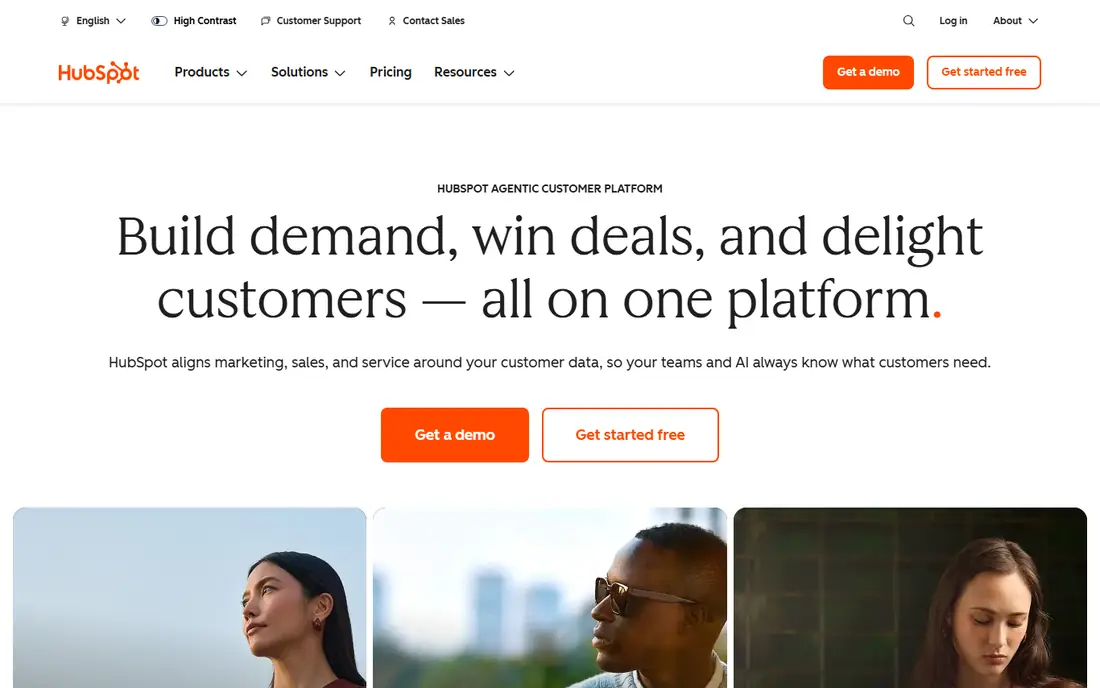
HubSpot CRM is the easiest place to start. The free tier includes contact and company records, deal pipelines, tasks, and basic email integration, which is enough for a small team to replace spreadsheets. Setup is guided, the interface is clean, and you can add marketing, service, and content tools later without moving your data.
The cost curve is the catch. Starter plans start at about $20 per seat per month in recent listings, and Professional plans climb to about $90 per seat per month, with enterprise plans higher still. For a team that stays small, the free tier lasts a long time. For a team that needs automation, forecasting, and advanced reporting, budget carefully and check the current HubSpot pricing page before you commit.
- Free tier with contacts, deals, and pipelines
- Easy to set up
- Strong marketing and service add-ons
- Paid tiers climb fast
- Some features need higher plans
- Free tier limits grow tight as you scale
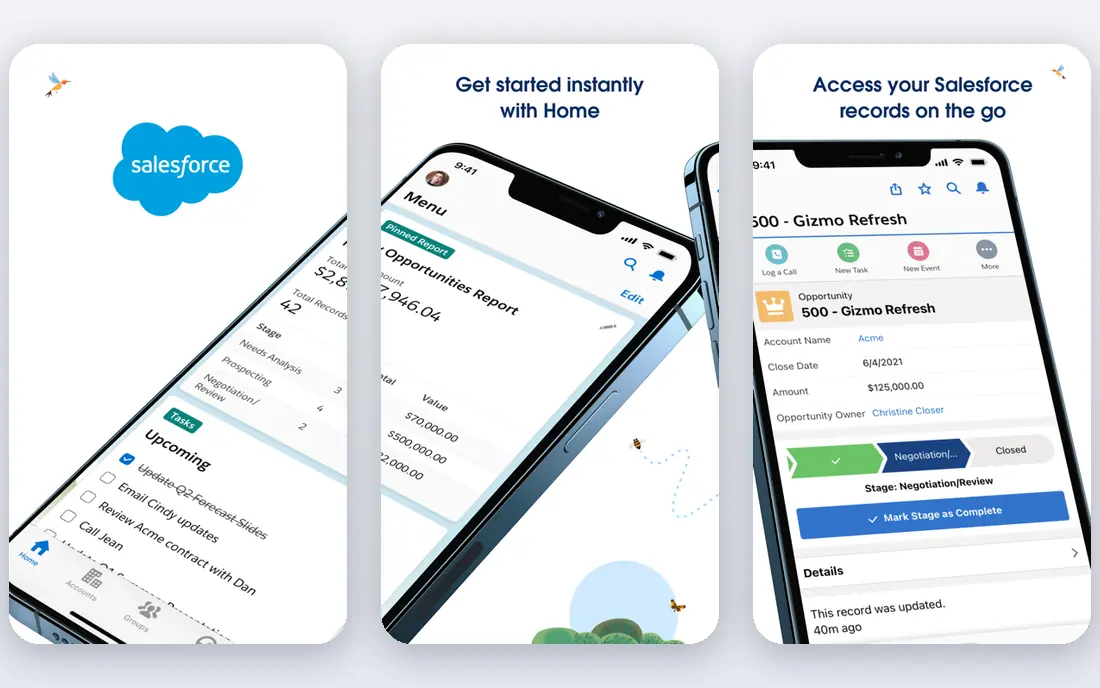
Salesforce is the enterprise standard for a reason. It handles complex sales processes, custom objects, territory rules, forecasting, and reporting at a scale few rivals match. The AppExchange marketplace adds thousands of integrations, and Agentforce AI features sit on higher tiers for teams that want automation. A free Suite for up to 2 users is listed in recent comparisons, with Starter Suite at $25 per user per month.
That power needs skill. Most large Salesforce setups need an admin or a partner, and the jump from Starter to Pro Suite, listed at about $100 per user per month, is steep. For a team of two or three with a simple pipeline, Salesforce will feel heavy and expensive. For a larger organisation with complex rules and reporting needs, it remains the safest long-term choice.
- Deepest customisation and reporting
- Huge app marketplace
- AI agents on higher tiers
- Setup usually needs an admin or partner
- Price jumps sharply between tiers
- Overkill for tiny teams
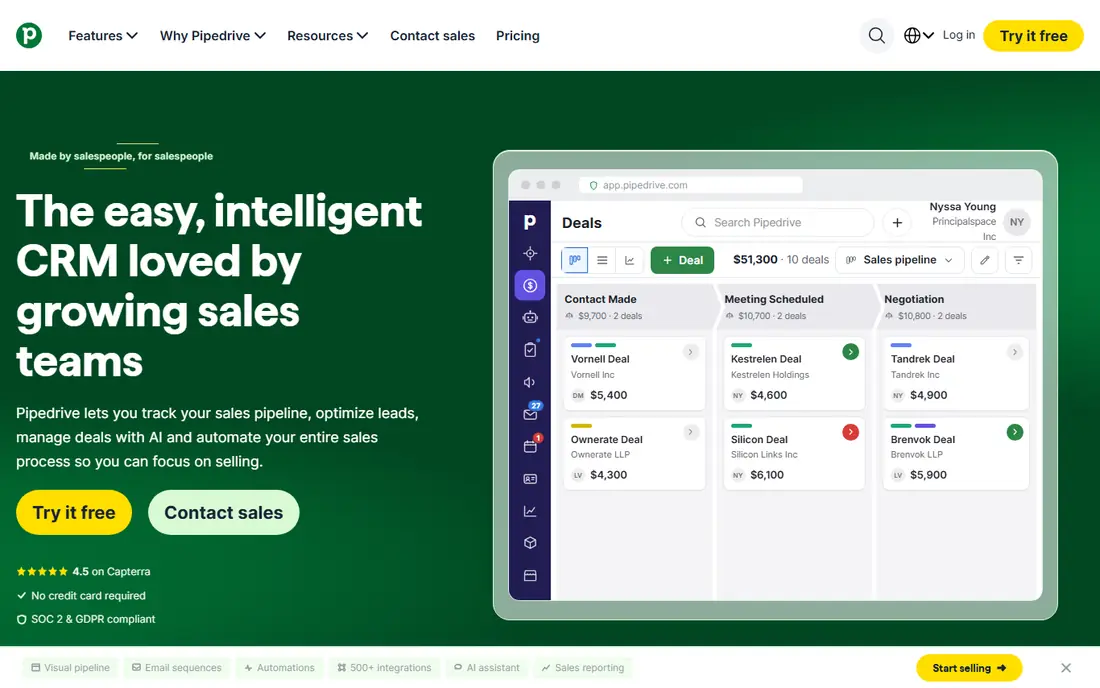
Pipedrive is built around one idea: a visual pipeline that shows where every deal sits and what to do next. Reps drag deals between stages, log calls and emails, and see forecasts without digging through menus. That focus makes adoption easier than in a general CRM, since the daily job is obvious from the first screen.
Pricing starts at $14 per seat per month billed annually, with higher tiers at about $39 and up to $99 per seat per month. There is no permanent free plan, though a trial is offered. If your team sells through a clear pipeline and wants a tool reps will open daily, Pipedrive is our pick. If you need deep marketing automation, HubSpot or Zoho will cover more.
- Clear visual pipeline that reps actually use
- AI sales assistant on paid plans
- Hundreds of integrations
- No permanent free plan
- Marketing features are thinner than HubSpot
- Higher tiers cost much more
Zoho CRM gives the most depth per dollar on this list. The free plan covers up to 3 users, and Standard starts at $14 per user per month billed annually, with higher tiers up to $52 per user per month. Features include custom pipelines, workflow automation, email integration, and Zia AI on higher tiers, plus a canvas builder for custom layouts.
The trade is setup time. Zoho rewards teams that invest in configuration, but it can feel busy at first compared with Pipedrive or HubSpot. If you already use Zoho Books, Mail, or other Zoho apps, the value grows further, since data flows between them. For a growing team that wants power without enterprise pricing, Zoho CRM is the best value pick here.
- Free plan for up to 3 users
- Deep features for the price
- Works well inside the wider Zoho suite
- Learning curve is steeper than Pipedrive
- Advanced automation sits on higher tiers
- Interface can feel busy
Freshsales, from Freshworks, is the budget AI pick. Paid plans start at about $9 per user per month, with a free tier for small teams, and Freddy AI adds lead scoring, summaries, and forecasting help on higher tiers. Built-in phone and email mean reps can call and log activity without switching tools, which suits inside sales teams.
The free tier is limited, especially on integrations, and the app marketplace is smaller than Salesforce or HubSpot. For a small team that wants AI help without paying enterprise prices, Freshsales is a strong compromise. For a team that needs deep customisation or a huge integration library, Zoho or Salesforce will go further.
- Low starting price
- Freddy AI features on paid plans
- Phone and email built in
- Free tier limits integrations
- Advanced features need higher plans
- Smaller marketplace than Salesforce
monday CRM turns sales tracking into visual boards. Contacts, deals, and tasks sit on customisable boards with columns, timelines, and automations, which suits teams that think in projects rather than in classic CRM records. It is easy for non-technical users to shape, and it works well for teams that also manage delivery work in monday.
Pricing starts at $12 per seat per month billed annually, with a trial rather than a free plan. Lower tiers limit contacts, so check limits before you import a large list. If your sales process looks like a project workflow, monday CRM will feel natural. If you need classic sales forecasting and deep CRM reporting, Pipedrive or Zoho may fit better.
- Visual boards that suit non-technical teams
- Flexible custom workflows
- Good for project-style sales
- No permanent free plan
- Contact limits on lower tiers
- Less deep as a pure sales CRM than Pipedrive
Close is built for teams that live on the phone. Calling, SMS, and email sit inside the CRM, so reps can power through lists, log calls automatically, and move deals without switching apps. The pipeline is clean and fast, which matters when a team makes dozens of calls a day.
Pricing varies, with recent listings showing entry plans from about $9 to $25 per seat per month depending on the tier and billing, so check the current Close pricing page before you budget. Phone lines and extra numbers can also cost extra. For an inside sales team, Close removes friction that slows other CRMs down. For a team that rarely calls, that focus adds little value.
- Built-in calling, SMS, and email for inside sales
- Fast workflow for high-volume outreach
- Clean deal pipeline
- Pricing varies by plan and needs a check
- Less suited to marketing-heavy teams
- Phone lines can cost extra
Capsule is the simple CRM for teams that want a shared contact database without a steep learning curve. Track people, companies, deals, tasks, and emails in a clean interface, with a free plan for 2 users and up to 250 contacts. Paid plans start at about $18 per user per month in recent listings, with a Growth tier adding AI summaries and deeper features.
Capsule will not match Zoho for automation or Salesforce for reporting, and its integration library is smaller. For a tiny team moving off spreadsheets, that simplicity is a benefit, not a flaw. If you outgrow it, your data exports cleanly to a larger CRM. For a first CRM that your whole team will actually use, Capsule is a safe, low-cost start.
- Simple and easy to learn
- Free plan for 2 users and 250 contacts
- Good for tiny teams
- Less depth than Zoho or Salesforce
- AI features sit on higher tiers
- Integrations are fewer
How we picked these
We compared official pricing pages and public reviews for sales database tools that exist and work in October 2026. We favoured tools with a free tier or trial, clear contact and deal tracking, and a real user base, and we mixed free, budget, visual, and enterprise options so teams of different sizes can find a fit. We did not claim hands-on testing we did not do.
How to choose the right sales database
Start with team size and sales motion. A team of two with a simple pipeline needs HubSpot free, Capsule, or Pipedrive, not Salesforce. A team of twenty with complex territories and forecasting needs Salesforce or Zoho Enterprise, even if setup takes longer. Count seats honestly, since per-seat pricing grows fast, and check seat minimums and contract terms.
Test data import early. Import a sample of real contacts, check for duplicates, and see how email and calendar sync work before you migrate everything. Finally, check export options and data ownership, so you can leave if the tool stops fitting. A CRM should hold your customer history safely, not lock it away behind a paywall.
Frequently asked questions
What is the best sales database software for a small business?
HubSpot CRM is the best free starting point for most small businesses, with contacts, deals, and pipelines on a free tier. Zoho CRM is the best value paid pick, with a free plan for up to 3 users and Standard at $14 per user per month. Pipedrive is best if your team wants a visual pipeline above all else.
Is there free sales database software?
Yes. HubSpot CRM, Zoho CRM, Freshsales, and Capsule all offer free tiers, though limits differ. HubSpot free covers small teams well, Zoho free covers up to 3 users, and Capsule free covers 2 users and 250 contacts. Check limits before you import a large contact list.
How much does a CRM cost per user?
Entry paid plans on this list range from about $9 per user per month for Freshsales to $25 per user per month for Salesforce Starter, with most tools in the $12 to $14 range. Higher tiers climb to $50 to $100 or more per user per month. Annual billing is usually cheaper than monthly billing, so compare the annual price.
What is the difference between a sales database and a CRM?
They are largely the same thing in practice. A sales database is the contact and deal records at the core of a CRM, while a modern CRM adds pipelines, email, tasks, automation, and reporting around that database. When vendors say CRM, they usually mean the full system, not just the contact list.
Which CRM is easiest to use?
Pipedrive and HubSpot CRM are the easiest on this list for most sales teams, thanks to visual pipelines and guided setup. Capsule is easiest for tiny teams that only need contacts and deals. Salesforce and Zoho CRM are more powerful, but they need more setup time and admin skill.
Sources
See where you really rank - block by block
ProMapRanker scans Google Maps across a grid of your service area. Simple monthly plans from $19, white-label on every plan.
Start freeKeep reading
 zscaler alternatives
Best Zscaler Alternatives in 2026
Looking for zscaler alternatives? We compare 9 SASE and zero trust platforms on architecture, data protection, pricing, and fit for your network and team.
Read → zapier alternatives free
Best Zapier Alternatives Free in 2026
Nine automation tools for zapier alternatives free in 2026, all with genuinely free tiers, plus free plan limits, starting prices and upgrade paths explained.
Read → which platform is best for online reputation
Which Platform Is Best for Online Reputation in 2026
Wondering which platform is best for online reputation? We compare 8 review, listing, and response tools for small and multi-location businesses and agencies.
Read →