 ProMapRanker
Best Sales Commission Software Reviews in 2026

Key takeaways
- Only a few vendors publish prices, with Spiff at $75 per user per month and QuotaPath from $35 per user per month plus a platform fee.
- Most enterprise tools are quote-based, so platform fees, connectors, and setup charges matter as much as the per-user rate.
- CaptivateIQ, Xactly, Performio, and Varicent handle the most complex plans, while QuotaPath and Commissionly suit smaller teams.
- Rep visibility and audit trails cut disputes, so check statements, approvals, and payout history before you buy.
- Run a parallel calculation on past quarters before you switch, because a small rule error becomes a payroll problem fast.
Quick comparison
| Pick | Great for | Pricing starts at | Free tier | |
|---|---|---|---|---|
 CaptivateIQ | Complex enterprise plans | See website | No | Visit |
 Xactly | Full sales performance suites | See website | No | Visit |
 Performio | Messy commission data | See website | No | Visit |
 Everstage | Fast go-live with clear payouts | See website | No | Visit |
 Salesforce Spiff | Salesforce-centered teams | $75 per user per month | No | Visit |
 QuotaPath | Growing teams with published pricing | $35 per user per month | Free trial | Visit |
 Varicent | Global enterprise incentive programs | See website | No | Visit |
 Qobra | Mid-market teams in the US and Europe | See website | Free trial | Visit |
 Commissionly | Smaller teams and custom plans | See website | Free trial | Visit |
The best sales commission software
Sales commission software replaces spreadsheet formulas with plan rules, CRM data, approvals, and rep statements. The right tool depends on plan complexity, team size, and how closely you work in Salesforce or another CRM.
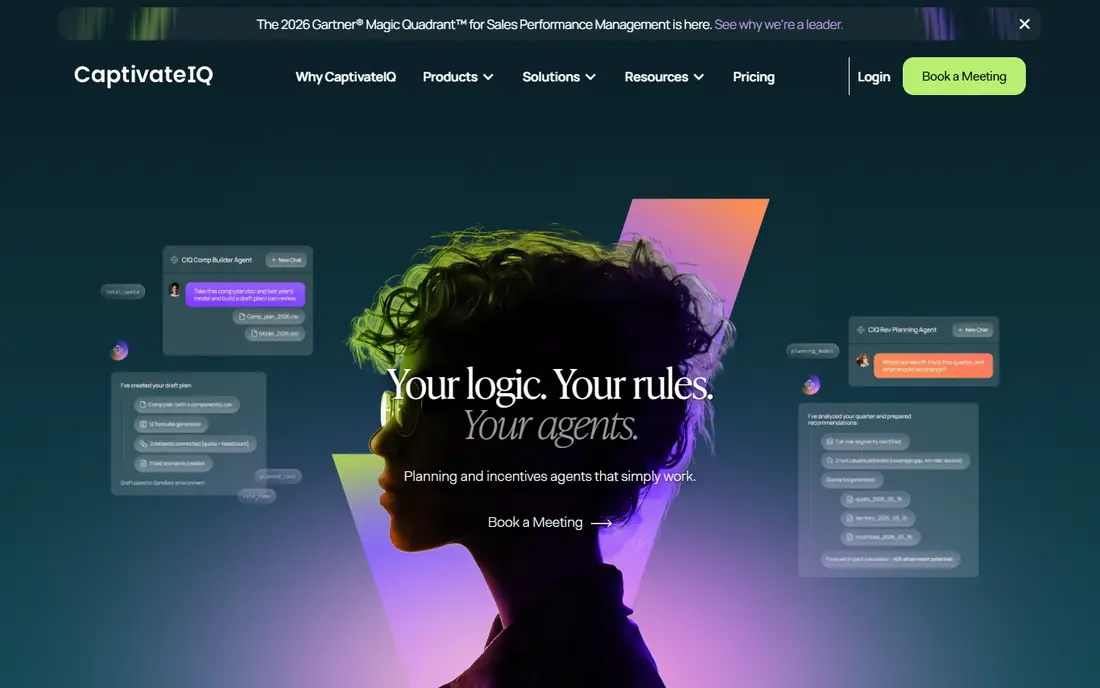
CaptivateIQ built its name on handling plans that break spreadsheets. Its visual calculation engine lets compensation teams model tiers, accelerators, splits, draws, and SPIFs without waiting for engineering help. Newer AI features help design plans, explain formulas, and flag payout anomalies, which can save review time at quarter end. The platform also extends into territory design and forecasting, so it can grow beyond commission calculation.
The buying process is enterprise-shaped. Pricing is tailored to payee count and plan complexity, and implementation time varies with that complexity. CaptivateIQ fits companies whose plans have many edge cases and whose finance team needs a clear audit trail for every payout.
- Visual plan modeling for complex rules
- AI help for plan design and payout checks
- Covers planning, territories, and incentives
- Quote-based pricing with a setup fee reported in reviews
- Implementation can take weeks to months for complex programs
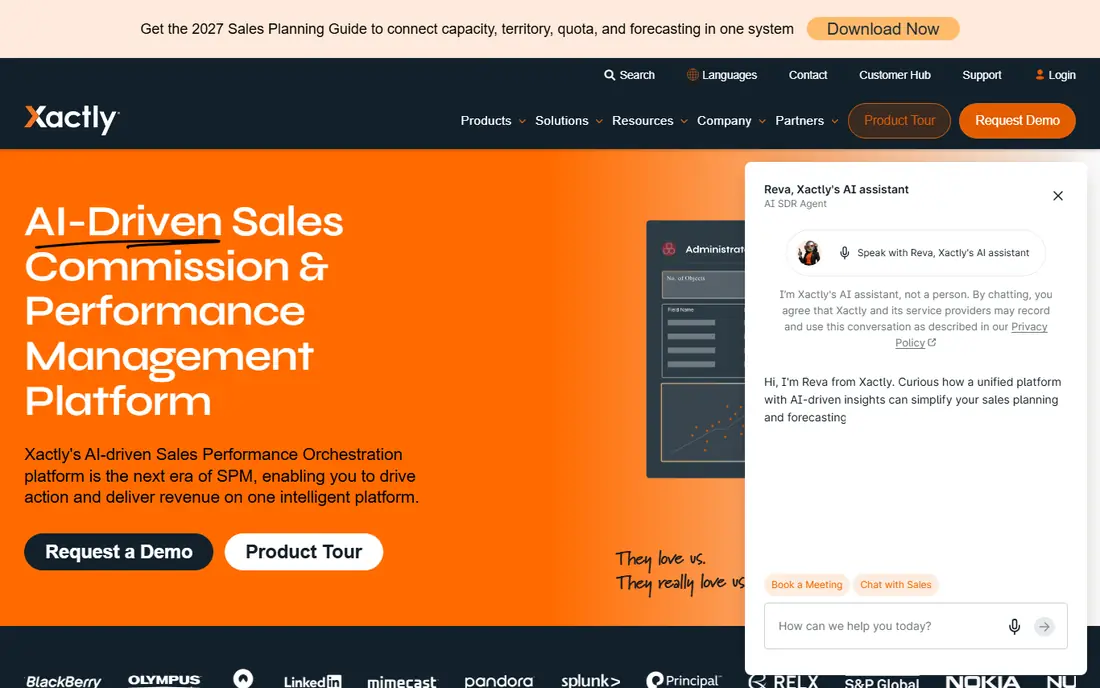
Xactly is a long-standing enterprise choice for incentive compensation management. It handles complex plan rules, quota and territory data, and payout reporting in one suite, with controls that finance teams expect for audits. Benchmarking data can help compensation leaders compare pay structures, though that data is an added product rather than a standard report.
Xactly is best for large teams with formal compensation processes. Smaller teams may find the setup and admin load heavy for a simple plan. Ask about implementation time, admin roles, and which modules are included in the quote, because suite pricing can vary a lot by scope.
- Mature incentive compensation suite
- Benchmarking and analytics options
- Strong compliance and audit controls
- Quote-based pricing
- Setup and admin effort suit larger teams better than small ones

Performio suits teams whose commission data arrives in imperfect shape. Its component-based builder lets admins assemble plans from reusable parts, which helps when plans change each quarter or differ by team. Audit trails show how each payout was calculated, which reduces back-and-forth when a rep questions a number. That transparency matters most at scale, when small errors affect many people.
Performio is not a quick self-serve signup for a five-person team. It is a mid-market and enterprise tool with an implementation process. Shortlist it when plan changes are frequent, data needs cleaning, and finance needs a defensible record for every period.
- Component-based plan builder
- Strong audit trails
- Handles frequent plan changes well
- Quote-based pricing
- Enterprise onboarding takes planning
Everstage emphasizes speed to value for mid-market teams. Its no-code automation calculates commissions from CRM deals, routes approvals, and gives reps a clear view of earnings and progress to quota. That visibility cuts the usual flood of payout questions, because reps can see the deal, rate, and rule behind a number. Finance teams get an approval trail before payroll runs.
Pricing is quote-based and often described as per payee, so ask whether admins and managers count as payees. Everstage fits growing SaaS and services teams that want to leave spreadsheets without a long enterprise implementation.
- No-code plan automation
- Clear rep dashboards and statements
- Per-payee pricing model reported by vendors
- Quote-based pricing
- Material plan changes may need vendor help in some setups
Spiff, now part of Salesforce, is the obvious pick for teams that already live in Sales Cloud. Commission data syncs from Salesforce deals, reps see earnings without leaving the CRM, and plan changes stay close to the data that drives them. The published price of $75 per user per month, billed annually, makes budgeting simpler than with quote-only rivals.
The total cost rises when you need data beyond Salesforce, because additional connectors are priced separately. Teams that run on HubSpot or another CRM should compare a CRM-neutral tool first. For a Salesforce-centered sales org, Spiff keeps commission logic where the deals already live.
- Native Salesforce sync
- Clear published price for the core product
- Strong rep visibility inside Salesforce
- Extra connectors cost $250 per month each in vendor pricing
- Less natural for teams outside Salesforce
QuotaPath is one of the few vendors that publishes a clear price list. Growth starts at $35 per user per month plus a $525 monthly platform fee, and Premium starts at $50 per user per month plus an $800 platform fee, both billed annually in the pricing we reviewed. That transparency helps a growing team budget without a long sales process. The product focuses on simple, reliable commission automation, with rep dashboards and earnings tracking.
The platform fee means the true cost for a small team is higher than the per-user rate alone. QuotaPath fits teams under about 100 reps with straightforward plans, accelerators, and splits. Larger or more complex programs should test whether its plan engine covers every edge case before committing.
- Published pricing for Growth and Premium tiers
- Simple automation for teams leaving spreadsheets
- AI plan guidance in newer features
- Platform fee adds to the per-user rate
- Advanced enterprise features are limited compared with larger suites
Varicent serves global organizations with highly complex compensation structures. It can model multi-layer plans, territory and quota planning, and incentive programs across regions and currencies. That depth makes it a fit for enterprises where a single plan engine must serve many teams with different rules.
Depth brings complexity. Advanced plan changes may need a technical admin, and implementation is a project. Varicent is overkill for a small team with one plan, but it earns its place when global scale and customization are the main requirements.
- Deep customization for complex global plans
- Strong incentive and planning modules
- Handles multi-layer compensation
- Quote-based pricing
- Technical admin skill needed for advanced changes
Qobra automates commission math from CRM deals without spreadsheet formulas. Plans are built in a no-code editor, calculations run automatically, and each payout links back to the deal, rate, and rule that produced it. That traceability helps finance teams during audits and helps reps trust their statements. Approval workflows and payroll exports close the loop from calculation to payment.
Qobra fits mid-market teams in the US and Europe that want modern usability without enterprise complexity. Pricing is quote-based, so ask for a full quote that includes payroll connectors and any incentive modules. Test it with a parallel run on two past quarters to confirm the math matches your current payouts.
- No-code plan editor
- Deal-level traceability for audits
- Approval workflows and payroll export options
- Pricing is quote-based in current vendor listings
- Smaller US footprint than the largest rivals
Commissionly is a practical option for teams with custom or unusual plan structures that do not fit a rigid template. It calculates commissions from sales data, produces rep statements, and handles splits and tiers without a spreadsheet. The interface is accessible for smaller operations teams, and the free trial lets you test a real plan before buying.
The trade-off is scale. Commissionly does not match the largest suites for global planning, benchmarking, or deep enterprise controls. For a team of 5 to 50 reps with a plan that has a few quirks, that trade-off is often worth it for the lower friction and faster setup.
- Flexible handling of unusual plan structures
- Accessible for smaller teams
- Clear rep statements
- Less enterprise depth than CaptivateIQ or Xactly
- Pricing varies by quote and plan scope
How we picked these
We compared vendor pricing pages, product documentation, and recent commission software reviews, and we favored tools that are live in October 2026 and calculate commissions from CRM or sales data. We kept only tools with clear plan engines, rep statements, and approval or audit features. Where a vendor does not publish a price, we list See website and note the fee types to ask about, such as platform fees, connectors, and setup charges.
What to check before you buy
Commission software touches pay, so accuracy and trust matter more than a slick dashboard.
Run a parallel period first
Ask the vendor to calculate one or two past periods from your real CRM data, then compare every payout with your current method. Investigate any difference before you sign, because a rule that looks small in a demo can affect many reps. Keep the parallel run as your acceptance test.
Check who counts as a paid user
Some vendors bill only payees, while others bill admins, managers, and finance users too. That definition can change the total by a large amount for a team with many viewers. Ask for a written quote that lists payees, viewers, and any platform fee, connector fee, or setup charge.
Test rep statements and approvals
Give reps a statement they can understand: deal, rate, rule, and payout, in plain order. Check that managers can approve, adjust with a reason, and export to payroll without reformatting files by hand. A tool that calculates correctly but confuses reps will still create disputes.
Frequently asked questions
What is the best sales commission software?
CaptivateIQ and Xactly lead for complex enterprise plans, while QuotaPath and Commissionly suit smaller teams that want simpler setup. Salesforce Spiff is best for Salesforce-centered teams, and Everstage or Qobra fit mid-market teams that want fast go-live with clear rep visibility. The best choice follows your plan complexity and CRM.
What are the best sales commission platforms for a small team?
QuotaPath, Commissionly, and Qobra are strong starting points for small and growing teams. QuotaPath publishes pricing, Commissionly handles custom plans, and Qobra offers deal-level traceability. Start with a trial on your real plan, and check the full cost including any platform fee.
How much does sales commission software cost?
Published rates include Spiff at $75 per user per month and QuotaPath Growth at $35 per user per month plus a platform fee, both billed annually in the sources we reviewed. Most other vendors sell by quote, priced by payee count, plan complexity, and modules. Ask for the full first-year total before you compare.
Can sales commission software replace spreadsheets fully?
Yes, for most teams, once plan rules, CRM sync, approvals, and payroll export are set up correctly. Keep a parallel run for at least one period, and keep an audit log for adjustments. Spreadsheets may still help for one-off modeling, but they should not remain the system of record for pay.
What should finance check before approving a tool?
Finance should check audit trails, approval workflows, clawback handling, split logic, and payroll export format. Confirm how plan changes are versioned, who can edit a payout, and whether every change records a user, time, and reason. Those controls protect both the company and the reps.
Sources
See where you really rank - block by block
ProMapRanker scans Google Maps across a grid of your service area. Simple monthly plans from $19, white-label on every plan.
Start freeKeep reading
 zscaler alternatives
Best Zscaler Alternatives in 2026
Looking for zscaler alternatives? We compare 9 SASE and zero trust platforms on architecture, data protection, pricing, and fit for your network and team.
Read → zapier alternatives free
Best Zapier Alternatives Free in 2026
Nine automation tools for zapier alternatives free in 2026, all with genuinely free tiers, plus free plan limits, starting prices and upgrade paths explained.
Read → which platform is best for online reputation
Which Platform Is Best for Online Reputation in 2026
Wondering which platform is best for online reputation? We compare 8 review, listing, and response tools for small and multi-location businesses and agencies.
Read →