 ProMapRanker
Best SaaS Software in 2026

Key takeaways
- The best SaaS software is not one product, since small businesses need different tools for sales, communication, projects, accounting and automation.
- HubSpot and Salesforce cover customer management, while Slack, Notion and Asana cover day-to-day teamwork and project work.
- Free plans are genuinely useful at Slack, Notion, HubSpot and Asana, but seat limits and feature caps matter as your team grows.
- Our pick for most small teams is to start with HubSpot for customers, Slack for chat and Notion or Asana for work tracking, then add tools only when a gap appears.
- Per-seat pricing adds up fast, so count every seat, including part-time staff, before you commit to an annual plan.
Quick comparison
| Pick | Great for | Pricing starts at | Free tier | |
|---|---|---|---|---|
 Salesforce | Complex sales teams | $25 per user per month | Yes | Visit |
 HubSpot | Growing teams that want one CRM | Free | Yes | Visit |
 Slack | Team chat | Free | Yes | Visit |
 Notion | Docs, wikis and databases | Free | Yes | Visit |
 Asana | Project and task tracking | Free | Yes | Visit |
 Zoom | Video meetings | Free | Yes | Visit |
 Shopify | Selling online | $29 per month | Free trial | Visit |
 QuickBooks Online | Small business accounting | See website | No | Visit |
 Google Workspace | Email and documents | See website | Free trial | Visit |
 Zapier | App automation | Free | Yes | Visit |
The best SaaS software
We compared official pricing pages and product documentation for widely used SaaS platforms, and we chose tools that a small or growing business can actually run day to day.
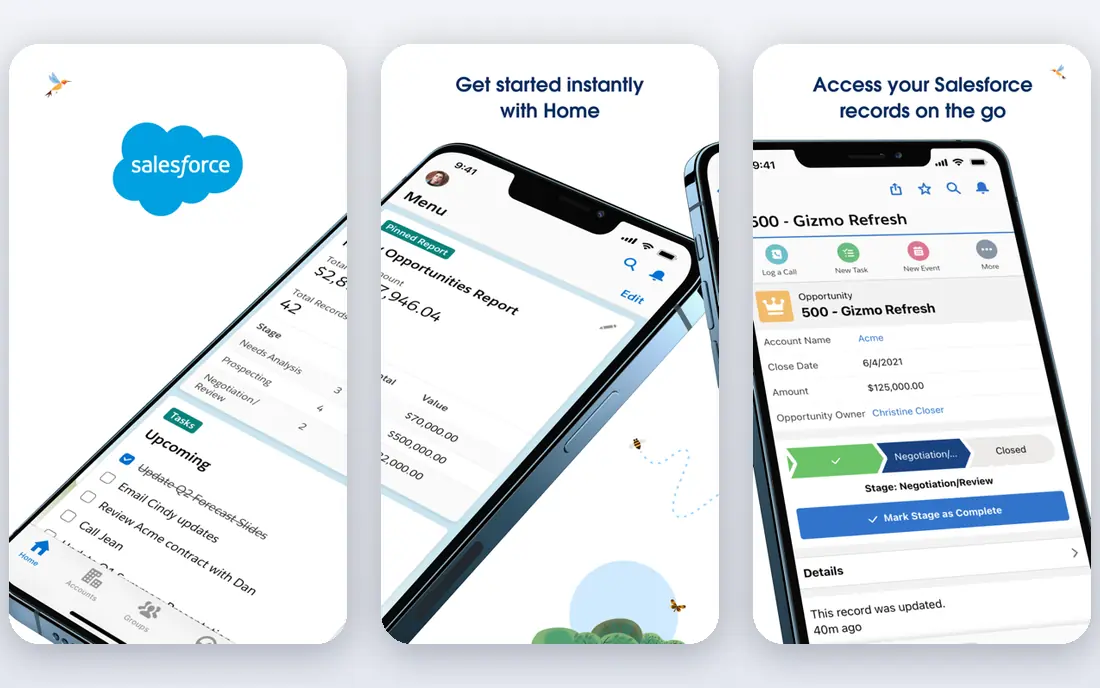
Salesforce is the standard choice when a sales process no longer fits a simple pipeline. You can shape records, approvals, territories and forecasting around how your team really sells, and the integration library connects it to most tools a growing company already uses. The Starter Suite at $25 per user per month gives smaller teams a way in.
The cost is not just the licence. Complex setups often need an admin or a partner, and higher tiers such as Pro Suite at $100 and Core at $195 per user per month add up quickly. If your process is simple, HubSpot will likely get you there faster and cheaper.
- Deep customisation for sales processes
- Large integration ecosystem
- Free Suite for up to 2 users
- Costs and admin work rise with complexity
- Higher tiers are priced per user per month
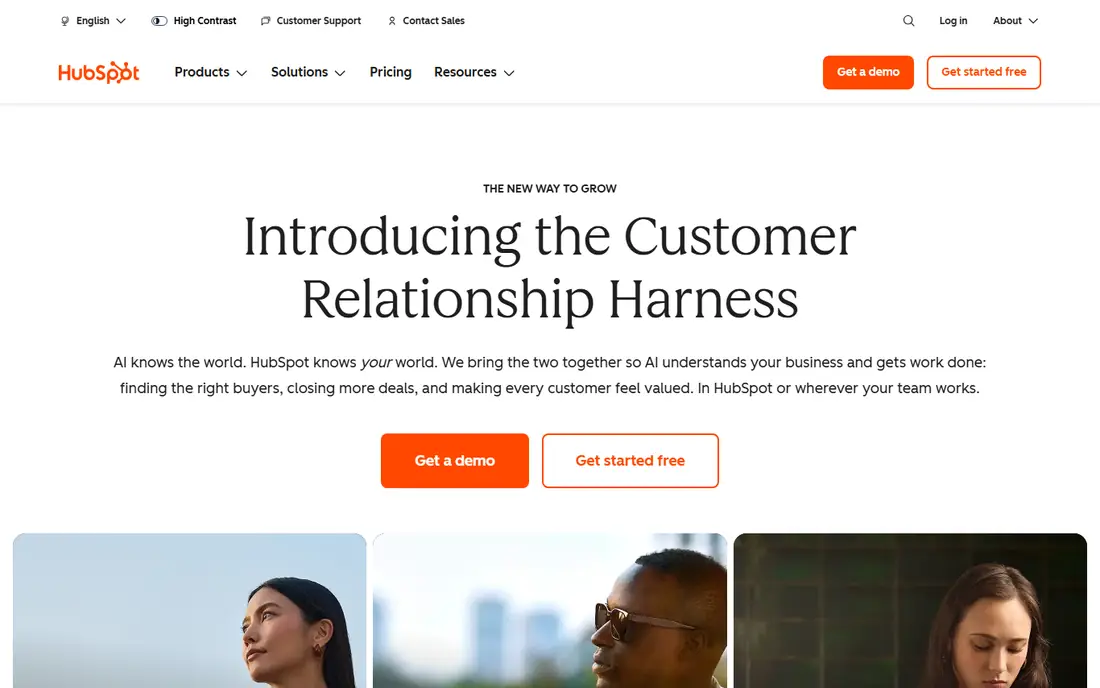
HubSpot suits teams that want sales, marketing and service in one place without hiring a CRM admin first. The free CRM covers contacts, deals, forms and live chat, and paid Starter plans add automation and reporting as you grow. Because the hubs share one customer record, your team spends less time reconciling spreadsheets.
The catch is scale. Professional and Enterprise tiers carry higher seat prices and one-time onboarding fees, and marketing costs can rise with your contact database rather than your headcount. Price HubSpot at your real seat and contact counts, not at the free tier.
- Free CRM for up to 2 users
- Sales, marketing and service hubs share one customer record
- Easy to start
- Paid tiers and onboarding fees rise with seats
- Marketing pricing scales with contacts
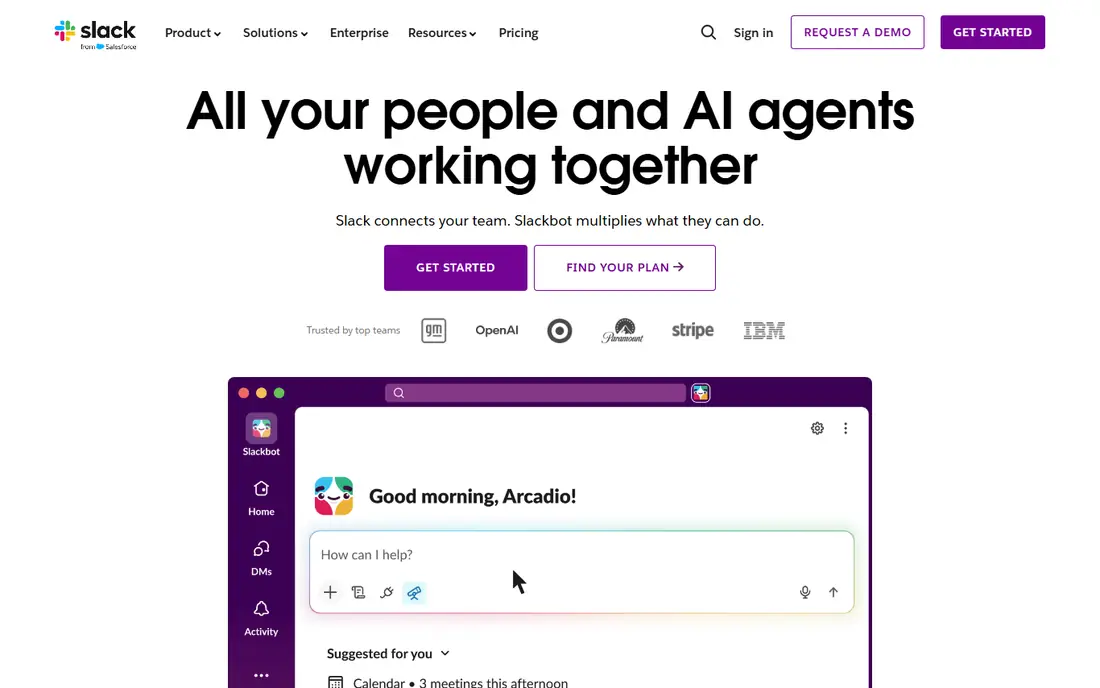
Slack replaces long email threads with channels for projects, clients and teams, and it keeps files, links and decisions searchable in one place. Integrations with tools such as Google Drive, Asana and Zoom mean much of your work can start from a chat message. The free plan is enough for many small teams to begin.
Free plan limits matter over time, since older message history is restricted and some features need a paid plan. Per-user pricing also grows with every hire, so larger teams should compare the paid tier against alternatives before rolling it out company-wide.
- Free plan for small teams
- Channels keep work organised
- Wide integration library
- Message history limits on the free plan
- Costs rise per user as teams grow
Notion is the closest thing to a blank workspace that still stays useful. You can build a company wiki, a content calendar, a simple CRM or a project tracker from pages and databases, and templates give new teams a fast start. The free plan suits solo users and tiny teams well.
The flexibility is also the risk. Without a clear structure, a workspace can sprawl, and the free plan limits file uploads to 5 MB and page history to 7 days. Plus at $10 per member per month billed annually removes several of those limits, while Business at $20 adds stronger permissions and AI features.
- Free plan with unlimited pages for individuals
- Flexible pages and databases
- Plus at $10 per member per month billed annually
- Free plan caps file size and page history
- Large workspaces need care to stay organised
Asana turns work into tasks with owners, due dates and dependencies, so everyone can see who is doing what and what is blocked. List, board, calendar and timeline views suit different teams, and forms and automations cut down on status meetings. The free Personal plan is a real starting point for a pair of users.
Teams larger than two people will need a paid plan, with Starter at $10.99 per user per month billed annually and Advanced at $24.99. Advanced reporting, portfolios and workload tools sit on higher tiers, so check which view your managers actually need before paying for it.
- Free Personal plan for up to 2 users
- List, board, calendar and timeline views
- Strong integrations
- Free plan is limited to 2 users
- Advanced reporting needs higher tiers
Zoom became the default meeting tool because it just works for most people. The free plan covers one-to-one and small group calls, screen sharing and chat, and joining a meeting needs no account for guests. Paid plans lift the 40-minute group limit and add webinars, larger meetings and admin controls.
The free limit is the main frustration for teams that run longer group calls, and webinar, phone and room features are separate paid products. If your meetings are short and simple, the free plan may be all you need.
- Free plan for meetings up to 40 minutes
- Reliable video and screen sharing
- Works on most devices
- Free meetings are time-limited for groups
- Advanced webinar and phone features cost extra
Shopify is the safest pick for a business whose website exists mainly to sell. You get hosting, checkout, payments, inventory and order tools in one subscription, and themes let you launch a professional store without coding. The app store adds features such as subscriptions, reviews and email marketing.
Costs beyond the subscription are the catch. Paid apps, themes and payment fees can push the monthly total well above the Basic price, and custom design work can be harder than on an open platform. Budget for apps and fees, not just the plan price, when you compare Shopify with a general website builder.
- Basic plan at $29 per month billed annually
- Strong store themes and checkout
- Large app store
- Paid apps and transaction fees add to the base price
- Design control is less open than self-hosted platforms
QuickBooks Online handles the core money work for many small businesses: invoices, expenses, bank feeds, tax categories and reports. Because so many accountants already use it, sharing books at year end is usually simple. Payroll and payments can be added when you need them.
Pricing is the part to check carefully, since plans and prices vary and promotional prices often rise on renewal. Inventory tracking, multi-user access and advanced reporting sit on higher tiers, so map your must-have features to a tier before you sign up rather than assuming the entry plan covers them.
- Invoicing, expenses and bank connections in one place
- Widely supported by accountants
- Payroll add-ons available
- Prices vary by plan and region
- Higher tiers needed for inventory and advanced reporting
Google Workspace gives a business professional email on its own domain plus Docs, Sheets, Slides, Drive and Meet, all built for real-time collaboration. Shared drives, admin controls and security settings make it easy to manage a growing team, and most staff already know how Gmail and Docs work.
The main cost is per-user pricing, which grows with every hire, and storage limits vary by plan, so teams with large video or design files should check their tier. If your team already lives in Google tools, Workspace is the lowest-friction way to make that official.
- Gmail, Docs, Sheets, Drive and Meet in one subscription
- Real-time collaboration
- Strong admin controls
- Per-user pricing adds up
- Storage limits depend on the plan
Zapier connects apps that do not talk to each other directly. A new form entry can create a CRM contact, a paid order can post to Slack, and a calendar booking can add a row to a sheet, all without code. The free plan covers simple, low-volume automations and is a good way to test whether automation saves you real time.
Task volume is the price driver. Every step an automation runs counts, so a busy workflow can move you to a paid plan faster than you expect. Keep automations simple, name them clearly and check error logs regularly, or a broken automation can quietly stop work from flowing.
- Free plan for simple automations
- Connects thousands of apps
- No code needed for most workflows
- Costs scale with task volume
- Complex workflows need care to avoid errors
How we picked these
We compared official pricing pages and product documentation for SaaS platforms that US small businesses commonly buy, and we kept only products that are live and supported in October 2026. We chose a mix across CRM, communication, project work, meetings, selling, accounting, documents and automation, rather than ten tools from one category. We did not claim hands-on testing, and we based our picks on published features, pricing and fit for small teams.
How to choose SaaS software without overspending
Start from the job, not the tool. List the three jobs that cause the most friction today, such as winning customers, tracking work or getting paid, and buy for those first. A tool that solves a job you do not have is a cost, not a system, even if the demo looks good.
Then count the true cost. Add per-seat prices for every user, check storage and task limits, and ask what happens on renewal, since promotional prices often rise. Finally, trial with real work for two weeks, not just a demo, and drop any tool your team avoids using. The best SaaS stack is the one your team actually opens every day.
Frequently asked questions
What is the best SaaS software for a small business?
There is no single winner, since a small business needs several tools. HubSpot or Salesforce covers customers, Slack covers chat, Notion or Asana covers work, and QuickBooks Online covers money. Start with the job that hurts most and add tools only when a gap is clear.
What are the best SaaS platforms for startups?
Startups often start with free plans at HubSpot, Slack, Notion and Asana, plus Zoom for meetings and Google Workspace for email and documents. Free plans keep early costs low, but check seat limits and upgrade prices before your team grows past them.
What is the best SaaS management platform?
If you mean managing many SaaS subscriptions, that is a separate category from the tools on this list, and it suits larger companies with dozens of apps. Most small businesses manage fine with a simple spreadsheet of tools, owners, renewal dates and seat counts, and should only buy a management platform when that list gets hard to control.
Is SaaS software better than buying software outright?
SaaS usually wins for small teams because updates, hosting, backups and security are included, and you can scale seats up or down. The trade-off is ongoing cost and less control over data and customisation, so compare total cost over three years, not just the first month.
How much does SaaS software cost per month?
It varies widely. Free plans cover basic use at several tools here, while paid plans in this guide start from around $10 per user per month and rise to $100 or more for advanced CRM tiers. Count seats, add-ons and renewal prices to get your real monthly total.
What is the best SaaS tool for automation?
Zapier is our pick for most small businesses, because it connects thousands of apps without code and has a free plan for simple workflows. Larger teams with heavy automation needs should also compare native automations inside HubSpot, Salesforce and Asana, which may already cover the job.
Sources
See where you really rank - block by block
ProMapRanker scans Google Maps across a grid of your service area. Simple monthly plans from $19, white-label on every plan.
Start freeKeep reading
 who has the best home internet service
Who Has the Best Home Internet Service in 2026
Who has the best home internet service in 2026? Compare fiber, cable, and 5G providers on speed, price, data caps, and availability at your address today.
Read → visio alternatives
Best Visio Alternatives in 2026
Compare 9 Visio alternatives for flowcharts, org charts, and network diagrams, with free plans, pricing, and the best pick for teams and solo users in 2026.
Read → top 10 logistics software
Top 10 Logistics Software in 2026
We compared the top 10 logistics software tools for transport, warehousing, visibility and shipping, for shippers, carriers and 3PL teams in 2026 today.
Read →