 ProMapRanker
How to Pick SaaS Project Management Software


PMOs, operations and construction or IT teams that already think in spreadsheets · Pricing starts at: $9/member/month billed annually (Pro plan, 1-10 members)
Direct answer
Smartsheet comes first here, mainly for PMOs, operations and construction or IT teams that already think in spreadsheets. monday.com is better for cross-functional and client-facing teams that want visual workflows, and Jira is better for software, IT and product teams that live in sprints. All 7 tools are compared below on price, free plan and limits.
Key takeaways
- Smartsheet takes the first slot, best suited to PMOs, operations and construction or IT teams that already think in spreadsheets.
- For budget-conscious small and mid-sized teams, particularly those already using Zoho apps, Zoho Projects is worth a look.
- monday.com comes with a trade-off: 3-seat minimum on premium plans, so pairs pay for an empty seat.
- 6 of the 7 tools have a free plan, including monday.com, Jira, Asana and Wrike.
Quick comparison
| Pick | Great for | Pricing starts at | Free tier | |
|---|---|---|---|---|
| Smartsheet | PMOs, operations and construction or IT teams that already think in spreadsheets | $9/member/month billed annually (Pro plan, 1-10 members) | Free trial (30 days) | Visit |
 monday.com | Cross-functional and client-facing teams that want visual workflows | $9/seat/month billed yearly (Basic plan) | Yes | Visit |
 Jira | Software, IT and product teams that live in sprints | $7.91/user/month (Standard plan) | Yes | Visit |
 Asana | Marketing, operations and cross-functional teams that require structured work management | $10.99/user/month billed annually (Starter plan) | Yes | Visit |
 Wrike | Mid-sized and enterprise teams running complicated, multi-department projects | $10/user/month billed yearly (Team plan, 2-15 users) | Yes | Visit |
 ClickUp | Teams that want one workspace to replace multiple subscriptions | $7/user/month billed annually (Unlimited plan) | Yes | Visit |
 Zoho Projects | Budget-conscious small and mid-sized teams, notably those already using Zoho apps | $4/user/month billed yearly (Premium plan) | Yes | Visit |
The best SaaS project management software
Choosing SaaS project management software usually comes down to price, fit and limits. This ProMapRanker guide sets 7 tools side by side on those three points, with the facts kept short and checkable.
Smartsheet
Great for: PMOs, operations and construction or IT teams that already think in spreadsheets
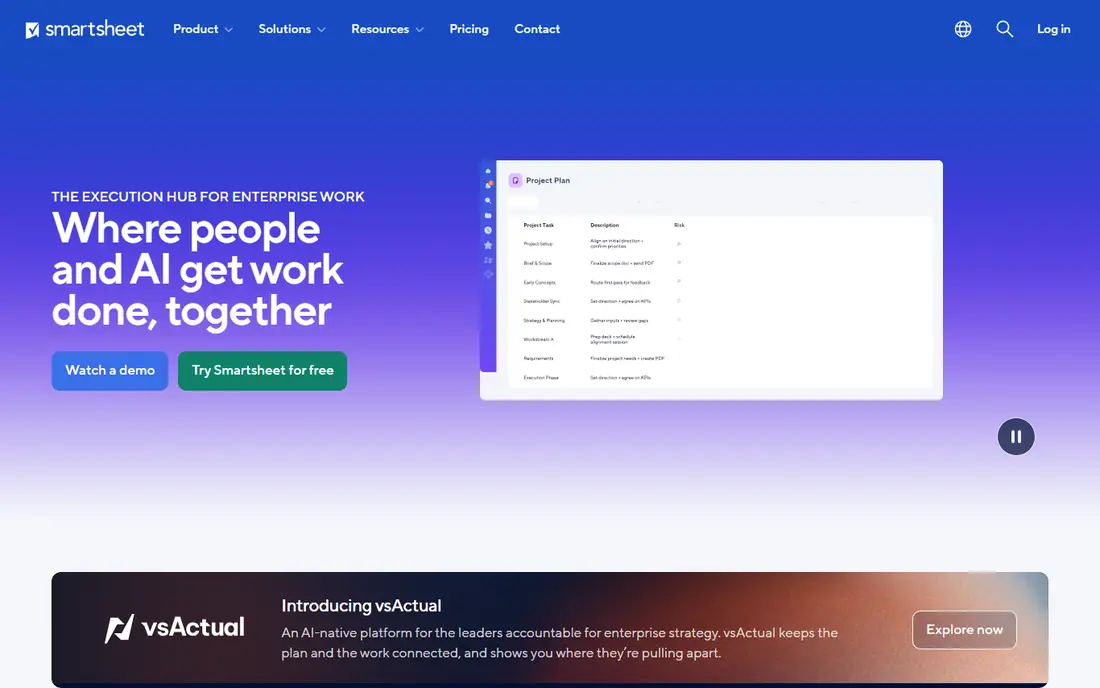
Think of Smartsheet for PMOs, operations and construction or IT teams that already think in spreadsheets. Smartsheet is the structured planner's tool. Pro at $9 spans core work for teams up to 10 members; Business at $19 brings the reporting depth bigger teams need.
Downsides: UI feels spreadsheet-heavy for visual task management.
From a buyer's view, if your team already plans in spreadsheets, the ramp-up time is nearly flat, and sheets, reports and portfolios deal with programs that sprawl in more straightforward tools. For everyday use, the 30-day trial needs no credit card, which makes evaluation painless. What you pay to start with Smartsheet: $9/member/month billed annually. As for free access: Free trial (30 days). Strengths: card and calendar views plus capable reporting and dashboards.
- Formulas, Gantt
- Unlimited free viewers keep stakeholder sharing cheap
- Time tracking and resource management need the Business tier or premium extras
monday.com
Great for: Cross-functional and client-facing teams that want visual workflows

monday.com is designed for cross-functional and client-facing teams that want visual workflows. monday.com wins on adoption speed. As for the details, standard caps automations at 250 actions a month, which busy teams burn through, and Pro at $19 is where the serious automation and AI features live.
What to check first: The sticker price seldom matches the invoice once seat bundles and automation limits push you up levels.
Budget on Pro if your team automates heavily. Watch the pricing mechanics. Premium plans start at three seats, so a two-person team pays triple what Basic advertises. Starting cost for monday.com: $9/seat/month billed annually. monday.com has a free plan.
- Colorful boards that non-technical teams adopt quick
- Unlimited free read-only viewers on premium plans
- 3-seat minimum on premium plans, so pairs pay for an empty seat
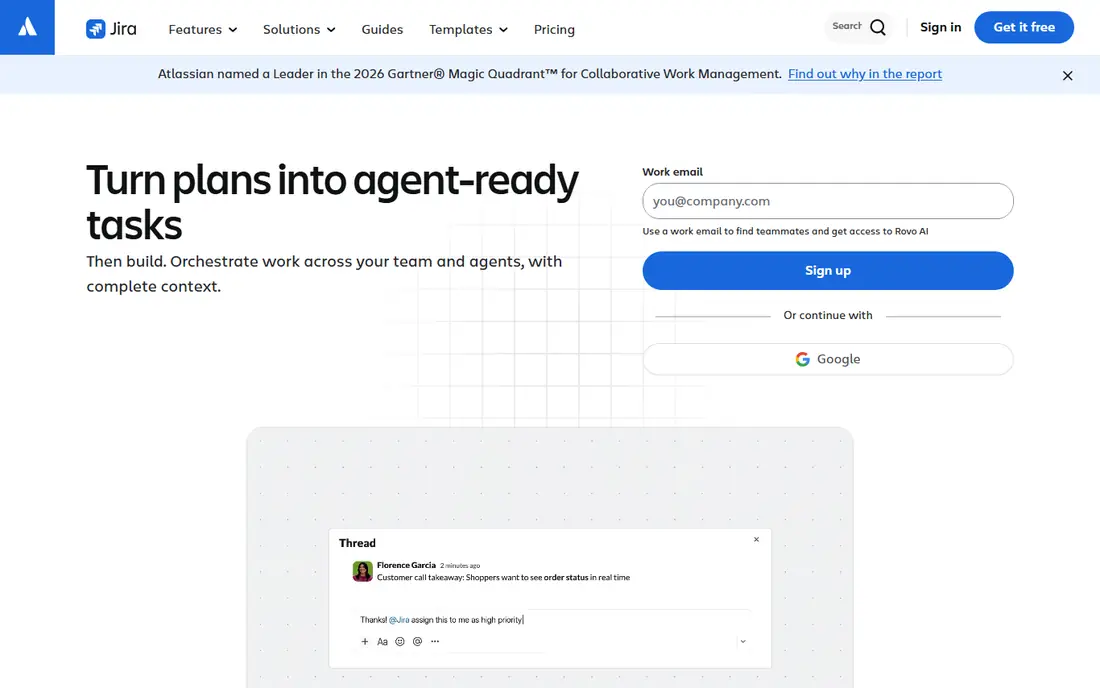
Pick Jira if this describes you: software, IT and product teams that live in sprints. Jira remains the default for engineering-led organizations, and the pricing is friendlier than its reputation: Standard at $7.91 per user a month, with a free level covering 10 users.
Best features of Jira: Bitbucket and 1,000+ marketplace apps; issue types and automation rules.
Limits to weigh: Configuration and admin overhead is real and small teams frequently need a dedicated Jira admin.
From a buyer's view, portfolio-level visibility (Plans) sits behind Premium at $14.54, roughly doubling the per-seat cost, and complicated setups demand an admin. Price to start with Jira: $7.91/user/month. You can start on Jira without paying.
- Huge ecosystem with Confluence
- Sprints and advanced roadmaps
- Overkill for non-technical teams doing straightforward task tracking
Asana
Great for: Marketing, operations and cross-functional teams that require structured work management
Pick Asana if this describes you: marketing, operations and cross-functional teams that require structured work management. Timelines, forms intake and dashboards are consistently praised and quick to adopt, and Starter includes most small teams' task, dependency and project-template needs. Guests are free, which agencies like.
Points against: Portfolios and native time tracking only appear on Advanced at $24.99.
The honest catch is level placement. Most teams that require goals, workload reporting and portfolios end up on Advanced at $24.99 per user a month, roughly $25 a seat. Seats are sold in blocks, which can inflate cost for small teams. Asana cost at the entry level: $10.99/user/month billed annually. A free plan is available with Asana.
- Goals and workload views provide real cross-project visibility on Advanced
- Portfolios
- Free plan caps at 2 users, so even a 3-person team pays
Wrike
Great for: Mid-sized and enterprise teams running complicated, multi-department projects
Wrike is built with mid-sized and enterprise teams running complicated, multi-department projects in mind. As for the details, smaller teams that want simplicity will find monday.com or Asana simpler to start.
Worth adding: proofing and approval workflows make it a natural fit for creative and marketing teams handling review cycles. As for the details, team at $10 handles task management, Gantt and dashboards for small groups, but the product's real power (resource management, custom workflows, advanced reporting) concentrates in Business at $25 per user a month. Wrike starts at: $10/user/month billed annually. Free access exists with Wrike.
Trade-offs to know: Needs real administration effort and the jump to Business at $25 is steep.
- Request forms and approvals
- Configurable workflows
- Less easy-to-learn for beginners than monday.com or Asana
Pick ClickUp if this describes you: teams that want one workspace to replace multiple subscriptions. The free level is genuinely usable: unlimited tasks and members with 60MB of storage, which is enough for a small team to run indefinitely. ClickUp is the value play for teams willing to configure.
Also, at $7 per user a month, Unlimited contains Gantt charts, custom fields, native time tracking and guests, a package that costs more elsewhere. ClickUp Brain AI starts around $9 per user per month on top of the seat price. If your team will invest that setup time, few tools deliver this much per dollar. What you pay to start with ClickUp: $7/user/month billed annually. ClickUp includes a free tier.
Best features of ClickUp: Tasks, docs, chat, whiteboards, goals.
Points against: ClickUp Brain AI is a separate per-seat add-on.
- Unusual at $0
- Native time tracking and dashboards in one product
- Feature sprawl overwhelms new teams and setup needs real configuration effort
Zoho Projects
Great for: Budget-conscious small and mid-sized teams, notably those already using Zoho apps
Zoho Projects is built with budget-conscious small and mid-sized teams, particularly those already using Zoho apps in mind. At $4 per user a month, Premium bundles time tracking, resource utilization charts and workflow blueprints that cost two to five times more elsewhere.
Drawbacks to consider: UI and polish lag behind monday.com, Asana and ClickUp.
As for the details, teams already on Zoho get the compounding benefit of native integrations. What you pay to start with Zoho Projects: $4/user/month billed annually. Zoho Projects offers a free plan.
- Subtasks
- Time tracking, blueprints
- Best value sits inside the Zoho ecosystem
Selection criteria
Selection started from tools commonly considered for SaaS project management software, then narrowed to 7 that have clear pricing information or a clear quote process. Seat minimums, billing terms and add-ons can move the real cost, so the starting prices here are a guide and not a quote. The sequence is a judgement call: typical use case first, then pricing transparency, then free access. Use the profiles to check fit.
What to confirm before you sign up
- Check the vendor page for the current price: Zoho Projects starts at $4/user/month billed annually here, and seats or billing terms can move it.
- Check what the free option really includes: monday.com, Jira, Asana and others offer a free plan, and usage caps differ.
- Use real work to test the free trial from Smartsheet, rather than a demo project.
- Read the limits listed for Smartsheet first: UI feels spreadsheet-heavy for visual task management.
- Ask Asana about contract length, onboarding fees and user minimums before you sign.
- Test how quickly monday.com answers a pre-sales question; it hints at how support will feel later.
Frequently asked questions
Do these tools publish their prices?
Yes. Every tool from Smartsheet to Zoho Projects shows a starting price, though seats, add-ons and billing terms still change the final cost.
Is Smartsheet the right pick for everyone comparing SaaS project management software?
No single tool suits every team. Smartsheet comes first because it fits PMOs, operations and construction or IT teams that already think in spreadsheets, while monday.com suits cross-functional and client-facing teams that want visual workflows and Jira suits software, IT and product teams that live in sprints. Match the tool to your own size, budget and workflow before deciding.
Can I try these options before paying?
Often, yes. monday.com, Jira, Asana and others have a free plan and Smartsheet offers a free trial. Use your own data and a real task during the test, and check what the free tier or trial limits before you rely on it.
Is Asana or monday.com better for a non-technical team?
Both work well. monday.com's colorful boards and templates get non-technical teams productive fastest, whereas Asana's cleaner structure fits teams that want timelines and dependencies. monday.com enforces a 3-seat minimum on premium plans. Asana's free plan caps at 2 users.
What is the cheapest option for SaaS project management software in this list?
On published monthly entry prices, Zoho Projects is the lowest here at $4/user/month billed annually. Entry price is only part of the cost, because seats, add-ons and billing terms can change the total.
Sources
See where you really rank - block by block
ProMapRanker scans Google Maps across a grid of your service area. Simple monthly plans from $19, white-label on every plan.
Start freeKeep reading
 zoho inventory alternatives
6 Alternatives to Zoho Inventory, Compared on Price and Fit
Zoho Inventory alternatives: 6 tools compared on price, free plans and fit. Katana leads the list for manufacturers. Fit and flaws are laid out for each entry.
Read → zoho crm alternatives
Best Zoho CRM Alternatives (2026)
Need Zoho CRM alternatives? We compare 7 tools on cost, free access and who each suits. Every pick gets a straight assessment. Built for quick decisions.
Read → zelle alternatives
Best Zelle Alternatives in 2026
Compare the best Zelle alternatives for sending money to friends, paying sellers and moving funds abroad, with honest notes on fees, speed and safety in 2026.
Read →