 ProMapRanker
Best SaaS Backup Software for Small Businesses in 2026

Key takeaways
- Microsoft and Google keep a copy of your data for their own service recovery, but that is not the same as a backup you control and can restore point by point.
- Small teams usually get the most value from a tool that backs up mail, files, and chat together, with self-service restore for one mailbox or one file.
- Quote-only pricing is common in this category, so ask for the full cost per user or per seat, plus any storage or retention charges, before you sign.
- A backup you never test is only a promise, so run a trial restore of a deleted mailbox item and a deleted file before you rely on any tool here.
- Our pick for most small businesses is a dedicated SaaS backup tool with automatic daily backups, rather than a general file backup tool stretched to cover SaaS apps.
Quick comparison
| Pick | Great for | Pricing starts at | Free tier | |
|---|---|---|---|---|
 Druva | Endpoint and SaaS data in one place | See website | Free trial | Visit |
 Veeam Data Cloud for Microsoft 365 | Microsoft 365 focused teams | See website | Free trial | Visit |
 Backupify | Simple automated SaaS backup | See website | Free trial | Visit |
 Spanning Backup | Easy restore for Google and Microsoft | See website | Free trial | Visit |
 Keepit | Microsoft 365 and Salesforce backup | See website | Free trial | Visit |
 Acronis Cyber Protect Cloud | Backup plus device protection | See website | Free trial | Visit |
 IDrive Business | Low cost file and SaaS backup | See website | Free trial | Visit |
 AvePoint Cloud Backup | Microsoft 365 at larger small-business scale | See website | Free trial | Visit |
 Carbonite | Straightforward computer and server backup | See website | Free trial | Visit |
The best SaaS backup software for small businesses
Small businesses lose SaaS data most often through deleted accounts, mistaken edits, ransomware in a synced folder, or a former employee removing files on the way out. The nine tools below back up data held in cloud apps so you can bring back one item, one mailbox, or one site without rebuilding everything.
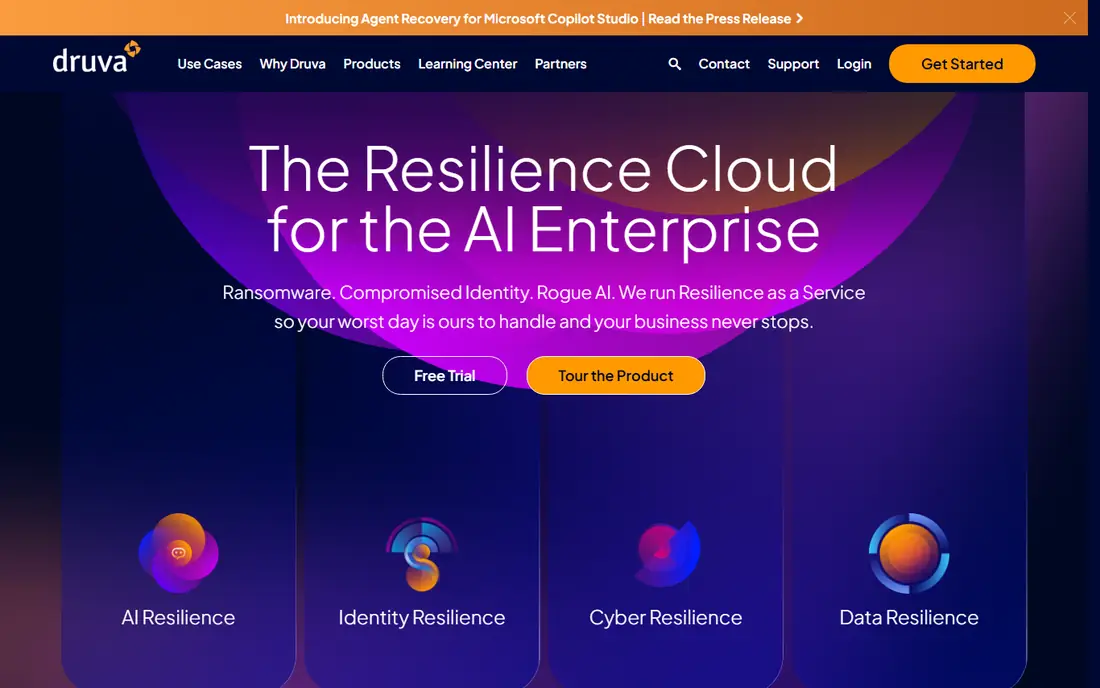
Druva suits a small business that wants one vendor for laptops and cloud apps together. The platform is delivered as a managed service, so there is no backup server to patch or storage array to maintain in your office. That matters for teams without a dedicated IT person, because the backup work happens in the background once policies are set.
The trade-off is scope and price clarity. Druva is built for organisations with mixed estates, and a five-person firm that only needs Microsoft 365 backup may pay for breadth it never uses. Ask for a quote tied to your exact user count and data sources, and check how long deleted items stay recoverable under the plan you choose.
- Fully managed SaaS delivery
- Covers endpoints, Microsoft 365, Google Workspace, and Salesforce
- Granular restore options
- Pricing is not published in a simple list
- Smaller teams may find the platform broader than they need
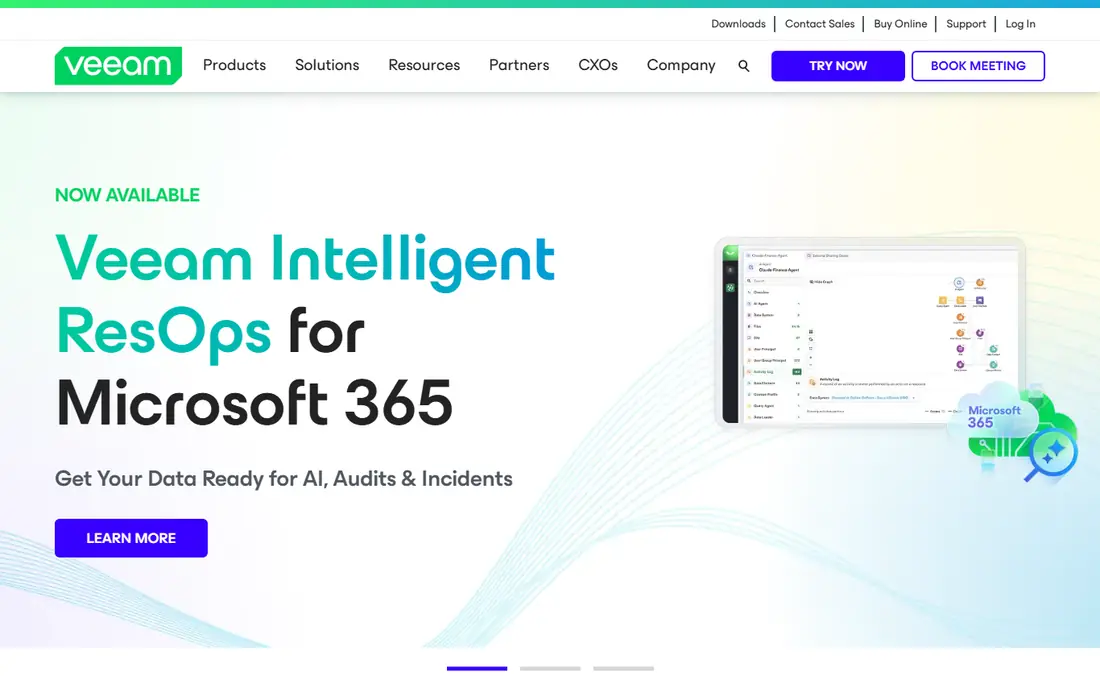
Veeam Data Cloud for Microsoft 365 is the natural shortlist entry when your whole business runs on Microsoft 365. It backs up Exchange mail, SharePoint sites, OneDrive files, and Teams data, and it lets an admin restore a single message or file rather than rolling back a whole mailbox. For a small team, that precision saves time when one person deletes the wrong folder.
The catch is that this product is not a general SaaS backup tool for every app you use. If you also run Salesforce or Google Workspace in parallel, you will need another tool or a wider Veeam arrangement. Check the tier differences carefully, because retention length and support levels change what you actually get for the price.
- Deep Microsoft 365 coverage across mail, SharePoint, OneDrive, and Teams
- Granular item restore
- Well known backup brand
- Microsoft 365 is the focus, so Google Workspace shops need a different fit
- Pricing varies by tier and term
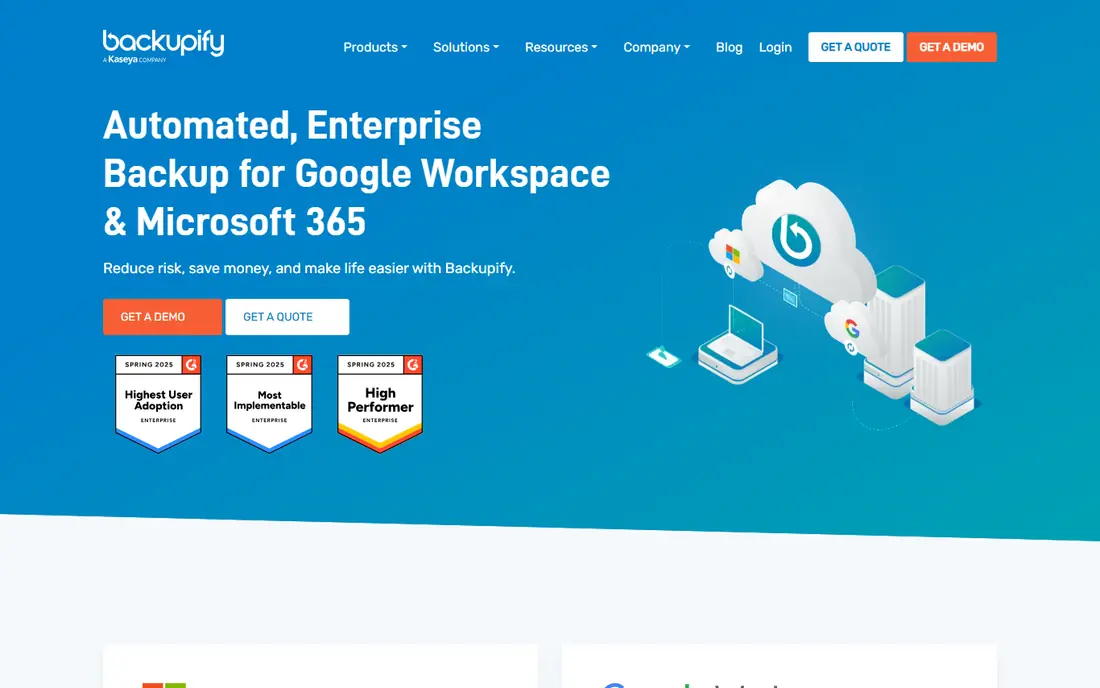
Backupify, now part of the Datto family, is built around a simple idea: back up your SaaS apps automatically, several times a day, and let you search and restore what you need. Setup is quick compared with server backup tools, because there is no hardware to install and no agent rollout across an office. That simplicity is the main reason small teams like it.
The weakness is transparency on price and depth. You will need to request a quote, and the exact backup frequency and retention for each app can vary by plan. Before buying, confirm how often Salesforce records, Gmail messages, and Drive files are captured, and test a restore of one deleted email and one Drive file during the trial.
- Automated backups for Google Workspace, Microsoft 365, and Salesforce
- Simple restore workflow
- Long track record in SaaS backup
- Pricing is quote based
- Advanced compliance reporting is less of a focus than in enterprise platforms
Spanning Backup is a good fit when the priority is getting data back fast without calling support. Admins and, where enabled, end users can search for a lost item and restore it in place, which cuts the wait when someone deletes a shared document or a mailbox folder. Installation is measured in minutes rather than days, because the tool connects to your cloud tenant directly.
Spanning is less suited to a business that wants one tool for every SaaS app it uses. Its strength is depth in Microsoft 365, Google Workspace, and Salesforce, not breadth across dozens of niche apps. If your team also depends on another cloud system, confirm whether Spanning covers it or whether you need a second backup product.
- Clear focus on Microsoft 365, Google Workspace, and Salesforce
- Self-service restore for end users
- Quick setup
- Pricing is not published as a simple list
- Coverage outside the big three SaaS suites is limited
Keepit appeals to small businesses that want their backup stored outside the cloud provider that holds the live data. Your Microsoft 365 backup sits in Keepit storage, so a problem in your Microsoft tenant does not automatically take the backup with it. That separation is a sound principle, and it is worth asking every vendor on this list how they handle it.
Keepit is a serious backup platform rather than a set-and-forget consumer app. Someone in your business still needs to own retention settings, access controls, and restore testing. Pricing requires a quote, so compare the total per-user cost with Backupify and Spanning for the same retention period before you decide.
- Independent cloud storage separate from Microsoft
- Covers Microsoft 365, Salesforce, and Google Workspace
- Granular restore
- Pricing is quote based
- The interface assumes someone on staff owns backup policy
Acronis Cyber Protect Cloud is best viewed as a protection platform that includes SaaS backup, rather than a pure SaaS backup tool. Alongside Microsoft 365 backup, it can protect workstations and servers and add anti-malware controls in the same console. A small business that already uses a managed IT provider may find Acronis offered through that provider, which can simplify support.
That breadth is also the drawback. If you only need to back up Google Workspace or Microsoft 365, you may be buying device protection features you never open. Pricing varies by edition and by partner, so get a written quote for the exact services you will use, and check whether Microsoft 365 backup is included or an add-on.
- Combines backup with anti-malware and device management
- Covers computers, servers, and Microsoft 365
- Wide partner channel
- The full platform can feel large for a team that only wants SaaS backup
- Pricing depends on edition and partner
IDrive Business is worth a look when budget is the main constraint and your backup needs mix computers with cloud apps. It backs up PCs, Macs, servers, and Microsoft 365 and Google Workspace data, so a very small team can cover most of its estate under one plan. The pricing structure is easier to read than quote-only enterprise tools, which helps with annual budgeting.
The compromise is polish for SaaS restore. IDrive started as a file backup service, and while its SaaS coverage is real, the restore workflow for a single mailbox item or SharePoint file is not always as smooth as a SaaS-first tool like Spanning. Run a trial restore for each app you depend on, and confirm retention and version history before committing.
- Low entry cost relative to enterprise SaaS backup tools
- Backs up computers, servers, and cloud apps
- Simple plan structure
- The interface is more file-backup oriented than SaaS-first
- Restore depth for SaaS apps varies by app
AvePoint Cloud Backup fits a growing small business that lives in Microsoft 365 and expects to add staff, sites, and Teams channels over the next year. It backs up mail, OneDrive, SharePoint, and Teams with item-level restore, and it gives admins policy controls for retention and access. Companies that already use other AvePoint tools for Microsoft 365 management get a tidier fit.
For a team of five with one shared mailbox and a handful of documents, AvePoint may be heavier than needed, and quote-based pricing makes quick comparison harder. Ask for pricing at your current headcount and at double that headcount, so growth does not turn a fair price into a surprise renewal.
- Strong Microsoft 365 coverage including Teams and SharePoint
- Granular restore and policy controls
- Established Microsoft partner
- Pricing is quote based
- The platform can be more than a very small team needs
Carbonite is the pick on this list for a business whose main risk is still a laptop or a small server, with SaaS backup as a secondary need. It runs in the background, backs up files automatically, and restores them through a straightforward interface. Owners who want backup to be quiet and automatic often prefer this approach to a console full of policies.
Do not buy Carbonite expecting the same SaaS depth as Druva, Keepit, or Spanning. Check exactly which Microsoft 365 or Google Workspace items each Carbonite plan covers, and how granular the restore is. If your business now lives mostly in cloud apps, a SaaS-first tool higher on this list is the better match.
- Simple setup for computers and servers
- Automatic background backup
- Long presence in small-business backup
- SaaS app coverage is narrower than SaaS-first tools
- Plans and pricing vary by product line
How we picked these
We compared official product pages, pricing pages, and public documentation for SaaS backup tools that still operate in October 2026, and we kept only tools that back up at least one major SaaS suite and offer a restore path for individual items. We gave weight to automatic scheduling, retention clarity, storage separation from the live tenant, and self-service restore, because those are the features that decide whether a small team actually recovers data. We did not claim hands-on testing, and where a vendor does not publish a price, we wrote See website rather than guessing a number.
What to check before you buy SaaS backup
Start by listing every cloud app that holds data you cannot afford to lose, then check each shortlisted tool against that list line by line. Mail alone is not enough if your contracts live in SharePoint, your customer records live in Salesforce, and your team chat holds decisions that never reach email. A tool that covers only one of those apps leaves the rest exposed, and that gap usually shows up during a real incident.
Next, pin down retention, frequency, and restore scope in writing. Ask how many times a day backups run, how long deleted items stay available, and whether you can restore one message, one file, or one record without restoring a whole mailbox or site. Also ask where the backup data is stored, who can access it, and whether it is encrypted in transit and at rest. These answers matter more than a feature checklist, because they decide what recovery actually looks like.
Finally, test before you pay for a year. Delete a test file and a test email, then restore them yourself during the trial, and time how long it takes. Check whether end users can restore their own items or whether every request must go through an admin, and confirm the total cost at your real user count, including any storage or retention add-ons. A backup tool that passes that test is worth keeping, even if it costs a little more than the cheapest option.
Frequently asked questions
What is the best SaaS backup tool for small businesses?
There is no single winner for every team, but most small businesses do well with a SaaS-first tool such as Spanning Backup, Backupify, or Keepit for Microsoft 365 or Google Workspace, because setup is fast and restore is item-level. If you also need endpoint backup, Druva or Acronis covers both sides in one platform. Match the tool to the apps you actually use, then test a restore before buying.
What is the best SaaS backup software for Microsoft 365?
Veeam Data Cloud for Microsoft 365, AvePoint Cloud Backup, and Keepit all focus on Microsoft 365 with mail, SharePoint, OneDrive, and Teams coverage. Spanning Backup and Backupify also cover Microsoft 365 well and add Google Workspace or Salesforce. Choose based on retention length, restore granularity, and the quoted per-user price for your team size.
Do small businesses really need SaaS backup if they use Microsoft 365 or Google Workspace?
Yes, in most cases, because Microsoft and Google protect their service, not your deleted or corrupted data on your timeline. Deleted items age out of recycle bins, a ransomware event can sync bad files across devices, and a removed user account can take data with it. A separate backup you control gives you a restore point independent of the live tenant.
How much does SaaS backup cost for a small business?
Costs vary widely because many vendors quote by user count, data volume, and retention. Self-serve file-oriented plans can start low, while SaaS-first and enterprise platforms are quote based and cost more per user. Ask for the full annual total at your headcount, including storage and retention charges, rather than comparing a headline monthly rate alone.
How often should SaaS backups run?
Daily backups are the minimum most small businesses should accept, and several tools on this list run multiple times a day for mail and files. More frequent backups shorten the gap between the last good copy and a deletion or corruption event. Check the actual frequency for each app, because mail, Drive files, and Salesforce records may not all back up on the same schedule.
Can employees restore their own deleted files?
It depends on the tool and on the permissions your admin sets. Spanning Backup and similar SaaS-first tools support end-user self-service restore for their own items, which speeds up recovery. Other platforms route every restore through an admin, which is safer for control but slower. Decide which model fits your team, and test it during the trial.
Sources
See where you really rank - block by block
ProMapRanker scans Google Maps across a grid of your service area. Simple monthly plans from $19, white-label on every plan.
Start freeKeep reading
 zoro.to alternatives
Best Zoro.to Alternatives in 2026
We compare the best zoro.to alternatives in 2026, listing only legal licensed anime streaming services, from Crunchyroll to free options for fans today.
Read → zip alternatives
Best Zip Alternatives in 2026
We compare the best zip alternatives for buy now, pay later in 2026, covering pay-in-4 plans, fees, spending limits, and credit reporting options today.
Read → yesware alternatives
Best Yesware Alternatives in 2026
Compare the best yesware alternatives for sales email tracking, templates, and sequences, with current pricing and honest tradeoffs for small sales teams.
Read →