 ProMapRanker
Best RPA Software for Small Businesses in 2026

Key takeaways
- Zapier and Make suit most small businesses first, because they connect cloud apps quickly without desktop robot setup.
- UiPath and Automation Anywhere give true desktop RPA for legacy apps, with a steeper learning curve and higher cost.
- Microsoft Power Automate is the natural pick for teams already paying for Microsoft 365, with desktop and cloud flows in one platform.
- Start with one frequent, rule-based task, and measure time saved before buying robots, licences, or an enterprise plan.
Quick comparison
| Pick | Great for | Pricing starts at | Free tier | |
|---|---|---|---|---|
 Zapier | Quick app-to-app automation | $19.99 per month | Yes | Visit |
 Make | Visual workflows on a budget | $12 per month | Yes | Visit |
 Microsoft Power Automate | Microsoft 365 teams | $15 per user per month | Free trial | Visit |
 UiPath | Desktop RPA that can scale | $25 per month | Yes | Visit |
 n8n | Self-hosted control for technical teams | See website | Yes | Visit |
 Automation Anywhere | Cloud RPA with AI agents | See website | No | Visit |
 Bardeen | Browser-based repetitive work | $10 per month | Yes | Visit |
 Nintex | Process, forms and documents | See website | Free trial | Visit |
 SS&C Blue Prism | Governed RPA for regulated work | See website | No | Visit |
The best rpa software for small businesses
Small-business RPA covers two different jobs: connecting cloud apps, and driving desktop software that has no modern integration. These nine tools cover both, from no-code app connectors to full desktop robots. We compared official pricing, free plans, desktop capability, and ease of setup for a small team.
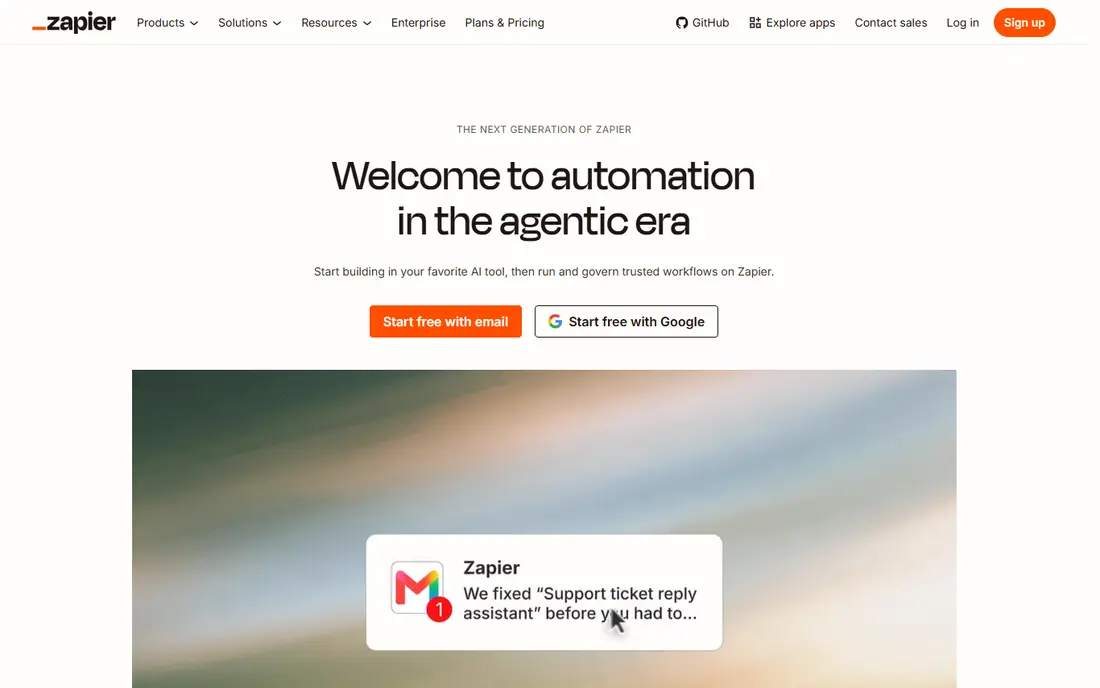
Zapier is the default starting point for most small businesses, because it connects thousands of cloud apps with simple trigger-and-action workflows. A new form entry can create a CRM contact, send a Slack message, and add a spreadsheet row without code, and the free plan covers 100 tasks a month for testing. Paid plans start at $19.99 per month in published pricing, with higher tiers for larger task volumes.
The limit is scope. Zapier excels at cloud app automation, but it does not drive a legacy desktop application the way UiPath or Blue Prism can. Teams that need to automate clicks inside an old Windows program should shortlist a desktop RPA tool instead. For the common small-business jobs of moving data between apps, Zapier gives the fastest path to a working automation.
- Very large app library
- Quick setup for non-technical teams
- Free plan with 100 tasks a month
- Costs rise with task volume
- Not true desktop RPA for legacy apps
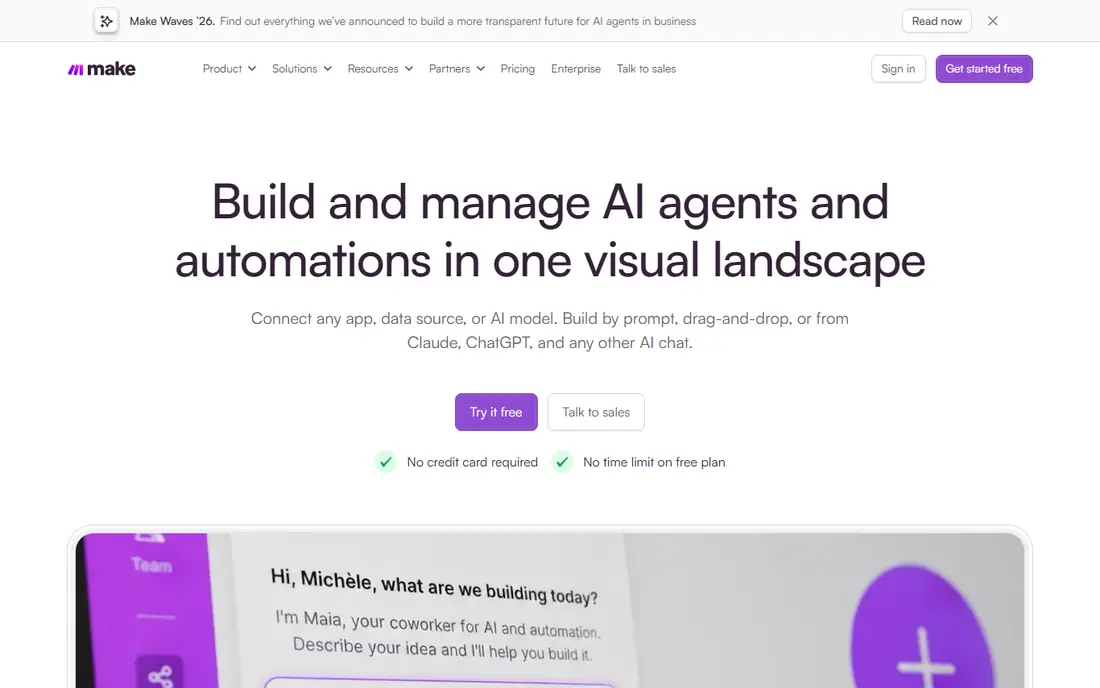
Make suits teams that want visual workflows with branching, filters, and multiple steps, at a lower cost than Zapier for many high-volume cases. The builder shows data flowing between apps, which makes it easier to spot where a workflow breaks. A free plan with monthly credits lets a small team test real workflows before paying, and paid plans start around $12 per month in published pricing.
Make takes more learning than Zapier for complex scenarios, since visual branching and data mapping need care. Like Zapier, Make is primarily a cloud integration tool, not a desktop robot platform. For a small business that runs many app-to-app workflows each month and wants to keep task costs down, Make is a strong value pick.
- Visual workflow builder
- Free plan with monthly credits
- Good value at higher volumes
- Learning curve for complex scenarios
- Pricing page details change, so confirm current tiers
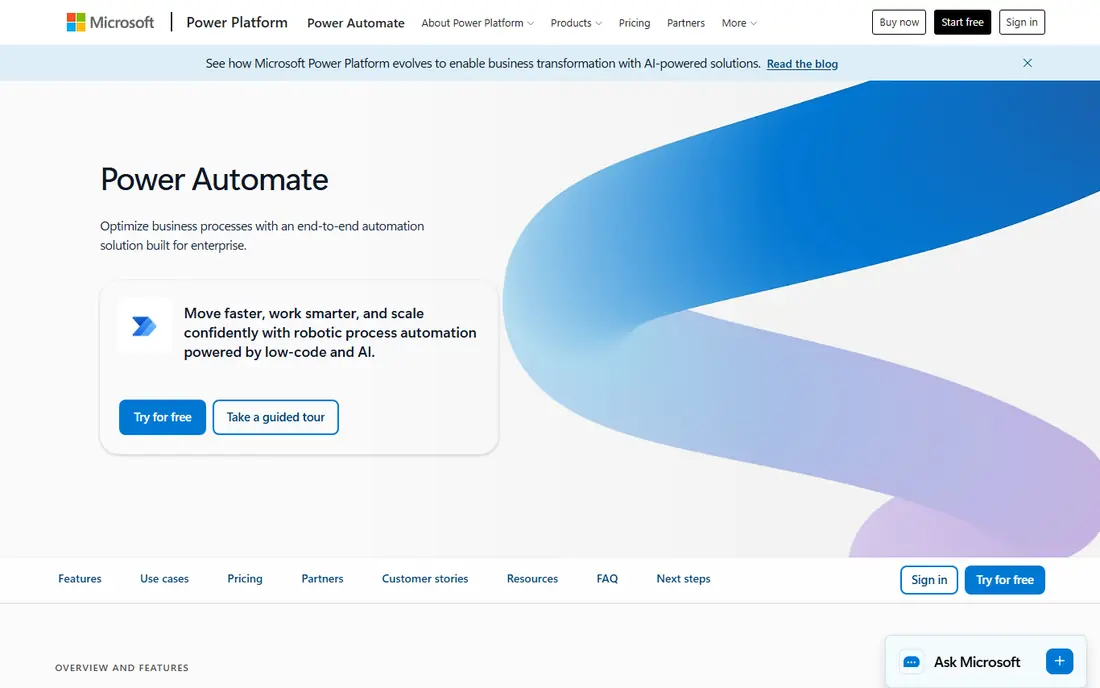
Power Automate is the natural automation pick for a business already running Microsoft 365. Cloud flows move data between Outlook, SharePoint, Teams, Dynamics, and many other apps, while desktop flows can automate Windows applications and browser tasks on a PC. That combination covers both cloud and desktop work in one platform, which few small-business tools do at this price.
Pricing needs care. Published pricing notes a Premium plan around $15 per user per month, with per-flow and per-bot options for larger RPA use, and some features are included in certain Microsoft 365 plans. Check which plan your team already holds before buying extra licences. For a Microsoft-centred small business, Power Automate gives the lowest-friction route into both app automation and desktop RPA.
- Deep Microsoft 365, Teams, SharePoint and Dynamics links
- Desktop flows for Windows apps
- AI Builder options
- Full RPA features need higher plans
- Best value requires Microsoft 365 use
UiPath is the strongest desktop RPA choice for a small business that plans to scale. It can drive desktop applications, browsers, and documents through attended robots that work alongside staff, and unattended robots that run on a schedule. The community plan gives a free starting point, and published pricing notes a Basic Automation Cloud plan around $25 per month, with limits on robots and tenants.
The drawback is complexity. UiPath offers enterprise governance, orchestration, and AI features that a five-person team may not need at first, and learning the Studio builder takes time. Start with one well-defined desktop task, such as copying invoice data from email into an accounting app, and build from there. For a small business with legacy desktop work that cloud connectors cannot reach, UiPath gives a path that can grow with the firm.
- Full attended and unattended desktop RPA
- Large community and learning resources
- Automation Cloud option
- Enterprise depth can feel heavy for a tiny team
- Robot limits apply on entry plans
n8n suits a small business with a developer or a technically confident team member who wants full control. The self-hosted community edition is free to run on your own server, and workflows can mix visual nodes with code for APIs, databases, and custom logic. That control helps teams with privacy, data residency, or unusual integration needs that hosted tools handle less flexibly.
The cost is upkeep. Self-hosting means updates, backups, and monitoring fall to your team, and cloud plans are priced in euros with dynamic pricing pages, which is why we list the starting price as See website. For a non-technical team, Zapier or Make will be faster. For a technical small team that values control and lower per-task costs, n8n is a strong, flexible choice.
- Self-hosted community edition
- Visual workflows with code options
- Data stays on your own servers
- Needs technical setup and upkeep
- Cloud pricing is billed in euros and renders dynamically
Automation Anywhere is a cloud-native RPA platform that has added AI agent features alongside classic desktop robots. It suits small businesses that expect to grow into governed automation, with audit trails, role controls, and cloud orchestration, rather than a single desktop macro. The platform handles document processing, desktop tasks, and app integrations in one cloud workspace.
Pricing is not published, so a small business needs a sales quote and should confirm what the entry package includes, especially for robot counts and AI features. That enterprise focus can make Automation Anywhere heavier and costlier than Zapier, Make, or Power Automate for simple jobs. For a team that needs governed, cloud-based RPA from the start, it remains a credible shortlist option.
- Cloud-native RPA platform
- AI agent features
- Strong governance and audit tools
- No public price list
- Enterprise focus can outweigh small-team needs
Bardeen automates repetitive browser work, such as copying data from websites, enriching lead lists, and moving web data into sheets and CRMs. That niche suits sales, recruiting, and operations teams that spend hours in a browser each day. Published pricing notes a Basic plan around $10 per month, with free credits each month on the free plan, which makes testing low risk.
Bardeen is not a replacement for full desktop RPA, since it centres on browser tasks rather than legacy Windows applications or complex back-office orchestration. Teams should also check data and privacy rules before scraping any website, since site terms and local law limit what can be collected. For browser-heavy repetitive work, Bardeen gives a focused, low-cost automation tool.
- Browser automation for scraping and enrichment
- Low entry price
- Free monthly credits
- Browser-focused, not full desktop RPA
- Best for sales and operations tasks, not every back-office job
Nintex suits a small business whose real problem is a broken process, not just a repetitive task. It combines process mapping, workflow automation, forms, document generation, and RPA, so a team can design an approval or onboarding process, then automate the steps inside it. That process-first view helps when the same request passes through several people and systems before completion.
Pricing is quote-based, with a free trial for evaluation, so buyers should scope the exact modules needed and avoid paying for a full platform when a single workflow tool would do. For a team that needs forms, approvals, and document handling alongside automation, Nintex gives a more complete process platform than a simple app connector.
- Process mapping plus workflow, forms and RPA in one platform
- Strong document handling
- Good for approvals
- Quote-based pricing
- Broader platform can feel heavy for a single simple automation
SS&C Blue Prism is the governed RPA pick, built for regulated industries where audit trails, access controls, and central robot management matter as much as speed. It handles desktop and system automation at scale, with a central control room for scheduling, monitoring, and managing robots. That governance suits finance, healthcare-adjacent, and compliance-heavy small firms that cannot accept ad-hoc desktop macros.
The trade-off is overhead. Pricing is quoted, implementation needs planning, and a very small team with one simple task will find Zapier or Power Automate faster and cheaper. Choose Blue Prism when automation must be audited, controlled, and scaled across a team, not when a single workflow needs a quick fix. For regulated small businesses planning serious RPA, it gives a disciplined foundation.
- Strong governance, security and audit controls
- Proven in regulated industries
- Scalable robot deployment
- Quote-based enterprise pricing
- Setup and governance overhead for a tiny team
How we picked these
We compared official pricing pages, free plans, desktop RPA capability, cloud app coverage, and setup effort for a small team, and we kept only tools still available in October 2026. We favoured tools with a clear small-business entry point, and we listed prices as See website where vendors quote rather than publish a standard rate, rather than estimating a figure.
How to pick RPA for a small business
Start by sorting your tasks into two piles: cloud app work and desktop work. If the job moves data between modern cloud apps, pick Zapier, Make, or Power Automate first, since they are faster to set up and easier to maintain. If the job lives inside a legacy desktop program or a website with no integration, shortlist UiPath, Power Automate desktop flows, Automation Anywhere, or Blue Prism, depending on governance needs.
Next, pick one task that is frequent, rule-based, and easy to measure. A daily invoice entry, a lead routing job, or a report build that takes thirty minutes a day is a better first automation than a rare, judgment-heavy process. Run it for two weeks, check error rates, and confirm that staff time saved exceeds setup and licence cost. Only then expand to a second task.
Finally, plan for maintenance. Automations break when apps change their screens, fields, or login rules, so assign one owner, document each workflow, and add alerts for failures. A small library of well-maintained automations beats a large library that no one trusts, and it keeps the business safe when a vendor updates its platform.
Frequently asked questions
What is the difference between RPA and app automation?
App automation connects cloud apps through their integrations, moving data when a trigger fires. True RPA drives software interfaces, including desktop apps and browsers, by mimicking clicks and keystrokes, which helps when no integration exists.
Which RPA tool is best for a small business with no IT team?
Zapier is the easiest starting point for cloud app work, while Power Automate suits Microsoft 365 teams. For desktop work with no IT team, start with Power Automate desktop flows or a UiPath community pilot, and keep the first task simple.
Is UiPath free for small businesses?
UiPath offers a community plan for learning and small-scale use, with paid Automation Cloud plans from around $25 per month in published pricing. Check current robot and tenant limits, since entry plans cap how many robots you can run.
Do I need a developer to use RPA software?
No-code tools such as Zapier, Make, and Bardeen suit non-technical teams for common workflows. Desktop RPA tools such as UiPath and Blue Prism benefit from technical setup, though a motivated operations lead can learn the basics with vendor training.
How much time should my first automation save?
A good first automation saves at least a few hours a week, runs daily or weekly, and follows clear rules. If a task is rare, messy, or needs frequent human judgment, keep it manual and automate a more repetitive job first.
Can RPA replace staff?
RPA works best for repetitive, rule-based tasks, freeing staff for customer work, sales, and judgment calls. It rarely replaces a whole role in a small business, and the best results come from pairing automation with a clear owner who checks outputs.
Sources
See where you really rank - block by block
ProMapRanker scans Google Maps across a grid of your service area. Simple monthly plans from $19, white-label on every plan.
Start freeKeep reading
 worlds best local seo company
8 Worlds Best Local SEO Companies for Map Pack Growth in 2026
Compare the worlds best local seo company options for Google Business Profile work, citations, reviews, and multi-location rankings and reporting in 2026.
Read → world's best web hosting company
World's Best Web Hosting Company in 2026
Searching for the world's best web hosting company? We compared 10 hosts on price, renewal rates, speed, and support to help you choose well today in 2026.
Read → who's got the best nanny tax services
Who's Got the Best Nanny Tax Services in 2026
We answer who's got the best nanny tax services, comparing full filing, back taxes, software, and pricing so families can handle nanny taxes correctly.
Read →