 ProMapRanker
Best Route Planning App in 2026

Key takeaways
- Route4Me, OptimoRoute, Routific, and Upper suit delivery and field teams that need multi-stop optimisation, tracking, and proof of delivery.
- Circuit and Zeo Route Planner suit solo drivers and small teams who want a simple app for daily multi-stop routes.
- RoadWarrior suits drivers who want a very simple interface, though its free stop limit is small.
- Google Maps and Apple Maps suit everyday trips with few stops, but they do not reorder stops into an optimised route in the same way as dedicated planners.
- Check stop limits, import options, and whether drivers need a separate mobile app before you pay for a team plan.
Quick comparison
| Pick | Great for | Pricing starts at | Free tier | |
|---|---|---|---|---|
 Route4Me | Delivery teams and fleets | See website | Free trial | Visit |
 Circuit | Solo drivers and small teams | See website | Yes | Visit |
 RoadWarrior | Simple driver routes | See website | Yes | Visit |
 Zeo Route Planner | Budget multi-stop routes | See website | Yes | Visit |
 Upper | Small and growing fleets | See website | Free trial | Visit |
 OptimoRoute | Service and delivery teams | See website | Free trial | Visit |
 Routific | Local delivery teams | See website | Yes | Visit |
 Google Maps | Everyday trips | Free | Yes | Visit |
 Apple Maps | Apple users and everyday trips | Free | Yes | Visit |
The best route planning app
Route planning means different things for different users. A delivery driver needs the shortest sensible order for dozens of stops, a field service team needs time windows and driver skills, and a family on a road trip needs a few stops in a sensible order with good navigation. This list covers dedicated multi-stop planners first, then general map apps, so you can match the tool to the size and type of route you actually run.
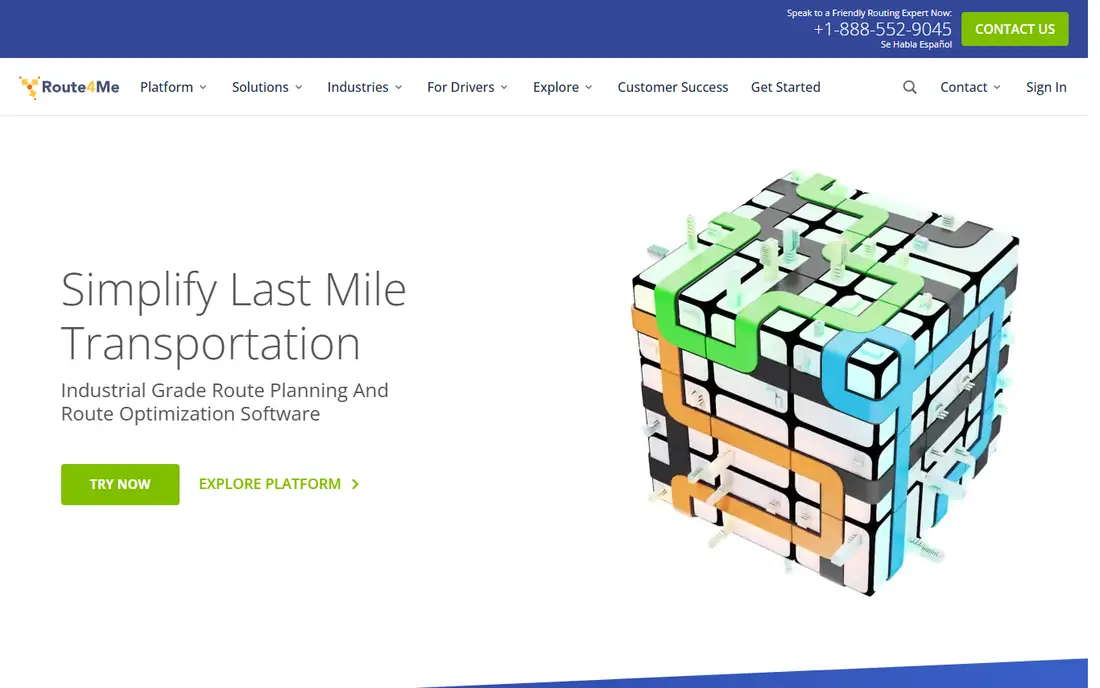
Route4Me is a full route planning platform for delivery and field teams, with multi-stop optimisation, territory planning, time windows, vehicle rules, and live driver tracking. Dispatchers can plan on the web, drivers follow routes on mobile, and managers can review reports on delivery performance. That end-to-end flow suits businesses moving from spreadsheets to a managed system.
The trade-off is complexity and cost. Pricing depends on the plan, features, and number of users, so small solo drivers should check the current plans carefully before committing. For a team with regular multi-stop routes, recurring schedules, or several depots, Route4Me offers a depth that simpler driver apps do not.
- Multi-stop optimisation with business rules
- Live tracking and proof of delivery
- Web and mobile apps
- Pricing varies by plan and add-ons
- Setup takes time for larger fleets
- Small drivers may find it more than they need

Circuit, also known as Spoke in some listings, is one of the most popular route apps among delivery drivers, because it is easy to learn and handles daily routes well. Drivers can import stops, optimise the order, follow navigation, and capture proof of delivery with photos. Small teams can also monitor routes from a dashboard.
The free plan covers only a small number of stops per route, so drivers with larger routes will need a paid plan. Check the current individual and team pricing on the Circuit site, since team plans differ from the driver app price. For solo drivers and micro teams who want simplicity first, Circuit is a strong starting point.
- Clean, easy interface
- Proof of delivery with photos
- Team dashboard for small teams
- Free plan limited to a small number of stops
- Team pricing rises with scale
- No label scanning in the basic app

RoadWarrior suits drivers who want the simplest possible route planner: add stops, optimise, drive, and mark stops complete. The interface is deliberately plain, which helps drivers who do not want dashboards, reports, or fleet tools getting in the way. That simplicity is its main selling point.
The free tier is limited, with 8 stops per route, so it suits short routes or testing rather than full delivery days. Paid plans raise the cap, but check the current cap and price before you rely on it for a large route. If you need team tracking, customer notifications, or large stop counts, a team planner such as Route4Me or OptimoRoute will fit better.
- Very simple interface
- Fast route creation
- Offline-friendly driver workflow
- Free plan limited to 8 stops per route
- Paid caps and features need checking
- Fewer fleet features than rivals
Zeo Route Planner is a budget-friendly choice for drivers who need more free stops than some rivals offer. The free tier covers a useful number of stops per route, with unlimited routes, and paid plans raise the stop cap for larger days. Stops can be added by typing, importing a file, or using other input methods, which helps drivers who receive lists from dispatchers.
Zeo lacks some of the fleet management depth of Route4Me or OptimoRoute, and its interface is more functional than polished. For solo drivers and small teams on a budget, that trade-off is often worth it. Check the current free and paid stop limits on the Zeo site, since those numbers have changed over time.
- Free tier with a useful stop count
- Many ways to add stops including file import
- Simple driver app
- Paid features and limits need checking
- Fewer fleet tools than enterprise planners
- Interface is functional rather than polished
Upper suits small and medium businesses moving from spreadsheets to automated routing. You can import addresses from a CSV or Excel file, build routes from templates, optimise them, and track drivers with proof of delivery. That workflow helps teams that receive daily address lists and need to turn them into routes quickly.
Upper is a paid platform, so solo drivers will usually find Circuit or Zeo cheaper for a single route. For a growing fleet, the template and import features save time, and the trial lets you test a real route before paying. Check the current plan prices and stop limits, since they vary by plan and team size.
- CSV and Excel import
- Reusable route templates
- Proof of delivery and live optimisation
- Paid plans needed for full use
- Pricing varies by team size
- Smaller community than larger rivals
OptimoRoute suits high-volume service and delivery teams that need to respect time windows, vehicle capacity, driver skills, and multi-day schedules. It balances workloads across drivers, handles constraints that simple planners ignore, and provides live tracking and analytics for managers. Field service teams, in particular, benefit from its scheduling depth.
That depth comes with cost and setup time. Plans are priced per vehicle or driver, and complex rules need careful configuration before routes feel right. Use the trial with a real week of routes, not a sample day, to see whether the constraints and reports match your operation. For simple delivery routes, a lighter app will be faster to adopt.
- Multi-day planning with constraints
- Driver profiles and workload balancing
- Live tracking and analytics
- Paid plans priced per vehicle or driver
- Setup needs care for complex rules
- Overkill for simple driver routes
Routific suits small and medium local delivery teams that want a simple dispatcher workflow without enterprise complexity. Dispatchers can plan routes on the web, adjust them by dragging stops on a timeline, and send customer notifications. Drivers access their routes on mobile, which keeps the daily workflow clear.
The free tier covers a limited number of orders per month, so growing teams will need a paid plan. Check the current free limit and paid prices, since they have changed over time. If your team needs a native driver app with offline features, test Routific's mobile experience on a real route before committing.
- Simple dispatcher workflow
- Timeline view and drag-and-drop routing
- Customer notifications
- Full team features need a paid plan
- Mobile access is web-based for drivers
- Stop and order limits vary by plan
Google Maps is the best free route planner for everyday trips with a few stops. It offers live traffic, turn-by-turn navigation, business hours, and easy sharing, and it works on almost every phone. For a trip with a handful of stops, such as errands or a short road trip, it is often all you need.
It is not a multi-stop delivery planner. Google Maps caps the number of stops, and it does not reorder a long list into the most efficient route in the way Circuit, Zeo, or Route4Me do. It also lacks proof of delivery, driver tracking, and team dispatch features. Use Google Maps for personal trips, and switch to a dedicated planner when stop count or delivery tracking matters.
- Free
- Excellent live traffic and navigation
- Widely available on Android, iOS, and web
- Limited stops per route
- Does not optimise stop order like a dedicated planner
- No proof of delivery or fleet tools
Apple Maps suits iPhone users who want a clean, free map app for everyday driving, walking, and transit trips. It integrates well with CarPlay, Siri, and Apple Watch, and its navigation is clear and easy to follow. For personal trips with a few stops, it is a solid, no-cost choice.
Like Google Maps, Apple Maps is not built for delivery planning. It lacks multi-stop optimisation, proof of delivery, and fleet tools, and it only runs on Apple devices. Choose Apple Maps for personal use inside the Apple ecosystem, and choose a dedicated route planner for delivery or field service work.
- Free on Apple devices
- Clean navigation and traffic
- Good integration with iPhone, CarPlay, and Apple Watch
- Apple devices only
- Limited stops and no route optimisation for delivery
- Fewer business details than Google Maps in some areas
How we picked these
We compared official product pages, pricing pages, and app listings, and we kept only apps that exist and work in October 2026 and truly plan routes, whether for delivery, field service, or everyday travel. We looked for multi-stop support, import options, navigation, proof of delivery, and team features, and we included free, trial, and paid models. We did not claim hands-on testing, and we did not list map viewers without navigation or route planning as route planners.
What to check before you choose
Count stops on a real day, not a quiet day
Check the stop limit on your busiest day, not your average day, since free tiers and paid caps are tested by peak routes. If your route regularly exceeds a free limit, budget for the paid tier that covers that peak, or pick a planner with a higher cap.
Test import and driver workflow together
Import a real address list, optimise it, and have a driver follow it on a phone. Check whether addresses resolve correctly, whether the driver can mark stops complete offline, and whether proof of delivery reaches the dispatcher. A planner that looks good on a desktop can still fail in the field.
Check total team cost, not just one driver
For team plans, count drivers, dispatchers, and vehicles, since pricing models differ. Some tools charge per driver, others per vehicle or per team. Compare the total monthly cost for your actual team size, and check what happens when you add a driver mid-month.
Frequently asked questions
What is the best route planning app for multiple stops?
For delivery teams, Route4Me and OptimoRoute offer the most complete multi-stop planning, tracking, and reporting. For solo drivers, Circuit and Zeo Route Planner are simpler and cheaper, with free tiers for smaller routes. Pick based on stop count, team size, and whether you need proof of delivery.
Is there a free route planning app?
Yes. Google Maps and Apple Maps are free for everyday trips, while Circuit, RoadWarrior, and Zeo offer free tiers for multi-stop routes, with stop limits. Routific also offers a free tier with a monthly order limit. Check the current limits on each vendor site before you rely on a free tier for work.
What is the best app to find the best route for multiple locations?
A dedicated planner such as Circuit, Zeo, Route4Me, or Upper will reorder multiple locations into an efficient route, which general map apps do not do in the same way. Import your list, optimise it, and review the order before driving, since traffic, time windows, and road rules can still change the best order.
Do route planning apps work offline?
Some driver apps offer limited offline use for a route already loaded on the phone, but live traffic, re-optimisation, and tracking need a connection. Download or load routes before you leave coverage, and check the vendor's offline details for the app you choose.
How much does route planning software cost?
Costs vary widely, from free for personal map apps and limited driver tiers, to paid per-driver or per-vehicle plans for team platforms. This article uses See website for team pricing where plans vary by team size and features. Check the vendor pricing page for your team size, and use a trial with real routes before paying.
Sources
See where you really rank - block by block
ProMapRanker scans Google Maps across a grid of your service area. Simple monthly plans from $19, white-label on every plan.
Start freeKeep reading
 zscaler alternatives
Best Zscaler Alternatives in 2026
Looking for zscaler alternatives? We compare 9 SASE and zero trust platforms on architecture, data protection, pricing, and fit for your network and team.
Read → zapier alternatives free
Best Zapier Alternatives Free in 2026
Nine automation tools for zapier alternatives free in 2026, all with genuinely free tiers, plus free plan limits, starting prices and upgrade paths explained.
Read → which platform is best for online reputation
Which Platform Is Best for Online Reputation in 2026
Wondering which platform is best for online reputation? We compare 8 review, listing, and response tools for small and multi-location businesses and agencies.
Read →