 ProMapRanker
Best Rock Identifier App Free in 2026


Widely used photo identification · Pricing starts at: Free
Key takeaways
- Rock Identifier: Stone ID is the most widely installed photo identifier on this list, with a free start and in-app purchases for fuller access.
- RockLens gives three likely matches with confidence labels, which helps when a single photo answer would be misleading.
- Geology Toolkit adds reasoning, formation notes, and a study focus that suits students and serious collectors.
- IdentifyRock and Rock Identify work in a browser without an app download, which suits a quick check on a walk.
- A photo alone cannot confirm hardness, density, or chemistry, so treat every app result as a likely match to verify.
Quick comparison
| Pick | Great for | Pricing starts at | Free tier | |
|---|---|---|---|---|
| Rock Identifier: Stone ID | Widely used photo identification | Free | Yes | Visit |
 RockLens | Three-match identification with confidence | See website | Yes | Visit |
 Geology Toolkit | Learning the reasoning behind an ID | Free | Yes | Visit |
 IdentifyRock | Browser identification without a download | Free | Yes | Visit |
 AI Rock ID | Crystal and gemstone identification | Free | Yes | Visit |
 Rock Identify | Free browser identification by photo | Free | Yes | Visit |
 Rockd | Field locations and geologic context | Free | Yes | Visit |
 Mindat | Mineral database and reference checks | Free | Yes | Visit |
 Google Lens | Quick visual search for a found stone | Free | Yes | Visit |
The best rock identifier apps
A rock identifier app works by matching a photo against learned patterns in colour, texture, crystal shape, and surface features. That works well for common specimens in good light, and less well for weathered, wet, or broken rocks. The best approach is to use an app for a first match, then check the result against properties you can test by hand.
Rock Identifier: Stone ID, from Next Vision Limited, is the app most people mean when they ask for a rock identifier. Take a photo or upload one from your gallery, and the app returns a likely rock, crystal, or mineral name with details such as hardness, colour, lustre, and formula. A built-in handbook and collection area help you keep finds in order.
The free start is useful, but the purchase screen needs care. App store listings show in-app purchases from under $1 to $39.99, with weekly, monthly, and yearly options. Try the free identification first, decide whether you need unlimited scans, and confirm the exact price and renewal terms on screen before you pay.
- Large installed base and regular updates
- Photo identification plus a geology handbook
- Collection saving for finds
- In-app purchase prices vary widely, so check the purchase screen
- Free features are limited compared with paid access
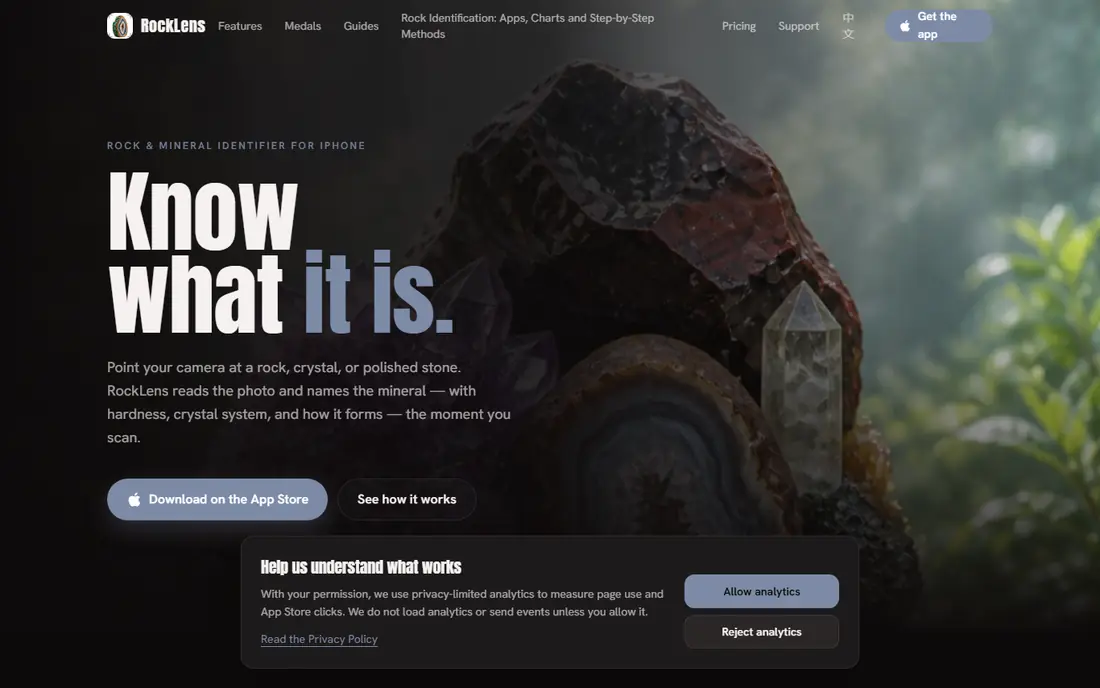
RockLens takes a more honest approach to uncertainty than a single-answer app. Each scan returns a best match plus two alternatives, with confidence shown in words from strong match to unlikely. That matters because quartz, calcite, and feldspar fool beginners often, and a single confident label can lock in a wrong ID.
The app also suggests simple checks, such as streak, scratch, and magnet tests, to separate look-alikes, and it keeps your journal on your device without requiring an account. The first three complete scans are free, with premium plans giving more scans per day. Confirm the current price in the app store, since weekly and annual figures have varied across listings.
- Shows three likely matches with confidence labels
- Home tests to separate look-alikes
- Journal stays on the device
- IPhone focus limits Android users
- Full scan allowance needs a paid plan
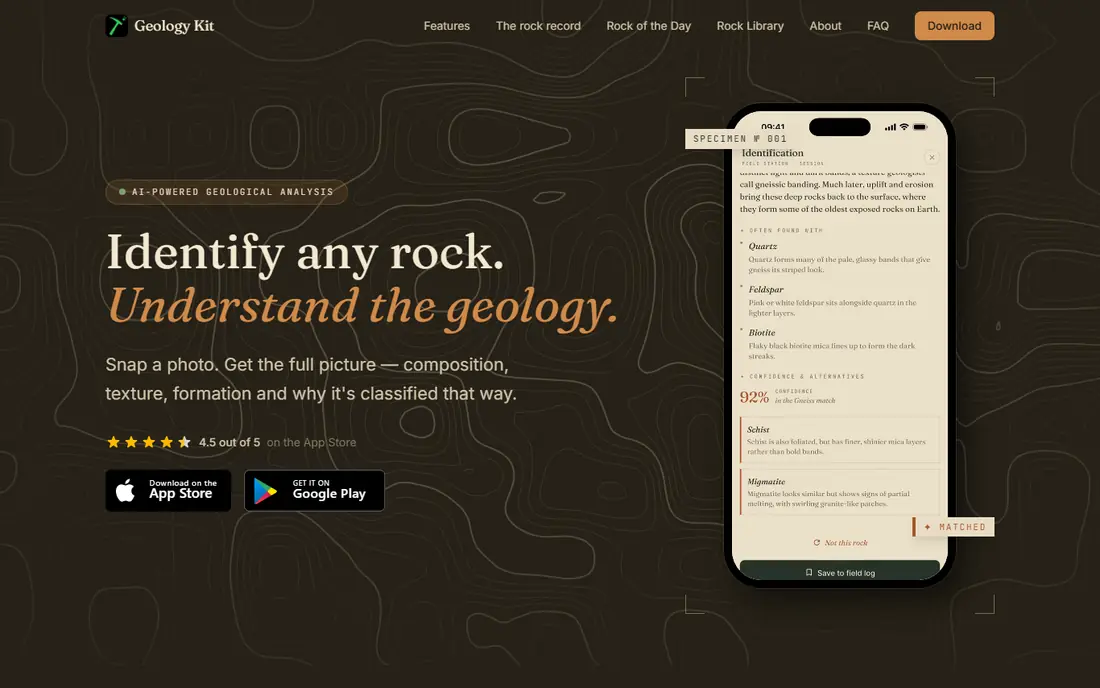
Geology Toolkit suits students and collectors who want to understand an ID, not just receive a label. Each identification includes the reasoning chain: the features observed, similar specimens ruled out, and the geological process that formed the rock. That style fits field notes and lab reports far better than a bare name.
The app is free to download with a limited number of identifications per day, and a subscription gives unlimited scans and fuller features. Photos are processed for identification and, according to the developer, are not stored on its servers after analysis. If you study geology, this is the most educational pick on the list.
- Explains diagnostic features and ruled-out specimens
- Formation and process notes
- Collection available offline after identification
- AI identification needs an internet connection
- Unlimited scans need a paid subscription
IdentifyRock is a web tool, not a store app, and that is its main advantage for a casual user. Open the site in a mobile or desktop browser, upload a photo of a stone, and get a name plus geological information without installing a large app or creating an account. For a parent, teacher, or hiker who wants one quick answer, that low friction matters.
The free route has a daily allowance, with an optional unlimited plan for unlimited identifications, saved collections, and AI chat. Like every photo tool, it works best with a clear, well-lit photo of one specimen on a plain background. If you plan to identify finds deep in the field, remember that a browser tool needs signal.
- No app download or account needed to start
- Daily free allowance
- Works on phone and desktop browsers
- Needs an internet connection
- Unlimited identifications need a paid plan
AI Rock ID, also listed as AI Rock ID: Crystal Identifier, focuses on the crystal and gemstone side of collecting. Upload a photo and the app analyses texture, colour, crystal structure, fracture, translucency, and lustre, then returns a result with supporting properties and confidence indicators. Saved collections let you revisit finds without re-photographing them.
Two cautions apply. First, the app includes value ranges based on rarity, quality, size, and demand, but those are estimates, not an appraisal, and should never decide a purchase or sale on their own. Second, app store listings show weekly identification at $4.99 and yearly at $29.99, so confirm the current terms before subscribing.
- Covers rocks, minerals, crystals, gemstones, and fossils
- Collection saving
- Photos processed for identification and deleted after analysis
- Valuation ranges are estimates only
- Weekly and yearly in-app purchases need checking before payment
Rock Identify offers a simple free route: upload rock photos, add what you observed, and compare possible matches for your specimen. No sign-up or download is required, which makes it a good second check when another app gives a surprising answer. A second tool often narrows a match faster than rescanning the same photo in the first app.
The limit is clear and worth stating plainly. The site notes that its overview has not been reviewed by a geologist and makes no professional accuracy claim. Use Rock Identify for learning and for shortlisting matches, and confirm any important identification with hand tests or a reference book.
- Free online identification without sign-up
- Lets you add observations and compare possible matches
- No app download needed
- Web-only, so no offline field use
- The site itself notes it has not been reviewed by a geologist
Rockd is different from the photo apps above, and that difference is why it belongs here. Instead of naming a rock from a photo, it shows the geologic map, rock units, and nearby observations for where you stand. If an app suggests a mineral that does not occur in that rock unit, Rockd gives you a reason to doubt the match.
Use it as a check, not a replacement. Photograph the find, get a photo match, then open Rockd to see whether the local geology supports that match. For collectors who visit quarries, road cuts, and beaches, that context often prevents a confident but geologically unlikely identification.
- Geologic maps and nearby rock units for a location
- Free field companion
- Helps confirm whether an ID fits the local geology
- Not a photo identification app
- Needs location context to be most useful
Mindat is the reference library behind many good identifications. Search a mineral name from a photo app and you get properties, crystal system, localities, photos, and related minerals in one place. That depth lets you compare a suggested match against hardness, streak, cleavage, and typical associations, rather than trusting a photo alone.
Beginners may find the interface dense at first, because it is built for collectors and researchers, not for one-tap answers. Start with the mineral page for your suggested match, read the properties section, and use the locality list to check whether the mineral occurs near your find. That habit turns a guess into a reasoned identification.
- Huge mineral database with localities and properties
- Free reference for serious collectors
- Useful for verifying a photo match
- Database interface can feel dense for beginners
- Not a point-and-shoot photo app
Google Lens is the fallback every collector already owns. Point it at a stone and it searches visually similar images and pages, which can surface a mineral name, a shop listing, or an article about a similar specimen. When you are on a walk without a specialist app, that quick search often gives a useful starting point.
The results need filtering. Lens is a general visual search tool, not a trained geology identifier, so shop listings and unrelated stones appear alongside good matches. Treat a Lens result as a lead, then check it in Mindat, Rockd, or a photo identifier app, and confirm with a hand test before you label a specimen.
- Free and already on many phones
- Visual search finds similar images and pages
- Useful when you have no specialist app installed
- General image search, not a geology specialist
- Results mix shops, articles, and unrelated matches
How we picked these
We compared official app store listings, developer sites, and web tools that are still available in October 2026, and we kept tools that help identify a rock, either by photo or by reference. We favoured tools with a free starting point, since the topic asks for free options, and we noted where unlimited scans, valuations, or fuller features need payment. Tools that only sell stones, without any identification help, did not make the list.
How to get a better identification from a photo
Photograph one specimen at a time, in natural light, with the stone filling most of the frame and a plain background behind it. A fresh break or a clean crystal face photographs better than a weathered outside surface, and brushing off loose dirt helps the app read colour and texture. Wetting a dry stone can bring out grain and lustre, but note that a wet photo can also darken colour, so compare with a dry view too.
Then test the match by hand. Check hardness with a scratch test where safe, look at streak on unglazed porcelain if you have it, and note cleavage, weight, and reaction to a magnet where relevant. Compare the suggested mineral against local geology in Rockd and against properties in Mindat. If two apps disagree, or if the match would affect a purchase, a sale, or safety, ask a local geology club, a museum, or a qualified person before you act on the app result.
Frequently asked questions
What is the best rock identifier app for free?
Rock Identifier: Stone ID is the most widely used free start, while RockLens offers a clearer three-match view with free scans to begin. IdentifyRock and Rock Identify are strong free browser options when you do not want to install an app. Try two tools on the same specimen, because agreement between tools is a better sign than one confident label.
What is the best free rock identifier app for iPhone?
RockLens and Rock Identifier: Stone ID both run well on iPhone, with RockLens giving confidence labels and home-test guidance. AI Rock ID also suits iPhone users who collect crystals and gemstones. Check the in-app purchase screen before paying, since weekly and yearly prices differ across apps.
How accurate are rock identifier apps?
They work best for common specimens photographed in good light, with the stone filling the frame. Weathered surfaces, mixed specimens, and rare minerals lower accuracy, and a photo cannot measure hardness, density, or chemistry. Treat results as likely matches, confirm with hand tests and reference sources, and do not use an app result as a professional appraisal.
Can a rock identifier app tell me what my rock is worth?
Some apps show value ranges, but those are estimates based on general factors, not a valuation of your specimen. Size, quality, condition, and the current market for that mineral all change a real price. For a valuable stone, get an opinion from a qualified gemologist or dealer, and keep the app range as background only.
Do I need an internet connection to identify rocks?
Most photo identification features need an internet connection, because the analysis runs in the cloud. Saved collections and previously identified specimens may work offline in some apps, including Geology Toolkit. If you collect in areas without signal, photograph finds with notes and location details, then run identification when you return to coverage.
Sources
See where you really rank - block by block
ProMapRanker scans Google Maps across a grid of your service area. Simple monthly plans from $19, white-label on every plan.
Start freeKeep reading
 zscaler alternatives
Best Zscaler Alternatives in 2026
Looking for zscaler alternatives? We compare 9 SASE and zero trust platforms on architecture, data protection, pricing, and fit for your network and team.
Read → zapier alternatives free
Best Zapier Alternatives Free in 2026
Nine automation tools for zapier alternatives free in 2026, all with genuinely free tiers, plus free plan limits, starting prices and upgrade paths explained.
Read → which platform is best for online reputation
Which Platform Is Best for Online Reputation in 2026
Wondering which platform is best for online reputation? We compare 8 review, listing, and response tools for small and multi-location businesses and agencies.
Read →