 ProMapRanker
Best Robotic Process Automation Tools in 2026

Key takeaways
- UiPath is our pick for most large teams because its community, marketplace, and orchestration tools are the widest in this group.
- Microsoft Power Automate is the simplest starting point for teams already using Microsoft 365, with a clear per-user price.
- Automation Anywhere suits cloud-first teams that want browser-based building and document handling without a large infrastructure project.
- Most enterprise RPA pricing is quote-based, so compare bot counts, user counts, and support terms before you sign.
- Small teams should start with one or two rule-based processes and prove the savings before buying a wider platform.
Quick comparison
| Pick | Great for | Pricing starts at | Free tier | |
|---|---|---|---|---|
 UiPath | Large-scale enterprise RPA | $25 per month | Yes | Visit |
 Automation Anywhere | Cloud-first enterprise automation | See website | Yes | Visit |
 Microsoft Power Automate | Microsoft 365 teams | $15 per user per month | Free trial | Visit |
 SS&C Blue Prism | Regulated, high-control operations | See website | No | Visit |
 Appian | Process automation plus apps | See website | Free trial | Visit |
 Pegasystems | Complex enterprise workflows | See website | Free trial | Visit |
 IBM Robotic Process Automation | IBM and hybrid cloud shops | See website | Free trial | Visit |
 WorkFusion | Document-heavy back-office work | See website | Free trial | Visit |
 Nintex | Business teams automating workflows | See website | Free trial | Visit |
The best robotic process automation tools
We compared the leading RPA platforms on building tools, control and governance, document handling, and published pricing. The best robotic process automation software for your team depends less on the logo and more on how many bots you will run, who will build them, and how strict your controls must be.

UiPath remains the default shortlist for enterprise RPA, and the reason is breadth. Studio covers attended and unattended bots, Orchestrator manages schedules, queues, and access, and a large marketplace offers ready-made components for common systems. That breadth helps when your first process turns into a program of twenty or fifty processes across departments.
The trade-off is complexity and cost. A small team can start with the Community edition, but a production rollout usually needs planning around licenses, environments, and bot maintenance. If you have the team to run it, UiPath gives you the most room to grow. If you only need a handful of simple automations, a lighter tool may be cheaper and faster.
- Very large community and marketplace
- Strong orchestration and governance
- Free Community edition for learning
- Enterprise pricing can rise fast
- Platform breadth takes time to learn
- Best results need a dedicated automation team
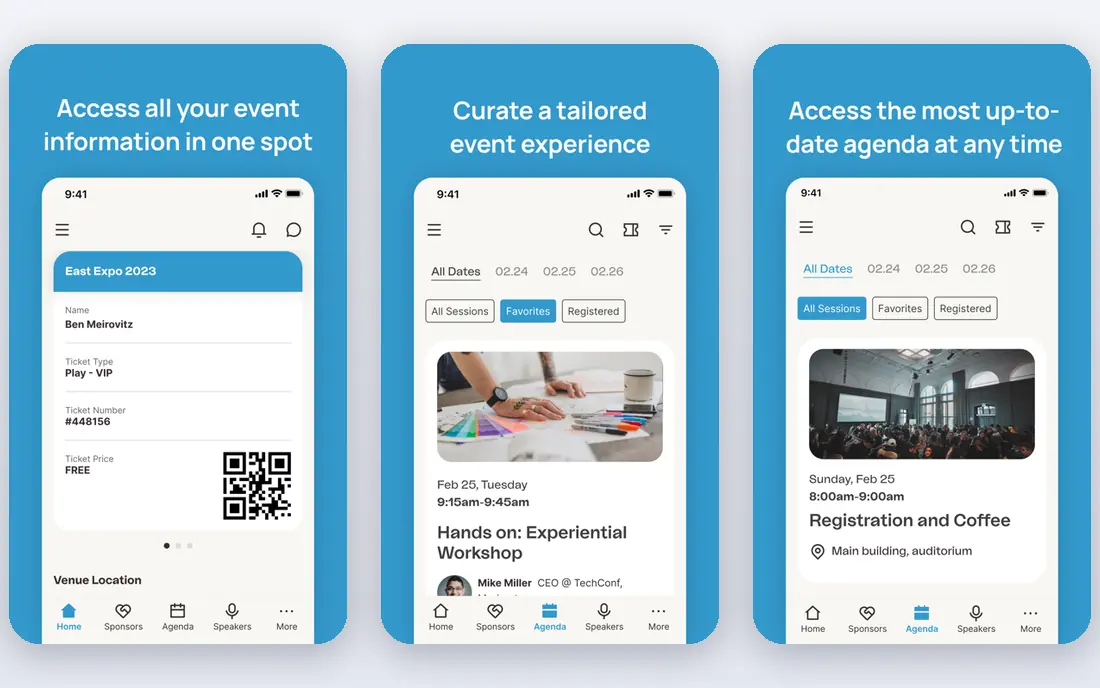
Automation Anywhere took a cloud-first path early, and that choice still shapes the product. Bots can be built in a browser, scaled without provisioning servers for every workload, and paired with document processing for invoices, forms, and contracts. For distributed teams, that setup removes a common source of delay.
Pricing is the main question to settle early. The Community Edition is free for learning and evaluation, but production plans are quoted. Ask for pricing tied to bot counts and document volumes, and test a real document type from your own work before you commit. The platform rewards teams that want a managed cloud service rather than a system they host themselves.
- Browser-based bot building
- Cloud-native scaling
- Document automation built in
- Production pricing is quote-based
- Marketplace is smaller than UiPath
- Heavy on-prem needs fit less well
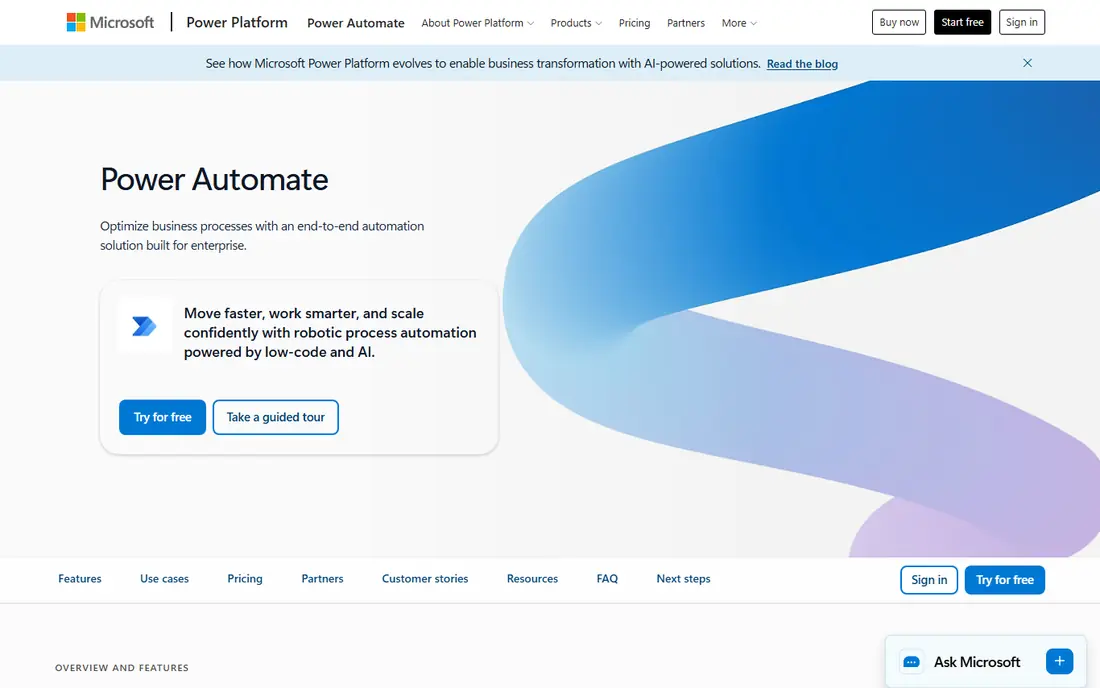
Power Automate is the natural first look for any team that already lives in Microsoft 365. Flows can start from Outlook, Teams, SharePoint, or Excel, and desktop flows can drive older applications that lack an API. Business users can build simple flows, while developers can handle the harder cases.
Watch the licensing split. Attended and cloud flows sit at a modest per-user price, while unattended automation is priced separately and at a higher level. That gap matters if you plan to run bots overnight without a person present. Still, for Microsoft-centered teams with mostly attended or cloud-based work, Power Automate is hard to beat on speed to first value.
- Deep Microsoft 365 and Teams links
- Low-code flows for business users
- Large connector library
- Unattended RPA costs much more
- Advanced governance needs higher tiers
- Non-Microsoft systems need extra care
SS&C Blue Prism has long been the choice for organizations where control matters more than speed of first build. Its design centers on a governed digital workforce, with roles, permissions, and audit trails that compliance teams can inspect. Banks, insurers, and other regulated operators often value that structure.
That strength comes with weight. Implementation tends to be more formal, pricing is quoted, and small teams will find the platform more than they need. Choose Blue Prism when you have a large estate, strict audit needs, and an IT team that will own the platform. For a quick pilot, start elsewhere and return to it when scale and control become the main problem.
- Strong control and audit features
- Suited to large, governed estates
- Long enterprise track record
- No published starting price
- Setup can be heavy
- Less friendly for small teams
Appian is not a pure RPA tool, and that is the point for many buyers. It pairs automation with workflow, case handling, and low-code applications, so a bot can sit inside a wider business process rather than alone. A loan file, a claim, or an approval chain can move through human steps and bot steps in one place.
The catch is scope. You are buying a platform, not just a bot runner, and pricing reflects that. Teams that only need screen automation may find Appian more than they want to learn and pay for. Teams that need end-to-end processes, with people and bots working together, will find the combination useful.
- Combines workflow, case management, and RPA
- Low-code app building
- Strong process visibility
- Quote-based pricing
- RPA is part of a wider platform
- Learning curve for full use
Pegasystems, often called Pega, targets the hardest end of automation: high-volume cases with rules, decisions, and many exceptions. Its workflow engine and decisioning tools let teams model how work should flow, then add bots and AI where they help. That makes it a fit for customer service, claims, and onboarding at scale.
Do not buy Pega for a single spreadsheet task. It needs design, governance, and often partner help to reach full value. The payoff comes when the same platform handles thousands of cases a day with consistent rules. If your process list is short and simple, a focused RPA tool will be faster and cheaper.
- Deep workflow and decision rules
- Strong for large case volumes
- AI-assisted automation features
- Quote-based pricing
- Implementation is a project, not a quick install
- Overkill for simple tasks
IBM Robotic Process Automation suits teams that already run IBM software or a hybrid cloud setup. Bots can work alongside IBM workflow, decision, and document tools, which keeps data and governance inside a familiar stack. The builder is aimed at both developers and business users, with templates for common tasks.
The limits are familiar for enterprise suites. Pricing is quoted, the public community is smaller than the market leaders, and teams outside the IBM world may get less benefit. If your estate is IBM-centered, the integration value is real. If it is not, compare UiPath and Automation Anywhere first.
- Fits IBM automation and cloud stacks
- Bot building with low-code tools
- Enterprise security options
- Pricing is quote-based
- Smaller community than UiPath
- Best value inside IBM estates
WorkFusion focuses on the back office, where work arrives as documents, emails, and forms. Its document understanding tools read and classify content, extract fields, and pass clean data to bots or people. That focus helps operations teams in banking, insurance, and shared services, where document volume is the bottleneck.
General-purpose RPA buyers may find the ecosystem narrower than the leaders. WorkFusion is strongest when your automation problem is really a document problem. Test it with your own documents, including messy scans and varied formats, because extraction accuracy on your real files matters more than any demo.
- Strong document understanding
- Prebuilt use cases for operations
- AI-assisted extraction
- Quote-based pricing
- Narrower general RPA ecosystem
- Best for specific operations teams
Nintex appeals to business teams that want to automate without becoming RPA specialists. Workflow builders, forms, and process maps sit together, so a team can document a process, automate its steps, and track results in one place. That makes it a good fit for operations, HR, and finance teams with many small processes.
Pure RPA depth is not its main claim. If you need large unattended bot farms or complex screen automation across legacy systems, the leaders above will serve you better. If you need many teams to automate their own workflows with IT oversight, Nintex gives you a practical middle path.
- Friendly workflow tools for business users
- Process mapping included
- Wide app connectors
- Quote-based pricing for many plans
- RPA depth trails pure RPA leaders
- Some features need higher tiers
How we picked these
We compared official product pages, pricing pages, and public documentation for each vendor, and we checked that each product is still offered in October 2026. We favored tools that cover attended and unattended automation, offer governance and monitoring, and serve real production use, not only demos. We excluded tools that had reached end of life or that only offered workflow without bot automation. Prices shown are published starting prices where vendors publish them; where they do not, we wrote See website rather than guessing a quote.
What to check before you buy RPA software
Start with the process, not the platform. Pick one process that is rule-based, high volume, and stable, then measure how long it takes today and how often it fails. That baseline lets you judge any pilot honestly. A tool that looks good in a demo can still fail on your systems, your data, and your access rules.
Count the real cost
Licenses are only part of the bill. Add bot development time, maintenance when target systems change, monitoring, and the people who own the platform. Quote-based tools need a written quote tied to bot counts, users, and document volumes. Ask what happens when you add bots mid-year, and what support hours are included.
Test governance early
Ask who can build, who can publish, and who can see bot credentials. Regulated teams should test audit logs, access controls, and change approval before rollout. A platform that is easy to build in but hard to govern will slow down once IT and compliance review it.
Plan for change
Target systems change, and bots break when screens or fields move. Favor tools with good exception handling, alerts, and version control. Keep a human fallback for every bot, and review each automation at least once a quarter. The best robotic process automation software is the one your team can keep running, not just the one that wins the first demo.
Frequently asked questions
What is robotic process automation?
Robotic process automation uses software bots to carry out repetitive, rule-based tasks in applications, much as a person would through the screen or through system links. Common uses include data entry, invoice handling, report generation, and moving data between systems. It works best when the steps are clear and the inputs are consistent.
Which RPA tool is best for a small team?
Microsoft Power Automate is often the best starting point for small Microsoft-centered teams, because the per-user price is published and business users can build simple flows. UiPath Community edition is also useful for learning. Small teams should start with one or two processes and only move to enterprise pricing when volume justifies it.
What is the difference between attended and unattended RPA?
An attended bot runs on a person's machine and helps with part of a task, while an unattended bot runs on its own schedule on a server without a person present. Unattended bots usually cost more and need stronger governance, scheduling, and monitoring. Choose attended bots for tasks that need human judgment midway, and unattended bots for fully rule-based work that runs overnight.
How much does top robotic process automation software cost?
Entry prices range from free community editions to about $15 to $25 per user per month for published tiers, while most enterprise RPA platforms are quote-based. The full cost depends on bot counts, users, document volumes, and support. Get a written quote for your expected scale before comparing vendors on price alone.
Do I need developers to use RPA tools?
Simple flows can be built by trained business users on low-code tools, but production automation still needs IT involvement for access, security, and maintenance. Complex processes, legacy systems, and regulated data usually need developers or automation specialists. Plan for a mix: business users find and design processes, and technical staff build and support the harder ones.
Is RPA being replaced by AI agents?
Not fully. AI agents help when a workflow needs judgment, reading varied documents, or handling exceptions, while RPA remains cheaper and more predictable for fixed, rule-based steps. Many vendors now combine both, with agents deciding and bots carrying out actions. For stable, repetitive work, RPA alone is often still the right choice.
Sources
- https://www.uipath.com/pricing
- https://www.automationanywhere.com
- https://www.microsoft.com/en-us/power-platform/products/power-automate
- https://www.blueprism.com
- https://www.appian.com
- https://www.pega.com
- https://www.ibm.com/products/robotic-process-automation
- https://www.workfusion.com
- https://www.nintex.com
See where you really rank - block by block
ProMapRanker scans Google Maps across a grid of your service area. Simple monthly plans from $19, white-label on every plan.
Start freeKeep reading
 zscaler alternatives
Best Zscaler Alternatives in 2026
Looking for zscaler alternatives? We compare 9 SASE and zero trust platforms on architecture, data protection, pricing, and fit for your network and team.
Read → zapier alternatives free
Best Zapier Alternatives Free in 2026
Nine automation tools for zapier alternatives free in 2026, all with genuinely free tiers, plus free plan limits, starting prices and upgrade paths explained.
Read → which platform is best for online reputation
Which Platform Is Best for Online Reputation in 2026
Wondering which platform is best for online reputation? We compare 8 review, listing, and response tools for small and multi-location businesses and agencies.
Read →