 ProMapRanker
Best RMM Software for MSP in 2026

Key takeaways
- Atera and Syncro use per-technician pricing with unlimited endpoints, which often wins for MSPs with many devices per tech.
- NinjaOne and SuperOps use per-endpoint pricing, which often wins for smaller device counts or for teams that want a focused RMM.
- Datto RMM, ConnectWise RMM, N-able N-central, and Kaseya VSA are quote-based, so get pricing in writing before you compare totals.
- Action1 is a useful free starting point for patching up to 200 endpoints, but it is not a full replacement for a complete RMM and PSA stack.
Quick comparison
| Pick | Great for | Pricing starts at | Free tier | |
|---|---|---|---|---|
 NinjaOne | Fast, modern RMM for growing MSPs | See website | Free trial | Visit |
 Atera | Small to mid-size MSPs wanting one platform | $129 per technician per month | Free trial | Visit |
 Syncro | Small MSPs wanting RMM plus PSA | $129 per user per month | Free trial | Visit |
 Datto RMM | MSPs in the Kaseya and Datto stack | See website | Free trial | Visit |
 ConnectWise RMM | Mature MSPs in the ConnectWise stack | See website | Free trial | Visit |
 N-able N-central | Large, complex MSP environments | See website | Free trial | Visit |
 Pulseway | Mobile-first monitoring and response | See website | Free trial | Visit |
 Kaseya VSA | MSPs standardizing on Kaseya | See website | Free trial | Visit |
 SuperOps | Modern RMM plus PSA in one workspace | $1.50 per endpoint per month | Free trial | Visit |
 Action1 | Free patching for up to 200 endpoints | Free | Yes | Visit |
The best RMM software for MSP
Remote monitoring and management software lets a managed service provider watch client devices, push patches, run scripts, and fix problems remotely. The tools below differ mainly in pricing model, depth, and ecosystem, so we compared official pricing pages, feature documentation, and public MSP guides.
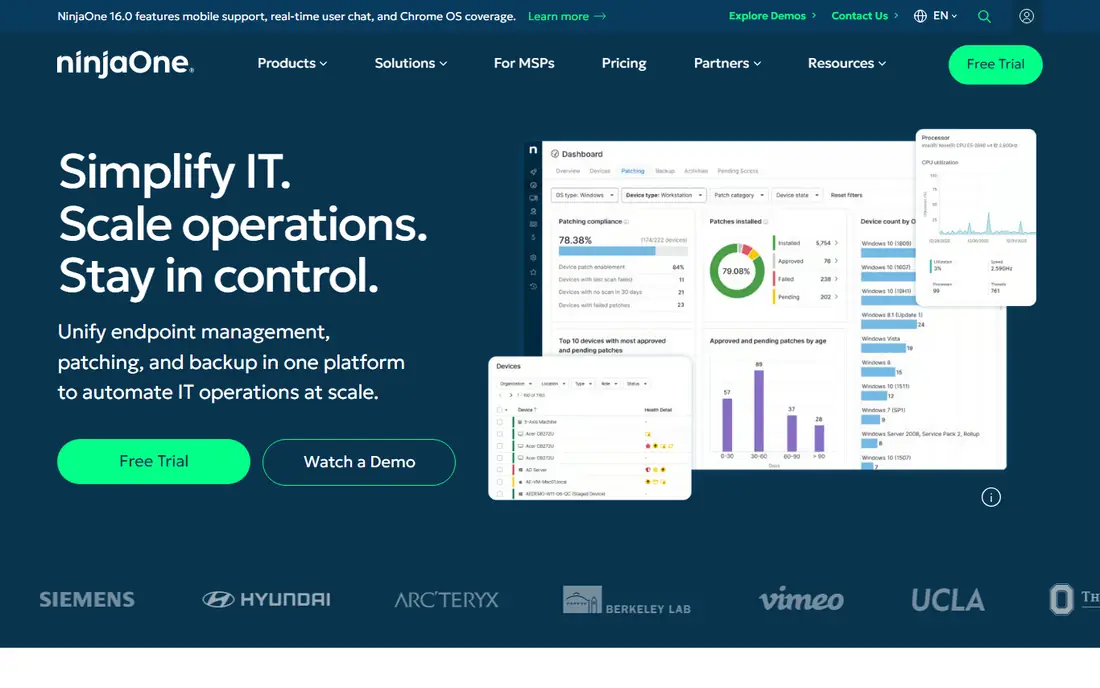
NinjaOne is often the first tool MSPs mention when they want an RMM that feels modern and does not need a dedicated admin to keep it running. Patching, scripting, remote access, and monitoring sit in one console, and onboarding a new client tends to be quicker than with older, heavier platforms.
Pricing is the main caveat. NinjaOne does not publish a simple list price you can budget from, and third-party estimates vary by endpoint volume and modules. Treat any per-device figure you see online as an estimate, and get a written quote for your actual endpoint count.
- Clean interface and fast onboarding
- Strong patching and automation
- Broad Windows, Mac, and Linux support
- Pricing is quote-based in practice
- Advanced automation has limits for very complex workflows
- Add-on modules add cost
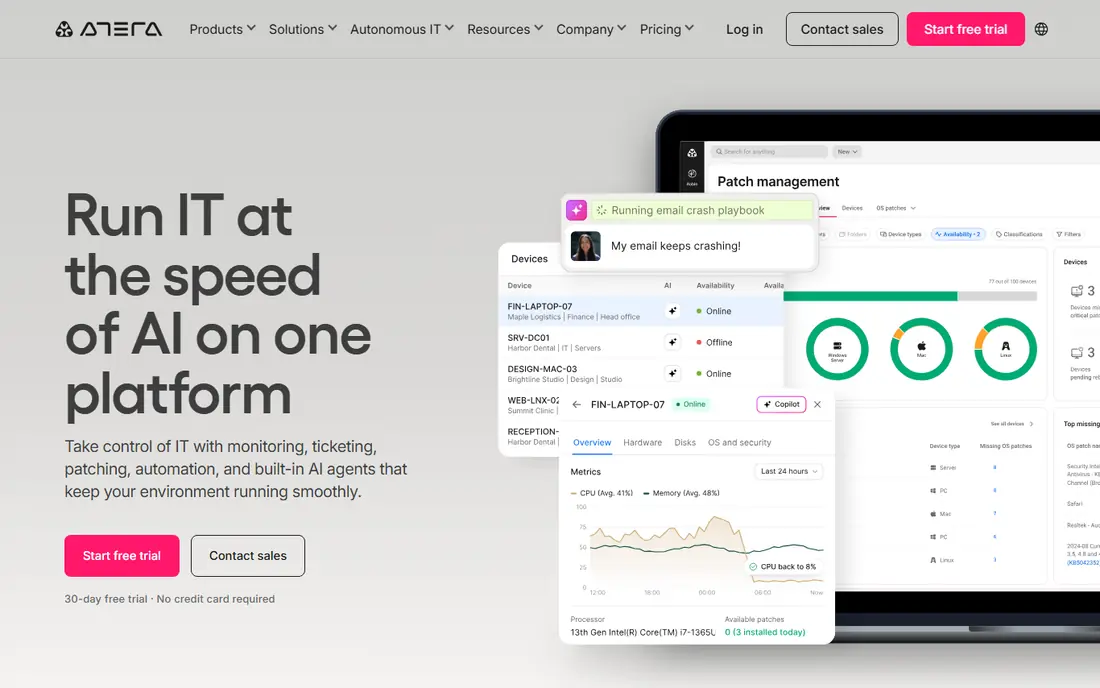
Atera solves a specific pricing problem: an MSP with many endpoints per technician should not pay per device if it does not have to. At $129 per technician per month on annual billing for the Pro plan, with unlimited endpoints, a tech managing 200 devices pays far less per device than on a per-endpoint plan. The platform also bundles ticketing, billing, patching, and remote access, so a small MSP can run most of its operation in one place.
The trade-off is depth at scale. Atera scripting and automation work well for common jobs, but very large MSPs with complex conditional workflows may find dedicated tools such as ConnectWise Automate or N-able more flexible. For a small to mid-size MSP that wants simple pricing and one console, Atera is often the best value on this list.
- Per-technician pricing with unlimited endpoints
- RMM plus PSA in one platform
- Built-in remote access and patching
- Scripting depth is weaker than some dedicated RMM tools
- Larger teams may outgrow it
- Some advanced features sit on higher tiers
Syncro pairs RMM with a full PSA at $129 per user per month on annual billing for Core, which makes budgeting simple for a small MSP. Tickets, contracts, billing, scripting, patching, and remote access live together, and the client portal gives customers a place to see tickets and pay invoices.
Syncro is less flashy than SuperOps or NinjaOne, and very large MSPs may want a deeper PSA or a dedicated RMM. But for the small MSP buyer this article is mainly for, that trade is often worth it. If you want one bill, one login, and per-tech pricing, put Syncro next to Atera on your shortlist and compare ticketing depth in a trial.
- RMM, PSA, and billing in one platform
- Clear per-user pricing
- Strong scripting and client portal
- Interface feels less polished than newer rivals
- Larger MSPs may need deeper PSA features
- Pricing rises on higher tiers
Datto RMM is a cloud RMM built for MSPs, with policy-based monitoring, automated patching, and ransomware detection that flags suspicious activity on endpoints. Its strongest case is inside the wider Datto and Kaseya world: pair it with Autotask for PSA and Datto backup for recovery, and you get one vendor story for monitoring, ticketing, and backup.
Outside that stack, the case weakens. Pricing is custom, so you cannot budget from a public price, and a shop that uses a different PSA or backup tool may pay for integration work that a stack-native shop avoids. If you already run Autotask or Datto backup, Datto RMM deserves a close look. If you do not, compare it on features and total quoted cost, not on brand alone.
- Policy-based monitoring and automation
- Ransomware detection features
- Strong fit with Autotask PSA and Datto backup
- Quote-based pricing
- Value drops outside the Datto and Kaseya stack
- Setup can feel enterprise-heavy for tiny MSPs
ConnectWise RMM, including the Automate lineage, is the deep-automation pick on this list. Mature MSPs can build complex workflows, custom monitors, and scripted responses that smaller tools cannot match, and the link to ConnectWise Manage PSA keeps tickets, time, and billing in one ecosystem. For a large MSP with a dedicated automation admin, that ceiling is a real advantage.
The cost is complexity. ConnectWise pricing is custom, implementation can require paid onboarding, and a shop without a dedicated admin may never use the depth it paid for. Smaller MSPs often do better with NinjaOne, Atera, or Syncro first, then move to ConnectWise when automation needs outgrow those tools. If you already run ConnectWise Manage, the integration case for ConnectWise RMM is strong.
- Deep automation and scripting
- Strong PSA integration with ConnectWise Manage
- Network monitoring options
- Quote-based pricing
- Needs a skilled admin to get full value
- Implementation can be slow and costly
N-able N-central is built for MSPs managing large, complex fleets across many clients. Rule-based monitoring, automation policies, and multi-tenant controls help a team standardize how devices are watched and patched, rather than configuring each client by hand. Integrations for backup and security let larger shops build a consistent stack.
That power needs investment. Pricing is quote-only, training takes time, and a small MSP may find the platform heavier than it needs. The value shows at scale, when consistency across hundreds or thousands of endpoints matters more than a pretty interface. If you manage a large fleet and need granular control, N-central belongs on the shortlist. If you manage under 200 endpoints, start with a simpler tool.
- Rule-based monitoring at scale
- Strong automation for large fleets
- Broad security and backup integrations
- Quote-based pricing
- Learning curve is steep
- Overkill for a solo tech or tiny MSP
Pulseway stands out for one reason: its mobile app. A technician can get an alert, check a server, restart a service, or run a script from a phone without waiting to reach a desk. Real-time alerts and endpoint monitoring cover the core RMM job well.
The trade-off is that Pulseway is an RMM first, with lighter PSA depth than all-in-one rivals. Pricing is also quote-based, so you need a sales conversation to budget. If your team lives on mobile and you already have a PSA you like, Pulseway is a strong RMM-only pick. If you want RMM plus ticketing and billing in one bill, compare Atera, Syncro, and SuperOps first.
- Strong mobile app for alerts and remote actions
- Real-time monitoring
- Good for techs away from a desk
- Quote-based pricing
- PSA features are lighter than Syncro or Atera
- Desktop console feels secondary to mobile
Kaseya VSA is a long-standing RMM with deep scripting, remote control, patching, and multi-tenant controls for MSPs managing many clients. Its case is strongest inside Kaseya IT Complete, where it links to documentation, PSA, backup, and security tools from the same vendor. For a shop that standardizes on Kaseya, that single-vendor story can simplify support and billing.
Outside that stack, VSA faces newer rivals with cleaner interfaces and clearer pricing. Pricing is custom, and some users describe the console as dated next to NinjaOne or SuperOps. If you already use Kaseya tools, VSA is the natural RMM to evaluate. If you do not, judge it on quoted cost and trial experience against the modern tools above.
- Deep scripting and multi-tenant management
- IT documentation links
- Wide Kaseya IT Complete integrations
- Quote-based pricing
- Interface feels dated to some users
- Best value only inside the Kaseya stack
SuperOps is the modern all-in-one challenger on this list, pairing RMM with PSA in a clean workspace that feels built for current MSP workflows. Pricing starts at $1.50 per endpoint per month on Prime, with a 100-endpoint minimum in published listings, which makes it easy to model for a small fleet. Automation, asset management, and ticketing sit together, and the interface is a clear step up from older RMM consoles.
Because SuperOps is newer than ConnectWise or N-able, some very deep or niche features may still be maturing, and per-endpoint pricing can grow costly for fleets with many devices per tech. Compare its total at your real endpoint count with Atera and Syncro before you sign.
- Modern interface
- RMM plus PSA in one workspace
- Per-endpoint pricing from $1.50 on Prime with a minimum
- Newer platform, so some deep features are still maturing
- Per-endpoint cost grows with fleet size
- Minimum endpoint count applies
Action1 is not a full RMM replacement, but it earns a place because its free tier is genuinely useful: patching and endpoint management for up to 200 endpoints at no cost. For an internal IT team or a tiny MSP that mainly needs to keep Windows and third-party apps patched, that free tier can delay or remove a paid purchase. It also gives a team a safe way to learn patch automation before buying a larger platform.
Do not expect a full PSA, billing, or deep remote support stack from Action1 alone. Above 200 endpoints, pricing moves to a custom quote, so larger fleets need a sales conversation. Use Action1 as a free patching foundation, or as a complement to a paid RMM, rather than as your only MSP platform if you need ticketing and client management too.
- Free for the first 200 endpoints
- Strong patching and vulnerability remediation
- Cloud-native and quick to start
- Patching-focused, not a full RMM plus PSA
- Paid pricing above 200 endpoints is quote-based
- Remote access is not its core strength
How we picked these
We compared official pricing pages, feature documentation, and public MSP comparisons for each tool. We favored tools that are still sold and supported in October 2026, that cover monitoring, patching, scripting, and remote access for MSP use, and that fit a clear pricing model. Where a vendor did not publish a price, we wrote See website rather than treating a third-party estimate as a vendor price.
How to choose an RMM for your MSP
Start with your pricing math, not with a feature checklist. Count your endpoints and your technicians, then model both models. Per-technician pricing wins when each tech manages many devices. Per-endpoint pricing wins when device counts are low or when you want a focused RMM without paying for PSA features you already own.
Next, test the daily workflow in a trial. Patch a test group, run a script, open a ticket from an alert, and try a remote session from a phone. A tool that looks good in a demo can still slow you down if alerts are noisy, if scripting needs workarounds, or if the mobile app lags. Run the trial with real client-like devices, not just a single test machine.
Check PSA, backup, and documentation links
An RMM rarely lives alone. Confirm that it links to your PSA, your backup tool, and your documentation system, and that those links are maintained, not just listed on a marketing page. A broken PSA link means double entry, missed tickets, and billing errors. If you plan to standardize on one vendor stack, that link matters even more.
Plan alert tuning before you go live
Noisy alerts are the fastest way to lose trust in a new RMM. Start with a small set of critical monitors, tune thresholds for your clients, and review alert volume weekly for the first month. A quiet, trusted alert system gets acted on. A noisy one gets ignored, which defeats the purpose of monitoring.
Frequently asked questions
What is the best RMM tool for MSP teams?
For small MSPs, Atera and Syncro often win on simple per-tech pricing and all-in-one coverage. For a focused, modern RMM, NinjaOne is a strong pick. For large, complex fleets, ConnectWise RMM and N-able N-central offer deeper automation. The best tool depends on your endpoint count, tech count, and PSA choice.
What is the best RMM software for MSPS on a budget?
Action1 is free for up to 200 endpoints for patching, which suits tiny teams and internal IT. For a full RMM plus PSA on a budget, compare Atera and Syncro per-tech pricing with SuperOps per-endpoint pricing at your real device count, and pick the lower total.
Is per-technician or per-endpoint pricing better?
Per-technician pricing usually wins when each tech manages many endpoints, since the cost does not rise with every new device. Per-endpoint pricing usually wins for small fleets, or when you already own a PSA and want a focused RMM. Model both at your actual numbers before you sign.
Do I need both an RMM and a PSA?
An RMM monitors and fixes devices. A PSA handles tickets, contracts, time, and billing. All-in-one tools bundle both, while dedicated RMM tools integrate with a separate PSA. Small MSPs often prefer a bundle for simplicity. Larger MSPs often split them for deeper features on each side.
Can I try RMM software before buying?
Yes, most tools here offer a free trial, typically 14 to 30 days, and Action1 offers a free tier up to 200 endpoints. Use the trial with real workflows: patching, scripting, alerts, and remote access, not just a dashboard tour.
What should an MSP check before switching RMM tools?
Check contract length, endpoint minimums, PSA and backup integrations, data export for device history, and migration help. Plan a staged rollout by client, not a single weekend cutover, and keep the old tool running until the new alerts prove trustworthy.
Sources
See where you really rank - block by block
ProMapRanker scans Google Maps across a grid of your service area. Simple monthly plans from $19, white-label on every plan.
Start freeKeep reading
 zoho inventory alternatives
6 Alternatives to Zoho Inventory, Compared on Price and Fit
Zoho Inventory alternatives: 6 tools compared on price, free plans and fit. Katana leads the list for manufacturers. Fit and flaws are laid out for each entry.
Read → zoho crm alternatives
Best Zoho CRM Alternatives (2026)
Need Zoho CRM alternatives? We compare 7 tools on cost, free access and who each suits. Every pick gets a straight assessment. Built for quick decisions.
Read → zelle alternatives
Best Zelle Alternatives in 2026
Compare the best Zelle alternatives for sending money to friends, paying sellers and moving funds abroad, with honest notes on fees, speed and safety in 2026.
Read →