 ProMapRanker
Best-Reviewed Software to Auto-Generate Docs in 2026


Written step-by-step guides · Pricing starts at: $25 per seat per month
Key takeaways
- Capture tools such as Scribe, Tango, and Guidde turn clicks into guides, while Mintlify and GitBook suit developer docs.
- Auto-generated drafts still need human review, especially for safety steps, permissions, and version changes.
- Per-creator pricing means your bill follows author count, not reader count, on most tools here.
- Export format matters: Markdown-based tools move cleanly, while proprietary formats can lock content in.
Quick comparison
| Pick | Great for | Pricing starts at | Free tier | |
|---|---|---|---|---|
| Scribe | Written step-by-step guides | $25 per seat per month | Yes | Visit |
 Tango | Interactive team guides | $22 per user per month | Yes | Visit |
 Guidde | Video-first how-to guides | $19 per creator per month | Yes | Visit |
 Mintlify | Polished developer docs | $450 per month | Yes | Visit |
 GitBook | Team docs with Git sync | $65 per site per month | Yes | Visit |
 ReadMe | Interactive API references | $250 per month | Yes | Visit |
 Document360 | Customer knowledge bases | See website | Free trial | Visit |
 Archbee | Mixed internal and external docs | $80 per month | No | Visit |
 Docusaurus | Free docs-as-code sites | Free | Yes | Visit |
The best-reviewed software to auto-generate docs
Auto-generation covers two different jobs: recording what someone does on screen, and building reference docs from code or specs. The nine below cover both, so match the tool to the kind of doc you actually produce.
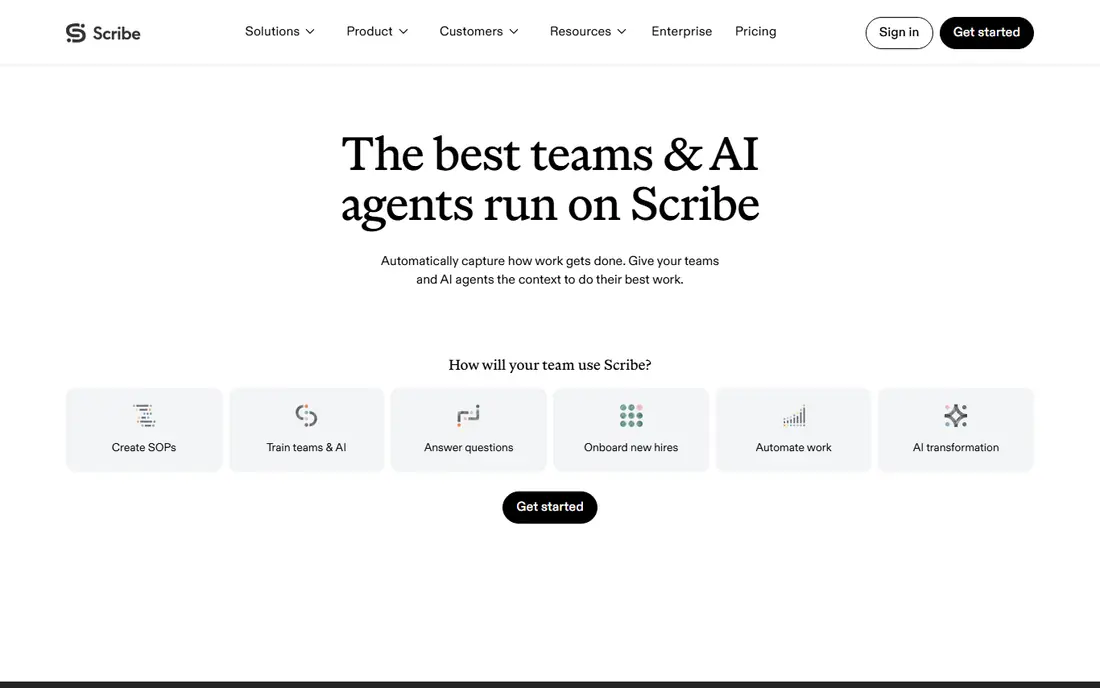
Scribe records a workflow in the browser and turns it into a written guide with screenshots and steps, which suits support teams and operations staff who write the same how-to many times. The free tier covers basic capture and link sharing, while the paid solo plan is listed at $25 per seat per month on annual billing. Editing is straightforward, and guides can be embedded or exported on paid plans.
The limit is format. Scribe optimises for readable text guides, not video training or interactive product tours. Teams handling sensitive screens should also note that automatic detection of personal data is an enterprise feature, so manual redaction matters on lower tiers.
- Captures clicks into clear written steps
- Easy sharing by link
- Redaction tools on paid plans
- Video and interactive walkthroughs are limited
- Automatic redaction sits in higher tiers

Tango also captures on-screen work, but its guides feel more interactive, with guided steps that readers can follow inside the product workflow. The free tier covers a small number of shared workflows, and the paid plan is listed at $22 per user per month on annual billing. Training teams like the ability to see who finished a guide, though that tracking sits in higher tiers.
The cost model needs care because every creator counts toward the bill, even if most staff only read guides. Desktop application capture also needs a paid plan, so browser-only teams get the best value from the free and entry tiers.
- Captures workflows into interactive guides
- Completion tracking on higher tiers
- Clean browser capture
- Desktop capture needs a paid plan
- Team pricing rises with each creator
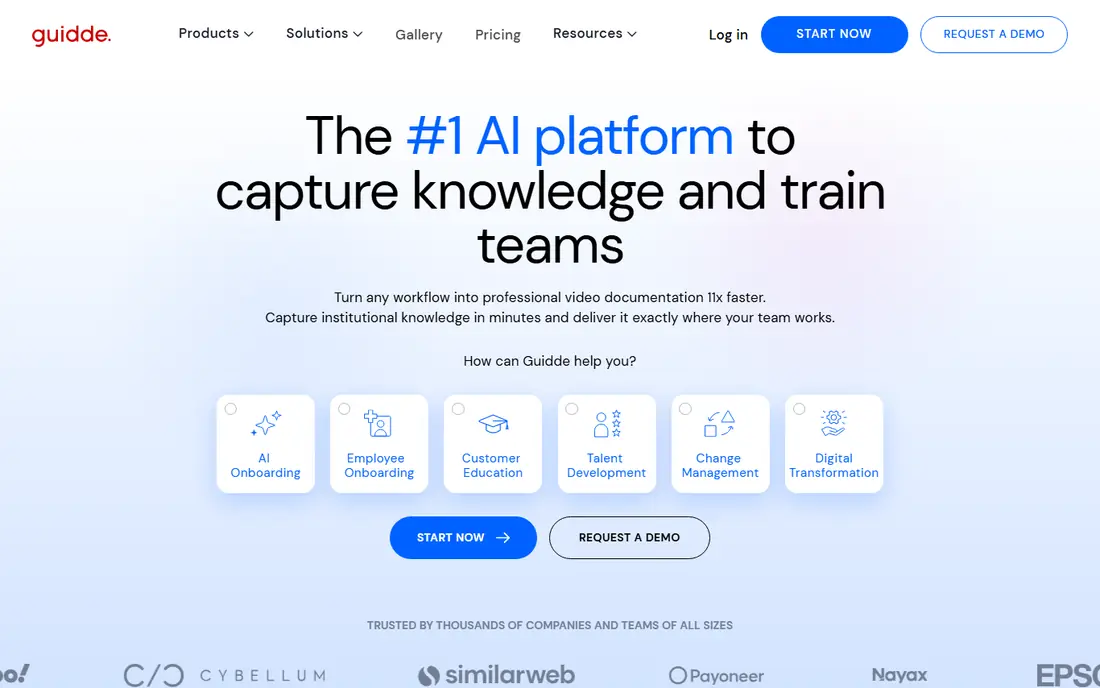
Guidde takes a different route by turning a recorded workflow into a video guide with narration, which suits onboarding and customer-facing explanations where seeing the steps helps. The free tier covers up to 25 videos, and the creator plan is listed at $19 per creator per month on annual billing. That video-first output stands out when new staff learn better by watching than by reading.
Written documentation is not its strength, so teams that need searchable text guides should pair it with a docs platform. Voiceover and desktop capture also sit in higher tiers, which raises the cost for teams that need both formats from one tool.
- Turns captures into narrated video guides
- Strong for onboarding
- PDF and slide exports on paid plans
- Written docs are secondary
- Voiceover and desktop capture need higher tiers
Mintlify is the design leader for developer documentation, producing API references, guides, and changelogs that look polished with little styling work. Content lives in MDX in your repository, so docs version alongside code, and the free Starter plan covers five editor seats with a custom domain. Pro, at $450 per month on annual billing, adds a reader assistant, a writing agent, and automations that update docs when products change.
The price jump is the main barrier. Small teams may find the free tier enough for basic docs, but AI features need Pro, and assistant answers consume credits. Mintlify fits funded teams where docs drive developer adoption, not hobby projects watching every dollar.
- Beautiful default output
- Docs stored as Markdown in Git
- AI assistant and automations on Pro
- Steep jump from free to Pro
- AI answers consume credits
GitBook suits teams where writers, support staff, and engineers all edit docs. The visual editor is easy for non-technical writers, while Git sync keeps a Markdown copy for engineers who prefer version control. Premium starts at $65 per site per month plus $12 per user on annual billing, and the free plan covers one site and one user.
Costs rise with author count, so model the bill at your real team size. The reader assistant that answers questions from your docs sits on the Ultimate tier, so teams buying GitBook mainly for AI search should price that tier, not the entry tier.
- Friendly visual editor
- Git sync keeps a Markdown mirror
- Readers are not charged per view
- Per-user fees add up
- Reader AI needs the highest tier
ReadMe leads for API-first products because readers can try real requests with their own keys, and teams can see which developers actually use each endpoint. The free tier covers one teammate and one project, while Pro is listed at $250 per month. That interactive reference, plus changelogs and guides in one hub, makes it a strong developer portal.
The drawback is cost and lock-in. Small teams with one simple API may get similar output from Mintlify or Docusaurus for less, and ReadMe's proprietary format makes moving content harder than Markdown tools. Choose it when API usage data and interactive trying are central to your developer strategy.
- Interactive API playgrounds
- Usage data per developer
- OpenAPI sync
- Entry price is high for small APIs
- Migration out can be painful
Document360 is built for customer-facing help centres and internal knowledge bases, with categories, search, and analytics that help support teams see which articles actually deflect tickets. AI search and answer features can surface content faster, though pricing for those features needs a quote. Markdown support and version control help technical writers keep content organised at scale.
The honest limit is API documentation. Teams with a public API will likely still need ReadMe, Mintlify, or GitBook for interactive references, and run Document360 alongside for support content. Price the full setup, including AI features, before comparing it with cheaper wiki tools.
- Built for support knowledge bases
- AI search and answer features
- Strong categorisation and analytics
- Pricing is quote-based for AI features
- API docs are weaker than dedicated API tools
Archbee suits product teams that otherwise run two tools, one for internal runbooks and one for public docs. Permissions control what is public, while the block editor handles prose and technical content in one place. The Growing plan is listed at $80 per month, with a Scaling plan at $350 per month for versioning, localisation, and approval workflows.
The absence of a free tier makes testing more committed than with rivals, and versioning sits behind the higher plan, which matters for teams shipping multiple product versions. If you only need public docs or only internal docs, a more focused tool may cost less.
- One workspace for internal and public docs
- Block editor
- Versioning and localisation on higher tiers
- No free tier
- Versioning is gated behind the higher plan
Docusaurus, maintained by Meta, is the free route to a docs site you fully control. Content is Markdown, versioning handles multiple releases, and plugins cover search and multi-language sites. For engineering teams and open source projects, the absence of a monthly fee and the clean Markdown export are real advantages.
Auto-generation is the gap. Docusaurus does not write your docs from code or clicks by itself, so teams pair it with generators, scripts, or manual writing. Setup takes days, not minutes, and needs React, Git, hosting, and a deployment pipeline, so budget staff time instead of subscription cost.
- Free and open source
- Full control over design and hosting
- Versioning and multi-language support
- No auto-generation from code by itself
- Setup needs React and hosting skills
How we picked these
We compared vendor pricing pages, product documentation, and recent comparisons of documentation tools, and we favoured tools with a clear auto-generation path, whether capture, AI drafting, or spec-to-reference generation. We checked free tiers, per-author pricing, export options, and whether API references were truly interactive. Tools that only store manually written pages, with no generation help, were left out.
How to use auto-generated docs without publishing errors
Treat every generated draft as a first draft, not a finished page. Check each step against the current product, since interfaces change and a captured guide can go stale in a single release. Remove personal data, test credentials, and internal URLs before sharing, and add warnings where a step changes data or permissions.
Set an owner and a review date for each guide, and link guides to release notes so updates trigger a recheck. The fastest way to lose trust in docs is to publish a confident guide that no longer matches the screen. A short human review pass costs far less than the support tickets that follow a wrong guide.
Frequently asked questions
Can auto-generated docs replace technical writers?
No, they speed up first drafts and capture routine steps, but writers still need to check accuracy, structure, and tone. The best results come from capture plus editing, not capture alone.
Which tool is best for API documentation?
ReadMe and Mintlify lead for interactive API references, with GitBook close behind for mixed guides and references. Choose ReadMe when developer usage data matters, and Mintlify when polished docs-as-code output matters more.
Do I own the content if I cancel?
It depends on format. Markdown-based tools such as Mintlify and Docusaurus export cleanly, while proprietary block formats can make migration harder. Confirm the export path before you commit to a paid plan.
Is a free plan enough for a small team?
Often yes for a first docs site, especially with Scribe, Tango, GitBook, or Mintlify free tiers. Limits usually appear in author seats, custom domains, exports, or AI features, so check those four limits against your actual needs.
How do I keep generated docs up to date?
Assign an owner, tie guides to releases, and review pages on a schedule. Tools with automations can flag stale pages, but a human still needs to confirm that the steps match the current product.
Sources
See where you really rank - block by block
ProMapRanker scans Google Maps across a grid of your service area. Simple monthly plans from $19, white-label on every plan.
Start freeKeep reading
 worlds best local seo company
8 Worlds Best Local SEO Companies for Map Pack Growth in 2026
Compare the worlds best local seo company options for Google Business Profile work, citations, reviews, and multi-location rankings and reporting in 2026.
Read → world's best web hosting company
World's Best Web Hosting Company in 2026
Searching for the world's best web hosting company? We compared 10 hosts on price, renewal rates, speed, and support to help you choose well today in 2026.
Read → who's got the best nanny tax services
Who's Got the Best Nanny Tax Services in 2026
We answer who's got the best nanny tax services, comparing full filing, back taxes, software, and pricing so families can handle nanny taxes correctly.
Read →