 ProMapRanker
Best Reviewed HR Software Solutions in 2026


Growing teams that need clear HR records · Pricing starts at: $10 per employee per month
Key takeaways
- BambooHR and Gusto publish starting prices, which makes early budgeting easier than with quote-only tools.
- Rippling and Deel suit teams that need HR, IT, payroll or global hiring in one place, but the full cost depends on the modules chosen.
- Small teams should check what is included in the base plan, because payroll, benefits and time tracking are often add-ons.
- This is opinion-based guidance drawn from public vendor pages and public reviews, not from hands-on testing or invented scores.
Quick comparison
| Pick | Great for | Pricing starts at | Free tier | |
|---|---|---|---|---|
| BambooHR | Growing teams that need clear HR records | $10 per employee per month | Free trial | Visit |
 Gusto | Small US teams that need payroll first | $49 per month plus $6 per person | No | Visit |
 Rippling | Scaling teams that need HR plus IT | $8 per user per month | No | Visit |
 Deel | Teams hiring across borders | See website | No | Visit |
 ADP Workforce Now | Larger employers that need deep compliance support | See website | No | Visit |
 Paylocity | Midsize teams that want payroll and HR together | See website | No | Visit |
 HiBob | People teams that focus on culture and growth | See website | No | Visit |
 Zoho People | Small teams already using Zoho tools | See website | Free trial | Visit |
The best reviewed hr software solutions
We compared vendor pricing pages, feature pages and public review themes for these eight tools. The list below covers payroll-first tools, HR record systems and global hiring platforms, so a reader can match the tool to the size and shape of the team. This article gives general information only, not legal advice. HR rules vary by state and country, and employee-data privacy and consent rules also vary, so check local requirements before collecting or storing employee data.
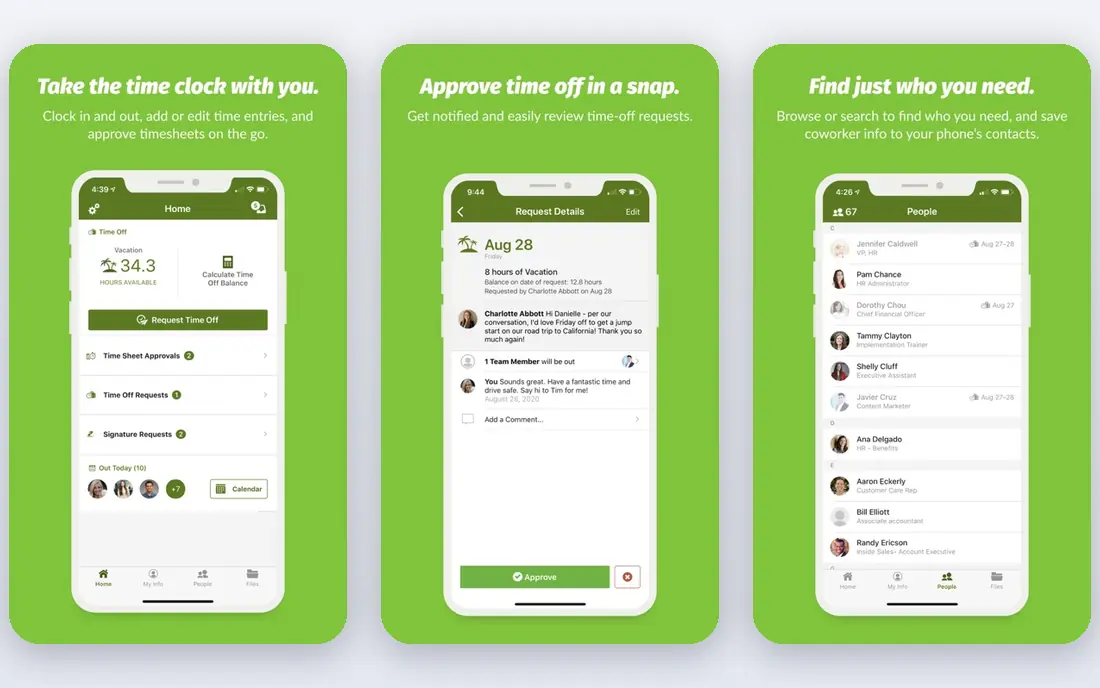
BambooHR works best as a central record for people data, hiring and onboarding. Core covers employee records, reports, an applicant tracking system, new hire packets, e-signatures and time off, which gives a growing team one place to keep the basics in order. The published starting price is $10 per employee per month for Core for teams over 25 people, with Pro at $17 and Elite at $25, while smaller teams start from a flat monthly rate. That clarity helps a buyer estimate the base cost before talking to sales.
The catch is the add-on structure. Payroll, benefits administration and time and attendance are sold separately, so the headline price is not the full bill for a team that wants payroll in the same system. Performance management also starts at Pro, and compensation tools sit at Elite. BambooHR still suits a team that wants a tidy HR system first and is happy to price payroll as a separate decision.
- Published starting prices
- Hiring and onboarding in the base plan
- Clear time off tracking
- Payroll and benefits are add-ons
- The small-team flat rate can feel high for very small teams
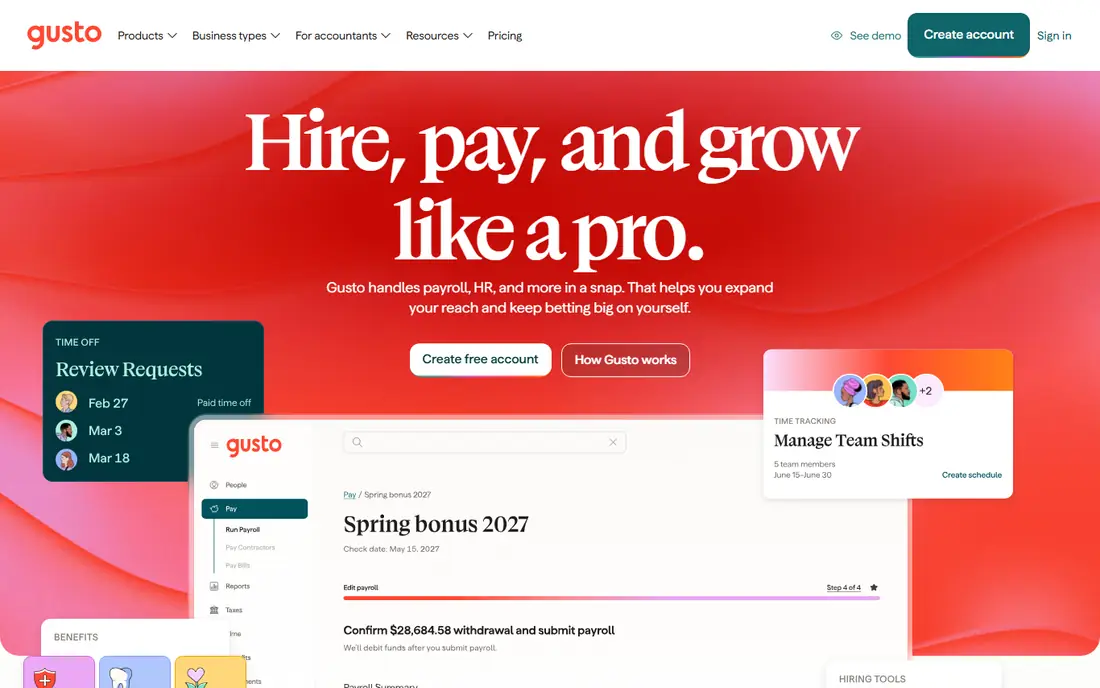
Gusto starts from payroll and adds HR around it, which is the right order for many small US businesses. Simple costs $49 per month plus $6 per person and covers single-state payroll, tax filings, direct deposit and basic time off tracking. Plus at $80 per month plus $12 per person adds multi-state payroll, time tracking and scheduling, while Premium at $180 per month plus $22 per person adds certified HR experts and a dedicated service advisor.
The limit to watch is plan placement. A team that hires across states, needs time tracking or wants stronger HR support will need Plus or Premium, not Simple. Gusto does not try to be a global employer platform, so international hiring needs a different tool. For a US team under about 50 people with straightforward payroll, the published price and the short setup path are the main draws.
- Published payroll pricing
- Unlimited payroll runs on listed plans
- Simple setup for small teams
- Multi-state payroll sits on higher plans
- HR depth grows only on Plus and Premium
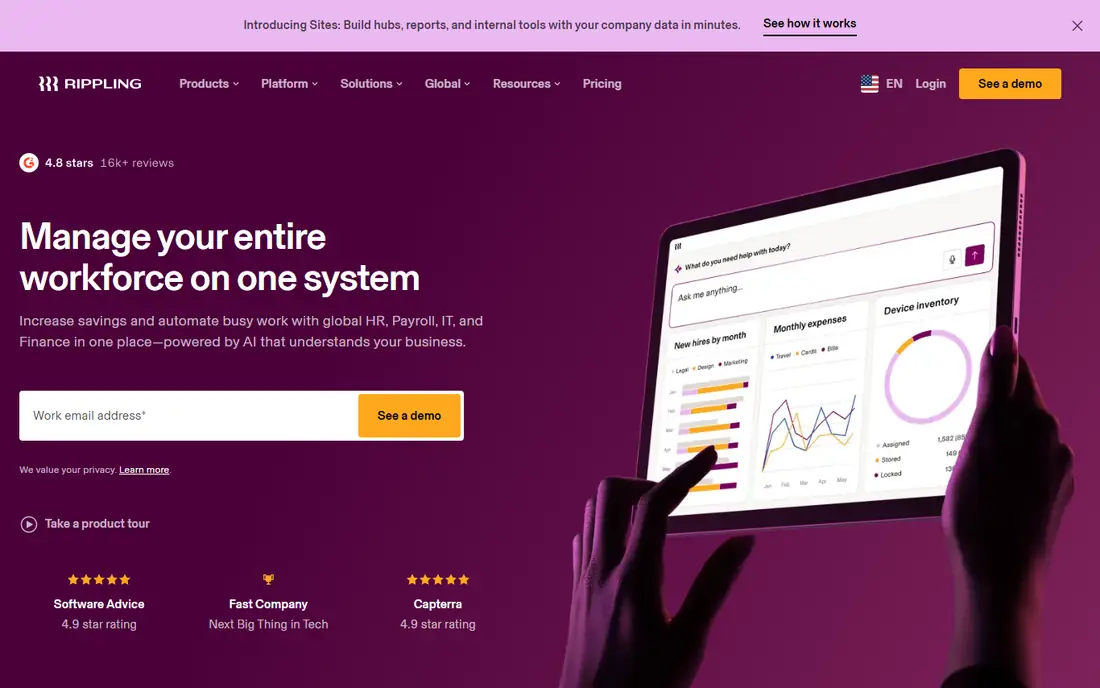
Rippling suits a team that is tired of keeping HR, device access and finance tools in separate places. The platform starts at $8 per user per month, with HR, payroll, benefits, time tracking, IT device management and spend tools added as modules. That shared employee record is the point: a hire, a role change or a departure can trigger changes across apps and payroll instead of being re-entered in several systems.
The trade-off is complexity and cost control. The starting figure is only the base, and the real monthly total depends on which modules are added. Setup also takes more care than a payroll-only tool, because workflows and permissions need to be planned. Rippling fits a scaling, tech-comfortable team better than a very small team that only needs payroll and basic records.
- One employee record across HR, IT and finance
- Strong automation
- Global payroll options
- Modules are priced on top of the base
- Quotes are needed for a full cost
Deel is built for the problem of hiring people who live in different countries. It offers contractor management, employer-of-record services, global payroll and benefits support, so a US company can hire abroad without setting up a local entity in each country. That breadth matters when contracts, tax forms, benefits and local leave rules differ from place to place.
The downside is fit and price transparency. Pricing is quote-based, so a buyer cannot compare a full Deel bill from a public page alone. A team with only US staff will find simpler and cheaper options on this list. Deel earns its place for teams where cross-border hiring is a regular need, not a one-off.
- Contractor and employer-of-record hiring in many countries
- Payroll and compliance support for global teams
- Pricing is quote-based
- Domestic-only teams pay for global capability they may not use
ADP Workforce Now is aimed at employers that need payroll, time, benefits and HR in a system built for scale and compliance work. Its strength is depth: tax filing, reporting, benefits administration and workforce tools are designed for companies with complex pay rules, multiple locations and larger headcounts. Support and compliance resources are part of the appeal for buyers who want an established vendor.
That depth comes with weight. Pricing is quote-only, implementation can be a project, and a small team may find the interface and the sales process more than it needs. ADP fits better when the team is large enough, or the compliance load is heavy enough, to justify a full human capital system rather than a lighter HR tool.
- Broad payroll, HR and compliance coverage
- Long track record with larger employers
- Many integrations
- Pricing is quote-only
- The system can feel heavy for a small team
Paylocity positions itself as a single system for payroll, HR, time and labor, talent and benefits. For a midsize team, the benefit is fewer handoffs: pay, schedules, time off, performance and learning sit around the same employee record. Reporting and self-service tools help managers and staff handle routine tasks without going through HR for every change.
The main drawback is the same as with other mid-market suites. Pricing is quote-only, so budgeting requires a sales conversation and a careful check of which modules are included. A team of ten people may find the suite wider than needed. Paylocity is a stronger match for a team that has outgrown a payroll-only tool and wants one vendor for the wider HR workload.
- Payroll, HR, time and talent tools in one system
- Strong reporting
- Employee self-service
- Pricing is quote-only
- Smaller teams may not need the full suite
HiBob, often called Bob, focuses on the people side of HR: records, onboarding, time off, performance, goals, compensation planning and engagement surveys. Its org charts and people analytics give managers a readable view of teams, growth and attrition patterns. That focus appeals to companies that already have payroll handled elsewhere, or that want HR to own culture and performance work in one place.
The honest limit is payroll coverage. Depending on the country, payroll may come through a partner or an integration rather than as a native HiBob payroll product, so buyers should confirm the payroll path for their locations before signing. Pricing is also quote-only. HiBob fits a people team that wants a modern HR hub and is comfortable pairing it with a payroll tool where needed.
- Clear people data and org views
- Performance, goals and engagement tools
- Modern interface
- Payroll is handled through partners or integrations in many cases
- Pricing is quote-only
Zoho People is the practical choice for a team already running on Zoho for mail, CRM or accounting. It covers employee records, leave, attendance, timesheets, performance and shift scheduling, with a free trial for evaluation. The value is less about any single standout feature and more about keeping HR data inside a stack the team already pays for and knows.
The limit is scale and payroll depth. More advanced HR, automation and reporting features sit on higher plans, and payroll needs in the US often point to a separate payroll product or integration. A small team that wants a low-cost HR record system inside Zoho will get good value here. A larger team with complex benefits or payroll rules should compare it closely with BambooHR, Rippling or Paylocity first.
- Low entry cost in the Zoho range
- Time, leave and attendance tools
- Ties to other Zoho apps
- Depth varies by plan
- Larger or complex payroll needs may need another tool
How we picked these
We compared official vendor pricing and feature pages, app store listings where relevant, and public review themes, and we kept only tools that exist and work today and truly fit HR software for employers. We did not claim hands-on testing, and we did not invent scores, ratings or rankings. Where a vendor does not publish a price, we wrote See website rather than guessing a figure. HR needs differ by team size, country and payroll complexity, so the list mixes payroll-first tools with HR record systems and global hiring platforms.
What to check before you buy
Start with headcount and locations, then check payroll, because those two facts decide most of the shortlist. A US-only team of 15 people has a different answer from a 200-person team hiring in five countries. Ask for a written quote that lists the base plan, each add-on, implementation, and any per-state or per-country charges, and ask which features sit on higher plans.
Next, run a realistic trial with real tasks: hire a test employee, approve leave, run a pay cycle, and pull a headcount report. Check permissions and data controls, since HR systems hold sensitive personal data. Confirm who can see pay, health-related leave notes and performance records, how long data is kept, and how exports and deletion work when someone leaves. Finally, check the contract term, renewal terms and exit path, including how to export records if the team changes tools later.
Frequently asked questions
What is the best-reviewed hr software for a small business?
There is no single answer, because payroll needs, team size and locations change the fit. Gusto suits small US teams that want payroll first, BambooHR suits teams that want a clear HR record system, and Zoho People suits teams already using Zoho. Shortlist two tools, compare written quotes, and test the payroll and leave workflows before deciding.
Do these tools replace a lawyer or HR adviser?
No. They organise records, payroll and workflows, but they do not give legal advice for a specific case. Employment rules vary by state and country, and topics such as classification, leave, pay and termination need local advice where the stakes are high. Use the software to keep records tidy, and get advice for decisions that carry legal risk.
Is payroll included in every HR tool?
No, and this is the most common surprise. Some tools include payroll, some sell it as an add-on, and some rely on partners or integrations. Check the plan table for payroll, benefits and time tracking, and ask for the total monthly cost with those items included, not just the base plan price.
How should we handle employee privacy in an HR system?
Limit access by role, collect only the data the team actually needs, and tell staff what is collected and why. Consent and retention rules vary by state and country, so confirm local requirements and the vendor privacy and security terms. Review permissions after role changes, and remove access promptly when someone leaves.
Can we switch HR tools later?
Yes, but migration takes planning. Export employee records, pay history, leave balances and documents before the old contract ends, and check what formats the new tool accepts. Run payroll in parallel for at least one cycle where possible, and keep a copy of historical records for tax and compliance needs.
Sources
See where you really rank - block by block
ProMapRanker scans Google Maps across a grid of your service area. Simple monthly plans from $19, white-label on every plan.
Start freeKeep reading
 what’s the best risk software for enterprises
What Is the Best Risk Software for Enterprises in 2026
We compared what’s the best risk software for enterprises on risk registers, controls, third-party risk, and reporting, with pricing notes for large teams.
Read → what's the best pam software for enterprises
What is the Best PAM Software for Enterprises in 2026
Find what's the best pam software for enterprises, with vaulting, session recording, just in time access and pricing compared for large enterprise IT teams.
Read → what’s the best grc software
What Is the Best GRC Software in 2026
We compared what’s the best grc software on risk, compliance, audit and vendor risk, so teams can pick a platform that fits their frameworks and budget.
Read →