 ProMapRanker
Best-Reviewed Accounting Automation Services in 2026


Small US businesses · Pricing starts at: $38 per month
Key takeaways
- QuickBooks Online and Xero suit most small teams, while Sage Intacct fits multi-entity work that needs deeper controls.
- BILL, Ramp, and Tipalti focus on payables and payments, so they pair with a ledger rather than replacing one.
- Free plans from Wave and Ramp help very small operations, but paid tiers add the approvals and reporting that growing teams need.
- Check how each tool syncs with your current ledger before you commit, since a weak sync creates manual work.
Quick comparison
| Pick | Great for | Pricing starts at | Free tier | |
|---|---|---|---|---|
| QuickBooks Online | Small US businesses | $38 per month | Free trial | Visit |
 Xero | Teams with many users | $25 per month | Free trial | Visit |
 FreshBooks | Service businesses | $23 per month | Free trial | Visit |
 Zoho Books | Zoho users | $20 per month | Free trial | Visit |
 Sage Intacct | Multi-entity finance teams | See website | No | Visit |
 BILL | Payables automation | $49 per user per month | Free trial | Visit |
 Ramp | Spend and bill pay | Free | Yes | Visit |
 Tipalti | Global supplier payments | $99 per month | No | Visit |
 Wave | Freelancers on a budget | Free | Yes | Visit |
The best-reviewed accounting automation services
We compared official feature pages, pricing pages, and public reviews to find tools that automate real bookkeeping work, not just invoicing. This is general information only, not tax or accounting advice, and tax rules differ by business type and location.

QuickBooks Online is the default choice for many small US businesses for a practical reason. Accountants know it, banks connect to it, and payroll and payments can sit beside the ledger. Bank transaction rules, recurring invoices, and receipt capture cut down on manual entry for day-to-day work. The trade-off is cost creep, since features that larger teams expect often sit on the Plus or Advanced plans. If your books are simple and your accountant already works in QuickBooks, that familiarity is worth a lot. If you need multi-entity consolidation, look further down this list.
- Wide US accountant support
- Bank feeds and invoicing in one place
- Large app marketplace
- Price rises across tiers
- Advanced reporting sits on higher plans
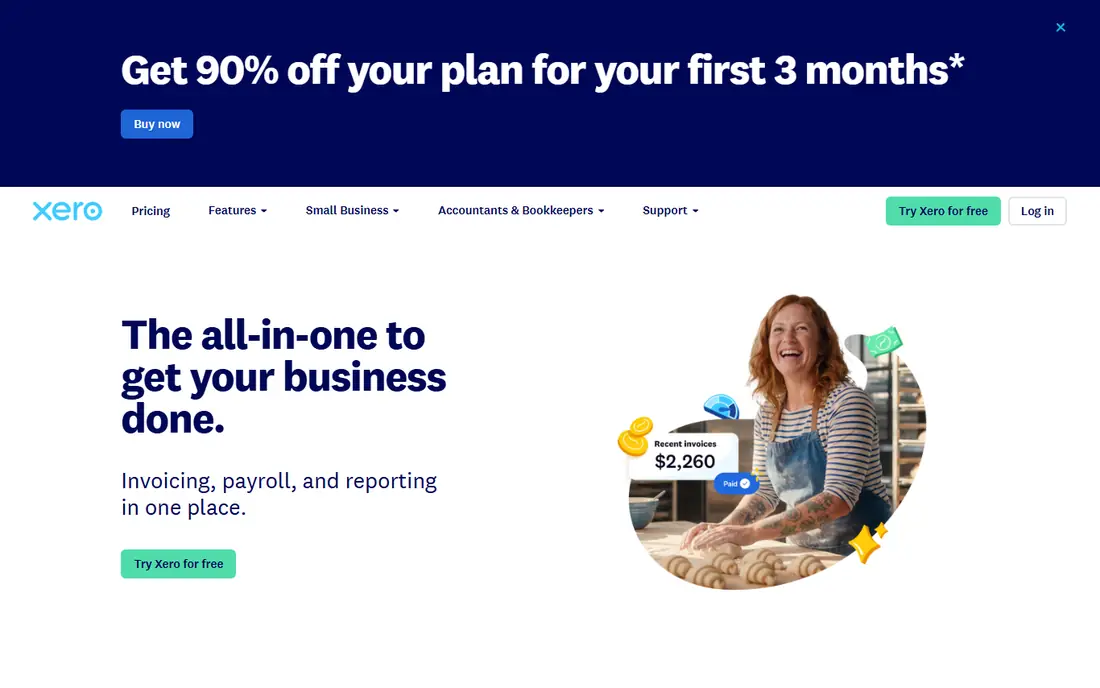
Xero appeals to teams that want everyone in the books without paying per seat. Unlimited users make it easy for staff, bookkeepers, and advisers to work in the same file. Bank reconciliation is quick, and multi-currency handling suits firms that bill abroad. Payroll coverage varies by country, so US teams should check what is included before assuming it replaces a payroll tool. For a growing team that values collaboration over a single-vendor bundle, Xero is a strong pick.
- Unlimited users on plans
- Strong bank reconciliation
- Good multi-currency support
- Payroll is limited in some regions
- Some advanced features need add-ons
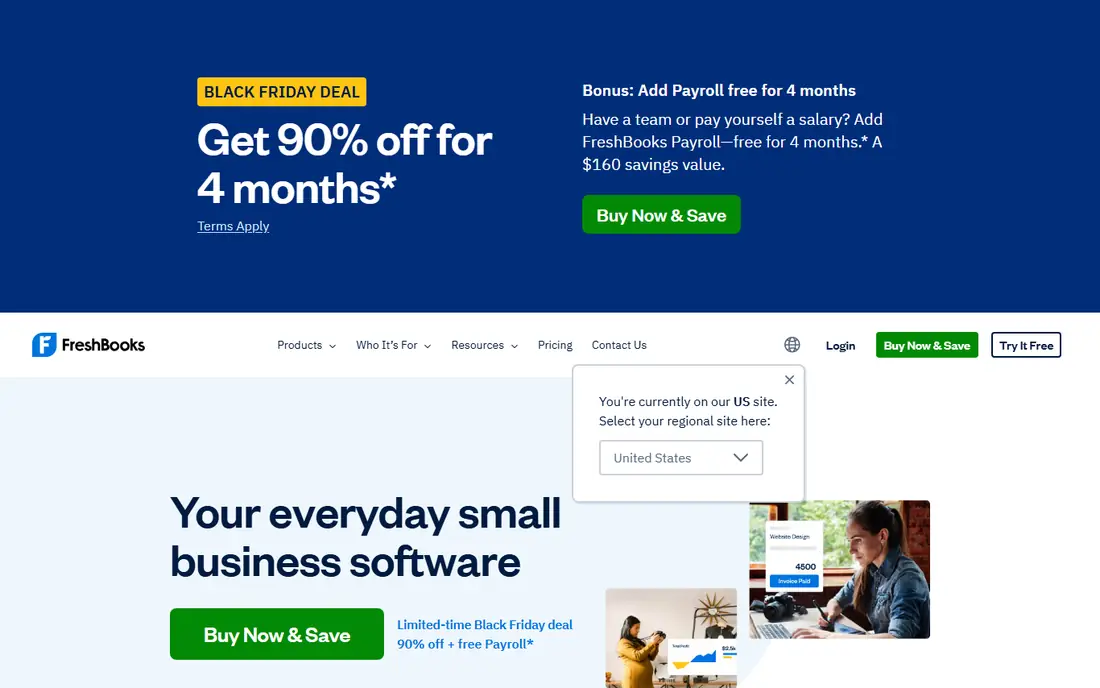
FreshBooks is built around service work, and that focus shows in its invoicing and time tracking. You can track billable hours, turn them into an invoice, and let clients pay online without a long setup. That simplicity is also its limit, since inventory handling and complex ledger work are thinner than in QuickBooks or Xero. Solo consultants and small agencies often find it is enough, and they finish billing faster. Larger firms with stock or multi-entity books should choose a fuller ledger.
- Clean invoicing and time tracking
- Client-friendly payment pages
- Simple setup
- Less depth for inventory or complex accounting
- Higher tiers needed for team features
Zoho Books gives growing businesses a lot of automation for a modest monthly price. Recurring invoices, payment reminders, bank feeds, and workflow rules handle much of the routine work. The value improves further if you already use Zoho CRM, Inventory, or other Zoho apps, since data moves between them without extra tools. The catch is adviser coverage, since fewer US accountants work in Zoho Books than in QuickBooks. If your team is comfortable managing its own books, the price and feature set are hard to beat.
- Good value on paid plans
- Automation for recurring billing
- Ties into other Zoho apps
- Smaller US accountant network
- Some features vary by plan
Sage Intacct is aimed at finance teams that have outgrown a small-business ledger. Multi-entity consolidation, dimensional reporting, and approval workflows give controllers a clearer view across subsidiaries and departments. Revenue recognition and audit trails help firms with subscriptions or project billing. Pricing is quote-only, and setup needs careful planning around chart of accounts and dimensions. That effort pays off for midsize firms, but it is more than a freelancer or a ten-person firm needs.
- Strong multi-entity and dimensional reporting
- Approval and audit controls
- Revenue recognition support
- Quote-only pricing
- Implementation takes time and planning
BILL focuses on the payables side, where many firms still lose time to email approvals and manual entry. Invoices arrive in an inbox, get captured and coded, route for approval, and then pay by ACH, virtual card, or check. Sync with QuickBooks, Xero, NetSuite, or Sage Intacct keeps the ledger current without double entry. Per-user pricing and payment fees mean the total cost depends on team size and volume. For firms processing a steady stream of bills, the time saved on approvals usually matters more than the fee.
- Invoice capture and approval routing
- ACH, card, and check payments
- Syncs with major ledgers
- Per-user pricing adds up
- Transaction fees apply to payments
Ramp combines corporate cards, expense controls, and bill pay in one platform, which suits firms that want spending rules enforced before money leaves. Cards can carry limits by team or vendor, and transactions flow into the accounting system with coding help. The free tier makes it easy to test bill pay without a large upfront cost, while paid tiers add deeper approval routing and ERP connections. Firms that pay mostly by invoice rather than card may get less value from the card side. Still, for startups and growing firms, Ramp is a practical way to tighten spend.
- Free entry tier includes bill pay
- Corporate cards with controls
- Accounting sync on common ledgers
- Advanced features need paid tiers
- Card-based model suits card spend best
Tipalti is the pick when your payee list spans countries. It handles supplier onboarding, tax form collection, approval routing, and payments in many currencies and methods, then reconciles back to your ERP. That breadth matters for marketplaces, creator platforms, and firms with large contractor lists. The cost model includes a platform fee plus per-payment charges, so totals depend on volume. A firm that pays a handful of local vendors will find it heavy. A firm paying hundreds of suppliers abroad will find the compliance and payment work it removes is the point.
- Payments across many countries and currencies
- Supplier onboarding and tax forms
- ERP sync
- Platform fee plus transaction pricing
- More than small local firms need
Wave remains a sensible starting point for freelancers and micro-businesses that need clean books without a monthly fee. Invoicing, accounting, and receipt capture cover the basics, and the interface stays simple. Paid add-ons cover payments and payroll where available, so costs grow only when you use them. The limits appear as a team grows, since approvals, multi-user controls, and deeper reporting are thinner here. If your income comes from a few clients and you want low overhead, Wave fits. If you need approvals and audit trails, step up to a paid ledger.
- Free accounting and invoicing
- Simple interface
- Receipt scanning on the app
- No built-in payroll in all plans
- Limited automation for larger teams
How we picked these
We compared official pricing pages, feature pages, and public review coverage for tools that automate invoicing, bank reconciliation, approvals, payments, or close work. We kept only tools that exist and work in October 2026 and that fit accounting automation rather than general business software. Where pricing varied by region or plan, we used the published entry figure or wrote See website.
What to check before you buy
Start with your ledger, not with features. If your accountant or bookkeeper works in one system, switching adds migration and training costs that can wipe out a lower monthly price. Next, list the work that eats time today, such as chasing approvals, coding invoices, reconciling bank feeds, or paying suppliers abroad. Match that list to one tool, and test it on your own invoices and bank statements during a trial. Check sync behaviour, user limits, and payment fees, since those three items decide the real monthly cost. Finally, confirm who can approve, edit, and export data, because controls matter once more than one person touches the books.
Frequently asked questions
What is the best-reviewed accounting automation software for a small business?
QuickBooks Online and Xero lead for most small businesses, with QuickBooks stronger for US accountant support and Xero stronger for unlimited users. FreshBooks suits service firms, while Zoho Books suits teams already using Zoho apps.
Is accounting automation software the same as an accountant?
No. Software records, codes, and reconciles transactions, but an accountant or bookkeeper still reviews judgement calls, tax treatment, and year-end work. This article is general information only, not tax or accounting advice.
Can BILL or Ramp replace QuickBooks or Xero?
No, they complement a ledger. BILL and Ramp handle payables, approvals, and payments, then sync results to QuickBooks, Xero, NetSuite, or Sage Intacct. You still need a ledger for financial statements and tax records.
Does accounting automation handle multi-currency billing?
Xero, Sage Intacct, and Tipalti handle multi-currency work well, and QuickBooks covers it on higher plans. Check exchange-rate handling and bank feed support for each currency you bill in before you buy.
How much should a small firm budget for accounting automation?
Entry ledgers start around 20 to 38 dollars per month in the sources we checked, while payables tools add per-user or per-payment fees. Add payroll, payments, and any accountant review time to get a realistic monthly total.
Sources
See where you really rank - block by block
ProMapRanker scans Google Maps across a grid of your service area. Simple monthly plans from $19, white-label on every plan.
Start freeKeep reading
 worlds best local seo company
8 Worlds Best Local SEO Companies for Map Pack Growth in 2026
Compare the worlds best local seo company options for Google Business Profile work, citations, reviews, and multi-location rankings and reporting in 2026.
Read → world's best web hosting company
World's Best Web Hosting Company in 2026
Searching for the world's best web hosting company? We compared 10 hosts on price, renewal rates, speed, and support to help you choose well today in 2026.
Read → who's got the best nanny tax services
Who's Got the Best Nanny Tax Services in 2026
We answer who's got the best nanny tax services, comparing full filing, back taxes, software, and pricing so families can handle nanny taxes correctly.
Read →