 ProMapRanker
Best Review Management Software for Golf Instructors in 2026

Review requests and reputation monitoring · Pricing starts at: See website
Direct answer
Reputation.com is my first pick for golf instructors because it is built around review requests and reputation monitoring rather than general SEO, which matches how lesson businesses actually get found. Pricing is quote-based, so check its pricing page. ReviewTrackers suits instructors who want review analytics across several listing sites, and Weave fits coaches who want review requests tied to phone and text conversations with students.
I compared these tools from vendor documentation and public sources rather than hands-on tests. I looked at how each one handles review requests, Google Business Profile replies, and the follow-up that matters for lesson businesses: reaching a student after their last session in a package.
Key takeaways
- Golf instruction is a referral and reputation business, so the software you pick should make it easy to ask every student for a review after a lesson package ends.
- Review requests sent by text or email a day or two after a lesson get read; requests sent weeks later usually do not.
- Your Google Business Profile is the listing most students check before booking, so reply to reviews there first and keep replies specific to the lesson.
- Review software only helps if it connects to how you book lessons, whether that is a booking page, a pro shop system or plain text messages.
- Never offer gifts or discounts in exchange for reviews, and never filter out students you expect to leave a negative one.
Quick comparison
| Pick | Great for | Pricing starts at | Free tier | |
|---|---|---|---|---|
| Reputation.com | Review requests and reputation monitoring | See website | Not stated | Visit |
 ReviewTrackers | Review analytics across many sites | See website | Not stated | Visit |
 Weave | Phone, text and review requests together | See website | Not stated | Visit |
 CallRail | Tracking calls from lesson inquiries | See website | Free trial | Visit |
 Localo | Local SEO and GBP basics | See website | Free trial | Visit |
 SOCi | Multi-location GBP and review management | See website | Not stated | Visit |
 Chatmeter | Reputation and listings at scale | See website | Not stated | Visit |
The best review management software for golf instructors compared
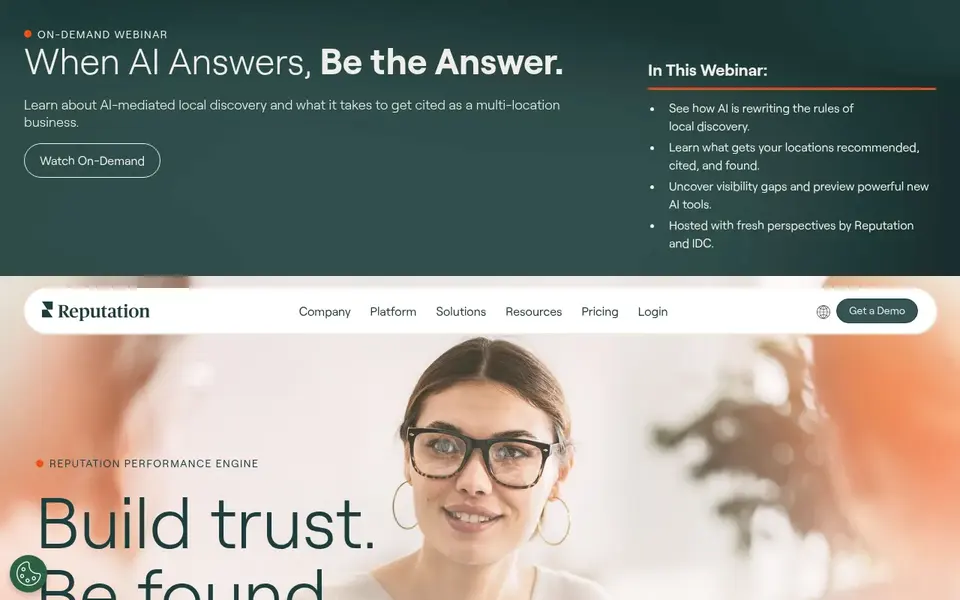
Reputation.com is a reputation management platform rather than an SEO suite, which fits a golf instructor whose main marketing asset is a steady flow of honest reviews. It collects feedback, sends review requests and tracks what people say about you across sites. For a coach running lessons at one course, the value is in the request workflow and the monitoring, not in extras you will never open.
In practice, you would add a student after their first lesson, then trigger a request when their package wraps up. That timing matters for golf: a student who just broke 90 for the first time is in a good mood and likely to write something specific about your teaching. The platform also lets you watch for reviews on sites beyond Google, which helps if your course lists you on its own pages.
The limits are practical. Pricing is quote-based, so you need to talk to sales before you know whether it fits a one-person business. If you only want to reply to Google reviews and nothing else, a lighter tool will do the job.
- Built around review generation and monitoring
- handles review requests across channels
- dashboard shows reputation trends over time
- Quote-based pricing needs a sales conversation
- more features than a solo instructor may use
ReviewTrackers is a review monitoring and analytics platform. It pulls reviews from multiple sites into one place and shows you what students talk about most, which for a golf instructor often means the same few themes: patience, clear drills, and how quickly a swing change clicked.
The useful part for lesson businesses is the alerting. If a student leaves a three-star review on a third-party site you forgot about, you hear about it the same day instead of a month later. You can then reply while the lesson is still fresh in their mind, which tends to produce a better exchange than a reply sent weeks later.
The trade-off is that it is an analytics-first product. If you want a simple "text this student a review link" button and nothing else, you are paying for reporting you may not read. It fits instructors who teach at several courses and want one view of what students say everywhere.
- Aggregates reviews from many sources
- reporting shows patterns in feedback
- alerts when a new review appears
- Analytics focus may be more than a solo coach needs
- pricing requires a quote

Weave is a communication platform for small businesses that combines phone, text messaging, reminders and review requests. Golf instruction runs on phone calls and texts more than most people admit: a student texts to move a lesson, asks about rain, or wants to know if you have a Saturday slot.
Because review requests live inside the same texting thread, asking for a review feels like a normal follow-up rather than a separate campaign. You can send a request the day after a lesson, when the student still remembers the one swing thought you gave them. Reminders for upcoming lessons also cut no-shows, which protects the income that reviews are meant to grow.
One limitation is weight. Weave is designed for clinics, shops and small teams, so a solo instructor may find the setup and monthly cost hard to justify. If you book lessons through a course's pro shop system, check how the two fit together before committing.
- Combines phone, texting and review requests
- fits businesses that book by phone
- reminders can go out by text
- Built for clinics and shops, so setup is heavier
- pricing needs a quote
CallRail is call tracking software. For a golf instructor, its value is answering a simple question: when a new student calls, which channel sent them? Was it your Google Business Profile, your course's website, a flyer in the pro shop, or a post in a local golf group?
That answer shapes where you spend time. If most calls come from your Google listing, then reviews on that listing matter more than anything else, and you can put your effort there. CallRail also pairs with review tools, so a call can be followed by a texted review request once the lesson is done.
It is not a review management platform, and I would not present it as one. If your only goal is collecting and replying to reviews, start elsewhere. It fits instructors who spend money on ads or listings and want to know which ones actually ring the phone.
- Shows which marketing brings calls
- call recording and routing
- integrates with review request workflows
- Review features are secondary
- not a full reputation platform
Localo is a local SEO tool with Google Business Profile management, local rank tracking and review handling in one dashboard. For a golf instructor, the appeal is seeing your listing the way a student sees it: photos, hours, services and reviews in one place, plus a sense of where you show up for searches like "golf lessons near me".
The review side is functional rather than deep. You can read and reply to reviews and keep an eye on your rating, which covers the basics for a single-location coach. The rank tracking is the extra: it tells you whether your listing is visible for the lesson searches that matter in your area.
Skip it if reviews are your whole focus and you already have listing management handled. It fits instructors who want one affordable dashboard for both listing work and review replies.
- Google Business Profile management in one view
- local rank tracking
- review handling included
- Review features are lighter than dedicated platforms
- some features need a paid plan
SOCi is a platform for managing local listings and reviews across multiple locations. A single golf instructor rarely needs it, but the picture changes if you teach at several courses, run a small academy with other coaches, or manage listings for a course's instruction program.
The strength is control. Replies to reviews can go through an approval step, so a lead coach can review what an assistant writes before it goes public. Listings stay consistent across locations, which matters when students compare your Saturday clinic at one course with your weekday lessons at another.
The limits are size. SOCi is built for organizations with several locations or a marketing team, and the pricing reflects that. A solo coach should look at lighter tools first and only revisit SOCi when the business grows into multiple sites.
- Manages listings and reviews across locations
- approval workflows for replies
- built for teams
- Priced and built for larger operations
- setup assumes multiple locations or staff
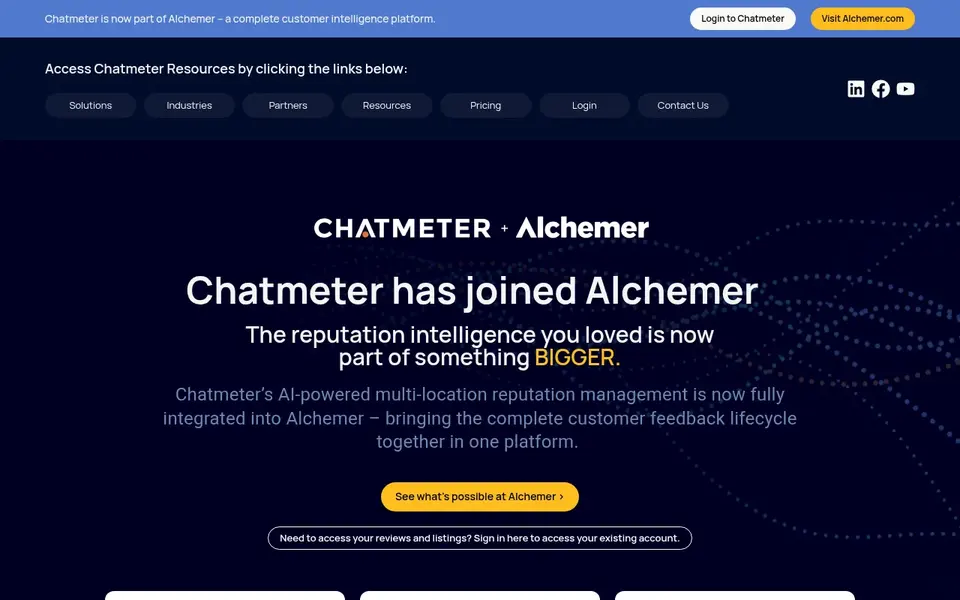
Chatmeter is a reputation and local listings platform used by multi-location brands. For golf, that could mean a chain of courses or a large instruction program with several pros and locations under one name.
Its review tools let a central team watch feedback across sites and respond consistently. If your program has a shared brand and several coaches, that consistency is worth something: students get the same tone of reply whether they booked at the north course or the south one.
For a single instructor, it is too much platform for the job. The setup, reporting and pricing all assume a brand with locations to manage. I include it so instructors who are part of a larger program know it exists, not as a first purchase.
- Review monitoring and response tools
- listing management in the same platform
- reporting for multi-site brands
- Aimed at larger brands
- not a fit for one instructor
How I chose
I built this list from vendor documentation and public sources, not from hands-on testing. I read each product's feature pages, help documentation and public descriptions, then judged fit against how golf instruction actually works: lessons booked by phone or text, packages that end on a known date, and a Google Business Profile that carries most of the discovery weight.
I weighted review request workflows, Google review replies and monitoring across sites, because those are the jobs an instructor needs done. I also noted limits honestly. Several of these tools are priced by quote and built for teams, and saying so is more useful than pretending a solo coach can buy them like a subscription app. Where a tool is not really a review platform, I say that too.
What to check before you buy
- Confirm the tool can send a review request by text, since most golf students read texts faster than email.
- Check whether requests can be triggered after a lesson package ends, not just after a single appointment.
- Make sure it connects to your Google Business Profile so replies post where students actually look.
- Ask whether it monitors third-party sites your course or local golf groups might use.
- Check how it handles multiple coaches if you share a program brand with other pros.
- Confirm the contract length and cancellation terms before you commit, especially with quote-based pricing.
Frequently asked questions
Do golf instructors really need review management software?
Not strictly. You can ask for reviews by hand and reply to them in the Google Business Profile app. Software helps when you teach a lot of lessons and forget to follow up, or when you want requests to go out automatically after a package ends. If you teach a handful of students a month, manual follow-up is fine.
When should I ask a student for a review?
A day or two after a lesson that went well, or right after a package wraps up. That is when the student remembers what changed in their swing and can write something specific. Asking during the lesson puts them on the spot, and asking a month later usually gets no response.
Can I offer a discount for leaving a review?
No. Google's guidelines prohibit offering incentives in exchange for reviews, and it puts your listing at risk. Ask plainly, make it easy with a direct link, and let students decide. The same rule applies to asking only happy students for reviews, which is review gating and also against the guidelines.
Should I reply to every review?
Reply to all of them, positive and negative. A short, specific reply to a positive review shows future students you pay attention, and a calm reply to a critical one shows how you handle a bad day on the range. Keep replies about the lesson, not about the reviewer's character.
What if I teach at a course I don't own?
Check with the course before you build review requests around its listing. Your own Google Business Profile as an instructor, separate from the course, is usually the cleaner place to collect lesson reviews. If the course lists you on its site, ask how they want reviews handled so you are not competing with their listing.
Sources
See where you really rank - block by block
ProMapRanker scans Google Maps across a grid of your service area. Simple monthly plans from $19, white-label on every plan.
Start freeBrowse all guides
← Best Review Management Software for Drone Services in 2026Best Review Management Software for Mobile Pet Groomers in 2026 →
 best reputation management software for tea shops
Best Reputation Management Software for Tea Shops in 2026
A practical guide to the best reputation management software for tea shops in 2026, with review requests, listing tools and pricing notes for small tea rooms.
Read → best reputation management software for playground installers
Best Reputation Management Software for Playground Installers (2026)
A practical guide to the best reputation management software for playground installers, compared from vendor documentation and public sources.
Read → best reputation management software for meal prep companies
Best Reputation Management Software for Meal Prep Companies (2026)
A practical guide to the best reputation management software for meal prep companies in 2026, covering review requests, GBP replies and local rank checks.
Read → why local seo is important
Why Local SEO Is Important?
Everything you need to know about why local seo is important: what it is, why it matters for local SEO, and exactly how to act on it.
Read → google business profile rank tracker
Google Business Profile Rank Tracker: Monitor Your GBP Visibility
Track exactly where your Google Business Profile ranks across your area with a GBP rank tracker.
Read → how to measure local seo performance
How to Measure Local SEO Performance: The Metrics That Matter
How to measure local SEO performance with the KPIs that prove progress: SoLV, ARP, rankings, and conversions.
Read →More in Local SEO & Google Maps · All guides A to Z by date · Latest guides